
FaceTime Like a Pro
Get our exclusive Ultimate FaceTime Guide 📚 — absolutely FREE when you sign up for our newsletter below.

FaceTime Like a Pro
Get our exclusive Ultimate FaceTime Guide 📚 — absolutely FREE when you sign up for our newsletter below.


Upgrade your macOS experience with the best Mac apps. Explore our top picks for productivity, organization, and creativity. Enhance your workflow now!
 ByVikhyat


Signing in to your Apple Account may get your Mac ready for use, yet relying only on built-in apps often leaves small yet noticeable workflow gaps. While your Mac feels complete out of the box, a few thoughtfully chosen apps can make everyday tasks faster, simpler, and more efficient. From launching apps more conveniently to improving file management and screen capture, the right tools help turn a standard Mac setup into a workspace that truly fits your needs.
However, with so many apps available, choosing the right ones can be overwhelming. To save you time, I’ve conducted the research and compiled this list. Read on to discover the must-have Mac apps worth installing.
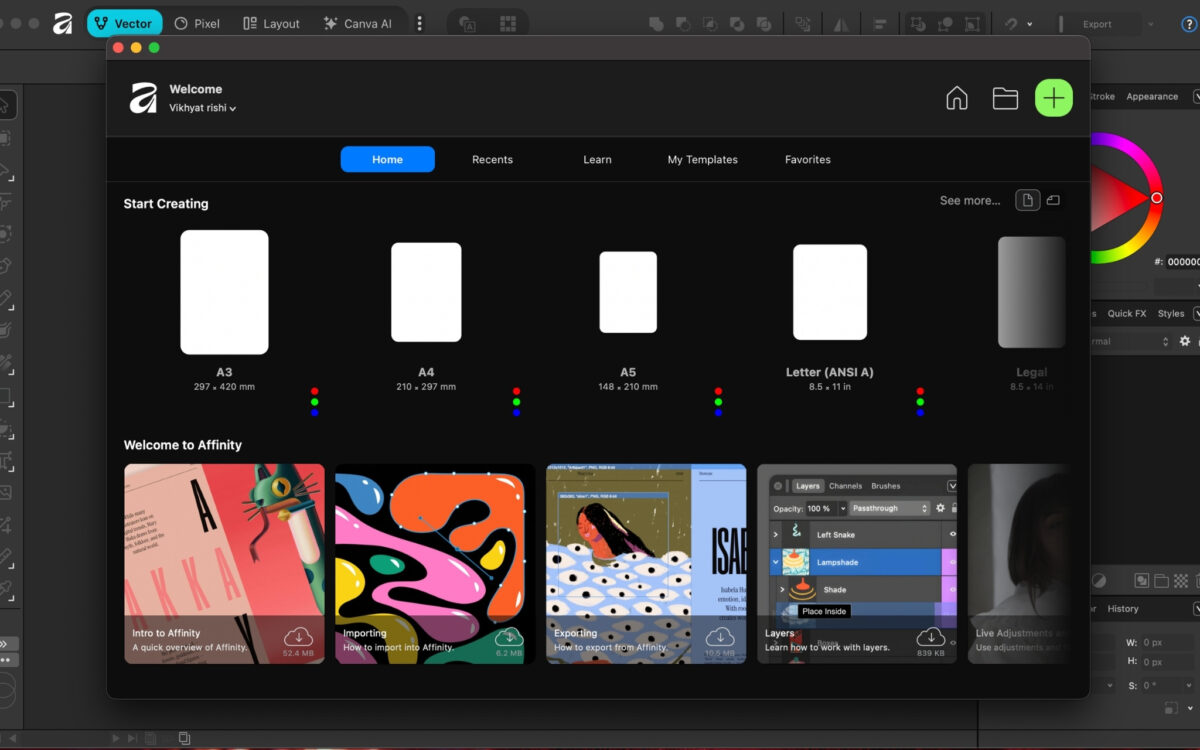
If you need powerful creative software on your Mac but don’t want to pay those hefty subscription fees, Affinity by Canva is what you need. It’s a practical alternative that provides professional design tools at zero cost while continually adding modern capabilities.
The suite includes a range of creative workflows, including graphic design, photo editing, and page layout. Together, they handle everything from editing blog images to creating social media graphics and designing detailed documents and marketing materials.
Alongside its advanced editing tools, Affinity now also includes Canva-powered features such as AI background removal, quick image enhancements, and faster design adjustments, making common tasks easier without changing the traditional editing workflow users are familiar with.
Key highlights
Price: Free
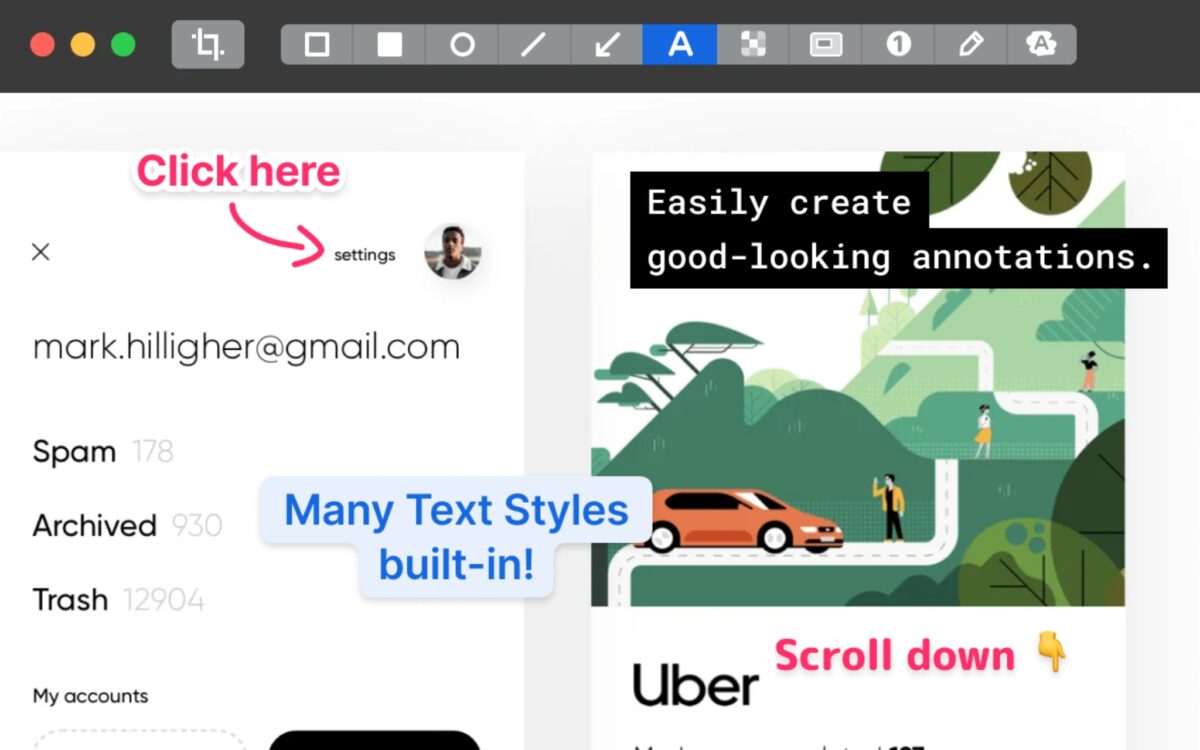
Your Mac’s built-in screenshot tool does almost everything it’s designed for, yet it still misses several features that power users and content creators often need. CleanShot X fills those gaps by turning screenshots and screen recordings into a complete workflow.
The app lets you capture scrolling screenshots, instantly annotate images, blur sensitive information, and share files quickly without interrupting your work. The floating preview window also makes it easy to edit or discard captures before they clutter your desktop.
For anyone who frequently creates tutorials, presentations, or visual guides, CleanShot X makes capturing and sharing content noticeably faster and more polished.
Key highlights
Price: $8/month or $29/year
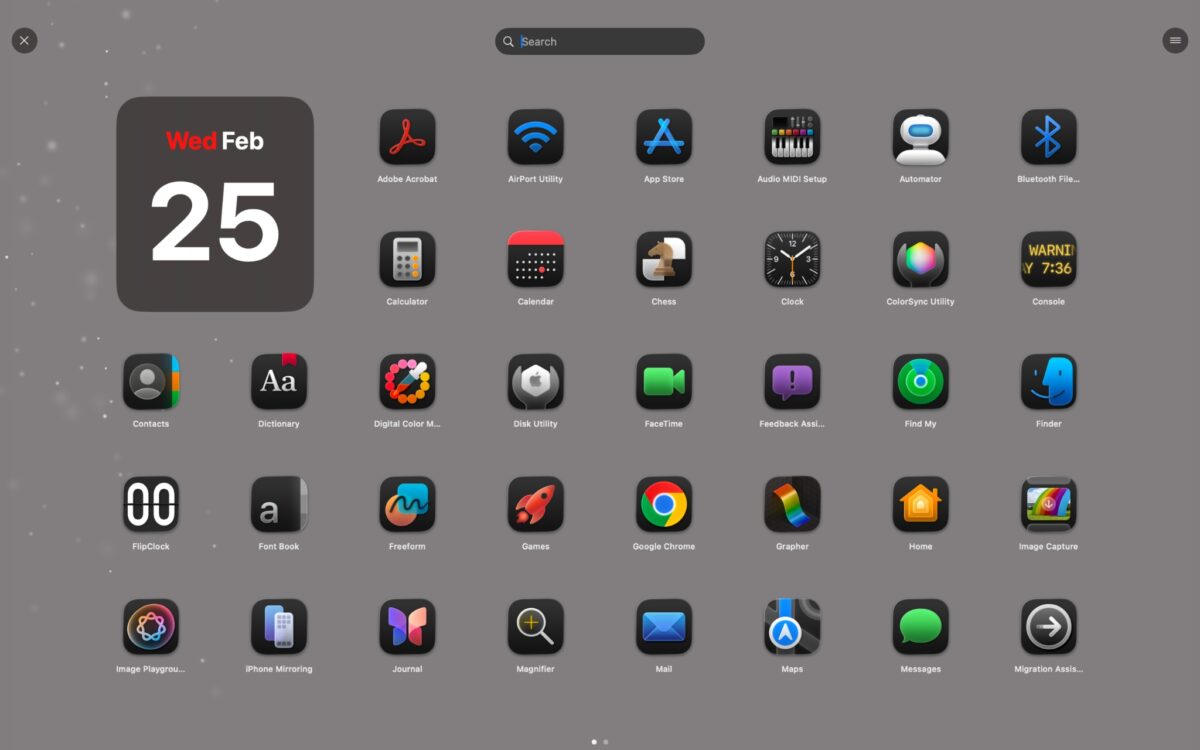
Starting with macOS Tahoe, Apple moved away from Launchpad on Mac, leaving users without a simple, visual way to access their apps. While Spotlight search works well, it does not fully replace the quick app-drawer experience many Mac users were accustomed to.
LaunchMe fills that gap by bringing back a dedicated launcher designed for speed and simplicity. It restores the convenience of launching apps visually while adding modern productivity features that go beyond what Launchpad ever offered.
You can instantly access apps, files, and folders from a clean interface using shortcuts, gestures, or Hot Corners, making navigation feel faster and more intuitive.
Key highlights
Price: Free (Pro version available)
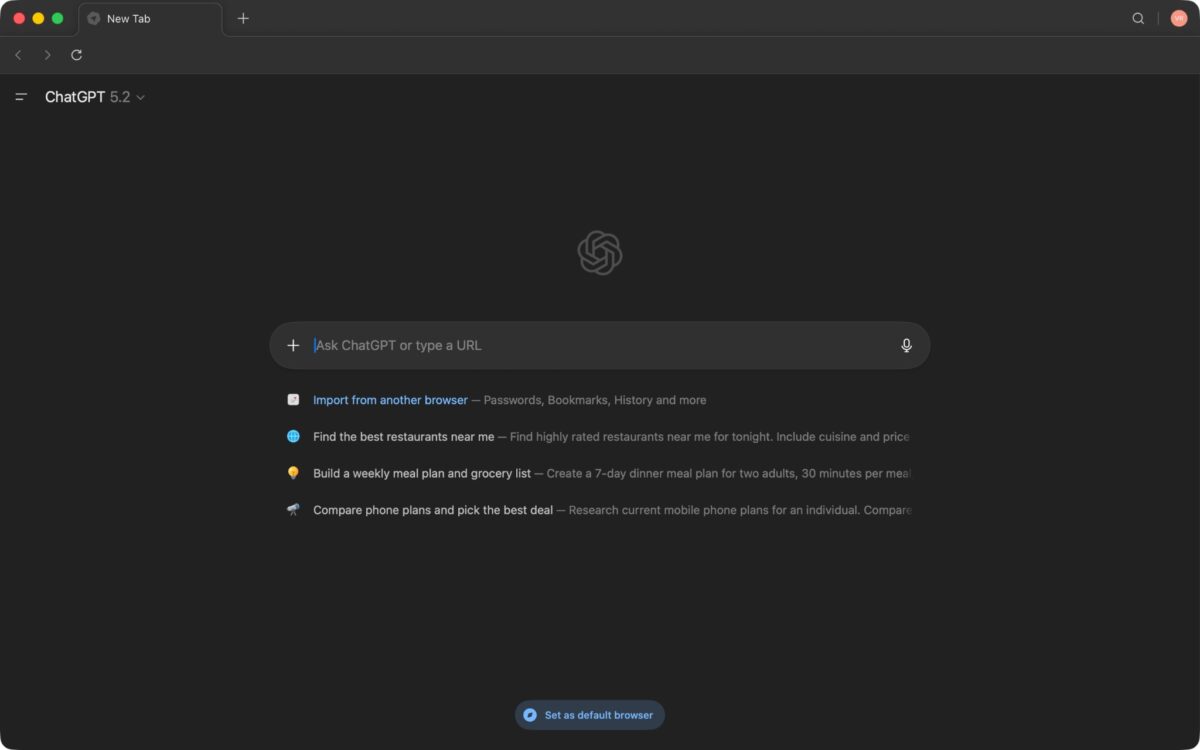
summarize pages, explain information, or refine text without leaving the website you’re viewing.
The browser also includes an agent mode that assists with research and task-based browsing, helping you gather information more efficiently. You can highlight text anywhere on a page and instantly ask ChatGPT to rewrite or simplify it, making everyday browsing and writing workflows faster.
Rest assured, privacy controls remain central to the experience, allowing you to decide what Atlas remembers and how AI interacts with your browsing activity. Combined with familiar browser features like tabs and bookmarks, Atlas feels easy to adopt while adding powerful AI assistance.
Key highlights
Price: Free
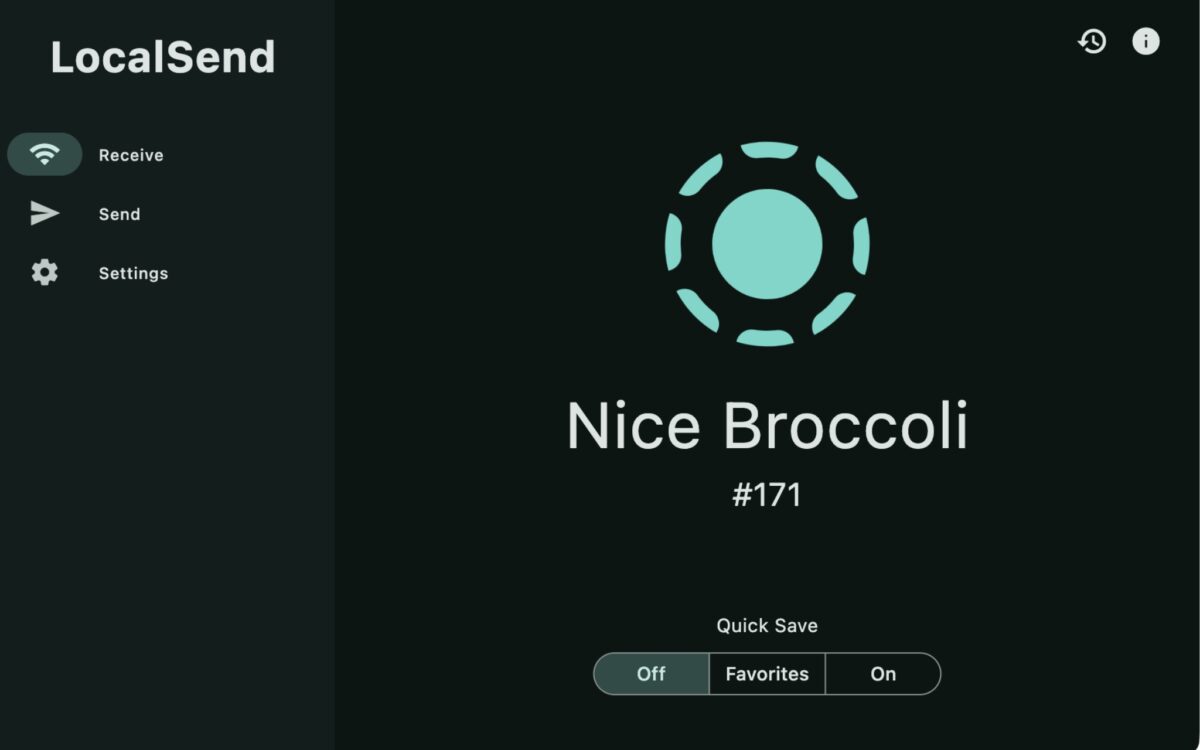
When it comes to file sharing between Apple devices, nothing beats the convenience of AirDrop. It’s fast, reliable, and deeply integrated into macOS and iOS. However, like many Apple proprietary features, AirDrop remains limited to the Apple ecosystem, which quickly becomes frustrating when you need to send files to Windows PCs or Android devices.
LocalSend solves this limitation by offering a simple, cross-platform alternative that works over your local network. The app allows you to transfer files directly between devices without relying on cloud storage, cables, or account sign-ins. As long as both devices are connected to the same network, you can share files instantly and securely.
And since transfers occur locally between devices, there are no file-size restrictions, uploads, or privacy concerns.
Key highlights
Price: Free
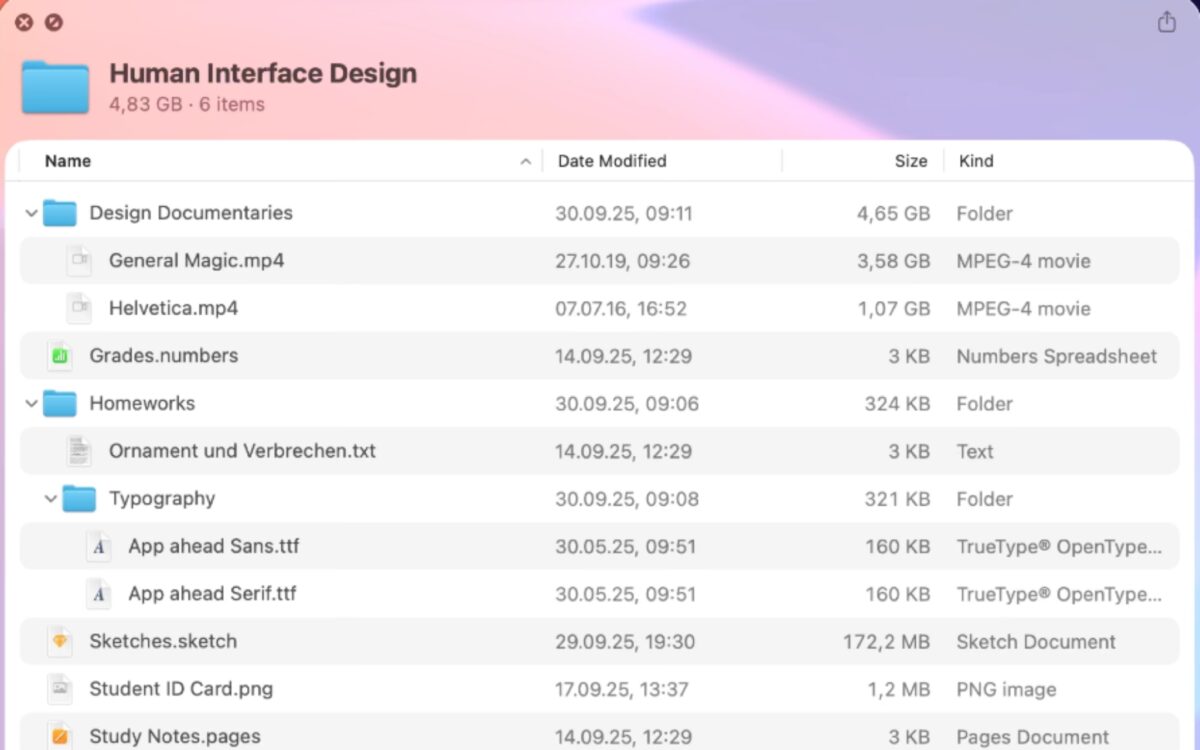
While macOS’s built-in Quick Look tool lets you instantly preview images and files with a press of the spacebar, it does not work with folders.
Folder Quick Look fixes this long-standing limitation by allowing you to preview folder contents instantly. Instead of opening multiple Finder windows just to check what’s inside, you can quickly glance at files and move on.
This small addition makes a big difference when managing downloads, media libraries, or project folders. Navigation becomes faster, and Finder feels less cluttered during everyday use.
Moreover, like LaunchMe, Folder Quick Look does not feel like a third-party app; once you get the hang of it, it feels like a native macOS feature.
Key highlights
Price: $3.99
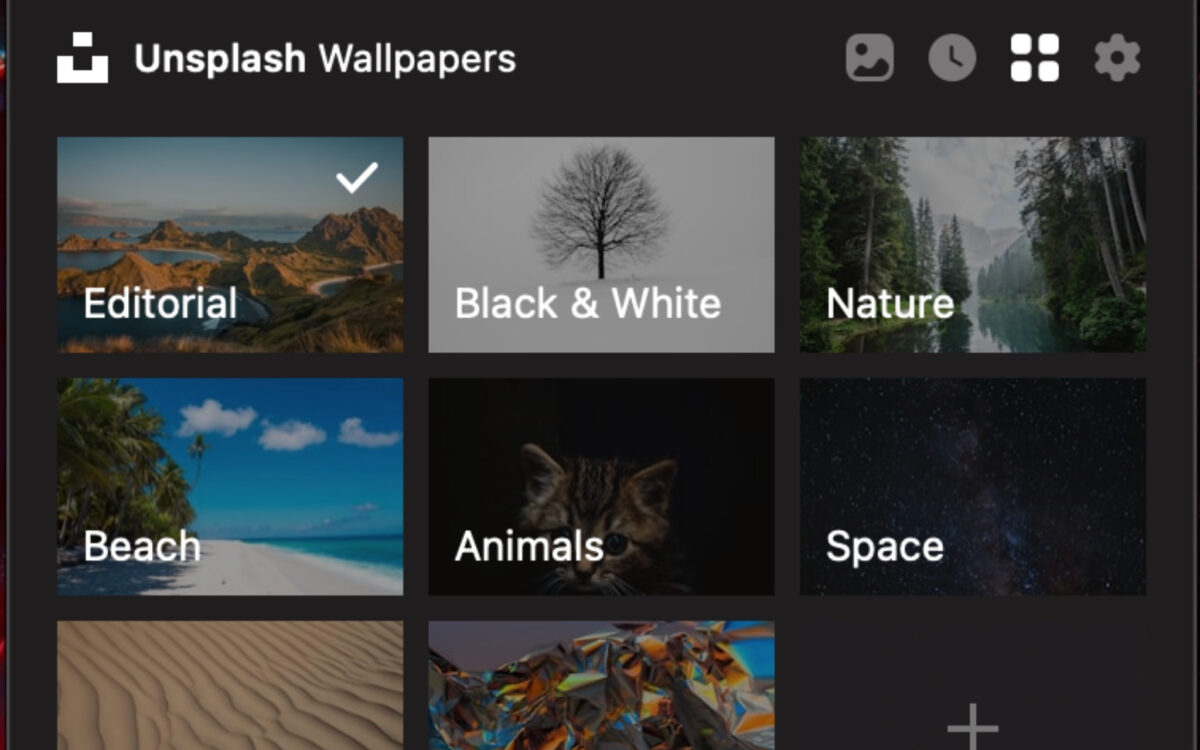
When personalizing their Mac, most Mac users begin by changing the wallpaper; however, finding high-quality backgrounds can be surprisingly time-consuming. Unsplash Wallpapers simplifies this by bringing a large collection of professional photography directly to your desktop.
The app automatically updates your wallpaper with curated images from Unsplash, keeping your Mac feeling fresh without manual downloads or constant customization.
Most importantly, the app quietly sits in your Mac’s menu bar, consumes minimal system resources, and integrates naturally with macOS appearance settings.
You can choose from a wide variety of wallpaper themes and how frequently wallpapers change, ensuring your desktop stays visually interesting without becoming distracting.
Key highlights
Price: Free
Once you start using these apps, you’ll wonder how you managed your workflow without them. Together, they simplify everyday tasks and help your Mac feel more efficient and personalized.
Which Mac apps do you install first on a new Mac? Let us know in the comments below.
Read more:



