
FaceTime Like a Pro
Get our exclusive Ultimate FaceTime Guide 📚 — absolutely FREE when you sign up for our newsletter below.

FaceTime Like a Pro
Get our exclusive Ultimate FaceTime Guide 📚 — absolutely FREE when you sign up for our newsletter below.



Activation Lock can turn a used Apple device into an expensive paperweight. Here’s how to check it on an iPhone, iPad, Mac, or Apple Watch before you pay, and what to do if the device is still linked to the seller’s Apple Account.

Apple hasn’t explained the early iPhone Duo hinge cracks yet. Stop folding, save evidence, back up your data, and check warranty coverage before paying for a $999 repair.

Wrist Flick makes it easier to manage Apple Watch alerts without touching the display. Learn how to enable the gesture, dismiss notifications, silence incoming calls, stop timers and alarms, and check which Apple Watch models support it.

Always On is on by default on Series 5 and later, SE 3 and every Ultra. Here’s how to switch it back on, hide apps, and manage battery drain.

Adaptive Power makes small, smart tweaks on iPhone 15 Pro and newer, while Low Power Mode cuts features aggressively. Here is how each works and when to use them.

Optimized Battery Charging helps reduce iPhone battery wear by adjusting when charging finishes. Here's how it works, how to enable it, and how it differs from Charge Limit.

Apple Watch icons and symbols indicate notifications, charging status, connectivity, active modes, and app activity. This guide explains the meanings of common status icons and Control Center symbols so you can understand what your watch is showing.

Apple Watch For Your Kids lets a parent set up a cellular Apple Watch for a child or older relative without an iPhone. Here is what it needs and how to set it up.

Want to organize your Safari downloads on your iPhone or iPad. This guide covers everything you need to know to manage downloads in Safari on an iPhone or iPad.

Discover how to extend your Apple Watch battery life, which features Low Power Mode disables, and how to enable it in watchOS 27.

I can jot down quick ideas, check important notes, and manage my to-do lists from my wrist—but there are a few limitations I wish I’d known sooner.

I turned my loyalty cards, tickets, and memberships into custom Apple Wallet passes using iOS 27. Here’s how to create passes from physical cards, photos, and screenshots, edit their details, and use them when needed.
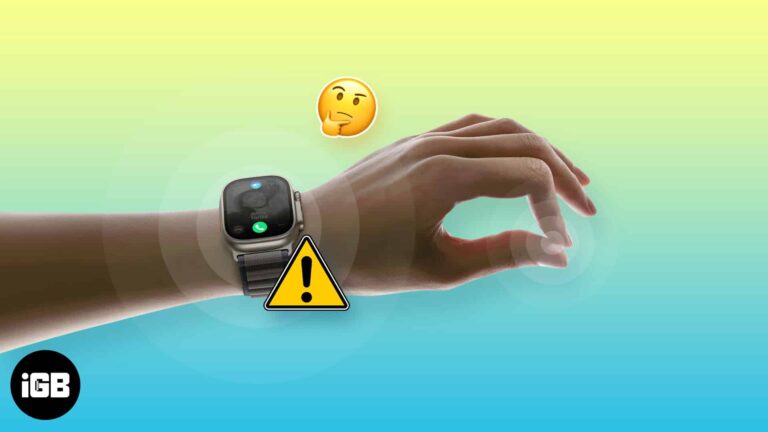
Double Tap refused to work after updating my Apple Watch to watchOS 27. Here's how to fixed it using simple troubleshooting steps.
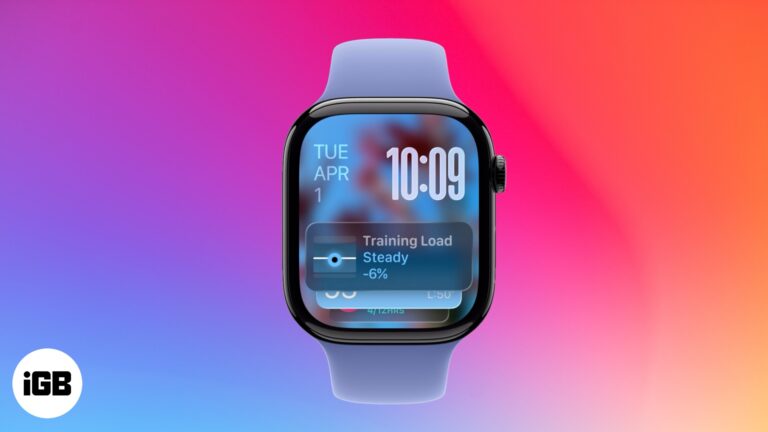
Smart Stack on Apple Watch shows personalized widgets based on your activity, time, and location - Keeping you informed without cluttering your watch face.

 Sajid Shaik and Vikhyat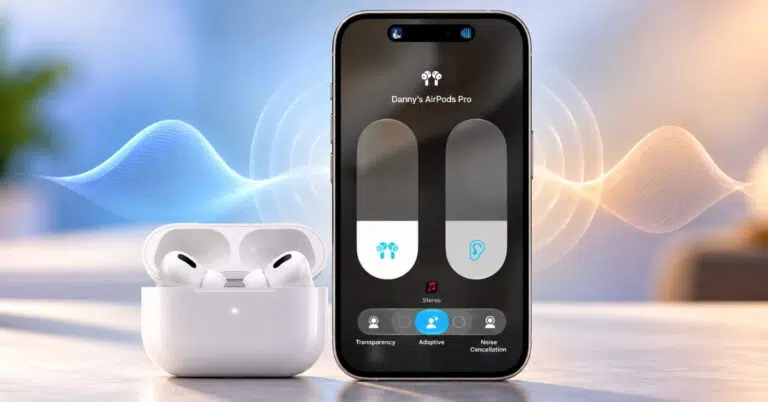
Adaptive Audio, Personalized Volume, and Conversation Awareness make listening with AirPods easier by adjusting noise control and volume to suit your surroundings. Here’s how to enable these features, customize your listening experience, and use Automatic Switching across Apple devices.
 Sajid Shaik and Abhinav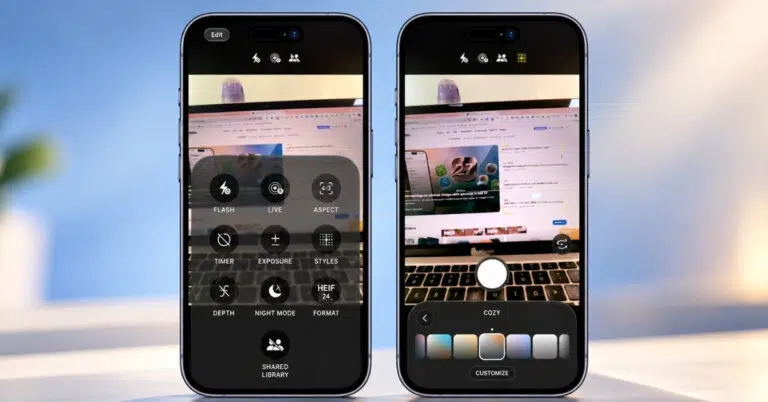
Choose a Photographic Style before you shoot, edit it later in Photos, and use Styles 3 texture and grain on iPhone 18 Pro. Includes camera and reset steps.
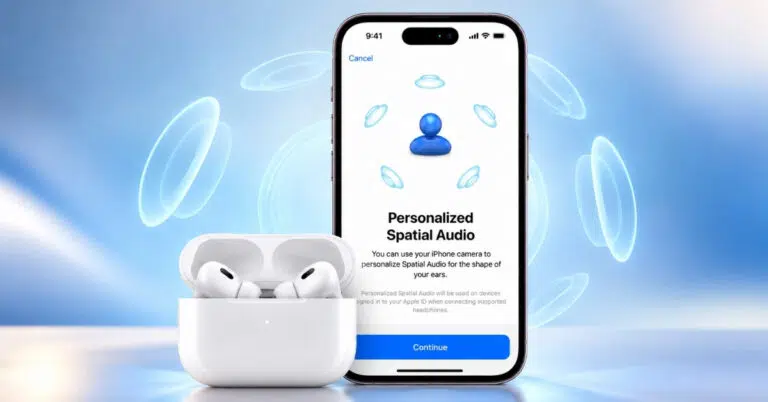
AirPods 5 supports Personalized Spatial Audio with dynamic head tracking. Create a profile with a TrueDepth iPhone, then use it with supported content and apps.
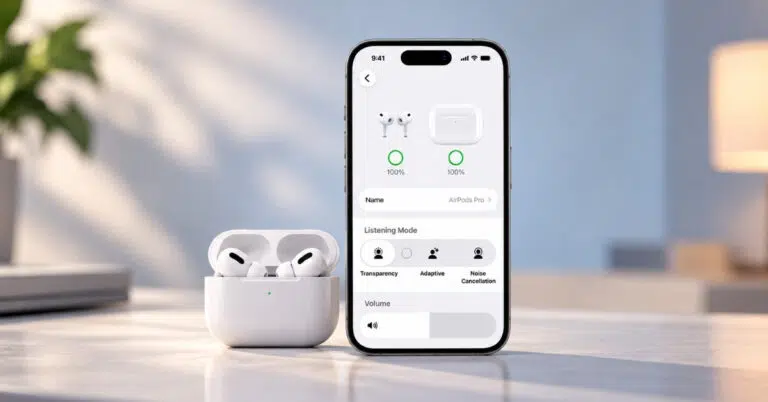
Turn on Transparency mode to hear nearby sounds without removing your AirPods. Use the stem, AirPods Max button, or Control Center on iPhone or iPad.

 Keval and Ravi Teja KNTS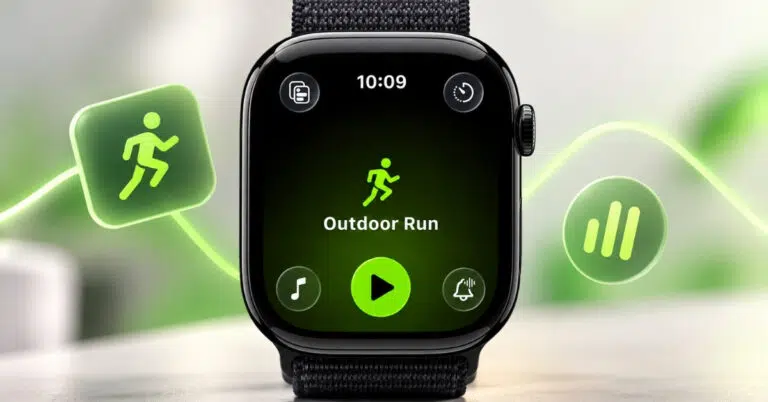
Workout Buddy in watchOS 27 offers personalized audio encouragement, fitness insights, and milestone celebrations to keep you motivated. Here’s how to set it up, use it during workouts, customize its voice, and fix common issues.
 Vikhyat and Ava Biswas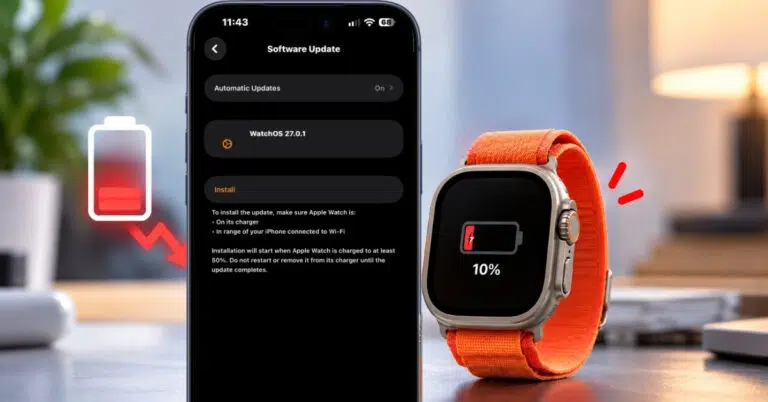
If your Apple Watch battery is draining quickly after updating to watchOS 27, you’re not alone. Here’s how to fix the issue and extend your watch’s battery life.
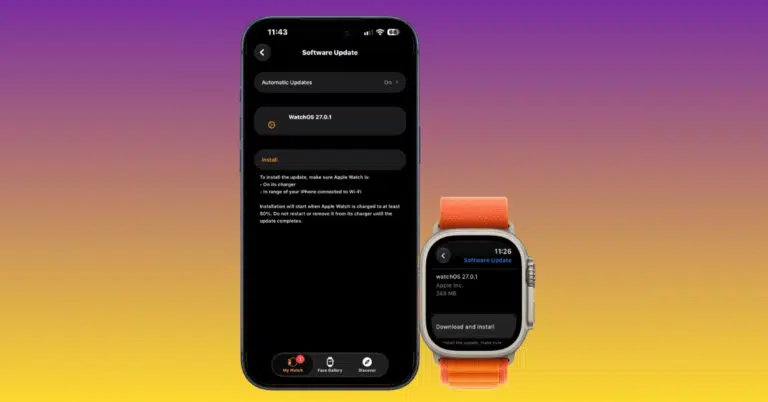
If your Apple Watch won’t update to watchOS 27, here’s how to fix it and install the latest features quickly.
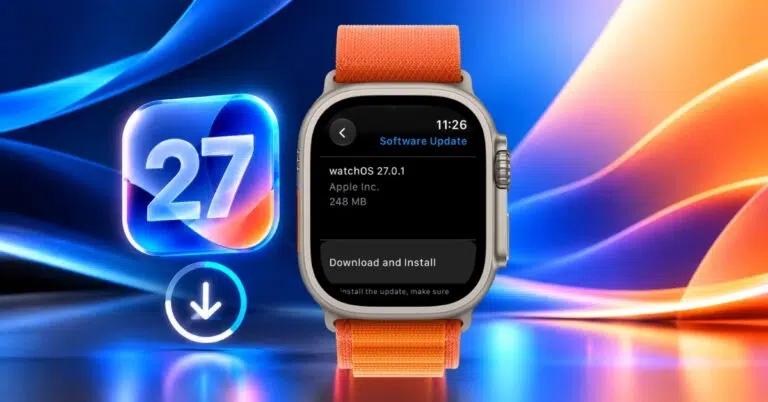
Apple’s watchOS 27 is here with Siri AI, standalone Workout Buddy, and more. Check compatibility and follow our guide to update your Apple Watch today.
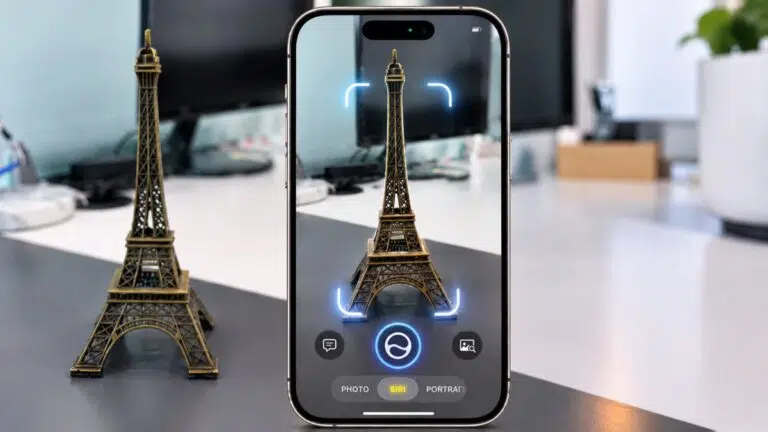
Discover how Visual Intelligence can identify what you see, understand what's on your screen, answer questions, and help you get things done.
Vikhyat and Ava Biswas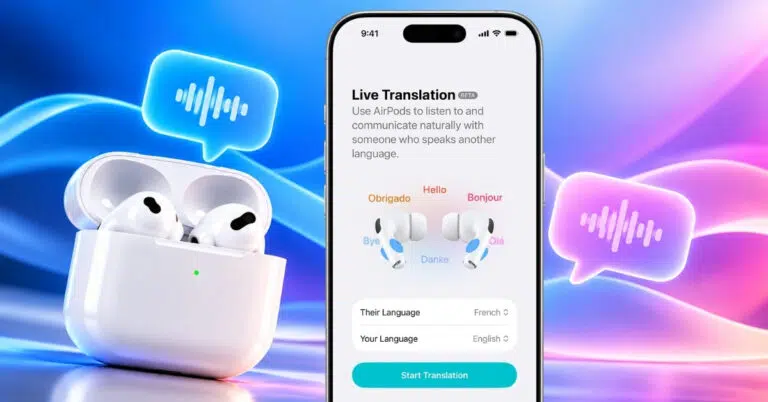
I tested Live Translation with AirPods on iOS 27 to see how well it handles real-time conversations. Here’s how the feature works, which AirPods and iPhones support it, and how to set it up.
Vikhyat and Ava Biswas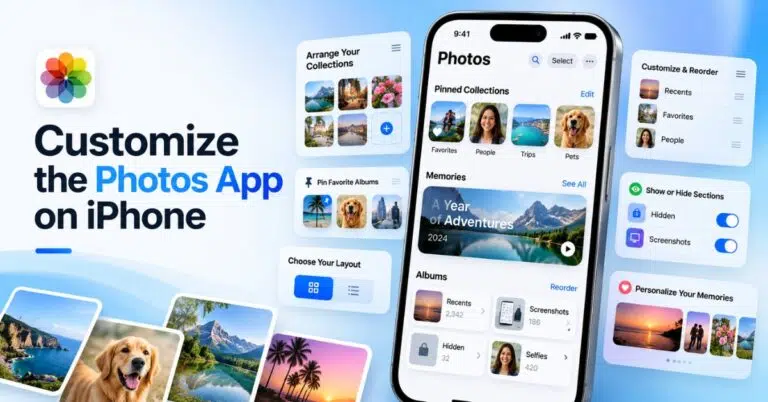
Customize the Photos app on your iPhone to create, reorder, and hide collections so you can organize photos your way.
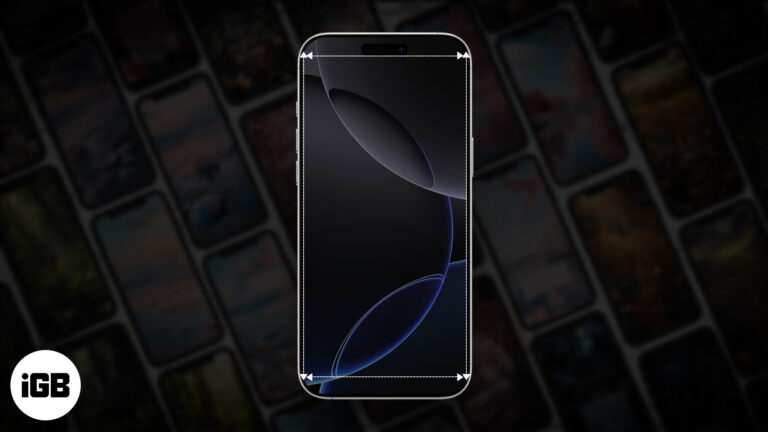
Use the correct wallpaper resolution for your iPhone. This guide groups models by screen size, explains how to avoid awkward crops, and shows the iOS 27 setup steps.
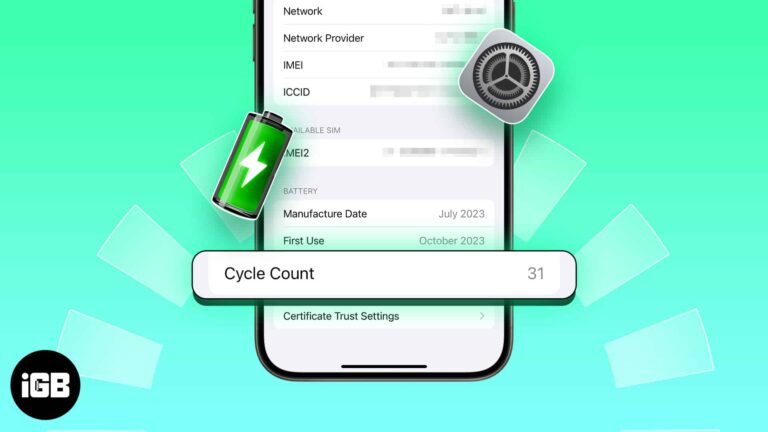
Find your iPhone battery cycle count in Settings on iPhone 15 or later. On older models, check analytics or use a connected computer to see what the number means.

From hidden iPhone settings to dirty speaker grills, here’s what could be making your AirPods quieter and how I fixed the issue with iOS 27.
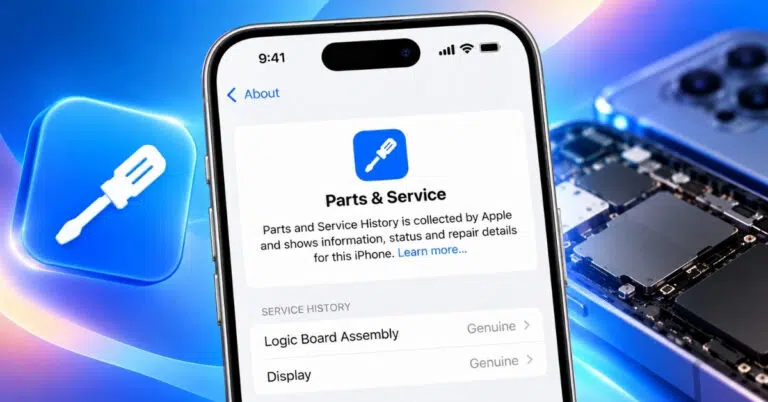
Parts and Service History helps you see which iPhone components have been replaced and whether Apple can verify them. Here’s how to check the history and understand each label.
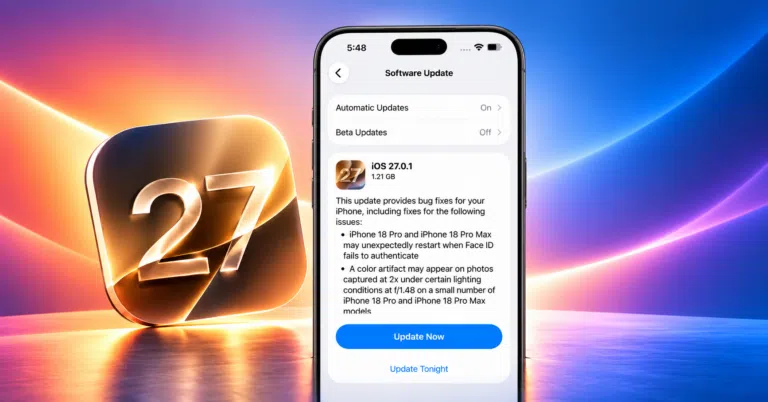
Running iOS 27 beta on your iPhone? Now that Apple has released the stable iOS 27 update, it’s time to switch. Here’s how to remove the beta and install the official version without losing your data.


