
FaceTime Like a Pro
Get our exclusive Ultimate FaceTime Guide 📚 — absolutely FREE when you sign up for our newsletter below.

FaceTime Like a Pro
Get our exclusive Ultimate FaceTime Guide 📚 — absolutely FREE when you sign up for our newsletter below.



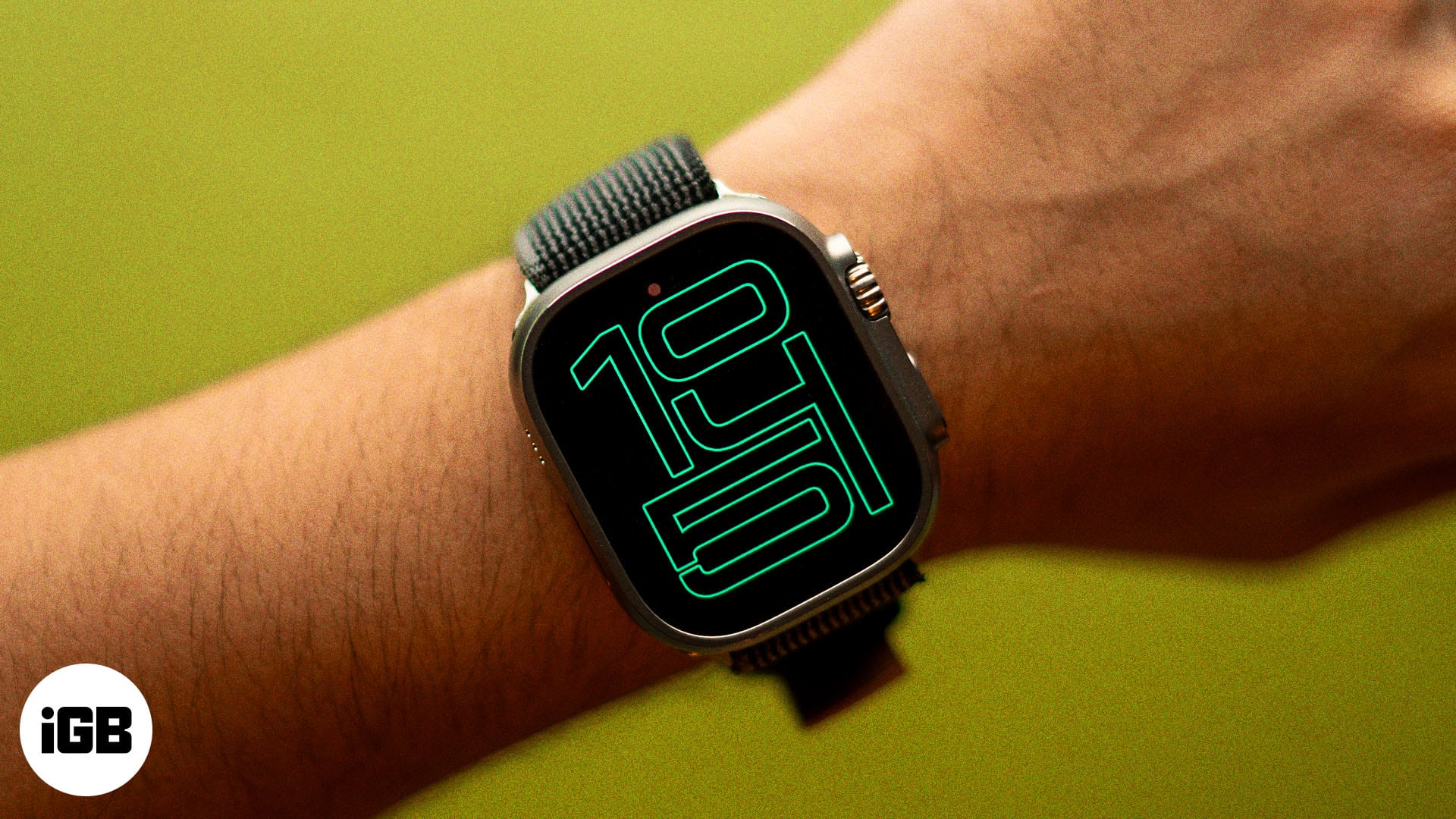
Always On is on by default on Series 5 and later, SE 3 and every Ultra. Here’s how to switch it back on, hide apps, and manage battery drain.
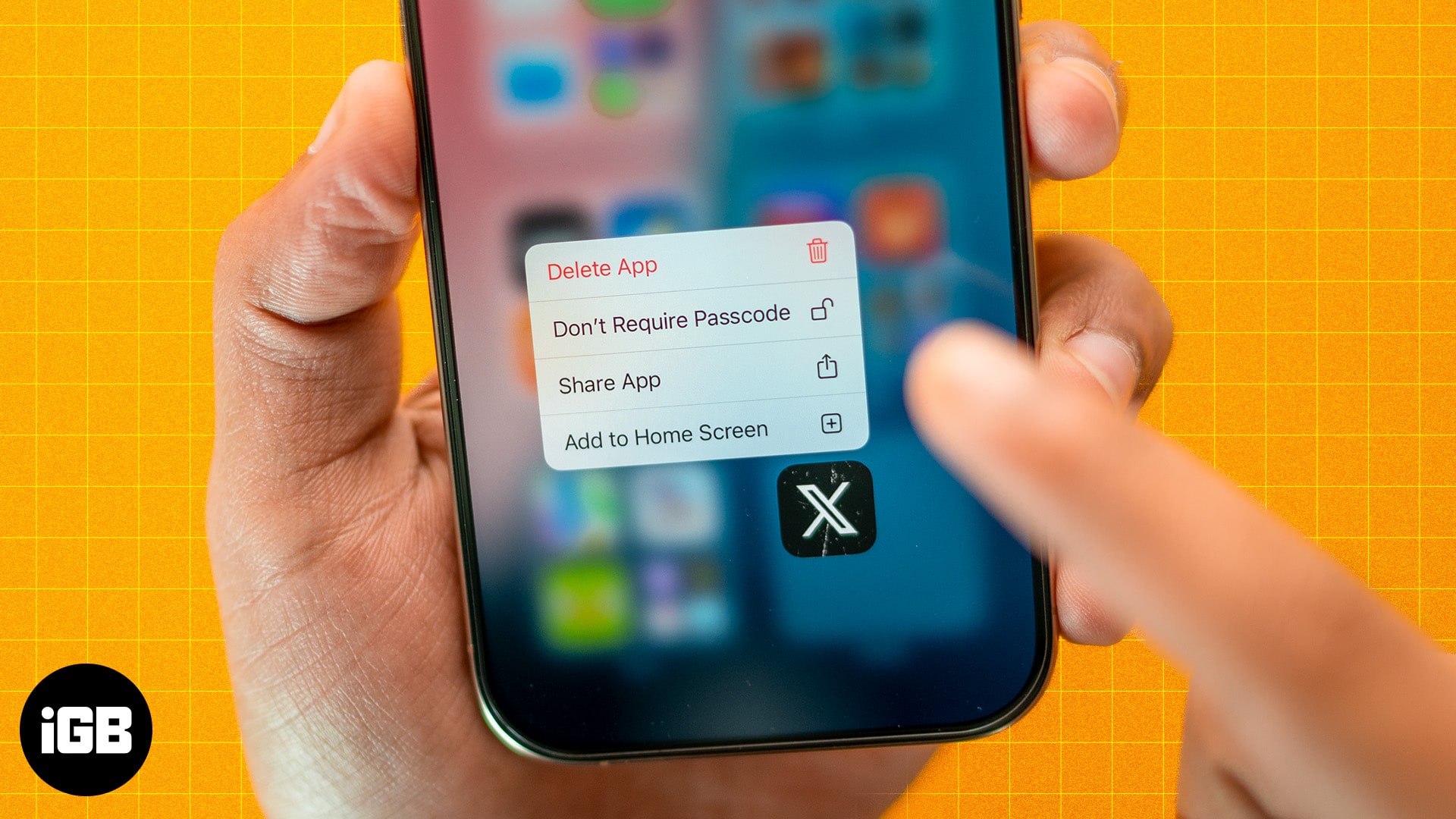
Struggling to find hidden apps? Learn how to unhide apps on your iPhone in seconds and get full control of your home screen.
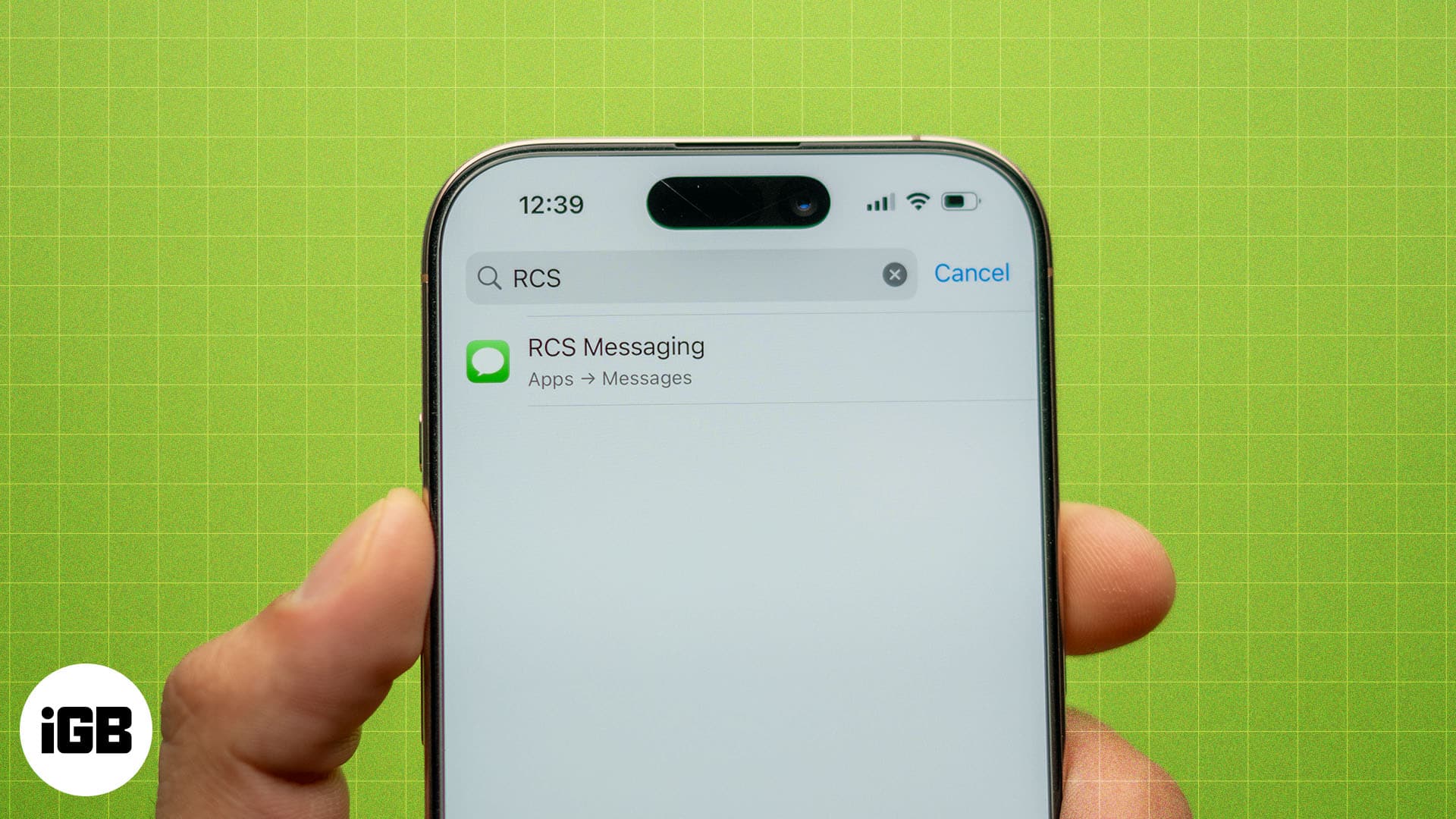
Learn how to fix RCS not working on your iPhone with these simple yet effective solutions.
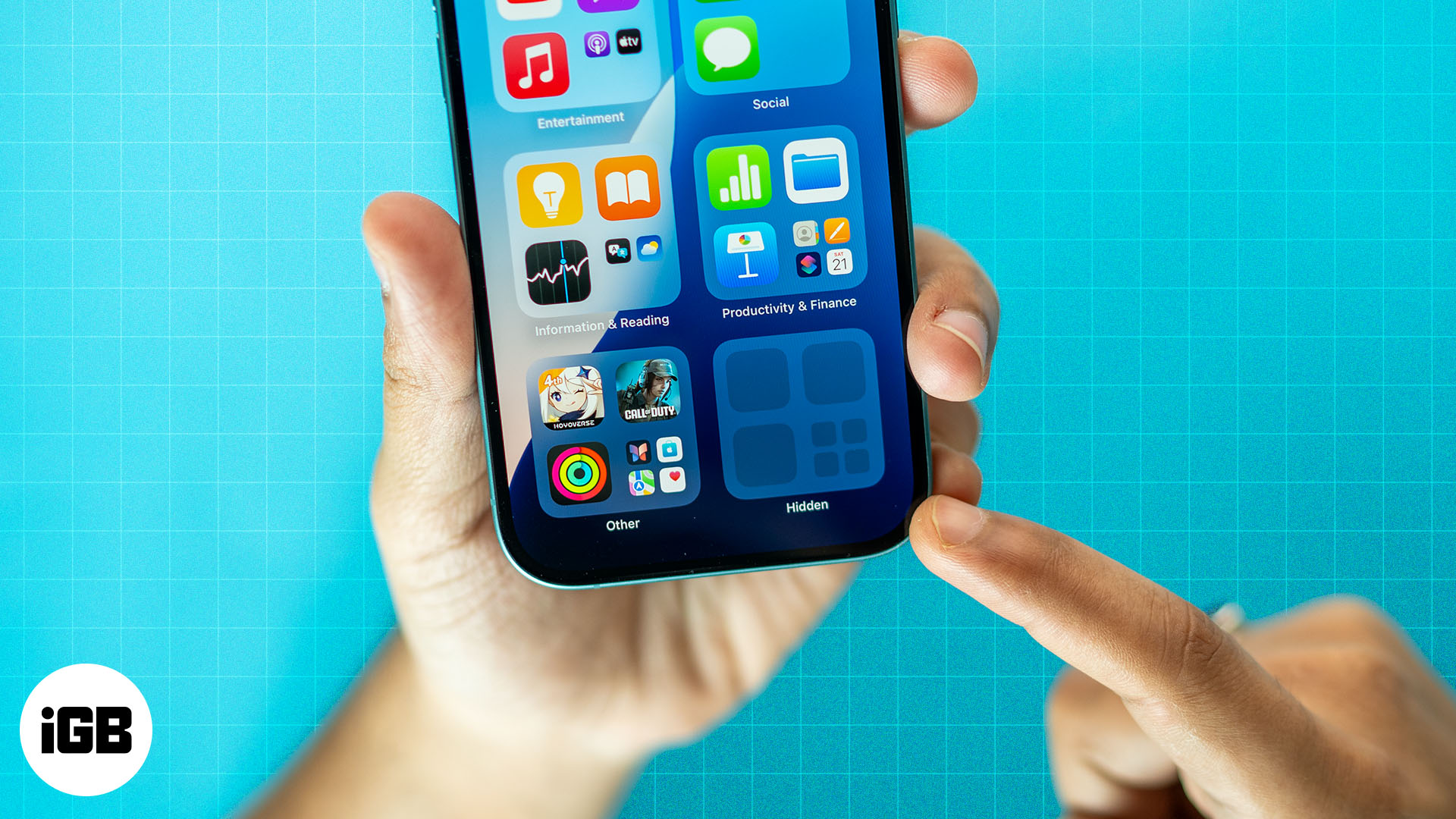
Apple now lets you lock and hide apps on iPhone with just a tap. Whether you want to secure banking apps, block kids from games, or keep personal apps out of sight, here’s how to do it.