
FaceTime Like a Pro
Get our exclusive Ultimate FaceTime Guide 📚 — absolutely FREE when you sign up for our newsletter below.

FaceTime Like a Pro
Get our exclusive Ultimate FaceTime Guide 📚 — absolutely FREE when you sign up for our newsletter below.



Activation Lock can turn a used Apple device into an expensive paperweight. Here’s how to check it on an iPhone, iPad, Mac, or Apple Watch before you pay, and what to do if the device is still linked to the seller’s Apple Account.

Wrist Flick makes it easier to manage Apple Watch alerts without touching the display. Learn how to enable the gesture, dismiss notifications, silence incoming calls, stop timers and alarms, and check which Apple Watch models support it.

Always On is on by default on Series 5 and later, SE 3 and every Ultra. Here’s how to switch it back on, hide apps, and manage battery drain.

Apple Watch icons and symbols indicate notifications, charging status, connectivity, active modes, and app activity. This guide explains the meanings of common status icons and Control Center symbols so you can understand what your watch is showing.

Apple Watch For Your Kids lets a parent set up a cellular Apple Watch for a child or older relative without an iPhone. Here is what it needs and how to set it up.

Discover how to extend your Apple Watch battery life, which features Low Power Mode disables, and how to enable it in watchOS 27.
Apple’s watchOS 27 brings powerful Apple Intelligence features to your wrist, including Siri AI, Audio Inttelligence, smarter Workout Buddy, and more.

I can jot down quick ideas, check important notes, and manage my to-do lists from my wrist—but there are a few limitations I wish I’d known sooner.
Double Tap refused to work after updating my Apple Watch to watchOS 27. Here's how to fixed it using simple troubleshooting steps.
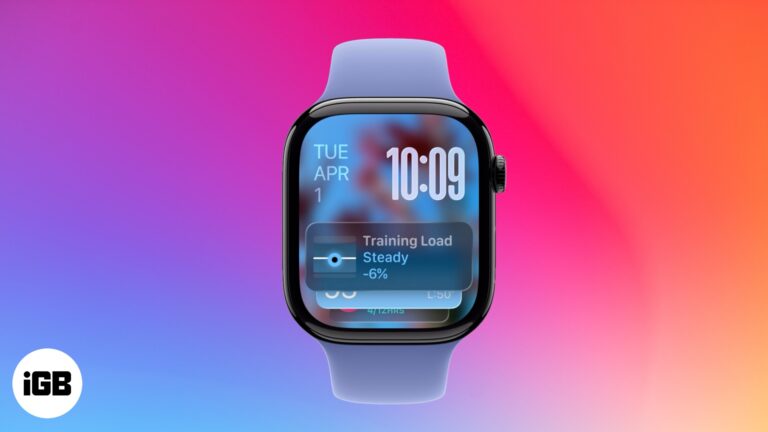
Smart Stack on Apple Watch shows personalized widgets based on your activity, time, and location - Keeping you informed without cluttering your watch face.

 Sajid Shaik and Vikhyat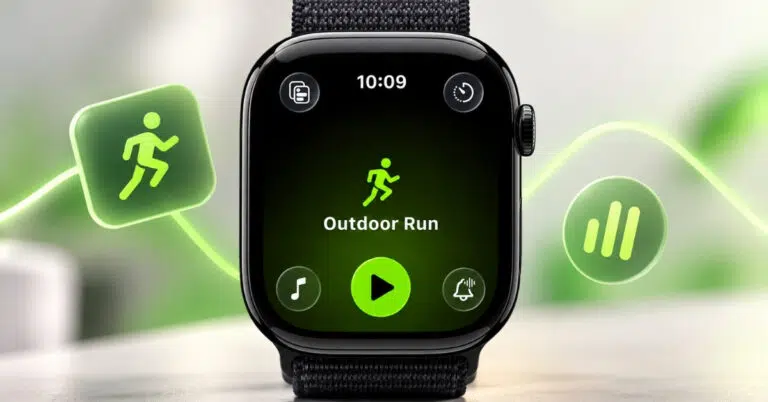
Workout Buddy in watchOS 27 offers personalized audio encouragement, fitness insights, and milestone celebrations to keep you motivated. Here’s how to set it up, use it during workouts, customize its voice, and fix common issues.
 Vikhyat and Ava Biswas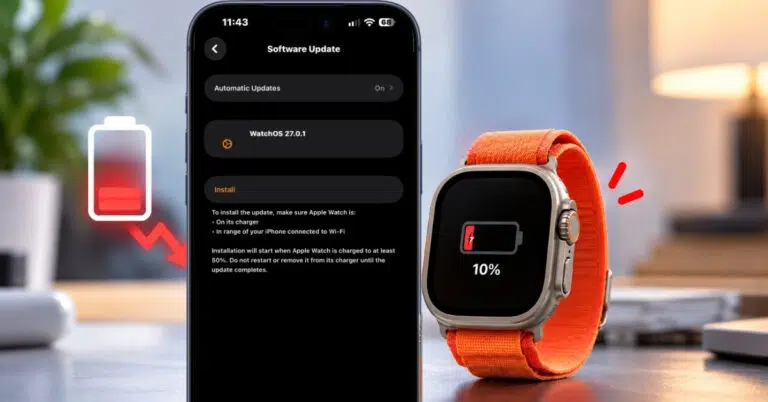
If your Apple Watch battery is draining quickly after updating to watchOS 27, you’re not alone. Here’s how to fix the issue and extend your watch’s battery life.
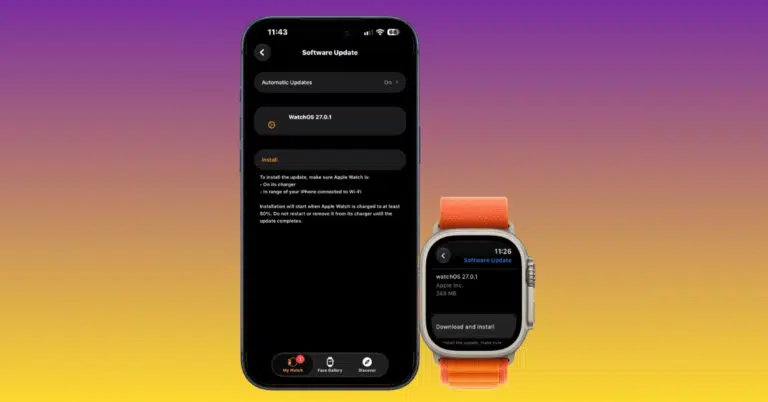
If your Apple Watch won’t update to watchOS 27, here’s how to fix it and install the latest features quickly.
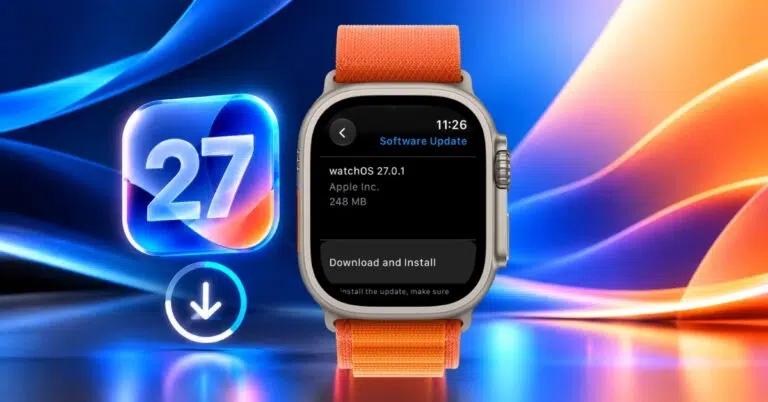
Apple’s watchOS 27 is here with Siri AI, standalone Workout Buddy, and more. Check compatibility and follow our guide to update your Apple Watch today.
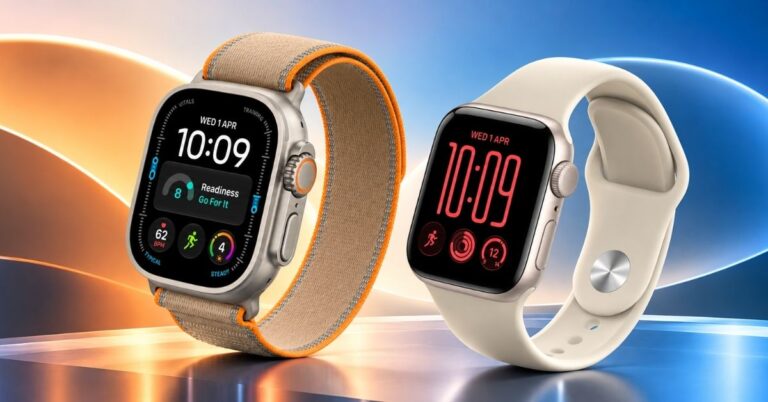
Hidden features, clever shortcuts, and watchOS 27 tricks that can make your Apple Watch even more useful.
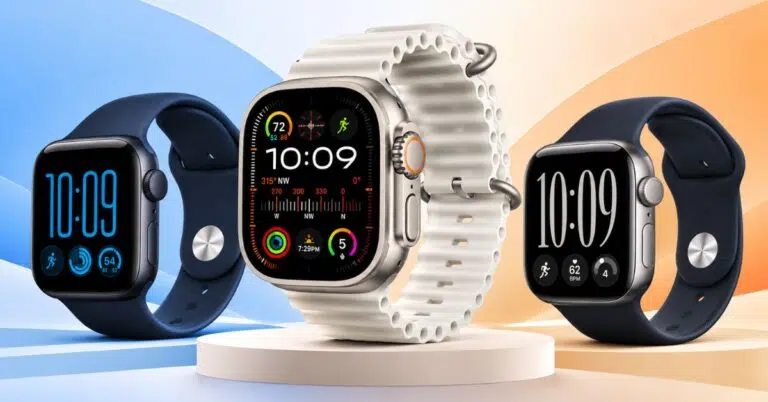
I compared the powerful Apple Watch Ultra 4 to all rounder Series 12 and entry-level SE 3. Here's the best watch for you.
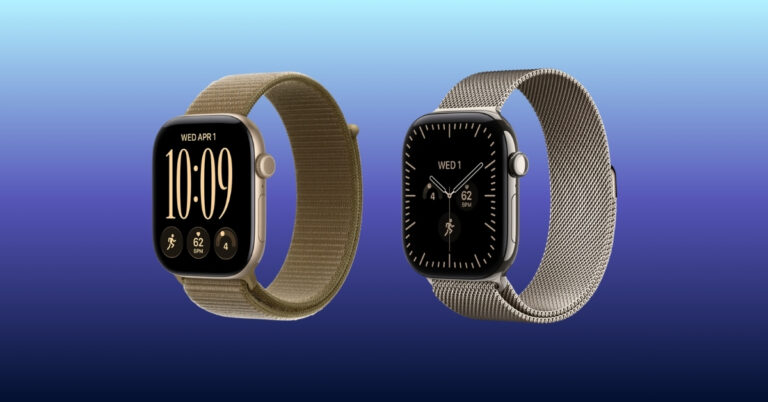
Discover everything about Apple Watch Series 12, including its design, colors, S11 chip, battery life, health features, Audio Intelligence, price, and availability.
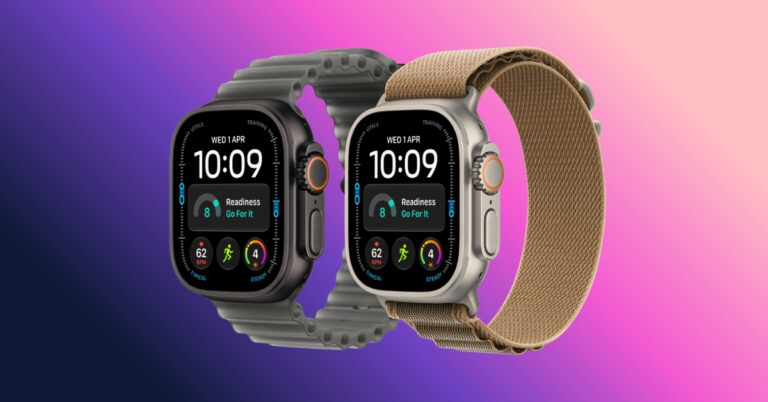
Apple Watch Ultra 4 doesn't completely reinvent the Ultra, but its longer battery life, smarter health tracking, and new AI features make it an interesting upgrade.
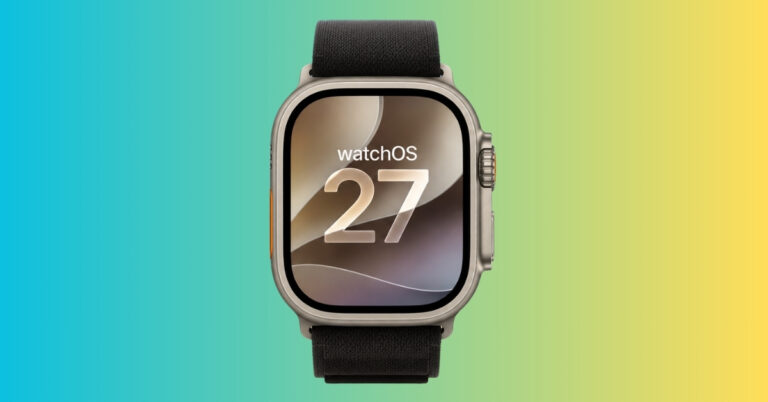
watchOS 27.2 developer beta 4 previews Apple's expanded Siri AI language support and refinements coming to Apple Watch, giving developers a first look at the next major watchOS update before public rollout.
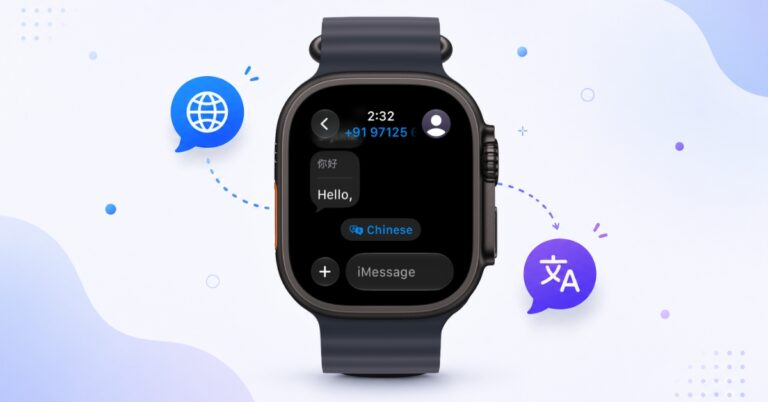
Live Translation in watchOS 27 makes multilingual conversations easier by translating messages directly within the Messages app on Apple Watch. Here's how to enable and use the feature.
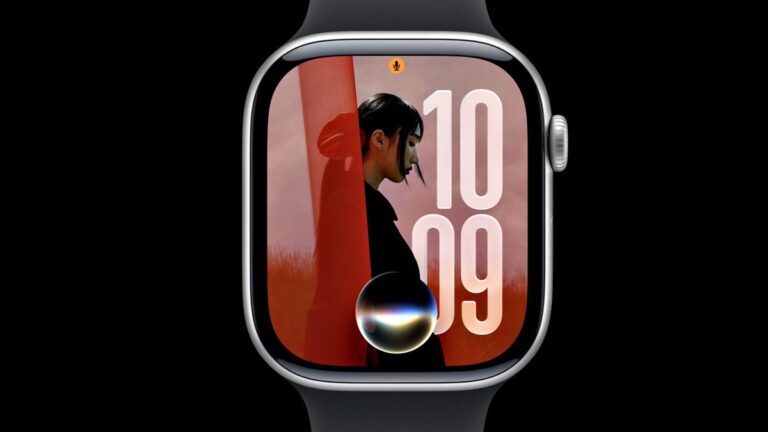
watchOS 27 brings Siri AI support, better battery efficiency, improved tracking, Smart Stack upgrades, new developer tools, and a major Apple Watch support cutoff.
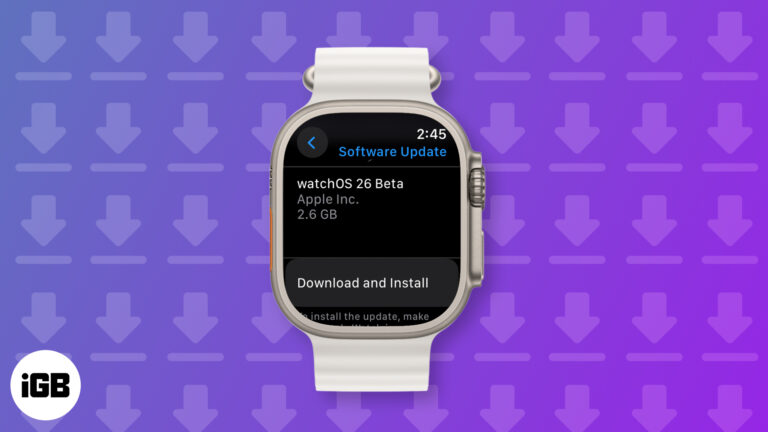
Try watchOS 26 early! Follow this quick guide to download the developer beta on your Apple Watch and explore the latest features before anyone else.
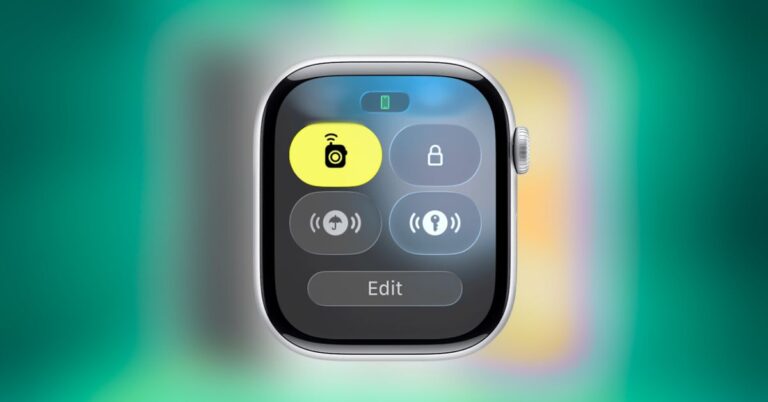
Lost your keys again? Your Apple Watch can now lead you right to your AirTag with Precision Finding. This guide includes setup steps, requirements, and tips for quickly tracking down lost items.
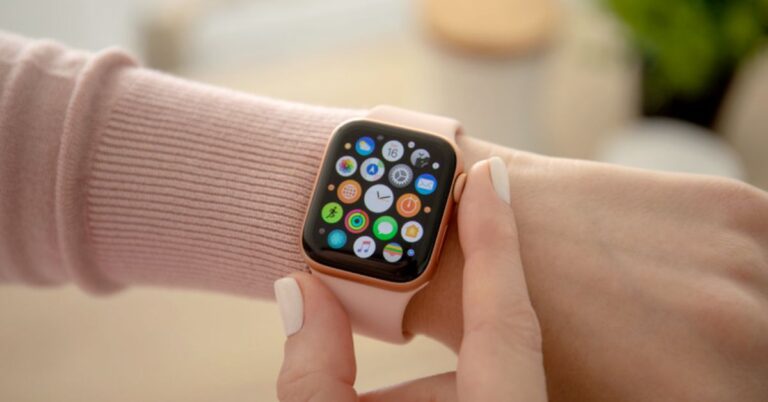
Is your Apple Watch unresponsive or stuck on a black screen? Here are 8 proven fixes to help you unfreeze it and get it working again quickly.
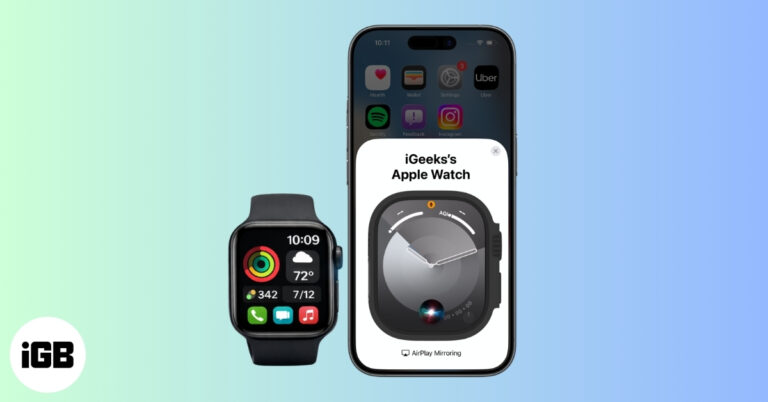
Want to control your Apple Watch using your iPhone? This guide explains how to turn on Apple Watch Mirroring, use it easily, and fix common issues.
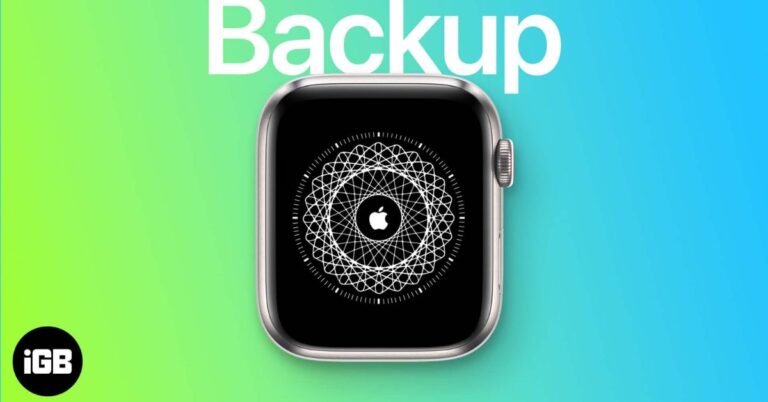
Need to reset or switch iPhones? Here’s how to restore your Apple Watch from a backup, what data comes back, and how to make sure everything syncs properly.
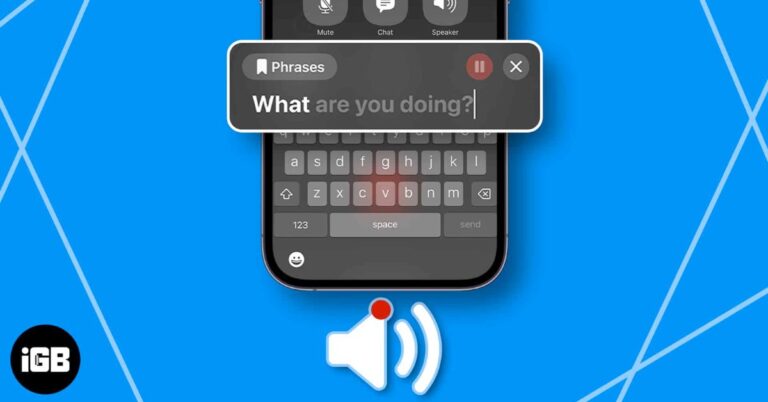
This guide explains how to use Live Speech across Apple devices. Learn how to set it up on your iPhone, Mac, and Apple Watch to turn typed text into spoken words.
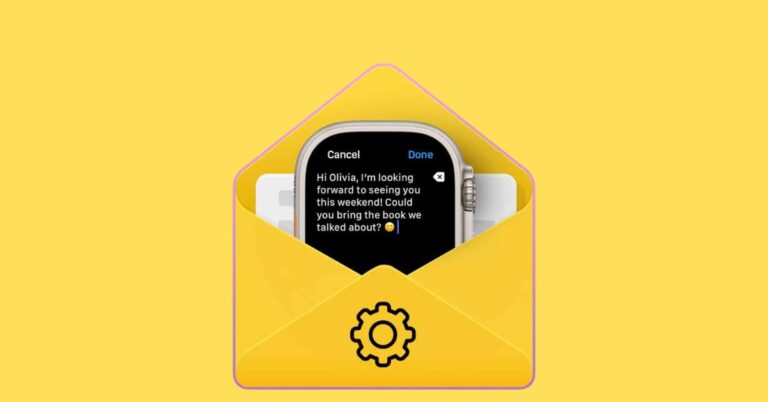
Make the most of the Mail app on your Apple Watch. These simple tips help you manage emails faster and stay organized on the go.
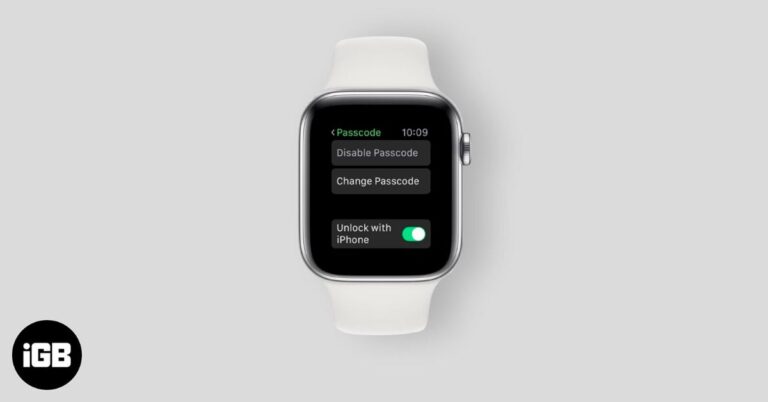
Can’t unlock your Apple Watch because you forgot the passcode? Here’s how to reset it and start using your watch again without stress.
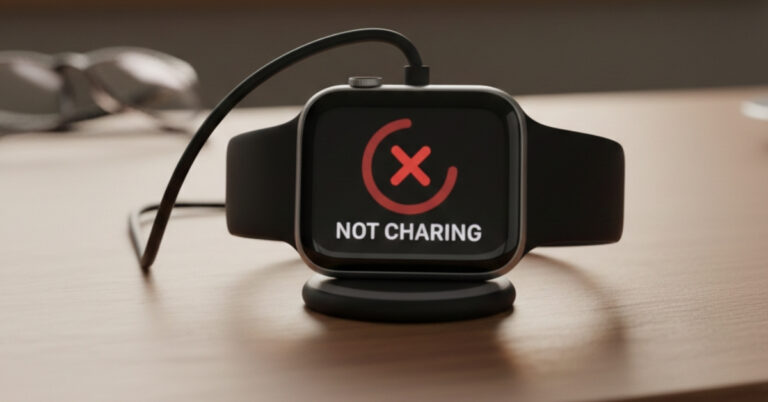
Woke up to an Apple Watch that won’t charge? From red lightning bolts to blank screens, this guide explains what’s wrong and walks you through simple fixes that actually work.


