
FaceTime Like a Pro
Get our exclusive Ultimate FaceTime Guide 📚 — absolutely FREE when you sign up for our newsletter below.

FaceTime Like a Pro
Get our exclusive Ultimate FaceTime Guide 📚 — absolutely FREE when you sign up for our newsletter below.


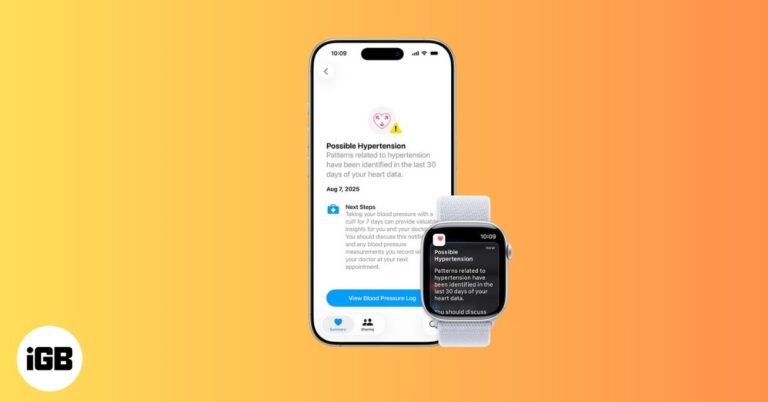
Apple Watch now warns you about possible high blood pressure with Hypertension Notifications. Here’s how it works, who it’s for, and what alerts mean.
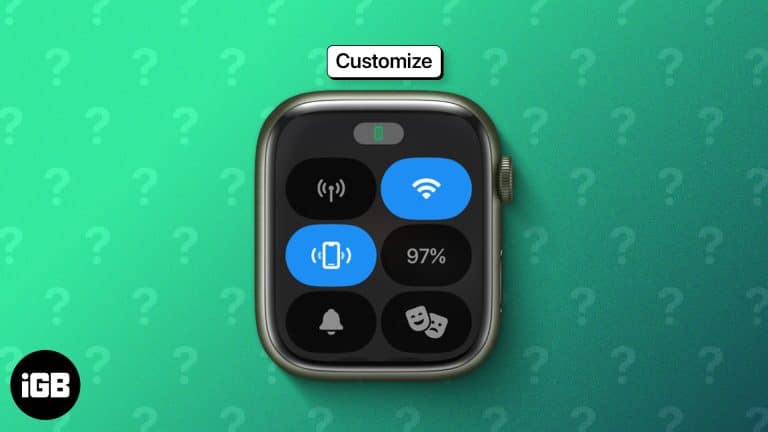
Control Center moved to the Side button in watchOS 10, and the toggle order is fully editable. Here is how to open it, rearrange the controls, and use the ones worth keeping close.
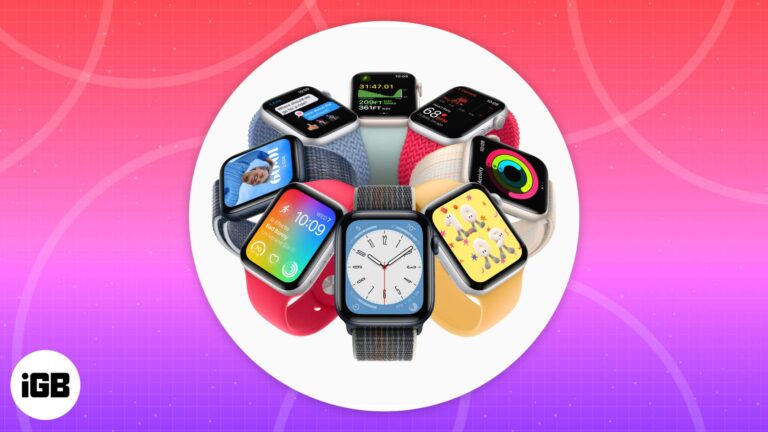
Explore the best Apple Watch faces, from fitness-focused designs to animated classics. Discover your perfect match with our expert guide!
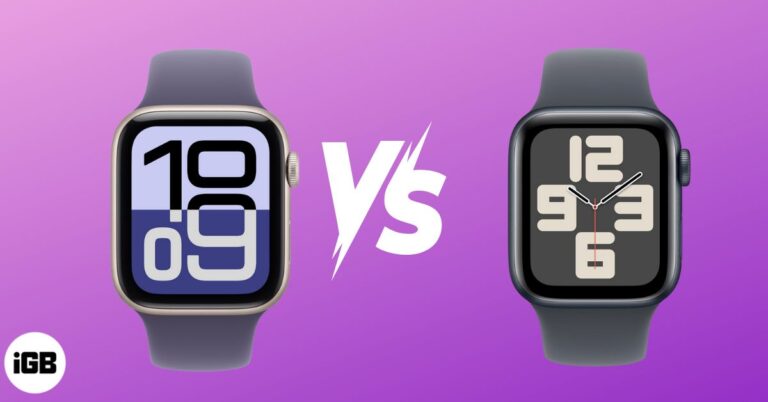
Apple Watch SE 3 brings Always-On display, 5G, and advanced health features at $249. Should you upgrade from SE 2 or stick with it? Here’s the breakdown.
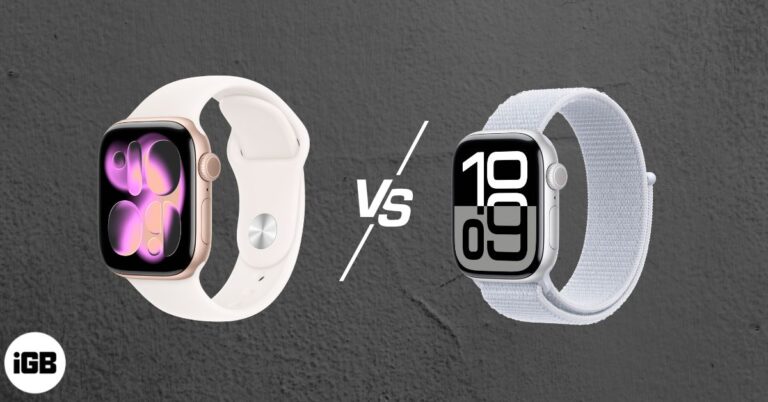
Apple Watch Series 11 brings Hypertension alerts, Sleep Score, 5G, and longer battery life. But is it worth upgrading from Series 10?
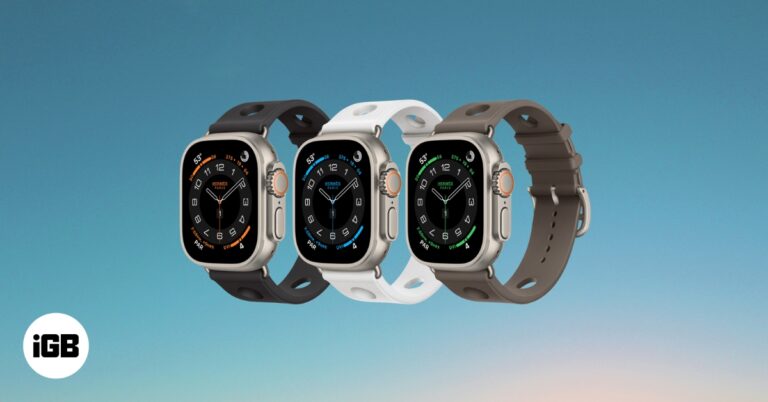
The Apple Watch Ultra 3 is rumored to bring major upgrades, including a bigger microLED display, S10 chip, satellite texting, and blood pressure tracking. Here’s everything leaked so far, including expected specs, price, and launch date.
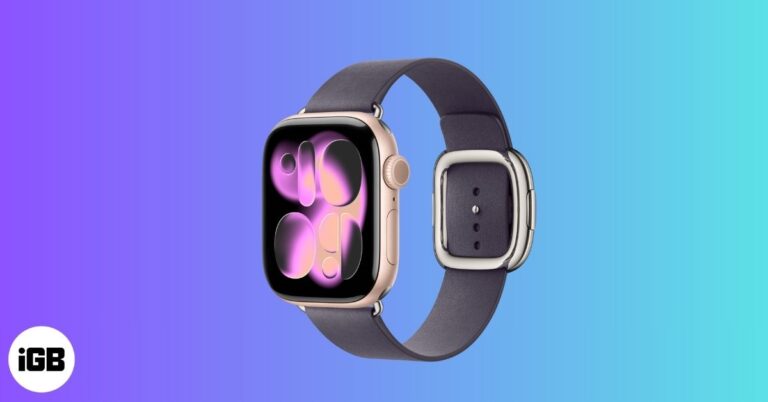
From blood pressure monitoring to 5G connectivity and a sleeker design, here’s everything we know so far about the Apple Watch Series 11 in 2025.
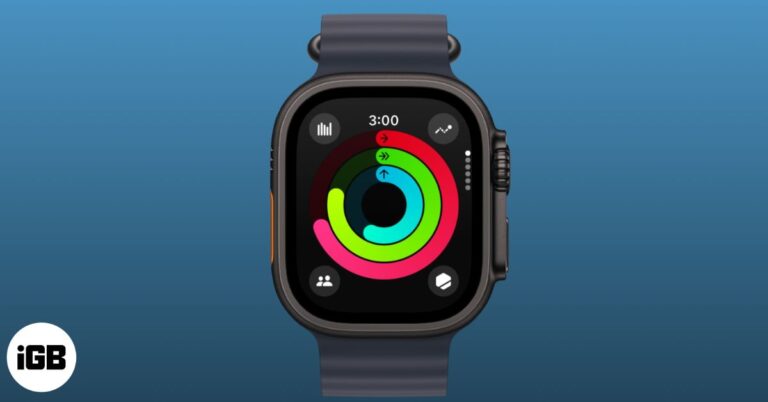
Confused by Active vs Total Calories on Apple Watch? Here’s what they really mean and how accurate those numbers are.
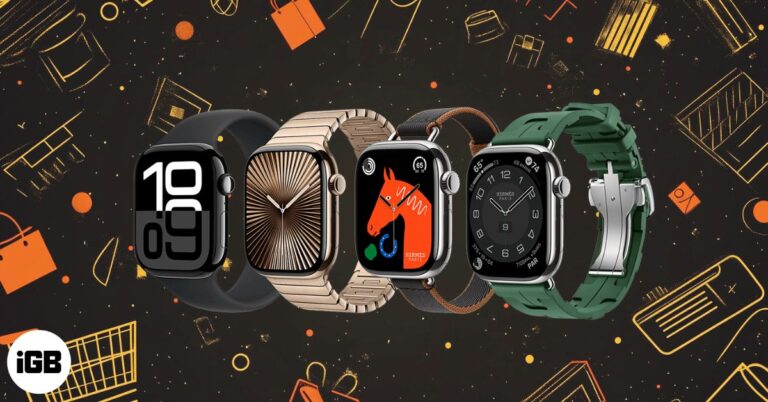
The Apple Watch isn’t just an iPhone accessory. It’s a health hub, safety tool, and daily productivity booster. Here are 9 reasons it’s worth buying.
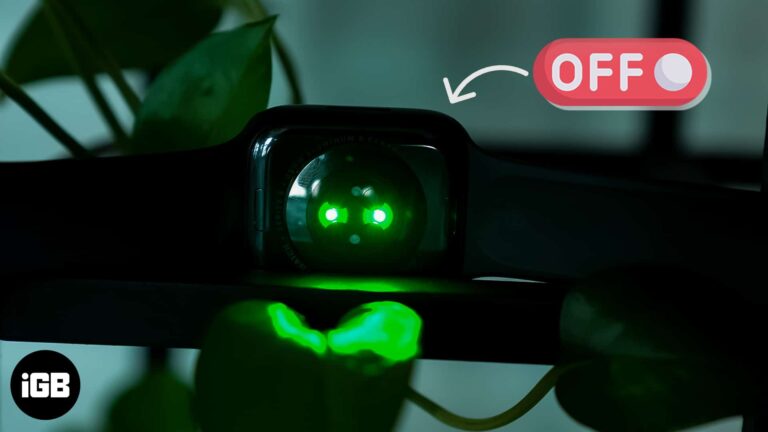
The green LEDs measure blood flow for heart rate readings, and they run more often than most people expect. Here is what they do, whether they are harmful, and how to switch them off.
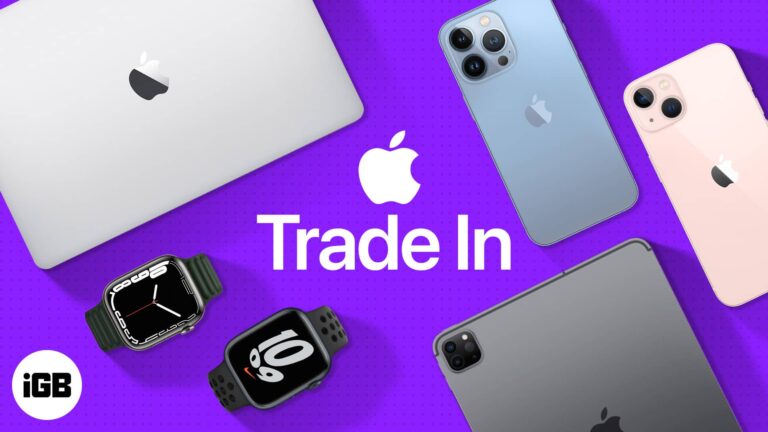
Apple’s trade-in program lets you exchange an iPhone, iPad, Mac, or Apple Watch for credit, but timing and device condition heavily affect the payout.
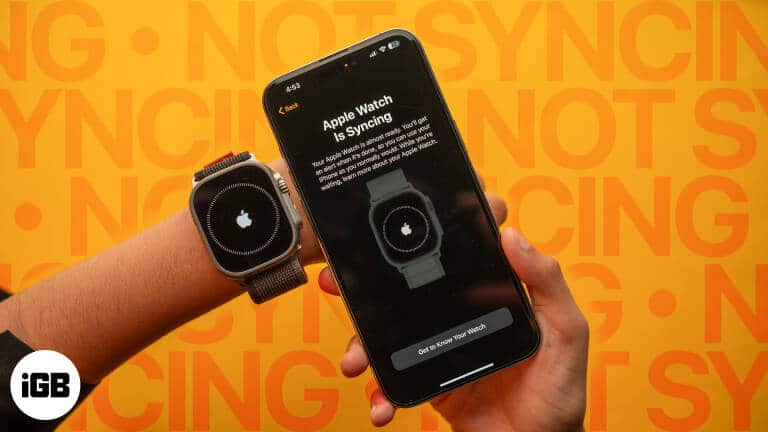
Fix Apple Watch not syncing with iPhone using these 6 quick and effective solutions for smooth connectivity.
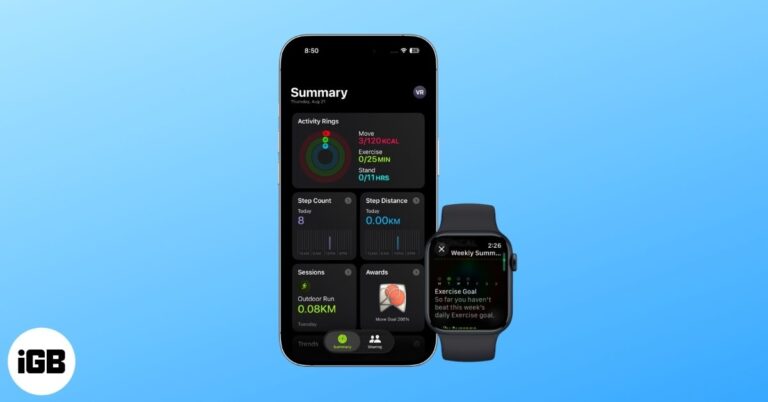
Your Apple Watch and iPhone make it easy to track fitness progress. Here’s how to view your Weekly Activity Summary, adjust goals, and share results.
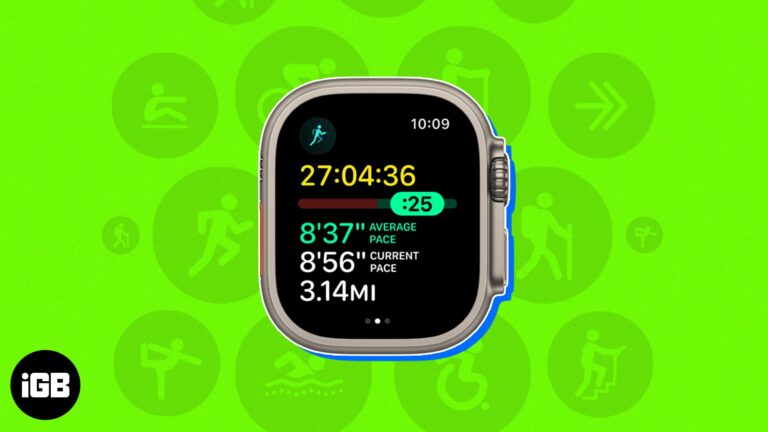
Master the Apple Watch Workout app with this guide. Track any activity, customize stats, set alerts, and unlock advanced health and fitness features.
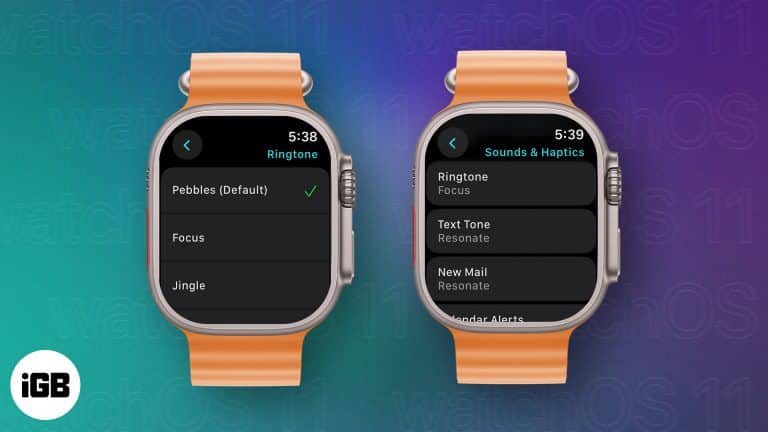
Tired of the default ringtone on your Apple Watch? Learn how to change the Apple Watch ringtone in watchOS 11 for better identification, alertness, or personalization.
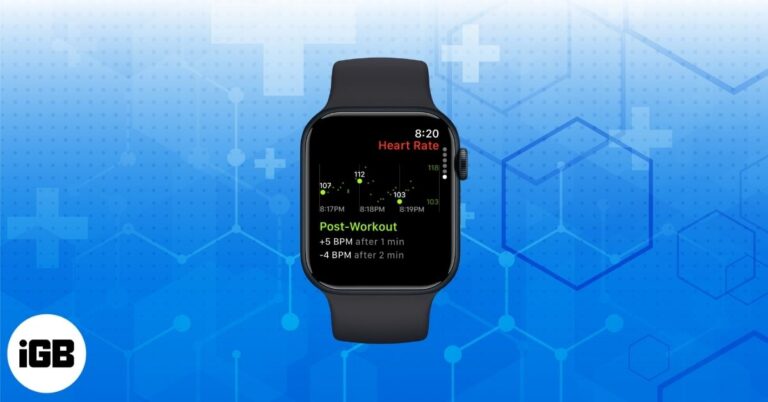
Cardio Recovery on Apple Watch is a powerful yet underrated fitness metric. Learn how to track it, interpret your data, and improve heart health.
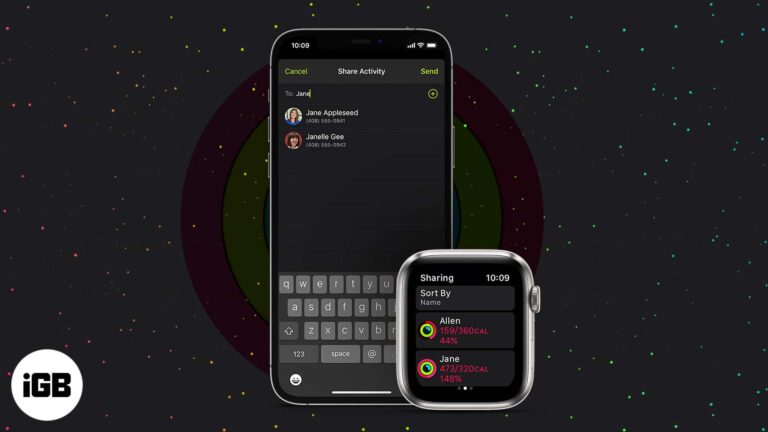
Comparing rings with friends is a genuine motivator. Here is what to know before you start, how to turn on Activity Sharing, add friends, accept invitations, and stop sharing later.
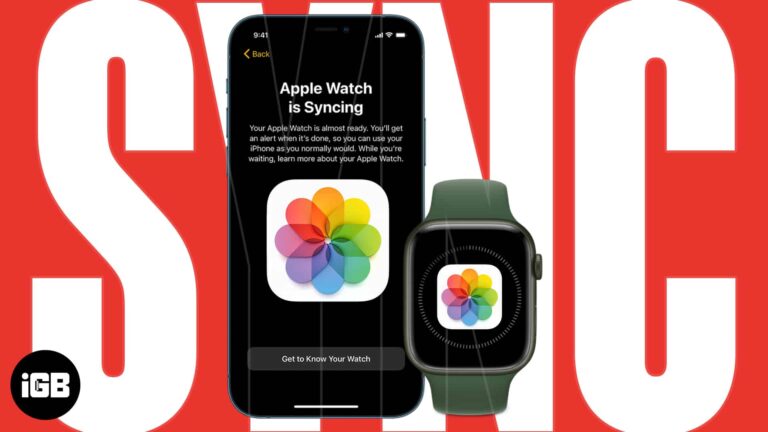
Apple Watch stores a limited number of photos, so choosing the right album matters. Here is how to turn on photo syncing, pick an album, include Memories, and cap the number stored.
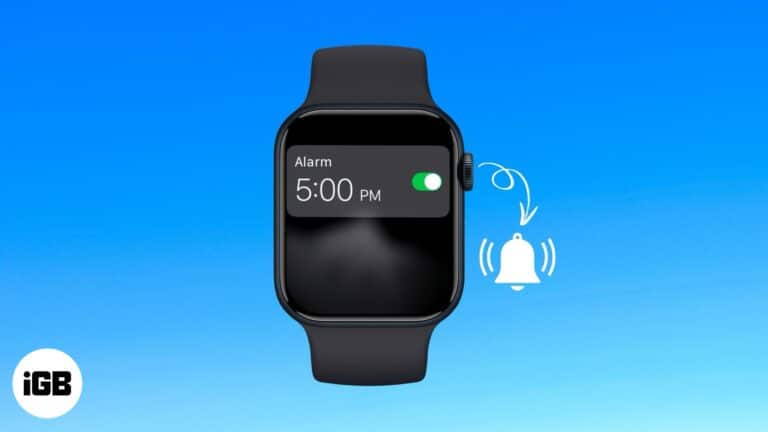
Never miss any update with the alarm on your Apple Watch.
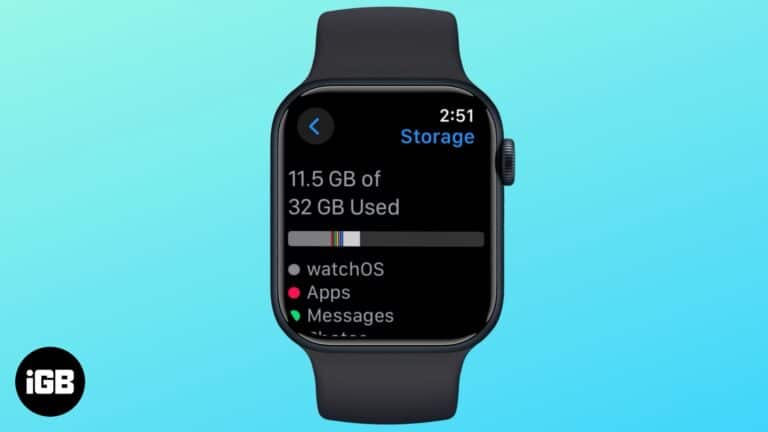
Here’s how to check your Apple Watch’s storage space and what you can do to free up more of it.

 Arshmeet Kaur and Vikhyat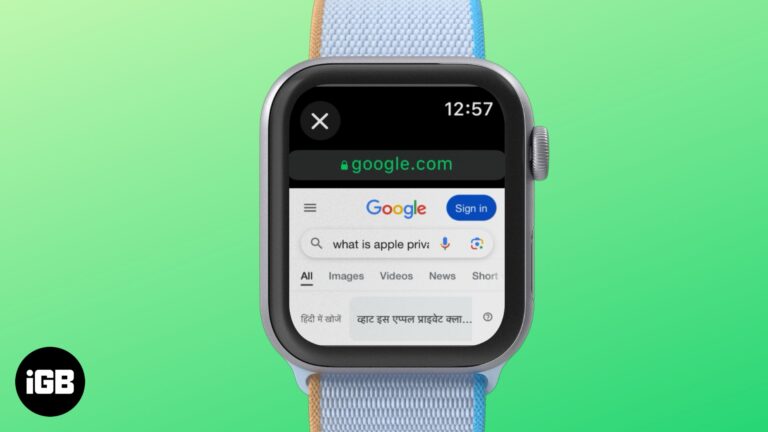
Visit websites anytime with your Apple Watch's hidden browser
Arshmeet Kaur and Vikhyat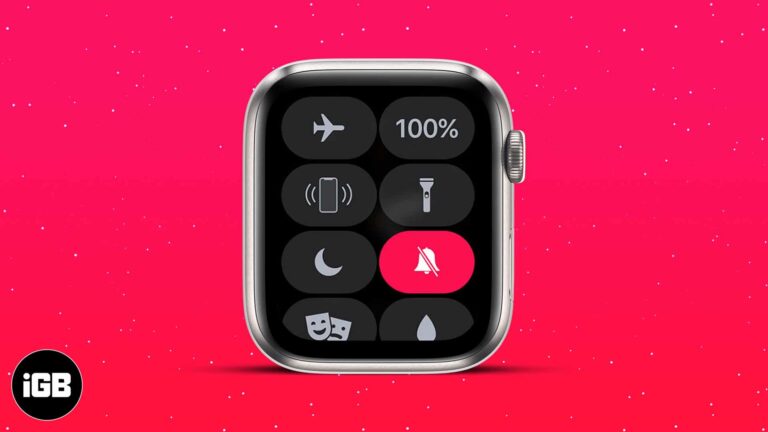
Avoid distractions by silencing your Apple Watch the smart way.
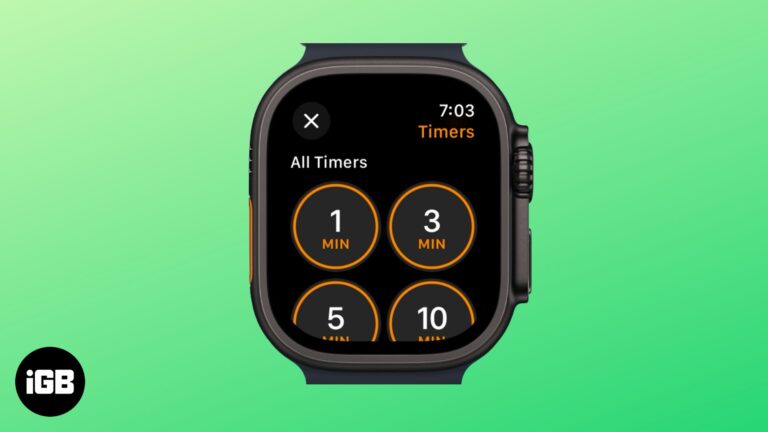
Quickly set, manage, and customize timers right from your wrist.
Arshmeet Kaur and Vikhyat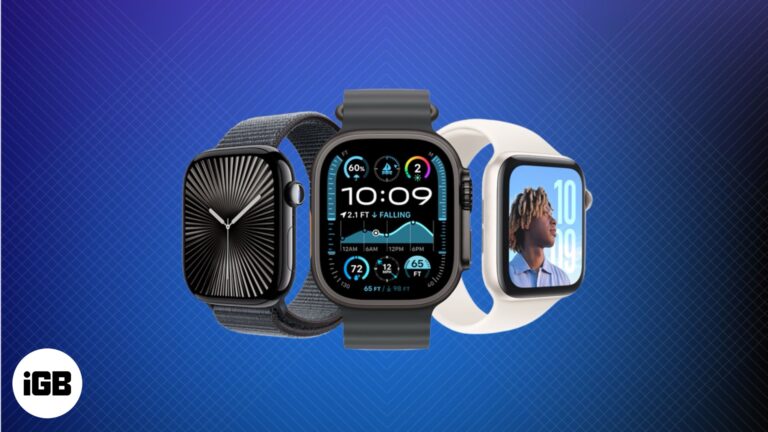
Explore the Apple Watch journey from a sleek accessory to a powerful health companion, and get a glimpse of what’s coming next.
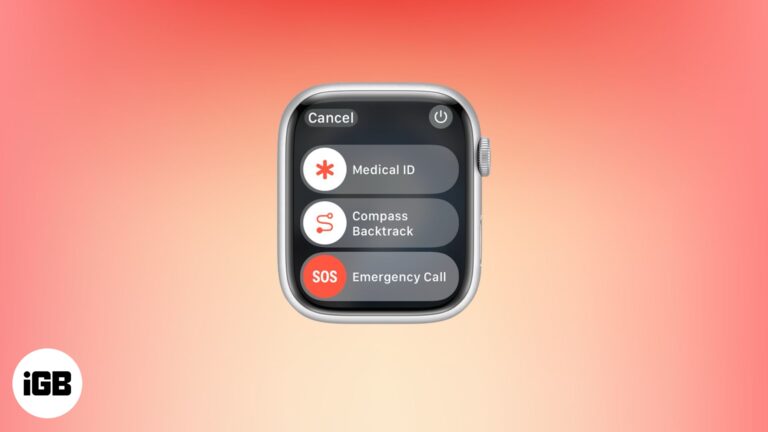
Your Apple Watch isn't just for fitness or messages—it could save your life.
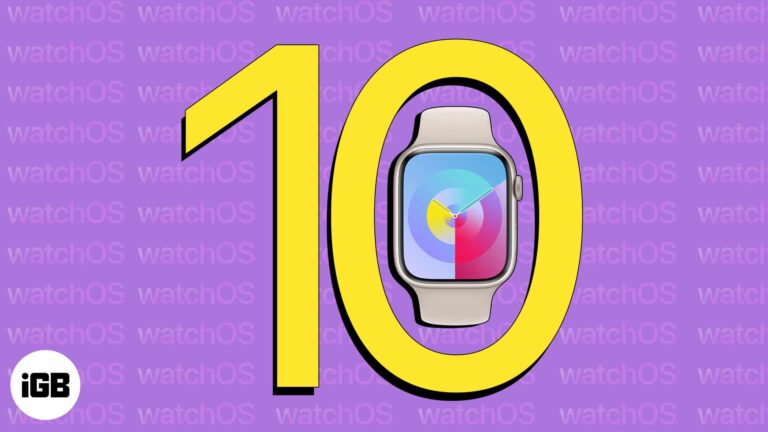
All the new tools in watchOS 10 and which devices can use them.
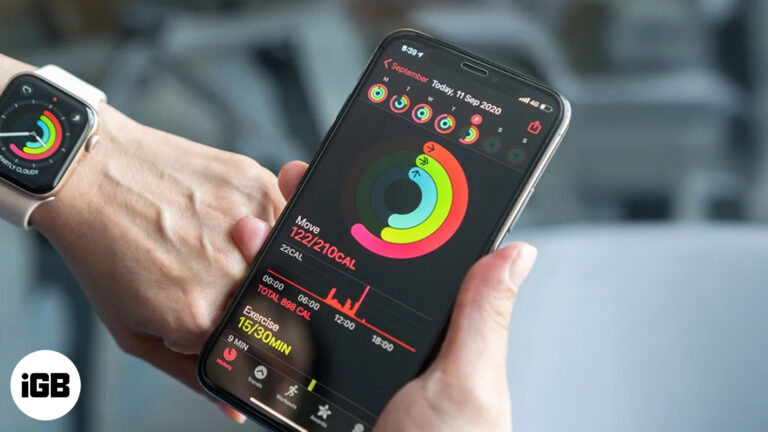
Is your Apple Watch calorie count right? Here's how accurate it is and how to make it better.
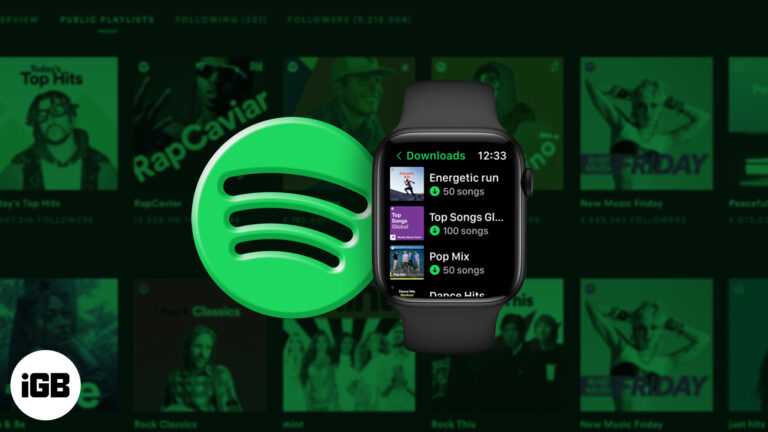
Enjoy your favorite Spotify music and podcasts right from your Apple Watch—no iPhone needed. Perfect for workouts, travel, and life on the go.
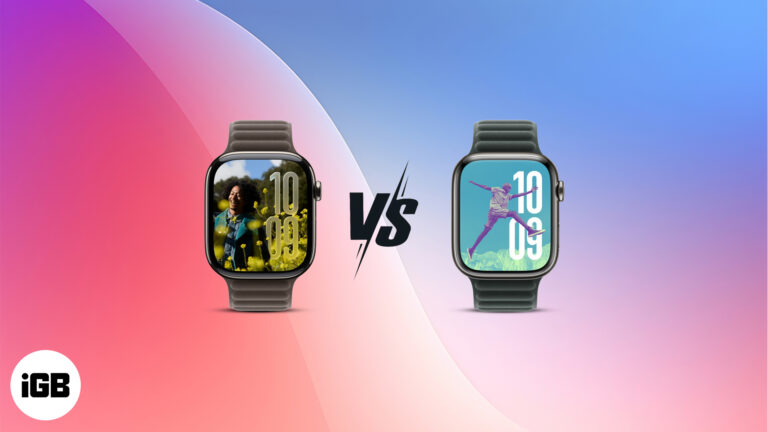
watchOS 26 adds a fresh UI, AI-powered coaching, and the Notes app. But is it worth upgrading from watchOS 11? Find out in this quick comparison.
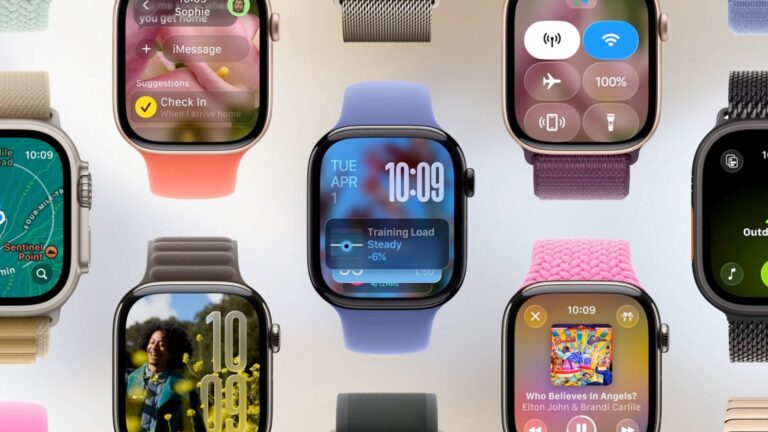
Everything you need to know about the new watchOS 26 features, including the Liquid Glass design, Workout Buddy, and more.


