
FaceTime Like a Pro
Get our exclusive Ultimate FaceTime Guide 📚 — absolutely FREE when you sign up for our newsletter below.

FaceTime Like a Pro
Get our exclusive Ultimate FaceTime Guide 📚 — absolutely FREE when you sign up for our newsletter below.


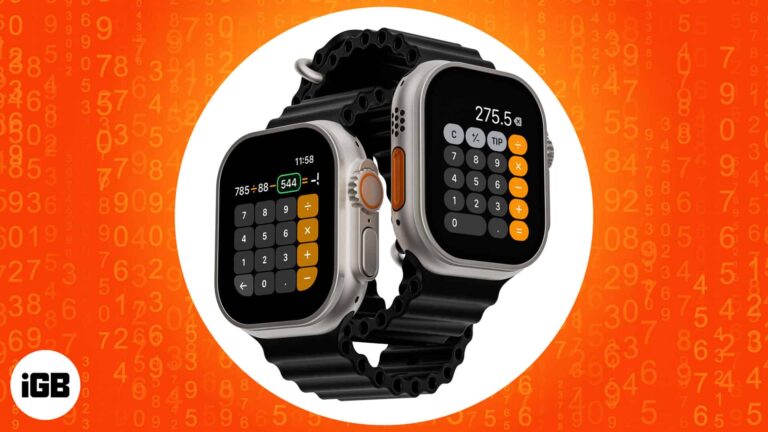
The watch Calculator does more than arithmetic, with dedicated tip and bill-splitting tools. Here is how to add it to a watch face, open it quickly, and use the split and tip functions.
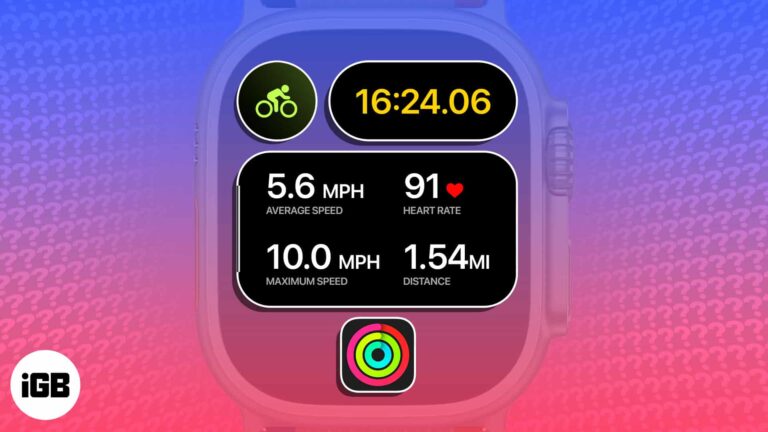
Apple just dropped a game-changing feature for cyclists. You can now view the Apple Watch’s live cycling metrics – heart rate, speed, distance, elevation, and more – directly from the iPhone’s Live Activities. To unlock this native feature, you need…
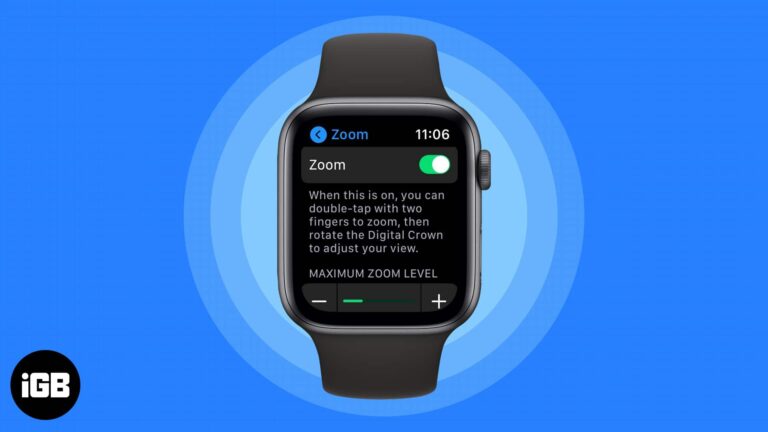
The Apple Watch screen is small enough that magnification genuinely helps. Here is how to enable Zoom from either device, control it with the Digital Crown, and bind it to an Accessibility shortcut.
You probably noticed when you received your titanium Apple Card that it’s not just pretty but pretty bare as well. You can’t see the card number, expiration date, or security code. While this is a wonderful security feature, what do…
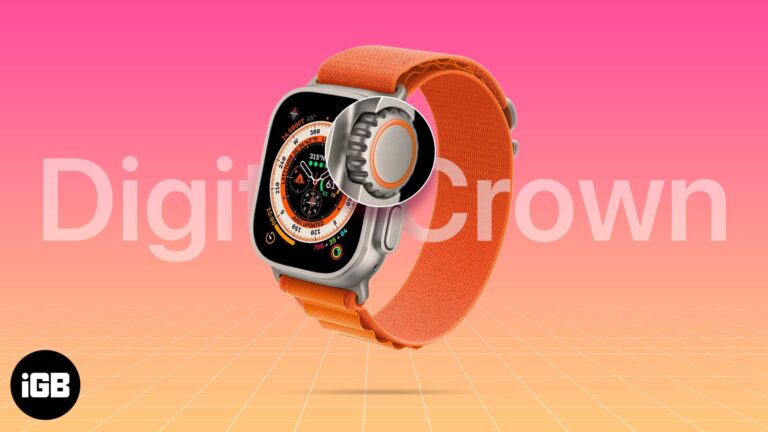
Sweat, lotion, and grit work their way under the Digital Crown and make it grind. Here is what to check first, and four safe ways to clean and free it without damaging the watch.
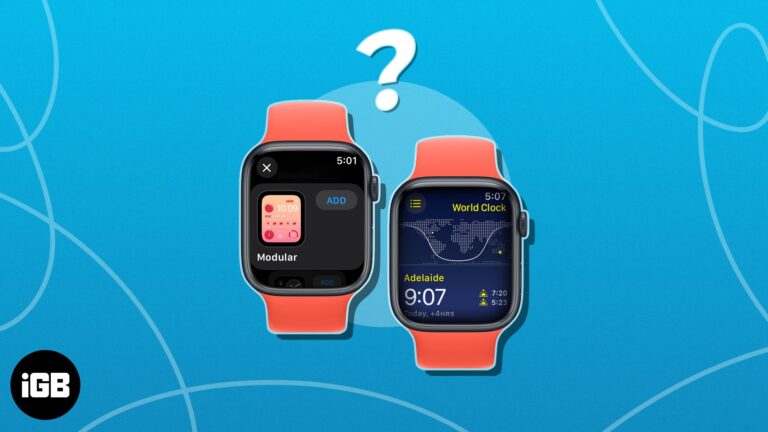
If you work across time zones, World Clock on Apple Watch saves constant mental arithmetic. Here is how to add cities, view them, place them on a watch face, and customize the abbreviations.
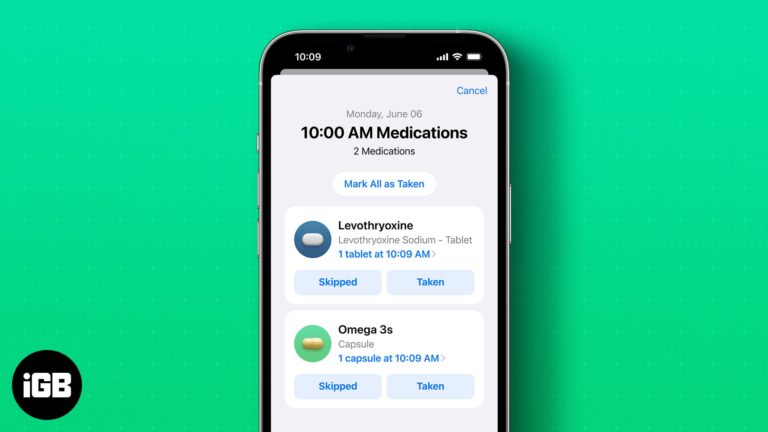
With the new iOS 17 update, Apple has introduced enhanced medication reminder features on both iPhone and Apple Watch, making it easier than ever to stay on top of your medication schedule. In this blog post, we’ll guide you through…
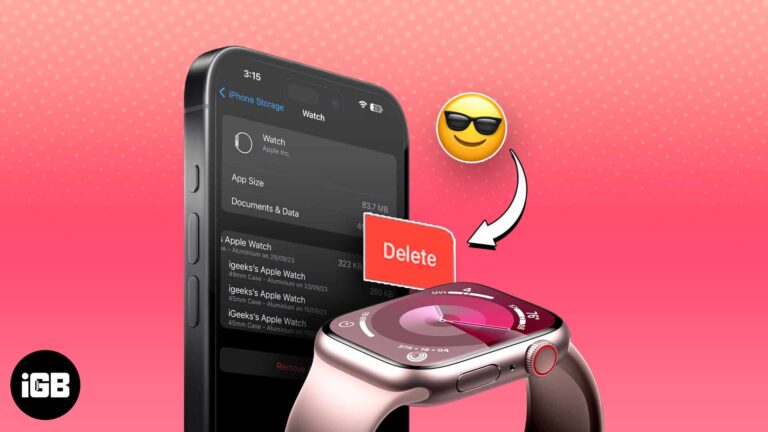
Apple Watch backups ride along with your iPhone backup and quietly consume iCloud space. Here is how watch backups work and how to remove the old ones you no longer need.
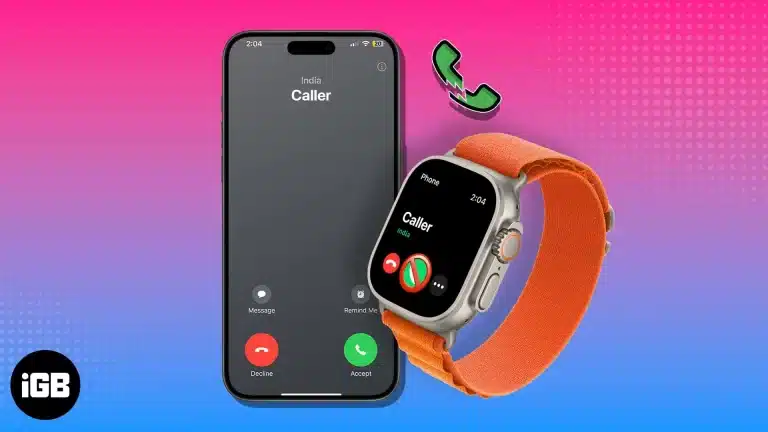
Missed calls on Apple Watch usually trace back to a dropped iPhone connection, wrist detection, or a Focus mode. Work through these checks to get calls ringing and answerable on your wrist again.
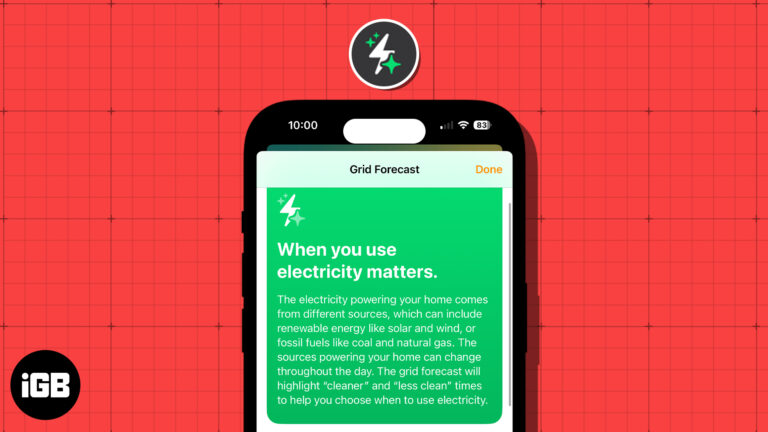
These days, people are more concerned about energy and its sources than ever before. With this in mind, Apple introduced the Grid Forecast feature in the Home app with iOS 17. This allows you to see the best times for…
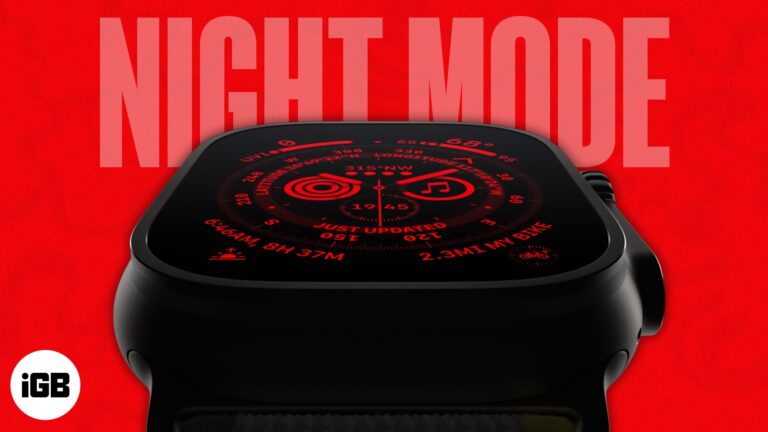
The Apple Watch Ultra and Ultra 2 are meant for athletes, hikers, divers, and other extreme adventurers. The Watch includes a Night Mode to help them move in the dark without straining their eyes or distracting them from the bright…
A triple-click can toggle Zoom, VoiceOver, or another accessibility feature instantly. Here is how to configure the shortcut from your watch or iPhone, and which features it can trigger.
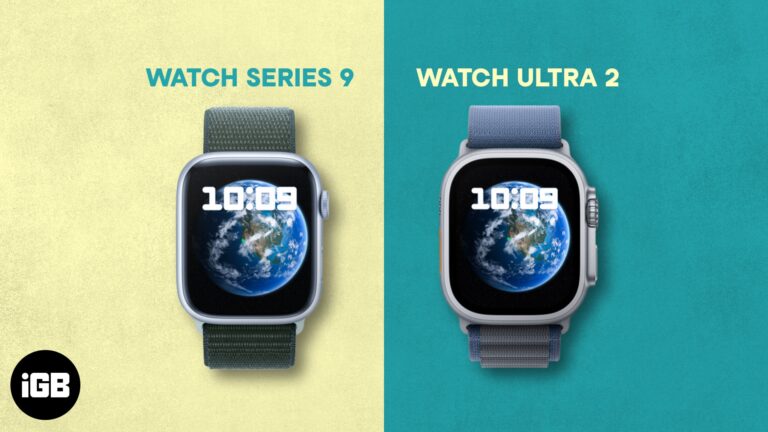
Apple unveiled the Apple Watch Series 9 and Apple Watch Ultra 2 at their Wonderlust event. Now, you might wonder if the Apple Watch Ultra 2 is worth it or Series 9 is a better choice. In this article, I’ll…
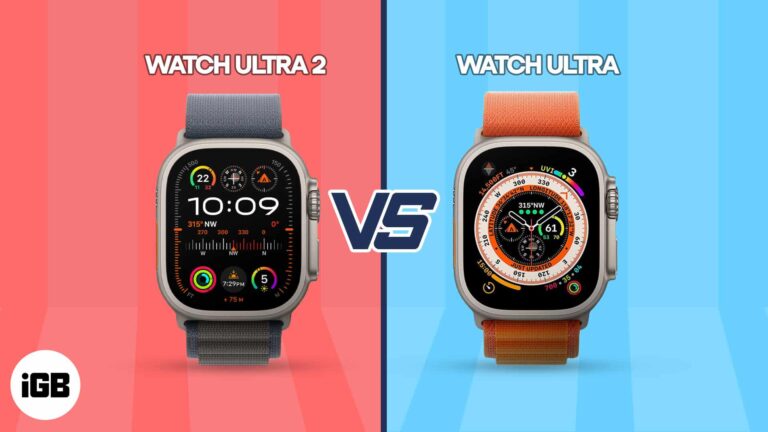
The Wonderlust event went pretty much as we had expected it to go. Alongside the iPhone 15 models and AirPods Pro 2 case with USB-C ports, Apple also launched the Apple Watch Series 9 and Apple Watch Ultra 2 with…
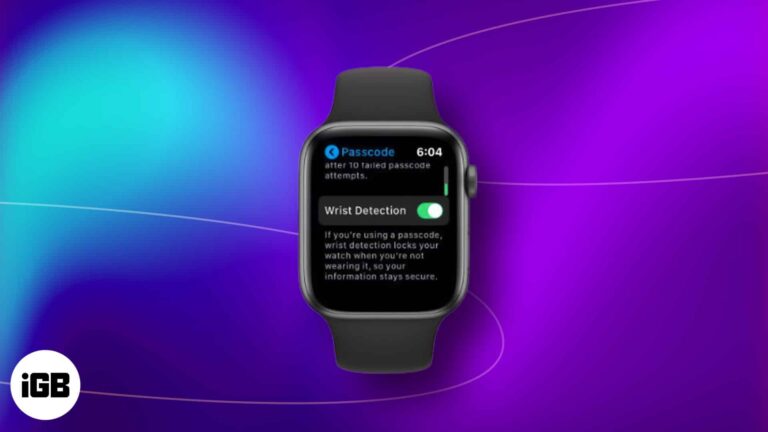
Apple Watch is undoubtedly one of the best wearable devices available in the market today. It enchants its user with convenience and innovation at the same time. Among its many outstanding features, one that truly stands out is Wrist Detection.…
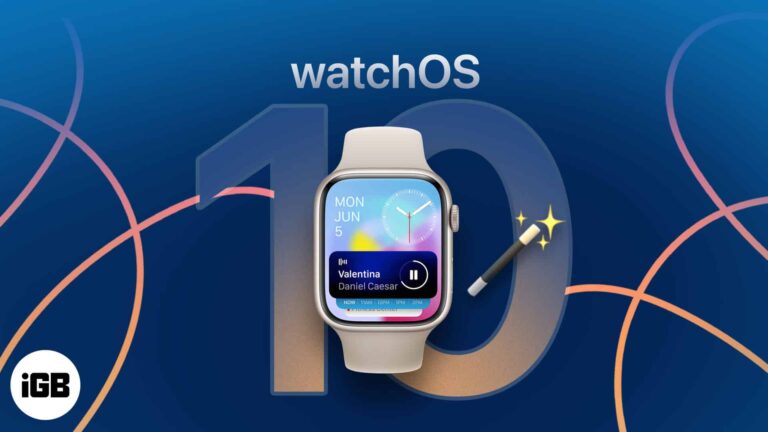
You may already be familiar with the features that headlined watchOS 10, such as the introduction of Smart Stack, new Watch Faces, enhanced fitness tracking, improved Siri capabilities, and a redesigned Control Center. But that’s not all. The latest iteration…
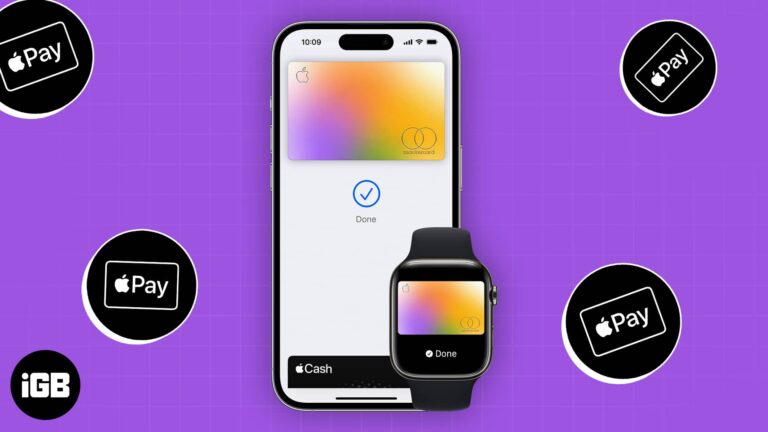
Paying from your wrist takes seconds once it is configured. This guide covers adding cards to Apple Watch, making a payment, managing your cards, and securing them if the watch goes missing.
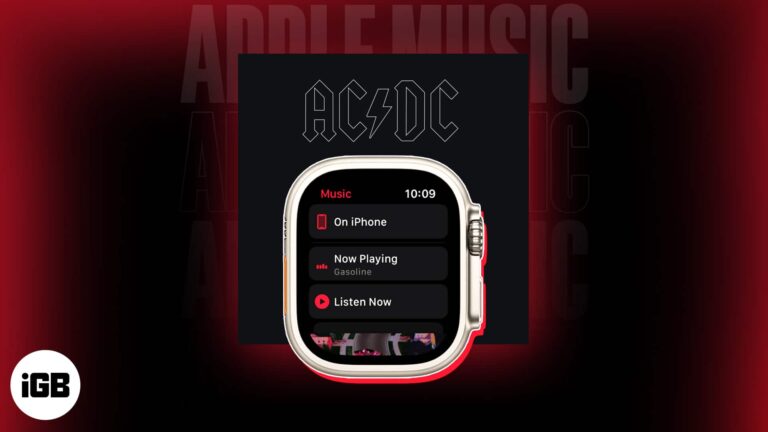
Requirements to use Music app on Apple Watch: You can access favorite songs and playlists right from your wrist by using the Music app on your Apple Watch. Whether you’re working out, traveling, or just taking a break, the Music…
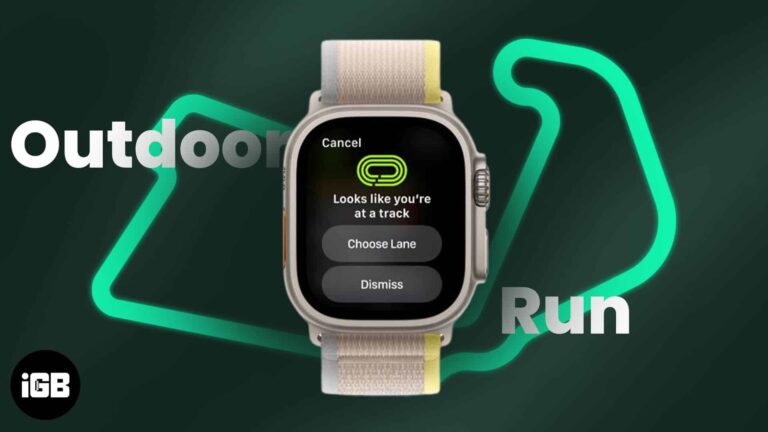
With watchOS 9.2, Apple rolled out a new feature aimed at facilitating fitness enthusiasts in reaching their goals. The feature comes pre-installed and automatically records the distance and pace of a user while running on a track eliminating the need…
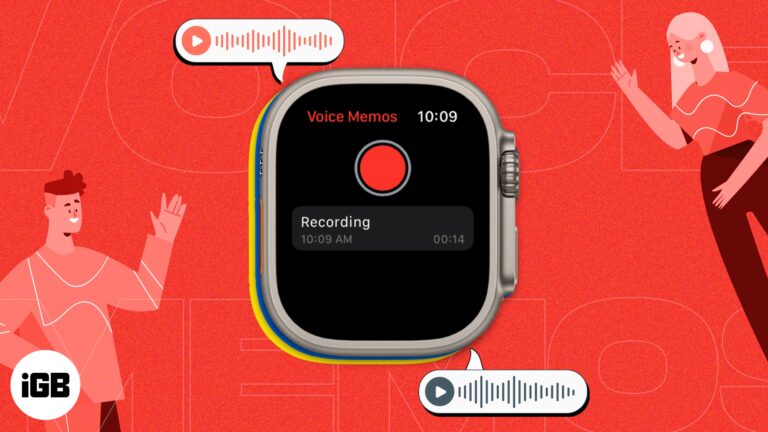
Whether you’re a busy professional who needs to keep track of important ideas or simply someone who wants to capture a moment of inspiration, the voice memo feature on Apple Watch can help you stay organized and productive. Additionally, when…
The introduction of watchOS 9 has made Apple Watch even more user-friendly and adaptable, providing a range of ways to engage with your device. Whether you’re a regular user or a new one, there are always innovative and fun methods…
Things you require to clean an Apple Watch Microfiber cloth (lint-free or non-abrasive cloth) Cotton swabs Clean water It’s not new that Apple Watch is one of the best-selling smartwatches for fitness. However, your Apple Watch has to go through…
HRV is one of the better indicators of recovery and stress. Here is why it matters, how to record readings on Apple Watch, where to view the data on iPhone, and what skews the numbers.
Sharing your location from your wrist is faster than reaching for a phone. Here is how to enable location sharing on Apple Watch, send it through Find People or Messages, and turn it off.

The rapid advancement of technology has enabled us to access powerful tools. No, I’m not referring to Siri but to the viral conversational search tool, ChatGPT. With the help of your iPhone and Apple Watch, you can now easily integrate…
The Apple Watch speaker does not play music, so headphones are required. Here is how to play from the watch, use Siri, control your iPhone remotely, and listen with no phone nearby.
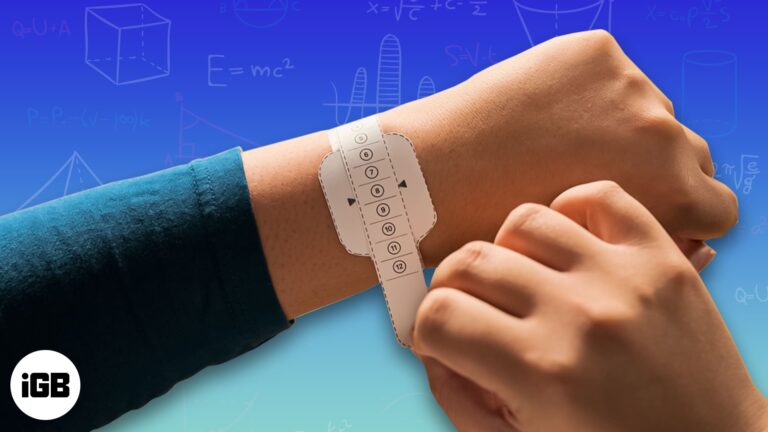
Apple Watch comes with activity and health sensors whose results get affected by how you put it on. The company has given clear instructions on how the smartwatch band should be put on. As the article progresses, I’ll teach you how…
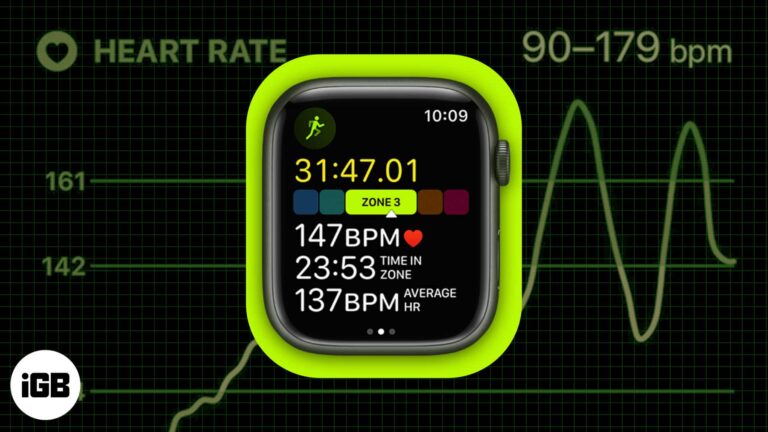
Apple made significant advancements in the fitness space with watchOS 9 and iOS 16. Heart Rate Zone tracking is one of the most exciting features added to the arsenal of the Apple Watch recently. Confused about Heart Rate Zones? Don’t worry.…
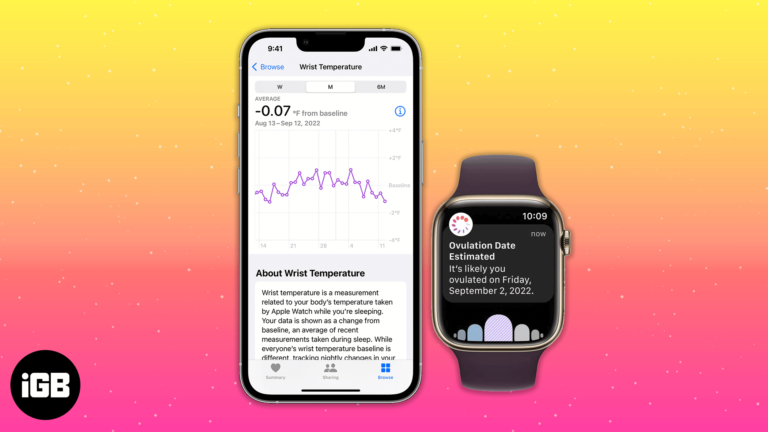
Apple Watch Series 8 and Ultra come with an interesting nightly wrist temperature feature. According to the company’s support manual, the watch will establish your baseline wrist temperature and check for nightly variations after five nights. Here’s a guide to…
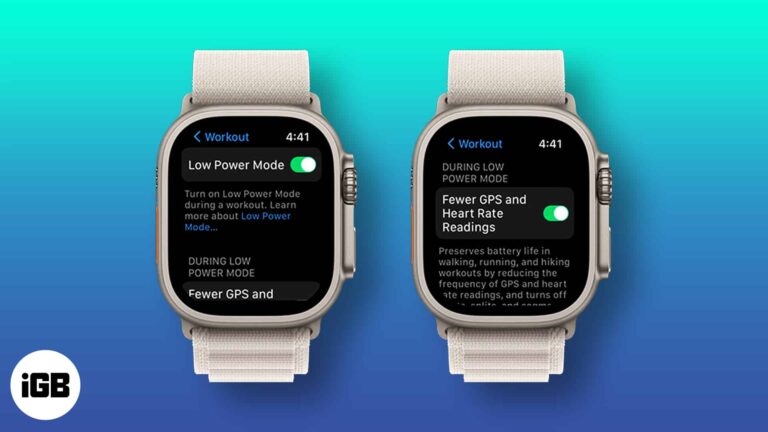
Things to know: To get 60 hours of battery life, you need to update your Apple Watch Ultra to watchOS 9.1. From Apple’s current smartwatch lineup, only the Watch Ultra can last for 60 hours on a single charge.e Apple…


