
FaceTime Like a Pro
Get our exclusive Ultimate FaceTime Guide 📚 — absolutely FREE when you sign up for our newsletter below.

FaceTime Like a Pro
Get our exclusive Ultimate FaceTime Guide 📚 — absolutely FREE when you sign up for our newsletter below.


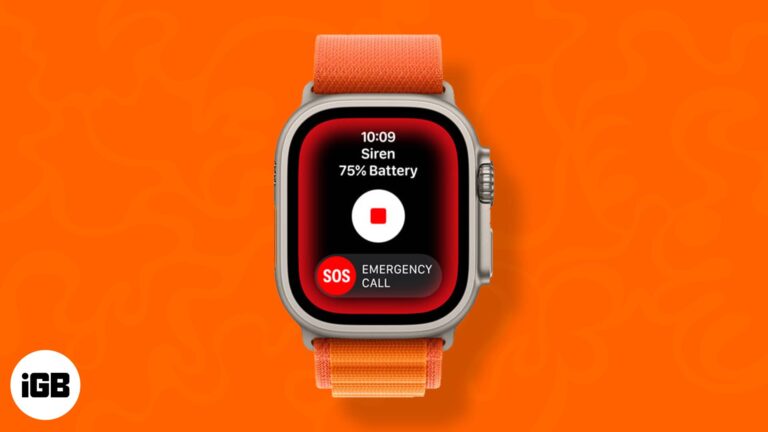
The Apple Watch Ultra is a brand-new flagship watch especially crafted for athletes and adventurers. The Siren is a distinct, high-pitched sound with two alternative rhythms. The first pattern indicates trouble, while the second is the SOS signal. When you…
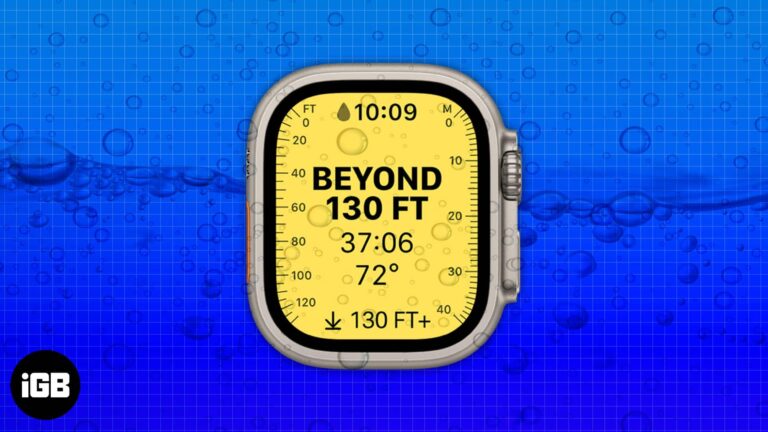
The Apple Watch Ultra’s trailer at the Far Out event was packed with the exciting addition of new features. And with the hands-on experience, we are exploring more applications of the watch. Recently, Apple has posted a support page on…
The Apple Watch is a smartwatch with integrated fitness features. It brings the best of both worlds together and works as a replacement for your iPhone in several situations. You can reply to messages, ask Siri to search for something,…
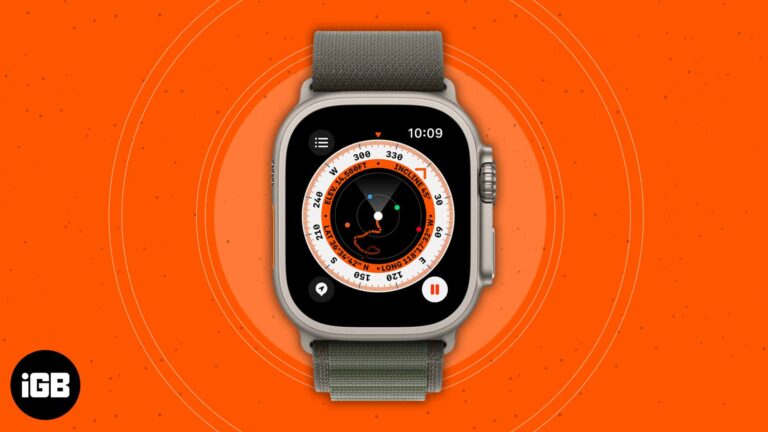
The Apple Watch tops the charts of the best-selling smartwatches worldwide, and for a good reason. In the Far Out event on September 7, 2022, the tech giant unveiled the Apple Watch Ultra, Apple Watch SE, Apple Watch Series 8,…
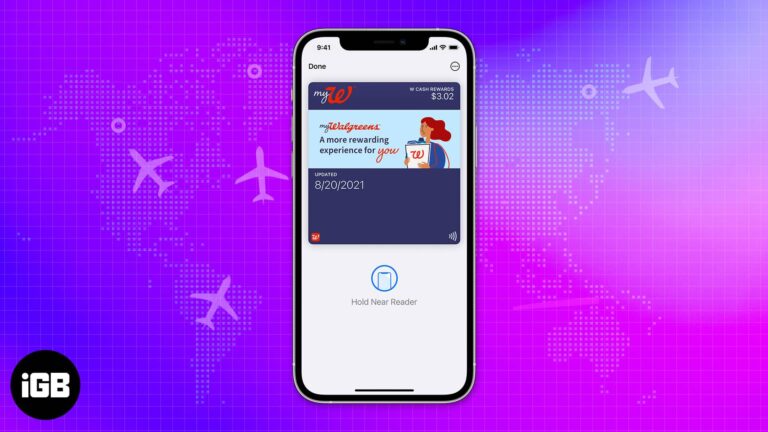
We have been using the Apple Wallet for a while, and it’s been a quality-of-life addition. Apple Wallet is an app for many purposes like payments, saving keys, etc. You can even integrate your IDs and boarding passes/tickets into it.…
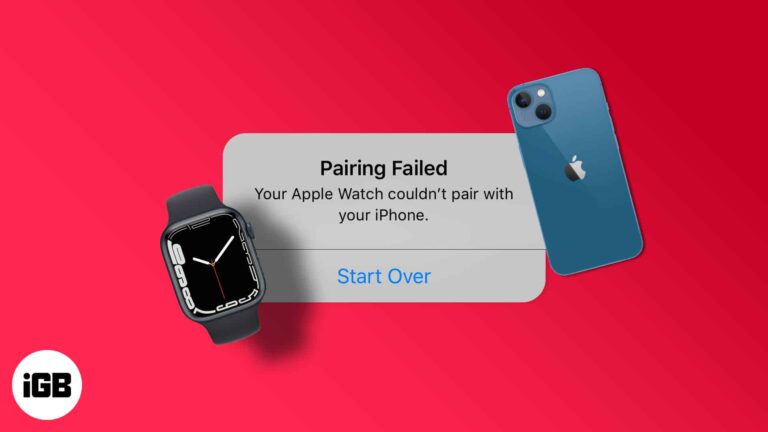
Pairing failures are almost always a software or Bluetooth issue rather than faulty hardware. These six fixes cover compatibility checks, network toggles, restarts, updates, and unpairing to start clean.
An aging Apple Watch bogs down under accumulated apps and background activity. These 15 tips cover the settings and habits that restore responsiveness without buying a new watch.
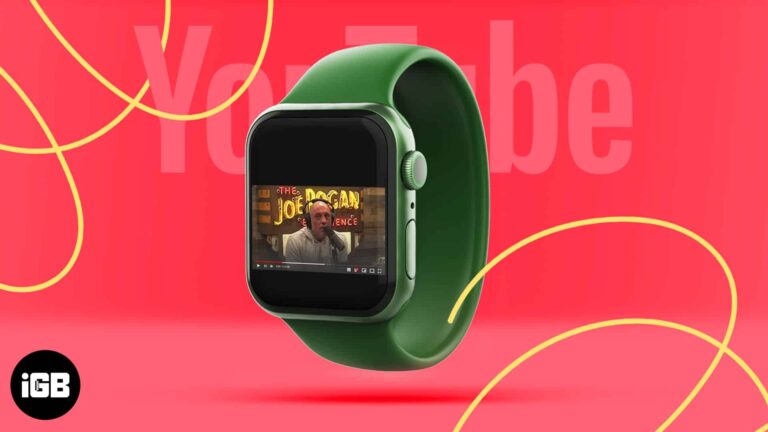
The Apple Watch has many features and functions as a substitute for your iPhone. You can make calls, respond to messages, listen to music or podcasts, etc. However, since your Apple Watch can perform many functions without breaking a sweat,…
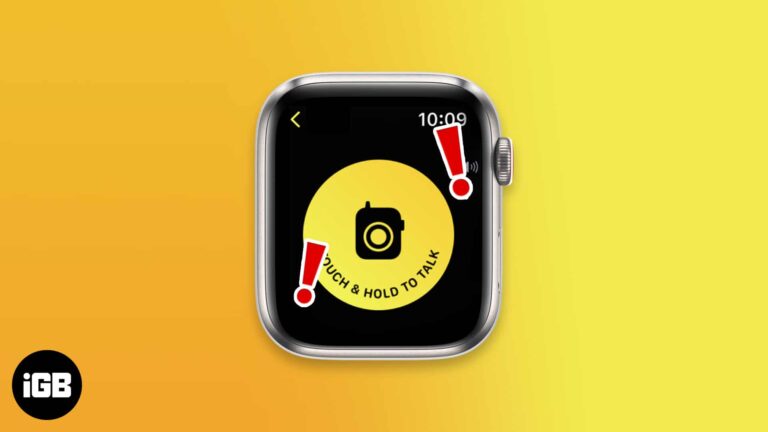
The Walkie-Talkie feature on the Apple Watch helps you communicate with your friends without even placing calls. But if the Walkie-Talkie app on your Apple Watch is not working or repeatedly displaying the message ‘Walkie-Talkie connection failed,’ the fixes below…
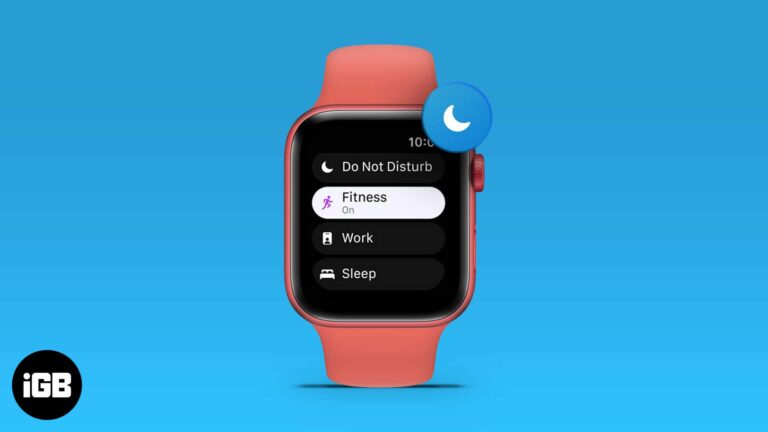
I’m sure you’d agree that the utility the Apple Watch provides is unmatched, but it is a tool of distraction in numerous instances. Apple offered a solution to this with the introduction of Focus; a feature similar to DND with more…
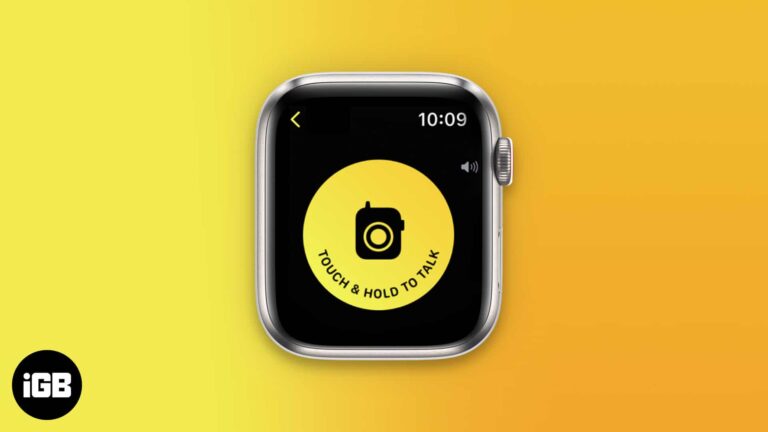
Walkie-Talkie gives you push-to-talk audio between two Apple Watches over Wi-Fi or cellular. Here is which models support it, how to add friends, accept an invite, and start talking.
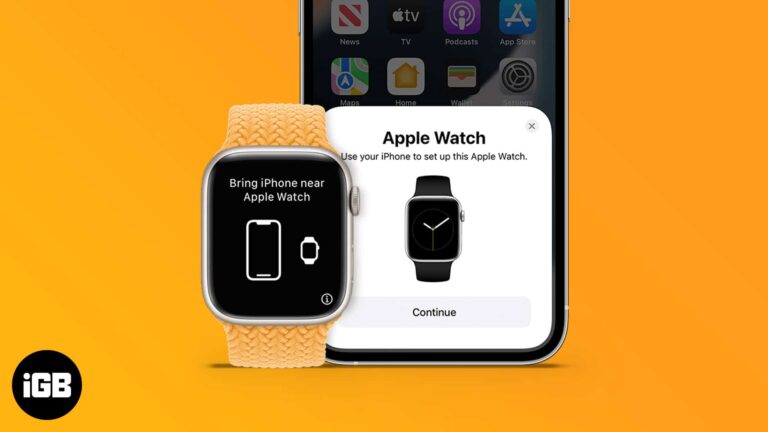
Setup is usually quick, but a new iPhone or a second watch complicates it. Here is how to pair automatically or manually, restore from a watch backup, and what to do when pairing fails.
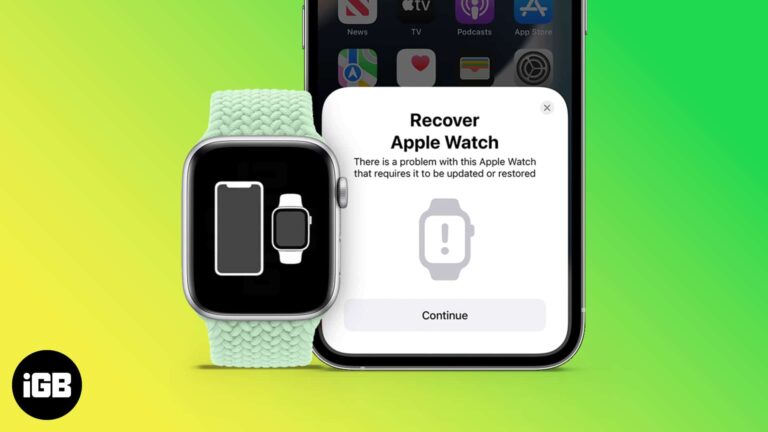
When your iPhone or Mac isn’t working, we put it in recovery mode. But how do you recover your Apple Watch when it is not working? Earlier, the only option was Apple’s repair center; however, with watchOS 8.5 onwards, you…
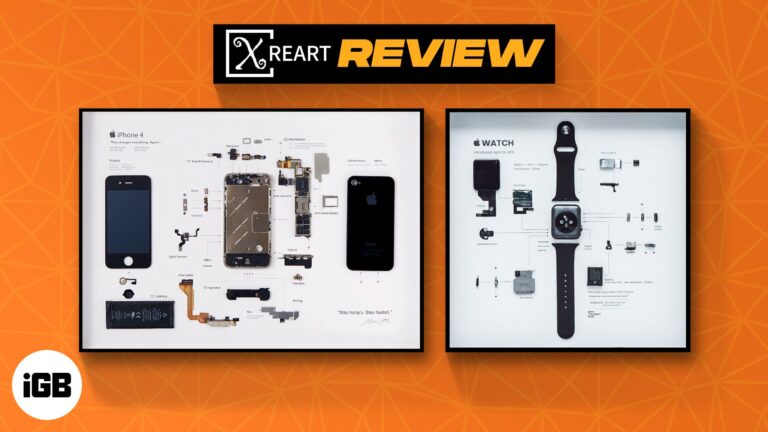
Most might not love a framed heart Xray as a gift, but a techie will surely heart ❤️ an iPhone Xray. And I have the good fortune to view, review, and enjoy Xreart deconstructed frame for iPhone 4 and Apple…
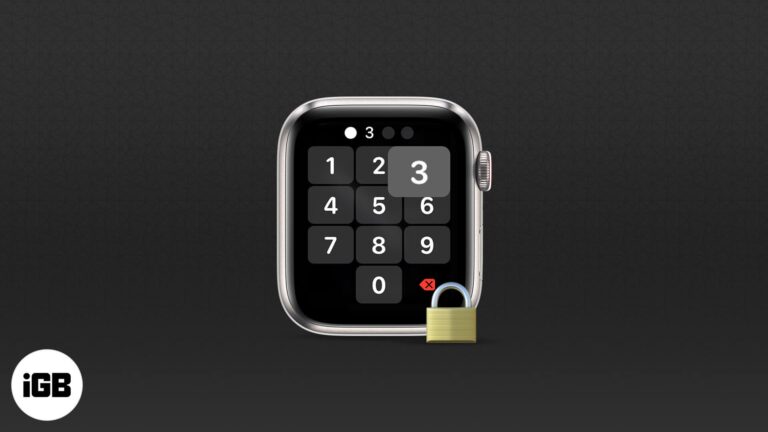
Your Apple Watch stores health records, messages, and payment cards. This guide walks through the passcode, Find My, auto-erase, notification privacy, and app tracking settings worth enabling today.
Stale forecasts on Apple Watch usually come down to location permissions or a sync problem with your iPhone. These four fixes move from a quick restart to a full unpair and re-pair.
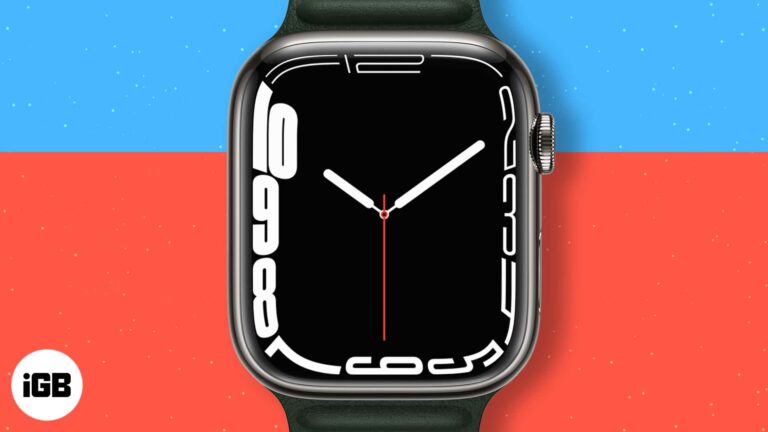
Each year with the introduction of a new series of Apple Watch, new watch faces are also unveiled. While many of them are available for older models along with the latest software update, a few of them are exclusive only…
AirPlay on watchOS is more limited than on iPhone, which surprises people. Here is what it can actually do, how to pick an output device, and how to control a HomePod from your wrist.
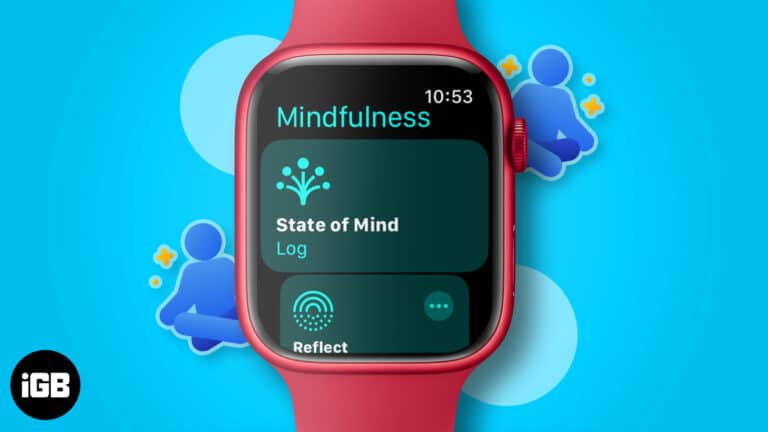
The Mindfulness app offers two session types, Reflect and Breathe, and takes a minute each. Here is how the app works, how to run each session, and how to schedule reminders on Apple Watch.
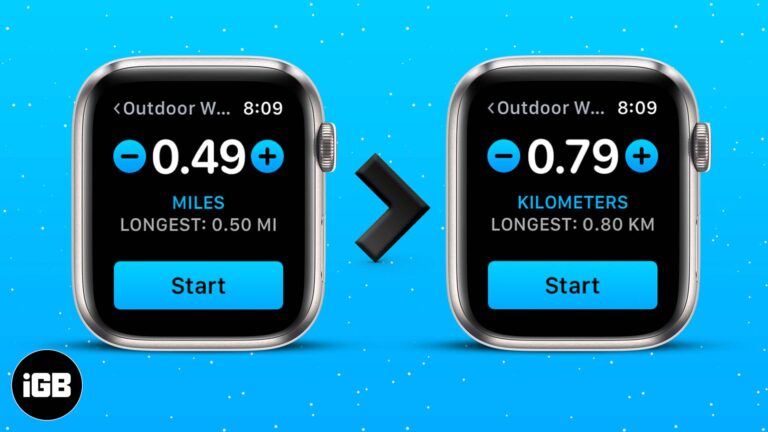
The distance unit follows your region setting by default, which is wrong for plenty of people. Here is how to change miles to kilometers on Apple Watch and in the Health and Fitness apps on iPhone.
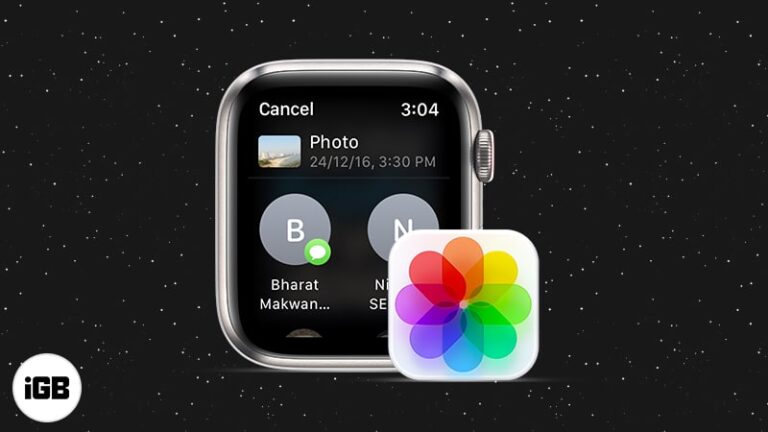
watchOS lets you send images straight from your wrist, though the process is not obvious. Here is how to share a synced photo through Messages or Mail directly on Apple Watch.
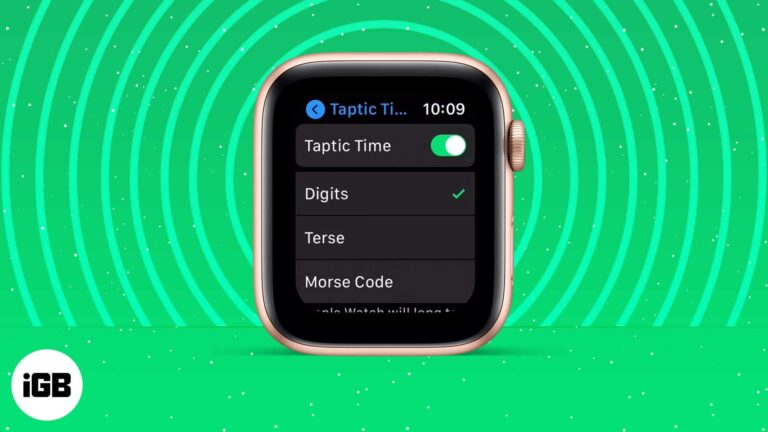
Taptic Time taps out the hour and minutes so you can check the time discreetly or without sight. Here is what it is, how to enable it, how Taptic Chime differs, and what to do if it fails.
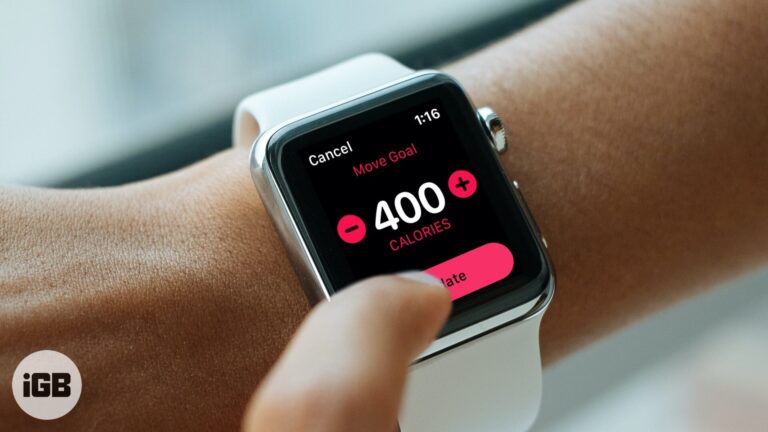
An unrealistic Move goal is demotivating either way. Here is how to adjust the daily calorie target on your Apple Watch, and how to pick a number that suits your real activity level.
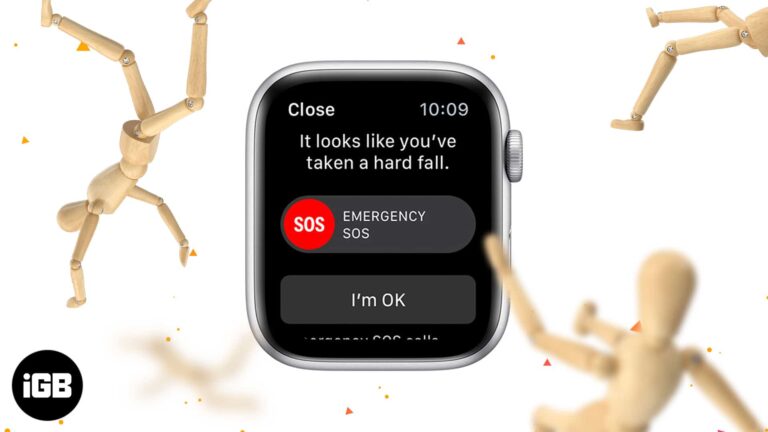
Fall detection can summon help when you cannot. Here is which Apple Watch models include it, how the sensors decide a fall occurred, how to switch it on, and where to see past events.
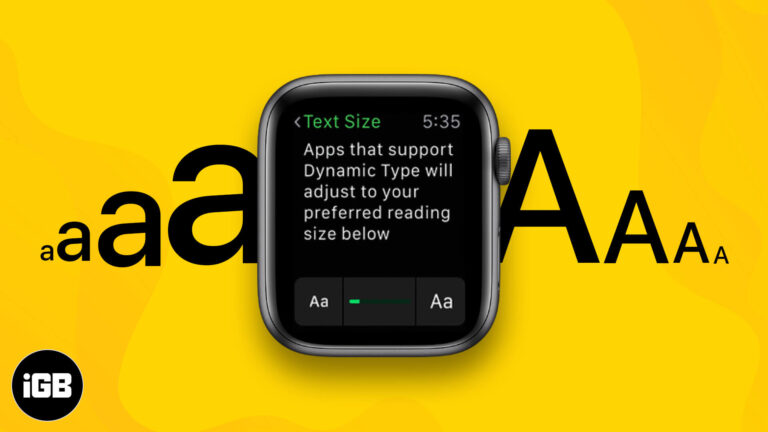
Default watchOS text is small enough to strain most eyes. Here is how to increase font size directly on Apple Watch or through the iPhone Watch app, plus the bold text and accessibility settings.
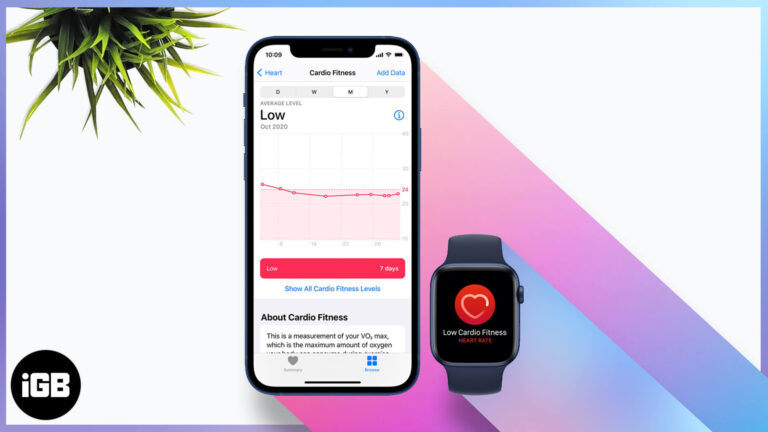
Cardio fitness is one of the better long-term health markers your watch records. Here is how Apple estimates it, how to set it up, enable notifications, and view your levels over time.
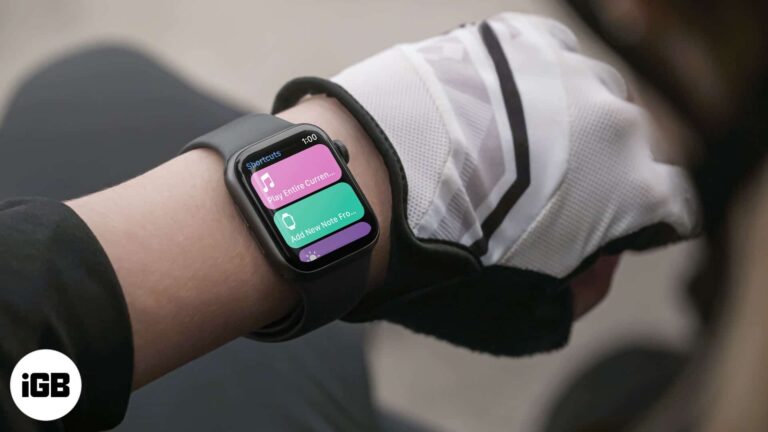
Shortcuts on the watch turn multi-step tasks into a single tap. Here is how to add them, run them from your wrist, remove ones you do not use, and add a shortcut complication to a face.
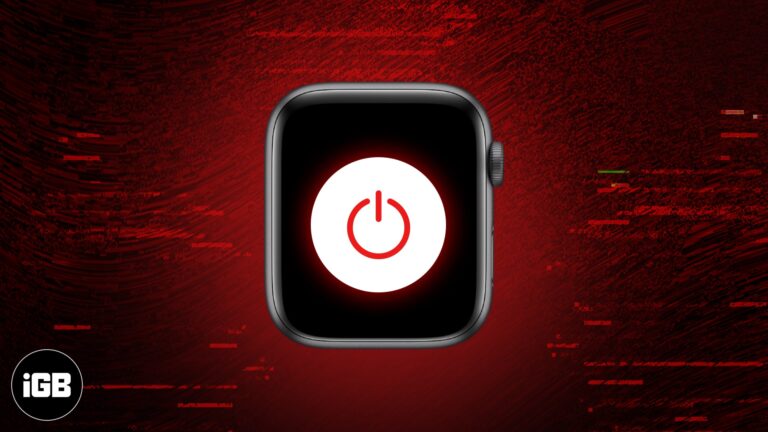
A frozen Apple Watch will not respond to taps, so the buttons are your only route. Here is how to restart it normally and how to force a hard reset when the screen is completely unresponsive.
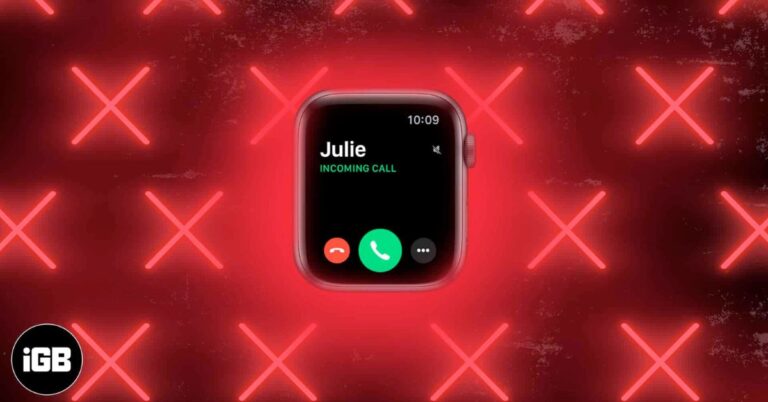
When your Apple Watch stops ringing, it is often due to sound settings or notification syncing issues. Here are 9 proven ways to fix it fast.
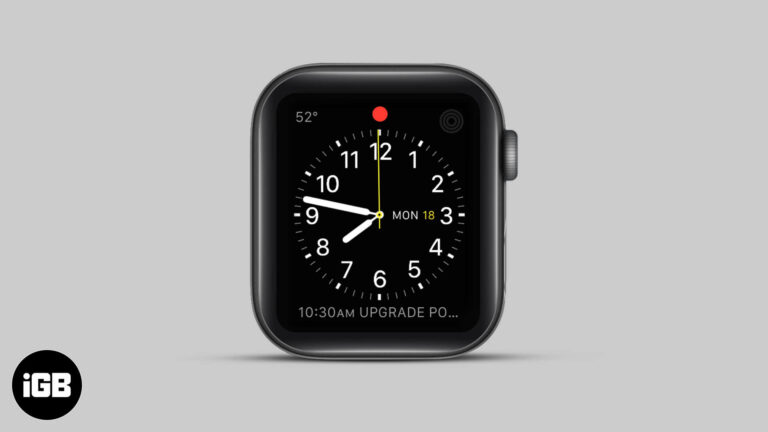
The red dot signals an unread notification, and it nags until you deal with it. Here is exactly what it means, how to view the notifications behind it, and how to turn the indicator off.


