
FaceTime Like a Pro
Get our exclusive Ultimate FaceTime Guide 📚 — absolutely FREE when you sign up for our newsletter below.

FaceTime Like a Pro
Get our exclusive Ultimate FaceTime Guide 📚 — absolutely FREE when you sign up for our newsletter below.


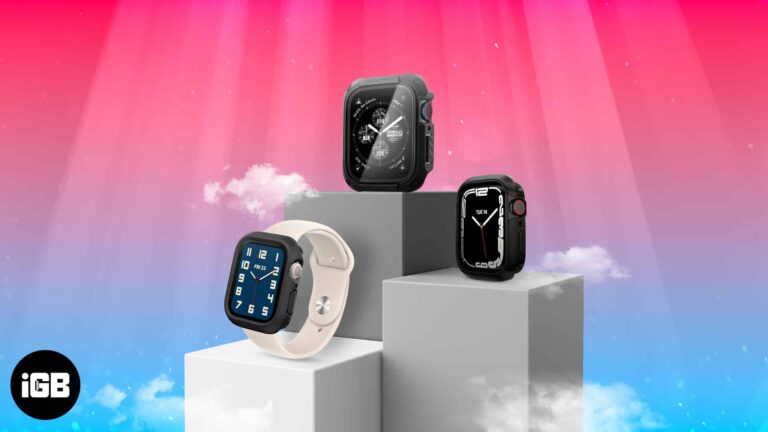
Find the best cases for Apple Watch Series 9 to safeguard your device from daily wear, impact, and scratches while adding a touch of style.
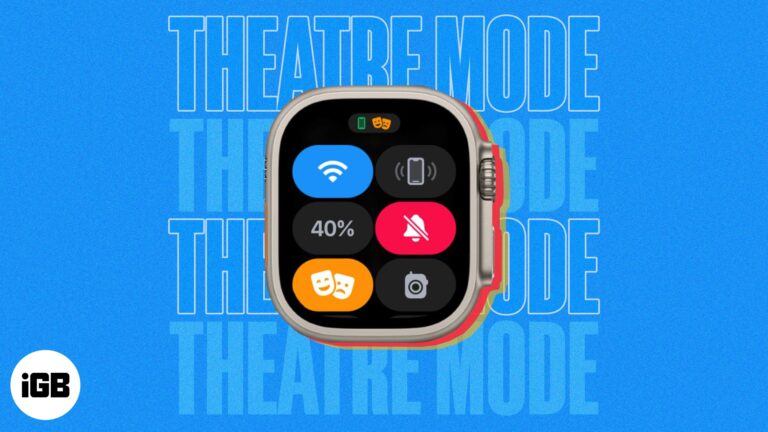
Everything you need to know about using Theater Mode on Apple Watch.
Personalize your Apple Watch with animated Memoji and stickers.
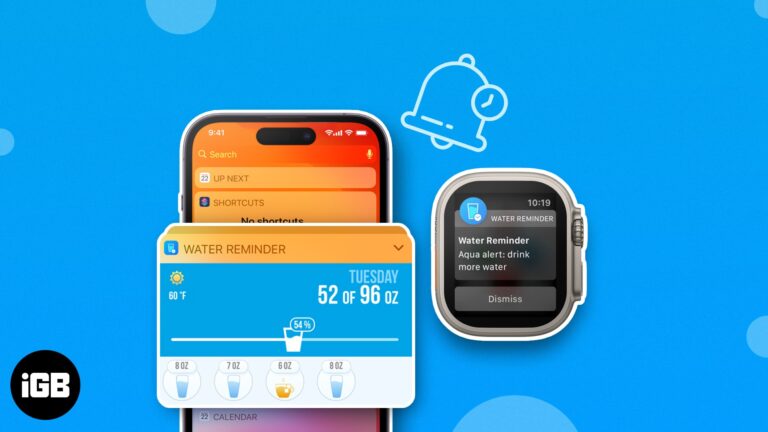
Stay healthy and hydrated! Discover the best easy-to-use apps for your phone and watch that remind you to drink water and track your daily progress.
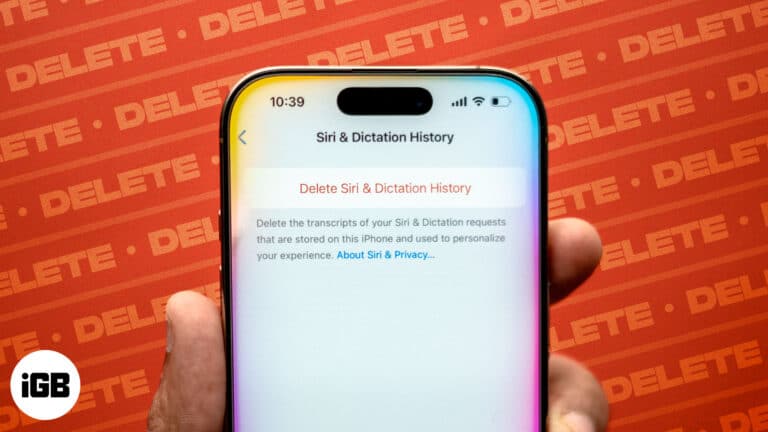
Protect your privacy by clearing Siri history on your iPhone, Mac, Apple Watch, HomePod, and Apple TV.
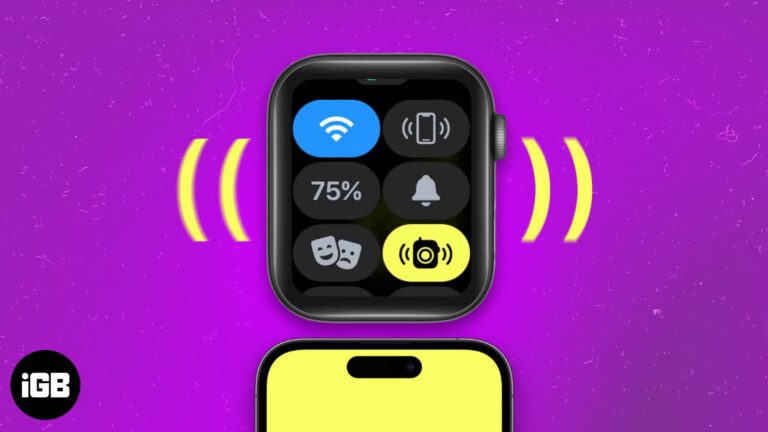
Easily locate your misplaced Apple Watch or iPhone through the Ping feature, which emits sound and vibrations.
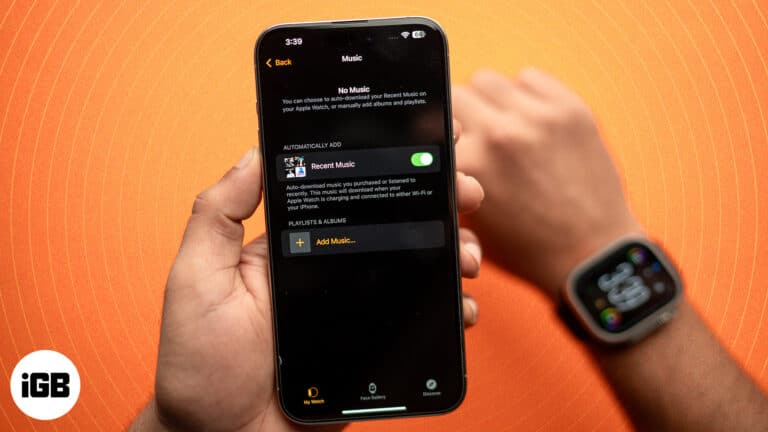
Listen to your favorite songs on your Apple Watch without needing your iPhone, and enjoy workouts and daily activities even more.
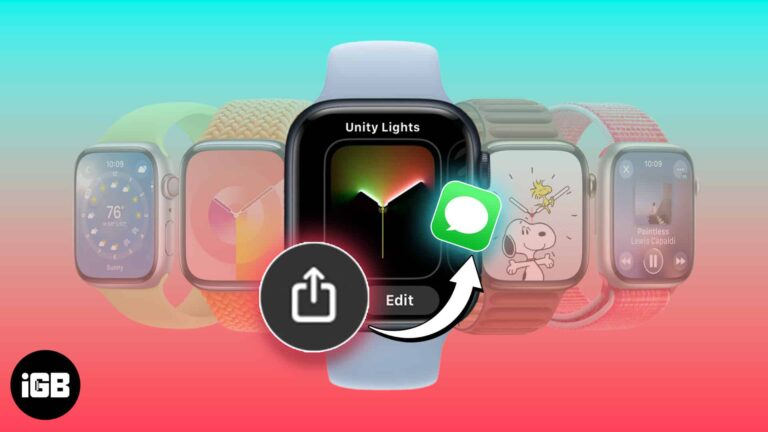
Learn how to share your watch face from your Apple Watch or iPhone and even how to add a shared watch face yourself.
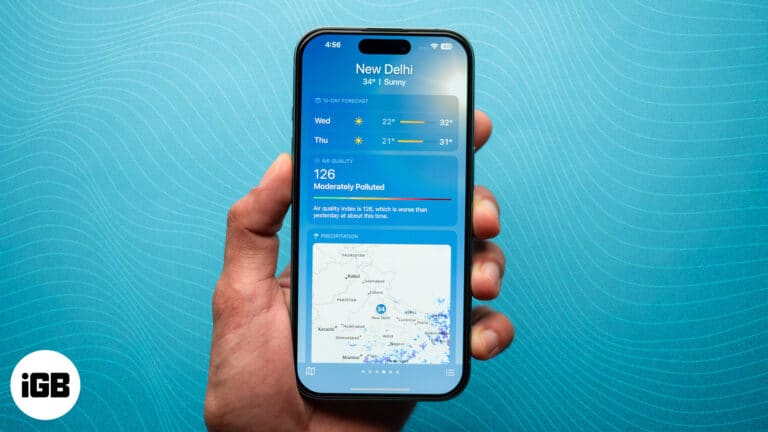
Key Takeaways The Air Quality Index or AQI is a measure of the quality of the air and the pollution levels in your environment. You can check the AQI on your iPhone and Apple Watch. On the iPhone, open the…
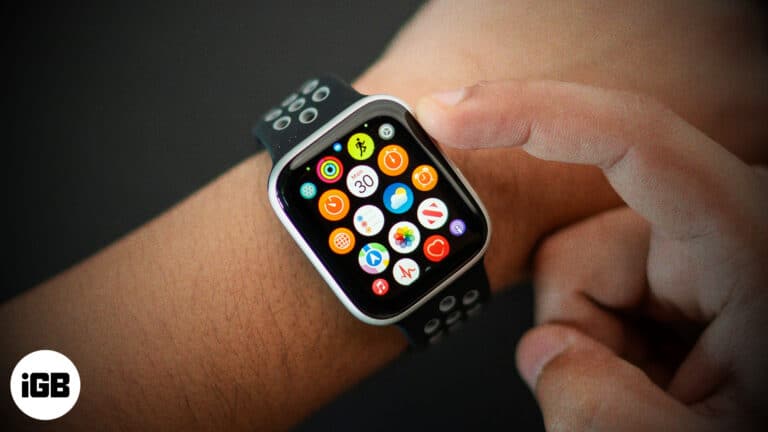
With too many apps installed on your Apple Watch, locating and accessing the ones you use most can get a bit challenging. Fortunately, you can organize apps on your Apple Watch to make accessing your favorite apps much easier. Keep…
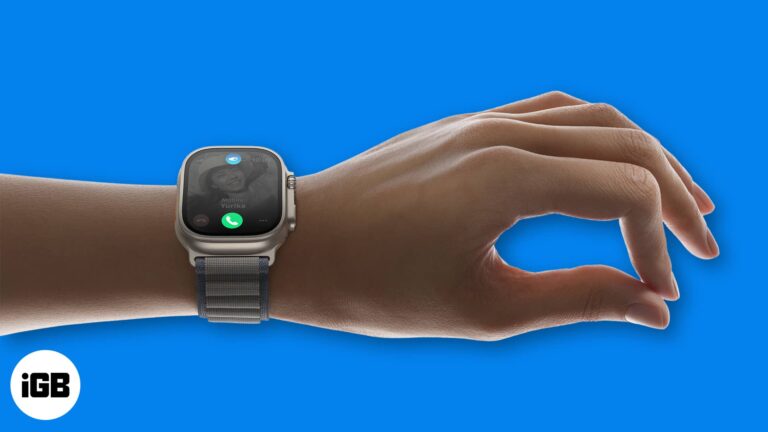
The Apple Watch already has excellent capabilities that allow you to use it differently. Most of these involve using your other hand to control the Apple Watch, but what if it’s occupied with something else? To counter this issue, Apple…
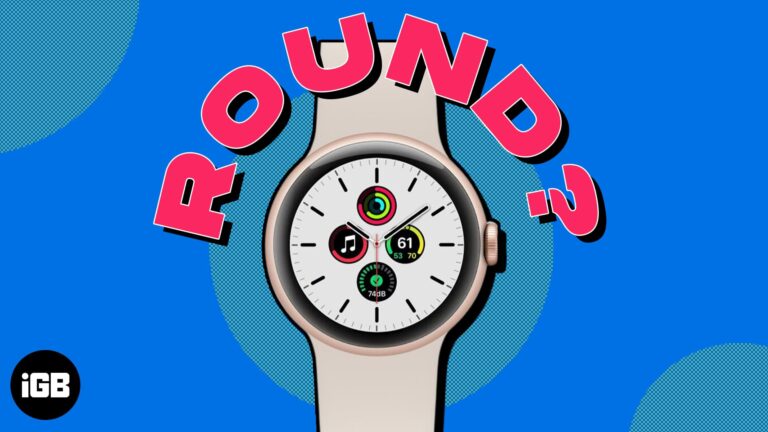
Apple has long been a trendsetter, and its foray into the smartwatch market has been no exception. Since the introduction of the Apple Watch, the device has become increasingly popular in the wearables segment. However, Apple has not experimented with…
At WWDC 2024, Apple released the new iteration of watchOS for the Apple Watch, watchOS 11. As always, this new watchOS update also includes a bunch of useful health-tracking features. Let’s dive in to check out all the new features…
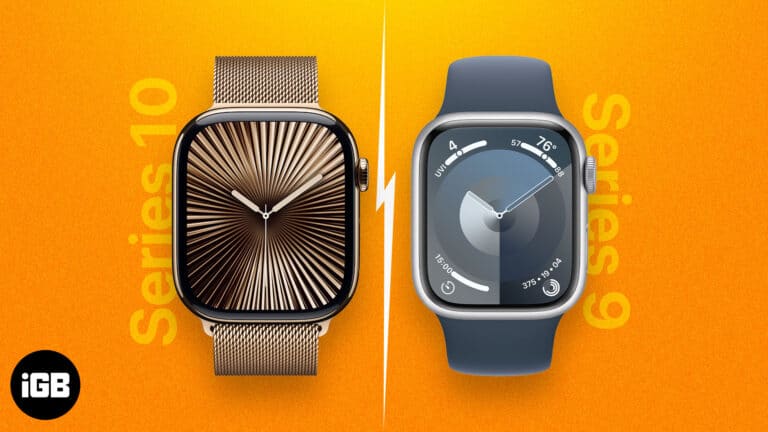
Key Takeaways The Apple Watch Series 10 and Series 9 look quite identical. Both models run on the same operating system, watchOS 11, and feature the same water and dust resistance rating. However, the Apple Watch Series 10 is equipped…
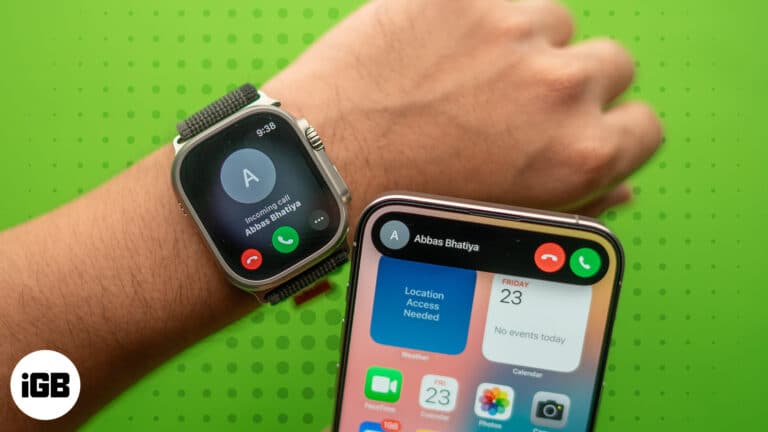
Learn how to quickly transfer calls between your iPhone to your Apple Watch. Find out when this feature is most helpful and ensure your conversations flow smoothly.
Apple Watch gives you quick glances at incoming app notifications, which can be extremely handy on the go. However, several users have faced issues with notifications after updating to watchOS 10.6.1. This detailed guide showcases a series of tested solutions…
Master Siri on your Apple Watch with essential voice commands and discover how the new Siri AI features make your smartwatch smarter than ever.
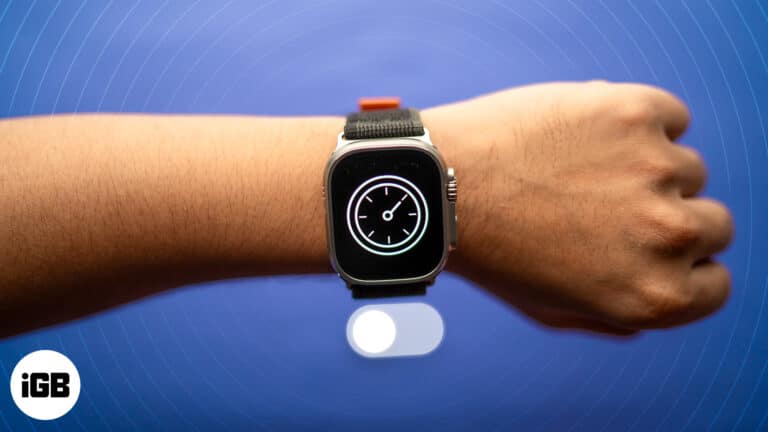
A quick guide to turning off Downtime on Apple Watch in three simple methods.
Is your Apple Watch stuck on the Apple logo? Discover the reasons behind it and how to fix this issue.
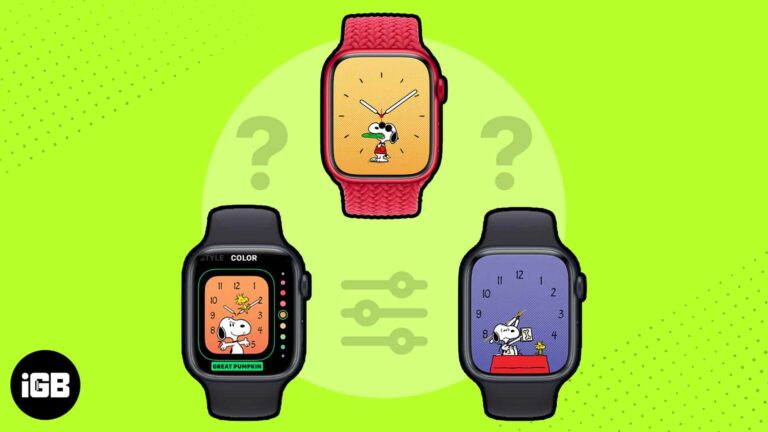
Apple doesn’t release new watch faces very often, but when they do, it’s a big deal. With watchOS 10, Apple introduced two faces: Palette and Snoopy. The Snoopy watch face is a fun and playful way to show your love…
A silent Siri on your wrist usually means a connectivity or settings problem. Here is how to troubleshoot Raise to Speak, network connection, language settings, and watchOS updates.
Constant wrist taps defeat the purpose of a watch. Here is how to silence Apple Watch notifications for a while, disable them per app, control them from iPhone, or just mute the sounds.
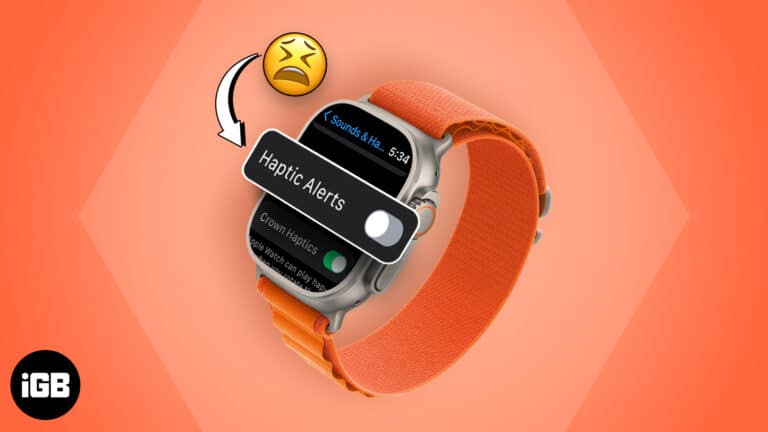
Missing taps on your wrist usually means a haptic setting, Silent Mode, or wrist detection is off rather than a hardware fault. These eight fixes cover every setting that controls the Taptic Engine.
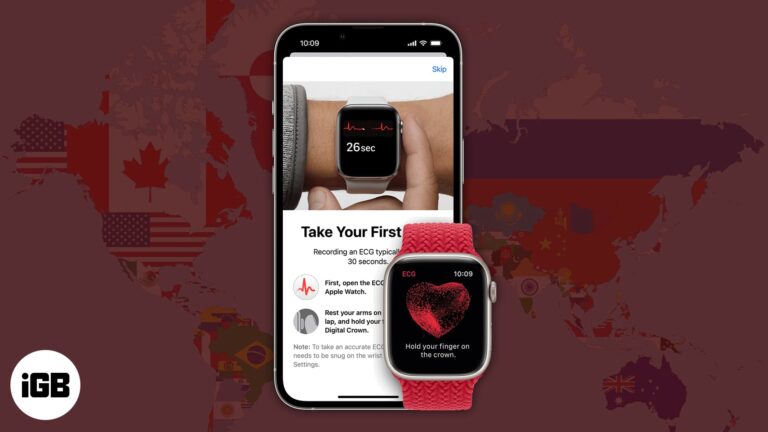
Apple is continuously expanding its brand services and making them available to more users globally. Apple Watch Series 4’s most talked-about feature, ECG, was once restricted to the US and some nearby territories. However, with the launch of watchOS 11,…
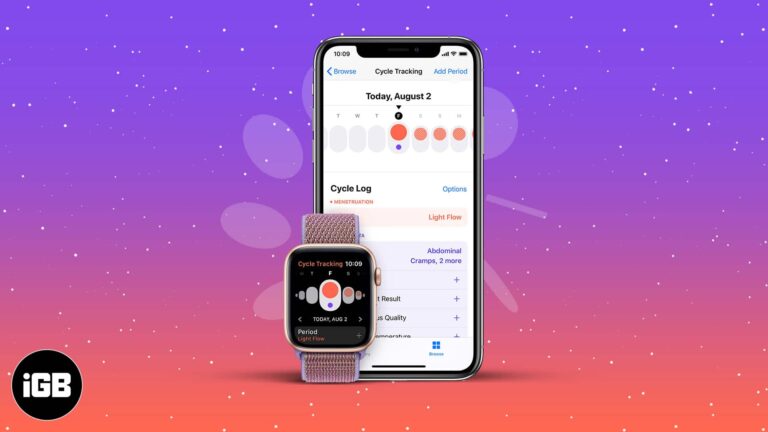
Cycle Tracking works across iPhone and Apple Watch, using wrist temperature for retrospective ovulation estimates. Here is how to set it up, customize logging, and enable deviation notifications.
One of the most basic activities tracked by an Apple Watch is the step count. However, quite often, your Apple Watch might fail to track steps. Many users are frustrated about the same, and in this guide, I’ll tell you…
watchOS has no built-in iPhone battery complication, so an app is required. Here are the best options for checking your phone's charge from your wrist and how to add them to a watch face.
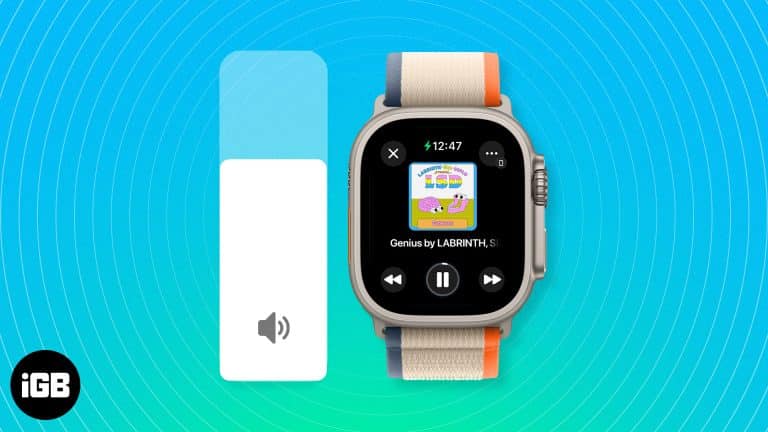
When you’re in a loud environment and want to hear the alerts you receive, you may need to increase the volume on your Apple Watch. Similarly, there might be times when you’re in a quieter spot, and the Apple Watch…
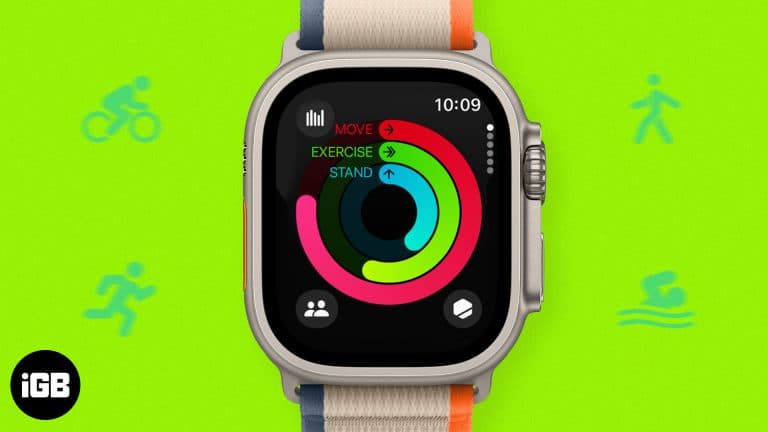
As an Apple Watch owner, you already know that the wearable offers a grand array of features. You can answer calls, send emails, mark off to-dos, control your tunes, and, of course, check the time. But what many aren’t aware…
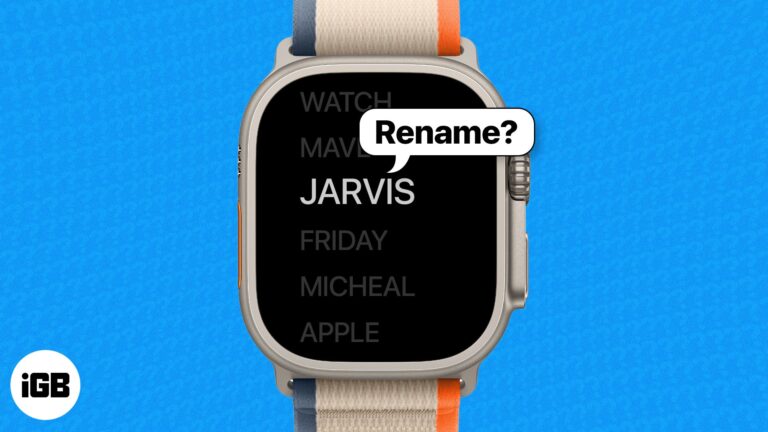
If you are using two or more Apple Watches with the same Apple ID, all of those will appear under the same name on your paired iPhone. Thus, changing the name of your Apple Watch becomes a necessity. Wondering how…


