
FaceTime Like a Pro
Get our exclusive Ultimate FaceTime Guide 📚 — absolutely FREE when you sign up for our newsletter below.

FaceTime Like a Pro
Get our exclusive Ultimate FaceTime Guide 📚 — absolutely FREE when you sign up for our newsletter below.


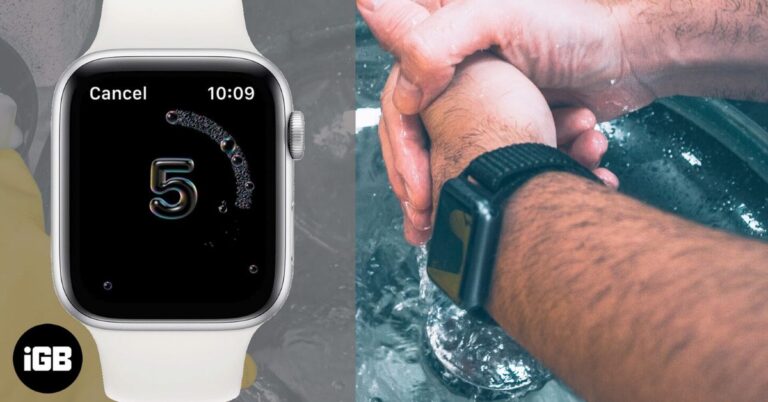
The Apple Watch Handwashing feature automatically detects when you wash your hands and shows a 20-second timer to help you do it properly. This guide explains how it works, which models support it, how to turn it on, and how to fix common issues.
Adding apps to your Apple Watch is quick and easy using your iPhone or the Watch App Store. This guide shows how to install, manage, and restore apps to customize your watch.
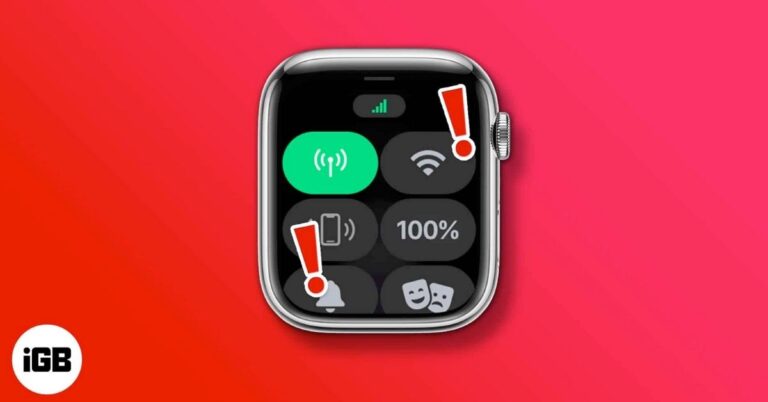
Cellular issues on Apple Watch can stem from plan, network, or settings problems. This guide walks you through simple, proven fixes that actually work.
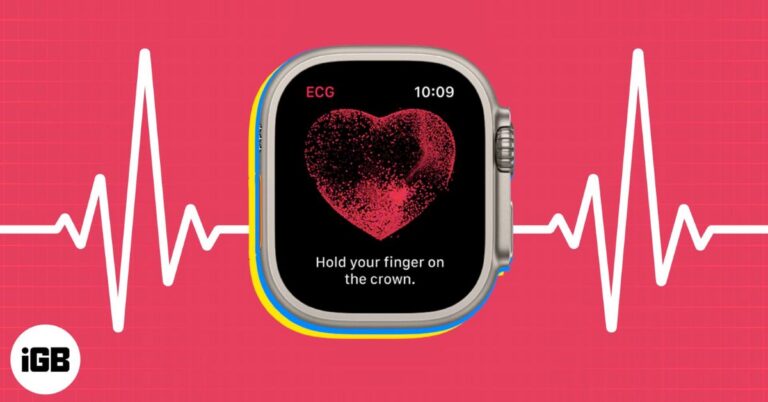
Apple Watch ECG lets you record your heart rhythm in 30 seconds, here’s how to use it correctly.
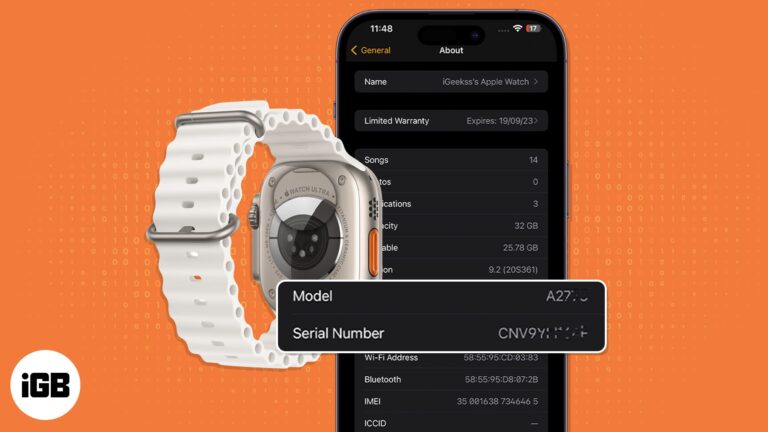
A complete guide to quickly identify any Apple Watch model using the model number.

Apple Fitness+ offers expert-led workouts, real-time health tracking, and seamless Apple device integration. Here’s how it works, its features, and pricing.
Looking for the best Apple Watch screen protector? Here are the top options for Series 11, Series 10, and SE 3, plus tips on choosing, installing, and keeping your watch safe every day.
Discover how to set up Emergency Contacts on your iPhone and Apple Watch to stay safe and prepared anytime.

 Yash Anand and Ava Biswas
Find out how long Apple Watch models take to charge, what impacts charging time, and the best practices for quicker, safer charging.
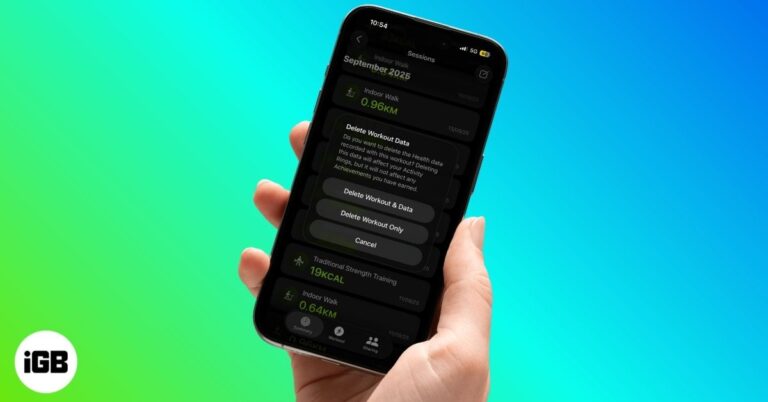
Accidentally logged a workout on Apple Watch? This guide shows how to clean it up in a few quick taps.

 Arshmeet Kaur and Vikhyat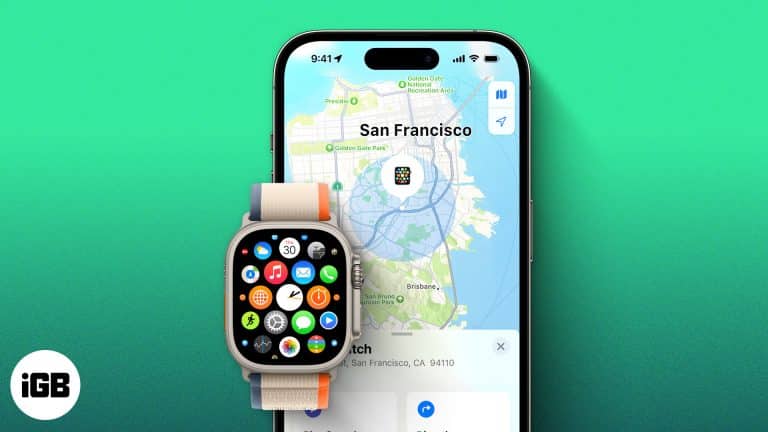
Lost your Apple Watch? Here’s how to track it using your iPhone or Find My app, even if it’s dead. Plus, what to do when you can’t find it anywhere.
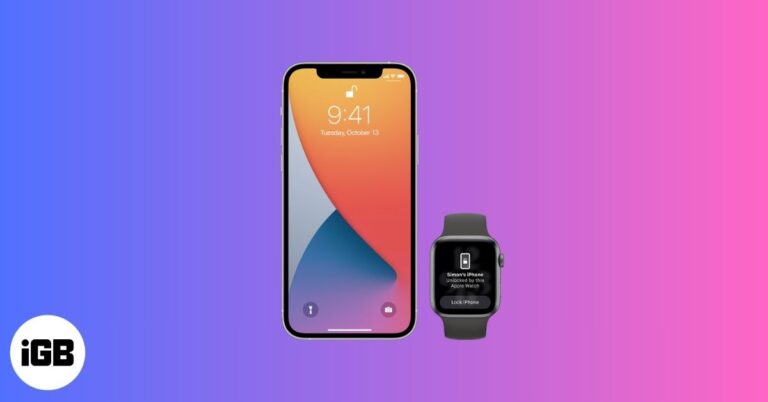
Unlock your iPhone effortlessly using your Apple Watch, even when Face ID struggles with masks or sunglasses. Learn how to set it up, keep it secure, and fix common issues in minutes.
 Ankur Thakur and Vikhyat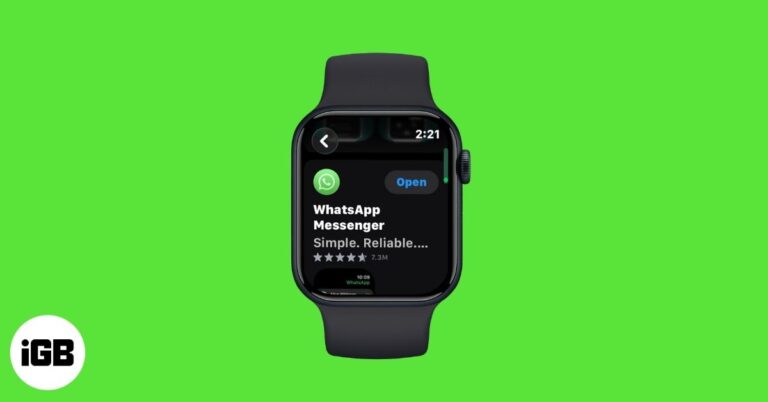
After years of waiting, WhatsApp has launched its official Apple Watch app. You can now browse chats, send messages, and get WhatsApp call alerts right from your wrist. Here’s everything you need to know to get started.
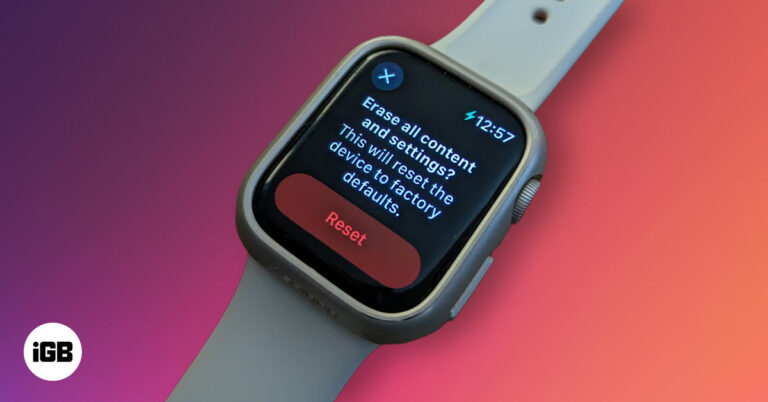
Wipe your Apple Watch clean - Follow these steps to perform a full factory reset.
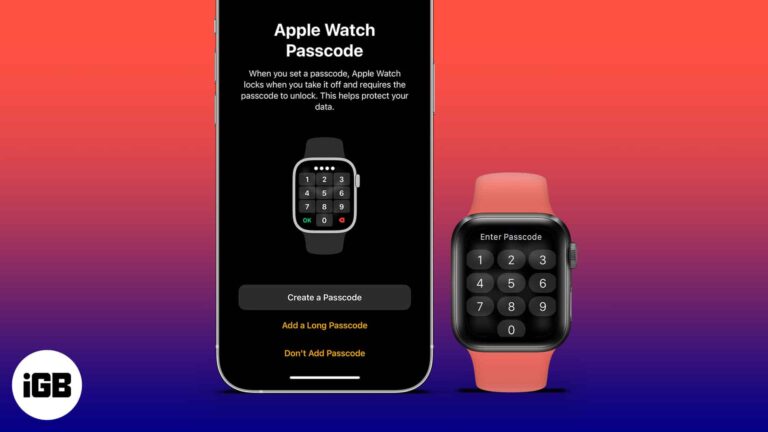
Protect your Apple Watch from unauthorized access by setting up a passcode. Learn how to add, change, or remove your passcode using your watch or iPhone in just a few simple steps.
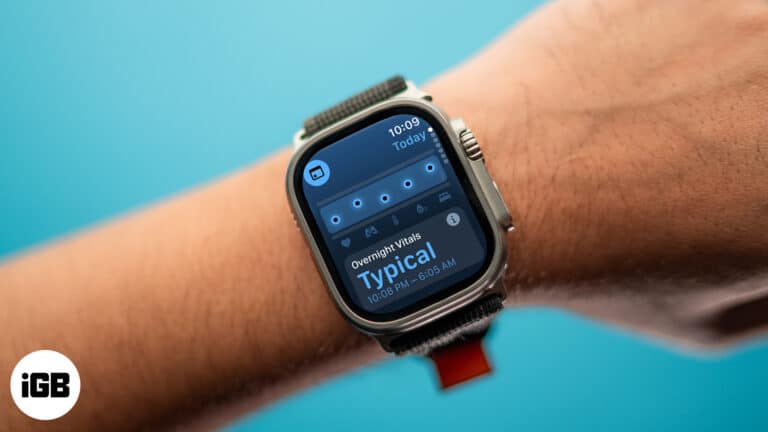
The Vitals app on Apple Watch helps you monitor key health stats like sleep, heart rate, and blood oxygen in one place, making it easier to spot changes.
You don’t always need an iPhone to use Apple Watch. From music and fitness tracking to payments and calls, here are 16 things your Apple Watch can do completely on its own.
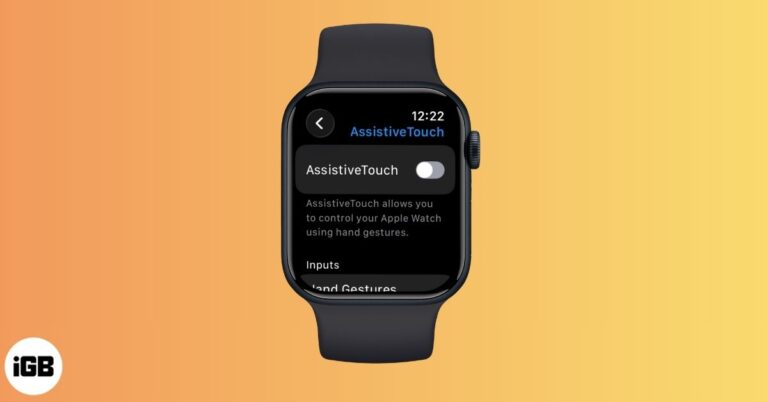
AssistiveTouch on Apple Watch lets you control your watch with hand gestures and wrist movements. Learn how to enable it, customize gestures, and make everyday navigation faster and easier.
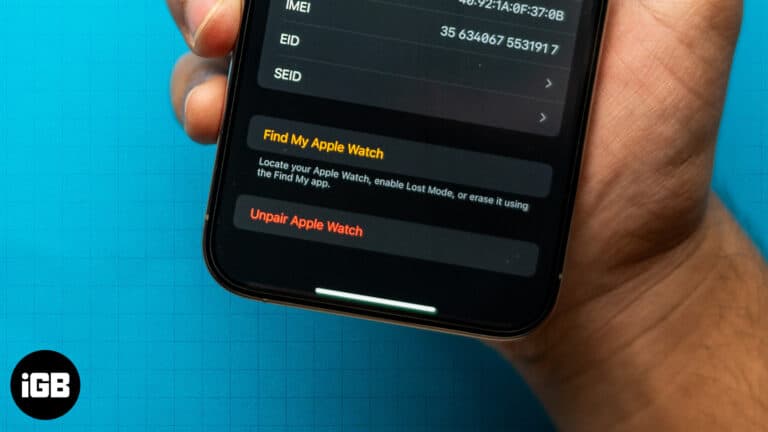
Learn the simple steps to unpair an Apple Watch with or without the paired iPhone, whether selling an Apple Watch or gifting it to someone special.
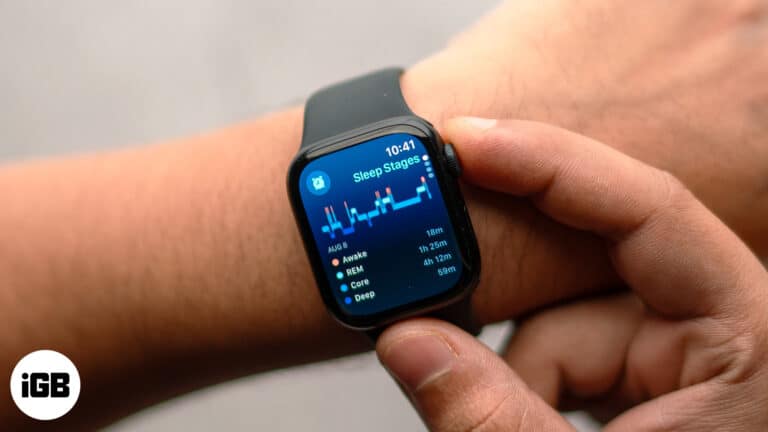
Want to track sleep on your Apple Watch? This guide covers everything about sleep tracking using Apple Watch and iPhone.
No Apple Watch is fully waterproof. Here’s what each model can handle, from rain-only Series 1 to scuba-ready Ultra 4, plus the soap, sauna and band mistakes to avoid.
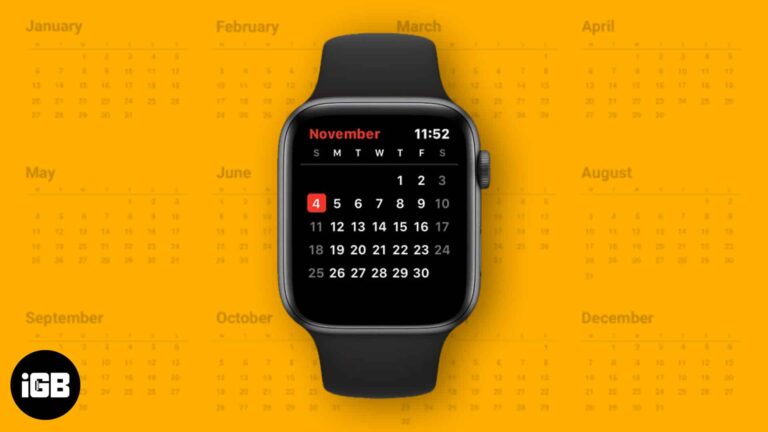
The Calendar app on Apple Watch makes it easy to check events, receive timely reminders, and manage your day without pulling out your iPhone. Learn how to get the most out of this handy tool.
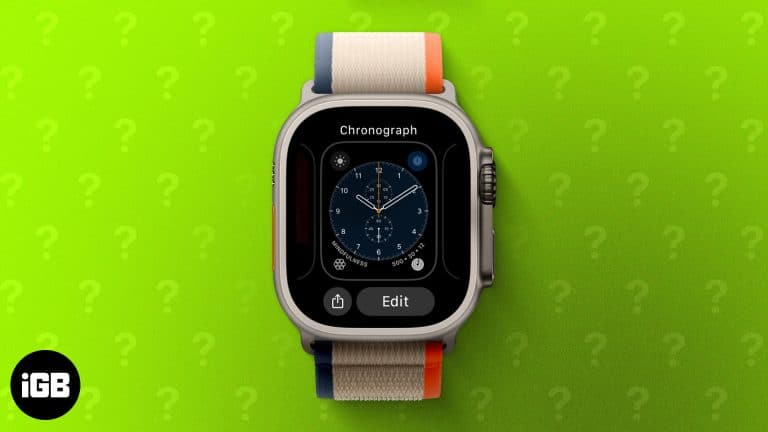
Changing your Apple Watch face is an easy way to personalize your style. Learn how to switch, customize, remove, and even create custom watch faces in this step-by-step guide.
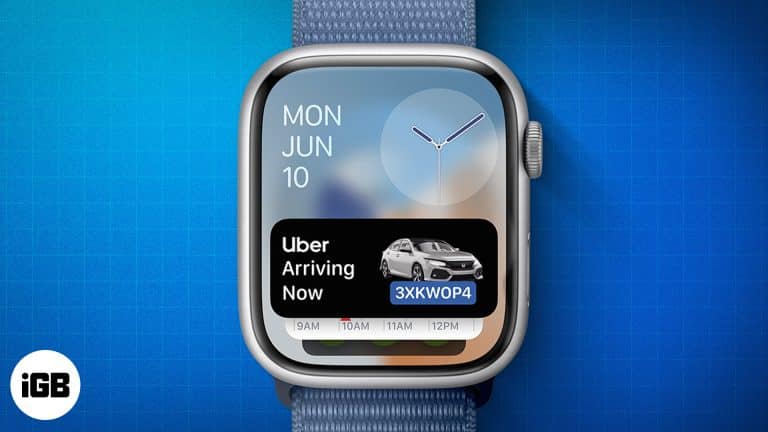
Apple Watch now supports Live Activities, letting you follow real-time updates like food deliveries, ride status, sports scores, and workouts without reaching for your iPhone.
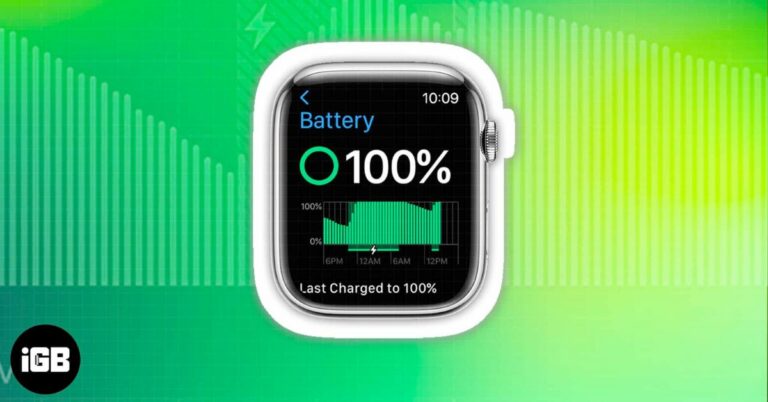
Wondering how to check your Apple Watch battery percentage? Here’s a step-by-step guide on using Control Center, Settings, complications, and iPhone widgets.
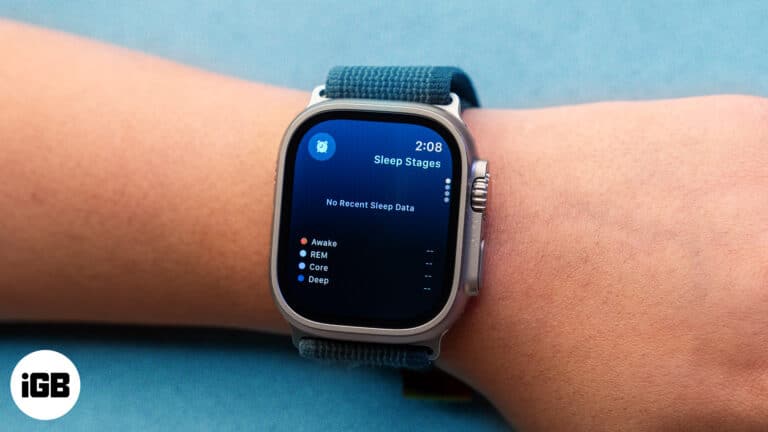
Your Apple Watch may not track your sleep for several reasons. Check troubleshooting methods to fix Apple Watch not tracking sleep issue.
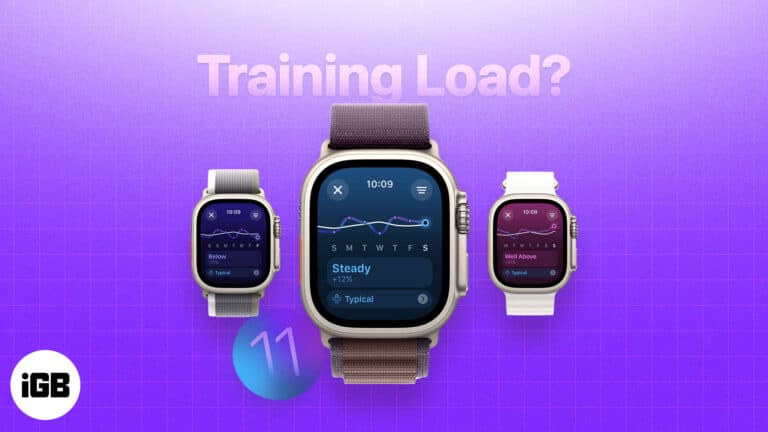
Training Load is an Apple Watch feature that gives users better insight into their workouts. Here's how it works and how to use it.
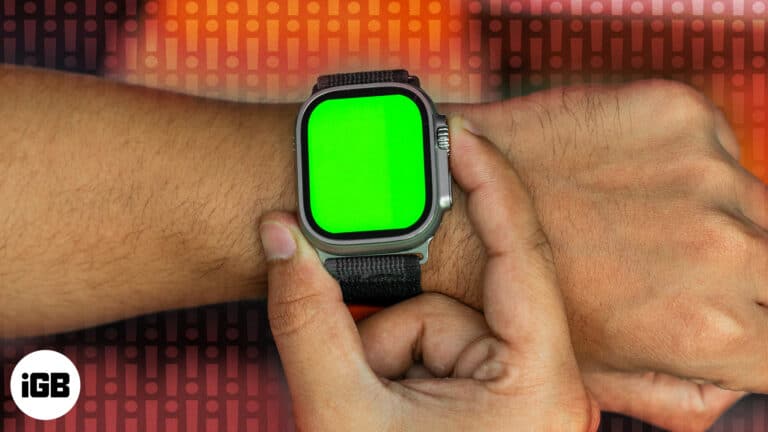
Are you noticing an unusual green screen on your Apple Watch? Here's why it occurs and 5 effective solutions to fix it.
Apple Watch isn't responding to swipe gestures? Follow this simple guide to fix an Apple Watch that won't swipe up or down.
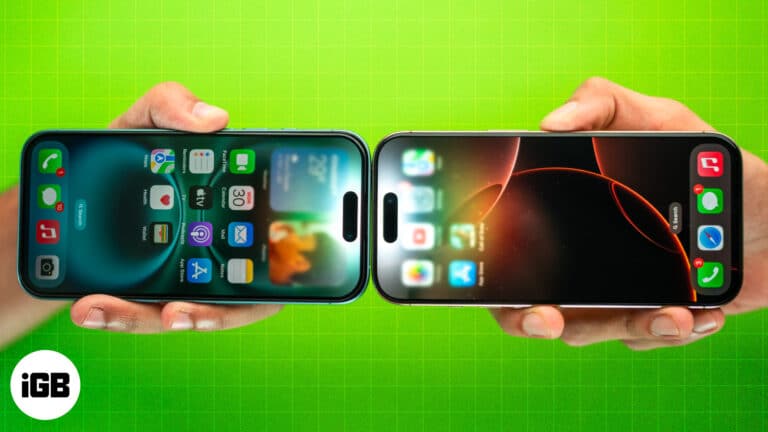
NameDrop lets you share contact information with just a tap of two iPhones. This article explains how NameDrop works on iPhone and how to use it.


