
FaceTime Like a Pro
Get our exclusive Ultimate FaceTime Guide 📚 — absolutely FREE when you sign up for our newsletter below.

FaceTime Like a Pro
Get our exclusive Ultimate FaceTime Guide 📚 — absolutely FREE when you sign up for our newsletter below.




Apple pushes AirTag updates silently and on its own schedule. Here is how to check the current firmware version on any AirTag, and the steps that encourage an update to install.
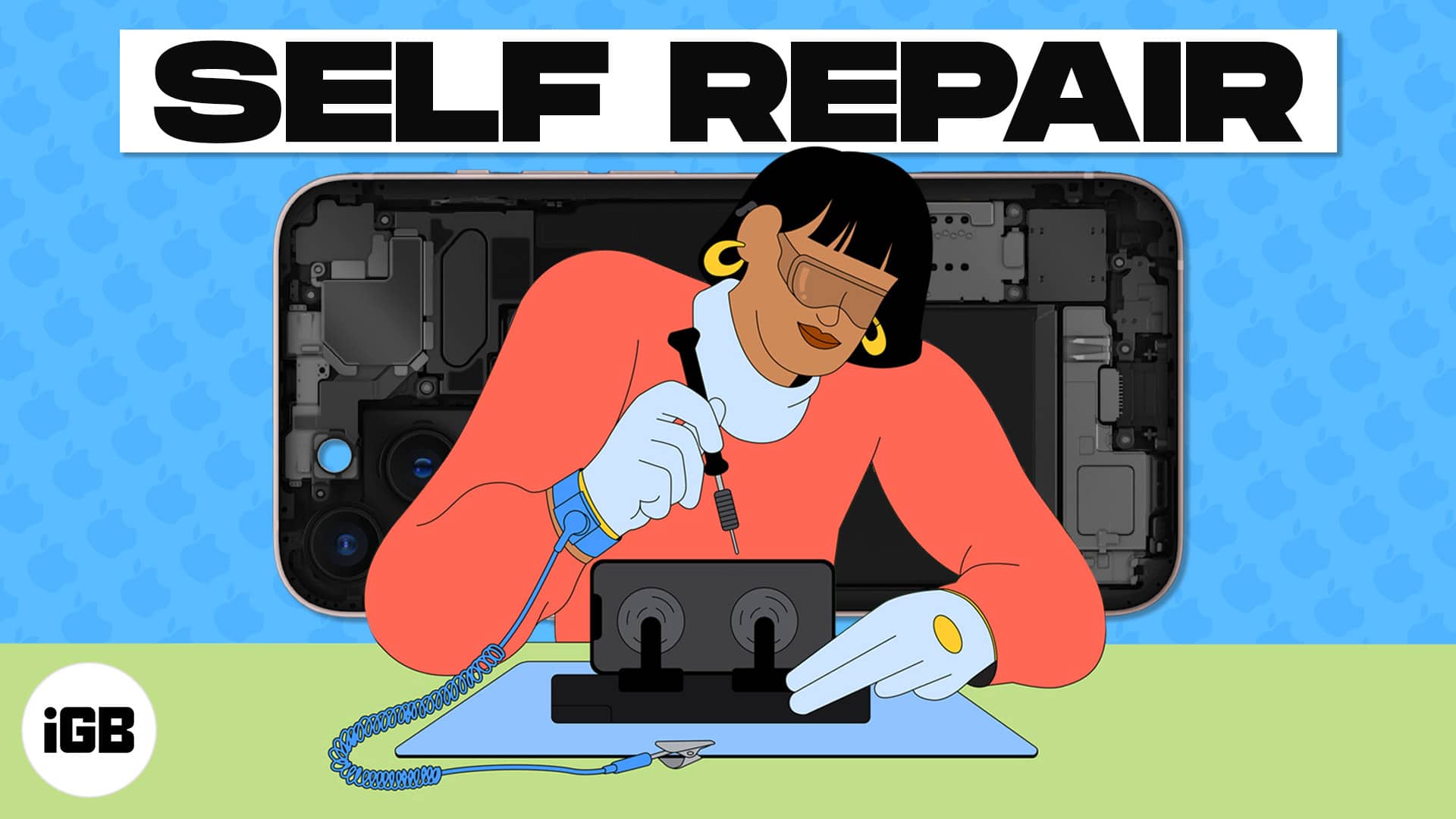
Here's the complete guide to repairing your iPhone, iPad, or Mac at home using Apple's official parts and tools.
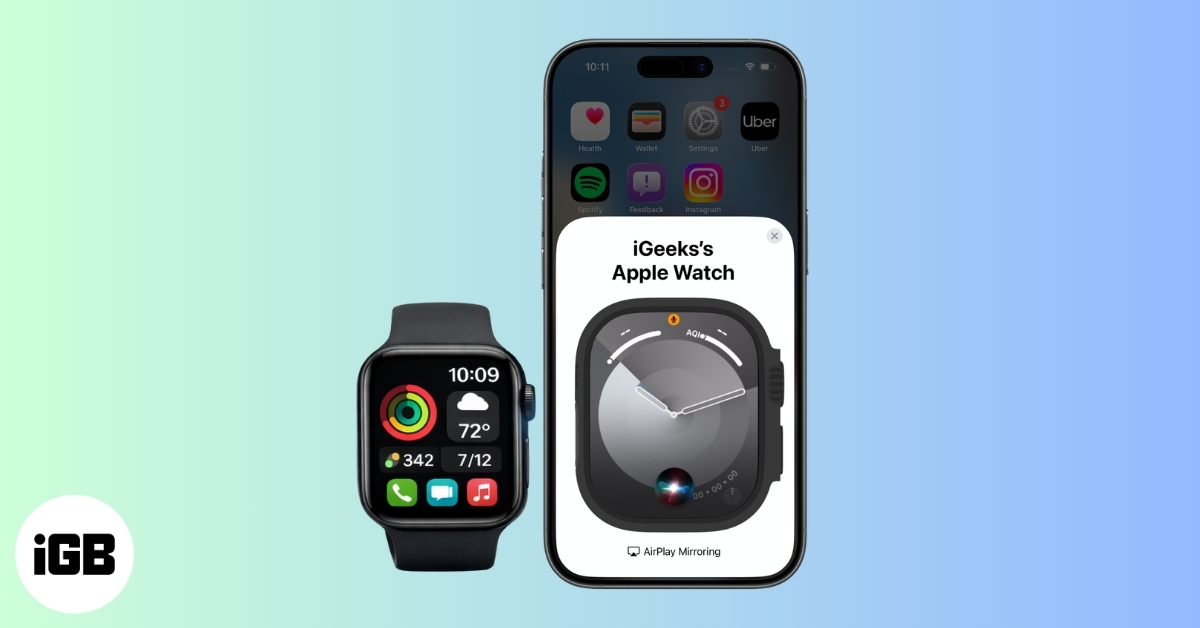
Want to control your Apple Watch using your iPhone? This guide explains how to turn on Apple Watch Mirroring, use it easily, and fix common issues.

Thinking beyond the Apple Watch? This guide covers the best smartwatch alternatives, focusing on battery life, health features, design, and overall value.

Turn your iPhone into a contactless payment terminal. Learn how to use Tap to Pay on iPhone today.
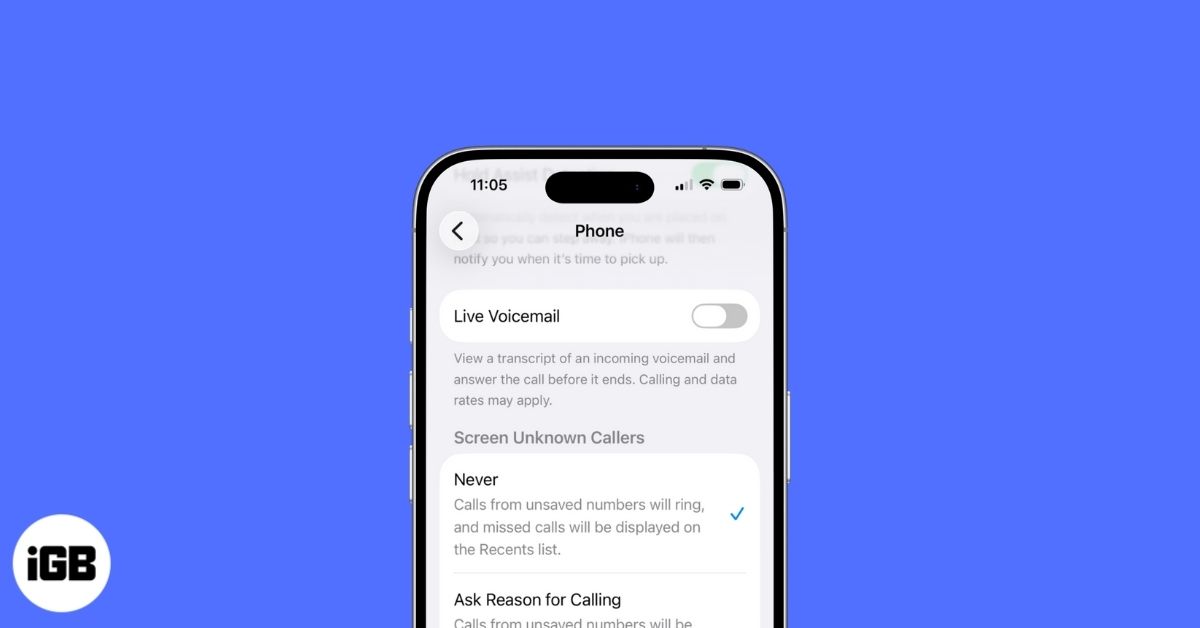
Ready to ditch Voicemail? Learn the quickest ways to turn it off on your iPhone and take back control of your calls in minutes.

Accidentally logged a workout on Apple Watch? This guide shows how to clean it up in a few quick taps.
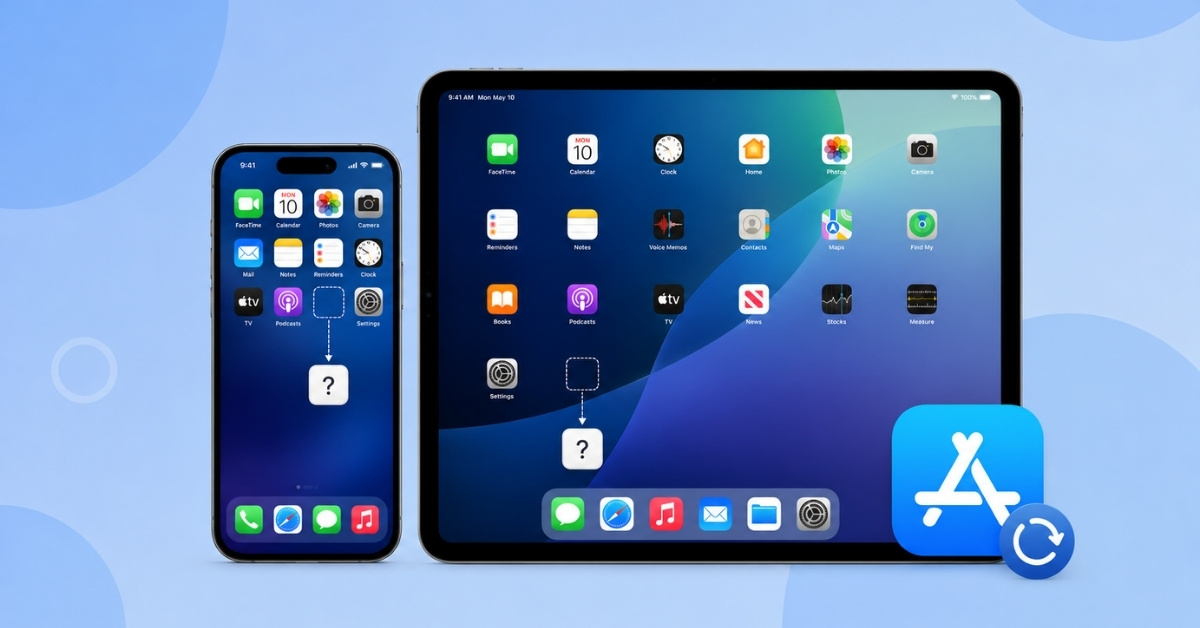
Is the App Store missing on your iPhone or iPad? Let's learn why it disappears and how to restore it on your iOS device.

Want to wake up on time or never miss a task? Learn how to set an alarm on your Mac in minutes!

Is your MacBook keyboard acting up? Here are some easy troubleshooting solutions that can help you fix a MacBook keyboard that isn't working.

Learn the simple steps to unpair an Apple Watch with or without the paired iPhone, whether selling an Apple Watch or gifting it to someone special.

Are you thinking about moving away from Google Photos? Learn how to transfer photos from Google Photos to iCloud using an iPhone or Mac.

Pack smarter in 2026 with must-have iPhone travel accessories, from MagSafe chargers to AirTags, for stress-free and secure trips.
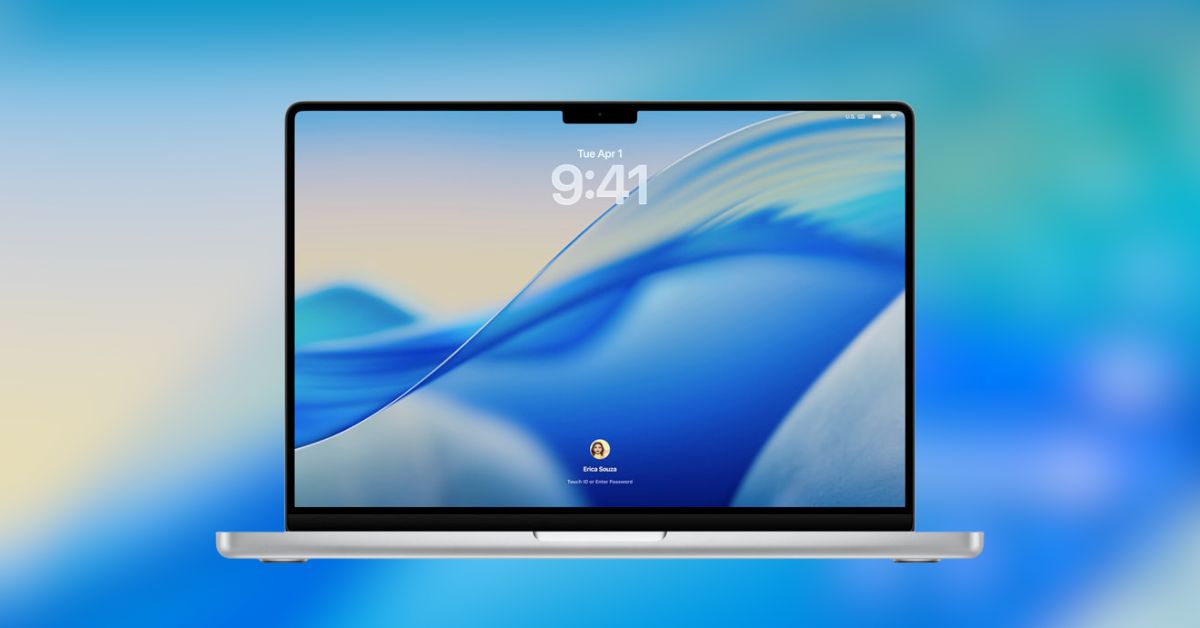
Quick solutions to resolve macOS Tahoe 26 installation issues.
If you see the "No AirPrint printers found" error on your iPhone, follow these steps to fix the AirPrint issue when you print wirelessly.
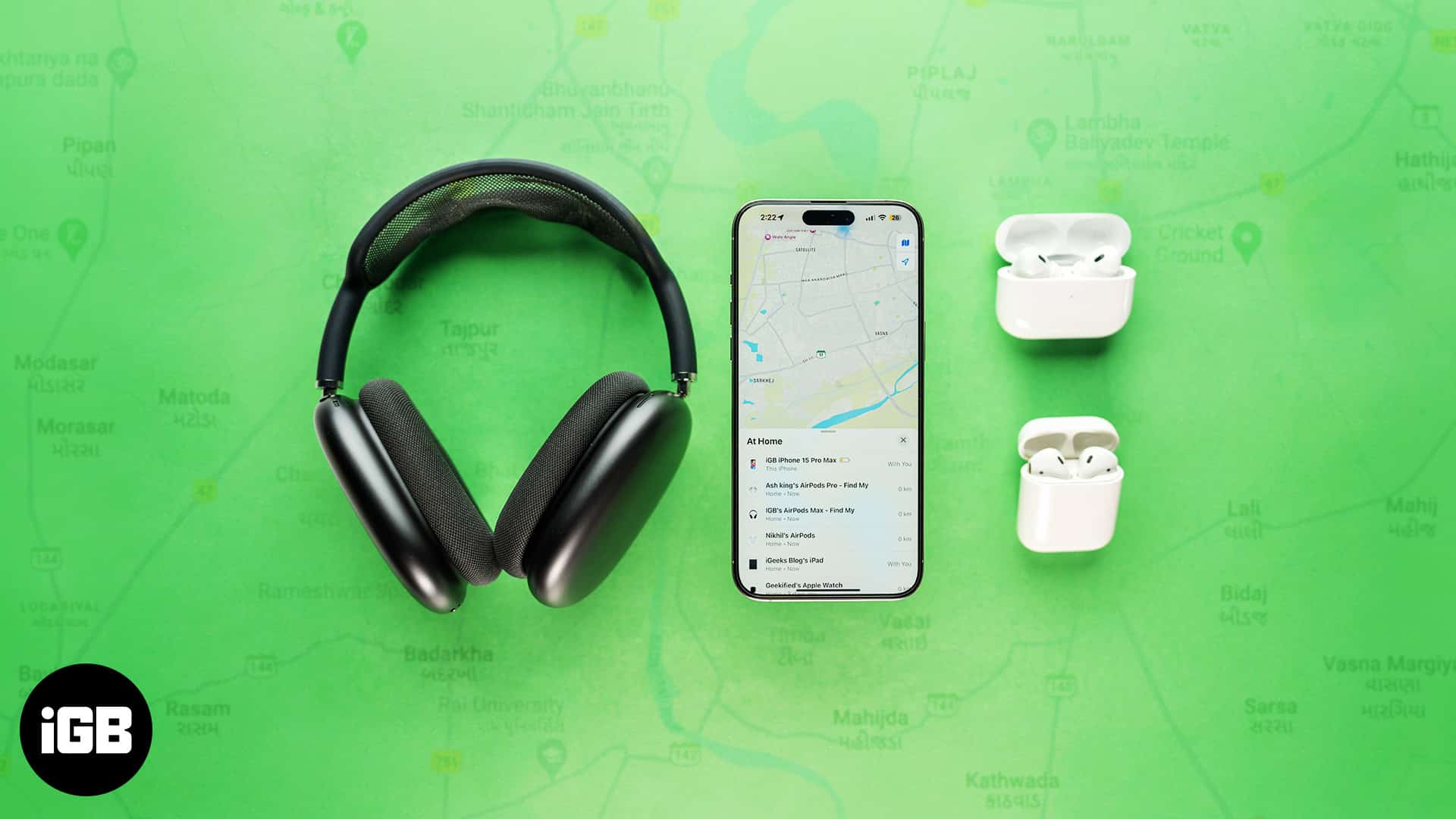
Have you misplaced your AirPods? Don't worry. Follow this step-by-step guide to find your lost AirPods, even if it's offline or dead.

X Spaces (formerly Twitter Spaces) turns scrolling into real conversations. Here’s everything you need to know to join, host, and grow with Spaces in 2025.

Master video editing on your iPhone with the Photos app and iMovie.
Looking for the best document scanning apps? Explore top-rated apps to scan, edit, and share documents with ease.
Unable to make or receive FaceTime calls? Try these proven methods to fix FaceTime issue on your iPhone.
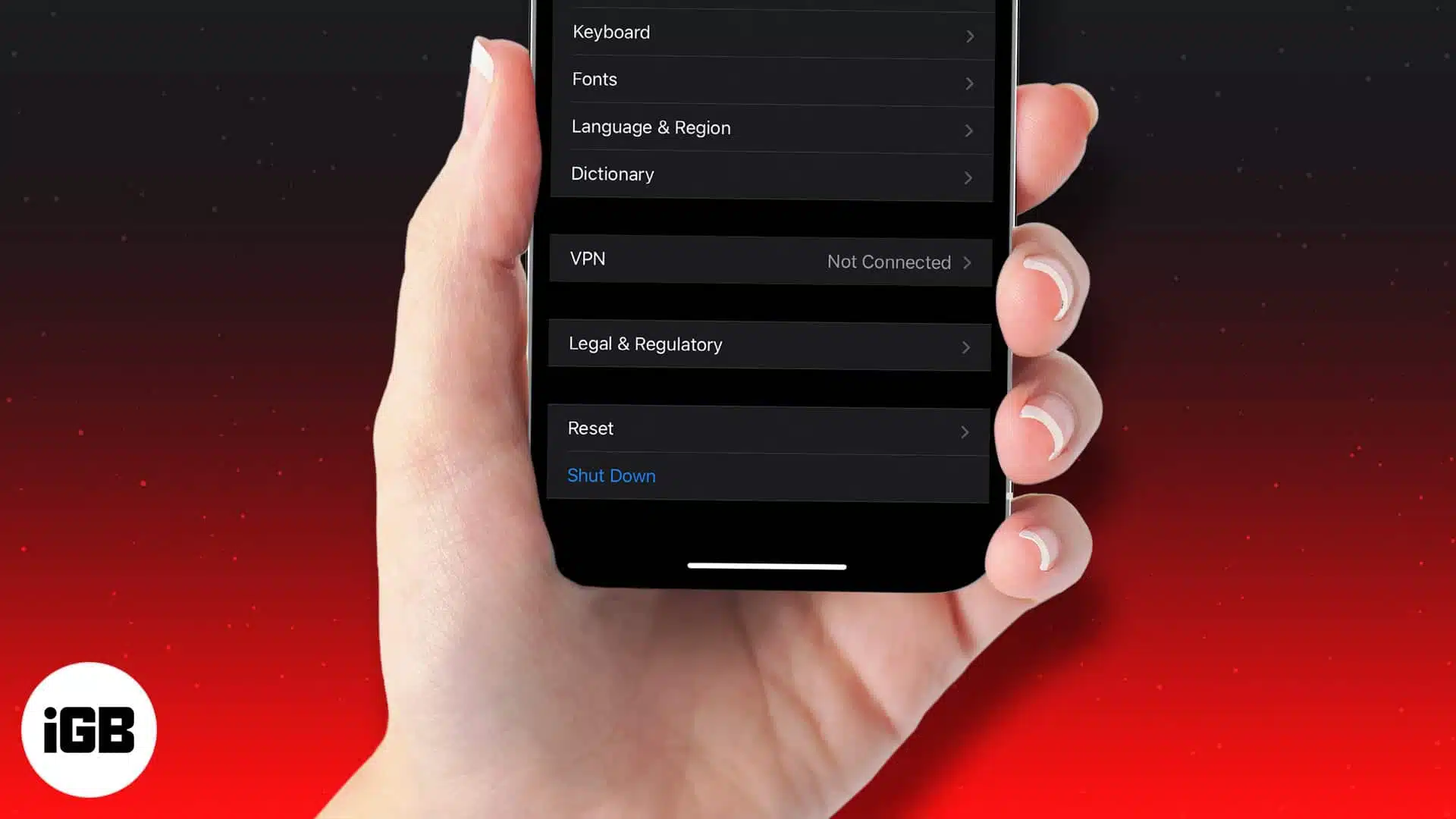
Out with the old, in with the secure! Learn how to factory reset your device and send it off worry-free.
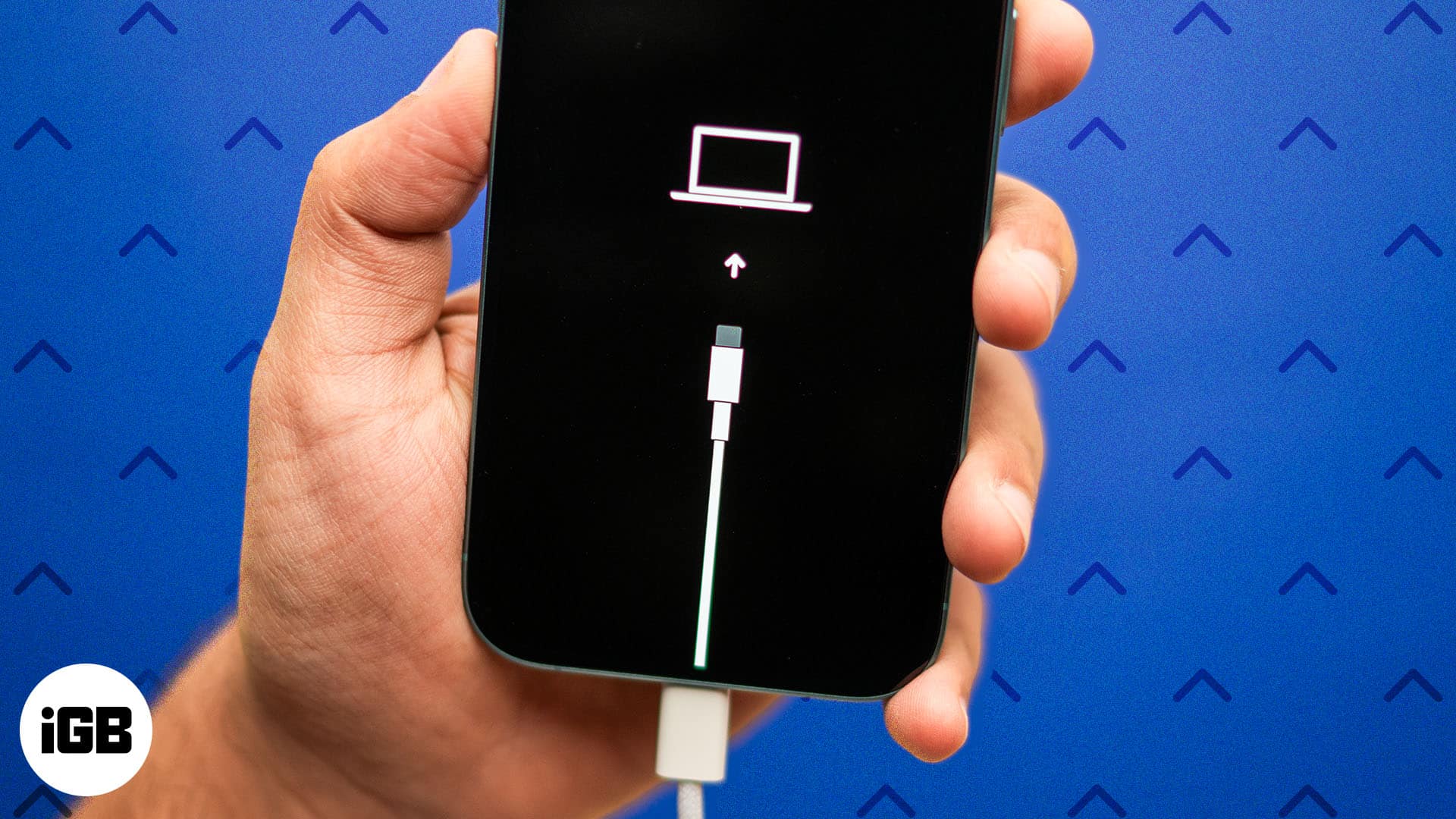
Step-by-step guide to enter Recovery Mode on your iPhone.

Repeated wrong entries lock an iPhone entirely, and there is no way to recover the passcode itself. These four tested methods erase and restore the device, plus what to do once you are back in.
If AirDrop not working on your iPhone, iPad, or Mac, be it due to wrong AirDrop settings or compatibility issues, we've got you covered.
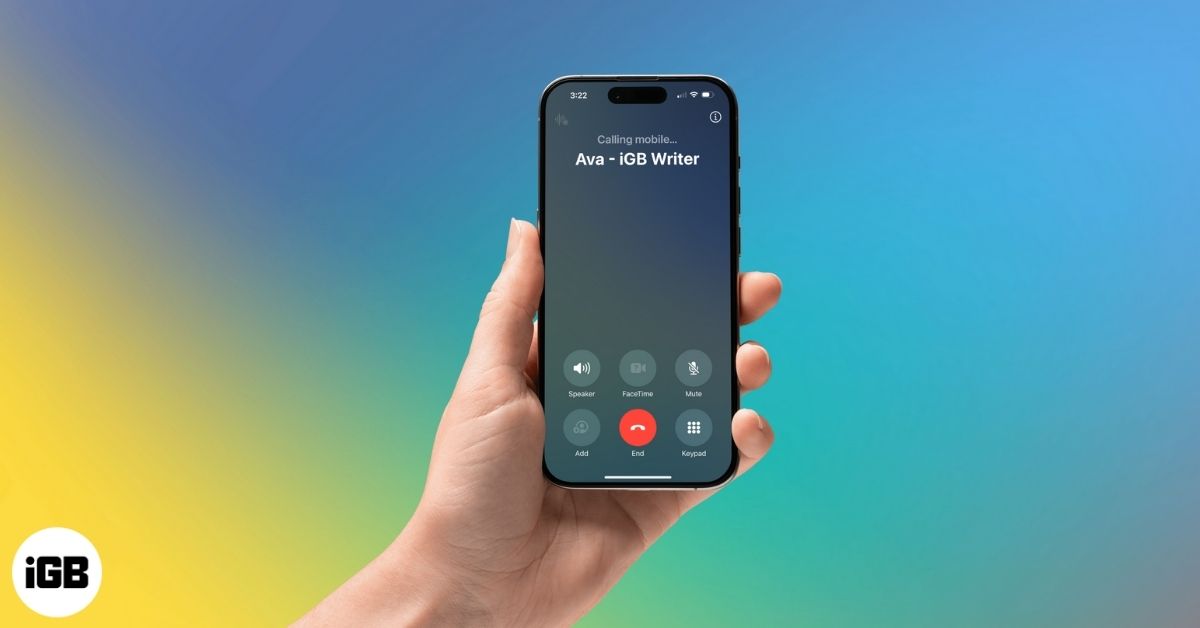
Is your iPhone making random calls on its own? From ghost touches to Siri misfires, here’s how to stop accidental dialing and fix the issue for good.
Preview merges PDFs natively, so third-party tools are rarely necessary. Here is how to combine multiple documents on Mac, rearrange the pages, and save a single tidy file.
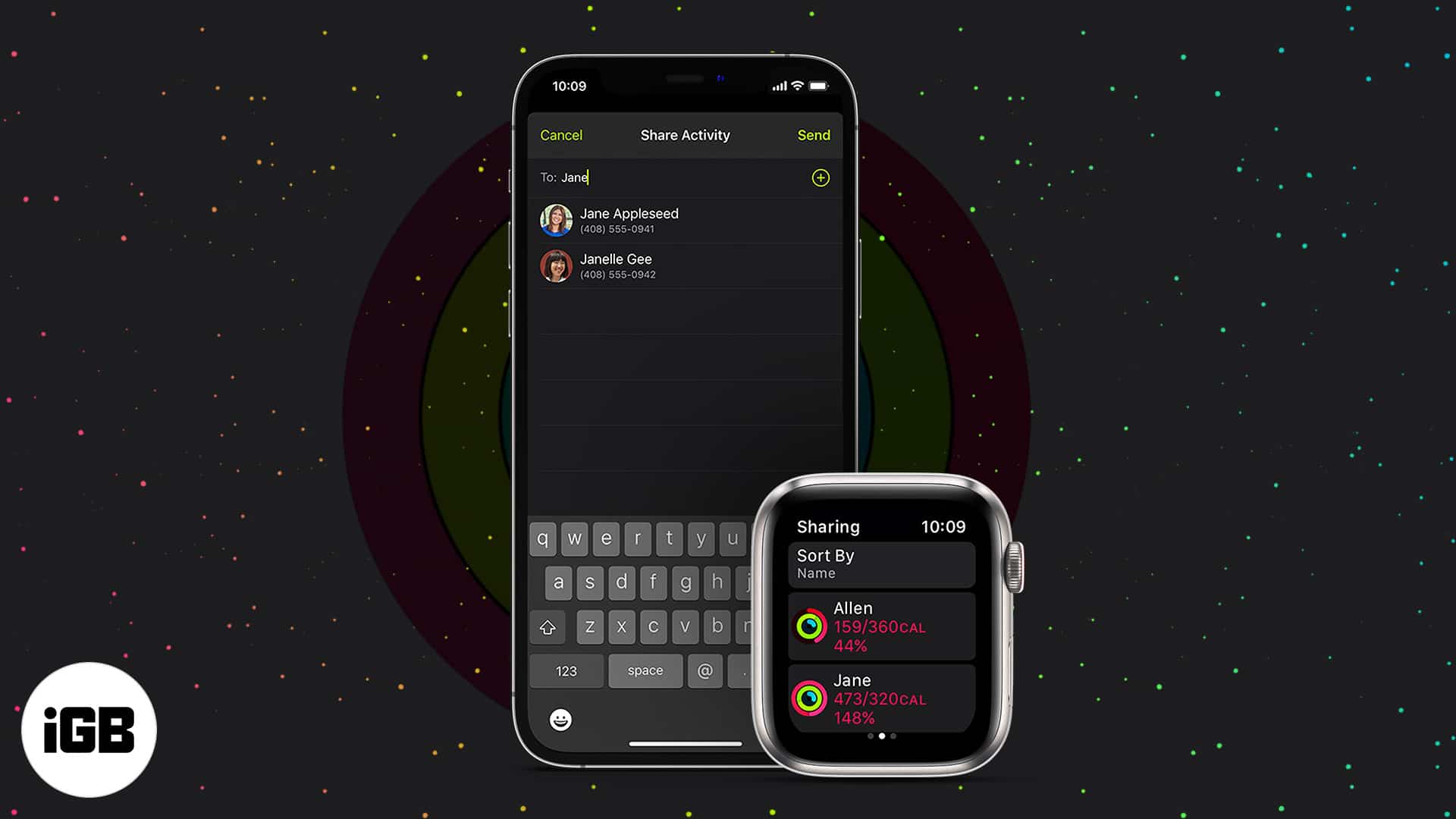
Comparing rings with friends is a genuine motivator. Here is what to know before you start, how to turn on Activity Sharing, add friends, accept invitations, and stop sharing later.
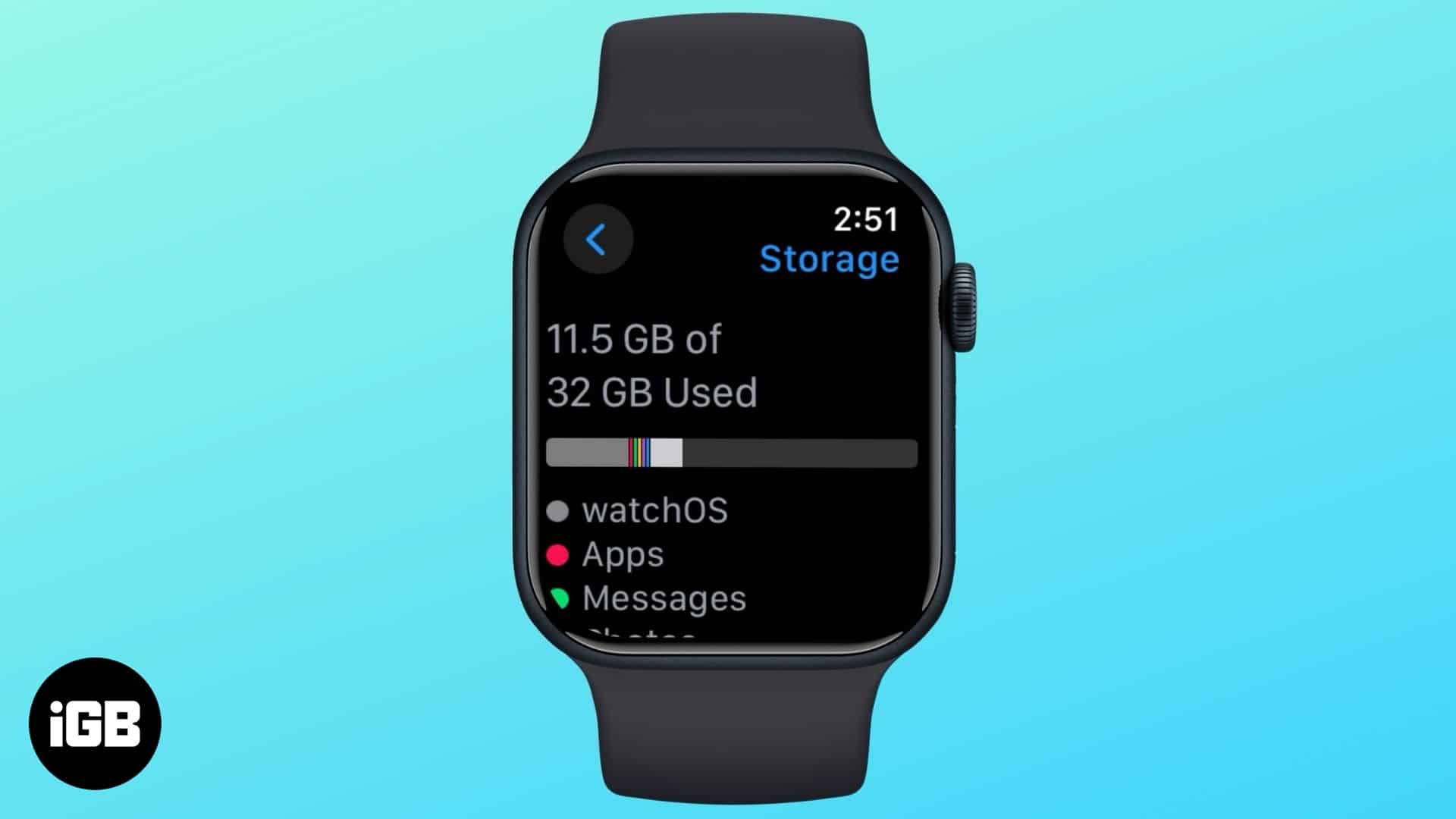
Here’s how to check your Apple Watch’s storage space and what you can do to free up more of it.
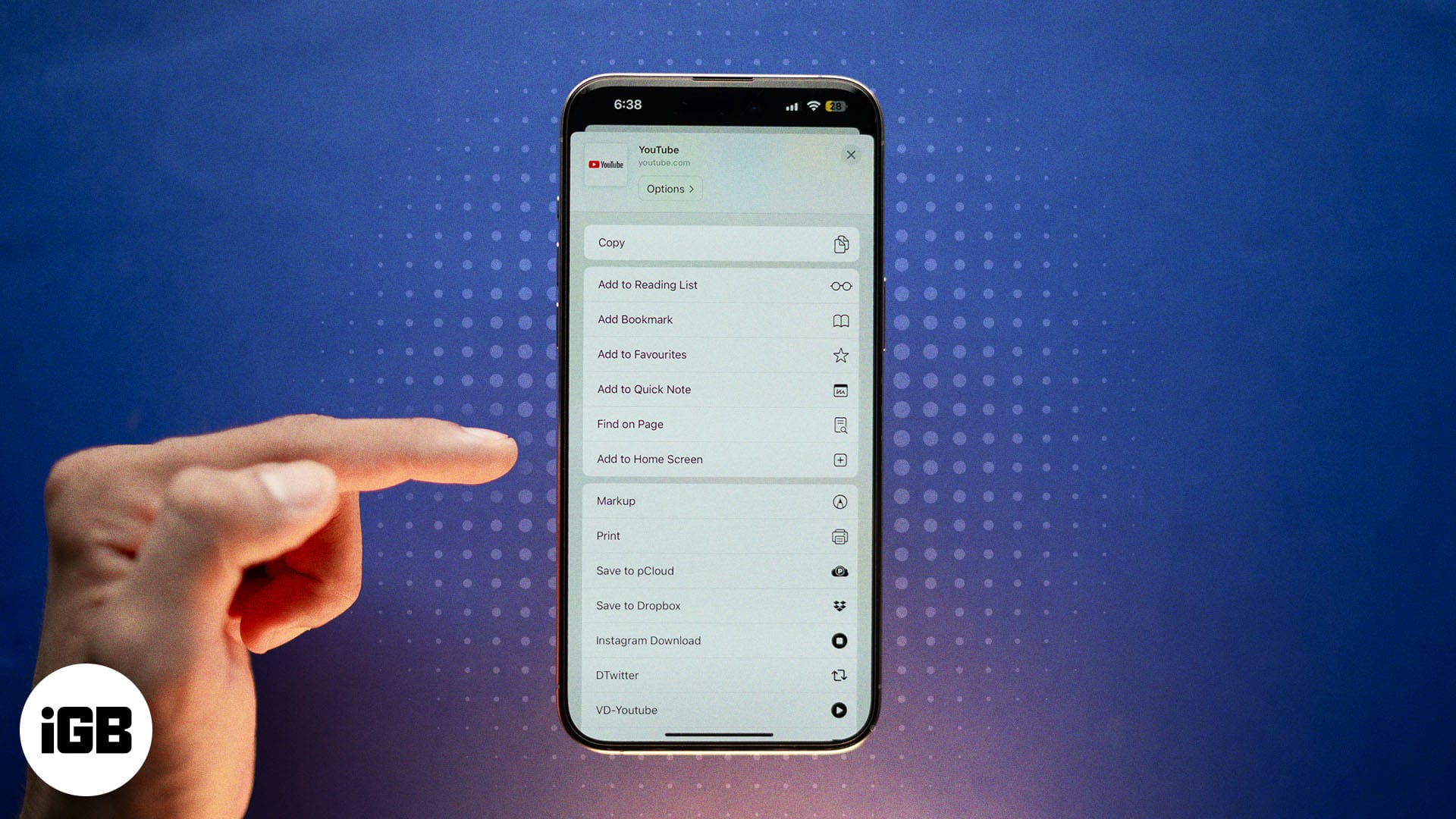
Quickly add websites to your iPhone Home Screen for instant, app-like access. Works with Safari, Chrome, and Firefox, plus tips to organize shortcuts.

Visit websites anytime with your Apple Watch's hidden browser