FaceTime Like a Pro
Get our exclusive Ultimate FaceTime Guide 📚 — absolutely FREE when you sign up for our newsletter below.

FaceTime Like a Pro
Get our exclusive Ultimate FaceTime Guide 📚 — absolutely FREE when you sign up for our newsletter below.


watchOS 27 brings Siri AI support, better battery efficiency, improved tracking, Smart Stack upgrades, new developer tools, and a major Apple Watch support cutoff.
Apple has previewed watchOS 27 at WWDC26, and this year’s Apple Watch update looks less like a visual overhaul and more like a practical cleanup release with smarter Siri hooks, fitness improvements, and a long list of small everyday fixes.
The update brings Apple Intelligence and Siri AI closer to the wrist, while giving developers new ways to build smarter watch apps through App Intents, Foundation Models, image understanding, and HealthKit updates.
For regular Apple Watch users, the update is more about minor useful additions. watchOS 27 brings better battery efficiency, more accurate step tracking, improved Wi-Fi connectivity, a dynamic app grid, a Tap gesture, smarter Smart Stack suggestions, and redesigned settings in the Apple Watch app on iPhone.
The most important long-term change is not one watch-only feature. It is the way watchOS 27 plugs Apple Watch into Apple’s broader Siri AI and Apple Intelligence reset.
Apple says developers can integrate app content and actions into Siri AI through App Intents across iPhone, iPad, Mac, Apple Watch, and Vision Pro. On the watch, that could make voice requests and glanceable app actions more useful because Siri has clearer ways to understand what an app can do.
That matters more on Apple Watch than on most devices. The screen is tiny, typing is awkward, and many users already rely on voice for timers, workouts, messages, reminders, and quick checks. If Siri AI becomes more reliable, Apple Watch gets a practical boost without needing a new app for every task.
Apple’s broader iOS 27 Apple Intelligence upgrade explains the bigger system behind this: personal context, app actions, onscreen awareness, and model-backed responses. watchOS 27 appears to bring Apple Watch into that system, even if the biggest Siri AI features will likely depend on a paired iPhone and staged rollout.
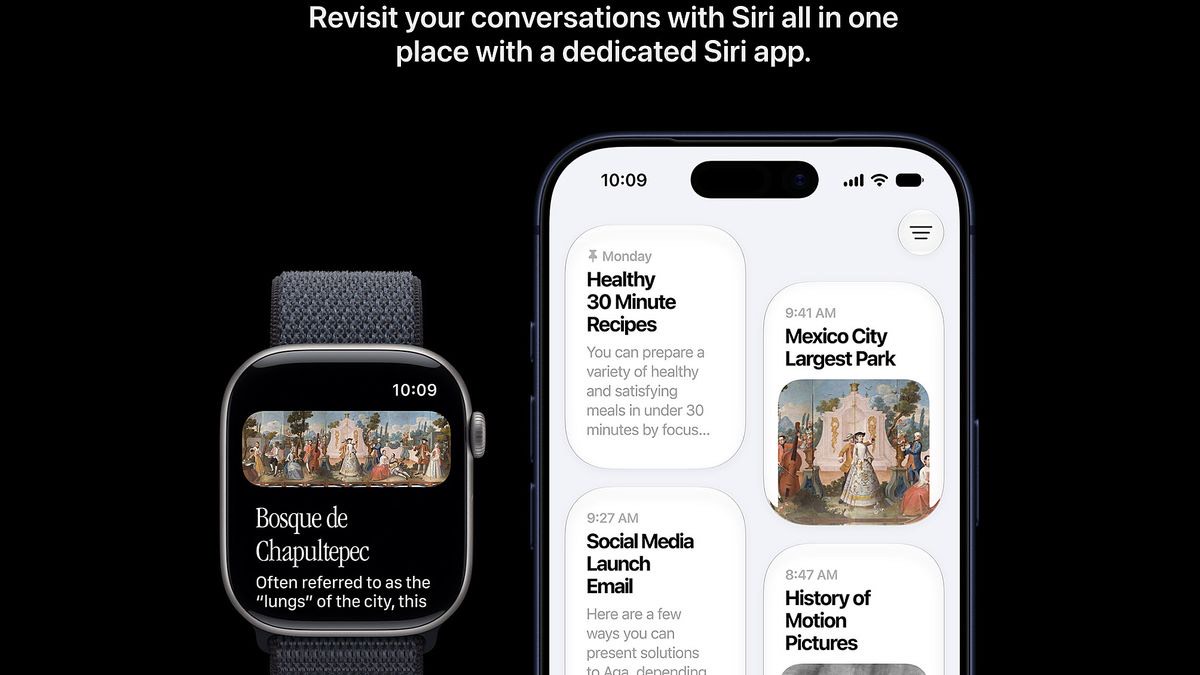
Apple is bringing the Foundation Models framework to watchOS 27, letting developers add private intelligent features to watch apps. Apple gives examples like glanceable summaries, workout feedback, and smart replies.
The Vision framework is also coming to watchOS for image understanding. Apple says apps can use it to smart-crop a photo for the smaller watch display or read a barcode from a saved document, with processing handled privately on device.
These are developer tools, so users may not see them as big new buttons on day one. Their value should show up later in third-party fitness, travel, health, productivity, and communication apps.
watchOS 27 adds new HealthKit APIs for workout zones. Fitness apps can track workout intensity using heart rate zones and cycling power zones, which should help apps give more useful training feedback.
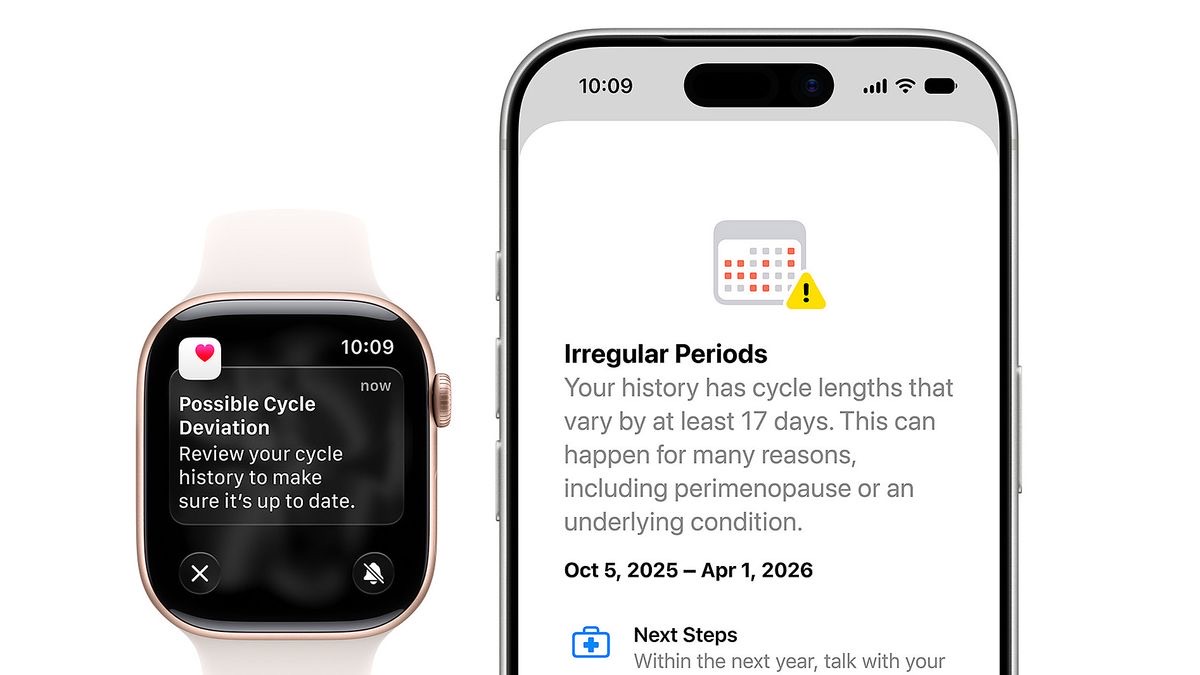
Apple is also adding a perimenopause and menopause API, giving health apps a more structured way to support different life stages instead of treating women’s health as a narrow cycle-tracking category.
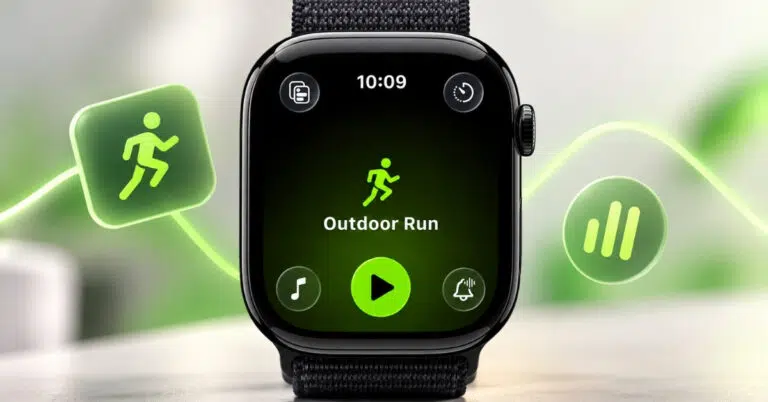
Workout Buddy is also getting more useful, with new data insights for workouts and Spanish language support. That builds on Apple’s existing AI-powered workout coaching rather than replacing it.
watchOS 27 includes several changes that sound minor but could matter in daily use. Better battery efficiency, improved Wi-Fi connectivity, faster app extension launch, faster media playback, and more accurate step tracking all target the parts of Apple Watch people notice when they fail.
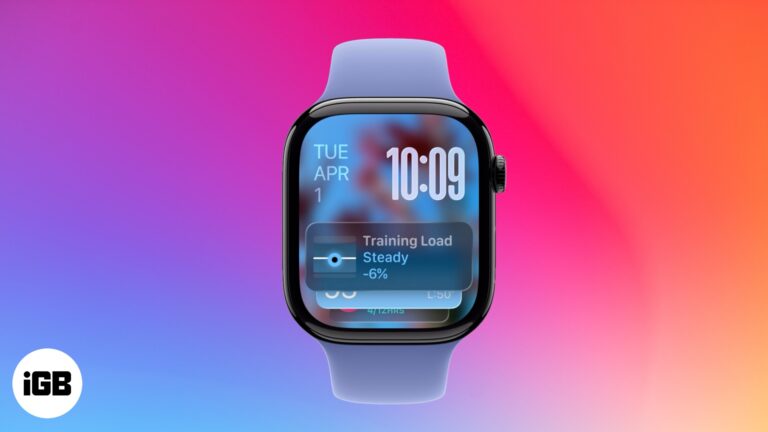
The Smart Stack is also getting new suggestions, plus support for transit cards and IDs. That fits the watch’s best use case: surfacing one useful thing at the right time without making you open a full app.
Wallet is getting card balance viewing on watchOS, while Find My is being consolidated into a single app. The Watch app on iPhone is also getting redesigned settings, which should make device setup and feature management less scattered.
Apple is adding a dynamic app grid in watchOS 27. The current app grid can feel cramped, especially for people with many installed apps, so any improvement here is welcome.
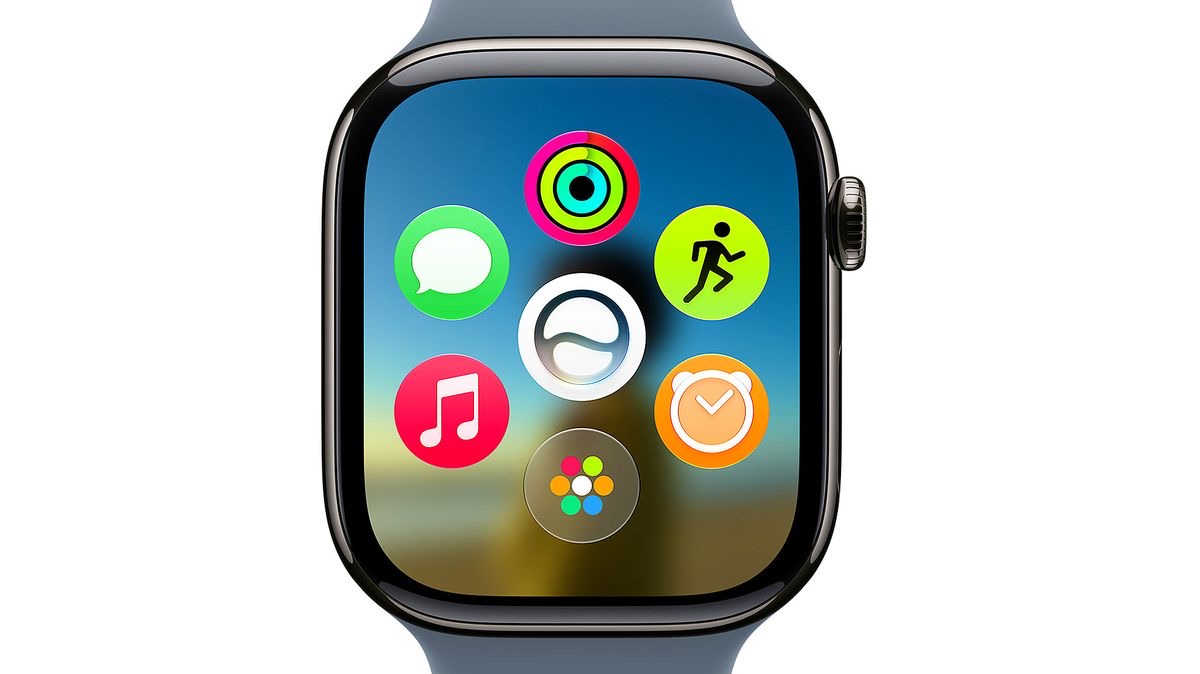
The real test will be whether the new grid makes apps easier to find without forcing users into constant rearranging. Apple Watch works best when the interface stays fast and predictable.
The biggest catch is device support. watchOS 27 supports Apple Watch SE 3, Apple Watch Series 10, Apple Watch Series 11, Apple Watch Ultra 2, and Apple Watch Ultra 3.
That means Apple is dropping support for Apple Watch SE 2, Series 6, Series 7, Series 8, Series 9, and the first-generation Apple Watch Ultra. watchOS 27 also requires an iPhone 11 or later, or iPhone SE 2 or later, running iOS 27.
The Series 9 cutoff is especially notable because it is still a recent Apple Watch. For many users, the compatibility list may be a bigger story than the new feature list.
watchOS 27 does not look like the kind of release that changes how Apple Watch feels overnight. It is more focused on reliability, smarter app hooks, better fitness data, more useful Smart Stack behavior, and a cleaner path for Siri AI on the wrist.
That can still be valuable. Apple Watch lives or dies by small moments: a workout starting quickly, Wi-Fi reconnecting without fuss, step counts feeling accurate, Wallet showing the right card detail, and Siri handling a request when your hands are busy.
The rough edge is compatibility. If Apple keeps the reported support list, many recent Apple Watch owners will stay on watchOS 26 while watchOS 27 moves the platform toward Siri AI and newer developer frameworks.
Read More