FaceTime Like a Pro
Get our exclusive Ultimate FaceTime Guide 📚 — absolutely FREE when you sign up for our newsletter below.

FaceTime Like a Pro
Get our exclusive Ultimate FaceTime Guide 📚 — absolutely FREE when you sign up for our newsletter below.


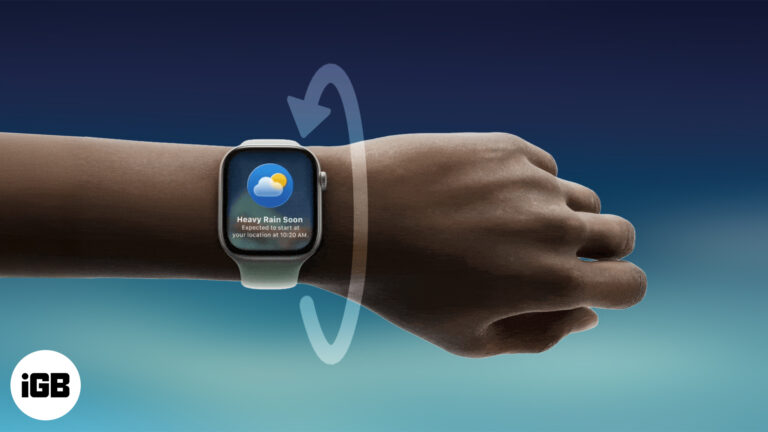
Wrist Flick makes it easier to manage Apple Watch alerts without touching the display. Learn how to enable the gesture, dismiss notifications, silence incoming calls, stop timers and alarms, and check which Apple Watch models support it.
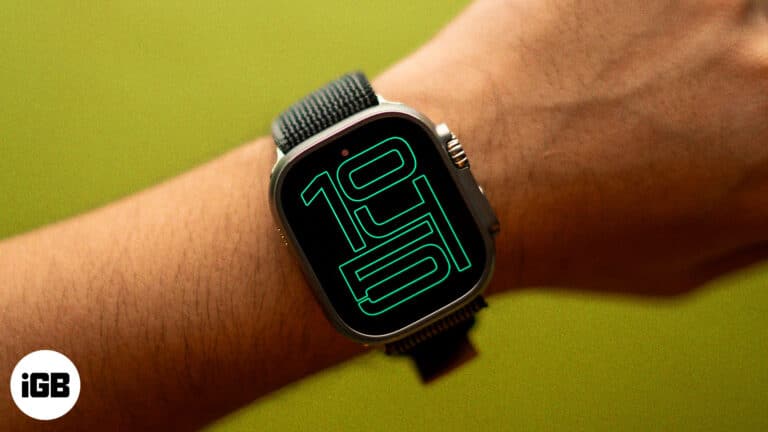
Always On is on by default on Series 5 and later, SE 3 and every Ultra. Here’s how to switch it back on, hide apps, and manage battery drain.
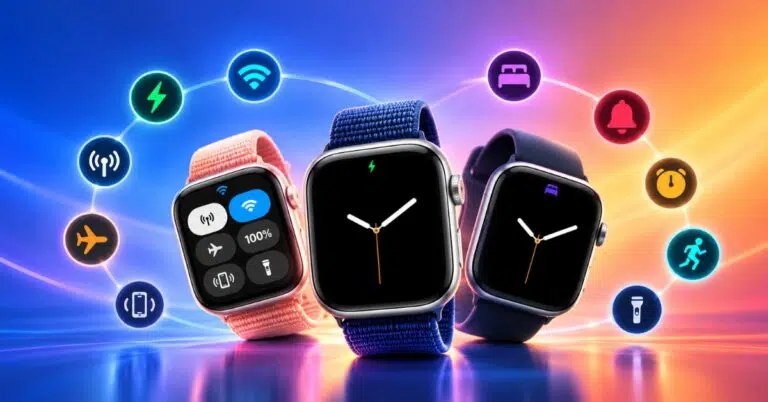
Apple Watch icons and symbols indicate notifications, charging status, connectivity, active modes, and app activity. This guide explains the meanings of common status icons and Control Center symbols so you can understand what your watch is showing.
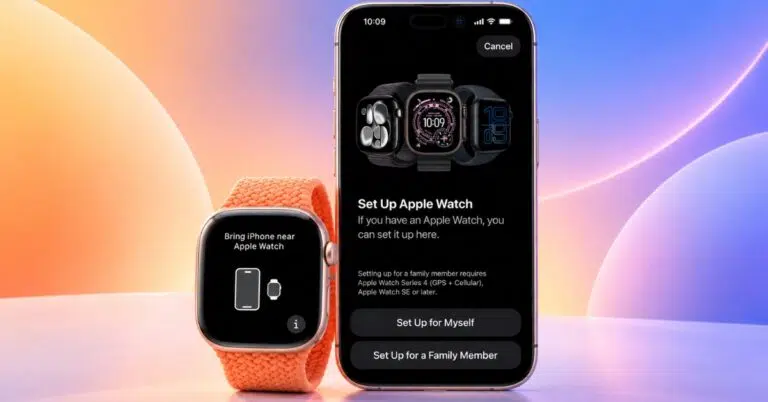
Apple Watch For Your Kids lets a parent set up a cellular Apple Watch for a child or older relative without an iPhone. Here is what it needs and how to set it up.
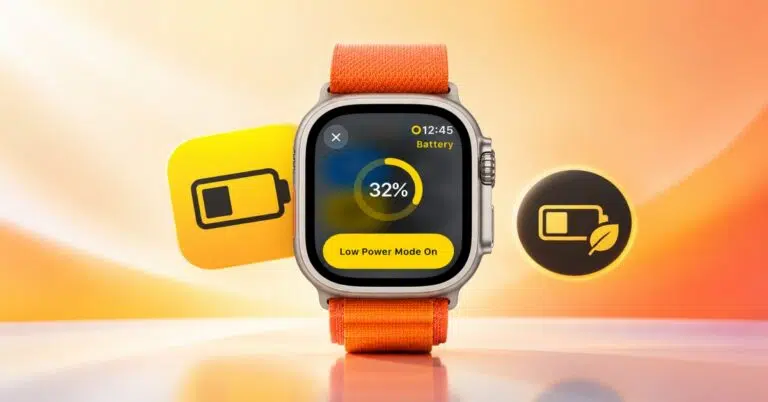
Discover how to extend your Apple Watch battery life, which features Low Power Mode disables, and how to enable it in watchOS 27.
Apple’s watchOS 27 brings powerful Apple Intelligence features to your wrist, including Siri AI, Audio Inttelligence, smarter Workout Buddy, and more.
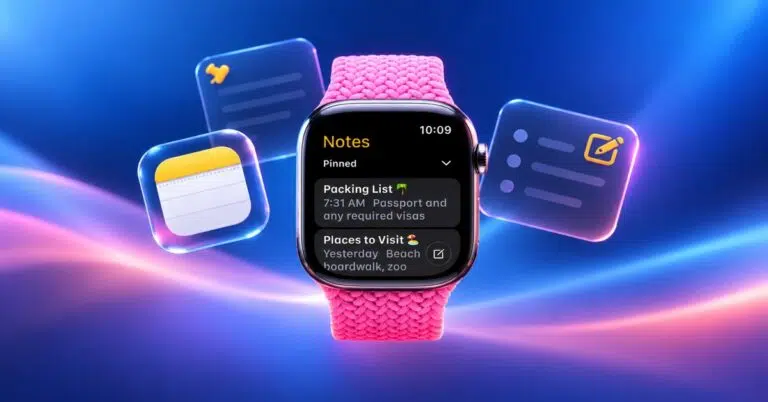
I can jot down quick ideas, check important notes, and manage my to-do lists from my wrist—but there are a few limitations I wish I’d known sooner.
Double Tap refused to work after updating my Apple Watch to watchOS 27. Here's how to fixed it using simple troubleshooting steps.
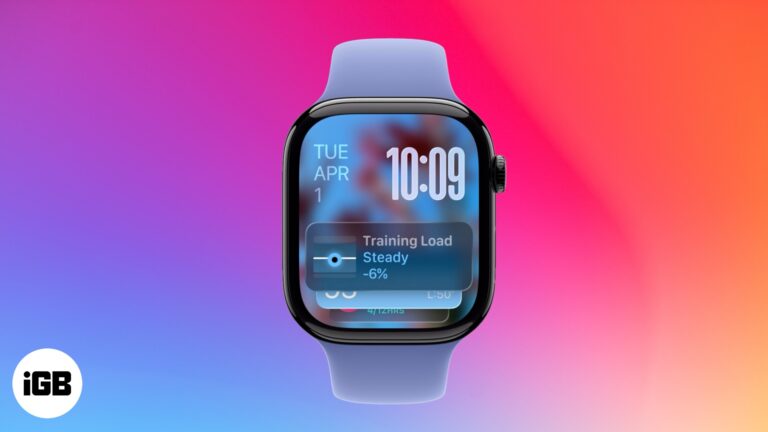
Smart Stack on Apple Watch shows personalized widgets based on your activity, time, and location - Keeping you informed without cluttering your watch face.

 Sajid Shaik and Vikhyat
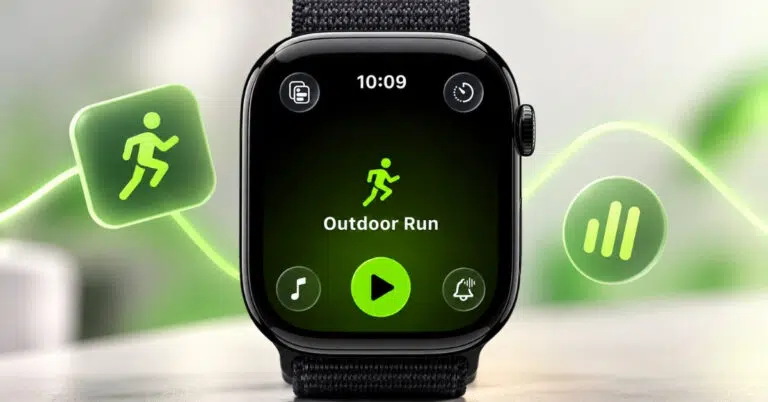
Workout Buddy in watchOS 27 offers personalized audio encouragement, fitness insights, and milestone celebrations to keep you motivated. Here’s how to set it up, use it during workouts, customize its voice, and fix common issues.
 Vikhyat and Ava Biswas
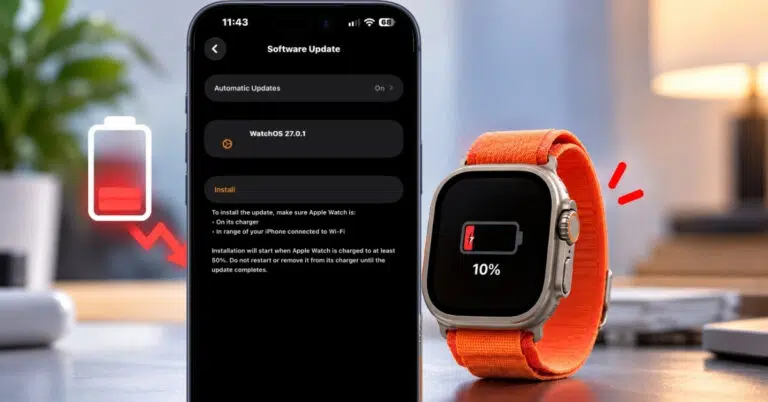
If your Apple Watch battery is draining quickly after updating to watchOS 27, you’re not alone. Here’s how to fix the issue and extend your watch’s battery life.
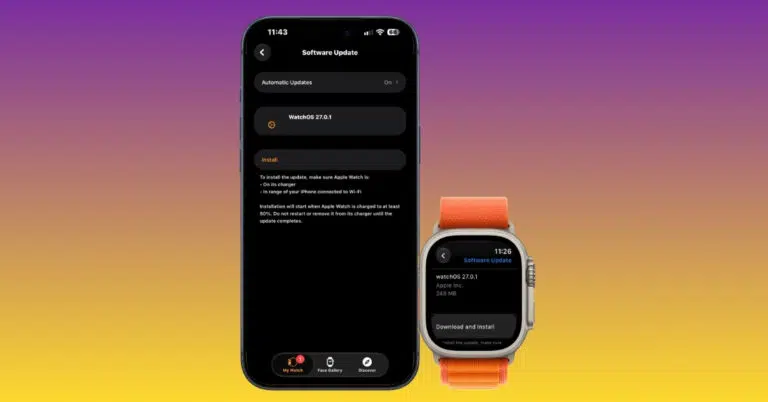
If your Apple Watch won’t update to watchOS 27, here’s how to fix it and install the latest features quickly.
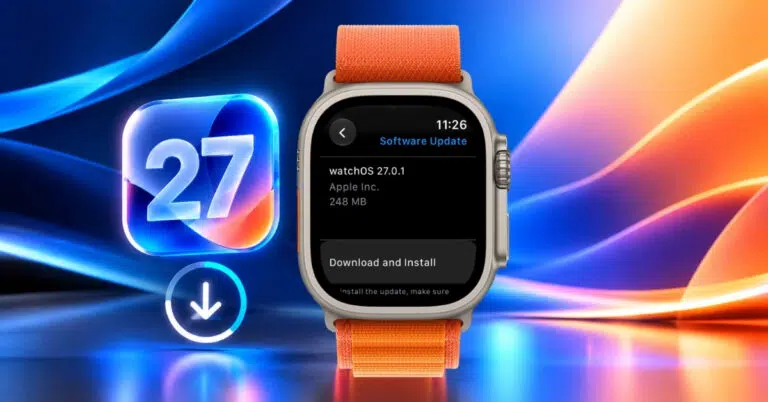
Apple’s watchOS 27 is here with Siri AI, standalone Workout Buddy, and more. Check compatibility and follow our guide to update your Apple Watch today.
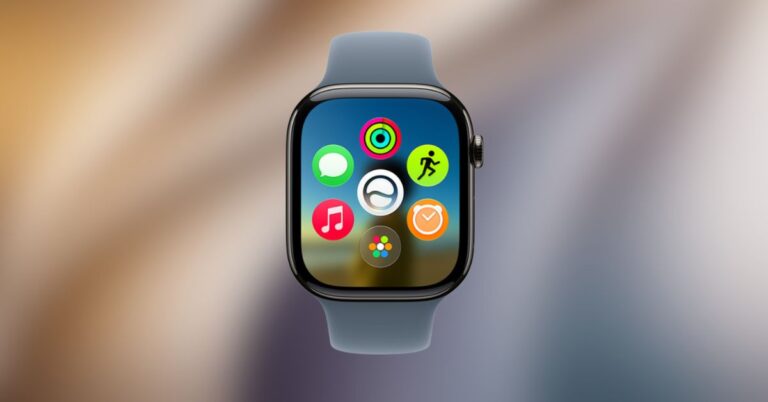
watchOS 27 beta 3 finally enables Siri AI on supported Apple Watch models, while also introducing a dedicated Siri app, Dynamic App Grid integration, and additional refinements.
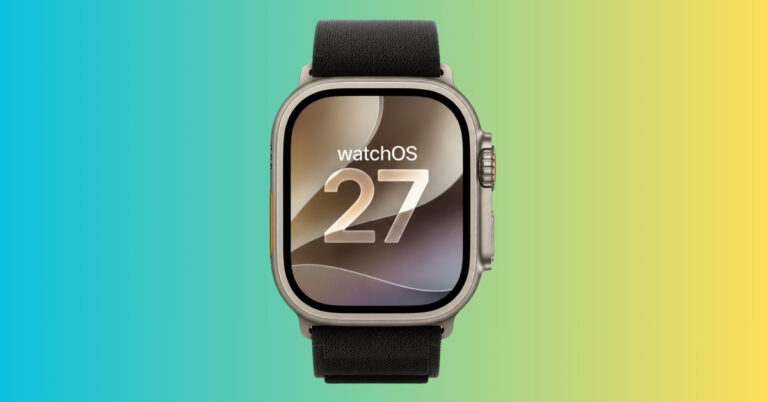
watchOS 27.3 developer beta 2 continues testing Siri Recap and Live Rewind for Apple Watch Series 12 and Ultra 4. Here’s how to install the update.
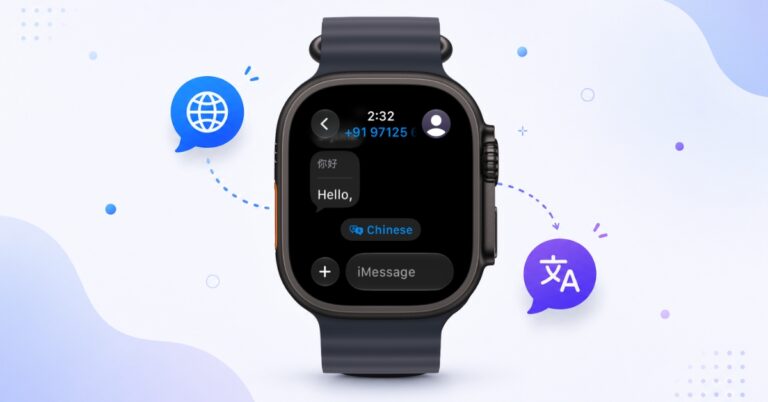
Live Translation in watchOS 27 makes multilingual conversations easier by translating messages directly within the Messages app on Apple Watch. Here's how to enable and use the feature.
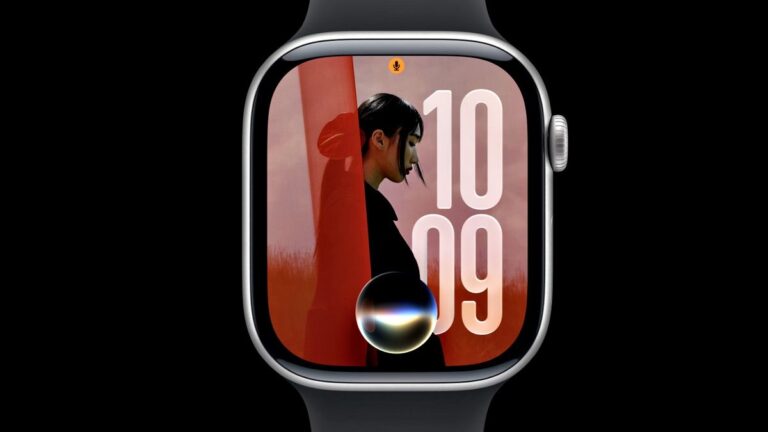
watchOS 27 brings Siri AI support, better battery efficiency, improved tracking, Smart Stack upgrades, new developer tools, and a major Apple Watch support cutoff.
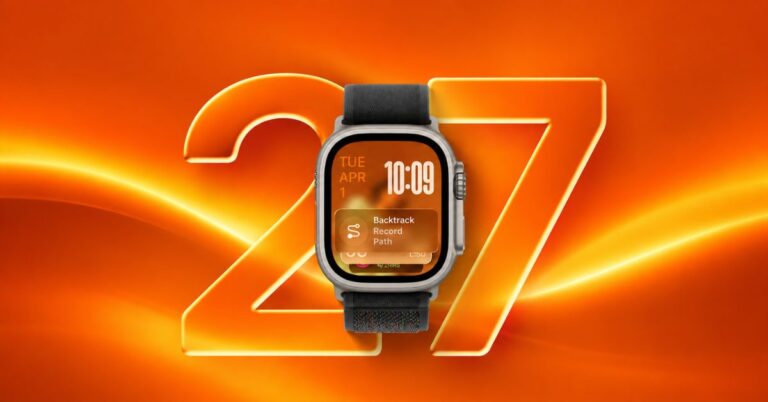
Apple is reportedly bringing a simplified Modular Ultra watch face to standard Apple Watch models with watchOS 27.
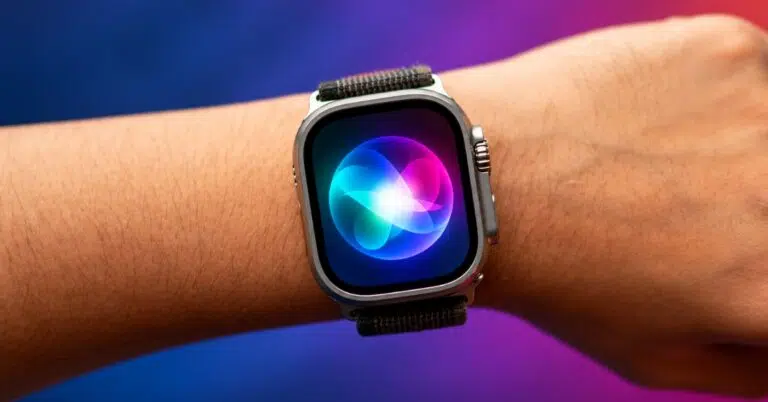
Master Siri on your Apple Watch with essential voice commands and discover how the new Siri AI features make your smartwatch smarter than ever.
A silent Siri on your wrist usually means a connectivity or settings problem. Here is how to troubleshoot Raise to Speak, network connection, language settings, and watchOS updates.


