FaceTime Like a Pro
Get our exclusive Ultimate FaceTime Guide 📚 — absolutely FREE when you sign up for our newsletter below.

FaceTime Like a Pro
Get our exclusive Ultimate FaceTime Guide 📚 — absolutely FREE when you sign up for our newsletter below.


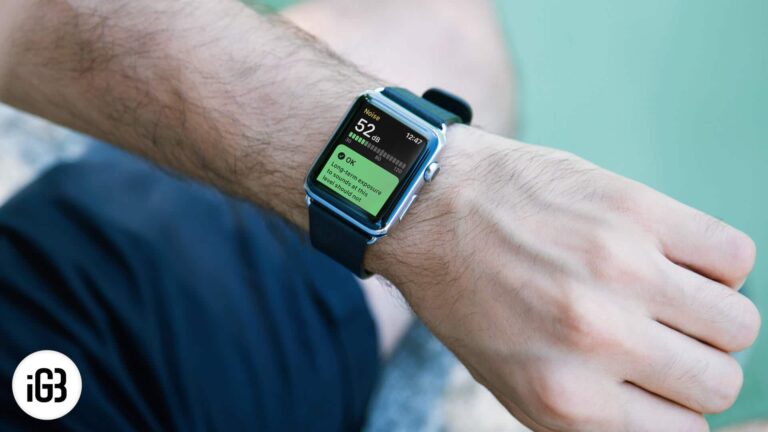
Started just as an accessory in 2015 which can display iPhone notifications, today Apple Watch has evolved to the stage where it has some fascinating features. Apart from getting app notifications, you can now answer calls, stream audio, and can…
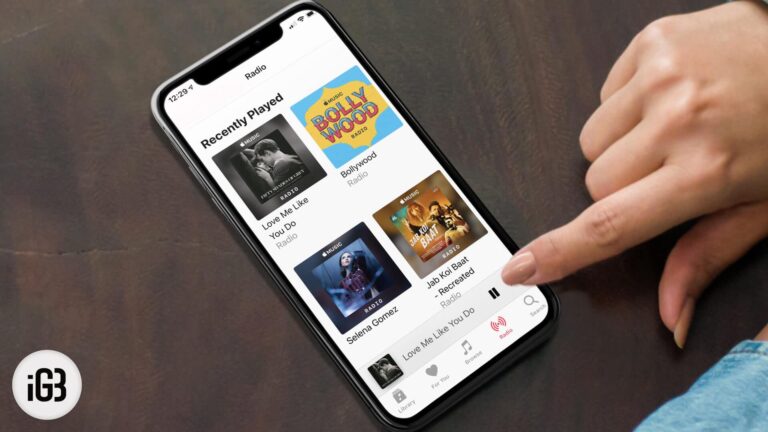
Apple Music builds an endless station around any track or artist you pick. Here is how to start one on iPhone, Mac, or Android, create it hands-free with Siri, and shape the results.

RAW files hold far more detail for editing than a standard photo. Here is why they are worth using on iPhone, how to capture them, and how to edit RAW images on iOS.
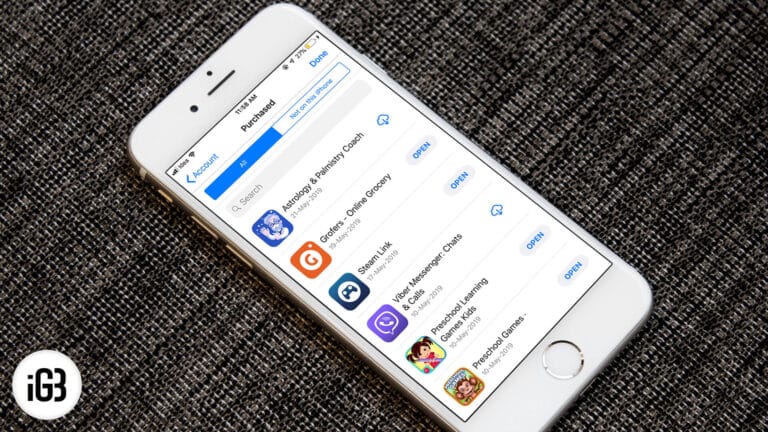
Purchased apps disappear from the App Store list when they are hidden, bought on another Apple ID, or pulled from sale. Here is where to look and how to unhide and redownload them.
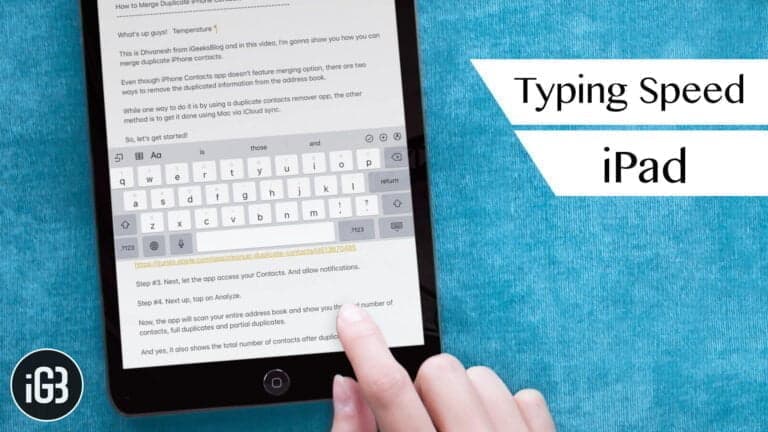
The iPad keyboard hides real productivity behind gestures most people never learn. These tips cover swipe shortcuts, trackpad mode, text replacement, and settings that make typing faster.
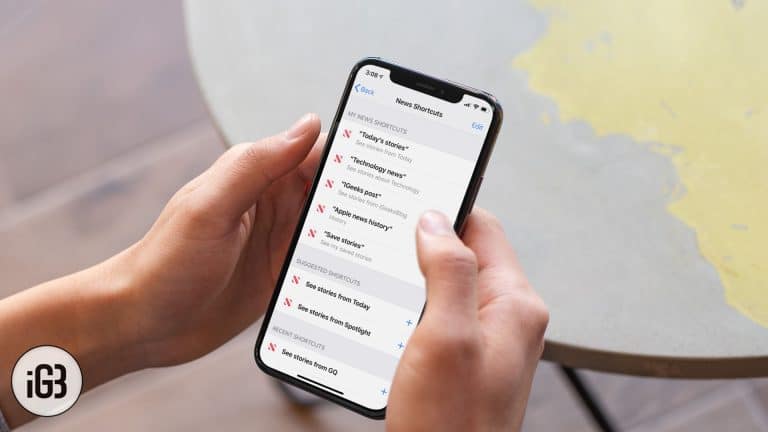
A well-built shortcut turns Apple News into a briefing you trigger with one phrase. Here is how to set up Siri Shortcuts for headlines, saved stories, and a daily reading routine.
Mail quietly caches every attachment you receive, which adds up to gigabytes. Here is how to change the download setting on Mac so attachments only arrive when you ask for them.
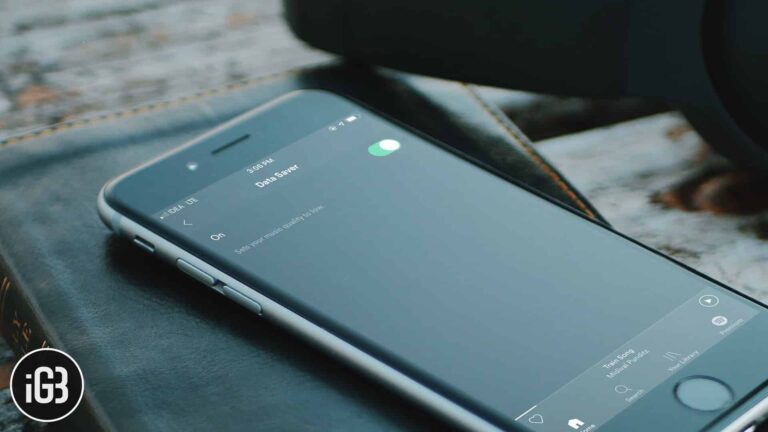
Streaming music eats a mobile data allowance fast. Here is how to enable Spotify's Data Saver on iPhone, what it does to audio quality, and how to turn it off again.
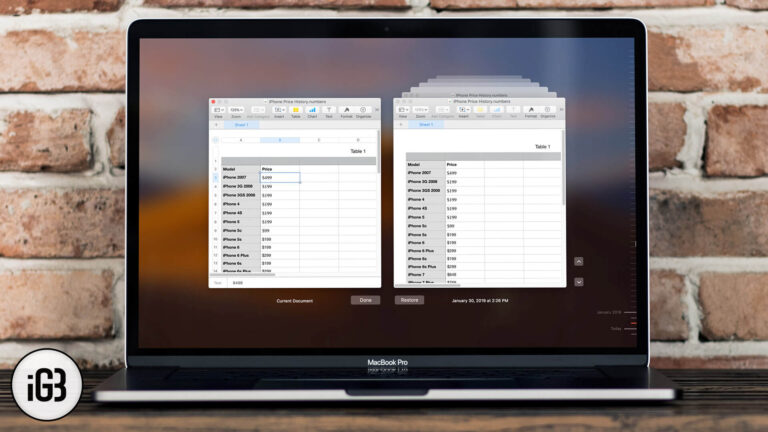
macOS quietly saves earlier versions of your documents, so a bad edit is recoverable. Here is how to browse version history and roll a file back to how it looked before.
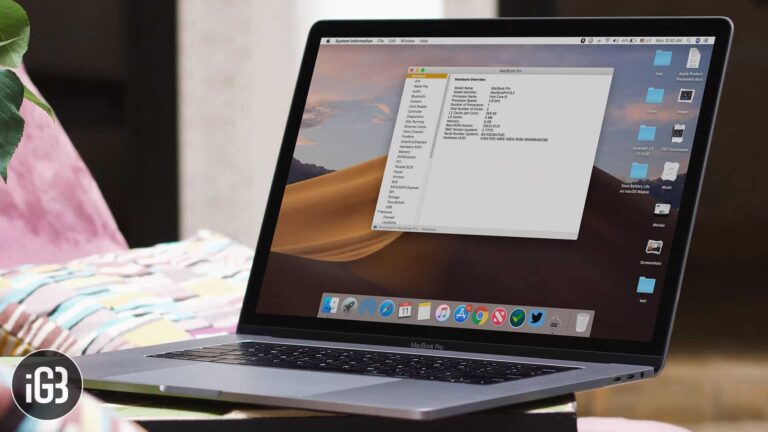
Developers need your Mac's unique identifier before adding you to a beta. Here is what a UDID is and the two quickest ways to find yours, through System Information or Terminal.
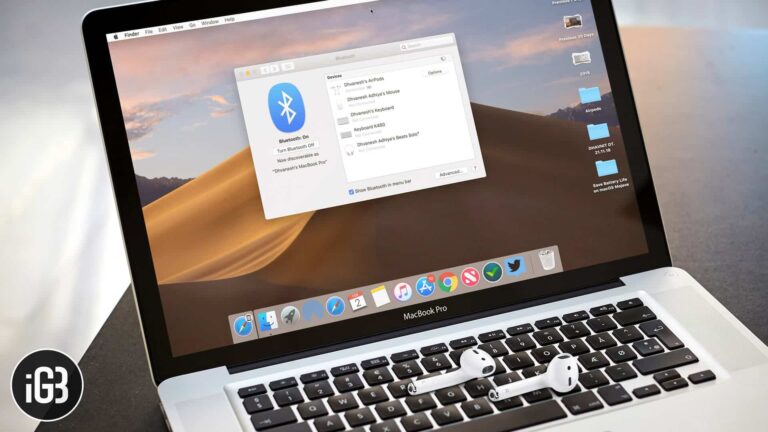
Once AirPods are connected to a Mac, you can adjust their behavior without reaching for your iPhone. Here is where the settings live in macOS and what each option actually changes.
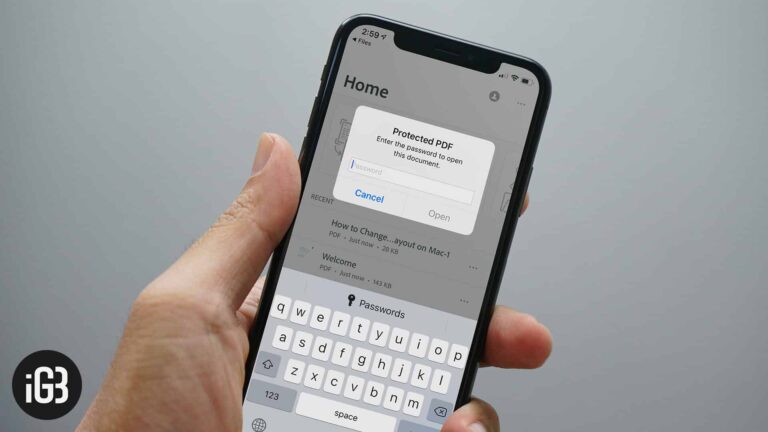
Confidential PDFs should not travel unprotected. Here is how to add a password to any PDF directly on iPhone or iPad using tools already built into iOS.
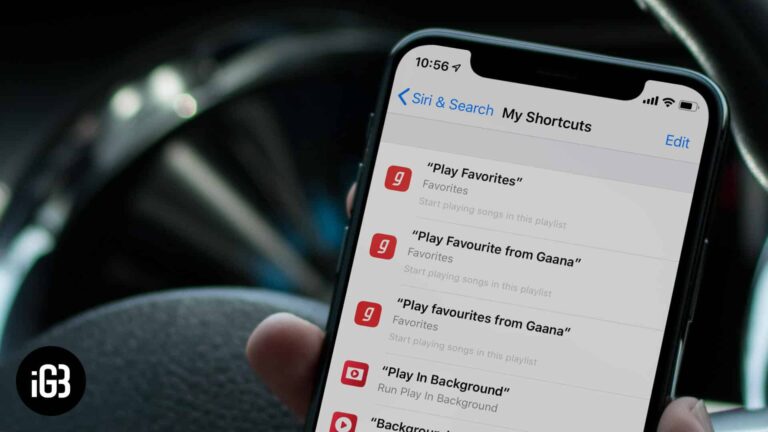
Shortcuts turn multi-step tasks into a single tap or voice command. These picks cover water ejection, photo and GIF conversion, news browsing, and other genuinely useful automations.
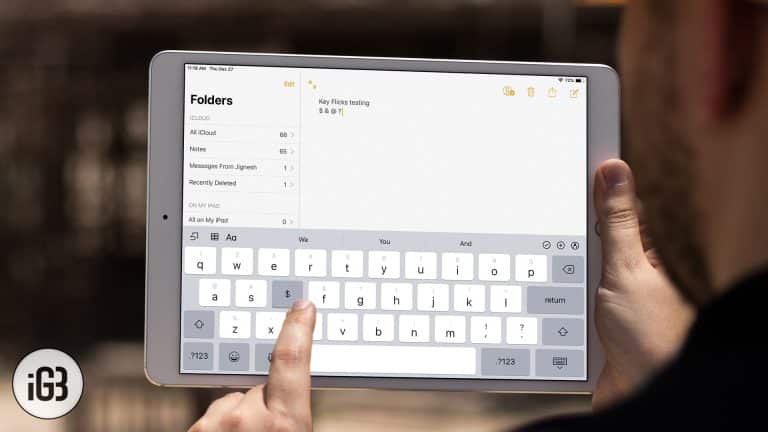
Key Flicks put a second character on every key, reached with a short downward swipe. It removes constant layout switching. Here is how the feature works and how to use it on iPad.
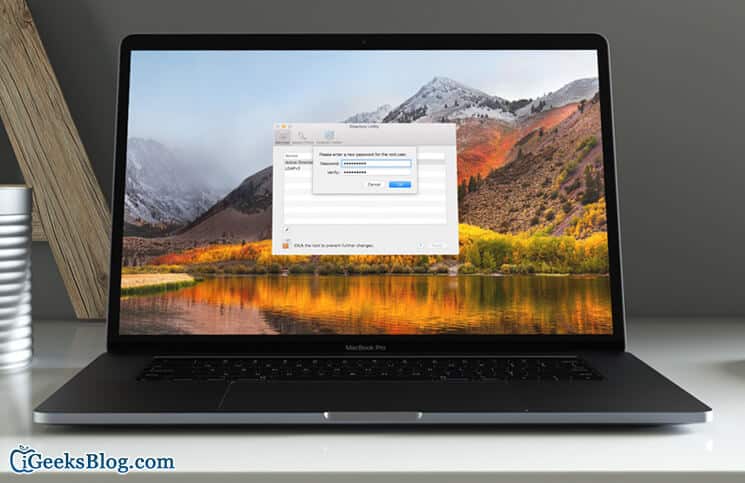
The root account is disabled by default, and an old High Sierra bug let anyone log in without a password. Here is how to enable root properly and set a password from Terminal.