
FaceTime Like a Pro
Get our exclusive Ultimate FaceTime Guide 📚 — absolutely FREE when you sign up for our newsletter below.

FaceTime Like a Pro
Get our exclusive Ultimate FaceTime Guide 📚 — absolutely FREE when you sign up for our newsletter below.



I tried Instagram's new First Draft feature that automatically trims and assembles Reels. Here's what it gets right, where it falls short, and who should use it.
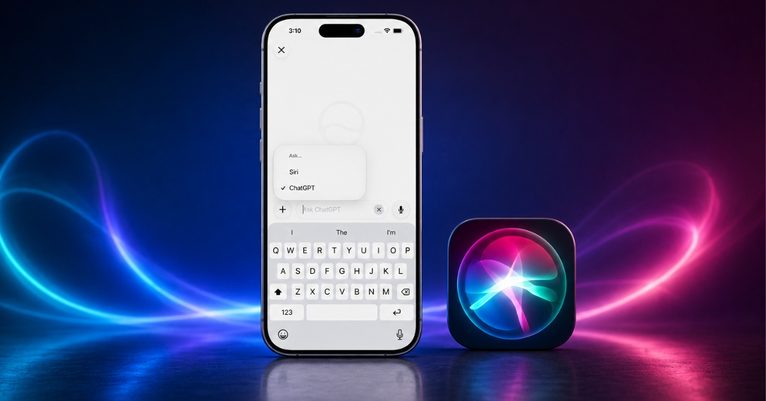
ChatGPT finally feels at home in Siri, but a few frustrating quirks keep it from replacing the standalone app.

The Pixel 11 Pro’s HiLight is subtle, smart, and surprisingly useful, but Google may be holding back the feature that could make it truly special.

Wondering if someone has Snapchat Plus? These 12 clues can help you spot premium features, from the hidden Snapchat+ badge and custom wallpapers to extra Snap replays, Friend Solar System & Instant Streaks.
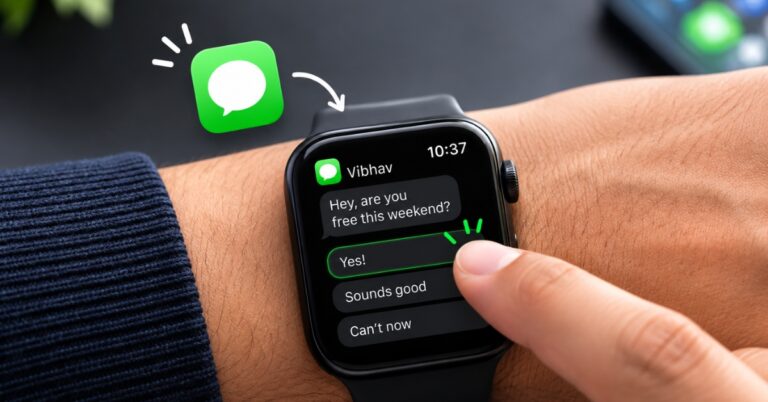
One Watch app setting turns your most-sent replies into a single tap. Here's that trick, plus Double Tap, Smart Replies, and Siri shortcuts for faster Apple Watch replies.
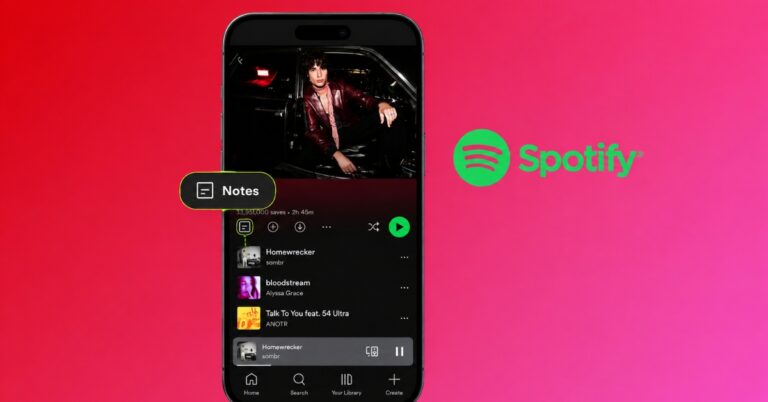
Spotify Playlist Notes let you add personal memories, recommendations, and context to songs, podcasts, and audiobooks. Here’s how to add your own notes and the ways I think they can make playlists more meaningful.
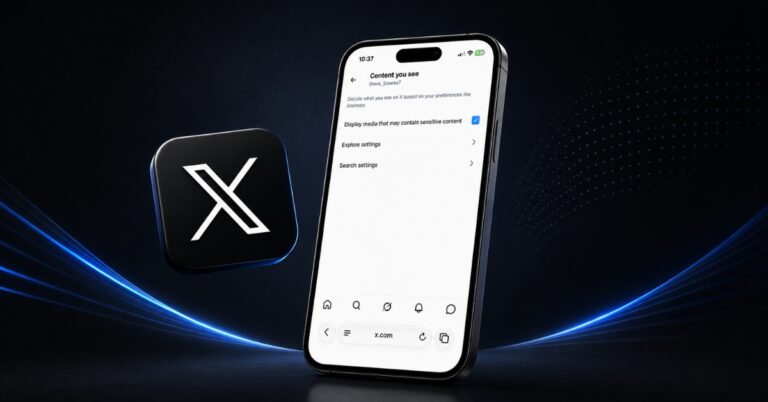
Trying to see sensitive content on X but keep running into warnings? I found that two settings matter: one controls sensitive media in your feed, while the other affects search results. Here's how to change both on iPhone, Android, and the web.
Want to save X videos for later? Here are the best free apps and tools to download your favorite clips in just a few clicks.
Android finally gets more app store choice inside Google Play. I walked through one to see what’s inside.
Everything you need to know before leaving Android behind and moving your data to an iPhone.

iOS 27 finally fixes the iPhone Lock Screen's biggest annoyances. Here are the five new features, from the compact clock to AI wallpapers, and how to use each one.
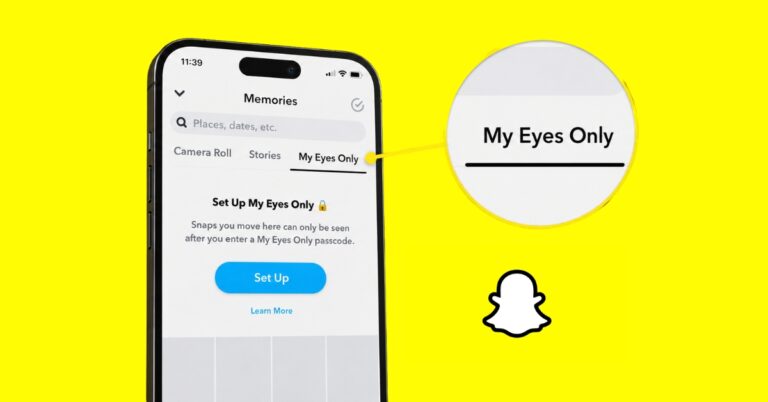
My Eyes Only lets you protect private Snaps inside Snapchat Memories with a separate passcode. Here's how I use it, set it up, and avoid common mistakes.
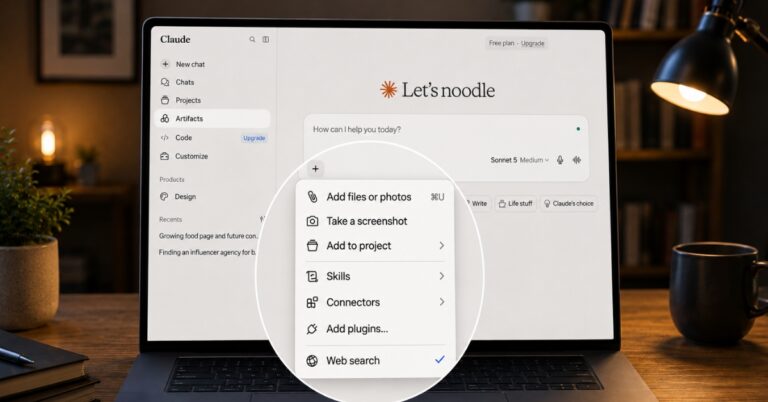
This visual guide explains the icons and symbols across Claude chat, Cowork, Projects, the sidebar, account menu, and Settings so you know what each one does.
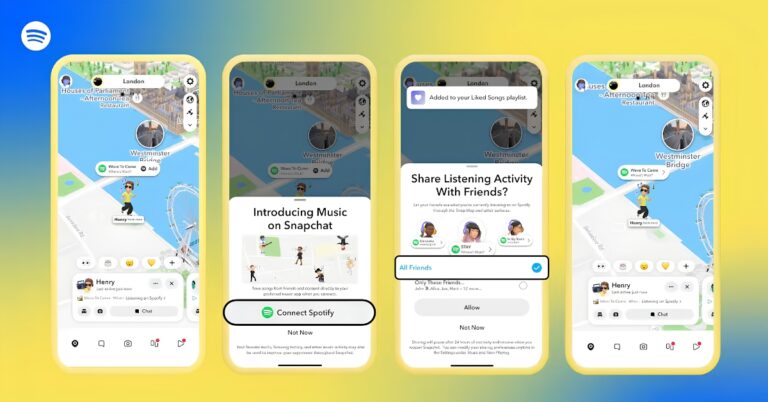
Snapchat's new Now Playing feature lets you share your live Spotify track on Snap Map. Here's how it works, who can see your music, and how to set it up.
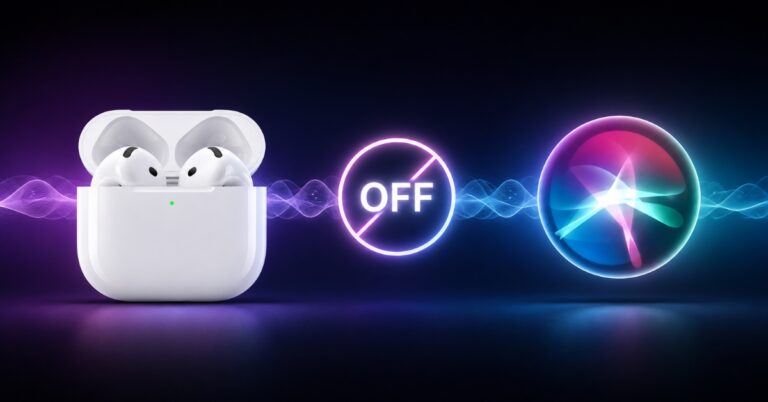
Tired of Siri interrupting your music or podcasts? Learn how to stop accidental Siri activations on your AirPods by changing touch controls, voice activation, announcement settings, and more.
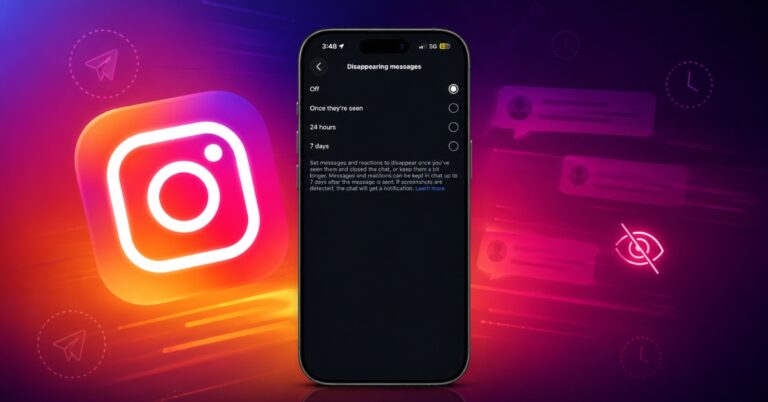
Confused by Instagram chats that keep disappearing? Learn how to switch off Disappearing Messages, prevent future messages from vanishing, and troubleshoot common chat issues in just a few steps.

Deleting the Netflix app won't stop your subscription. If you're ready to cancel, here's how to end your Netflix membership based on your billing provider and what happens after you do.

Whether you're replacing your phone or simply want a larger screen for messaging, WhatsApp on iPad offers the full experience. Learn how to install it, link your account, and take advantage of iPadOS features.

Google Chrome Skills is a handy productivity feature that lets you save and reuse your favorite Gemini prompts. Here's how to create Skills, use them effectively, and speed up everyday AI tasks.
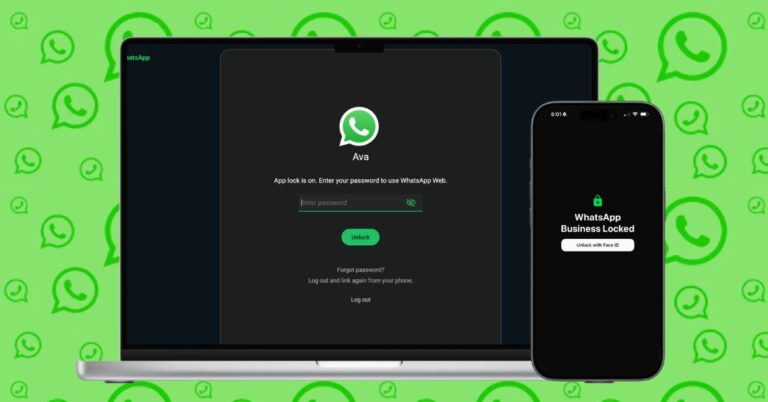
I found an easy way to password-protect WhatsApp Web. Here's how to enable App Lock on WhatsApp Web, Android, iPhone, and Windows.
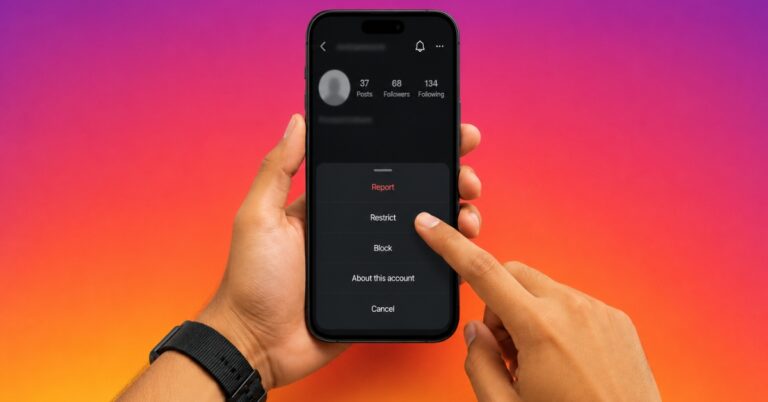
Not sure whether to Restrict or Block someone on Instagram? Here's what each feature does, their key differences, and when you should use each to protect your privacy.

Wondering if Snapchat shows mutual friends? Here's how to check shared connections, what the mutual friends label means, and why you can't see who those friends are.

macOS Golden Gate 27.2 developer beta 4 previews Apple's expanded Siri AI language support ahead of the wider public rollout, giving developers a first look at the next major macOS update.
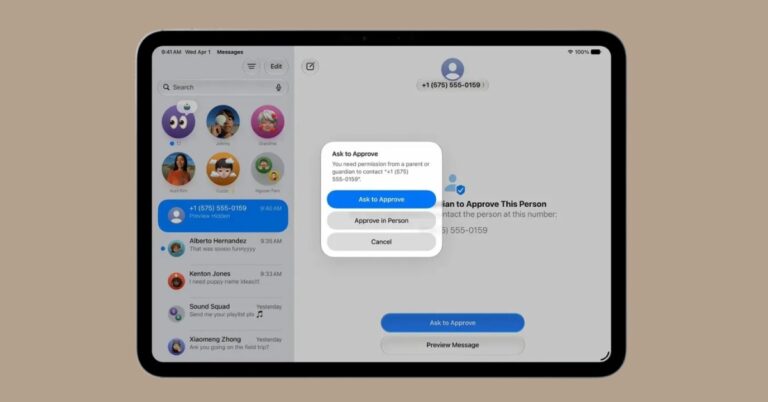
iPadOS 27.2 developer beta 4 previews Apple’s expanded Siri AI languages, Dual Capture in Group FaceTime, Apple TV app profiles on iPad, and HomeView compatibility ahead of the public release.
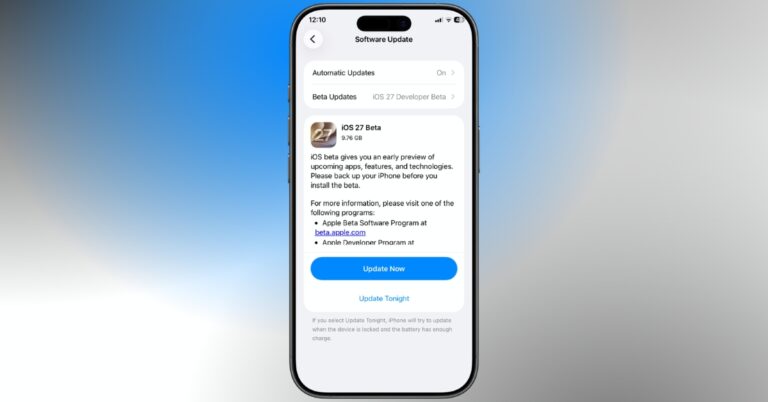
iOS 27.2 developer beta 4 previews Apple’s expanded Siri AI languages, Dual Capture in Group FaceTime, Apple TV app profiles, and HomeView compatibility, with the redesigned Health app pulled to a later release.
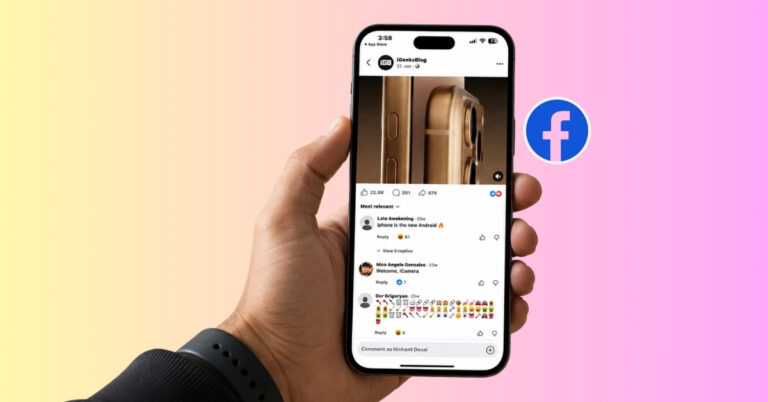
I tested whether Facebook lets you see who shared your post. Here's what I found, what Facebook actually reveals, why you can't see every share, and what you can do instead.
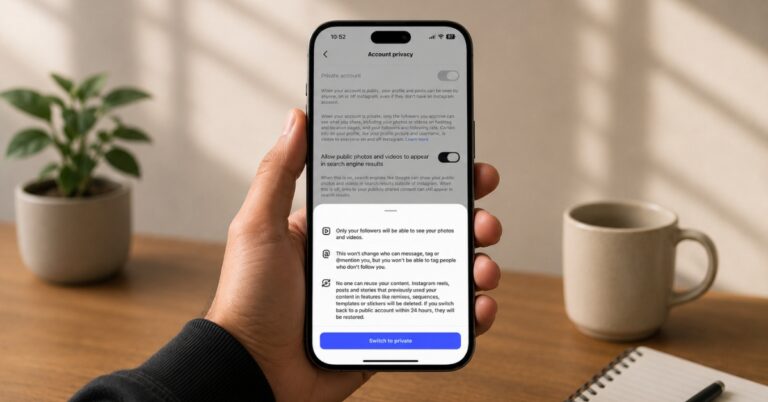
Wondering how to make your Instagram Following list more private? I tested every privacy setting and discovered what actually works and what doesn't.
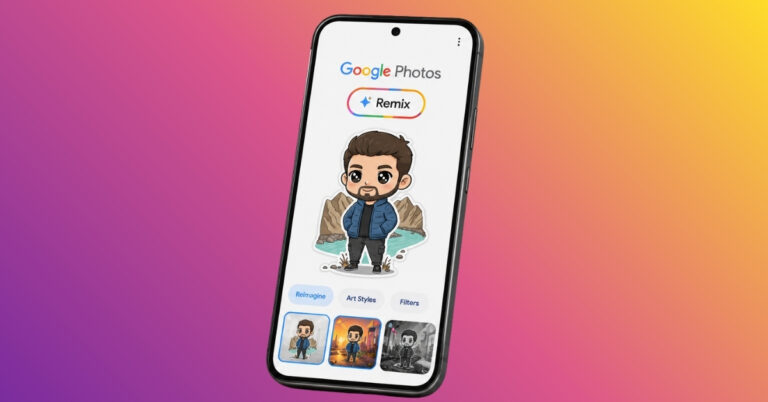
Google Photos Remix helped me rediscover forgotten photos with AI-generated styles, headshots, and artistic effects. After testing every mode, here’s the one I’d actually keep using.

Set up a parent-managed WhatsApp account to help manage your child’s contacts, privacy, and group invitations.
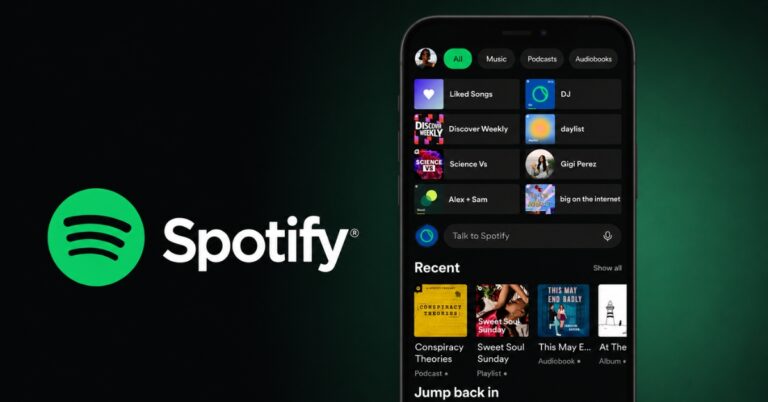
Spotify's new AI chatbot lets you discover music, build playlists, and control playback using natural conversations instead of traditional search.


