
FaceTime Like a Pro
Get our exclusive Ultimate FaceTime Guide 📚 — absolutely FREE when you sign up for our newsletter below.

FaceTime Like a Pro
Get our exclusive Ultimate FaceTime Guide 📚 — absolutely FREE when you sign up for our newsletter below.


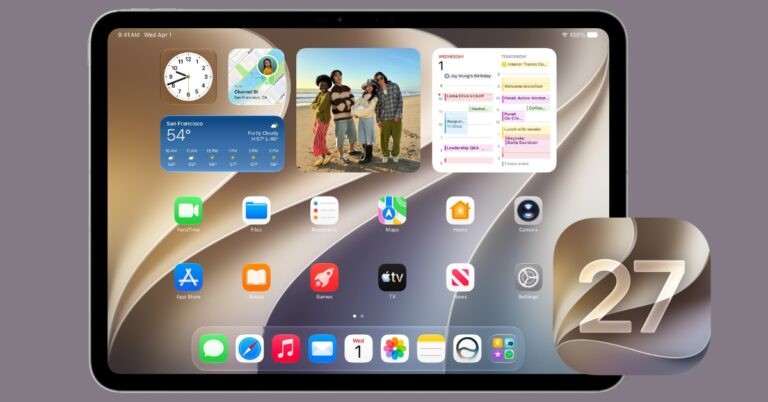
Apple's latest update adds powerful Siri AI features, Mac-like multitasking, and lots of productivity tools that make the iPad more capable than ever.
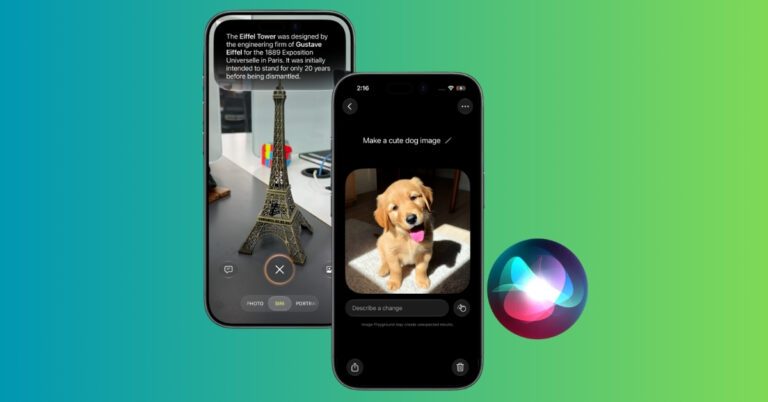
Apple has expanded Visual Intelligence in iOS 27 with new ways to identify objects, interact with content, and get information directly from your screen.
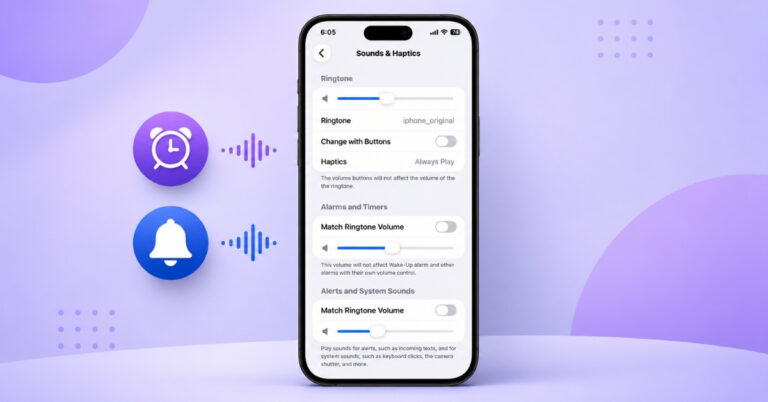
One of the most requested iPhone features is finally here and it could save you from missing your next alarm.
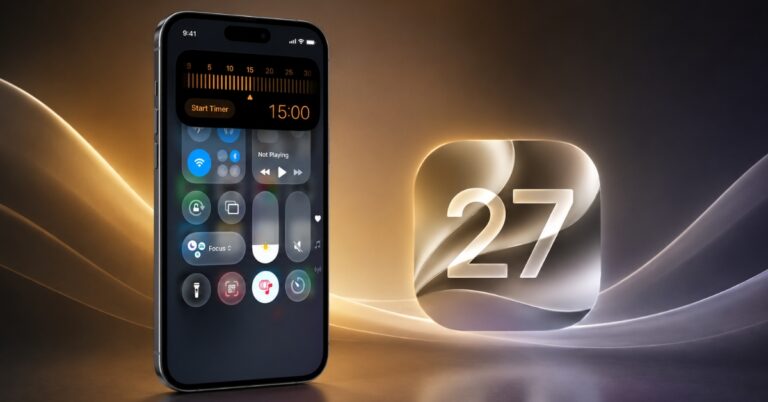
iOS 27 includes several hidden features that don’t get much attention but can make a big difference. These are the ones that have quietly changed how I use my iPhone every day.

New Siri AI features, improved sound quality, and a polished interface make Apple Music better than ever.
Want to leave iOS 27 beta? Here is how to restore your iPhone to iOS 26, avoid backup mistakes, and stop future beta updates.

Getting Fortnite on your iPhone or iPad is easier than ever. From the App Store to cloud gaming platforms, here are the four best ways to start playing today.

Want to leave macOS 27 beta? Here is how to return to macOS Tahoe, avoid backup mistakes, and stop future beta updates.
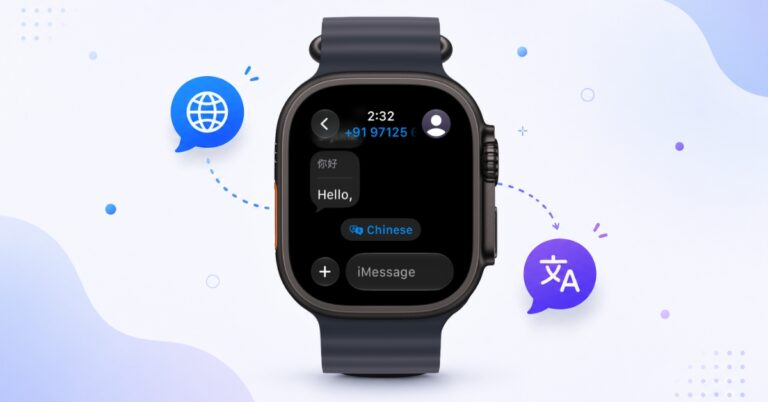
Live Translation in watchOS 27 makes multilingual conversations easier by translating messages directly within the Messages app on Apple Watch. Here's how to enable and use the feature.
Apple Maps in iOS 27 gets a fresh redesign, smarter local discovery tools, trending restaurant recommendations, and enhanced Flyover views.

Apple Notes gets smarter with Siri AI, better organization tools, and long-overdue quality-of-life upgrades in iOS 27.

Apple has packed Safari with AI-powered tab organization, custom extension, website monitoring, and more useful features. Here's what changed and why it matters.

No more scrubbing through videos for screenshots. With iOS 27, you can instantly save high-quality photos from any video frame with just a few taps.
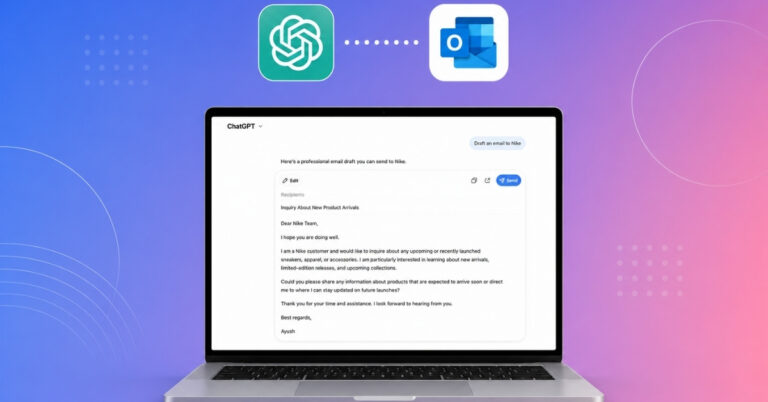
ChatGPT can now draft and send emails directly through Gmail and Outlook. After testing the new feature, here’s how it works, what its limitations are, and whether it’s worth using.

iOS 27 introduces a new Hide Location feature in Find My, letting users temporarily stop sharing their live location without disabling the service or turning off Location Services.
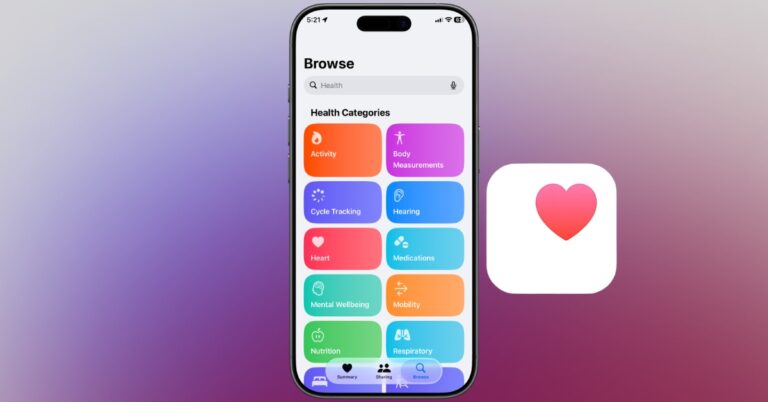
iOS 27 brings smarter health insights, better nutrition tracking, and long-awaited women's health features to the Health app.
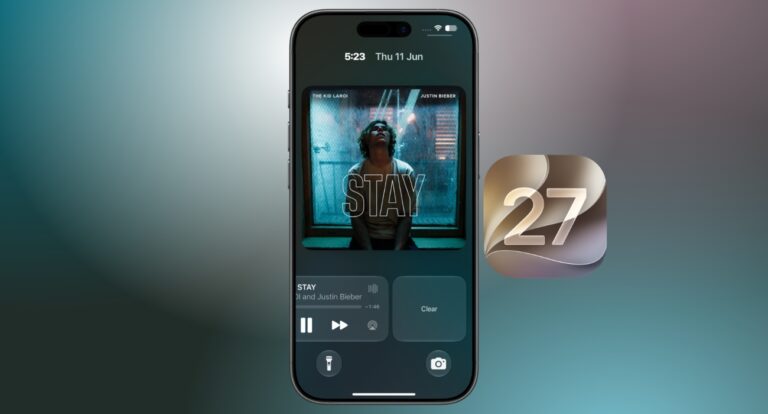
The Now Playing widget has long been a source of accidental taps and clutter on the iPhone Lock Screen. With iOS 27, Apple finally gives users a way to dismiss it.
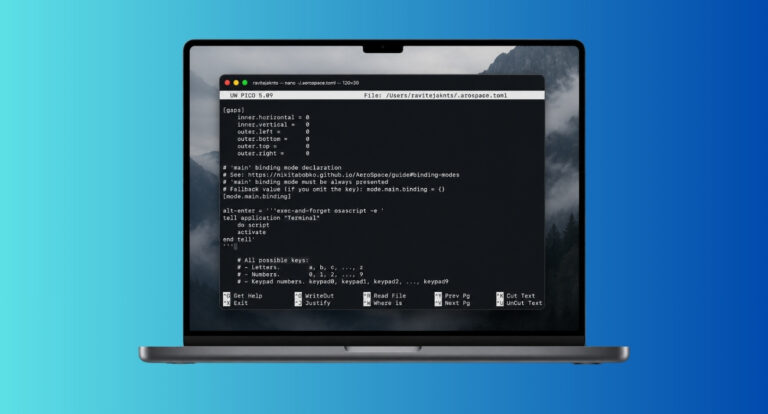
Want i3-style window tiling on Mac? Here is how to install AeroSpace, set permissions, copy the config, and use Option-key shortcuts.
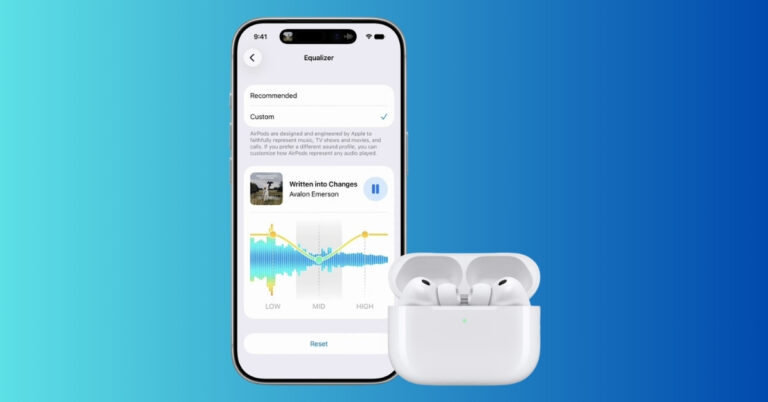
The new EQ controls in iOS 27 let you tune your AirPods exactly the way you want, from punchier bass to clearer vocals.
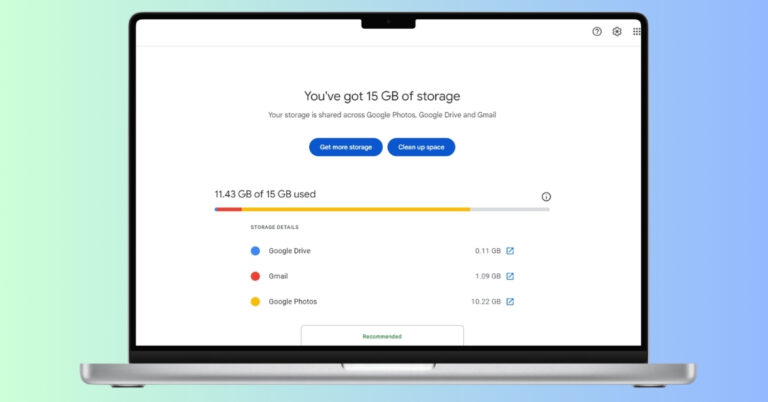
Your Google account is probably storing more junk than you think. Learn the exact steps to reclaim storage in less than 30 minutes.
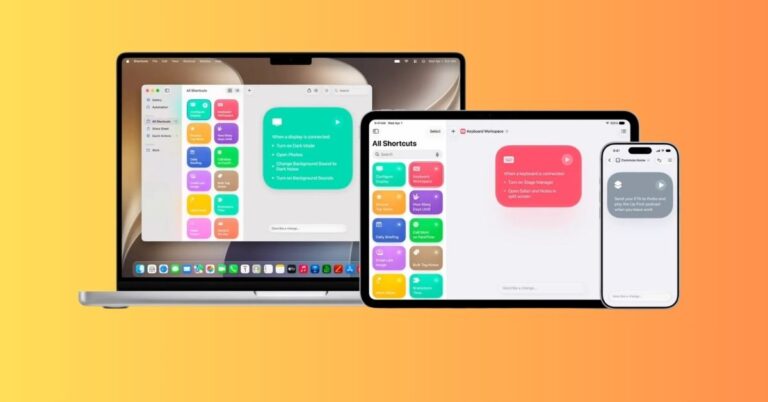
Apple is making Shortcuts easier in iOS 27 by letting users describe an automation in plain language and have Apple Intelligence build the workflow.
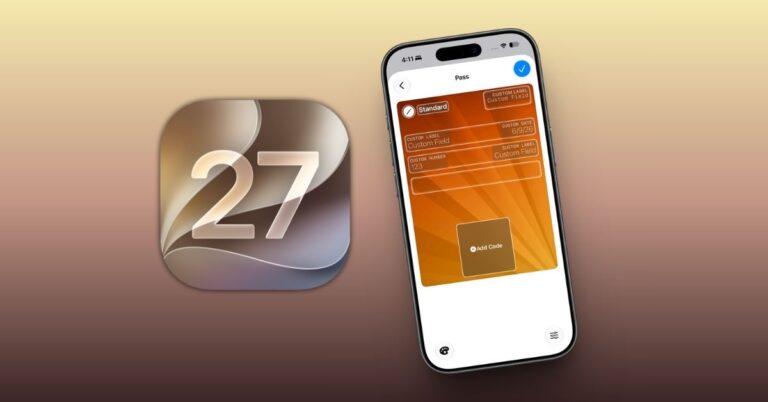
Apple Wallet gains two useful upgrades in iOS 27: the ability to create digital passes from physical cards and a simpler way to split Apple Pay purchases through Apple Cash.
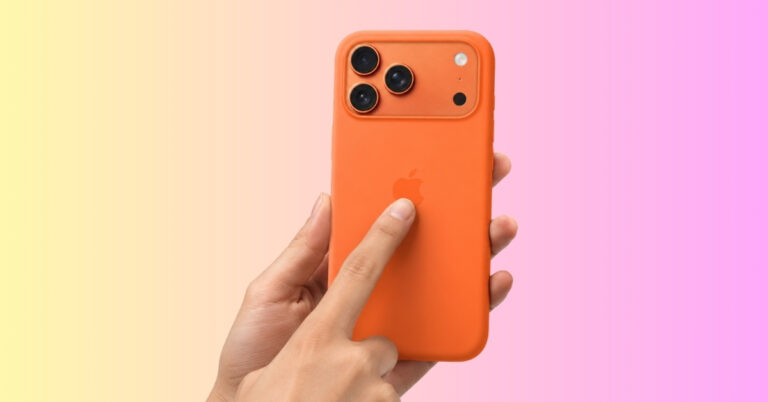
Tap your iPhone back to perform quick actions like taking a screenshot, running a shortcut, opening the front camera, etc.
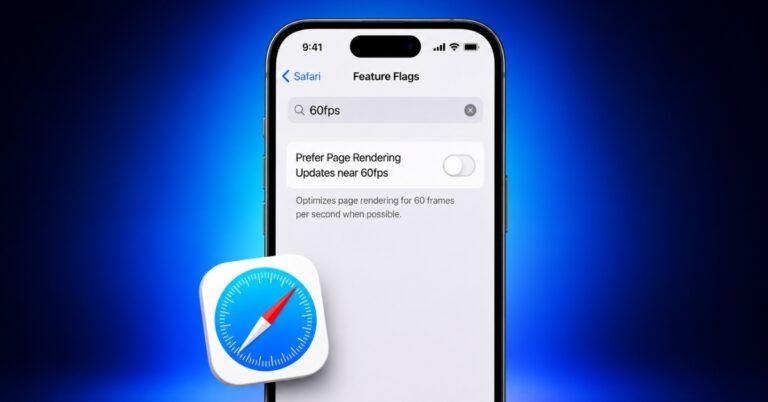
Safari on your iPhone might not be fully using the smooth 120Hz ProMotion display. I discovered a hidden setting that can affect scrolling performance, and changing it instantly made browsing feel faster and smoother.
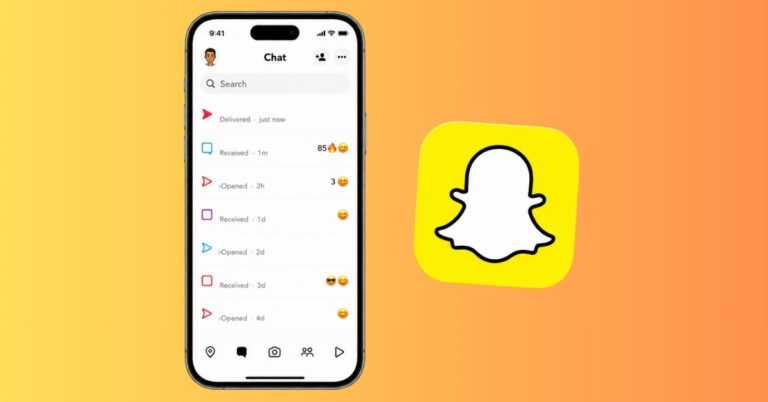
Not sure what Snapchat symbols mean? Here's a quick guide to every Snapchat icon, emoji, arrow, and status symbol explained.
I can finally send files from my iPhone to Android and vice versa without any workarounds.
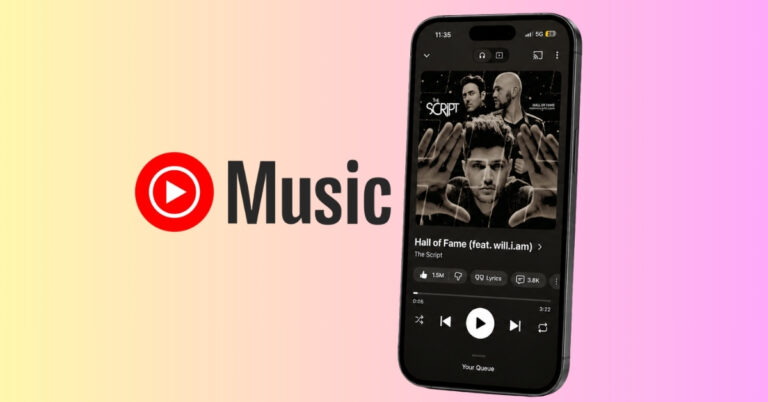
YouTube Music lets you turn song lyrics into shareable social media cards complete with album artwork and artist details. Here’s how the feature works and why it’s better than sharing screenshots.

Instagram Plus is bringing paid features like anonymous Story viewing, extended Stories, and advanced audience controls. But it may also signal a major shift in Instagram's future.

I tested OpenAI’s Image Verification tool using ChatGPT and Gemini-generated images to see what it could actually detect. The results revealed both its strengths and limitations.
Gemini Spark is Google's new 24/7 AI agent for Gmail, Calendar, Drive, Docs, and web tasks. Learn how it works, what it costs, and its limits.


