FaceTime Like a Pro
Get our exclusive Ultimate FaceTime Guide 📚 — absolutely FREE when you sign up for our newsletter below.

FaceTime Like a Pro
Get our exclusive Ultimate FaceTime Guide 📚 — absolutely FREE when you sign up for our newsletter below.


Apple is giving the Mail app one of its biggest updates yet in iOS 27. From smarter search and Siri AI to contextual actions and Apple Intelligence writing tools, here's everything new.

Snapchat’s new friends-only experience for users under 16 puts private sharing ahead of public reach. Here’s why its approach stands out from Instagram and TikTok, and why it could be a better model for younger teens.
I use CarPlay almost every time I drive, so I immediately noticed the improvements in iOS 27. After testing the latest update, here are the new CarPlay features that actually make navigation, media playback, and everyday driving more convenient.

Give your Snapchat videos a fun twist by making emojis follow anything that moves.
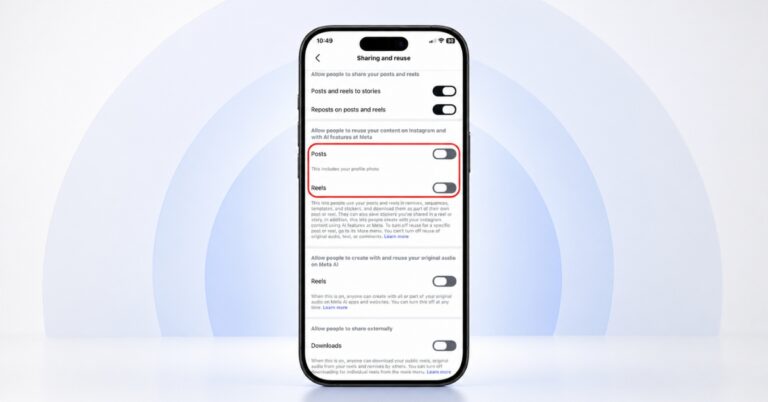
Meta's new Muse Image AI can use eligible public Instagram photos for AI-generated images. Here's how I turned the feature off to better protect my privacy.
I replaced my scanner app with Google Drive's built-in document scanner. Learn how it automatically scans, edits, backs up, and saves documents as PDFs.
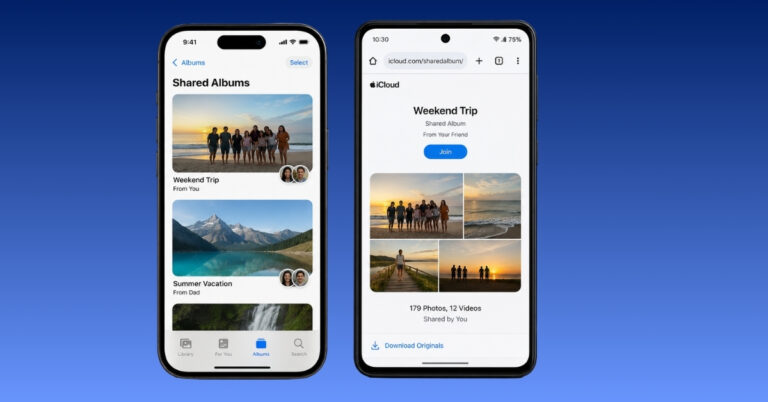
iOS 27 makes Shared Albums more useful by letting Android users view and add photos through an iCloud link. Here's how to share albums across iPhone and Android.
Apple Health now supports menopause tracking in iOS 27, making it easier to log symptoms, monitor health trends, and gain personalized insights. Here’s how to set it up and use it on your iPhone.
I turned my favorite photo memories into shareable videos with just a few taps. No third-party app required.
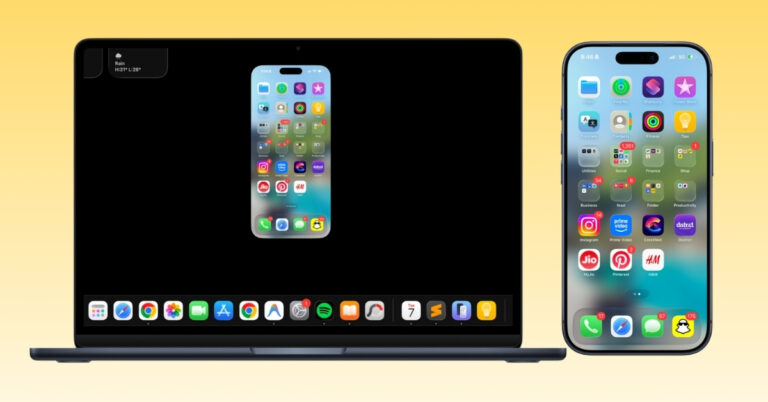
I stopped using iPhone Mirroring months ago because it felt too limiting. Apple's latest iOS 27 and macOS 27 updates finally fixed many of my biggest frustrations and gave me a reason to use it again.
One of my favorite free iCloud storage tricks no longer works for new Shared Albums in iOS 27. Here's what changed and a simple tip to keep using the old workaround.
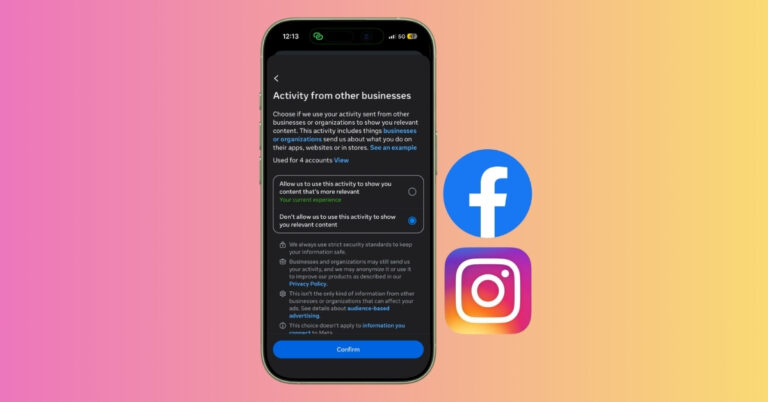
Meta can use activity shared by other apps and websites to personalize ads on Facebook and Instagram. Here’s how to turn off the Activity from other businesses setting and limit that tracking.
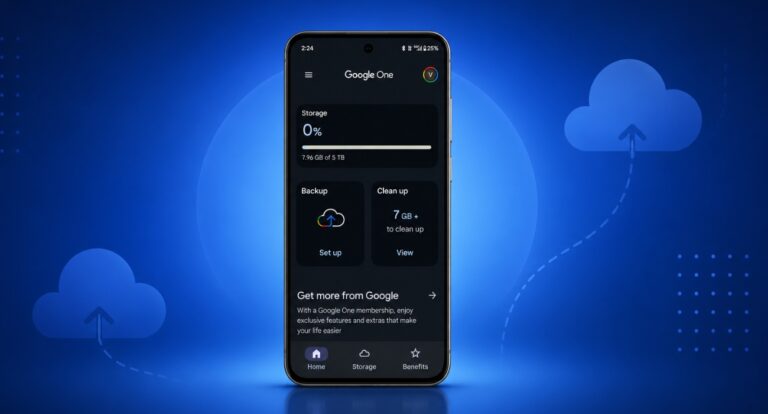
Google is rolling out per-app backup toggles on Android, letting you choose which apps get backed up to the cloud instead of an all-or-nothing system. Here's how it works, what happens when you turn an app off, and which devices have it so far.
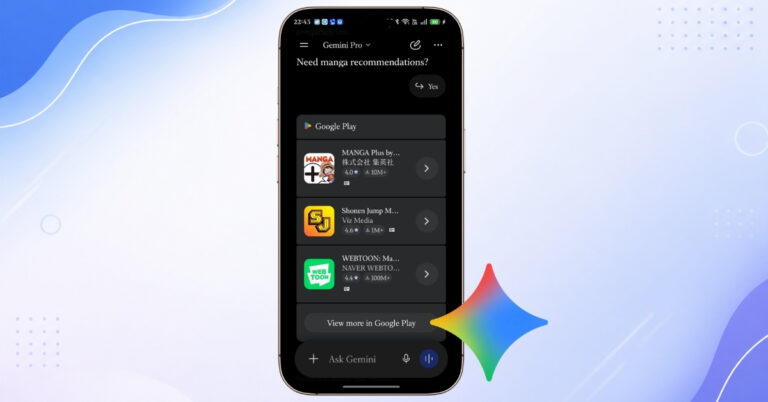
Learn how to use Gemini to find Android apps with natural language prompts and discover the best apps directly from Google Play without manual searching.
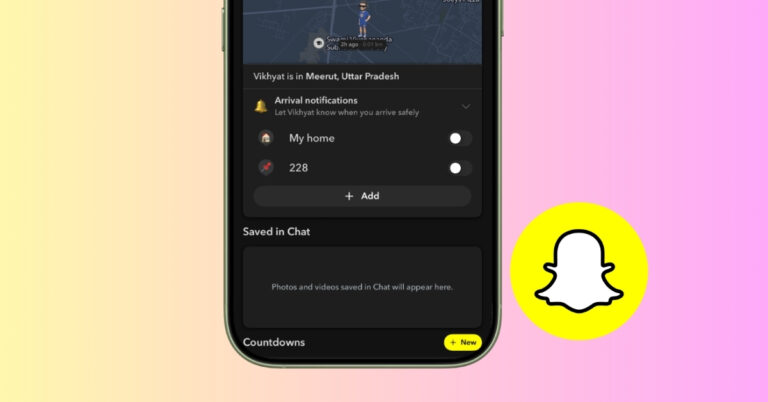
I replaced the usual “I’m here” text with Snapchat’s Arrival Notifications. After using it for a while, I found it to be faster, easier, and surprisingly useful.
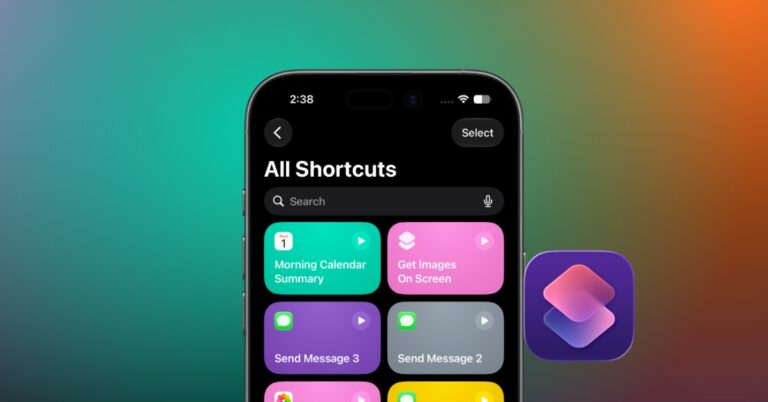
I tried the new Shortcuts app in iOS 27, and it’s finally easy to create iPhone automations. Here’s everything new, including AI-powered shortcut creation, new triggers, and smarter actions.
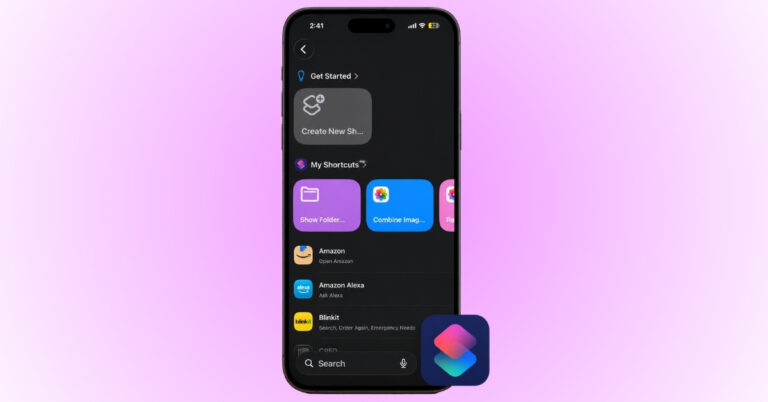
Keep your iPhone on Silent Mode? This Apple Shortcut automatically turns off Silent Mode and sets the volume to maximum, making it much easier to find a misplaced iPhone.
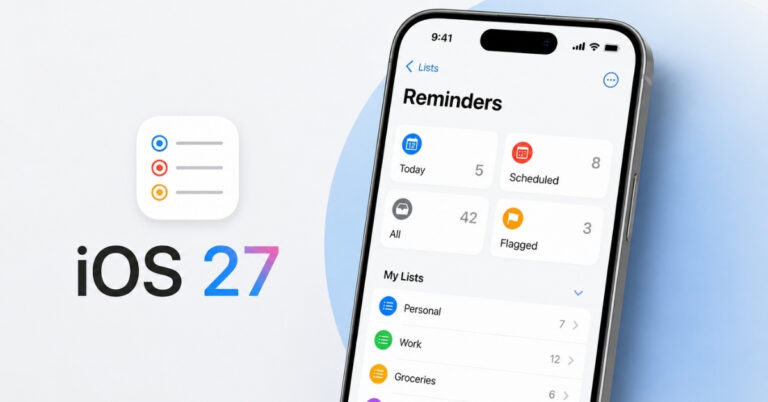
The Reminders app in iOS 27 gets smarter with natural language input, improved grocery lists, better Siri integration, and new Shortcuts actions. Here’s everything new after testing the update.
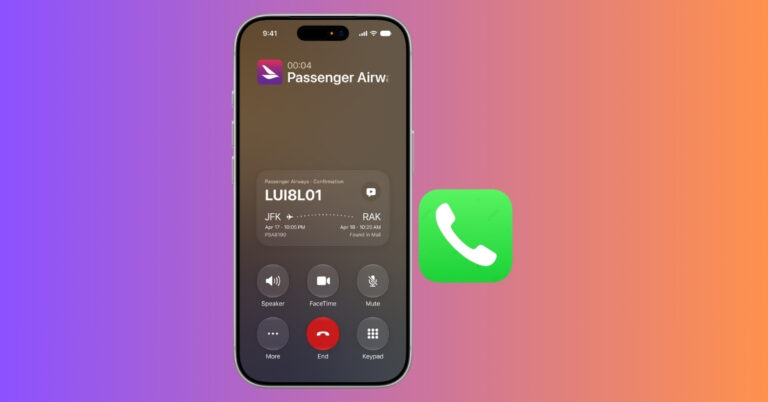
Call Context in iOS 27 automatically shows booking codes, order numbers, and reservation details during business calls. Here’s how it works.
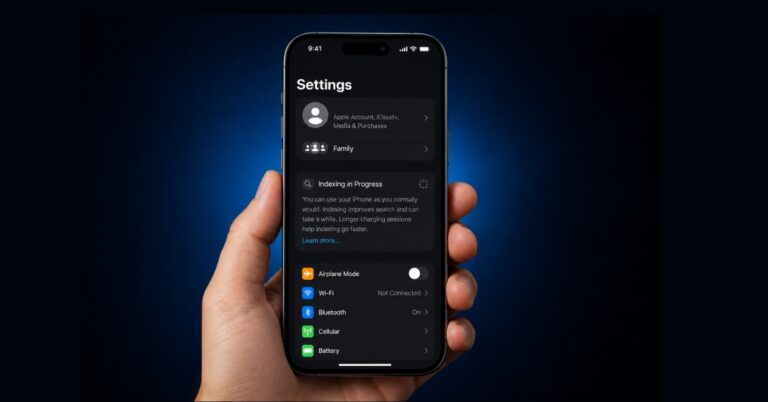
Seeing “Indexing in Progress” on your iPhone after updating to iOS 27? I ran into the same issue and found the fastest fixes that actually worked to restore Spotlight and app search.
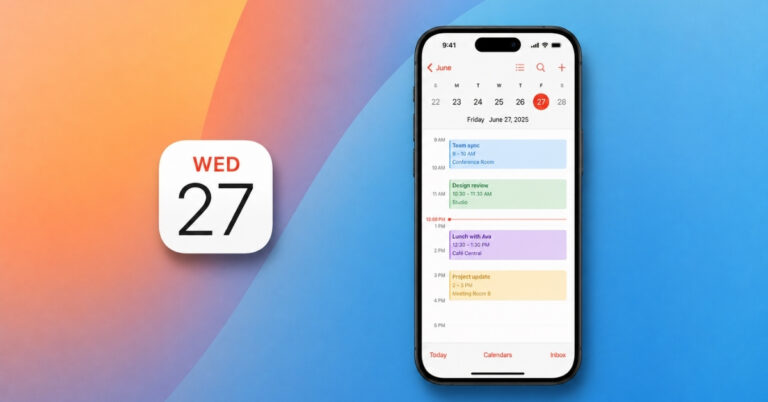
The Calendar app in iOS 27 gets smarter with Apple Intelligence, making it easier to create, manage, and organize events using natural language, Siri, and camera-based timetable import.
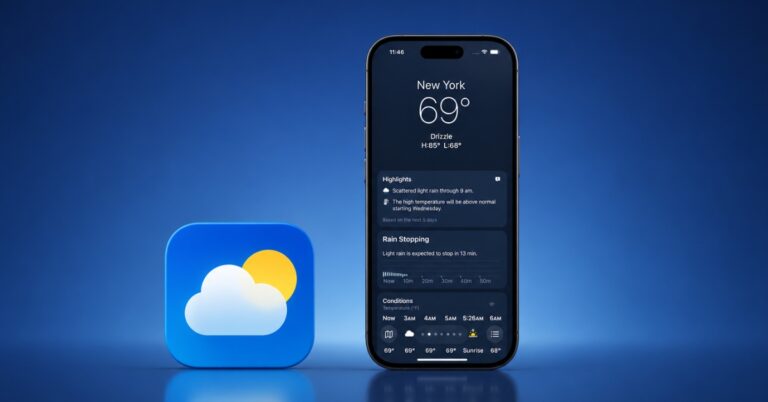
The Weather app in iOS 27 gets smarter with dedicated rain and wind forecasts, a new Highlights section, and more useful widgets. Here’s everything new after testing the update.
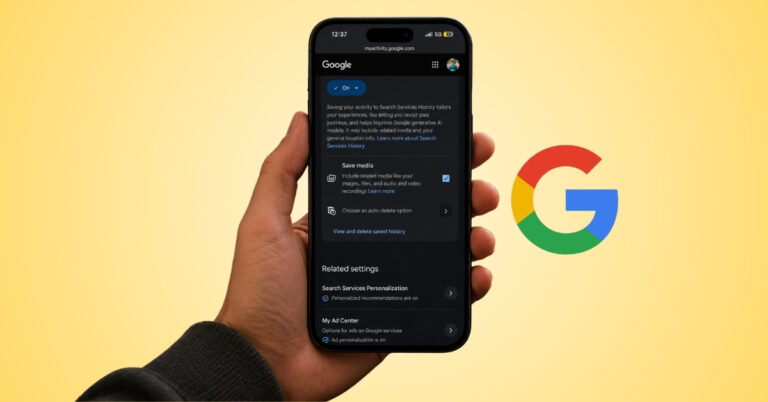
Google Search can now save photos and audio files you upload while using certain search features. Here’s how to disable the setting and keep future uploads from being stored.
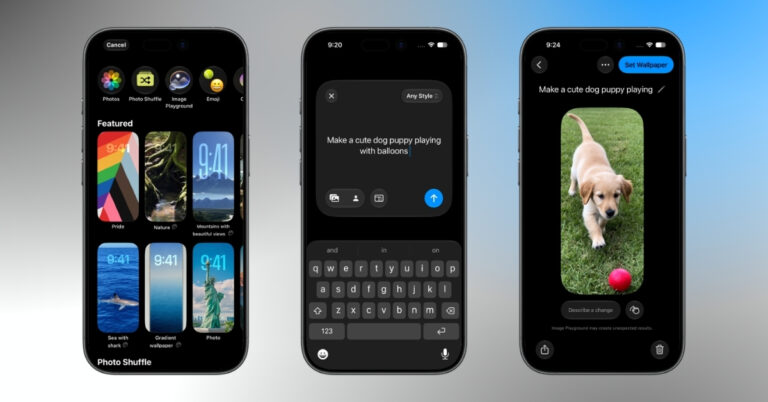
iOS 27 lets you create AI-generated wallpapers on your iPhone using Apple Intelligence and Image Playground. Here’s how it works and the best prompts to try.
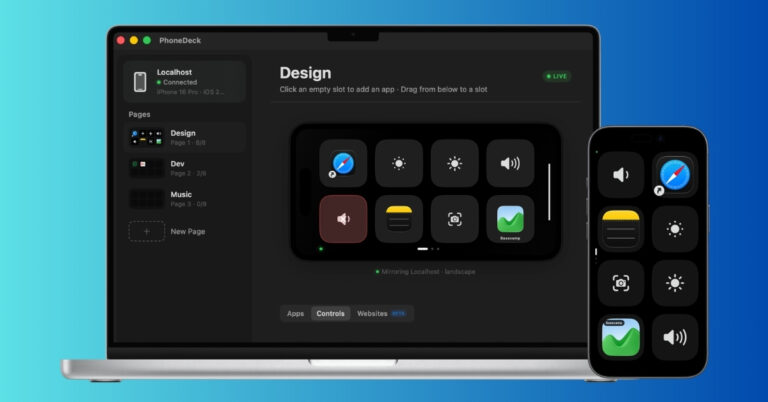
I wanted a Stream Deck for my Mac but didn’t want another gadget on my desk. So I turned an old iPhone into a customizable control panel using PhoneDeck. Here’s how it worked and whether it can replace a real Stream Deck.
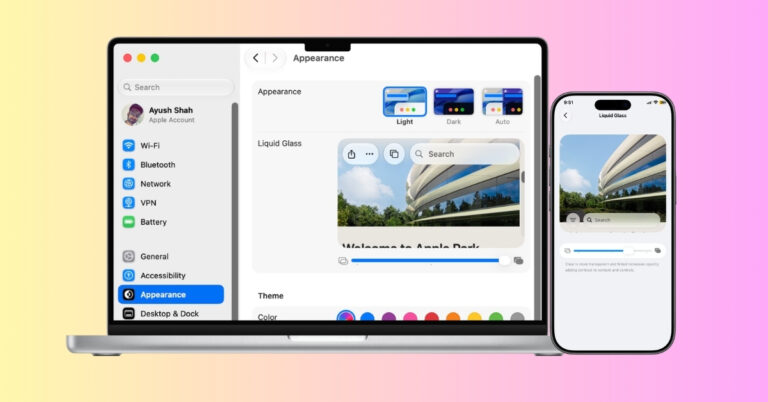
iOS 27 and macOS 27 finally let users adjust Liquid Glass transparency. Here’s how to customize the effect on iPhone, iPad, and Mac, and why Apple made the change.
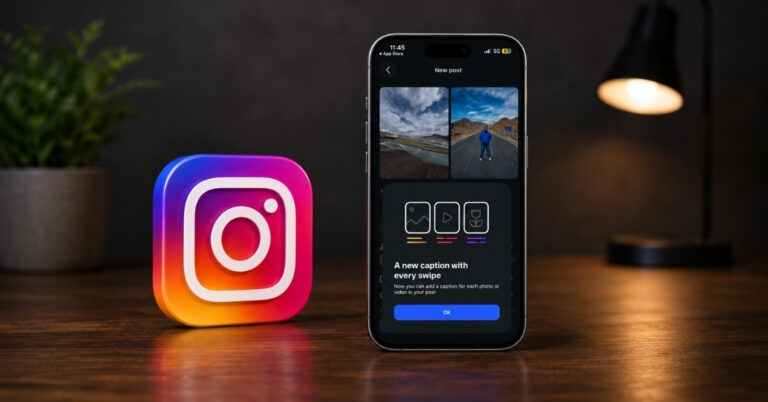
Instagram now lets creators add different captions to individual carousel slides. Here's how the Multiple Captions feature works and how to use it in your posts.
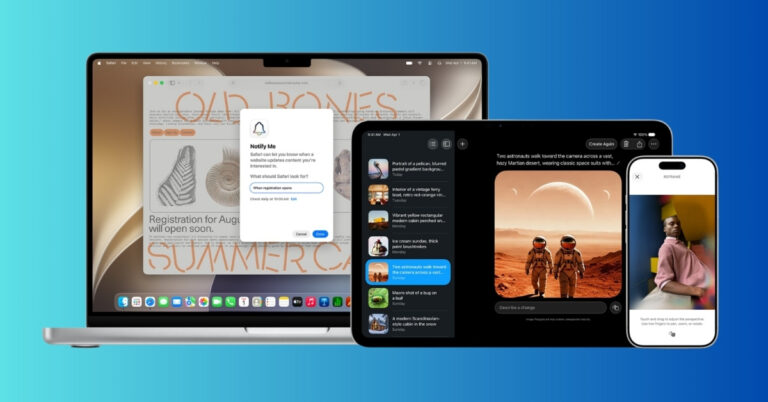
From AI-powered Clean Up to Spatial Reframe and improved iCloud Shared Album, here’s everything new in the iOS 27 Photos app.
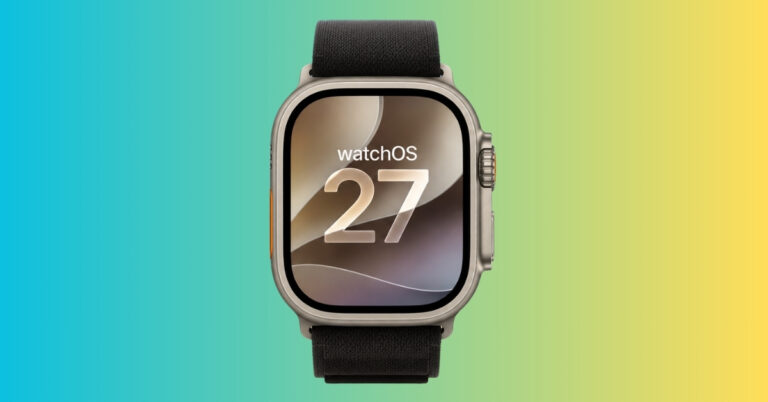
watchOS 27.2 developer beta 4 previews Apple's expanded Siri AI language support and refinements coming to Apple Watch, giving developers a first look at the next major watchOS update before public rollout.