
FaceTime Like a Pro
Get our exclusive Ultimate FaceTime Guide 📚 — absolutely FREE when you sign up for our newsletter below.

FaceTime Like a Pro
Get our exclusive Ultimate FaceTime Guide 📚 — absolutely FREE when you sign up for our newsletter below.



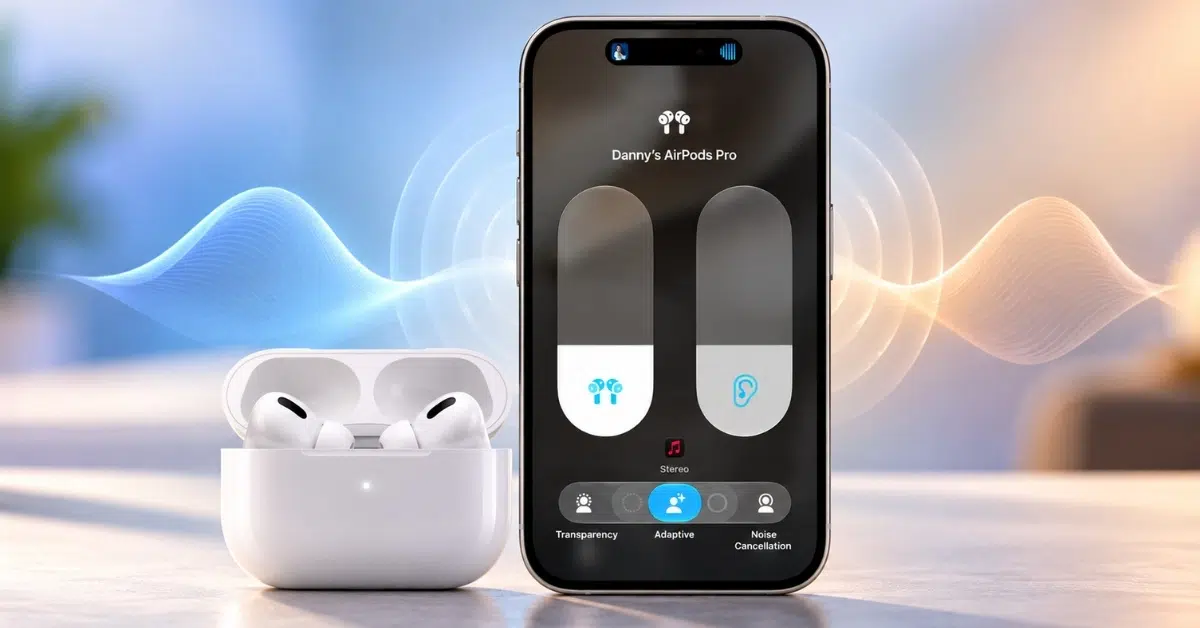
Adaptive Audio, Personalized Volume, and Conversation Awareness make listening with AirPods easier by adjusting noise control and volume to suit your surroundings. Here’s how to enable these features, customize your listening experience, and use Automatic Switching across Apple devices.
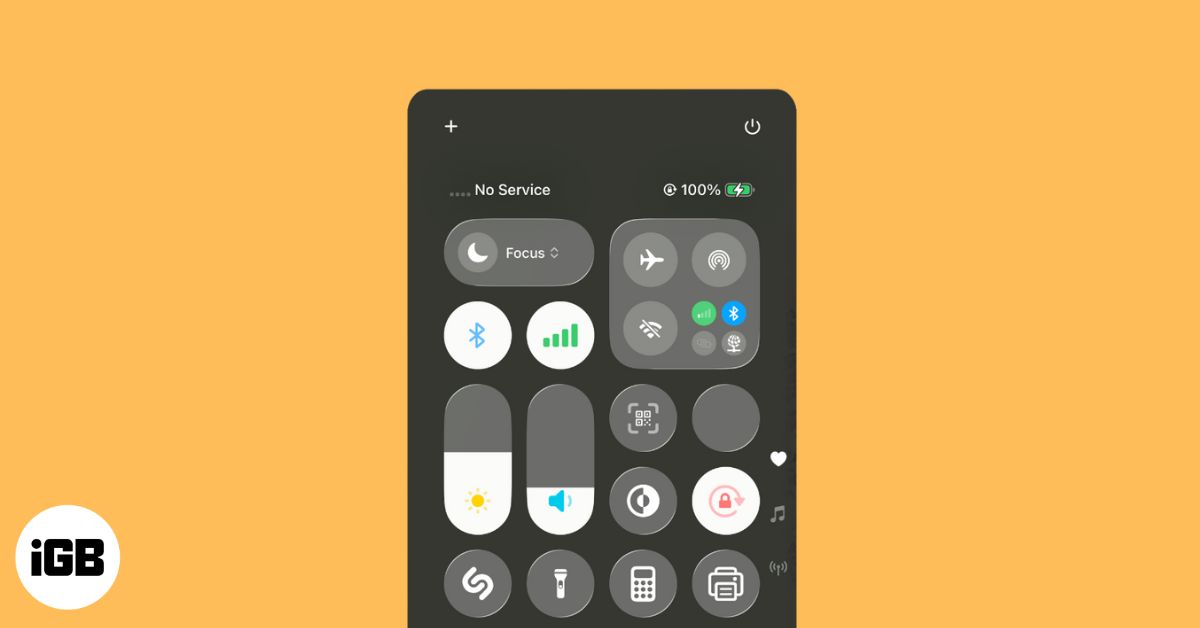
If your iPhone shows “No Service” or “Searching,” don’t panic. From toggling Airplane Mode to updating iOS, these quick fixes can help restore your signal.

A pinned post is the first thing visitors to your profile see. Here is how to pin and unpin your own posts on X across every device, and how pinning someone else's post works.
iPhone can text people back automatically while you drive or focus. This guide covers the Driving Focus auto-reply, custom Focus responses, alternative methods, and exactly when each triggers.
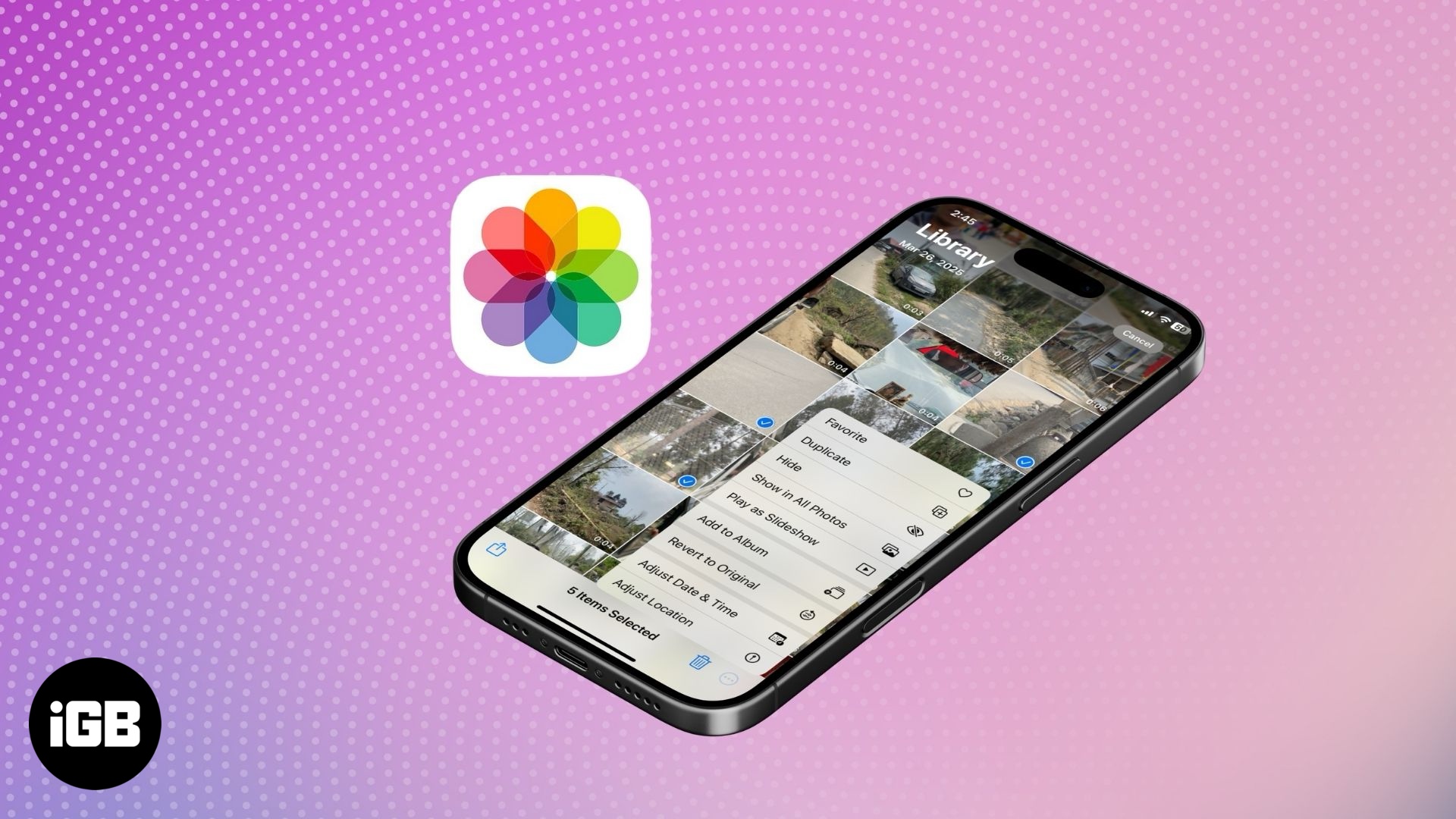
Turn off geotagging and remove location data from iPhone photos to protect your privacy.

Free up space and relive memories—learn smart ways to transfer your iPhone photos and videos to your Mac or PC in just a few clicks!
A quick and clear guide to ending or pausing your Apple ID account.
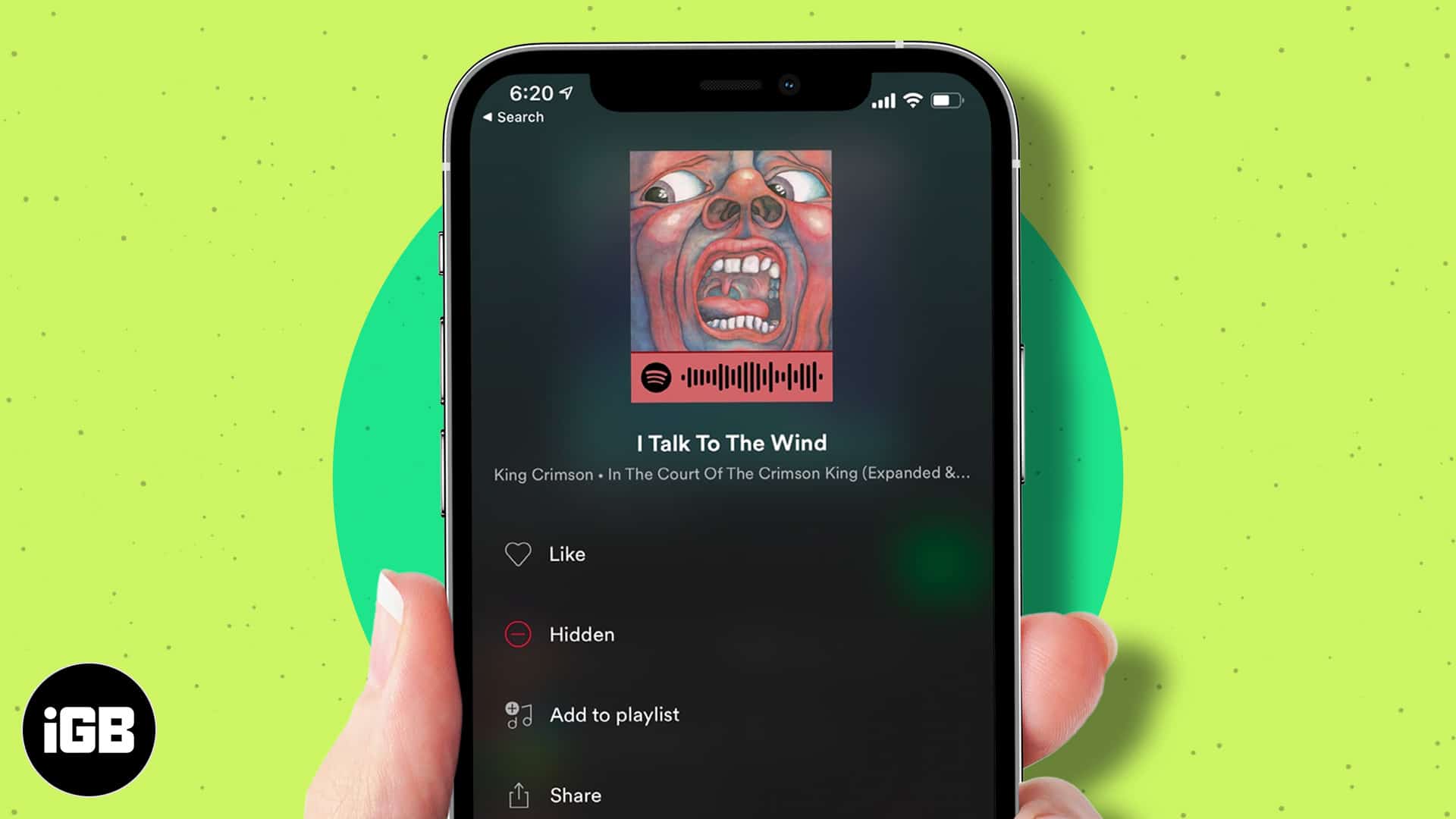
Tired of skipping songs? Learn how to hide and unhide tracks on Spotify to take control of your playlists.
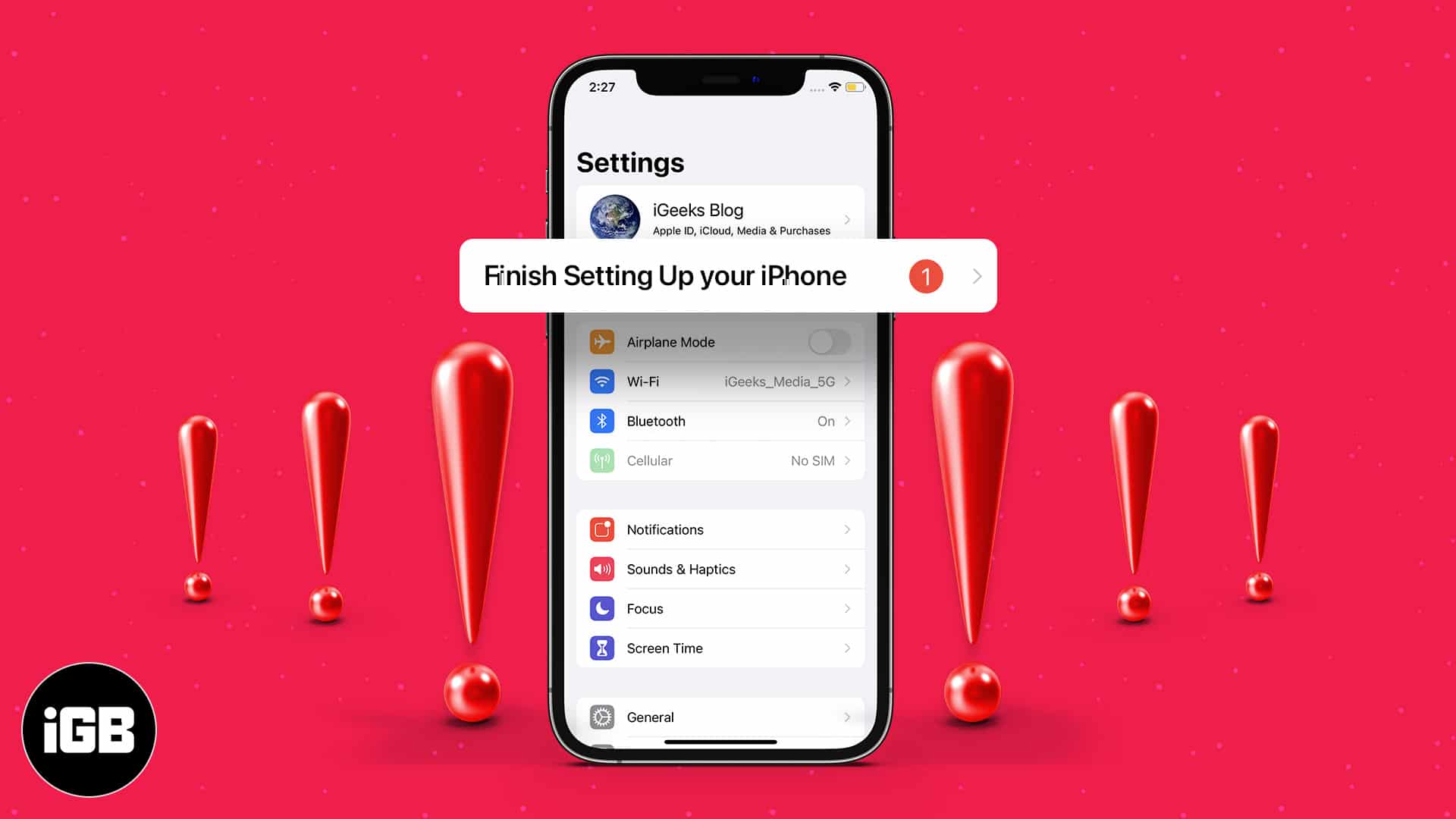
Learn how to fix and remove the “Finish Setting Up Your iPhone” alert with simple, effective solutions.
Forgot your Snapchat password or got hacked? Here's a complete guide to help you recover your Snapchat account and keep it safe from future threats.

Apple has been more generous in recent updates, allowing better interaction between iOS, macOS, Android, and Windows. With iOS 18,…
When Spotlight stops returning results, the index has usually stalled or an app has been excluded. These six fixes cover search settings, reindexing, restarts, and app-level permissions.
Are you bored of the iPhone’s default ringtone? Here’s the good news: you can make a voice memo ringtone on…
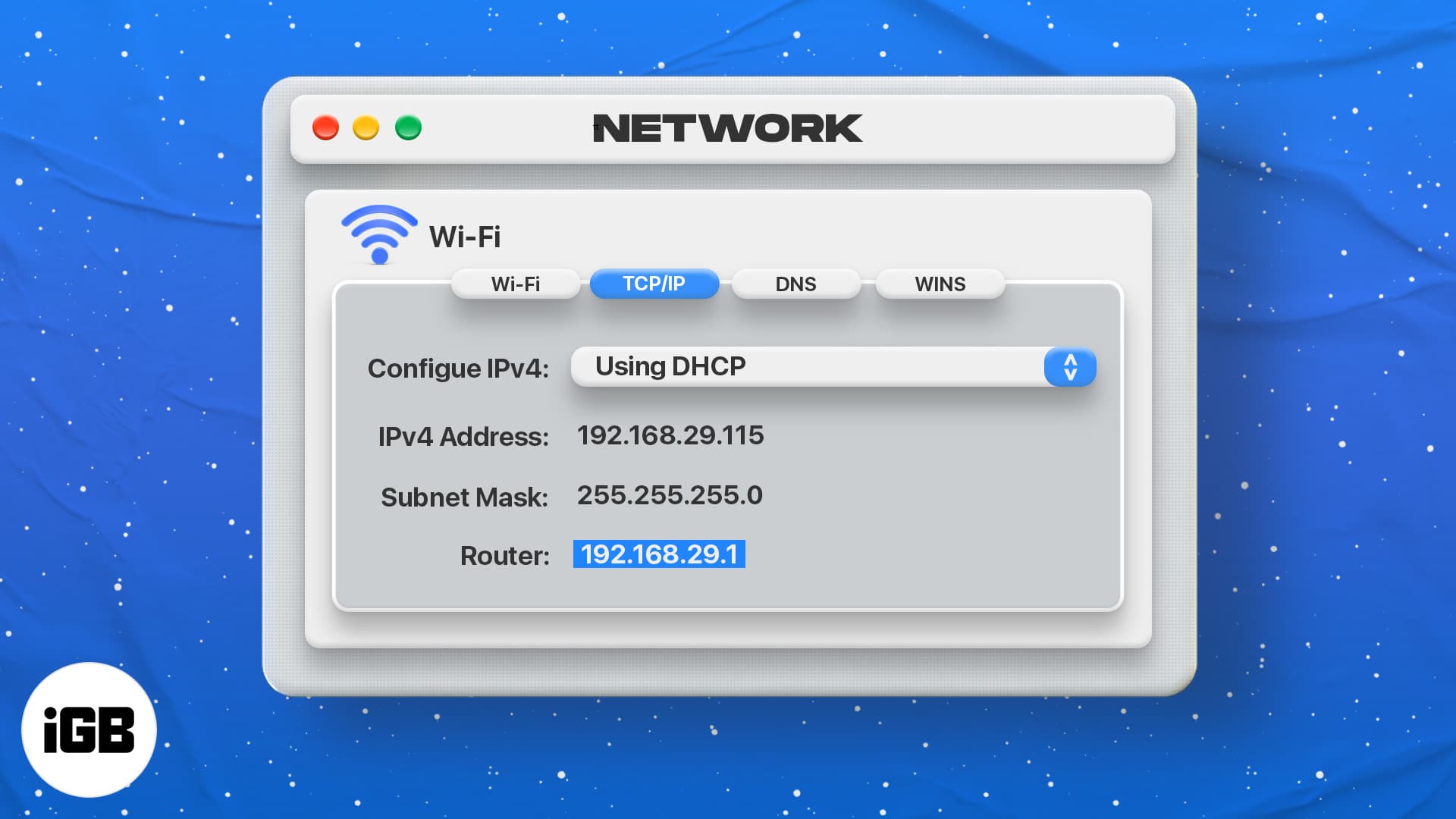
You need the router IP to reach its admin page and change network settings. Here is what an IP address is, plus three quick ways to find your router's on macOS.
Cross-posting breaks when the account link lapses or permissions change. These five fixes cover relinking Instagram to Facebook, checking Accounts Center, and resetting the sharing setting.
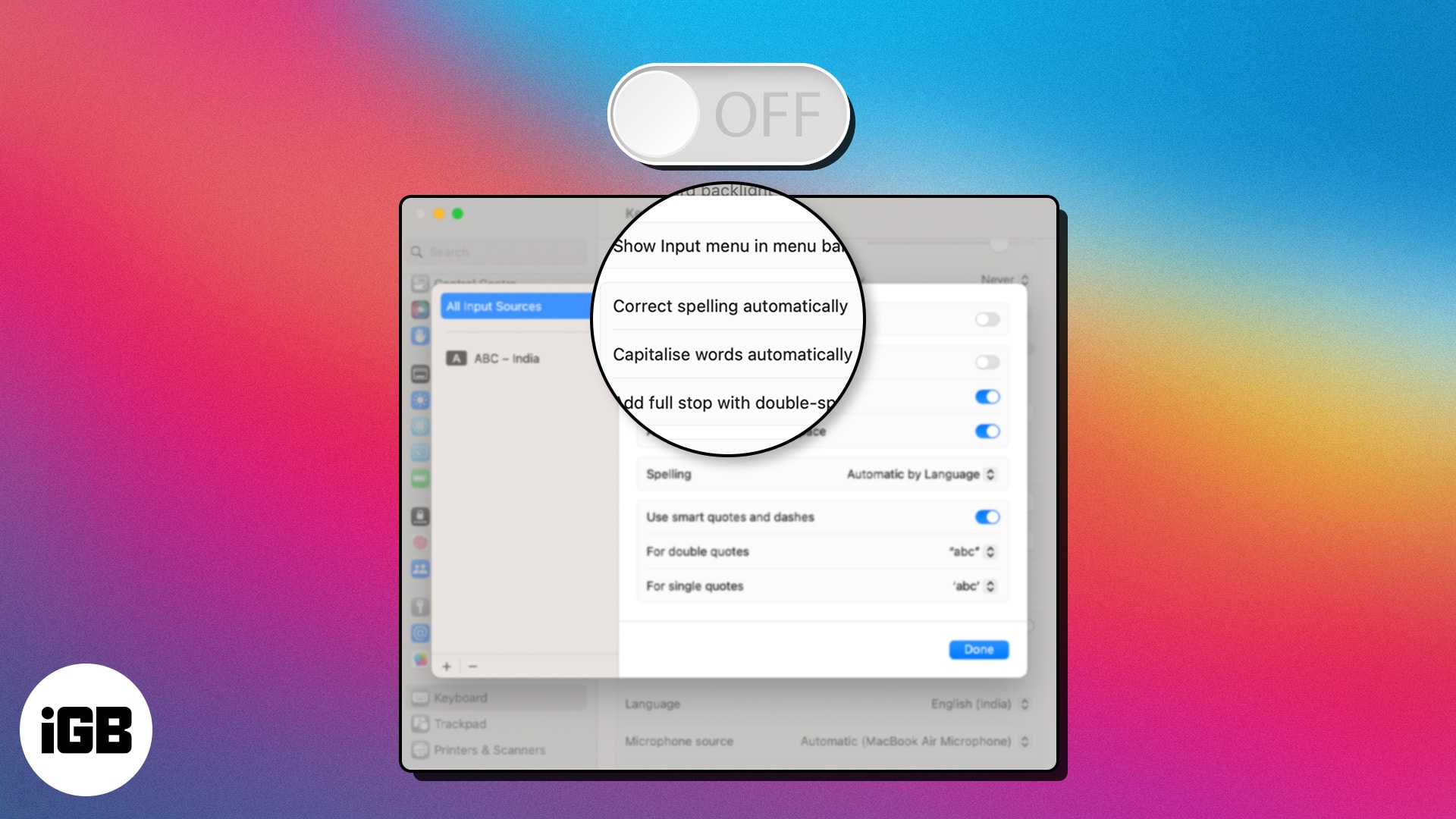
Autocorrect on Mac helpfully mangles technical terms and proper nouns. Here is exactly where the setting lives in System Settings and how to disable it in a few clicks.
With multiple Apple accessories paired, the default names become useless. Here is how to rename your Magic Mouse on Mac so you can tell your devices apart at a glance.
Both platforms do most things well, so the decision comes down to priorities. We compare performance, update longevity, camera output, security, continuity features, and value across both.
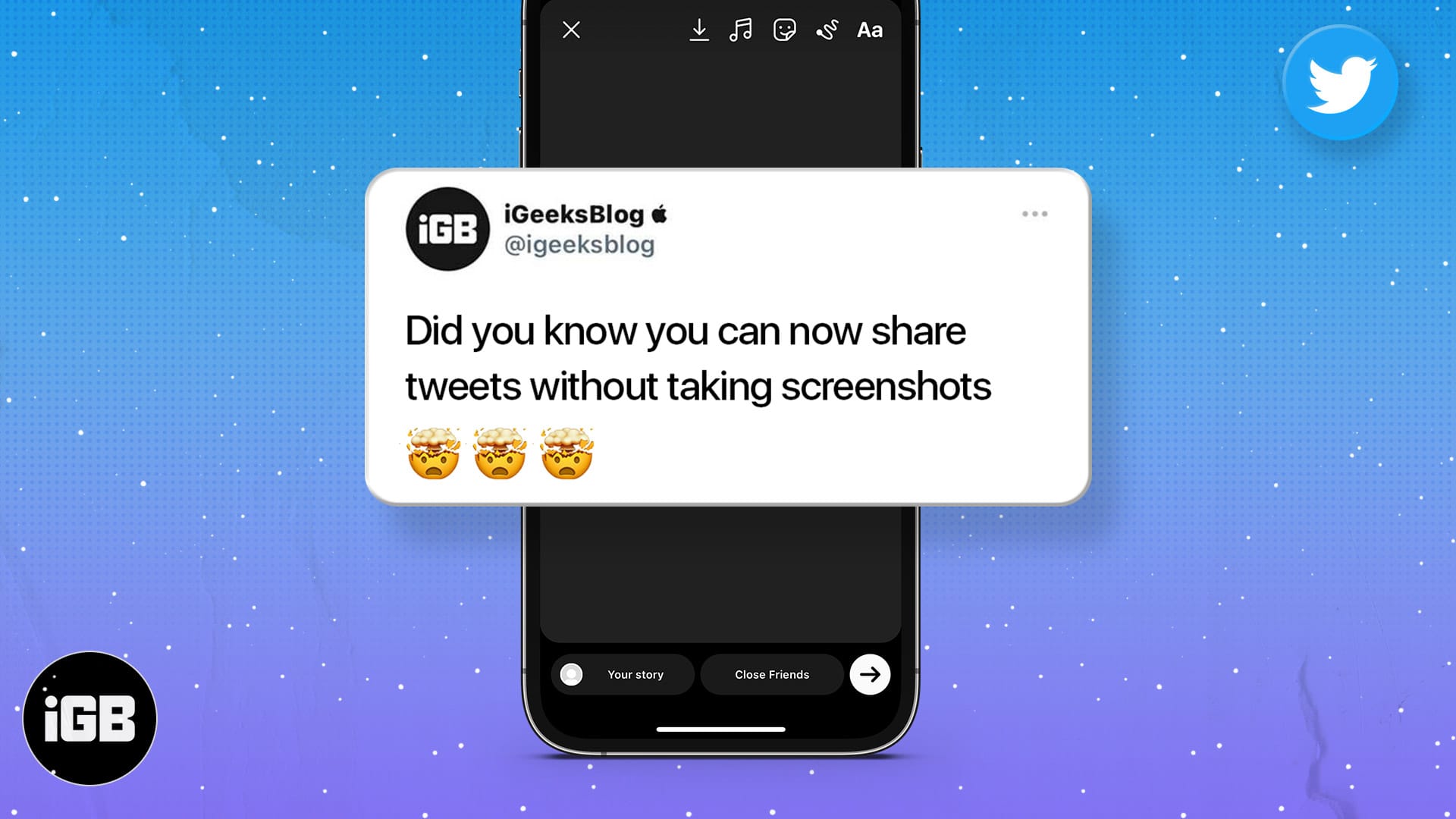
Screenshotting a tweet gives you an awkward crop. Here is how to share a post from X directly to your Instagram Story on iPhone and Android, keeping the formatting clean.

First and second generation Apple Pencils pair and charge completely differently. Here is which iPads support each, how to connect and charge them, and what to do when pairing fails.

Apple Diagnostics tests memory, storage, and logic board hardware in minutes. Here is how to run it on modern and pre-2013 Macs, what the common reference codes mean, and your next steps.
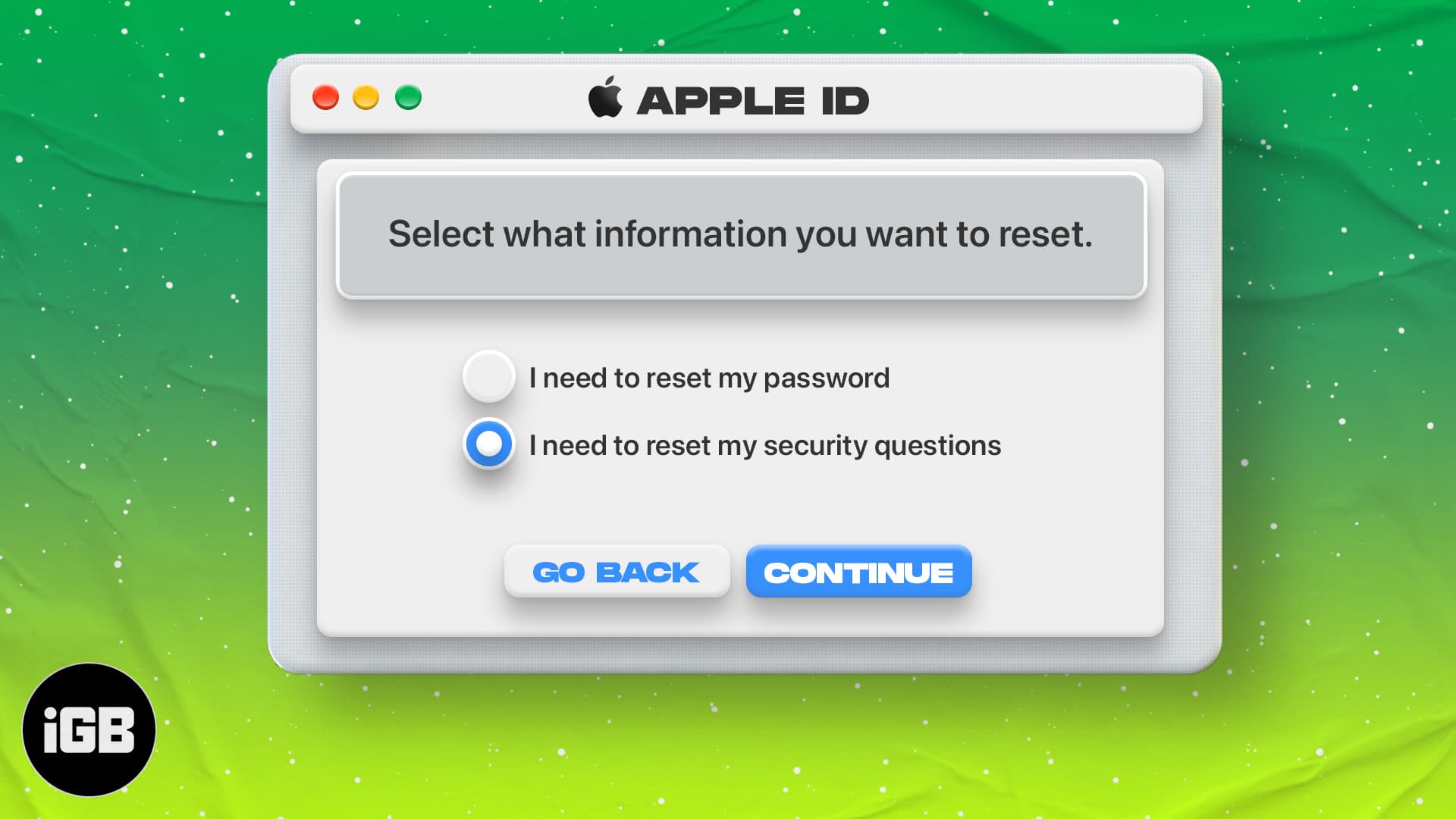
Security questions are easy to forget and hard to reset. Here is how to change them from any device, what to do when you cannot recall the answers, and how to resolve Apple's reset error.