
FaceTime Like a Pro
Get our exclusive Ultimate FaceTime Guide 📚 — absolutely FREE when you sign up for our newsletter below.

FaceTime Like a Pro
Get our exclusive Ultimate FaceTime Guide 📚 — absolutely FREE when you sign up for our newsletter below.


Apple is giving the Mail app one of its biggest updates yet in iOS 27. From smarter search and Siri AI to contextual actions and Apple Intelligence writing tools, here's everything new.
Mail Drop lets you send large videos, photos, and documents by uploading them to iCloud and sharing a secure link. It sidesteps email size limits and makes sending big files quick and simple.
Mail problems usually follow an iOS update, showing up as crashes, blank screens, or accounts that stop syncing. These 12 fixes work through each symptom to get your inbox loading again.
In this guide, I'll demonstrate the ways to configure this on iPhone, iPad, and Mac.
Learn how to sign out of the Mail app on your iPhone, whether you’re temporarily disabling Mail, removing accounts, or managing Gmail separately.
This post details how to create iCloud email on an iPhone, iPad, or Mac and why you should consider using it.
Maximize efficiency and productivity in the Apple Mail app on your iPhone with these pro tips.
Easily spot important emails by color coding them.
Key Takeaways Apple lets you remove the default “Sent from my iPhone” email signature and add a custom one. To change the email signature on iPhone Mail app, go to Settings > Apps > Mail > Signature. Moreover, you may…
As a power Apple user, having seamless access to your important emails across your iPhone, iPad, and Mac is necessary to stay on top of your schedule. That’s exactly where your iCloud Mail steps in. It offers a simple &…
Email communication is crucial in both personal and professional settings. Moreover, saving important Apple Mail conversations as PDF files offers significant benefits, such as record-keeping, sharing emails as attachments, and archiving for future reference. If you also wish to manage…
Are you facing issues with loading images in the Mail app on your Mac? If so, you’re not alone. Recently, I faced email attachment issues while using the app, too. The situation is frustrating, especially because you don’t want to deprive…
Tracking pixels tell senders when you opened an email and often where you were. Here is how tracking works, why it matters, and how to block it in Apple Mail, Gmail, and Outlook.
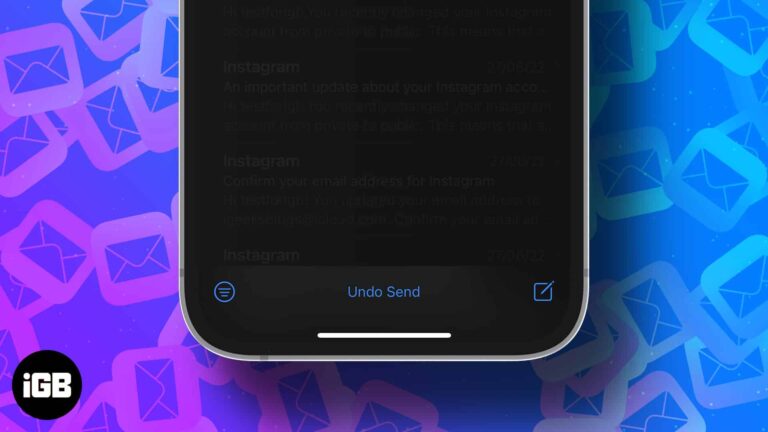
Often we forget to include an attachment or add a CC when in a hurry. And we realize this only after hitting send. Well, worry no more. With the introduction of iOS 16, iPadOS 16, and macOS Ventura, you can…
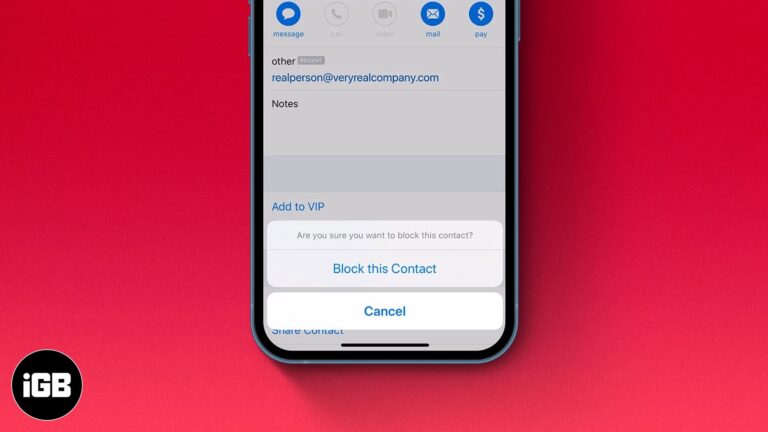
While you don’t see spam emails in your primary mail directory or receive notifications for them, some emails evade spam detection and land in your primary folder. If you are as tired of receiving such emails as I am, there’s…
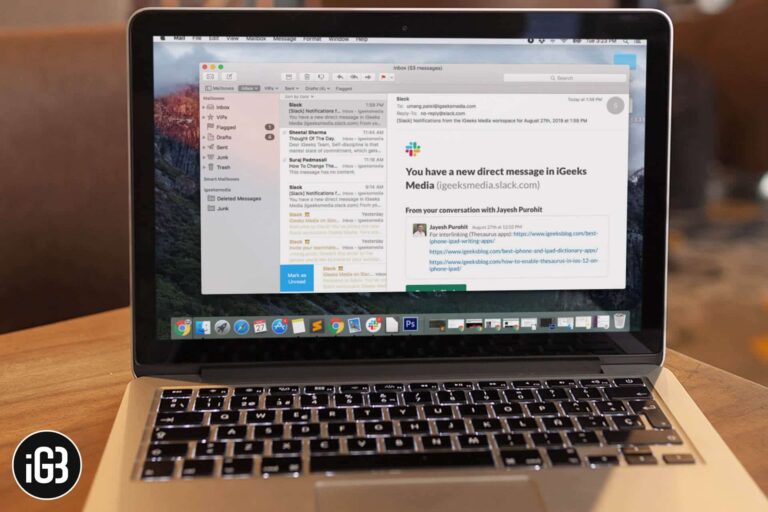
Mail's default typography suits nobody in particular. Here is how to change the message list font, reading pane text, and composition colors so your inbox is comfortable to work in all day.
Mail quietly caches every attachment you receive, which adds up to gigabytes. Here is how to change the download setting on Mac so attachments only arrive when you ask for them.


