FaceTime Like a Pro
Get our exclusive Ultimate FaceTime Guide 📚 — absolutely FREE when you sign up for our newsletter below.

FaceTime Like a Pro
Get our exclusive Ultimate FaceTime Guide 📚 — absolutely FREE when you sign up for our newsletter below.


Find the best HomeKit smart home devices for 2026. Compare smart plugs, lights, cameras, locks, and speakers that work seamlessly with Apple.
Apple HomeKit has matured into one of the most stable, private, and reliable smart home platforms available today. With Matter support, faster automations, and tighter Siri integration, 2026 is a great time to build a HomeKit-based smart home.
This guide covers the best Apple HomeKit devices you can actually buy and use in daily life to improve convenience, security, and automation. If you are looking for the best HomeKit smart home devices that work reliably without constant tinkering, you are in the right place. Let’s start with the basics.
Before buying HomeKit accessories, make sure you have the essentials in place. The good news is that HomeKit has simpler requirements than most smart home platforms.
You need at least one Apple device to set up and control HomeKit devices. All setup and management happen through the Apple Home app. An iPhone or iPad is required for configuration, while an Apple Watch adds convenient on-the-wrist control.
HomeKit relies on iCloud for several core features, including:
Make sure you are signed in with the same Apple ID on all your devices.
A HomeKit hub enables remote access, faster responses, and advanced automations. Some accessories require a hub for Siri voice control.
Supported hubs include:
Without a hub, HomeKit devices only work when your iPhone is connected to the same Wi-Fi network.
Most HomeKit accessories use 2.4GHz Wi-Fi, while newer devices may support Thread for faster and more reliable connections or Matter for cross-platform compatibility. A solid router plays a major role in overall performance.
If you plan to use HomeKit cameras or video doorbells:
Without iCloud+, you can still view live video but recordings will not be saved.
Many new HomeKit products support Matter, which offers:
Matter support is not required, but it is a smart bonus when buying HomeKit devices in 2026.
Smart plugs are the easiest and most affordable way to start with HomeKit. They turn ordinary appliances into smart ones.
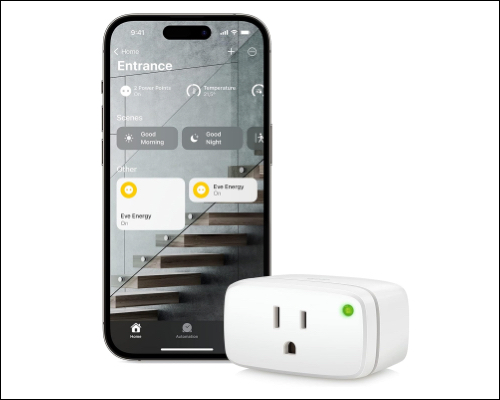
The Eve Energy smart plug focuses on privacy and local control with no cloud tracking. It works seamlessly with HomeKit and Matter, allowing you to control lights, heaters, and appliances using Siri.
Buy this if: You want a premium, privacy-focused smart plug with Matter support.
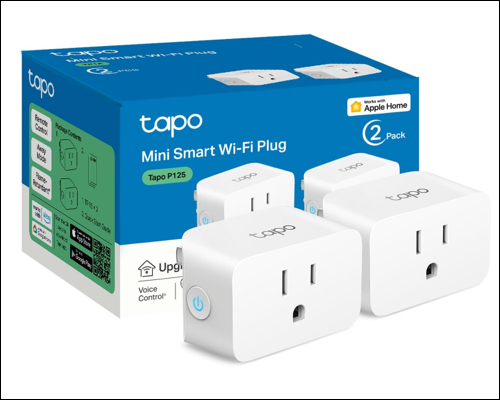
This compact smart plug offers easy HomeKit control at a budget-friendly price. Setup is quick via Bluetooth, and Siri commands respond instantly for devices like lamps, fans, and coffee makers.
Buy this if: You want affordable HomeKit functionality with scheduling and countdown timers.
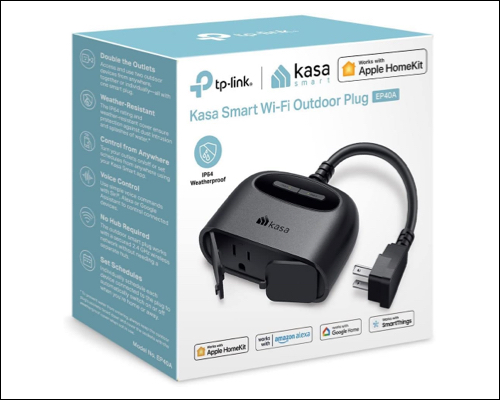
Designed for outdoor use, this IP64 weather-resistant plug is perfect for string lights, fountains, or seasonal decorations. It integrates smoothly with HomeKit automations like sunset triggers and supports long-range Wi-Fi.
Buy this if: You want reliable HomeKit control for outdoor devices year-round.
HomeKit Secure Video cameras emphasize privacy with end-to-end encryption and on-device analysis.
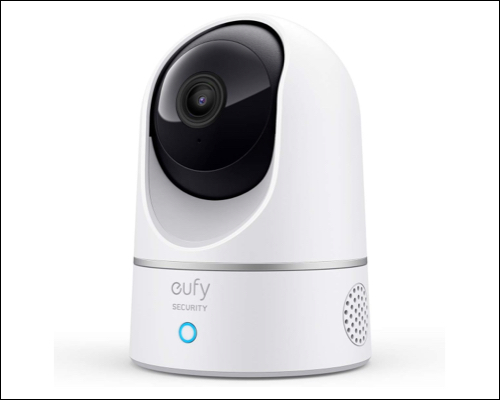
This 360-degree indoor camera supports HomeKit Secure Video, keeping footage encrypted and stored in iCloud. It offers 1080p video, on-device AI motion detection, and two-way audio.
Buy this if: You want an affordable, privacy-first indoor camera.
The Aqara G100 combines video monitoring, motion detection, and a built-in spotlight. It supports color night vision, IR detection, 1080p video, and Wi-Fi 6, making it a strong outdoor HomeKit camera.
Buy this if: You want visible outdoor security that integrates cleanly with HomeKit automations.
Smart lighting is where HomeKit really stands out. Scenes, schedules, and Siri control feel natural and reliable.
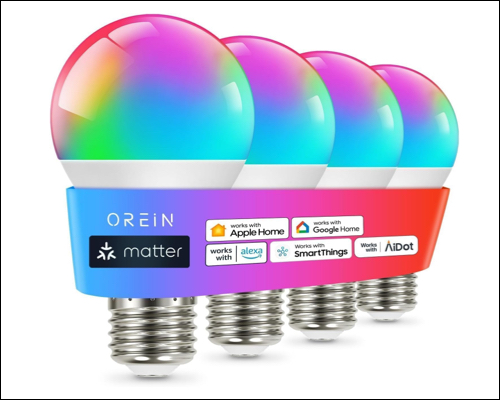
These Matter-enabled bulbs offer smooth dimming, color changes, and reliable HomeKit connectivity. You can even sync lighting to music.
Buy this if: You want dependable smart bulbs without spending too much.
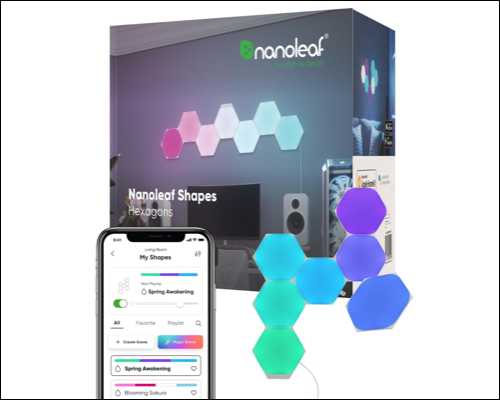
Nanoleaf panels are both lighting and decor. They mount easily without drilling and support animated effects for music, movies, and games.
I preferred its Match feature, which syncs music, movie, and game light animations through its RGBW light display. They are ideally used in gaming, studios, and living room designs.
Buy this if: You want your smart home to look as smart as it feels.
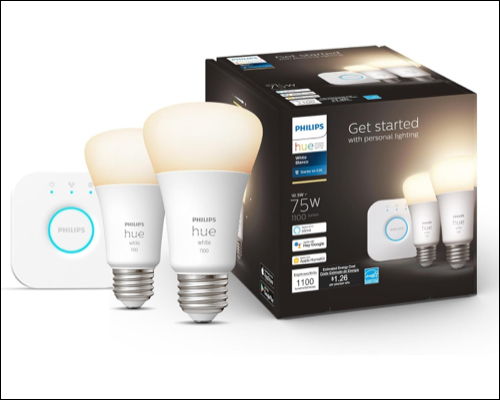
Philips Hue bulbs are known for brightness, accuracy, and long-term reliability. They require a Hue Bridge, but the stability makes it worthwhile.
Buy this if: You want rock-solid performance with minimal frustration.
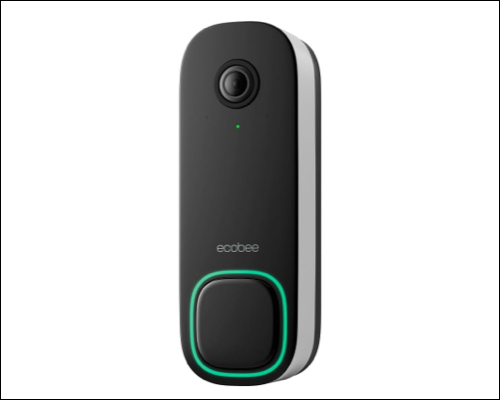
This doorbell offers 1080p HDR video, night vision, two-way audio, and real-time motion alerts. While it does not support HomeKit Secure Video, it works smoothly with Apple devices.
Buy this if: You want a privacy-focused doorbell with strong Apple integration.
Smart locks add real everyday convenience, especially with Apple Home Key support.
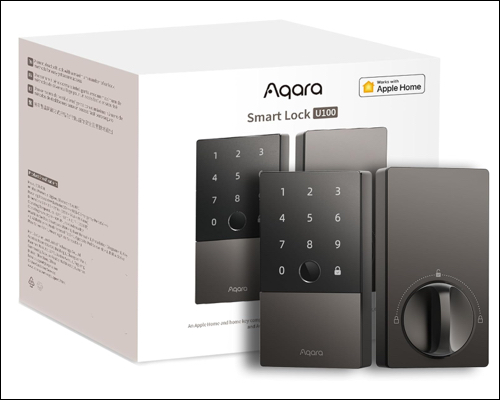
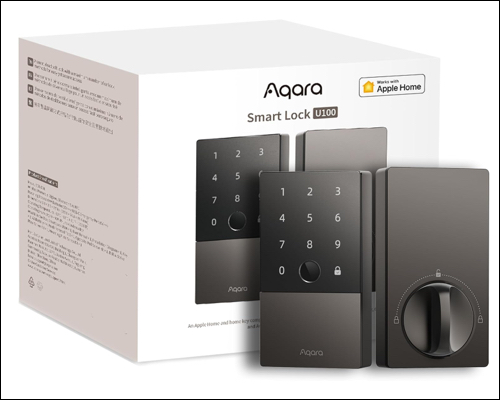
This lock supports fingerprint, keypad, app access, and HomeKit automations. You can unlock your door using your iPhone or Apple Watch.
Buy this if: You want a secure, flexible smart lock for family use.
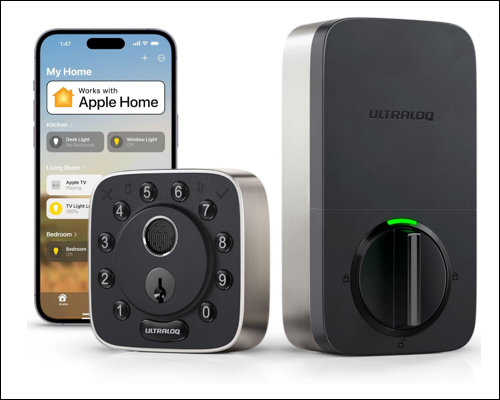
ULTRALOQ supports Apple Home Key and offers real-time alerts and activity tracking. Its compact design fits well with modern doors.
Buy this if: You want a smooth, Apple-style smart lock experience.
HomeKit thermostats provide hands-free climate control and energy savings.
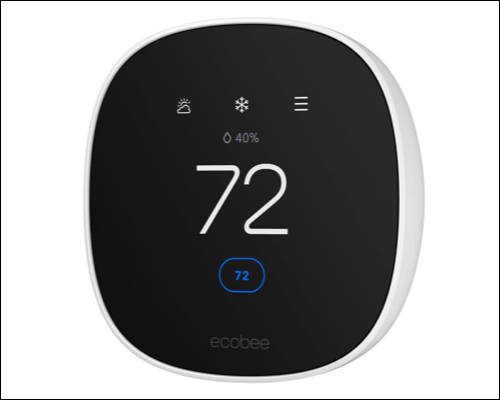
This thermostat learns your schedule, adjusts automatically, and integrates well with HomeKit and Siri. It can help reduce heating and cooling costs while staying simple to use.
Best for: Energy savings without complexity.
If you want air quality monitoring, a better display, and a built-in speaker, consider the ecobee Smart Thermostat Premium.
Last but not least, you need to good HomeKit speaker to enjoy music and other voice control features.
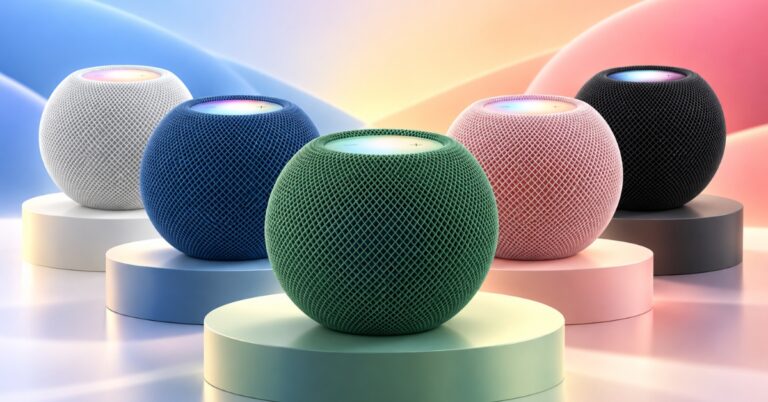
The HomePod mini acts as a HomeKit hub, Thread router, intercom, and Siri speaker. Despite its size, it delivers rich sound and fast response times.
Buy this if: You want affordable Siri control and a reliable HomeKit hub.
Buy this if: You want Siri control and an affordable HomeKit hub for your smart home.
Apple HomeKit remains one of the best smart home platforms in 2026, especially for users already in the Apple ecosystem. It prioritizes privacy, reliability, and simplicity, all managed through the Apple Home app.
With expanding Matter support and a growing lineup of HomeKit devices, building a smart home today is easier and more future-proof than ever.
You do not need to build everything at once. Start small with essentials like:
As you get comfortable, expand into:
The best HomeKit smart home devices focus on usability, stability, and privacy rather than flashy features. Choose what fits your daily routine and build your setup step by step.
Which HomeKit devices are you planning to add first? Let us know in the comments.
Editorial Note: When you purchase through our links, we earn a small commission. However, this does not affect our opinions or evaluations. Learn more about our Editorial Process and Disclaimer.