FaceTime Like a Pro
Get our exclusive Ultimate FaceTime Guide 📚 — absolutely FREE when you sign up for our newsletter below.

FaceTime Like a Pro
Get our exclusive Ultimate FaceTime Guide 📚 — absolutely FREE when you sign up for our newsletter below.


AppleCare One is a new $20/month plan that covers multiple Apple devices under one subscription, offering full AppleCare+ benefits with more flexibility and savings.
If you own more than one Apple product, you’re probably juggling multiple AppleCare+ plans or skipping them altogether. But that changes now. Apple just launched AppleCare One, a new subscription that covers multiple Apple devices under a single plan. It’s simpler, more flexible, and for many users, cheaper too.
AppleCare One is a monthly subscription service that lets you protect up to three Apple devices for $19.99/month. Want to add more? You can add each extra device for $5.99/month. You get the same benefits as AppleCare+, but in one neat bundle. It supports iPhone, iPad, Apple Watch, MacBook, AirPods, HomePod, Apple TV and even the Vision Pro headset.
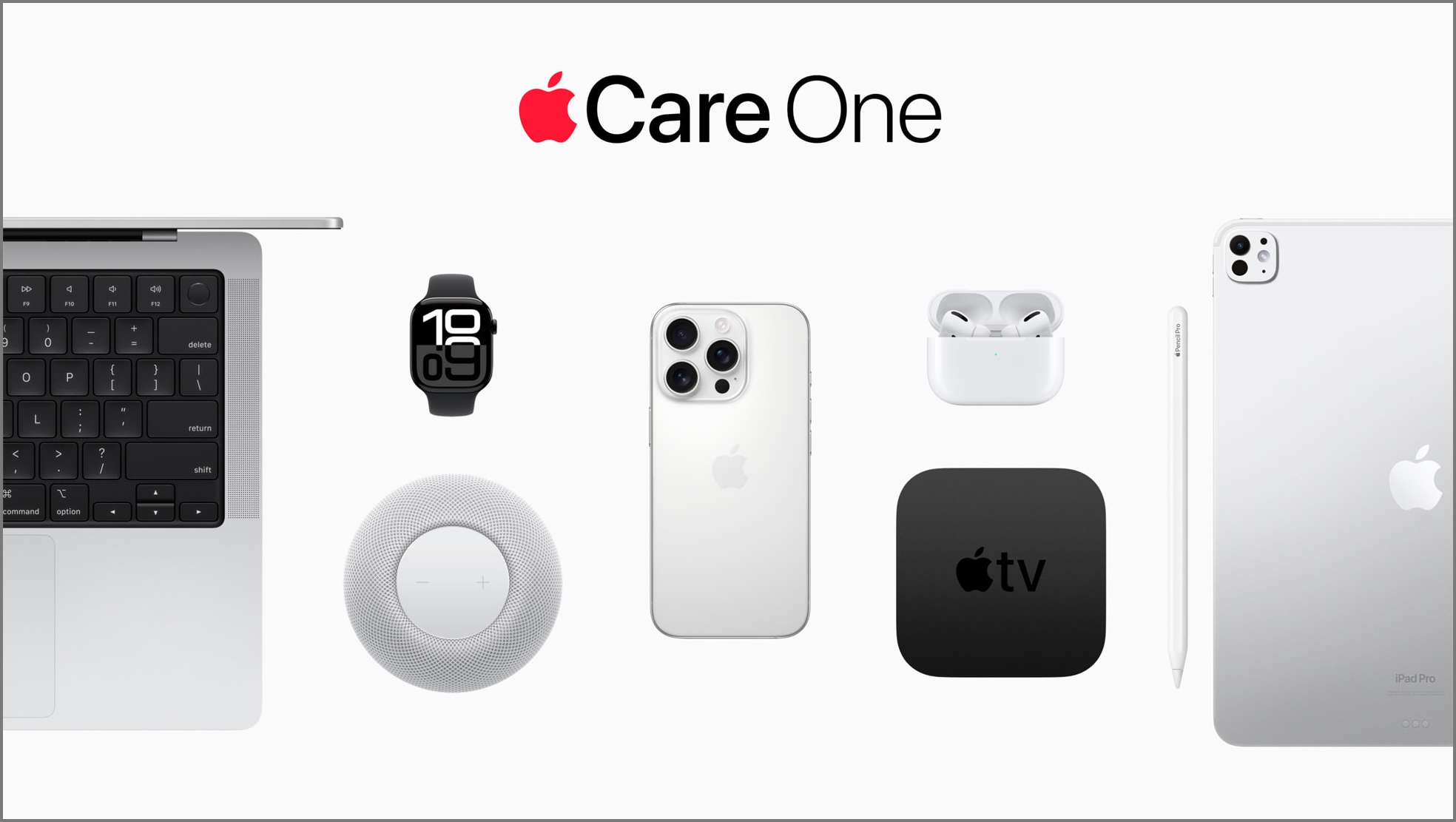
With AppleCare One, you’re not missing out on anything. All the key protections from AppleCare+ are here:
You can also swap devices in and out of your plan anytime. So if you trade in your iPhone, the new one can automatically take its place in your coverage.
Previously, you had just 60 days after purchase to add AppleCare+ to a device. AppleCare One changes that. You can now add most products up to four years old, as long as they’re in good condition. Headphones, however, must be less than a year old.
To make sure a device qualifies, Apple might ask you to run a diagnostic test using your iPhone or visit an Apple Store.
Because the pricing doesn’t change based on device type, AppleCare One can save you money, especially if you have multiple devices. For example:
So yes, the savings add up, but more importantly, you don’t have to manage multiple plans anymore.
If you’re on the iPhone Upgrade Program, your monthly payment already includes AppleCare+. Apple now says you can move that coverage to AppleCare One instead.
You’ll need to contact Apple Support to unbundle AppleCare+ from your loan, then add the iPhone to AppleCare One. This can lower your Upgrade Program payment, but the switch isn’t seamless. It may make your next iPhone upgrade a bit trickier since the system expects the bundled plan.
For most users, it’s easier to keep the included AppleCare+ and use AppleCare One for other devices. But if you’re managing multiple products, moving everything under one plan could still be worth it.
Any leftover AppleCare+ balance is refunded as an Apple Gift Card once the new plan starts.
Before you jump in, here are some small but important limitations to be aware of. These could affect how well the plan fits your setup.
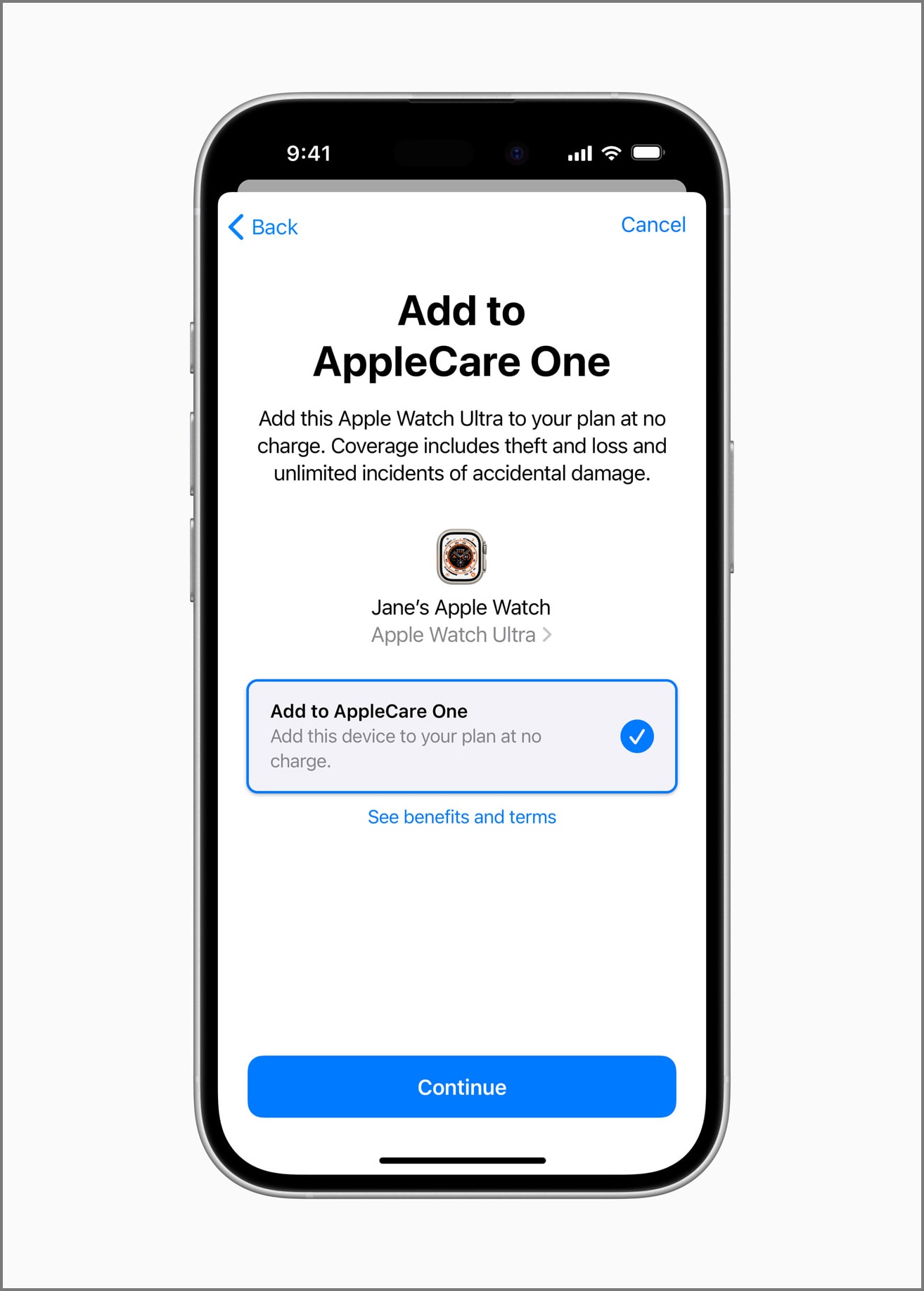
AppleCare One officially launches July 24. You can sign up directly from your iPhone, iPad, Mac, or by visiting an Apple Store. If you already have AppleCare+ on your devices, you can upgrade to AppleCare One and transfer your coverage. The process is simple: go to your Apple ID > Subscriptions in your iPhone/iPad settings, choose to switch plans if you’re eligible, confirm devices, and agree to cancel your old AppleCare+ plan.
That’s all; Apple handles the rest, no extra steps required. After your old plan is cancelled, Apple refunds the unused value of those plans as an Apple Gift Card, sent via email once your new plan activates. You can use this Gift Card later for purchasing other Apple items.
Also Read: