FaceTime Like a Pro
Get our exclusive Ultimate FaceTime Guide 📚 — absolutely FREE when you sign up for our newsletter below.

FaceTime Like a Pro
Get our exclusive Ultimate FaceTime Guide 📚 — absolutely FREE when you sign up for our newsletter below.


I moved from ChatGPT to Claude and cut down the cleanup work.
 ByVikhyat
ChatGPT has been the default AI tool in my workflow for a long time, and Claude wasn’t something I paid much attention to initially. That changed once I started using both side by side. The difference wasn’t obvious immediately, but it became harder to ignore over time.
The outputs were still accurate, but the phrasing, structure, and tone began to feel increasingly familiar. Claude made the same workflow feel more flexible and less templated.
That shift was enough to push me into using Claude exclusively for a while, and the difference showed up faster than expected.
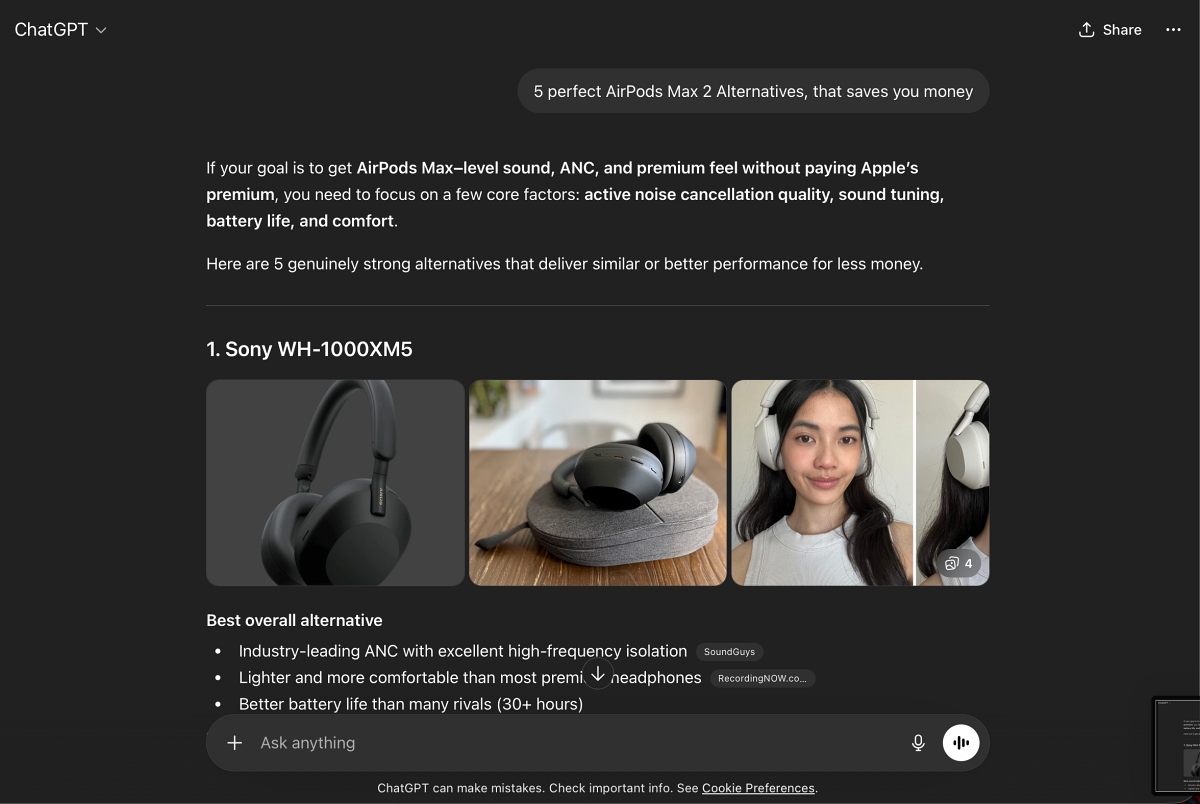
The biggest shift came in how much effort it took to get to something usable. With ChatGPT, I had a predictable loop. Generate a draft, clean it up, rewrite the opening, cut the filler, fix the tone. It worked, but it was repetitive. Almost mechanical.
Claude did not remove that loop. It shortened it. The drafts felt closer to finished. Not in a polished, over-engineered way, but in a way that did not fight my writing style. I was not constantly rewriting sentences just to make them sound less artificial.
That changed how I approached the work. I spent less time correcting and more time shaping.
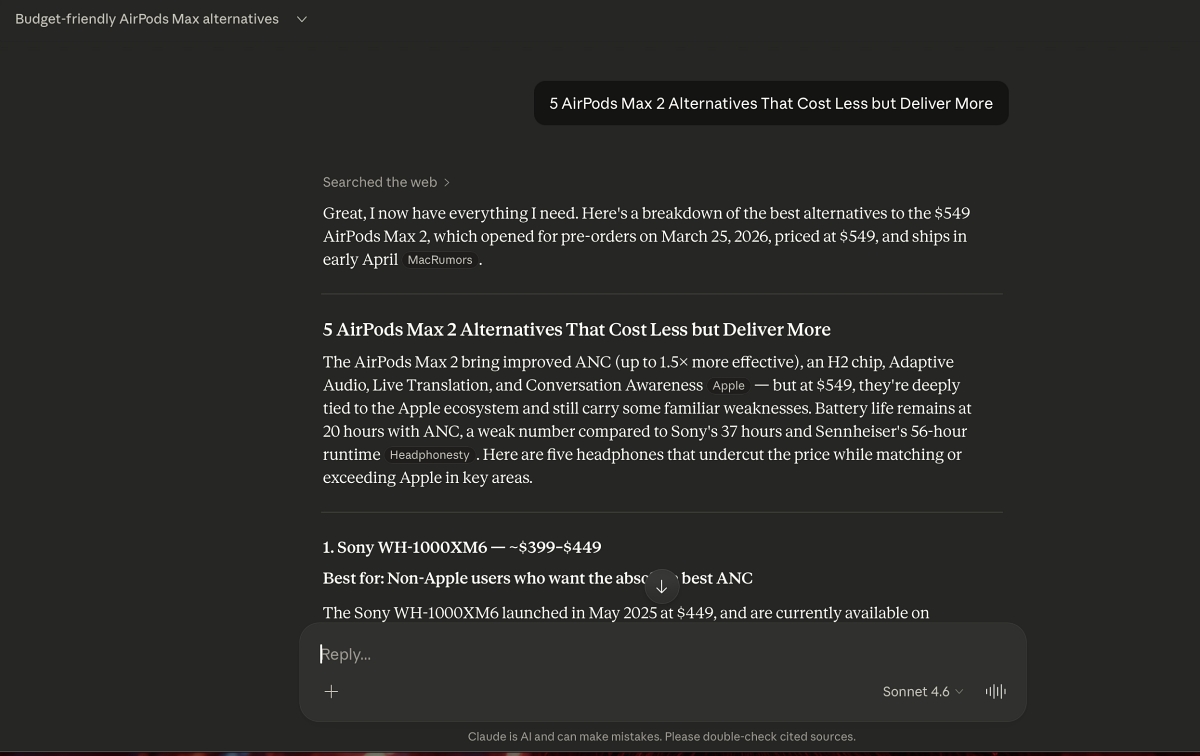
One thing I had not fully noticed until I switched was how often I was managing ChatGPT. Even with clear instructions, there is usually some drift. It adds context you did not ask for, softens the tone, or defaults back to familiar patterns. Nothing major, but enough to slow you down.
Claude felt different here. When I set constraints, it stuck to them. If I asked for a tight intro with no filler, that is what I got. I did not need follow-up prompts to bring it back on track.
It sounds minor, but that consistency reduces a surprising amount of friction over time.
This is where the gap became obvious.
Long articles expose weaknesses fast. While it is easy to generate a strong opening, it is harder to maintain direction across 1200 or 1500 words.
With ChatGPT, I have often seen subtle repetition creep in. Points get reintroduced, tone shifts slightly, and the piece loses momentum.
Claude held its ground better.
It remembered what had already been said and moved the piece forward instead of circling back. The structure felt more intentional, and I was not stepping in every few sections to realign things.
Since I mostly write long-form content, this alone is a meaningful upgrade.
A big part of my workflow is rewriting. Not generating from scratch, but improving existing drafts, tightening language, refining tone, and making things clearer without changing the meaning.
This is where I found the most practical difference.
ChatGPT sometimes tries to do too much. It does not just refine the text. It reinterprets it. That can be useful in brainstorming, but not when you are trying to preserve a specific voice.
Claude felt more controlled. It improved what was already there without taking ownership of the content or outwriting the original. It just made it better.
That made it far more reliable for editing tasks.
It’s also evolving beyond writing. For example, Claude can now even control your Mac and perform tasks directly, which shows where this is heading.
While switching to Claude improved my writing workflow, it did not replace everything ChatGPT does well. The differences showed up within a few days.
Claude felt better for drafting and editing. The output was cleaner, more consistent, and needed less correction. It handled tone and long-form content in a way that made writing feel smoother.
But when I needed structure, ChatGPT was still faster. Step-by-step guides, bullet-heavy content, or clearly formatted breakdowns came out more predictably. I did not have to think about formatting or reorganizing the response.
It was also better for brainstorming. If I needed multiple angles or quick variations, ChatGPT gave me more options with little effort. Claude, on the other hand, felt more focused. It worked best when I already knew what I wanted and needed help executing it.
That is when it became clear. This was not a clean replacement. It was a shift in how I used each tool.
The biggest change was how I spent my time using these AI tools.
Before, using ChatGPT meant building around its output. I would generate a draft, then reshape it to fix the tone, cut repetition, rewrite sections that did not sound right. It worked, but it added an extra layer of effort to almost every piece.
After switching to Claude, that layer got smaller. I was not starting over as often. The drafts were closer to what I needed, so I could move directly into refining rather than correcting. Fewer back-and-forth prompts, fewer rewrites, less time spent “cleaning” the output.
It also changed how I approached tasks:
My workflow shifted from managing the tool to actually using it.
I still use ChatGPT, but more selectively. When I need structure or quick ideation, it is still faster. For writing and editing, Claude is now my default.
The real difference showed up in time and effort. Not dramatic on a single draft, but very noticeable across multiple pieces.
For a long time, I assumed the extra effort was just part of the process. That writing with AI meant generating, fixing, and reshaping content until it felt right.
Switching to Claude made me question that. It showed me that the friction was not necessary. A lot of it came from the tool itself, not the work. Once that layer was reduced, the entire process felt lighter without changing how I write.
That said, I still don’t think that Claude can completely replace ChatGPT in my workflow. ChatGPT still works better for structure and quick ideation. Claude works better for execution and long-form writing.
The real takeaway is simple. The better tool is the one that reduces friction in your workflow.
If you’ve used both ChatGPT and Claude, I’m curious what changed for you. Did it actually improve your workflow? Share your thoughts in the comments.