FaceTime Like a Pro
Get our exclusive Ultimate FaceTime Guide 📚 — absolutely FREE when you sign up for our newsletter below.

FaceTime Like a Pro
Get our exclusive Ultimate FaceTime Guide 📚 — absolutely FREE when you sign up for our newsletter below.


Here's the M5 and M4 MacBook Air side by side to figure out if Apple’s latest upgrade delivers real-world performance gains or just a slightly faster spec sheet.
Apple refreshed the MacBook Air with the new M5 chip, and on the surface, the upgrades are minor. You get the same ultra-thin design and subtle architectural gains. But after spending time with both the M5 and last year’s M4 models, I realized that Apple quietly refined the new model with some meaningful features.
So if you’re stuck choosing between the M4 and M5 MacBook Air, here’s the complete performance difference and benchmark comparison you need to know. So, you can easily decide if upgrading is worth or the M4 MacBook Air is still the smarter buy right now.
Here’s the reality stripped down to what Apple actually changed in the latest M5 MacBook Air and what stayed the same:
| Feature | M4 MacBook Air | M5 MacBook Air |
|---|---|---|
| Chip | Apple M4 | Apple M5 |
| CPU | 10-core | 10-core (improved architecture) |
| GPU | Up to 10-core | Up to 10-core with Neural Accelerators |
| Memory bandwidth | ~120GB/s | ~153GB/s |
| Neural Engine | 16-core | 16-core |
| RAM | From 16GB | Starts at 16GB, higher configs |
| Storage (base) | 256GB | 512GB |
| SSD speed | Standard | Up to 2× faster |
| Connectivity | Wi-Fi 6E + Bluetooth 5.3 | Wi-Fi 7 + Bluetooth 6 |
| Battery | ~18 hours claimed | Similar, slightly more efficient |
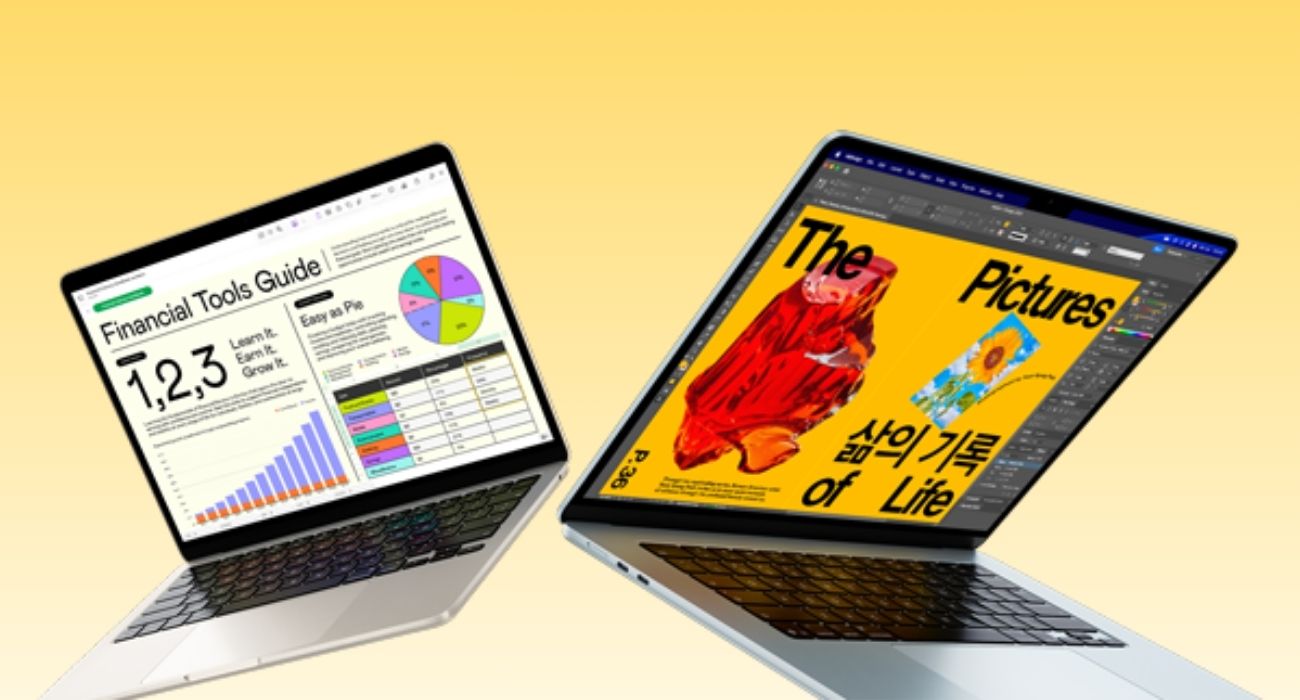
Let me be blunt: if you’re expecting a visual upgrade, you’ll be disappointed.
Everything is identical from the thin aluminum shell, weight, 13.6-inch or 15.3-inch Liquid Retina display, keyboard, 12MP Center Stage camera, to the trackpad. For the first day, I genuinely forgot which one I was using.
The M4 feels great when you start. Fast, responsive, no complaints. But as the workload builds with more tabs, apps, and background processes, it starts to feel slightly slower.
The M5 doesn’t change the first impression. It holds its composure better. Animations stay smoother, and heat buildup is slightly more controlled.
If you open both laptops fresh and run a quick task, you won’t see any major difference. That’s why most comparisons get this wrong.
The M4 handles everyday tasks, like multitasking, browsing, occasional Photoshop, etc., well. But on the M5, I found app switching was slightly snappier, tabs loaded with less hesitation, and the system didn’t feel like it was juggling.
The difference was more prominent in heavier workloads like 4K video editing, running LLM, immersive gameplay, vibe coding, and Apple Intelligence features. According to Apple, M5 is 4x faster than the previous generation, thanks to its 4 super cores in the CPU. Moreover, the dedicated Neural Accelerators in the GPU made it match M1 Ultra’s performance.
You can see the power gap in the benchmark scores as well:
| Core | M5 MacBook Air | M4 MacBook Air |
|---|---|---|
| Single core | 4197 | 3763 |
| Multi core | 16997 | 14694 |
What mattered more to me was the SSD upgrade. Apple doubled the base storage to 512GB and improved speeds up to 2×. So, the files open faster, exports complete sooner, and large projects don’t choke the system.
Apple claims similar battery life, and technically, that’s true. Both machines can handle all-day usage up to 18 hours under light workloads.
But real usage tells a slightly different story.
Under heavy multitasking:
I was able to squeeze out around 30-45 more minutes of battery time from the M5 during intense work. While you’re working unplugged, an extra hour makes a big difference.
The biggest mistake I made was expecting a dramatic upgrade. That’s not what the M5 is. This is a refinement upgrade.
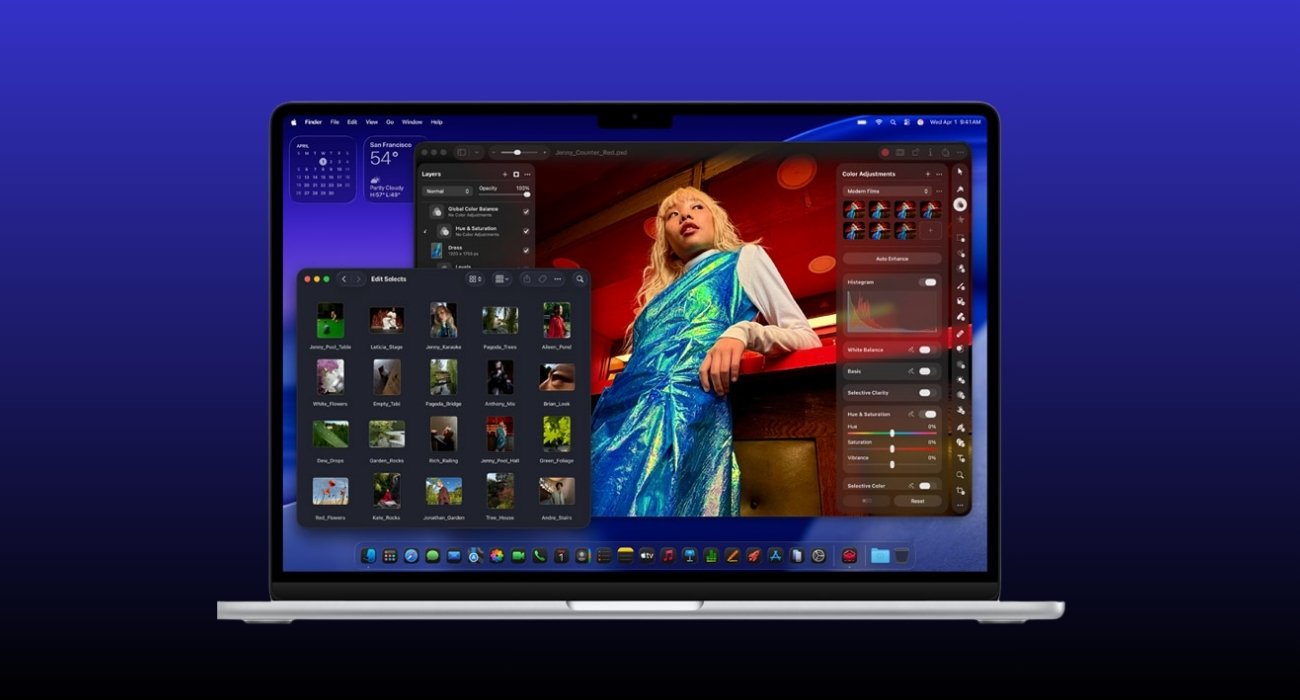
If your workload demands a powerhouse, the M5 MacBook Air will pay off in the long run.
I’d recommend it for developers, content creators, and multitaskers who push their machines beyond casual use. The improved efficiency, faster storage, and better sustained performance make a noticeable difference over time.
It’s also the smarter choice if you plan to keep your laptop for several years. The improved memory bandwidth and AI capabilities make it more future-ready than the M4.
And honestly, if $100 doesn’t stretch your budget, this is one of those upgrades that quietly pays for itself.
If your usage is light, like browsing, writing, streaming or office work, the M4 is still excellent. You won’t feel slower or limited and still save money.
Students, casual users, and anyone upgrading from older Intel or M1 Macs will find the M4 more than enough.
And if you’re budget-conscious, that $100 is better spent on RAM or storage upgrades, which will have a bigger impact on your daily experience.
The M5 MacBook Air is not a flashy upgrade. It’s a smart one with certain improvements that only show up when you actually rely on your machine with performance consistency, storage speed, efficiency, and future readiness.
Is the extra $100 worth it? Yes, if you prioritize longevity, sustained performance, and future-proofing. But if you just need a fast, reliable laptop for everyday tasks without breaking the bank, then the M4 would be more suitable for you.
If I were buying today, I would opt for the M5 MacBook Air.