FaceTime Like a Pro
Get our exclusive Ultimate FaceTime Guide 📚 — absolutely FREE when you sign up for our newsletter below.

FaceTime Like a Pro
Get our exclusive Ultimate FaceTime Guide 📚 — absolutely FREE when you sign up for our newsletter below.


Android still does some things better. Here are the features Apple should bring to iOS 27 to make the iPhone more flexible and powerful.
 ByVikhyat
Apple has steadily closed the gap with Android over the past few iOS iterations. Features like widgets, lock screen customization, and limited app sideloading in the EU show that iOS is no longer as rigid as it once was. However, Android still leads in areas that revolve around flexibility, control, and power-user functionality. And no, I am not talking about gimmicks. These are features that meaningfully change how you use your phone every day.
If Apple wants iOS 27 to feel like a true leap forward, it needs to borrow the following ideas that Android has already perfected.
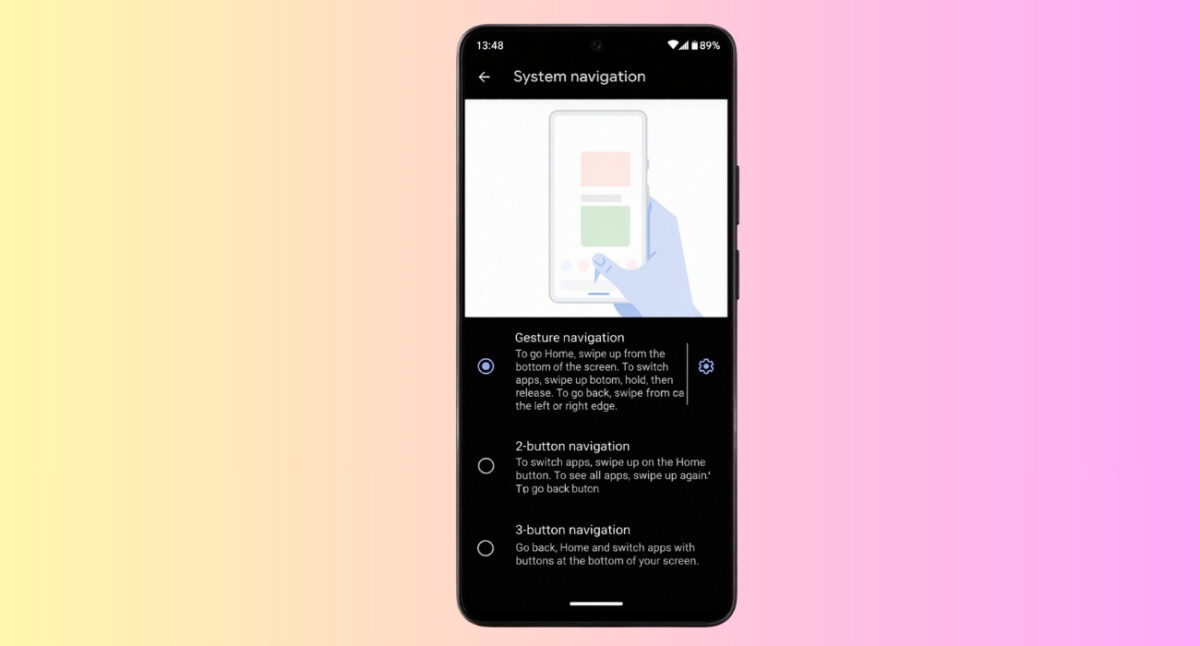
The problem with navigation on iOS is not that gestures are missing; it is that they are inconsistent. In one app, a swipe from the left edge takes you back. In another, nothing happens. Sometimes, you are forced to reach for a tiny button in the top corner, which completely breaks one-handed use.
Android avoids this confusion with a system-level back gesture that behaves the same everywhere. You do not think about navigation; you just do it. That predictability is what makes the experience feel faster over time.
A universal back gesture in iOS 27 would significantly improve one-handed usability and reduce cognitive load. It would also encourage developers to adopt more consistent UI behavior, something iOS has struggled to enforce in recent years.
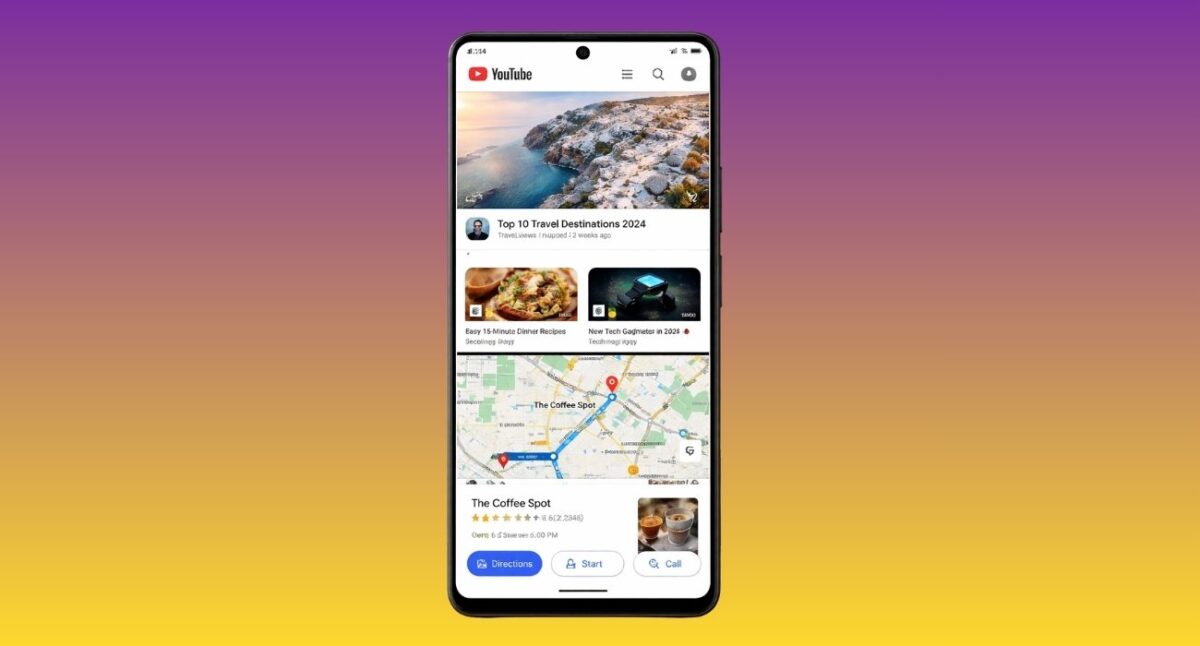
Despite the increasing size of iPhones, multitasking is still limited to fast app switching. This approach works for casual use, but it falls short in scenarios that require real productivity.
Android’s split-screen functionality allows two apps to run side by side, making tasks like referencing information while typing or watching content while messaging far more efficient.
With larger displays and the expected arrival of foldable iPhones, the absence of true multitasking feels like a missed opportunity. iOS 27 could address this by introducing a refined split-screen mode tailored for touch, ensuring it remains intuitive while unlocking new workflows.
Apple has already cracked the door open to sideloading, but only just enough to meet regulatory pressure. The current experience still feels controlled, layered with restrictions that discourage actual use.
On Android, sideloading is treated as a user choice. You enable it, accept the risks, and move on. That freedom has led to entire ecosystems of apps that simply would not exist under stricter policies.
Apple does not need to abandon its security model. It simply needs to stop treating advanced users as if they cannot make informed decisions. A clearly defined, opt-in system in iOS 27 could deliver flexibility without undermining trust.
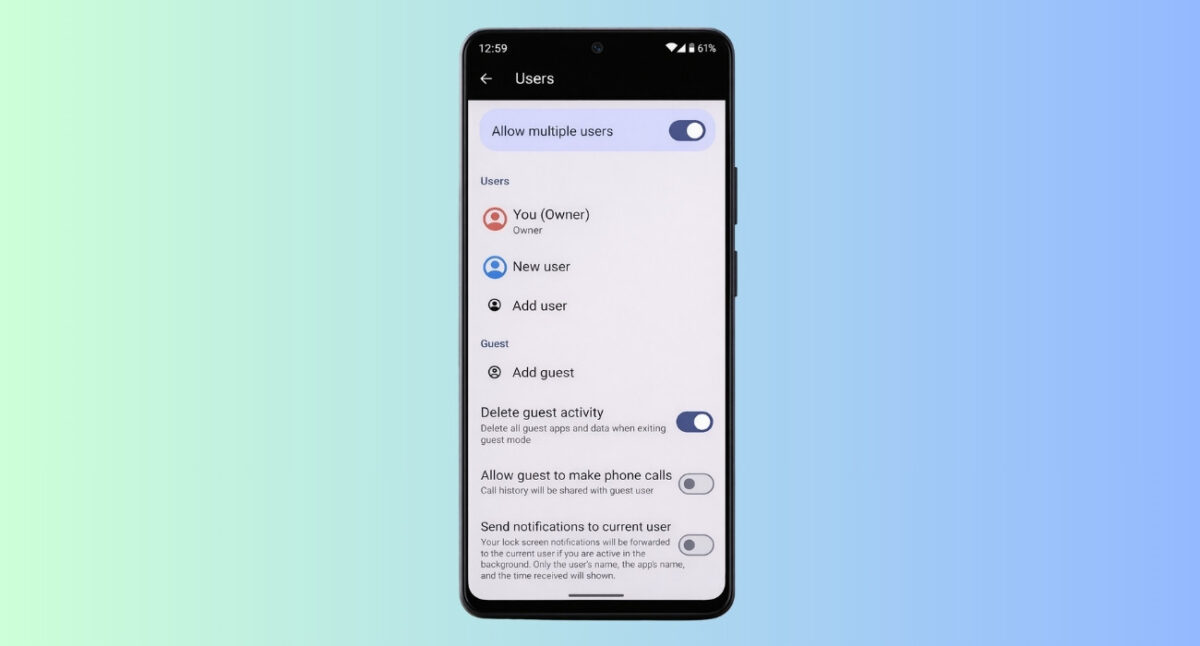
The iPhone has always been positioned as a deeply personal device, which explains the lack of multiple user profiles. In reality, devices are often shared, even temporarily.
Handing your phone to someone today means exposing far more than you might intend. There is no clean way to separate spaces, no true guest mode, and no independent environments for work and personal use.
Android approaches this more practically. Different users, different spaces, no overlap. Bringing that concept to iOS 27 would not just be about convenience, it would be about control and privacy in real-world situations.
Bringing multiple user profiles to iOS 27 would modernize the iPhone experience and align it with how devices are actually used in many households.
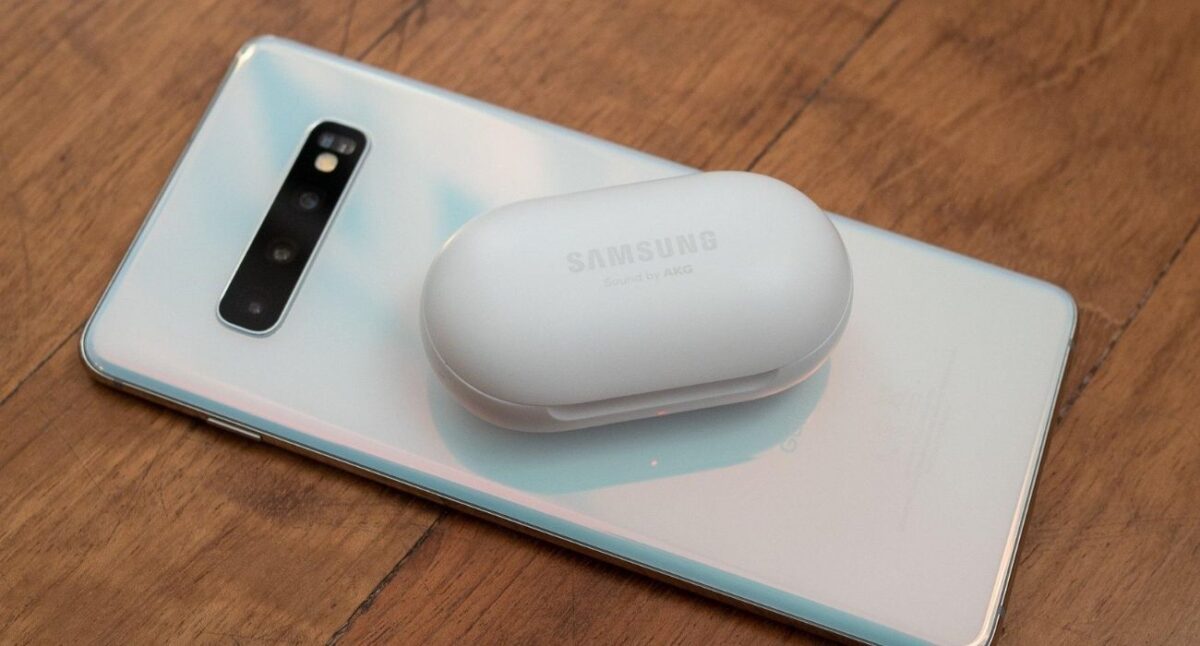
Apple has invested heavily in wireless charging technology, but it has yet to fully utilize its potential. Reverse wireless charging, already available on many Android devices, allows a phone to charge accessories like earbuds or smartwatches directly from its back.
This feature adds convenience in situations where carrying multiple chargers is not practical. It can also serve as a backup solution in emergencies.
Interestingly, Apple has already taken a step in this direction. Starting with the iPhone 15 lineup, iPhones support wired reverse charging via USB-C, allowing you to charge accessories like AirPods or even another iPhone using a cable.
Enabling reverse wireless charging in iOS 27 would complement Apple’s ecosystem, making devices like AirPods even more seamless to use.
Must read: How to turn off backup for individual apps on Android
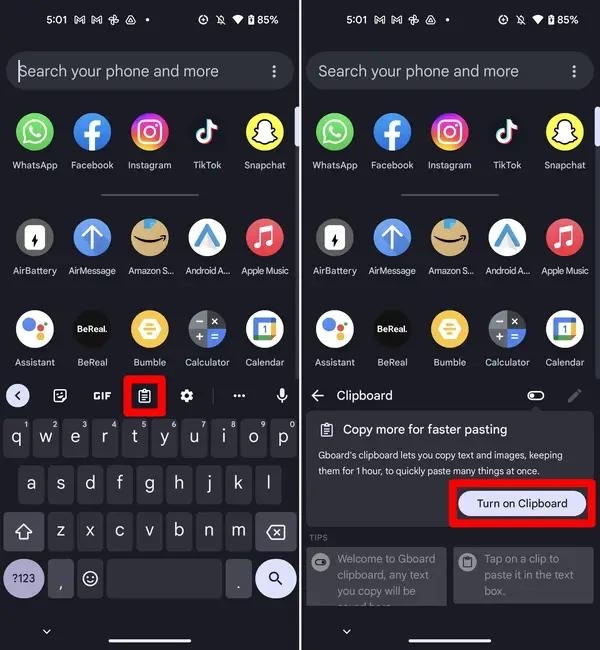
Clipboard functionality on iOS remains basic, allowing users to store only the most recently copied item. This limitation becomes apparent during tasks that involve repeated copying and pasting.
Android addresses this with a clipboard history feature that keeps multiple copied items accessible for later use. It is a simple addition, but it significantly improves productivity.
It is a small change on paper, but in practice, it removes a surprising amount of friction. iOS 27 adding clipboard history would instantly improve everyday tasks like writing, editing, and sharing content.
Apple’s current system still feels unintuitive. Every newly downloaded app shows up on the home screen by default, while also living in the App Library. That creates unnecessary clutter and forces users to manually remove apps from the home screen if they do not want them there.
This extra step should not exist. The system is making the choice first, and the user has to fix it afterward.
A better approach would be to treat the App Library as the default app drawer, with apps staying there unless the user chooses to add them to the home screen. Android already follows this model, giving users full control over what appears on their main screen.
iOS 27 does not need a radical redesign here. It just needs to change the default behavior and give users clearer control. Let the App Library act as a true app drawer, and let the home screen be what it was always meant to be: a deliberate, user-defined space rather than an auto-filled one.
Notifications are central to the smartphone experience, yet iOS still lags behind Android in this area. While Apple has improved notification summaries and grouping, the system lacks the depth of control that Android provides.
Android allows users to manage notifications at a granular level, adjusting settings for different types of alerts within the same app. This ensures that important notifications stand out while less relevant ones remain unobtrusive.
iOS 27 could benefit from adopting this layered approach. It would make notifications feel less like a stream you manage and more like a system you configure.
The Always-On Display on iPhone is functional but limited in customization. It primarily mirrors the lock screen with minimal flexibility.
Android devices offer a more dynamic approach, with customizable layouts, widgets, and interactive elements that make the Always-On Display more useful.
iOS 27 has the opportunity to expand this feature by allowing deeper personalization and more interactive capabilities, turning it into a genuinely useful tool rather than a passive display.
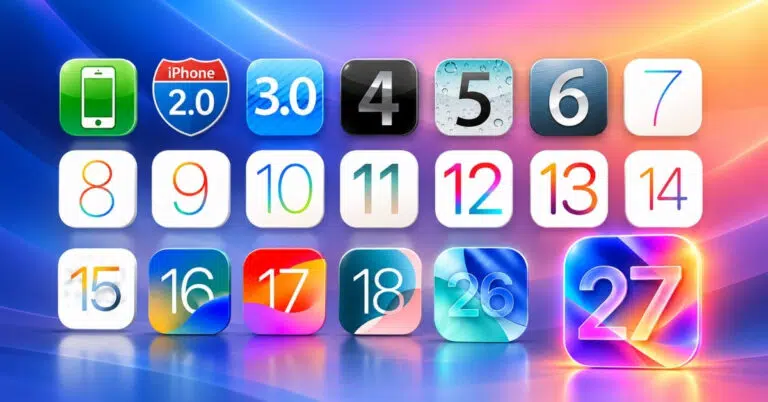
Apple is expected to unveil iOS 27 on June 8 at WWDC 2026. The developer beta will likely be available shortly after the announcement, followed by a public release in September 2026 alongside the next iPhone lineup.
While specific features remain unconfirmed, the direction Apple takes with iOS 27 will be critical in defining the next phase of the iPhone experience.
iOS has matured into a polished and reliable operating system, but refinement alone is no longer enough. Android continues to push boundaries in areas that matter to power users, offering flexibility and control that enhance everyday usage.
Adopting features like universal navigation, real multitasking, and deeper customization would not compromise Apple’s identity. Instead, it would strengthen iOS by making it more capable and adaptable.
If Apple chooses to embrace these changes in iOS 27, it could deliver one of its most impactful updates in years.
Read More: