FaceTime Like a Pro
Get our exclusive Ultimate FaceTime Guide 📚 — absolutely FREE when you sign up for our newsletter below.

FaceTime Like a Pro
Get our exclusive Ultimate FaceTime Guide 📚 — absolutely FREE when you sign up for our newsletter below.


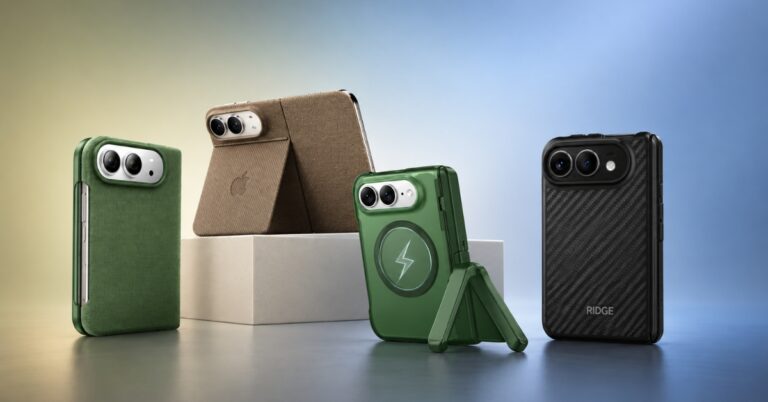
I tested the most popular Pixel 10a accessories, and only the ones that actually improved my daily use made this list.
Got your new Google Pixel 10a? Congratulations! Out of the box, it’s everything you expect from Google: clean Android, a reliably excellent camera, and just enough performance to keep things smooth. But after a week, the grip felt slippery, and charging felt slower than I wanted.
So, I tested a bunch of accessories, and a handful of them made the phone feel complete. Here are the must-have Pixel 10a accessories you should buy in 2026.
After a week of testing, here are the best Pixel 10a accessories I use daily.
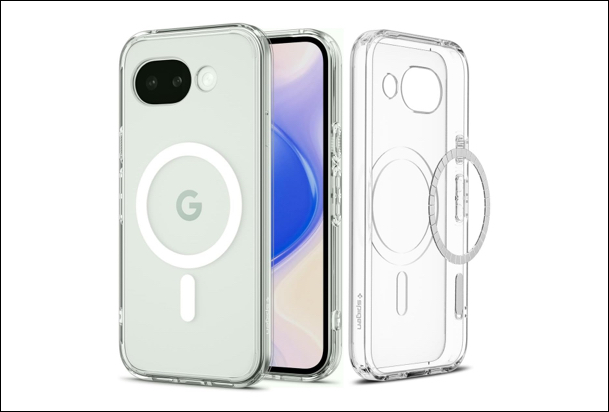
The Pixel 10a has an aluminum frame with a plastic back cover. Without a case, I found myself constantly adjusting my grip.
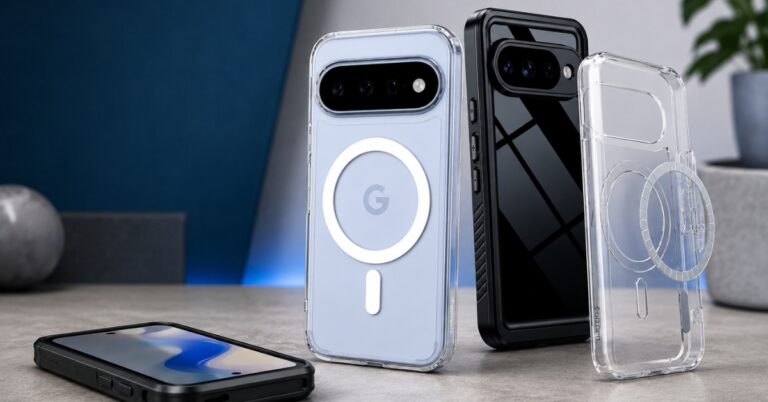
This Spigen clear case removes it completely. It’s slim but doesn’t feel fragile, and the grip is noticeably better than bare phone use. The Air Cushion Technology with a hybrid PC and TPU structure gives me confidence against everyday drops and scratches. You can still flaunt your Pixel color.
I also like how the buttons stay tactile and responsive, and the raised edges quietly protect the screen and camera. It works smoothly with Qi 2 wireless charging thanks to the built-in magnetic ring. Overall, it’s the kind of case I’d pick if I want clean looks, solid protection, and zero fuss in daily use.
More: Top 6 best Google Pixel 10a cases for protection and convenience
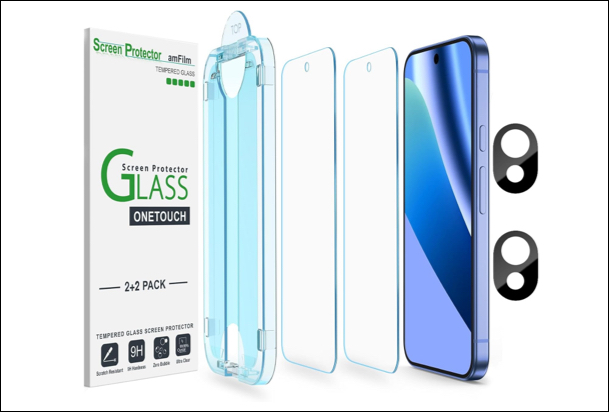
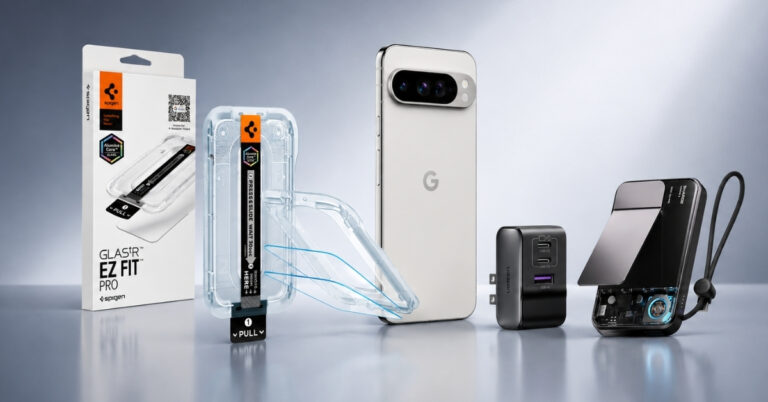
Most cheap screen protectors are bad. They kill touch responsiveness, mess with brightness, and make a smooth display less pleasant. But the amFilm Screen and Camera Protector is one of the rare exceptions.
The auto-alignment tray makes installation almost foolproof. I managed to install it flawlessly without any bubbles within a minute. The glass is 9H tempered glass, giving it a feel of sturdiness and reliable touch responsiveness. It’s also thin enough to maintain clarity in the display without compromising scratch protection.
I also like that it’s case-friendly, so it fits neatly with most covers. Additionally, the camera lens protector is subtle enough that I didn’t notice any degradation in shots. If you’re someone who carelessly drop your phone in bags and pockets without thinking, it’s worthy.
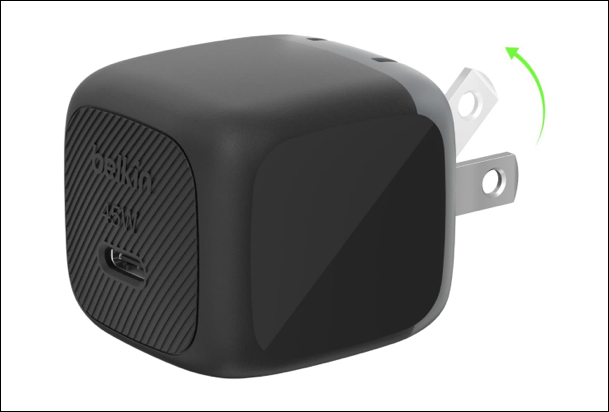
If you’re still using an old brick, you’re not getting the experience Pixel 10a is capable of. The Belkin 45W USB-C Charger fixes that instantly.
It’s small enough to carry daily, but still strong enough to fast-charge my phone and even power a tablet or laptop with great speed and efficiency. The charging feels consistent and safe, thanks to built-in USB-C Power Delivery 3.1 and PPS super-fast charging support.
What I really like is how it doesn’t overheat even during longer sessions. Belkin SmartProtect saves you from overcurrent, short-circuit, overvoltage, and more. If you want a reliable, no-nonsense fast charger for your Pixel 10a, this is an easy pick.
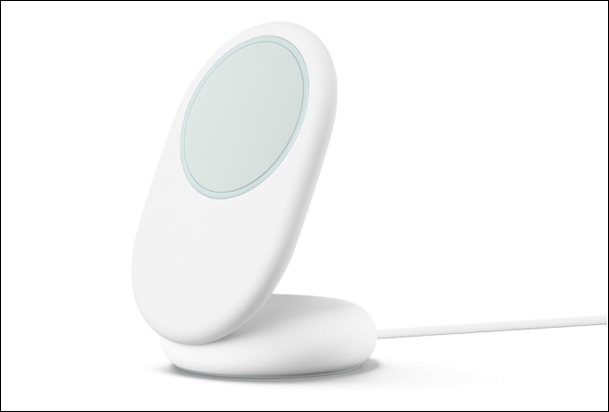
I’ve owned multiple wireless chargers over the years. Most ended up in drawers. They’re either too slow, finicky, or inconvenient to justify the switch from plugging in.
The Google PixelSnap Wireless Charging Stand is different. It turns charging into part of your workflow. On a desk, it props the phone in the best position for reading, viewing notifications and making video calls.
The magnetic alignment eliminates the annoying guesswork. As soon as you place your phone on its surface, it locks in. Moreover, the 25W wireless speed feels noticeably faster. However, what I liked the most was how it made my desk setup clean and cable-free.
The build feels premium and lightweight, making it easy to carry too. But note that you need to buy the adapter separately. So, if you feel the charger stand is expensive, you can buy the PixelSnap charger only.
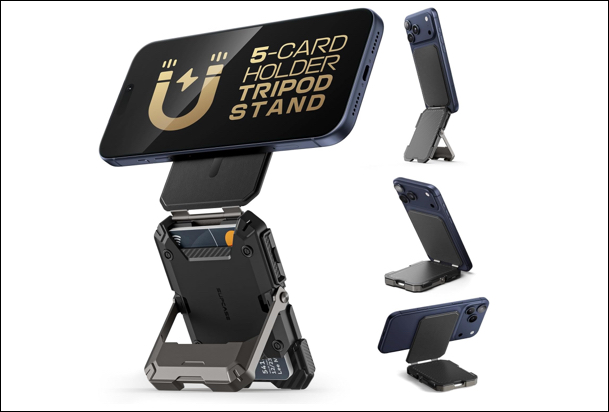
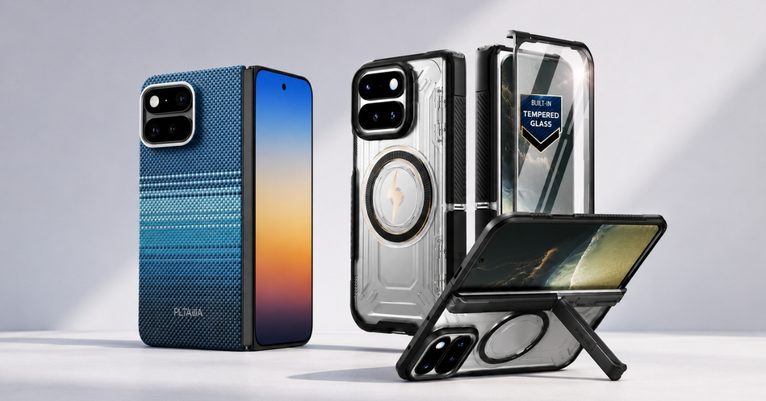
I didn’t expect to like the SUPCASE Magnetic Wallet Stand as much as I do. It simplified my everyday carry. The magnetic attachment feels strong and secure, so I don’t worry about it slipping off during daily use. Snap it on when you need it, take it off when you don’t.
It has enough space to fit 5 cards inside it, and RFID blocking provides additional safety. The versatile stand feature is surprisingly sturdy. I’ve used it as a tripod, kickstand, and camera grip without once adjusting it mid-use.
This MagSafe wallet is slightly bulkier, but the benefits of having all those features make up for that completely.
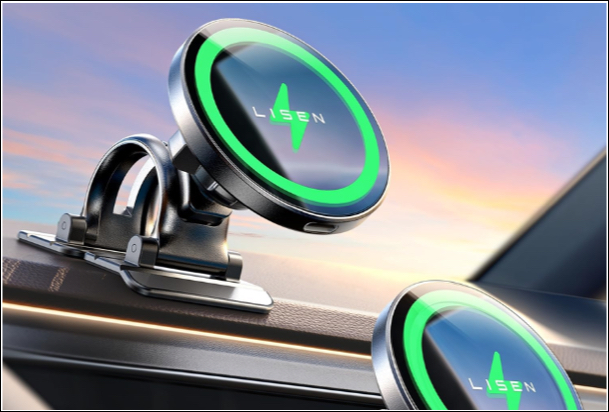
I’ve tried a few MagSafe car mounts before, but this LISEN charger actually made driving feel more convenient. The magnetic snap is strong enough to keep the phone locked in place even on rough roads, and I don’t have to fiddle with clamps anymore.
The 15W wireless charging keeps your Pixel battery topped up during navigation without overheating. I also like how easy it is to adjust the angle for maps or calls. Overall, it quietly improves daily driving with a clean setup, solid grip, and reliable charging all in one.
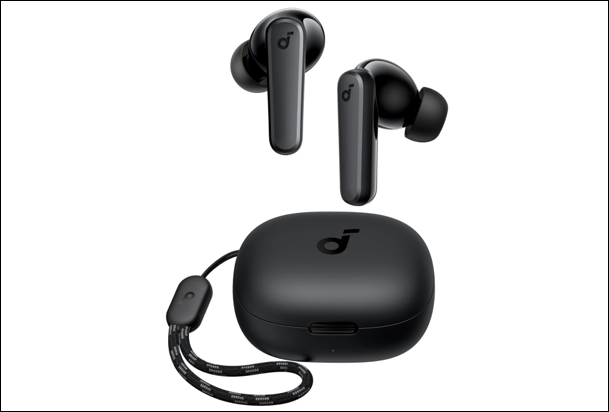
My Pixel 10a accessories list is incomplete without a headphone. Surely, you can buy the Pixel Buds Pro 2 for the best experience, but it’s quite expensive.
As a budget alternative, I will go for the Soundcore by Anker P20i true wireless earbuds. It offers a punchy bass without drowning everything else, and the sound customization through the app actually makes a difference depending on what I’m listening to.
Battery life is solid, running for 30 hours with the case. I also like how lightweight and portable the earbuds are. For daily use, commutes, workouts and casual listening, they hit the sweet spot between performance and practicality.
The Pixel 10a isn’t meant to stand alone. You can get the true experience after adding the right accessories.
Each of these accessories solved a specific friction point, such as grip, charging, usability, portability, and audio. None of them is revolutionary on its own. But together, they transform how the phone fits into your life.
Finally, they make the Pixel 10a an ideal mid-range flagship, surpassing even Samsung’s Galaxy S25 FE.
After testing and comparing all these Pixel 10a accessories, I realized that most people don’t need everything; they just need the right combination. If I had to start from scratch, I’d pick a slim protective case, a reliable screen protector, and a fast charger first. Those three made the biggest difference in my daily use.
The accessory items, such as MagSafe wallets and mount attachments for the car, are fantastic additions, but they are only good if they match how you actually use your phone. Over-accessorizing just adds clutter instead of value. That mindset helped me build a setup that feels clean, useful, and actually enjoyable every day.
Which accessories are essential for you? Let me know in the comments below!
Read More: