FaceTime Like a Pro
Get our exclusive Ultimate FaceTime Guide 📚 — absolutely FREE when you sign up for our newsletter below.

FaceTime Like a Pro
Get our exclusive Ultimate FaceTime Guide 📚 — absolutely FREE when you sign up for our newsletter below.


Meta's Muse Voice Transcribe powers Fn-key dictation across Mac apps, handles multilingual audio and 20-plus speakers, and is available through Meta's API and Mac tools.
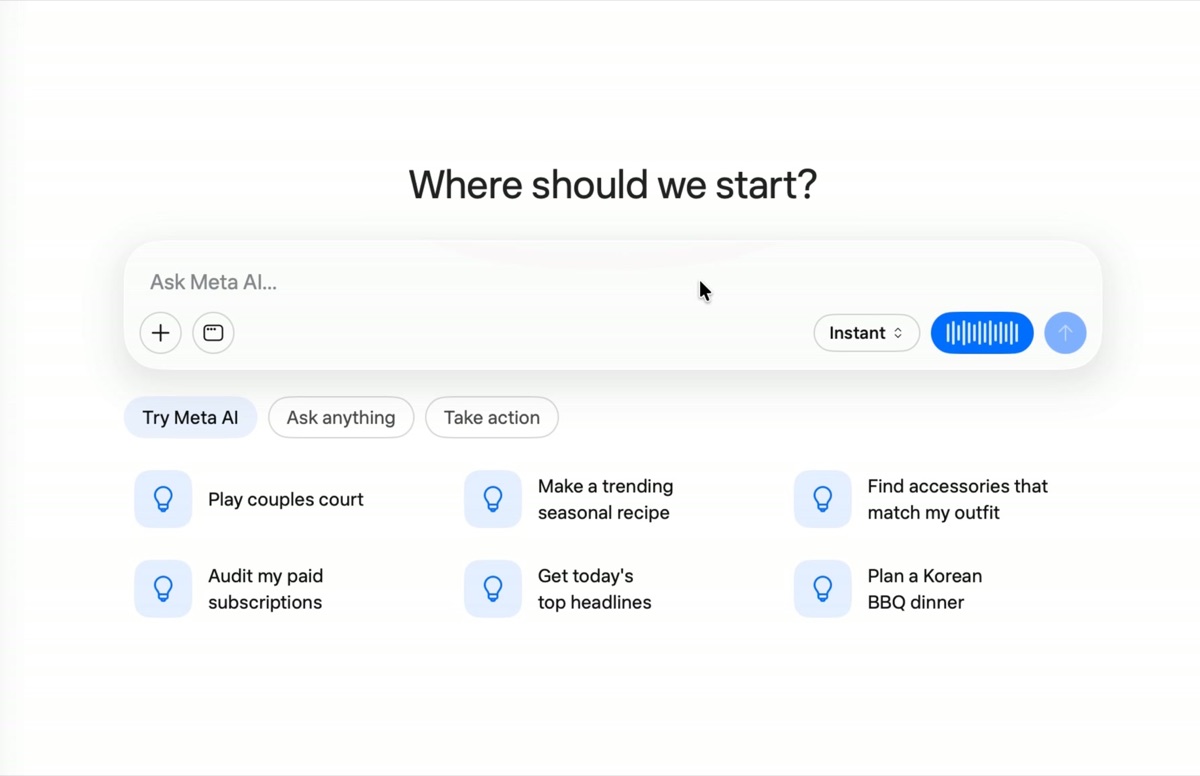
Meta has launched Muse Voice Transcribe, its first real-time audio perception model from Meta Superintelligence Labs. Meta’s announcement says it now powers dictation in Meta AI for Mac and voice input in Muse Code. Hold the Fn key on a Mac and the words are typed into the active app.
This is a model release with an immediate user-facing feature. Meta is also opening it to developers through the Meta Model API, so the same speech system can be used for live transcription rather than processing a recording at the end.
Muse Voice Transcribe streams text while a person speaks. It combines automatic speech recognition with speaker diarization, which labels who is talking, and endpointing, which detects when a person has finished speaking.
Meta says the model can handle more than 20 speakers, audio sessions longer than an hour, and code-switching within or between sentences. It was trained on more than 70 languages, although only 25 are extensively validated for the initial release. Language, keyword, and context biasing can help with names and specialized terms.
Its main technical idea is “adaptive delay.” The model decides how long to listen before committing each word, waiting for more context when a word is difficult and moving faster when the speech is clear. Meta says this gives Muse Voice Transcribe a strong speed and accuracy tradeoff, and claims the top spot on Artificial Analysis’ streaming speech-to-text and public diarization benchmarks as of September 1.
Those rankings are launch-day claims from Meta. They do not guarantee the same results for every language, accent, noisy recording, or Mac app.
Meta says Muse Voice Transcribe is available today through the Meta Model API, Meta AI for Mac, and Muse Code. The Meta AI Mac app is a free beta download, although Meta says it is testing usage limits for some compute-heavy features.
For developers, 9to5Mac reports that API access costs $3 per 1,000 audio minutes, or about $0.18 per hour. The official launch post does not list a separate subscription for Muse Voice Transcribe inside the Mac app.
The Mac app itself is clearly labeled beta. Meta’s public announcement does not publish a Muse-specific hardware or macOS requirements table. An earlier 9to5Mac hands-on found the Meta AI app running natively on Apple silicon Macs with macOS 15 or later, but that is an observed app requirement, not an official Muse specification.
The release builds on Meta AI’s recent Mac app, which already brought window sharing and dictation across apps. The same model also adds voice input to Muse Code, Meta’s terminal-based coding agent.
Mark Zuckerberg said the Meta Model API has a zero-data-retention tier. Meta’s launch post does not say whether that setting applies to dictation in the Mac app, whether audio is processed locally, or how long app-side transcripts remain available.
That distinction matters because Fn-key dictation can place text into any active app. For casual notes, the feature looks convenient. For private work, check the product’s current privacy terms before dictating sensitive material.