FaceTime Like a Pro
Get our exclusive Ultimate FaceTime Guide 📚 — absolutely FREE when you sign up for our newsletter below.

FaceTime Like a Pro
Get our exclusive Ultimate FaceTime Guide 📚 — absolutely FREE when you sign up for our newsletter below.


Asahi Linux has added M3, M3 Pro, and M3 Max Macs to its installer. The release works on much of the hardware but still lacks usable GPU and full display support.
Asahi Linux now officially supports Macs with M3, M3 Pro, and M3 Max chips. The project merged M3 support into its installer on September 6, giving owners of newer Apple silicon Macs a supported path to try Linux.
This is a major compatibility step, not a finished desktop Linux port. Asahi says most of the hardware support already available on M1 and M2 now works on M3, but GPU and full display-controller support remain unfinished.
Asahi says M3 support includes the webcam, internal microphones, Wi-Fi, Bluetooth, USB up to the hardware’s 10 Gb/s limit, and hardware-accelerated video decoding with AV1 support. The M3 feature-support table breaks down the status for individual Mac models and components.
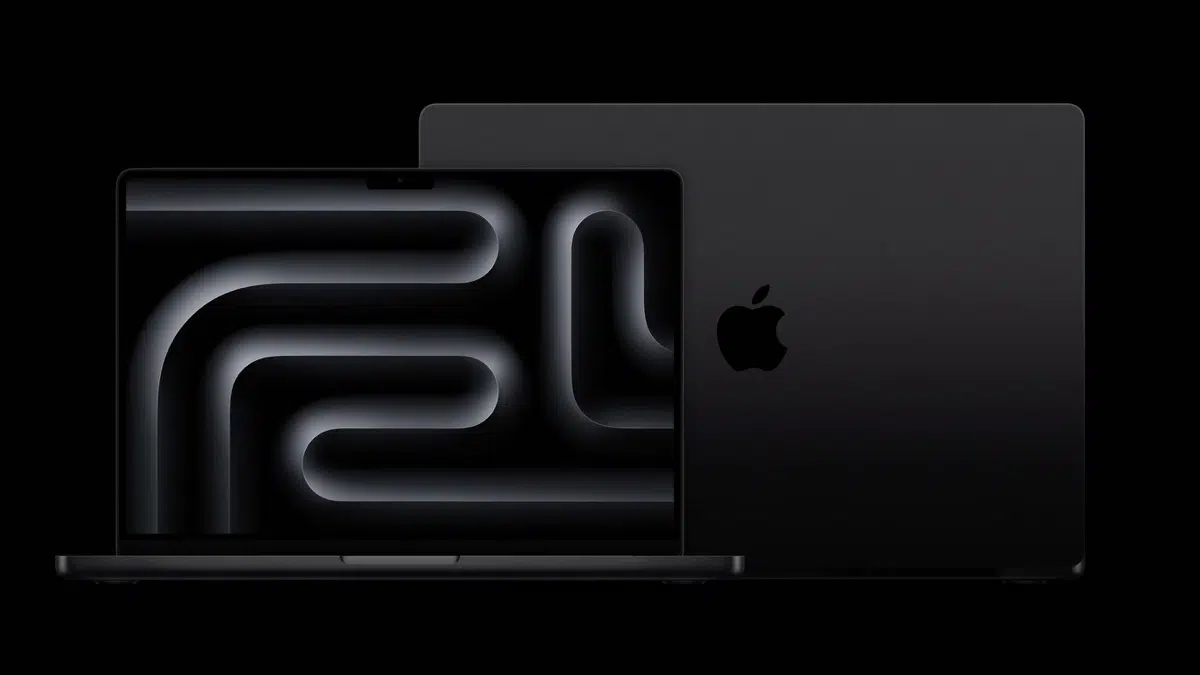
The rollout covers M3, M3 Pro, and M3 Max Macs. If you are comparing those chips before trying Linux, this M3, M3 Pro, and M3 Max comparison explains where the hardware tiers differ.
The biggest problem is the GPU. Asahi warns that users should not expect performant or power-efficient 3D acceleration yet, which makes this release a poor fit for graphics-heavy work or gaming.
There are a few other practical limits:
Asahi hopes to remove the Expert-mode requirement around the Fedora Linux 45 beta in a couple of weeks, provided testing does not uncover major regressions. The project has not promised a date for GPU or full display-controller support.
Linux enthusiasts who can live with broken sleep, missing HDMI output, and unfinished graphics now have a genuine way to test Asahi on M3 hardware. For a daily driver, it makes more sense to wait until GPU and display support are further along.
The same M3 Macs already run Apple’s current software. This macOS Golden Gate compatibility list can help you check the official macOS path before deciding whether the early Asahi release fits your needs.