FaceTime Like a Pro
Get our exclusive Ultimate FaceTime Guide 📚 — absolutely FREE when you sign up for our newsletter below.

FaceTime Like a Pro
Get our exclusive Ultimate FaceTime Guide 📚 — absolutely FREE when you sign up for our newsletter below.


Claude artifacts can now live in your Dock or taskbar as their own apps, but they still need you online, signed in, and spending your plan's usage.
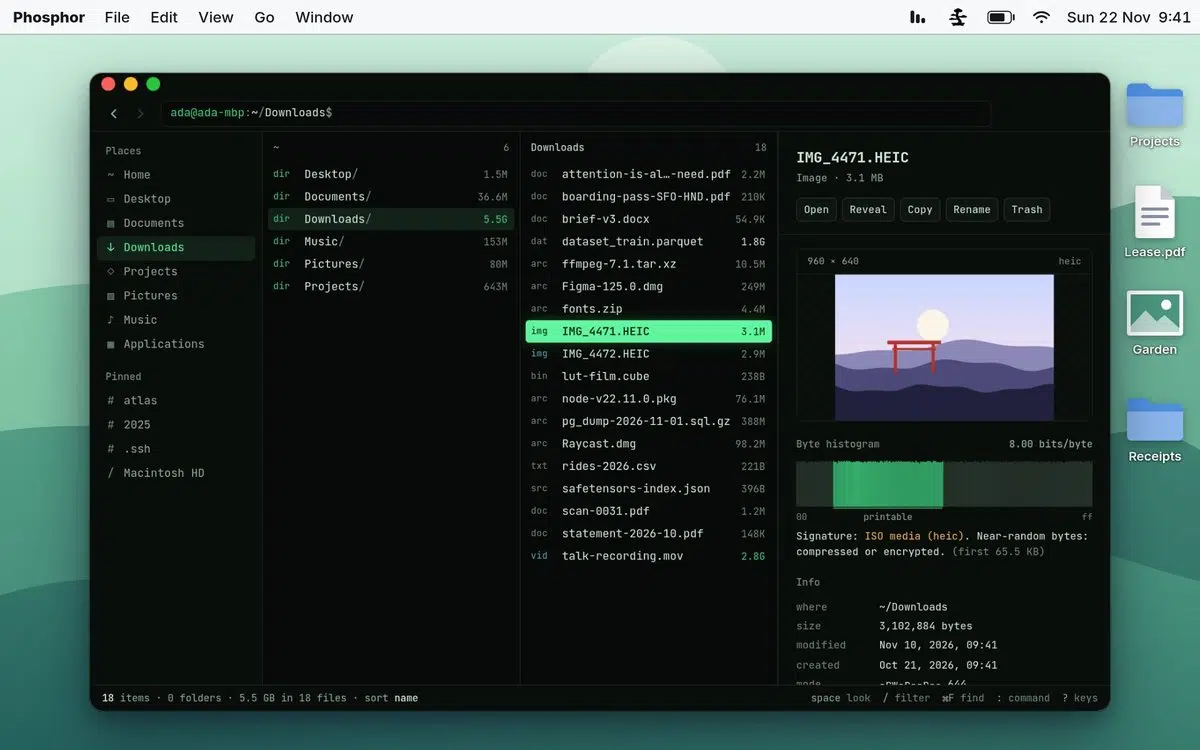
That little tool you built in a Claude chat can now sit in your Dock or taskbar like any other app. Anthropic says its new Install as app feature is rolling out in beta on all plans in Claude for Mac and Windows, giving an artifact its own icon and its own window instead of leaving it buried inside a conversation.
The process is short. You describe the app to Claude, try it as an artifact, then choose Install as app from the artifact’s Share menu. There’s no packaging, code signing, or API key involved, because the app runs on your Claude account. Edit the artifact later and the installed app updates on its own, and you can share it with other people too.
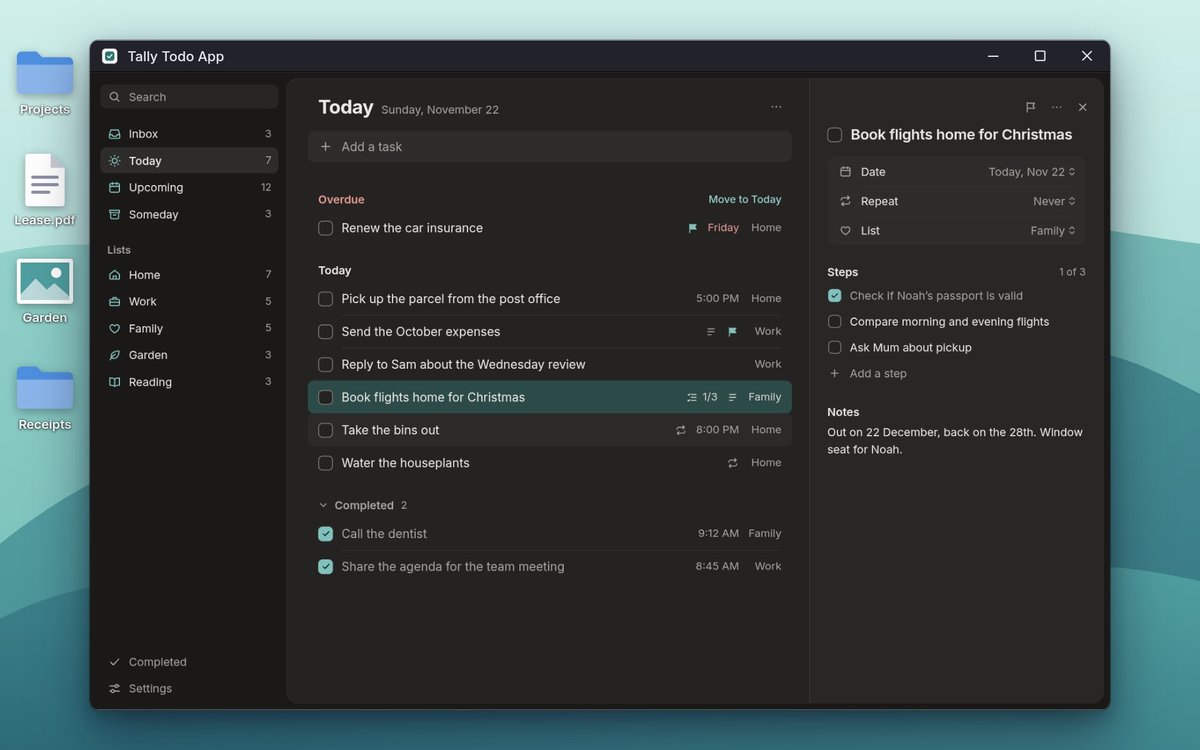
Anthropic’s ClaudeDevs account showed the whole flow, from prompt to installed app, in a short demo on X.
You can now install Claude artifacts as desktop apps on Mac and Windows. Ask Claude to build an artifact, click "Install as app", and open it like any other app. It can use your connectors and, if you allow it, send notifications or add a menu bar item. https://t.co/8CBgqe5OKq
— ClaudeDevs (@ClaudeDevs) November 24, 2026
Installed apps can call Claude and use your Claude connectors, so a tracker that reads your calendar or a dashboard built on a spreadsheet no longer has to live in a browser tab. People at Anthropic have already built:
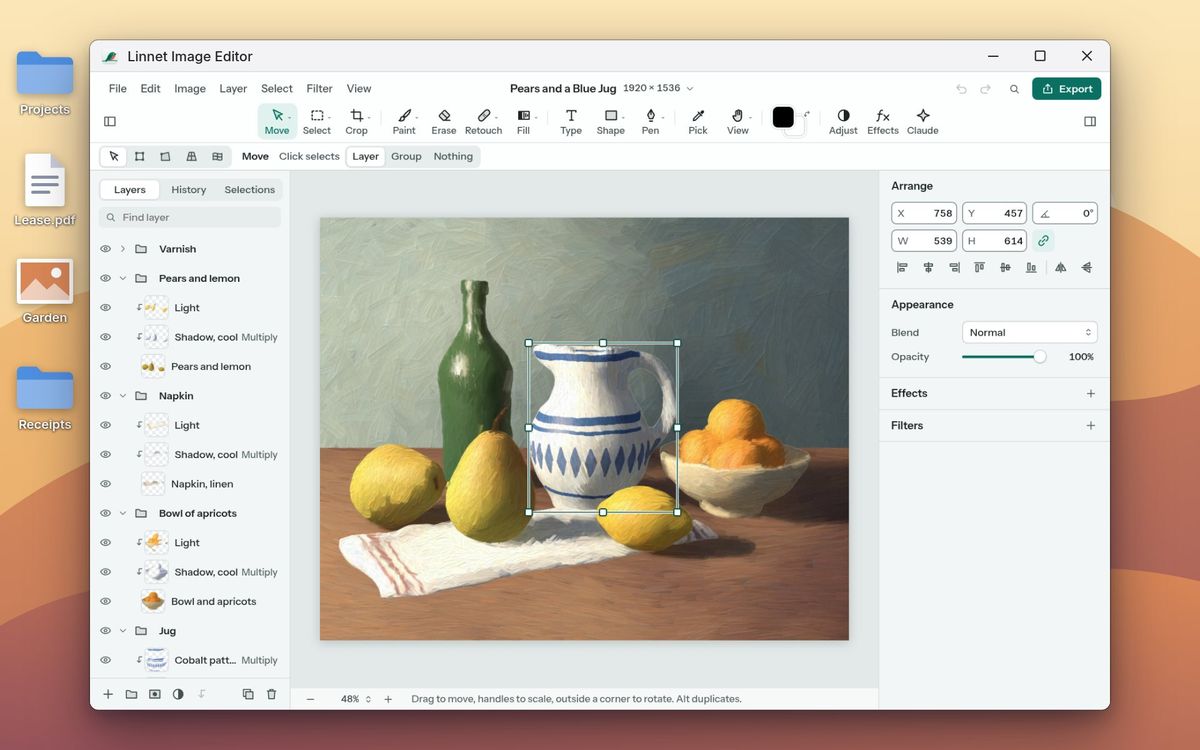
Anthropic has shared its demo apps if you want ideas before building your own.
It’s the next step in Anthropic’s push to put artifacts at the center of Claude, after Cowork and chat merged into one Claude in September.
Every installed app starts at the default level, where it can do only what it could in a browser. App permissions unlock features Claude keeps tight control over: notifications, menu bar or system tray items, global shortcuts, and always-on-top windows. Full computer access goes much further, letting the app run programs and read, change, or delete your files without asking each time.
You can give full access only to apps you made or, on Team and Enterprise, apps made by people in your organization. Anthropic doesn’t review apps before you install them, so treat a shared app like any download from a stranger and leave it on default permissions.
Claude asks for permissions again after every update, including your own edits. Parts of an app loaded from another website can still change without a new prompt, which is a gap worth keeping in mind before you trust an app that pulls in outside code.
The beta is open on all plans, though business accounts work a little differently. On Team, it’s on by default, but full computer access starts off. On Enterprise, it stays off until an owner turns it on. Admins on both plans can turn app permissions and full access on or off for everyone in the organization. HIPAA-ready organizations and hybrid deployments can’t use it at all.
Requests an app makes to Claude count toward your plan’s usage limits, so an app that calls Claude every few minutes draws from the same pool as your chats. You also need to be online and signed in to Claude to open an app. If your session expires or your Wi-Fi drops, the app won’t even launch, so for now that Dock or taskbar icon works more like a fancy bookmark than standalone software. Claude Docs, Slides, and Sheets can’t be installed either.
If you already keep a tracker or calculator in a Claude chat, update Claude for Mac or Windows and look for Install as app in the artifact’s Share menu. Start with default permissions and save full access for apps you built yourself. For now this only works in the desktop apps, one more sign that Claude’s desktop app still matters even as more features reach iPhone and the web.

As an Amazon Associate, iGeeksBlog earns from qualifying purchases.