FaceTime Like a Pro
Get our exclusive Ultimate FaceTime Guide 📚 — absolutely FREE when you sign up for our newsletter below.

FaceTime Like a Pro
Get our exclusive Ultimate FaceTime Guide 📚 — absolutely FREE when you sign up for our newsletter below.


U.S. iOS users can join DoorDash's waitlist for text ordering. The assistant finds meals, builds group orders, and handles checkout in the same message thread.
DoorDash has opened a waitlist for a text-ordering beta for U.S. iOS users. Instead of browsing the app, customers can message a dish, ask for nearby recommendations, or request their usual. DoorDash then searches local menus and suggests a cart.
The beta builds on Ask DoorDash, the assistant already in the app. It can send photos of dishes from a restaurant’s listing, so customers can choose without opening the DoorDash app.
DoorDash says the assistant can account for preferences such as skipping cilantro or adding extra sauce. It can also handle different quantities and dietary requests in a group order. Customers can review the suggested cart and confirm checkout in the message thread.
DoorDash says U.S. customers using iOS can apply to join the beta waitlist through its official announcement. The company has not announced when text ordering will become broadly available.
DoorDash also announced separate grocery updates inside its app: shoppers can rebuild a regular basket with one tap and review lower-priced equivalent swaps before checkout. Those tools are separate from the text-ordering beta.
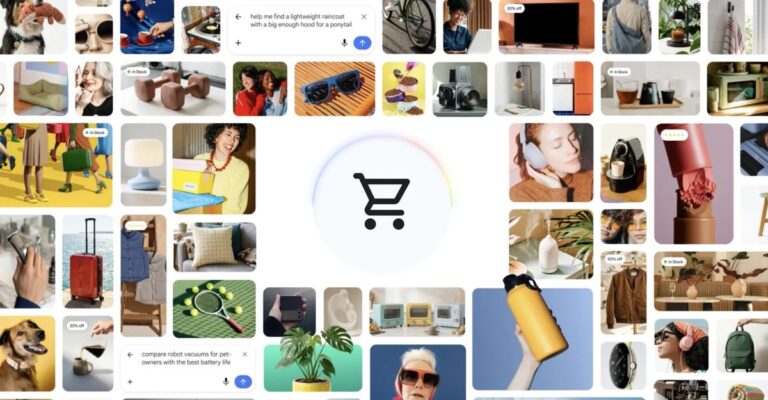
The text flow joins other efforts to move purchases into assistant interfaces. Google is testing a Flipkart checkout in Gemini and AI Mode and has outlined a Universal Cart plan that spans Search, Gemini, YouTube, and Gmail.