FaceTime Like a Pro
Get our exclusive Ultimate FaceTime Guide 📚 — absolutely FREE when you sign up for our newsletter below.

FaceTime Like a Pro
Get our exclusive Ultimate FaceTime Guide 📚 — absolutely FREE when you sign up for our newsletter below.


Having trouble with Fortnite? Here's how to restart the game on PlayStation, Xbox, and Nintendo Switch consoles to fix common issues quickly.
Being a live-service game, Fortnite gets an endless cascade of updates, big and small. And, with each update, new changes and occasionally new issues are also introduced in the game. In such a scenario, a quick restart can resolve general bugs and similar problems until a patch is rolled out by the devs.
While on PC, restarting Fortnite is as simple as clicking on the profile icon and selecting Quit Game; each console handles the process a little differently. To know how to restart the game on PS5, Xbox Series X/S, and Nintendo Switch 2 consoles, check out the steps below.
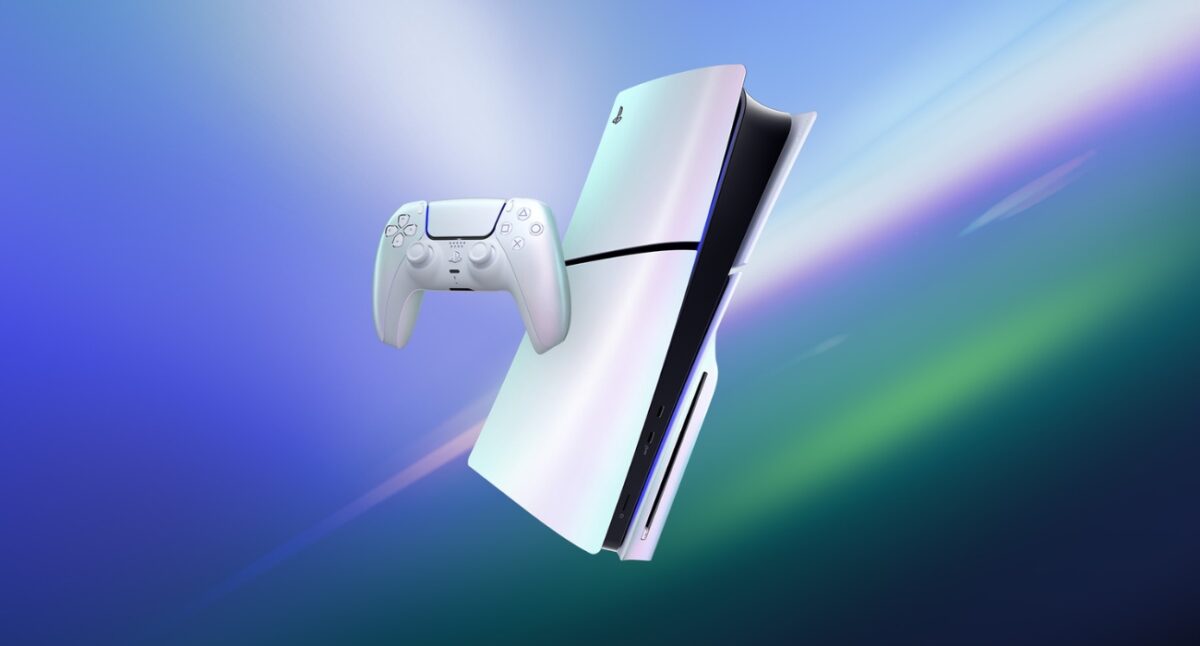
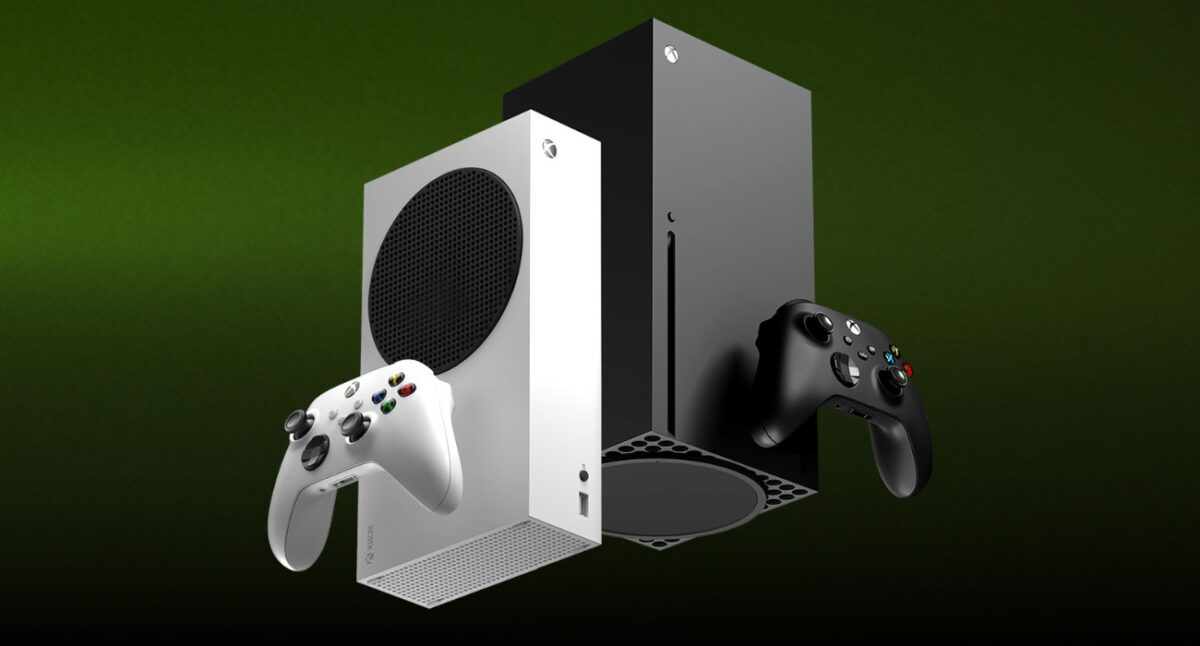
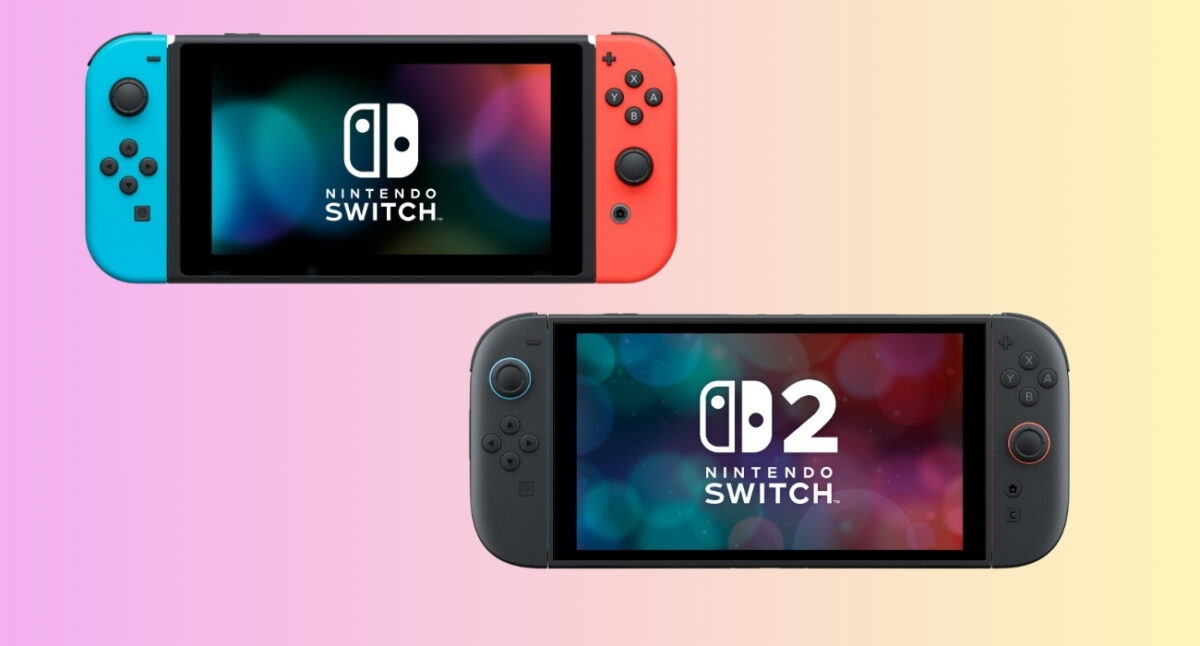
From in-game network hiccups to graphical bugs, doing a quick restart generally fixes a lot of such common issues in Fortnite. As a result, it is the first thing that you should try upon encountering any error or bug in the popular online game.
However, certain other issues in Fortnite, such as the invalid Pak error, may require more digging before they get fixed. If you’re facing that exact problem, be sure to check out our guide on how to fix the “Pak is invalid” error.
FAQs
By restarting Fortnite, you can get rid of any temporary glitches, performance lag, and even network issues, besides a host of other general problems.
If your system is completely frozen and you can’t even access the menus, then do a hard restart of the console itself by pressing and holding the power button for at least 15 seconds. This method works more or less the same way across all three consoles.
For quickly fixing common issues, restarting the game via the console menu is the best option.
Missed This? Check It Out: