FaceTime Like a Pro
Get our exclusive Ultimate FaceTime Guide 📚 — absolutely FREE when you sign up for our newsletter below.

FaceTime Like a Pro
Get our exclusive Ultimate FaceTime Guide 📚 — absolutely FREE when you sign up for our newsletter below.


Early Geekbench 7 uploads show Apple's M6 ahead in single-core performance, while the 36-core M5 Ultra is more than twice as fast in multi-core work.
Fresh Geekbench 7 results offer an early look at the Apple M6 and M5 Ultra chips headed for the new Mac mini and Mac Studio. The M6 result is stronger in single-core work, while the M5 Ultra result is more than twice as fast in multi-core work.
These are individual public benchmark uploads, not Apple-confirmed retail tests. They are useful for setting expectations, but they do not tell us how either chip will perform in sustained workloads or everyday apps.
The Apple M6 Geekbench 7 result shows 4,071 in single-core and 22,783 in multi-core. Geekbench identifies the machine as Mac18,5 with a 12-core chip and 32GB of memory.
The M5 Ultra result shows 3,774 in single-core and 52,516 in multi-core. The record identifies a Mac17,15 with a 36-core chip and 256GB of memory.
| Chip | Single-core | Multi-core | System listed |
|---|---|---|---|
| Apple M6 | 4,071 | 22,783 | Mac18,5, 12 cores, 32GB |
| Apple M5 Ultra | 3,774 | 52,516 | Mac17,15, 36 cores, 256GB |
The M6 score is about 8% higher in single-core. That kind of result can point to quicker response in lightly threaded tasks, such as opening apps or handling short bursts of work. The M5 Ultra’s multi-core score is about 2.3 times higher, which is the more relevant number for heavily parallel tasks such as large video exports, 3D rendering, and some AI workloads.
The comparison is not a fair contest between equal machines. M6 is a mainstream desktop chip for the Mac mini, while M5 Ultra is a workstation-class part designed for the Mac Studio. The large difference in CPU core count explains much of the multi-core gap.
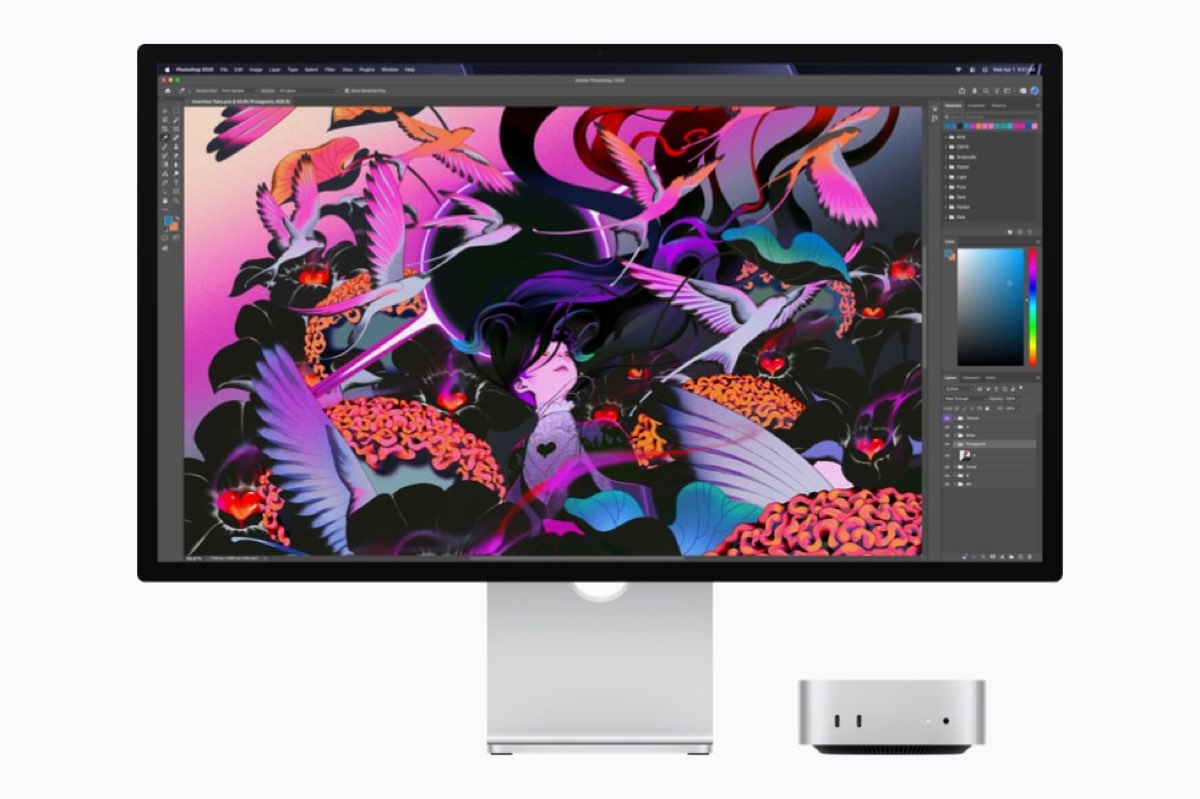
Apple says M6 is the first Apple silicon chip built using a second-generation 2-nanometer process. It has up to a 12-core CPU, a 12-core GPU, and a 32-core Neural Engine. Apple says M5 Ultra scales to 36 CPU cores, 80 GPU cores, and up to 512GB of unified memory.
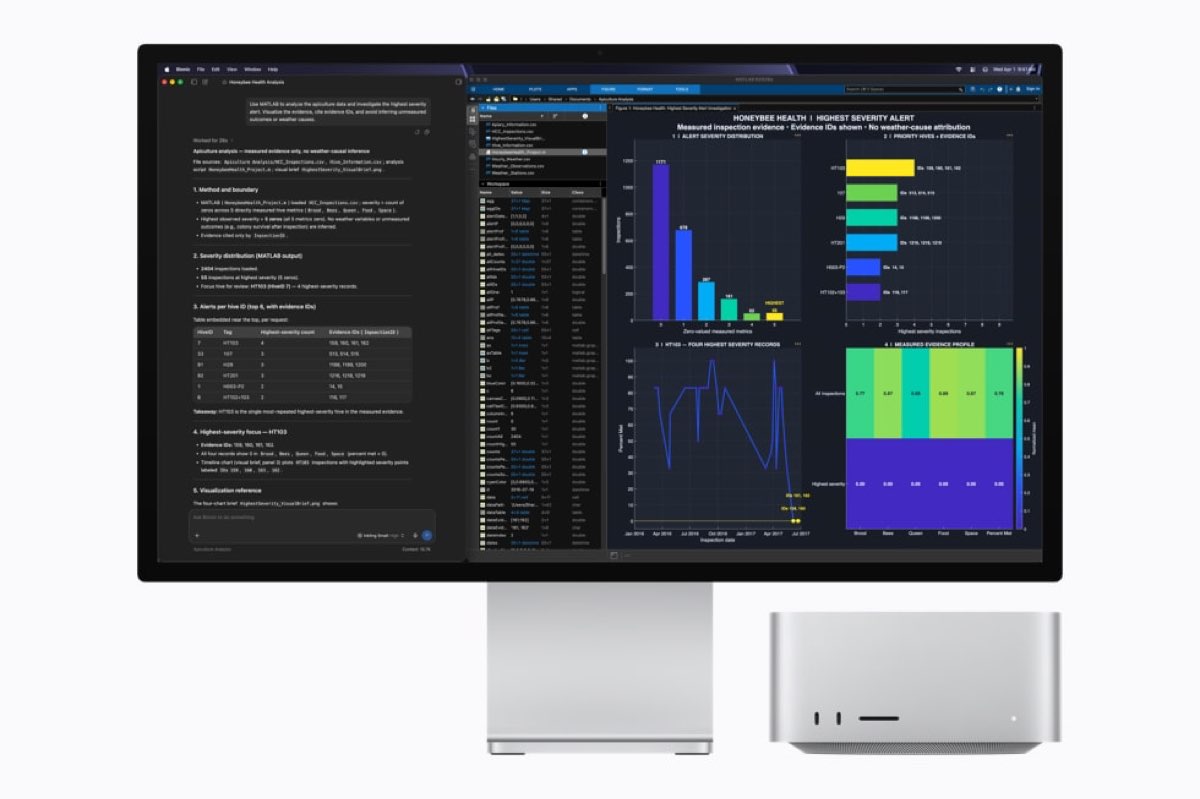
The new Mac mini and Mac Studio are scheduled to become available on September 22. If you are weighing the two products, our M6 Mac mini vs M5 Ultra Mac Studio comparison breaks down the more important differences, including size, memory, ports, and intended workloads.
The benchmark records do not show GPU scores, so they cannot tell us whether the M6 Mac mini is a better choice for graphics work or how the M5 Ultra handles demanding visual tasks. Apple’s launch claims also use different comparison points and workloads, so they should not be mixed with these Geekbench numbers as if they were one test.
Geekbench measures a short CPU workload. A public upload can show the performance of one pre-release or early system, but it cannot settle questions about fan noise, sustained speed, power use, thermals, storage, or app compatibility. It also does not show how the Mac mini and Mac Studio feel in normal use.
For now, the numbers suggest a simple split. M6 may offer excellent quick, single-core performance in a compact Mac mini. M5 Ultra is in another class when an application can use many CPU cores at once. The history of Mac processors puts that generational jump in a broader context.
The new Macs arrive September 22. Anyone buying on day one should wait for retail reviews if sustained performance, graphics, or thermals matter more than a single Geekbench result.