
FaceTime Like a Pro
Get our exclusive Ultimate FaceTime Guide 📚 — absolutely FREE when you sign up for our newsletter below.

FaceTime Like a Pro
Get our exclusive Ultimate FaceTime Guide 📚 — absolutely FREE when you sign up for our newsletter below.



Qoob Clips goes beyond single-video downloads, pulling entire accounts and hashtag feeds from TikTok. We cover how it works on Mac, its bulk features, the pricing tiers, and whether it delivers.
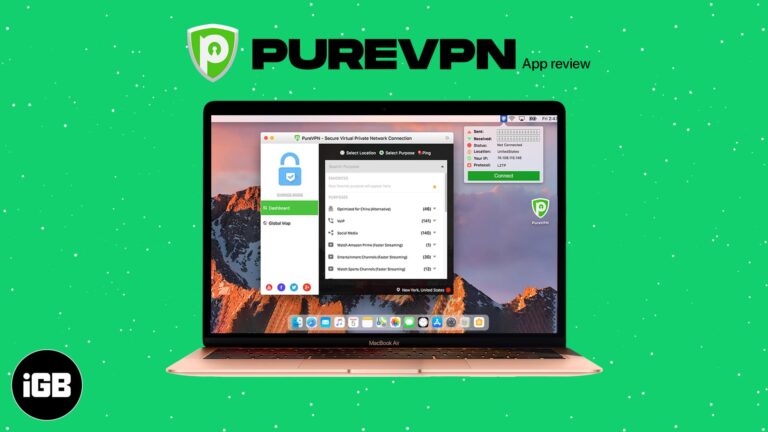
PureVPN undercuts most rivals on price while promising a kill switch, leak protection, and dedicated IPs. We test its speeds, examine its privacy claims, and check streaming and device support.
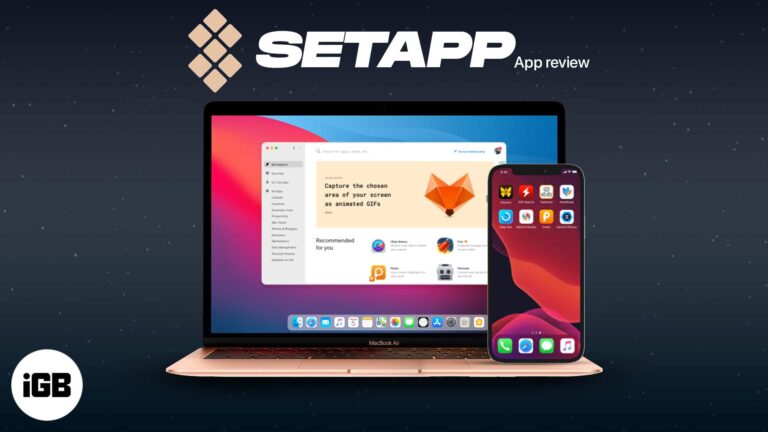
Setapp swaps individual app purchases for a single monthly fee across a curated catalog. We look at what is in the bundle, how discovery and installation work, and when the maths works out.
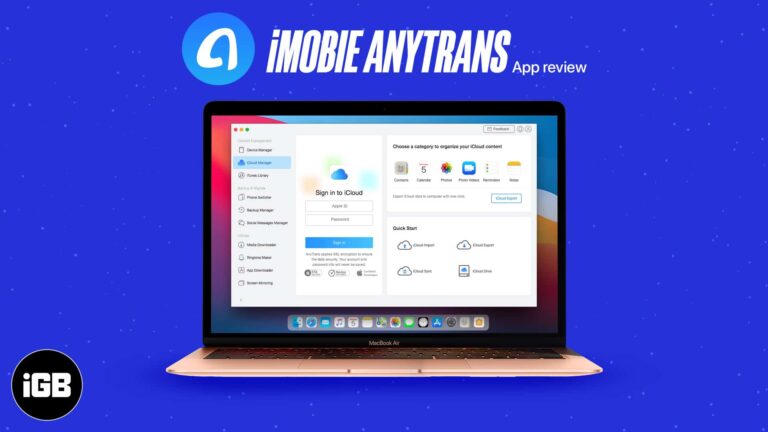
AnyTrans replaces iTunes for moving music, photos, and messages on and off an iPhone. We look at its transfer tools, backup features, and how much friction it removes from device management.
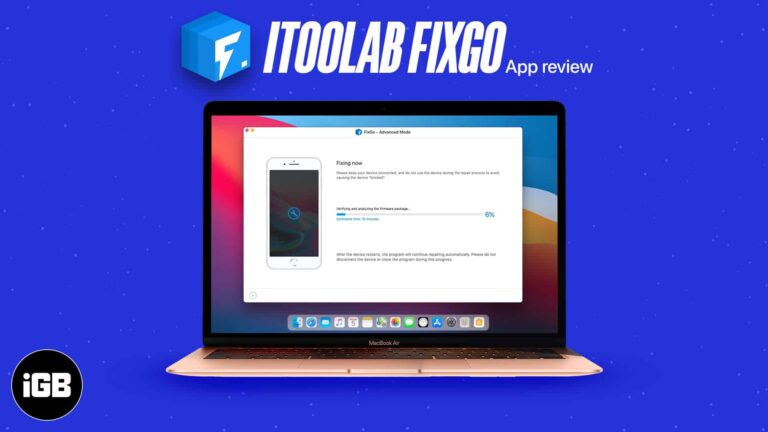
FixGo tackles boot loops, frozen screens, and recovery mode problems from a Mac. We cover the issues it handles, supported devices, both repair modes, and whether it lives up to the claims.
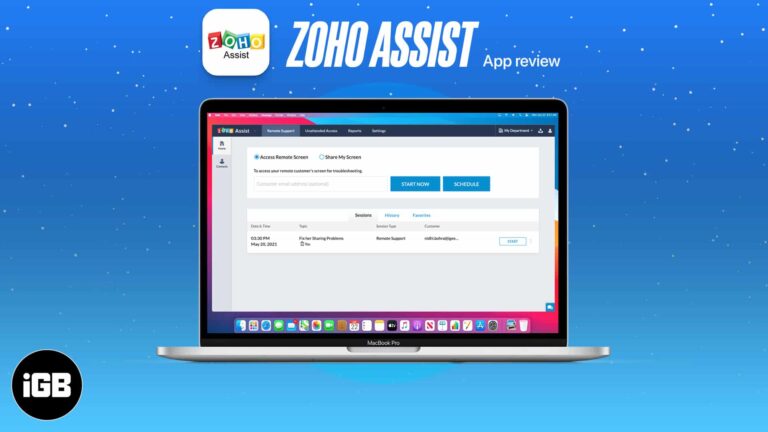
Remote support beats a support article when a customer is genuinely stuck. Zoho Assist offers attended sessions and unattended access from a Mac. We look at its features, ease of use, and price.
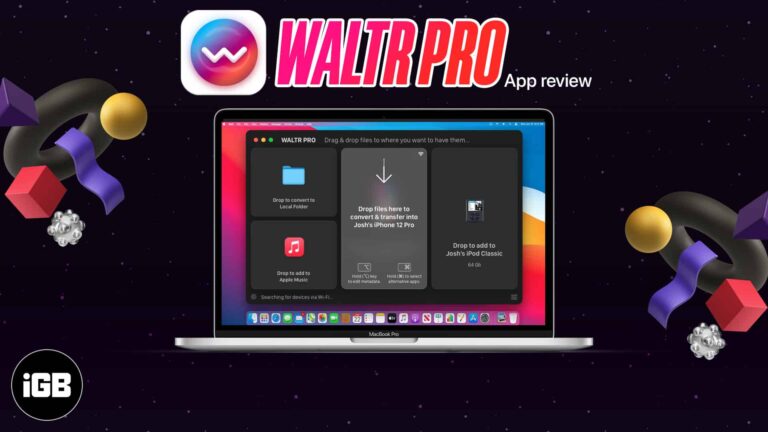
WALTR PRO converts unsupported formats on the fly as you drop them onto a device, sidestepping iTunes entirely. We cover the workflow, supported formats and devices, and give a verdict.
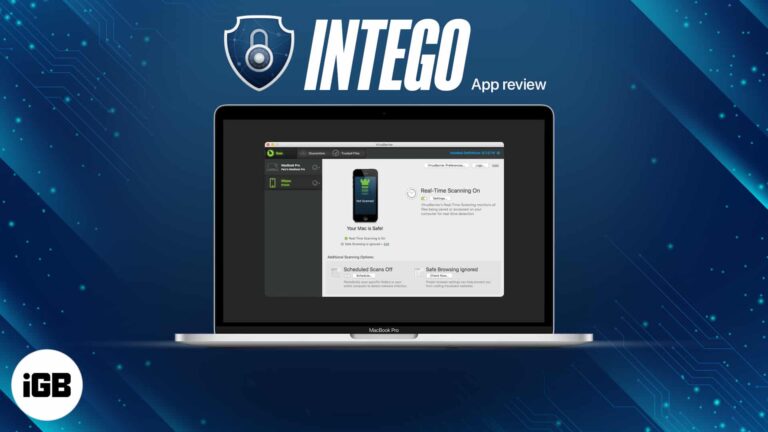
Macs are not immune to malware, whatever the reputation suggests. We test Intego's VirusBarrier scanning and NetBarrier firewall, then give a verdict on whether the suite earns its price.

Contracts and invoices increasingly need signing without printing. Document Cloud stores, shares, and e-signs PDFs from a browser. We look at its key features and who it suits.
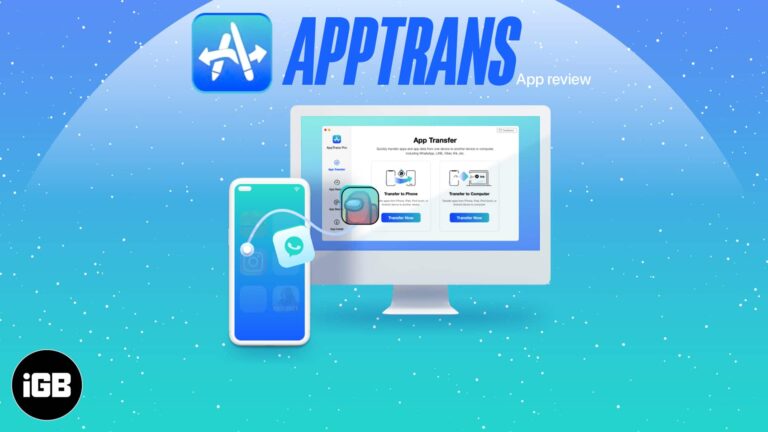
Switching phones normally means losing app data. AppTrans transfers apps and their data between iOS and Android, with dedicated WhatsApp support. We look at what it handles well and its limits.
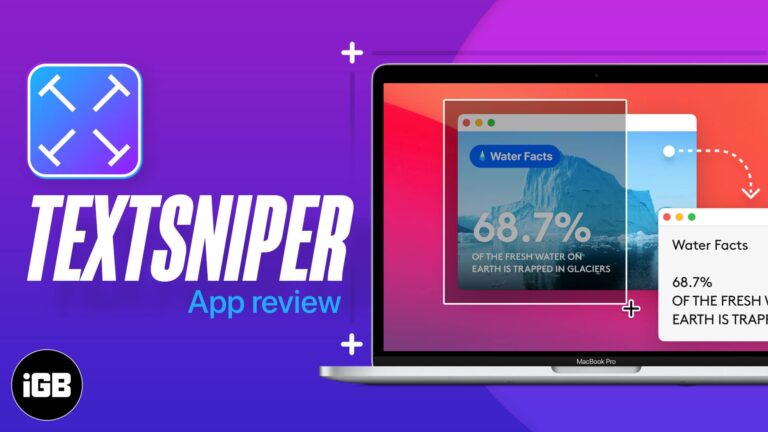
Copying text from a screenshot or video used to mean retyping it. TextSniper runs OCR on any screen region with a shortcut. We test its accuracy, speed, and where it fits in a workflow.

AnyGo spoofs your iPhone location and can simulate movement along a route, which suits location-based games and testing. We look at its features, ease of use, and give a verdict.
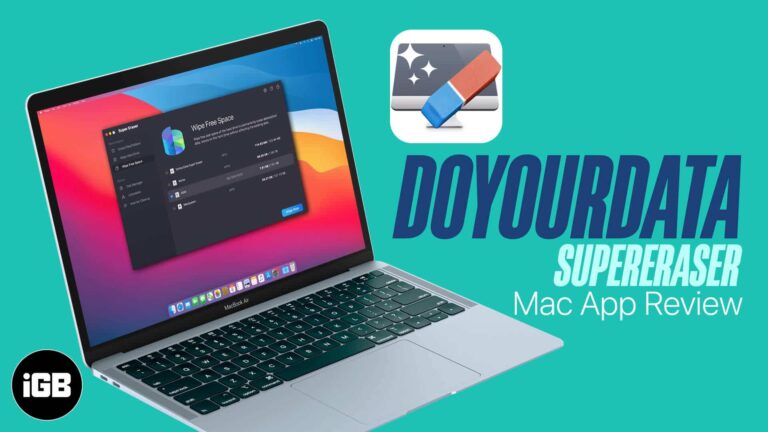
Deleted files stay recoverable until the space is overwritten. Super Eraser wipes files, whole drives, and free space to defeat recovery tools. We test its modes and give a verdict.
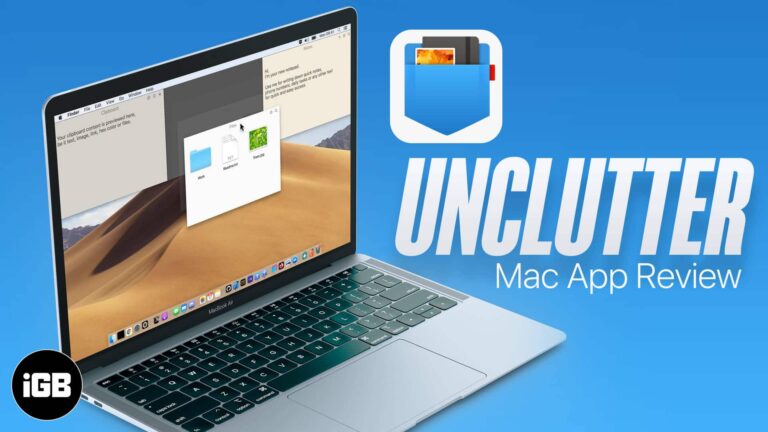
Unclutter puts a file drop zone, quick notes, and clipboard history behind a single gesture at the top of your screen. We look at how it works and whether it earns a permanent spot.
Art Text 4 turns plain text into polished graphics with materials, 3D effects, and ready-made presets. We walk through the workflow, highlight its best features, and give a verdict for Mac designers.
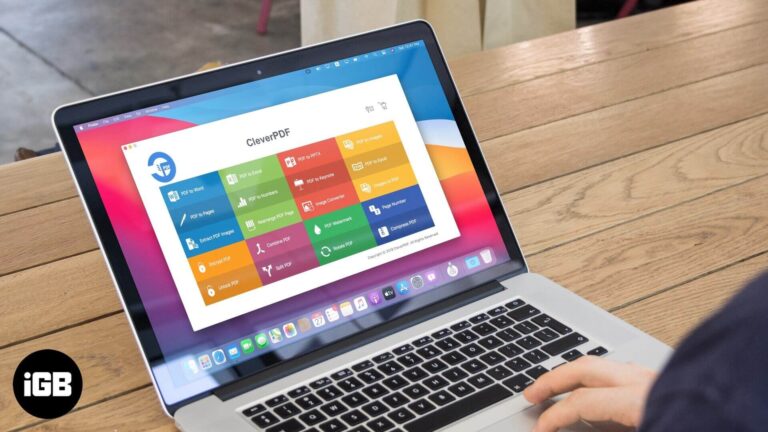
CleverPDF handles conversion, merging, splitting, compression, and password removal without uploading files to a server. We walk through the tools, the download process, and give a verdict.
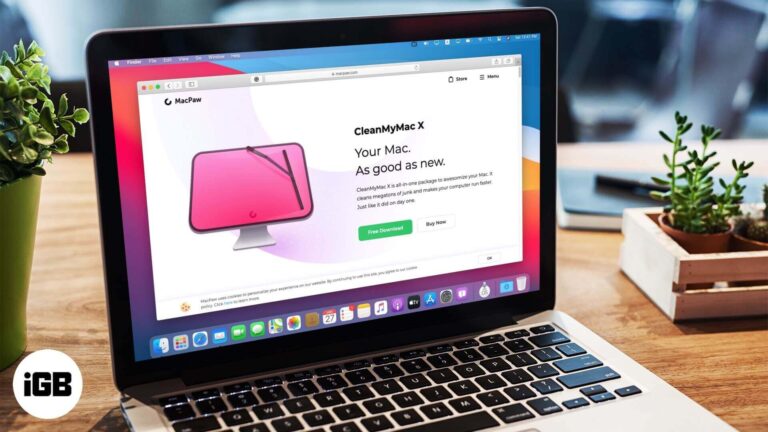
CleanMyMac X bundles junk scanning, malware removal, an uninstaller, and maintenance scripts into a single interface. We look at what it actually reclaims and whether it justifies the subscription.
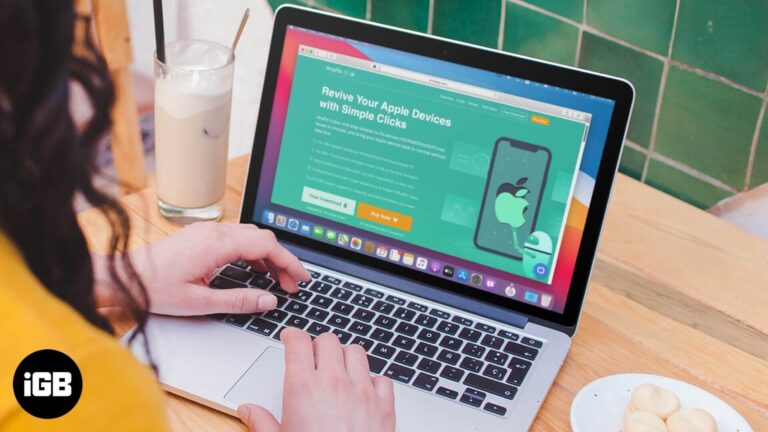
AnyFix promises to fix recovery mode loops, frozen screens, disabled devices, and hundreds of iTunes errors without data loss. We tested its repair modes to see whether it earns a place in your toolkit.
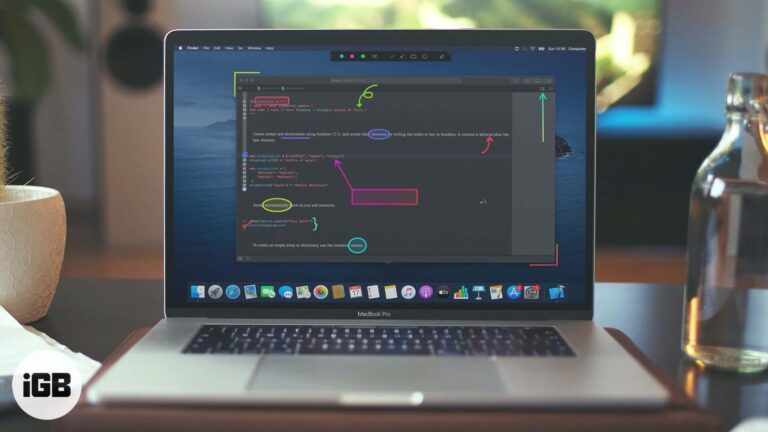
Presentify Screen Annotation app for Mac is what you should use to bolster your presentation. Head over to read the detailed review.
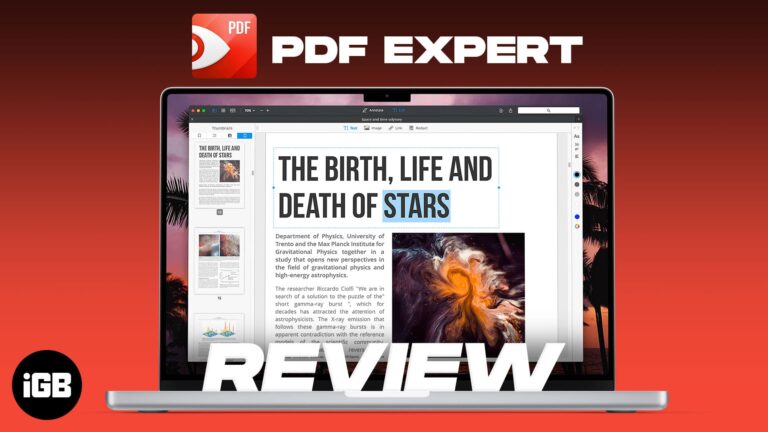
PDF Expert is built for speed on large documents where Preview struggles. We look at its editing and annotation tools, form handling, interface, and whether it justifies the upgrade.
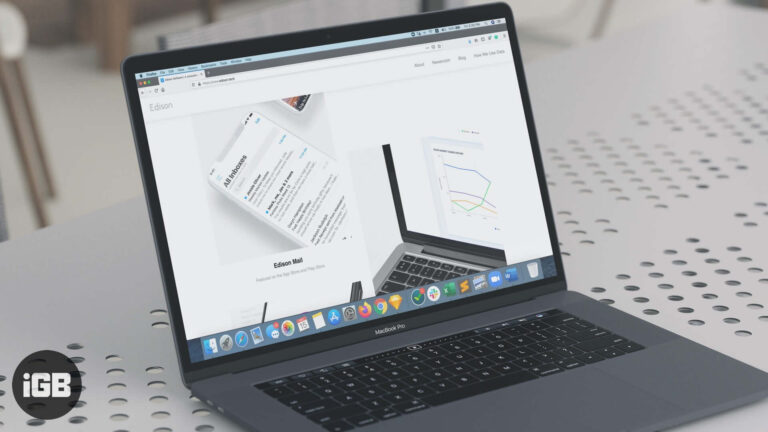
Edison Mail organizes receipts, travel, and subscriptions automatically and makes unsubscribing a single tap. We look at its features, speed, and privacy model to see if it deserves your inbox.
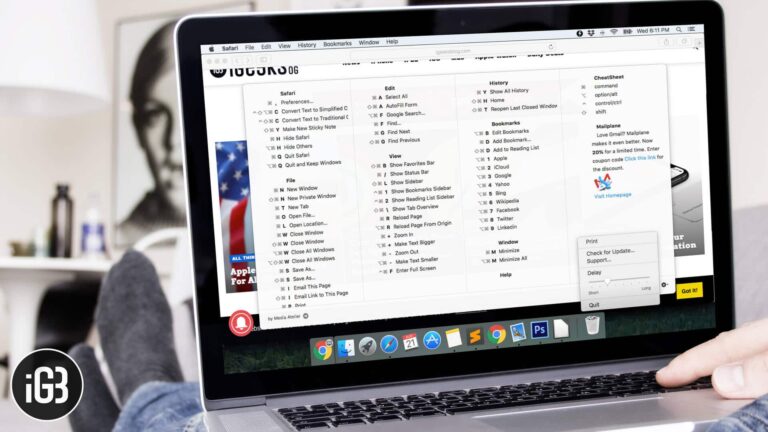
Learning shortcuts is easier when the list is one keypress away. CheatSheet shows every shortcut for the app you are in when you hold Command. Here is how to install and use it.


