FaceTime Like a Pro
Get our exclusive Ultimate FaceTime Guide 📚 — absolutely FREE when you sign up for our newsletter below.

FaceTime Like a Pro
Get our exclusive Ultimate FaceTime Guide 📚 — absolutely FREE when you sign up for our newsletter below.


Find the best iPad Air screen protectors for 11-inch and 13-inch models in 2026, ideal for work, gaming, and Apple Pencil use.

 ByDhvanesh Adhiya and Ava Biswas
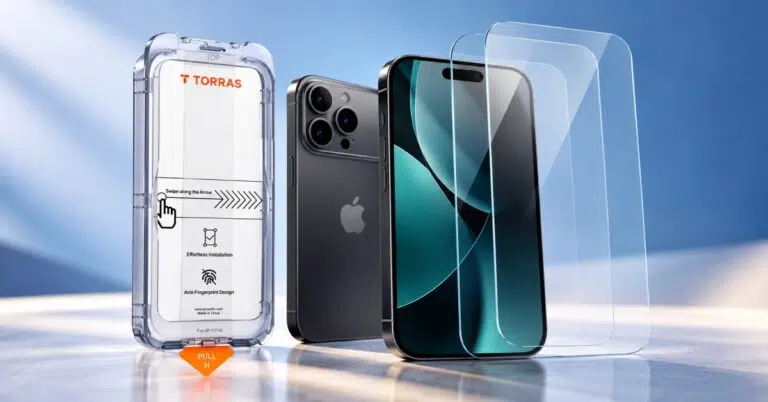
Buying a new 11-inch or 13-inch iPad Air is a significant investment, and protecting its display should be a top priority. A good screen protector keeps your iPad safe from scratches, cracks, fingerprints, and even eye strain without ruining the touch experience.
Whether you use your iPad Air for note-taking, drawing, work, or entertainment, there’s a screen protector made just for your needs. In this guide, I’ll help you choose the right one and share the best iPad Air screen protectors for 2026, based on usability, protection level, and real buying scenarios.
Before buying, it’s important to know what actually matters. Here are the key things to look for:
Always check the protector supports which iPad Air model. Any discrepancy in size may result in gaps between the edges.
If you take notes or doodle often, ensure that the protector doesn’t impact the accuracy of Pencil or slow it down.
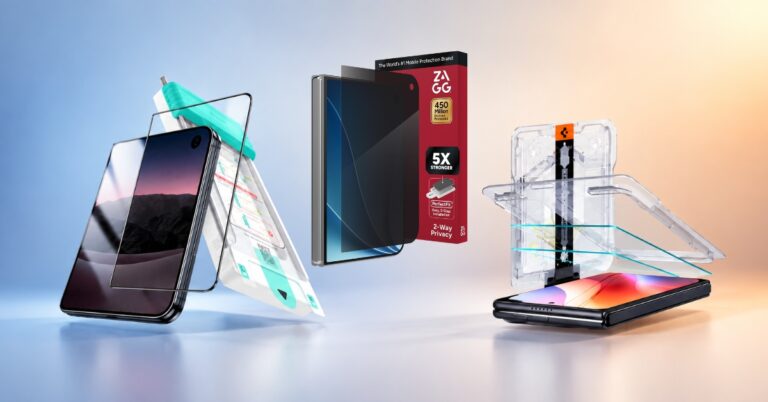
Look for dust-free installation kits or alignment frames if you are installing the protector yourself.
Some protectors, especially privacy ones, decrease the brightness and clarity. However, if you watch videos or edit images, choose the one with HD clarity.
Here are the best screen protectors for various use cases.
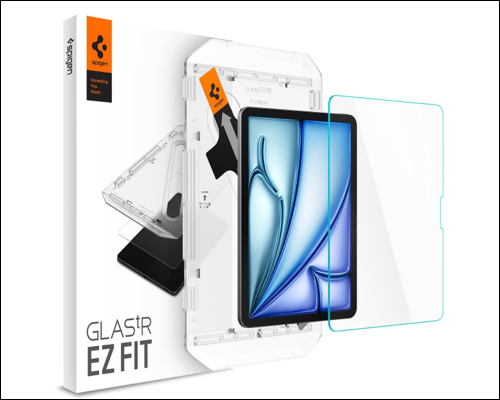
Spigen is a good option for those seeking a balanced solution. It provides a tempered glass protector with high scratch protection, good touch sensitivity, and crystal-clear display clarity.
Why buy it
Best for: People who need basic protection.
Check out on Amazon: 11-inch model | 13-inch model
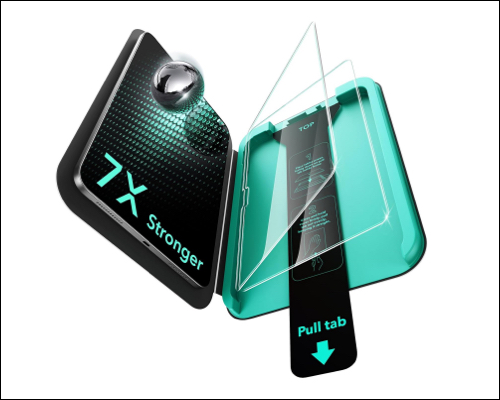
The ESR 2-pack Armorite screen protector is built for durability. Although the glass is only 0.33mm thin, it’s reinforced to handle drops and impacts better than standard glass protectors.
Why buy it
Best for: Users who frequently travel or use their iPad on the go.
Bonus: ESR also offers a Paper-Feel screen protector with a matte anti-glare surface that gives your Apple Pencil a natural, paper-like friction and prolongs nib life. It’s best for writing and drawing.
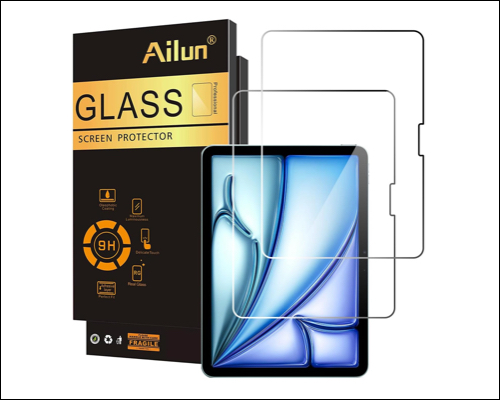
Ailun offers solid protection at a low price. You usually get two 9H hardness tempered glass screen protectors for your iPad Air in one pack, which is a great value. It’s extra-thin to preserve touch response and display transparency.
Why buy it
Best for: Budget buyers and first-time iPad users.
Check out on Amazon: 11-inch model | 13-inch model
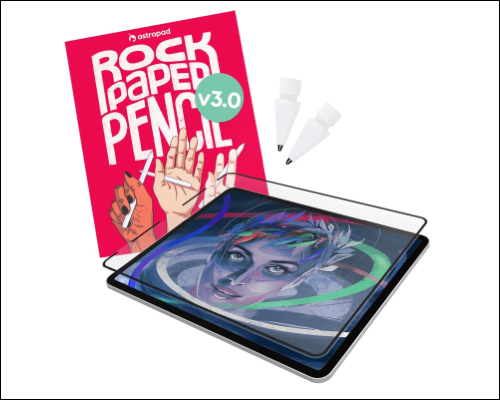
This is one of the best paper-like screen protectors available. It’s designed specifically for Apple Pencil users who want precision and texture. The NanoCling technology uses non-adhesive static attachment to securely apply it. Moreover, its border is 40% thinner than the magnetic border.
Why buy it
Best for: Students, digital artists, and professionals who draw or write daily.
Tip: If Astropad feels expensive, MOBDIK is a solid alternative with a similar paper-like texture at a lower cost, ideal for casual note-takers and students.
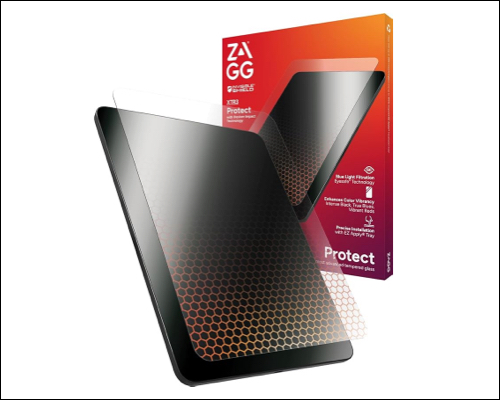
ZAGG Glass XTR3 reduces blue light without compromising the display’s color accuracy. It’s great for long screen sessions. Additionally, the tempered glass has advanced Hexiom Impact Technology for 10x shock-absorption and drop protection.
Why buy it
Best for: Office users and people with eye strain.
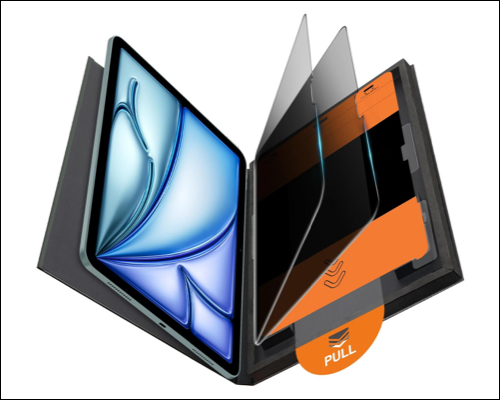
This OMOTON privacy protector blocks side viewing, keeping your screen visible only to you. The tempered glass is 9H+ hard and offers 12-ft drop protection. It has an oleo- and hydrophobic coating for easy cleaning.
Why buy it
Best for: Public travel, office work, and privacy needs.
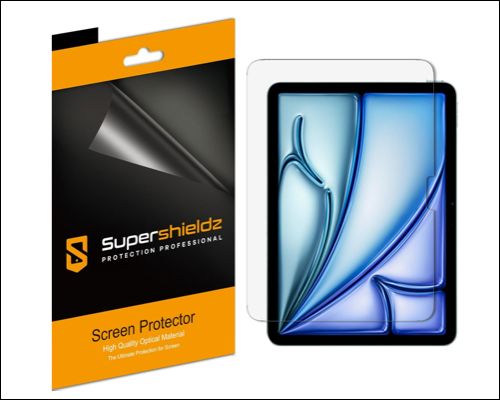
If reflections annoy you, Supershieldz offers a matte finish that cuts glare while staying smooth. The screen protector film has 5 layers, including anti-fingerprint coating, optical PET, silicone adhesive, and protective device liner.
Why buy it
Best for: Outdoor use and bright environments.
Choosing the right screen protector for your iPad Air depends on how you use your tablet. There’s no one-size-fits-all; different materials and types offer distinct benefits, whether you prioritize protection, drawing feel, or clarity.
| Overall protection | Spigen GlasTR EZ Fit |
| Maximum durability | ESR Armorite |
| Writing & drawing | ESR Paper-Feel or Astropad |
| Budget option | Ailun |
| Eye comfort | ZAGG Glass XTR3 |
| Privacy | OMOTON |
| Anti-glare | Supershieldz |
In 2026, iPad Air screen protectors are better than ever. Whether you want strong drop protection, a paper-like writing surface, or eye-friendly viewing, there’s a perfect option available for both 11-inch and 13-inch iPad Air models.
I recommend heavy users to invest in premium protection whereas students and casual users can save money with budget options. Whichever you choose, it will save you from costly repairs later.
FAQs
It protects your screen from scratches, cracks, fingerprints, and wear, especially important if you use Apple Pencil or travel often.
Replace it when you see cracks, deep scratches, or reduced touch sensitivity. On average, every 6–12 months.
Yes. Most screen protectors support Apple Pencil. Matte and paper-like protectors even improve writing control.
Read more: