FaceTime Like a Pro
Get our exclusive Ultimate FaceTime Guide 📚 — absolutely FREE when you sign up for our newsletter below.

FaceTime Like a Pro
Get our exclusive Ultimate FaceTime Guide 📚 — absolutely FREE when you sign up for our newsletter below.


Get ready for Halloween with these apps for iPhone and iPad. From spooky selfies and horror games to eerie sound effects, festive Home Screen customization, party invitations, and trick-or-treating safety, find the perfect apps to make your Halloween more fun.

 ByJignesh Padhiyar and Ava Biswas
Halloween season is creeping closer, and it’s officially time to turn your iPhone into a haunted playground. While most of us are busy decking out our homes with pumpkins and cobwebs, there’s another way to get in the Halloween spirit, through your phone!
This year, I’ve been testing out the best Halloween apps for iPhone and trust me, they’re the perfect mix of spooky, creative, and fun. Whether you want to decorate your phone with eerie wallpapers, play Halloween games with your kids, or discover haunted attractions near you, there’s an app for every kind of ghoul and ghost.
So, if you’re ready to level up your Halloween celebrations (digitally and IRL), keep scrolling, because this list will get you in the spooky spirit in no time.
Before we jump into the list, let’s look at why downloading Halloween-themed apps this year is totally worth it.
Decor and Customization
Entertainment
Costumes and Makeup
Trick-or-Treating
Social Sharing
Educational Fun
If you’re anything like the typical iGeeksBlog reader, you expect more than just a few cute stickers. You want functionality, creativity, and value – all rolled into one. That’s exactly how this list was curated.
Give your Halloween selfies a spooky makeover or experiment with costume makeup before the big night. They can come in handy when you wish to be more experimental and make your seasonal photos stand out.
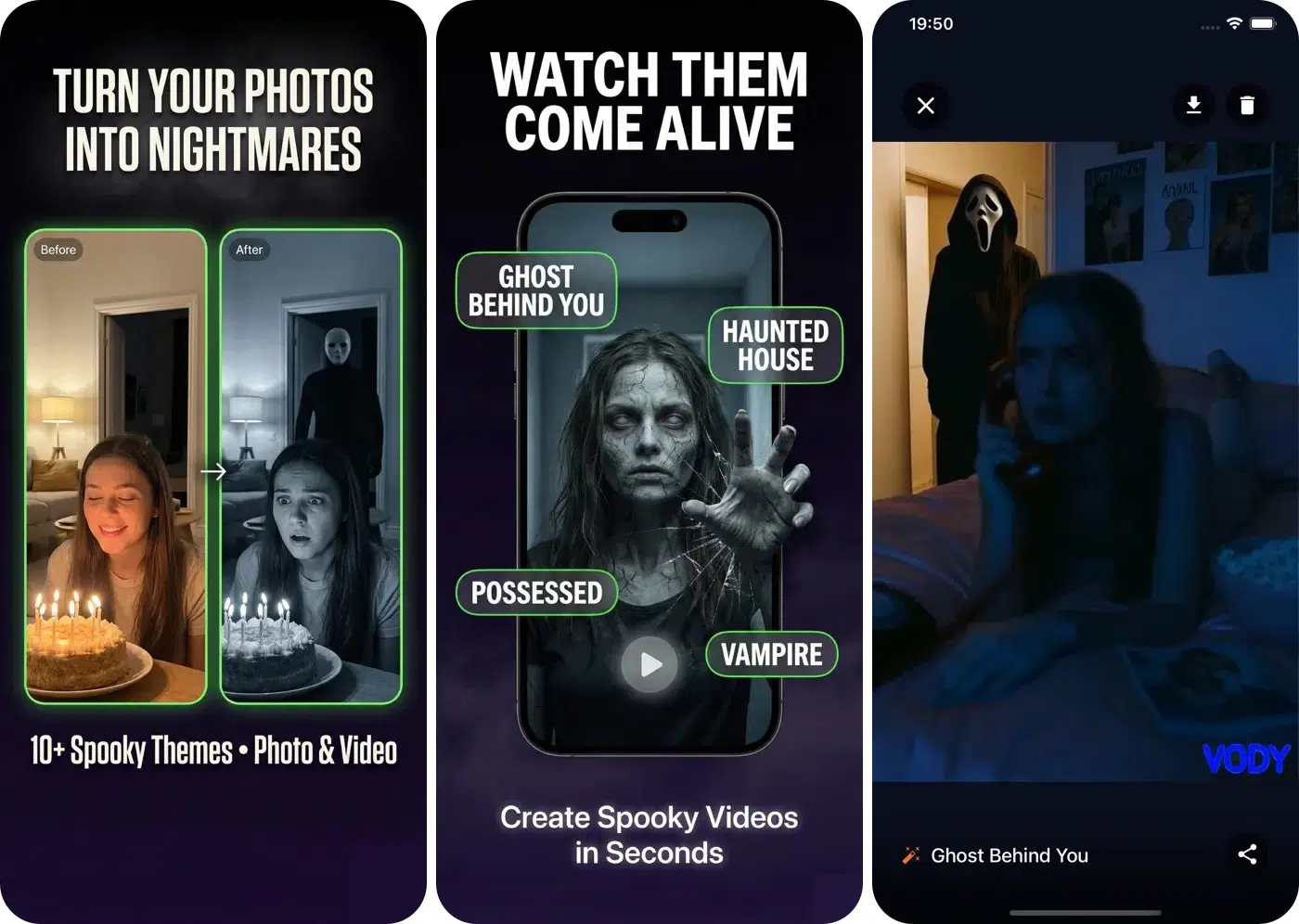
If your Halloween selfies look a little too ordinary, Spooky Photo Video Maker Vody offers a way to give them a horror-inspired makeover. The app gives your pictures and videos an eerie twist, featuring horror themes like ghosts, zombies, vampires, witches, or even werewolves.
It’s a fun option for anyone who wants to create something creepy for Instagram, TikTok, or a Halloween group chat without learning complicated editing software.
Pros
Cons
Price: Free (In-app purchases start from $1.99)
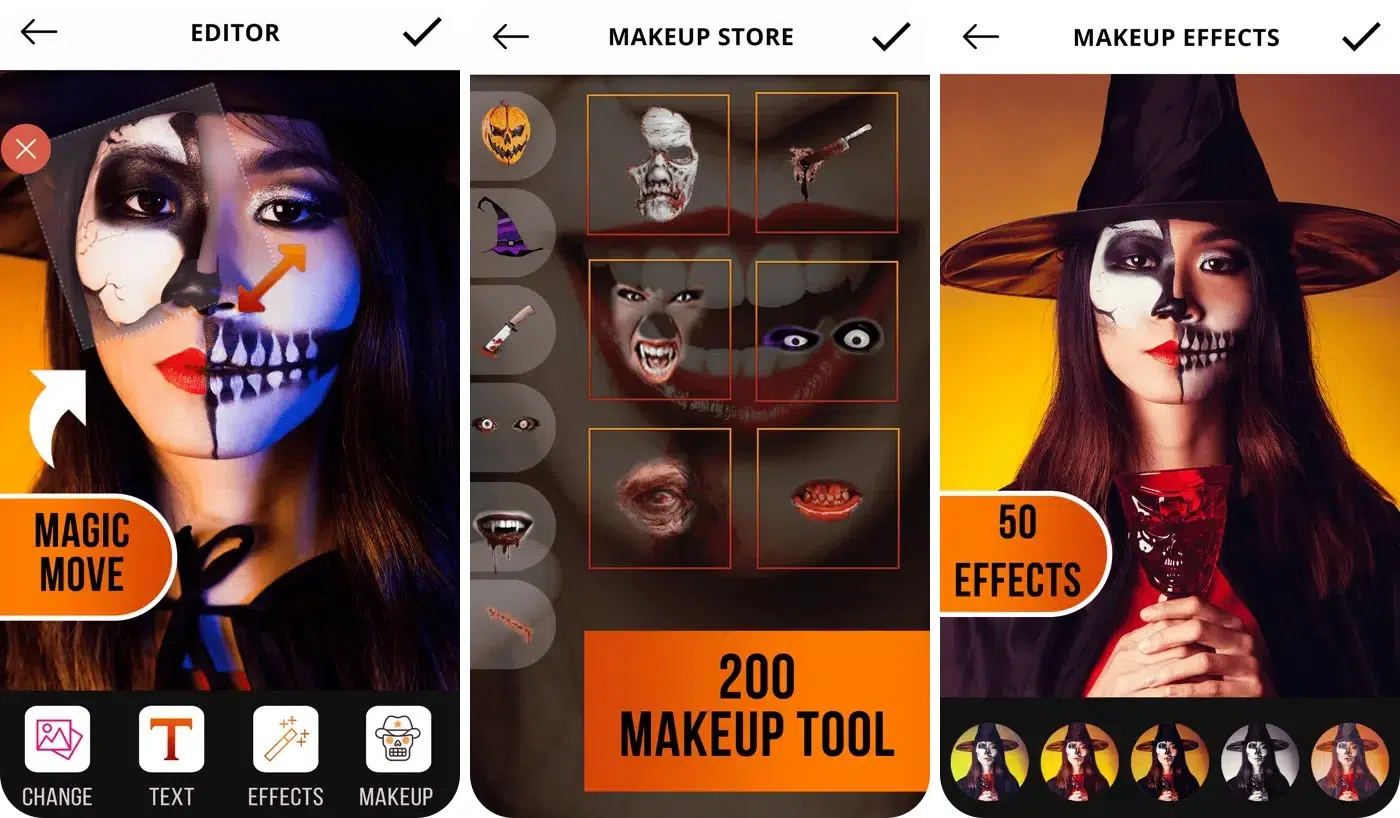
Selecting the right Halloween costume is not enough; it’s the makeup that transforms an ordinary dress into something really interesting. Halloween Makeup Editor is worth exploring if you want to experiment with different spooky looks before applying real face paint.
I tried imagining myself as a vampire, a witch, and a frightening horror character before deciding which costume suits me best. It’s particularly useful if you’re short on inspiration or want to compare ideas with friends.
Pros
Cons
Price: Free
Set the mood with creepy sound effects and horror-inspired beats. Whether you’re hosting a party or creating a haunted atmosphere at home, these apps add an extra layer of Halloween fun.
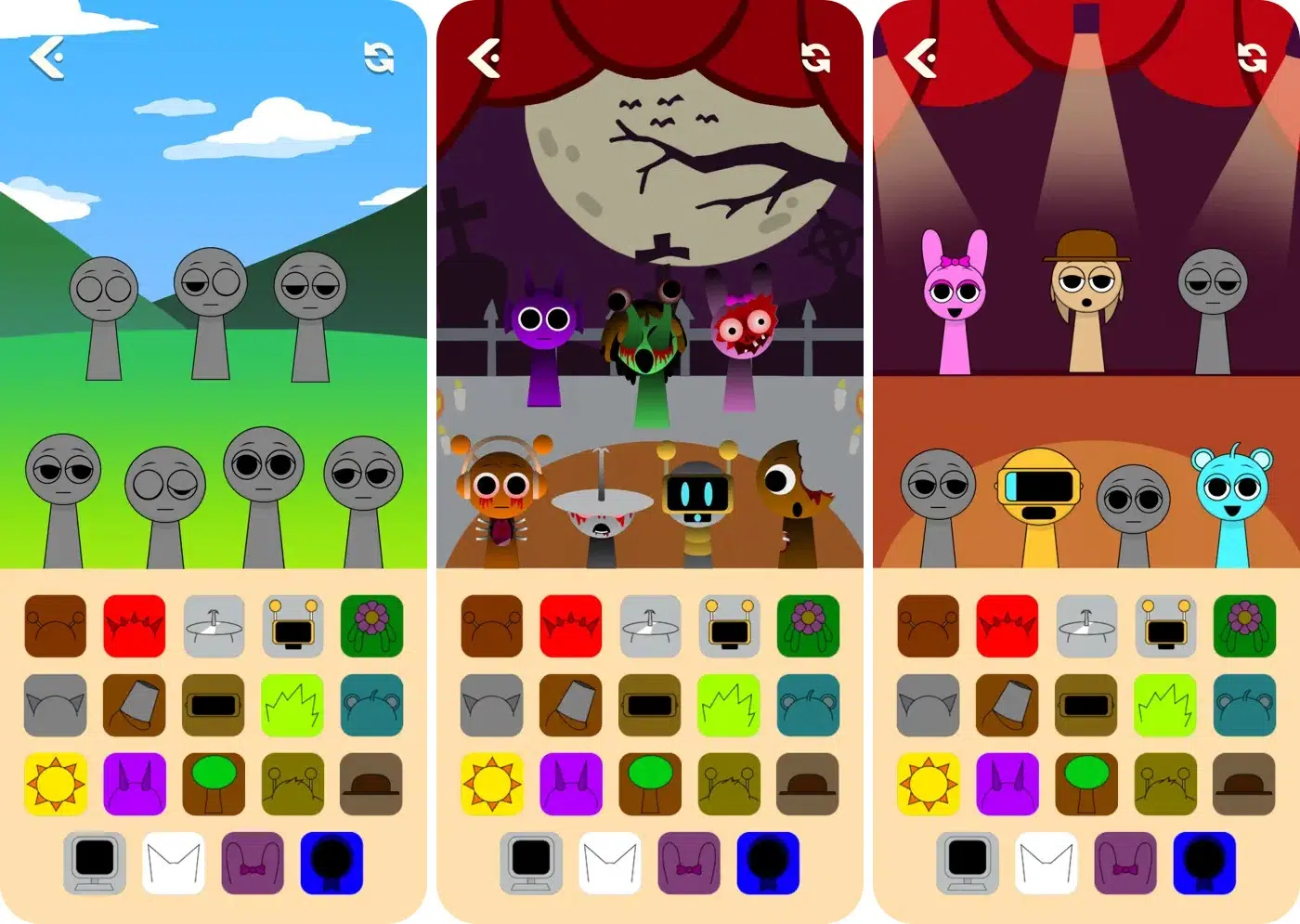
Want your Halloween party to sound as spooky as it looks? Spooky Beats Maker: Horror Mix is a music-making game which allows you to play around with beats, sounds, and animated characters, creating your own songs.
I suggest using it as a fun activity before a party, challenging friends to create the creepiest beat, or simply enjoying mixing sounds while getting into the Halloween mood.
Pros
Cons
Price: Free (Remove ads for $1.99)
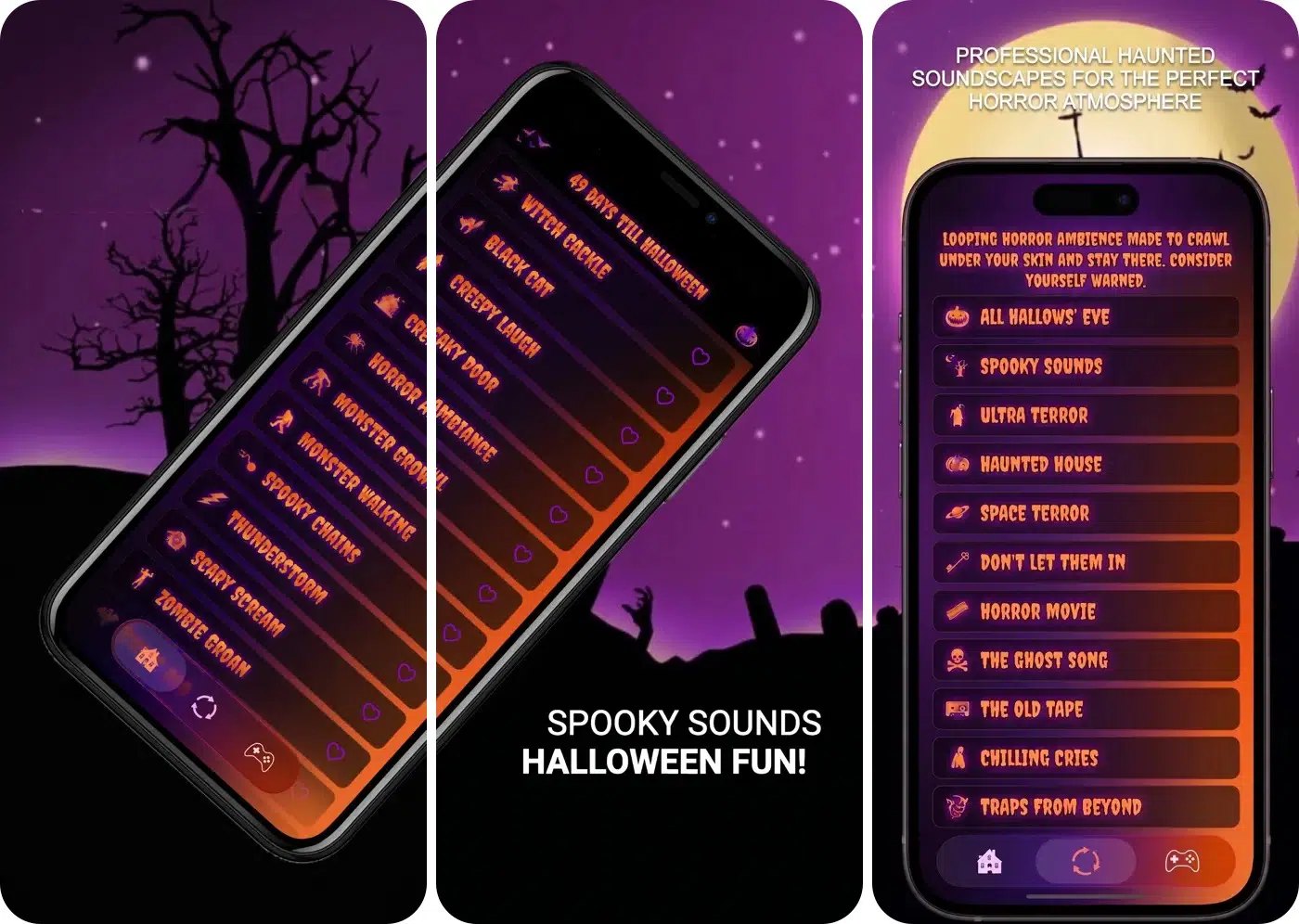
Sometimes, the right sound can do more for a Halloween atmosphere than an elaborate decoration. Spooky Halloween Sounds is an option for anyone who wants creepy audio to accompany a haunted-house setup, storytelling session, or Halloween party.
I would try the following combination at a Halloween party: lowering the lights, setting some artificial webs in the room and playing eerie sounds in the background while telling ghost stories.
Pros
Cons
Price: Free
From relaxing coloring activities to intense horror games and paranormal-themed experiences, here are plenty of scary entertainment apps for all kinds of players.
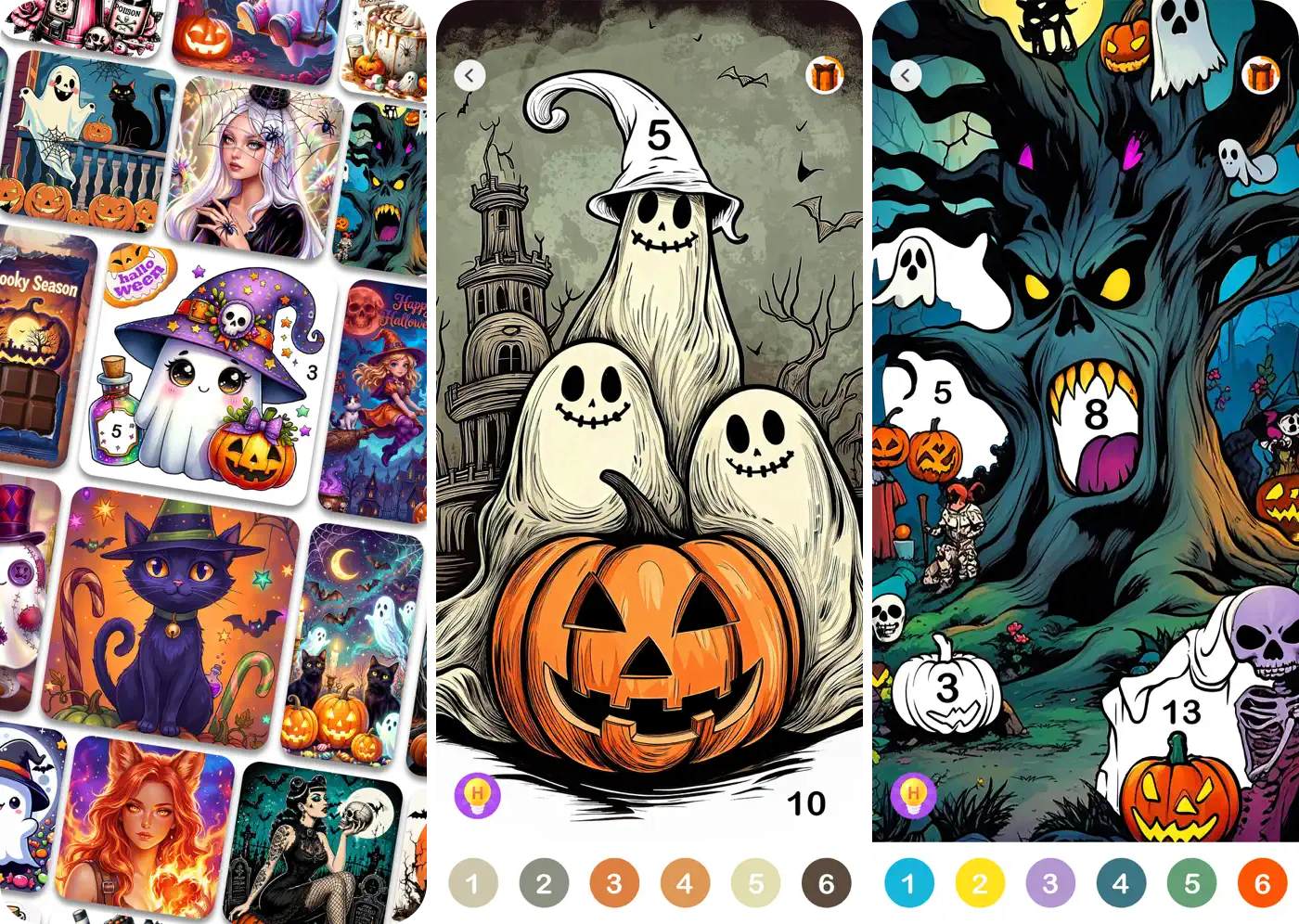
Not everyone wants jump scares and terrifying monsters on Halloween. Sometimes, a relaxing activity is exactly what you need between decorating the house and preparing treats.
Halloween Color by Number Game offers a gentler way to enjoy the season through themed coloring, especially for your kids. The gameplay is simple: follow the color guide and gradually complete Halloween-themed illustrations.
Pros
Cons
Price: Free (In-app purchases start from $1.99)
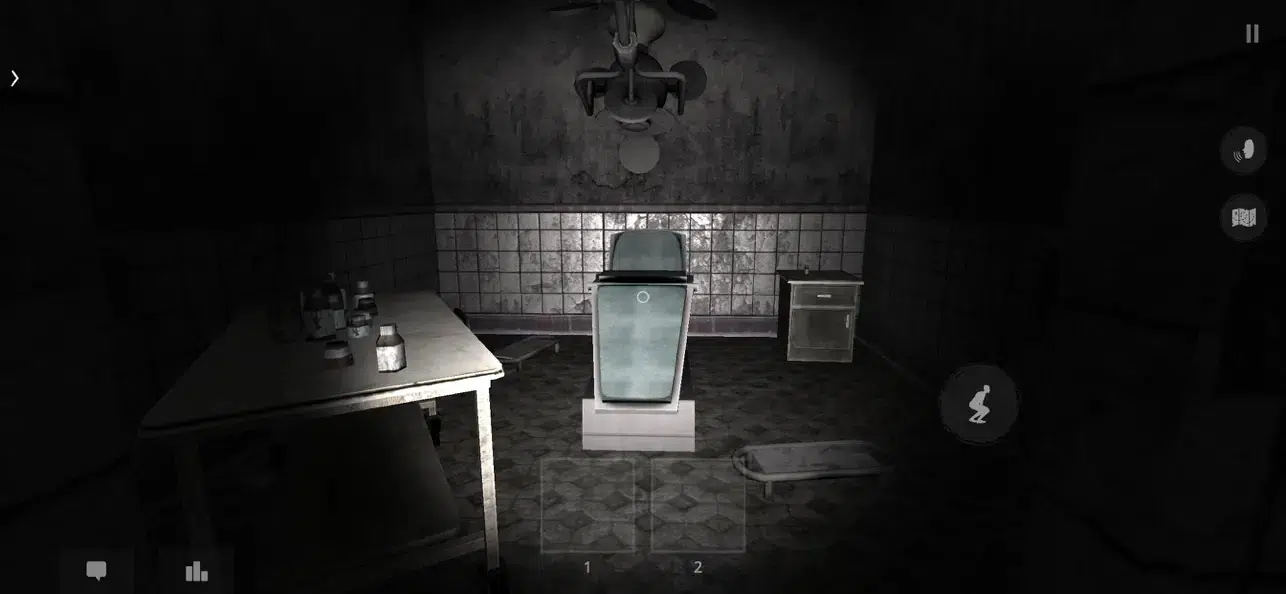
Watching a horror movie with friends is fun, but trying to survive a frightening game together can make Halloween night even more memorable. You may give The Ghost – Multiplayer Horror a shot if you like dark environments, exploratory gameplay, and unpredictable multiplayer action.
I liked its suspicious sound and unexpected, intense encounters, perfect for a Halloween gaming session with friends who enjoy horror and cooperative challenges.
Pros
Cons
Price: Free (In-app purchases start at $0.99)
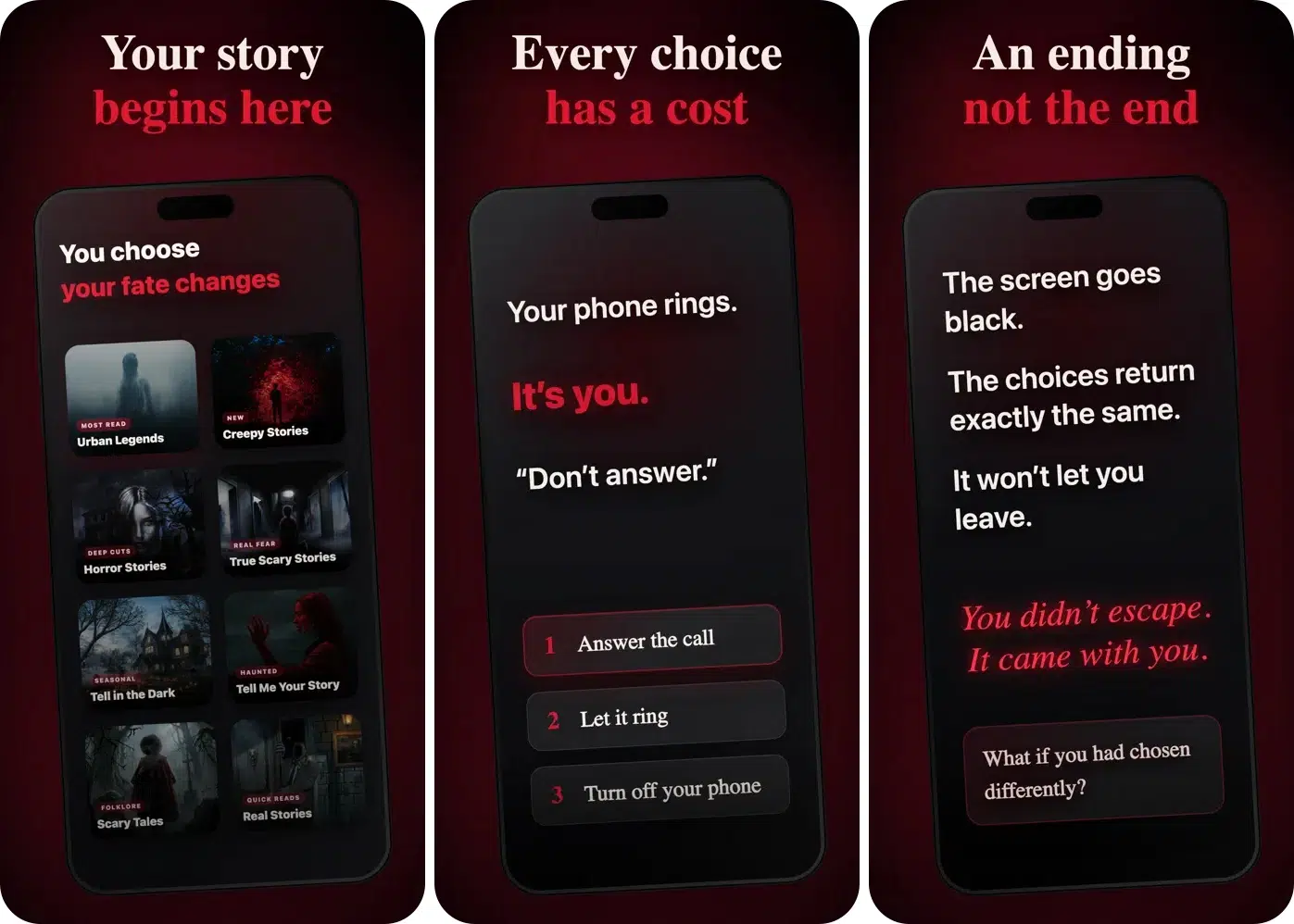
Not everyone wants to spend Halloween playing action games. Sometimes, a creepy story shared with friends is enough to create the right atmosphere. Horror Stories & Scary Stories comes with an interactive survival game through frightening chats and stories.
Your choice shapes the story. I prefer it when I want to enjoy horror at my own pace rather than dealing with sudden visual jump scares.
Pros
Cons
Price: Free (In-app purchases start at $0.99)
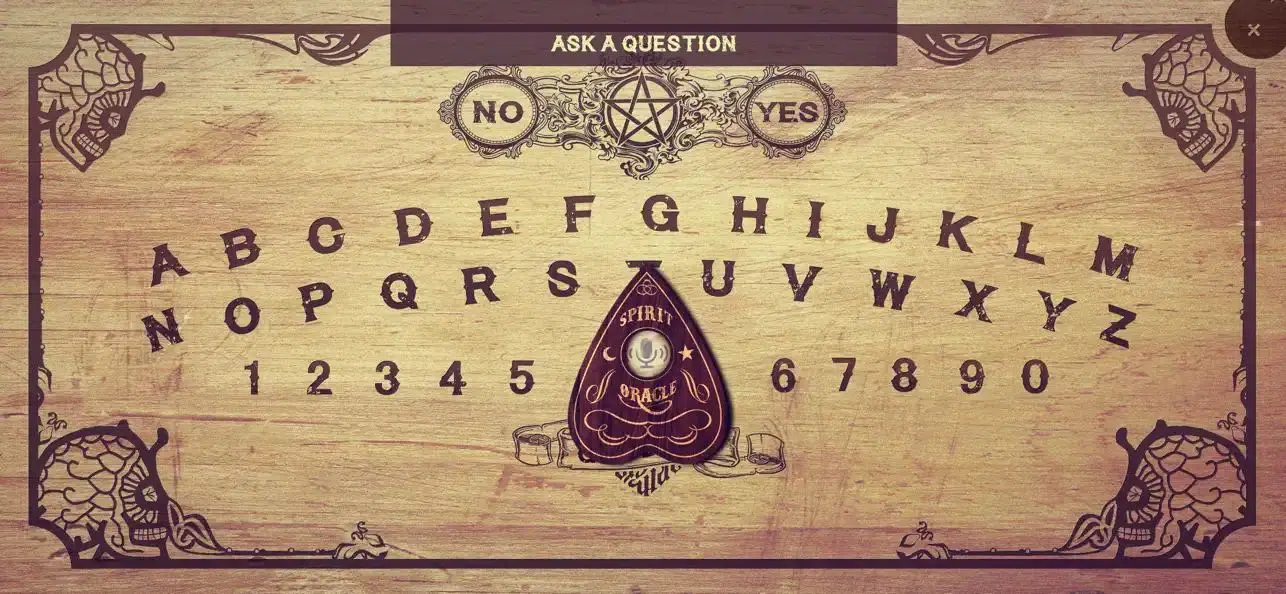
Looking for a spooky activity to make Halloween night more mysterious? Spirit Board brings the traditional Ouija board concept to your iPhone or iPad. It’s perfect for creating an interactive experience for paranormal-themed entertainment.
The app lets you ask questions using your voice or text and displays responses through a moving planchette. However, treat it as entertainment rather than evidence of actual communication with spirits.
Pros
Cons
Price: Free (Unlock Pro features and remove ads for $2.99)
Make your Halloween gathering easier to organize with creative invitations and seasonal activities. These apps can help you prepare for the party and give your guests a taste of the theme before they arrive.
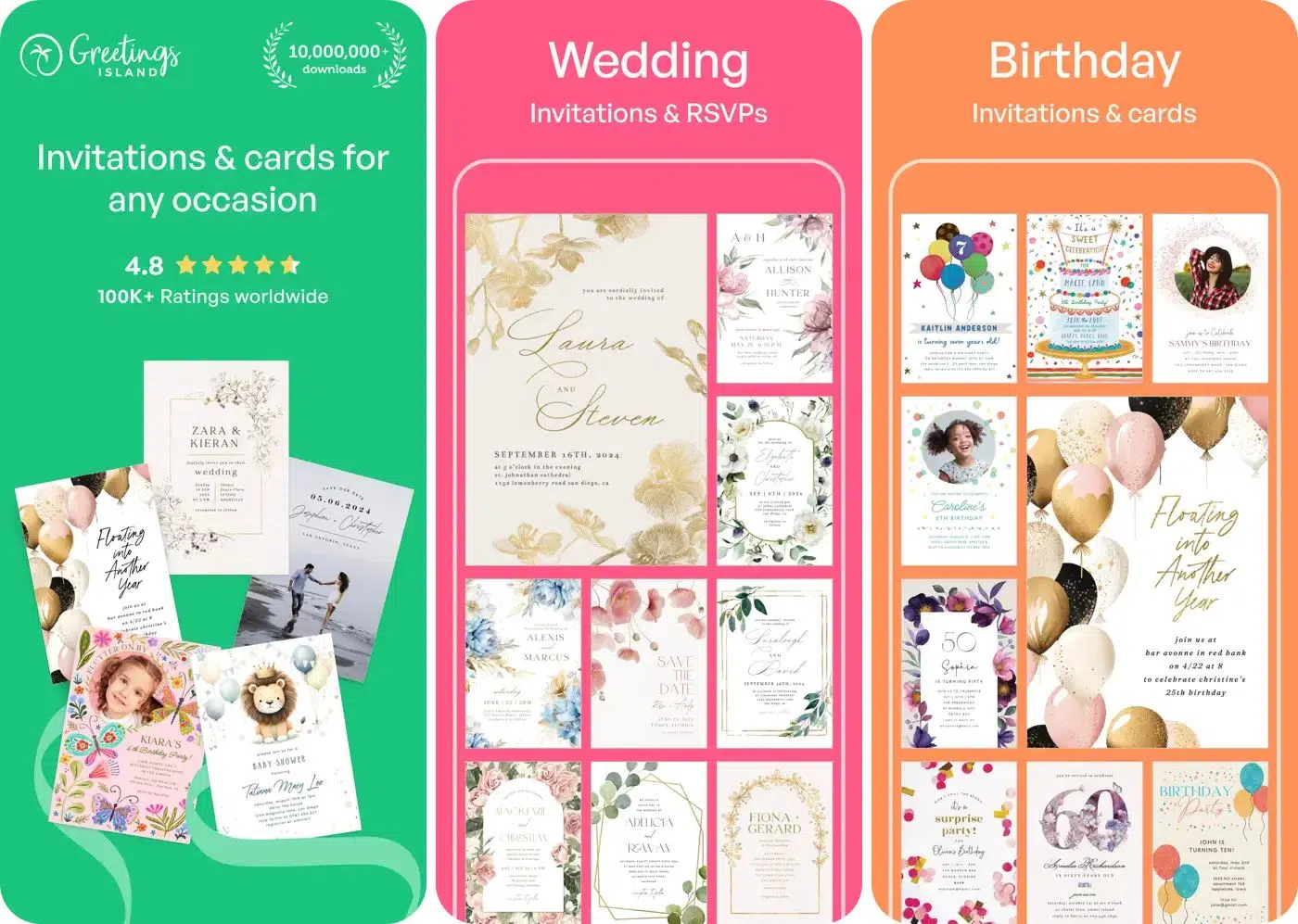
Planning a Halloween party is exciting until you have to message everyone individually, explain the theme, and work out who’s actually coming. Invitation Maker – Cards & RSVP can help with the invitation-design side of the process.
Rather than sending a plain text message, it helps me create a more polished invitation that communicates the party’s mood before guests even arrive.
Pros
Cons
Price: Free (In-app purchases start at $1.99)
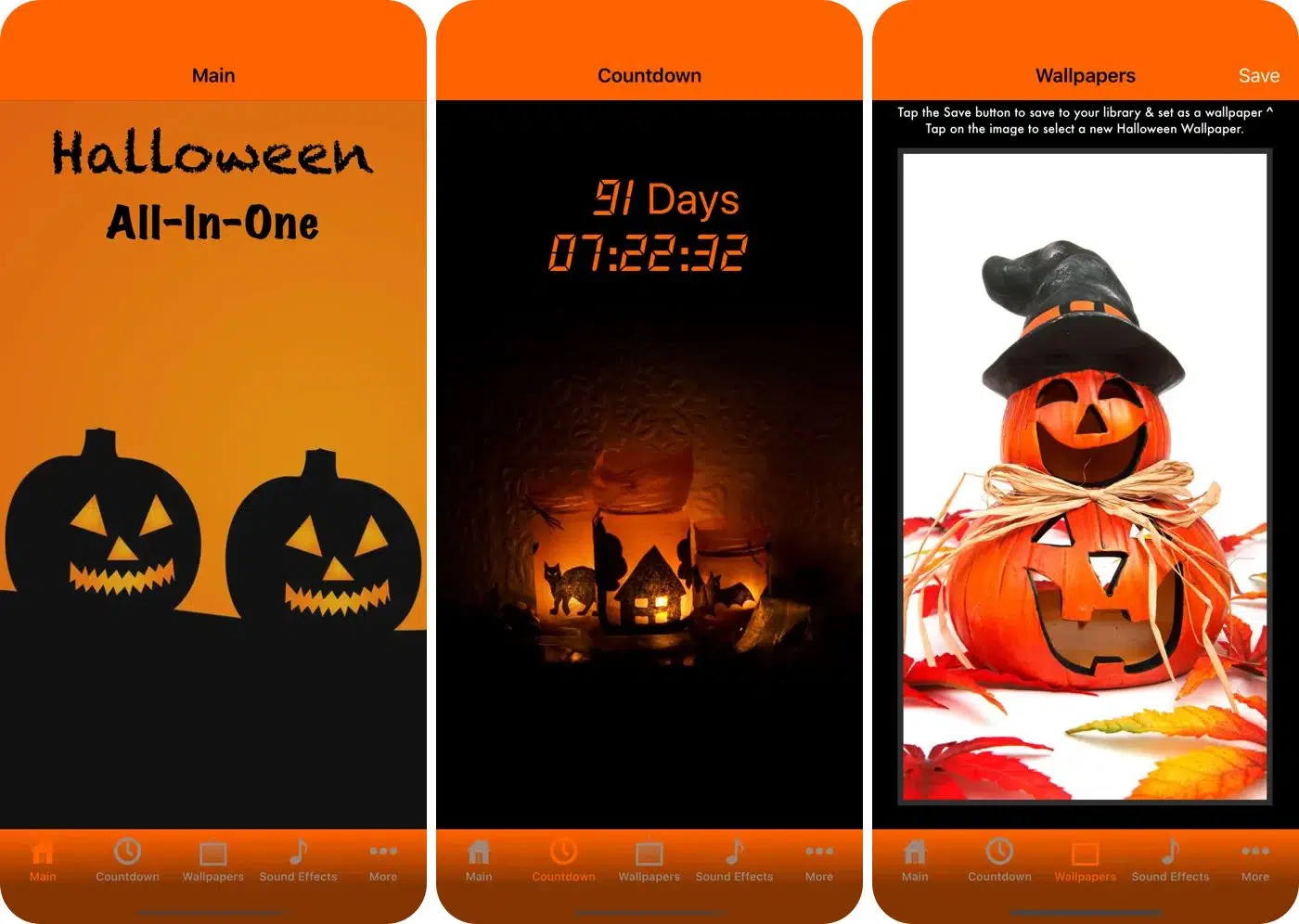
If you enjoy Halloween but don’t want to download a separate app for every little seasonal activity, Halloween All-in-One is worth investigating. You get Halloween-focused wallpaper, sound effects, music, countdown, and spooky stories, making it an interesting option for people who prefer seasonal entertainment gathered in one place.
Ironically enough, I found the app’s greatest strength to also be its greatest weakness. While the app offered a bit of everything, it didn’t excel in any particular area.
Pros
Cons
Price: Free
Get the Halloween theme to your iPhone screen through widgets, scary wallpapers, and countdowns. These apps are ideal for anyone who enjoys celebrating the season through their iPhone or iPad’s appearance.
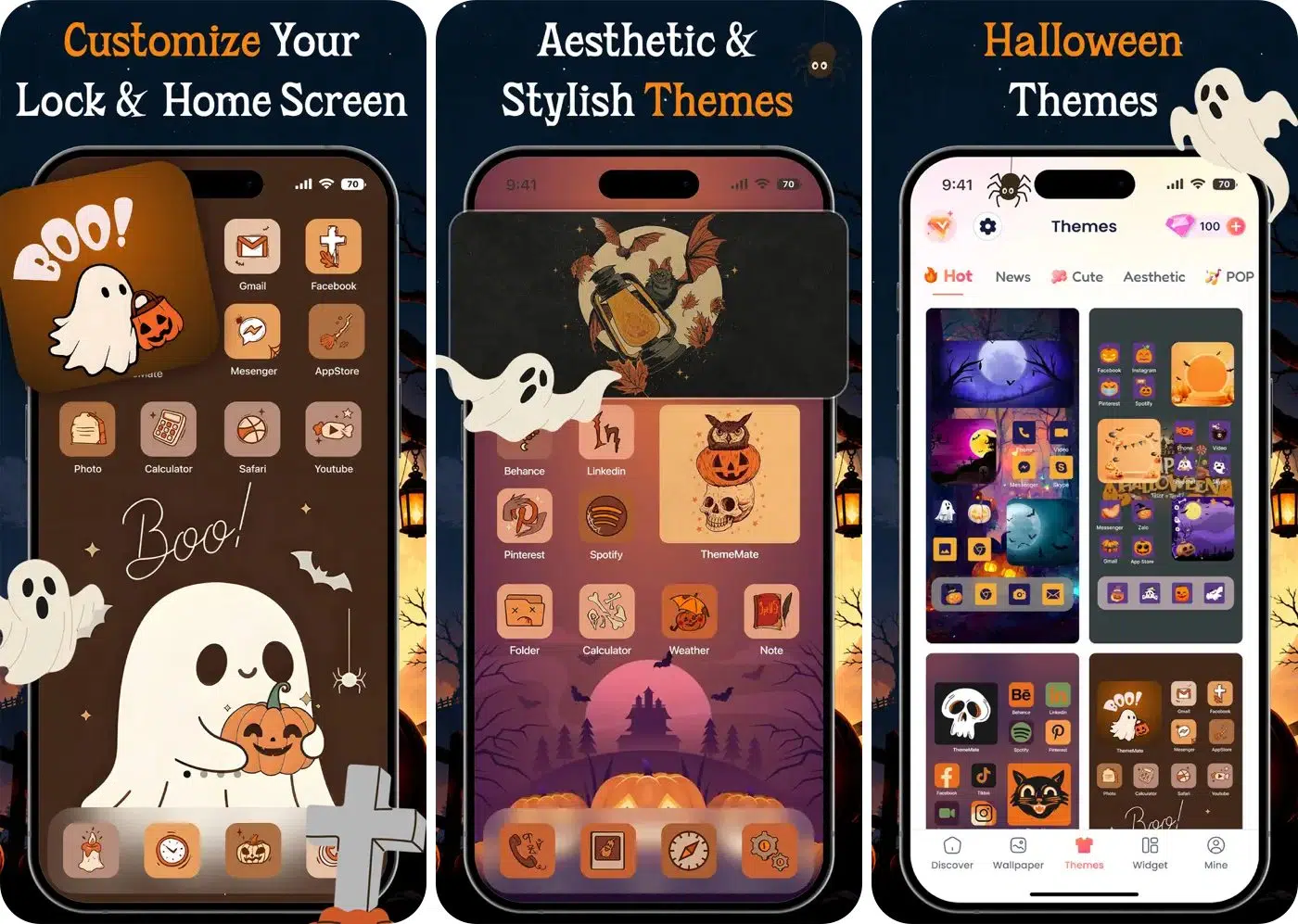
Your Halloween mood doesn’t have to stop at your costume or your front door. ThemeMate: DIY Themes & Widgets is here to personalize your iPhone’s appearance. Imagine unlocking your phone and seeing a coordinated Halloween-inspired design instead of your usual everyday layout.
I use it to get a more unified look, matching icons, widgets, and backgrounds. Moreover, the dynamic Live wallpapers bring the spooky right to your Lock Screen.
Pros
Cons
Price: Free (In-app purchases start at $5.99)
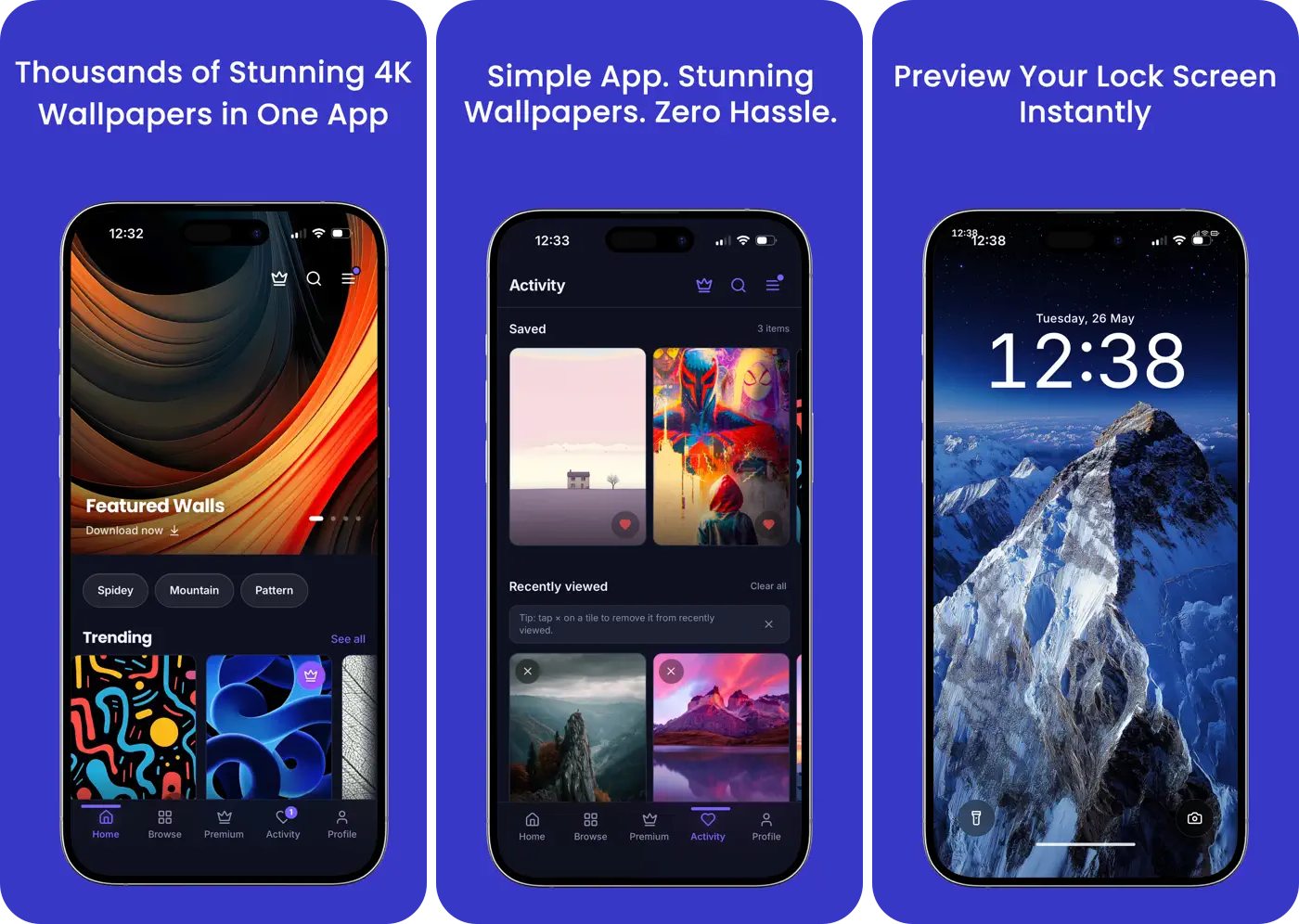
Customizing the whole theme of your iPhone seems daunting? Then the easiest way to make your iPhone feel ready for Halloween is to change its wallpaper.
Crestwall: 4K Wallpapers provides high-resolution wallpapers and pictures in line with your holiday-themed needs. You may choose from a dramatic moonlit landscape, a dark minimalist design, or a creepy illustration that gives your Lock Screen a more mysterious feel.
Pros
Cons
Price: Free (In-app purchases start at $1.99)
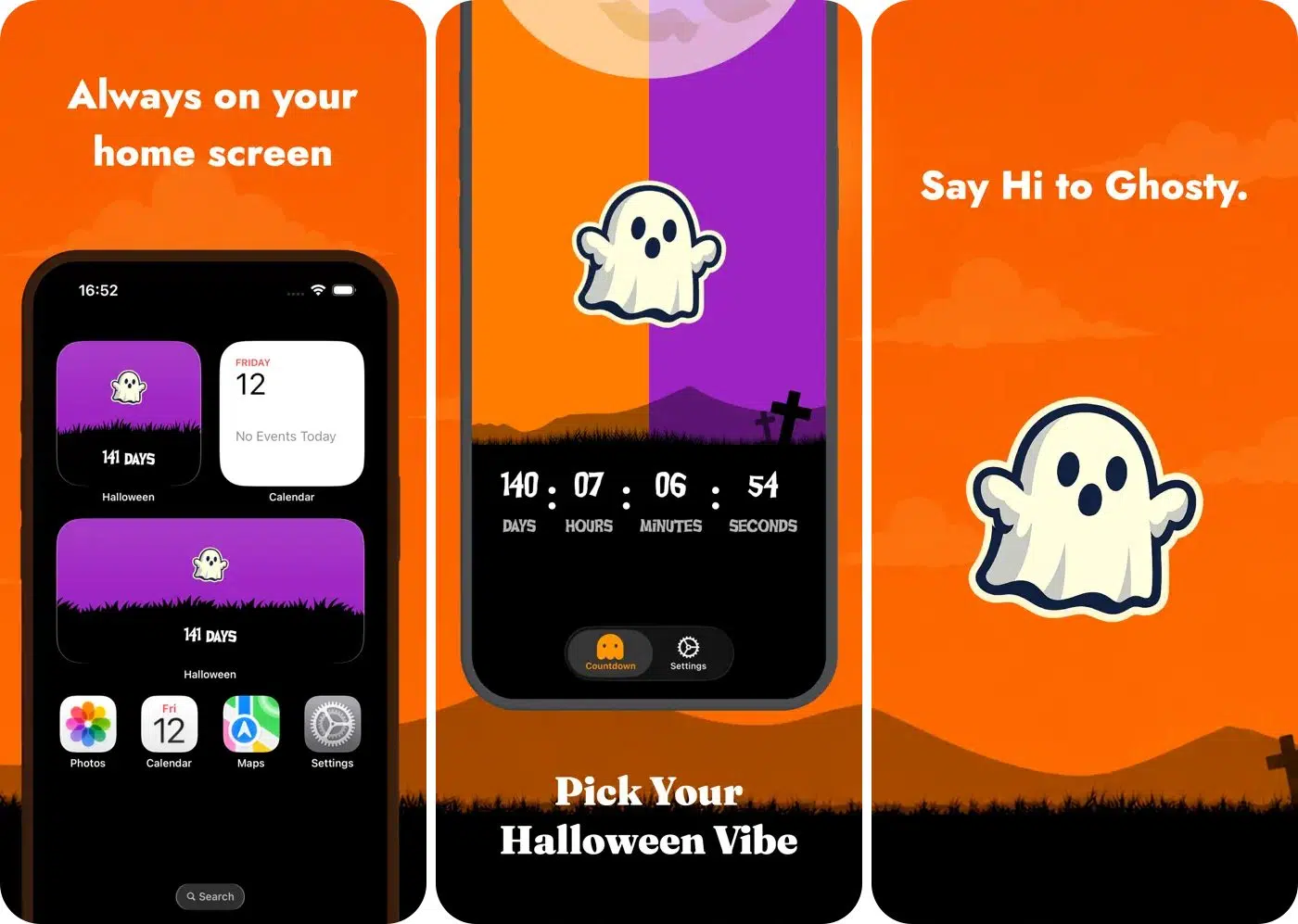
For some people, Halloween excitement starts weeks before October 31. Halloween Countdown Live 2026 is worth considering if you enjoy watching the days tick down to the big night.
I like to add a countdown as it adds anticipation to my daily routine, especially when planning costumes, buying candy, decorating my home, or organizing a party. Rather than repeatedly checking the calendar, it offers a dedicated way to keep Halloween in mind.
Pros
Cons
Price: Free (In-app purchase starts at $2.99)
Halloween outings are more enjoyable when everyone knows the plan. Explore haunted attractions and seasonal destinations to find ideas for a memorable night out with friends or family.
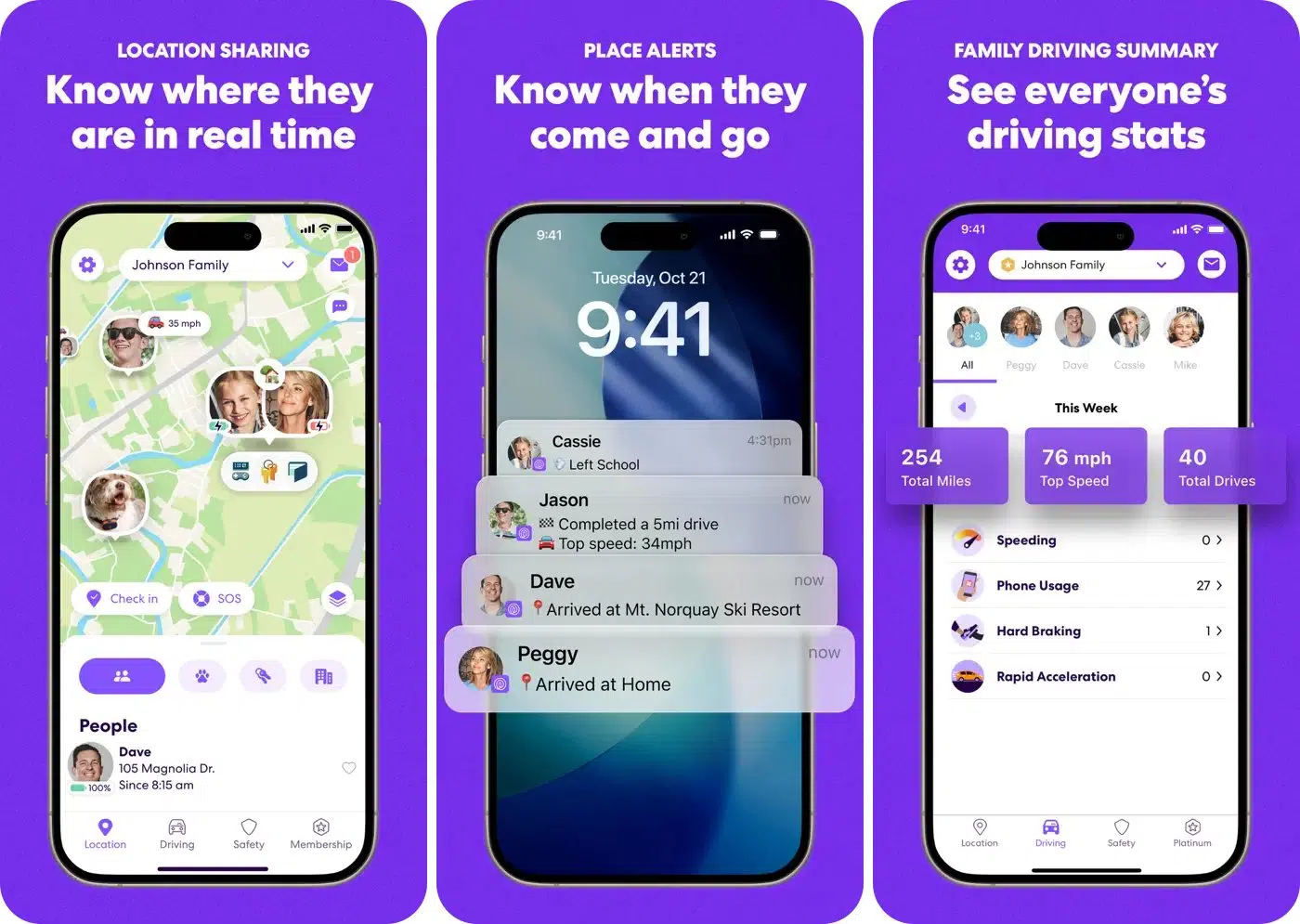
Though Halloween is fun for kids, sometimes it means a lot of hassle for parents who have to organize everything properly. Life360 is a family location-sharing and safety app that may help participating family members stay informed about one another’s whereabouts.
For instance, if your kids are going to trick-or-treat in the evening and you plan to host some guests at home, agreed location sharing can make coordination easier. It can also be useful for arranging pickups or meeting at a particular location after an event.
Pros
Cons
Price: Free (In-app purchases start at $7.99)
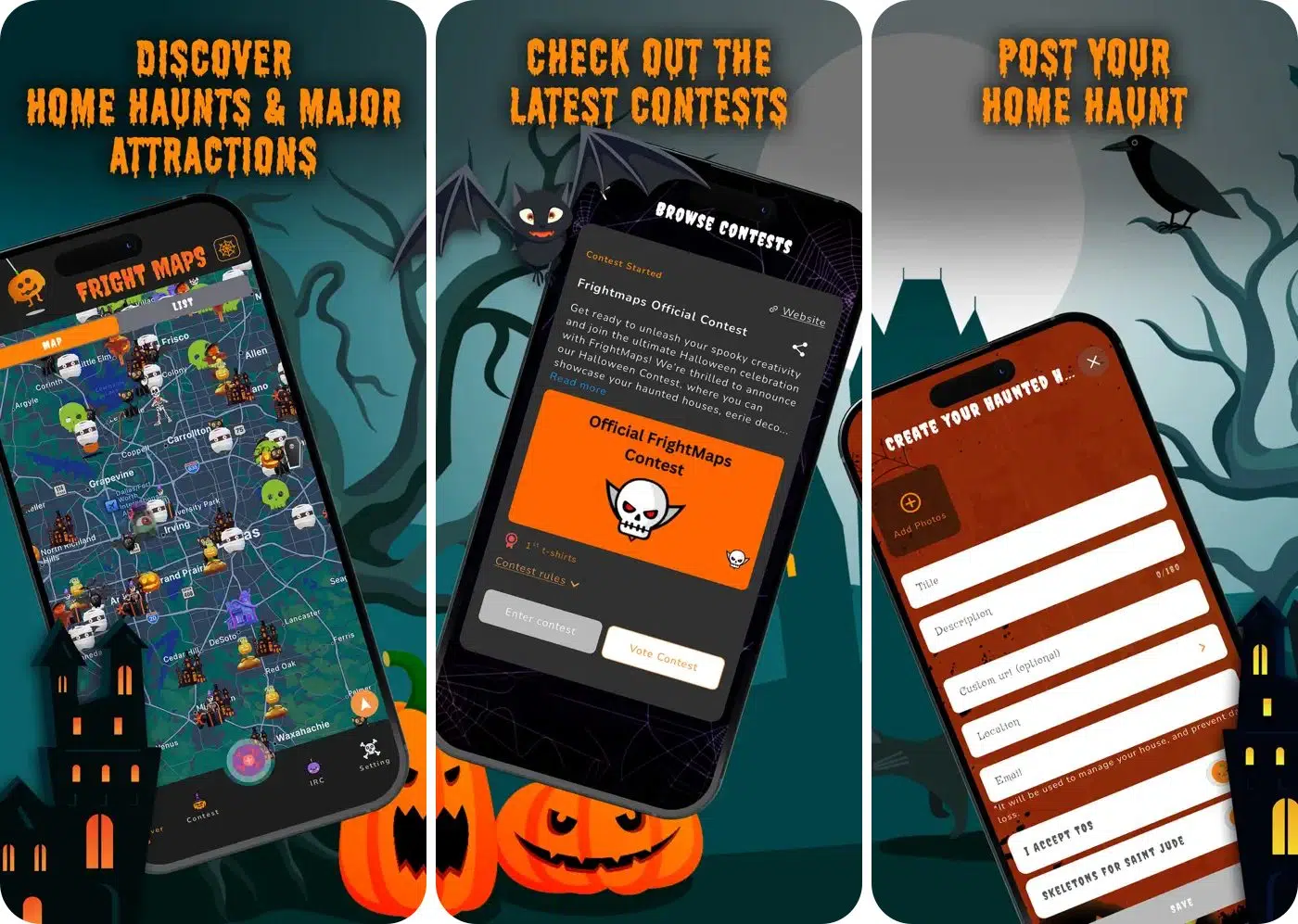
If you are a real Halloween enthusiast, the most exciting part of October might be visiting a haunted house rather than staying home to watch horror movies. FrightMaps: Haunt Finder is designed to help users discover haunted attractions, making it a useful starting point when planning a spooky outing.
Instead of relying on word of mouth, you can look for places to visit and build a Halloween itinerary. It could be handy for friends deciding where to spend a weekend evening or for a couple looking for something more memorable than another dinner out.
Pros
Cons
Price: Free (In-app purchases start at $1.99)
Halloween is the perfect time to get creative with your iPhone and iPad, and these apps make it easier to bring the spooky spirit to life. Whether you want to create creepy selfies, enjoy horror games, set the mood with eerie sounds, customize your Home Screen, or plan a fun Halloween outing, there’s something for everyone. You can even use family safety apps to make Halloween adventures easier to coordinate.
My advice is to choose the apps that match your Halloween plans rather than downloading them all. Try a photo editor for spooky selfies, a sound app for your Halloween party, or a customization app to give your iPhone a festive makeover. Which Halloween app are you excited to try this year? Let me know in the comments below, and have a spooktacular Halloween!