
FaceTime Like a Pro
Get our exclusive Ultimate FaceTime Guide 📚 — absolutely FREE when you sign up for our newsletter below.

FaceTime Like a Pro
Get our exclusive Ultimate FaceTime Guide 📚 — absolutely FREE when you sign up for our newsletter below.


Upgrading to Spotify Premium on iPhone, iPad, or Mac is easier than ever. Here’s the full guide with updated prices, plans, and simple steps.
Have you been living the free Spotify life? Ads keep popping up, you’re stuck with limited skips, and offline mode is nowhere in sight. Upgrading to Spotify Premium fixes all of that. But here’s the catch: if you’re on an iPhone or iPad, you can’t just tap a button in the Spotify app to upgrade.
In this updated guide, I’ll show you exactly how to get Spotify Premium on iPhone, iPad, and Mac, explain the latest Spotify Premium prices, and even share how you can try Premium for free. Let’s groove on!
For years, Apple’s App Store policies stopped Spotify from letting users subscribe directly in the app. Why? Because Apple charged a 30% fee on in-app payments. Spotify didn’t want to pay that, so users had to take awkward workarounds like opening Safari manually.
Fast forward to 2025, and things shifted—at least in the United States. Thanks to the Epic Games vs. Apple case, App Store rules have loosened. Now Spotify can add a link inside the app that opens its website for payments. It’s not full in-app checkout, but it’s much smoother.
Subscribing on your iPhone or iPad is easy once you know the drill. Let’s go by location because that U.S. adjustment does come into play.
If you’re in the States, here’s how to subscribe:
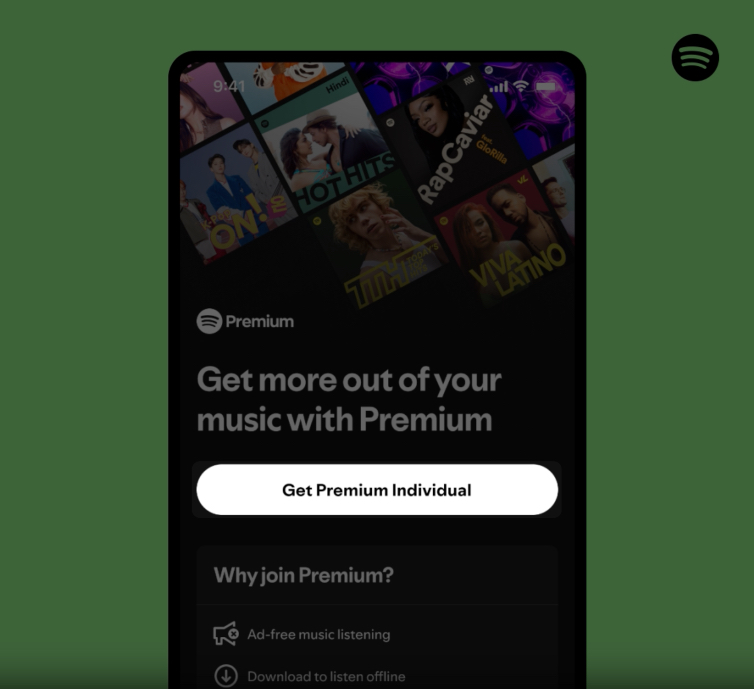
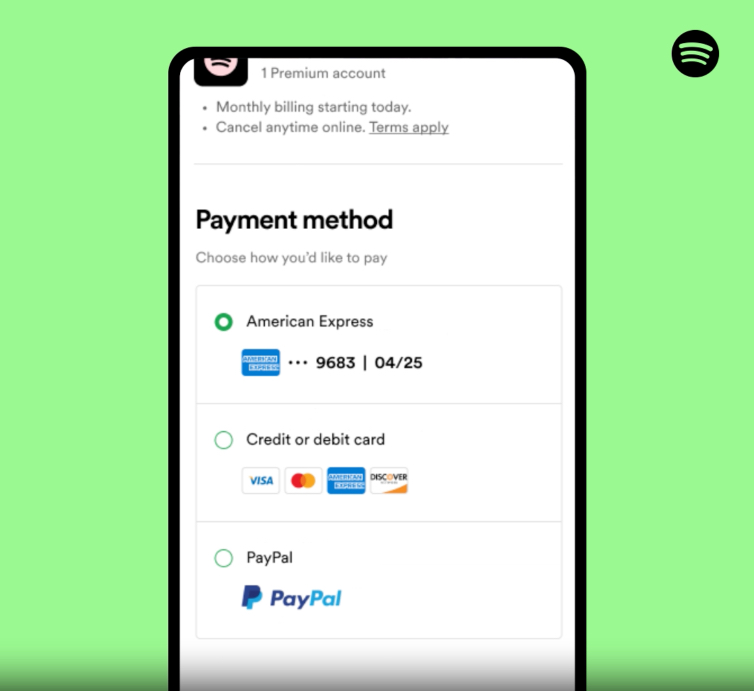
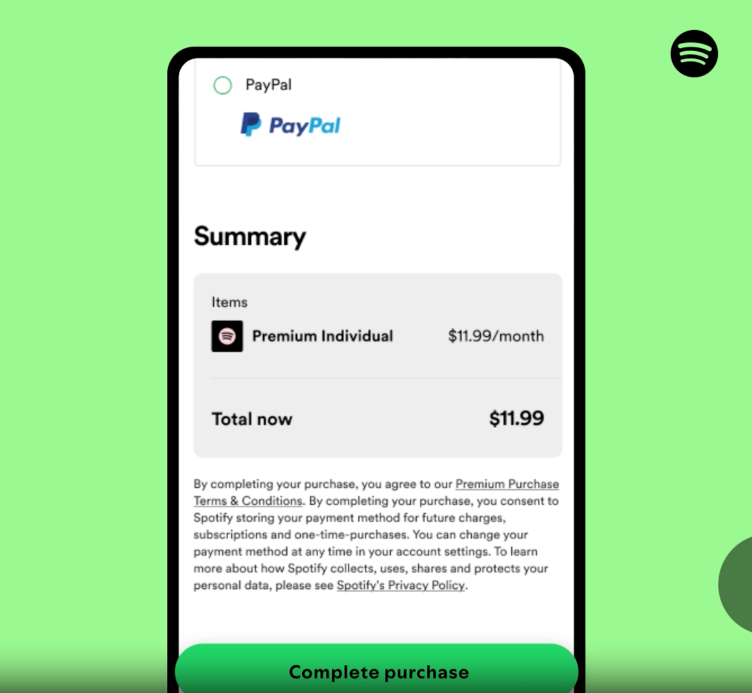
If it doesn’t, log out and back in. Still stuck? Update the app from the App Store.
No in-app link yet? No worries—here’s the global method:
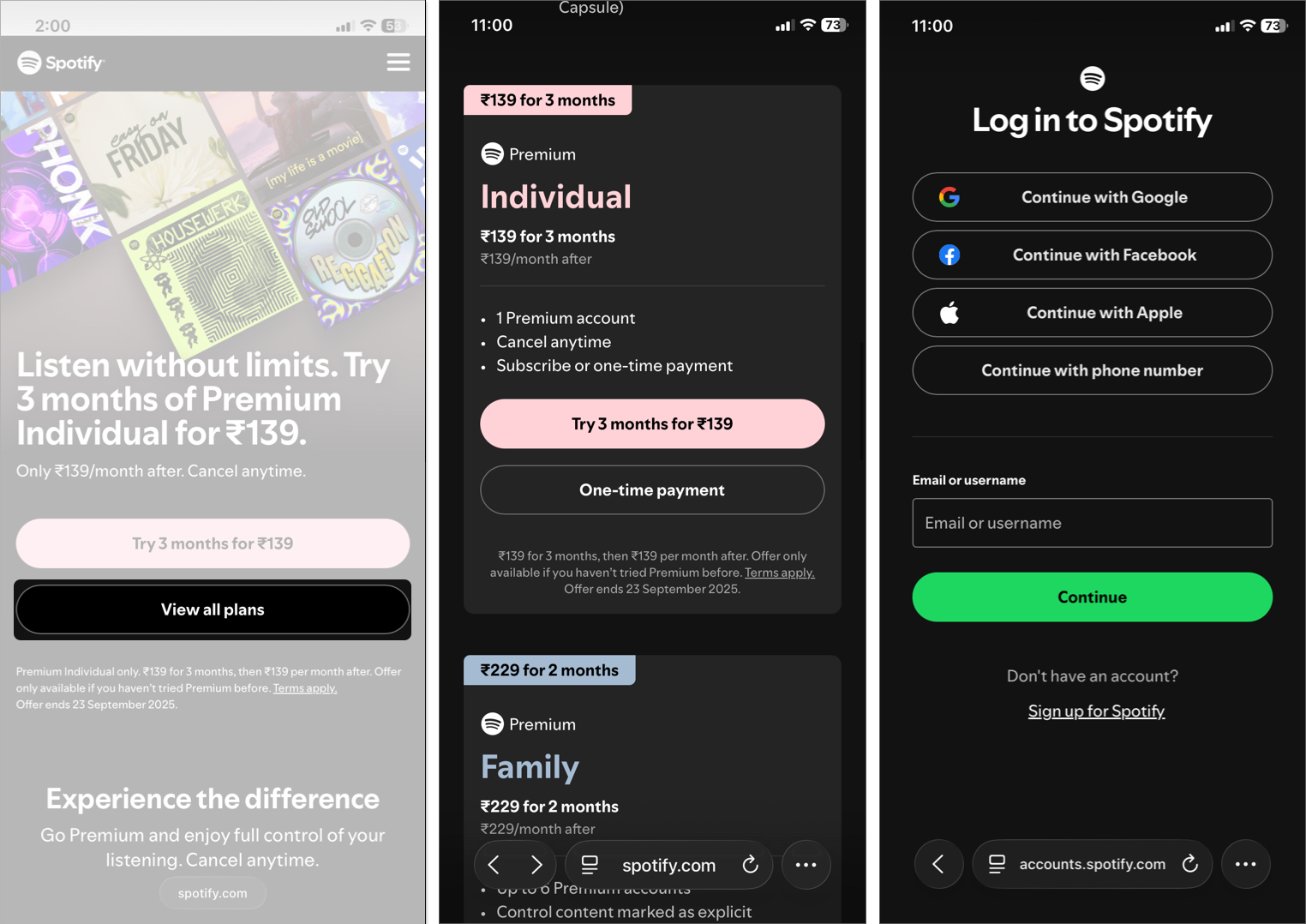
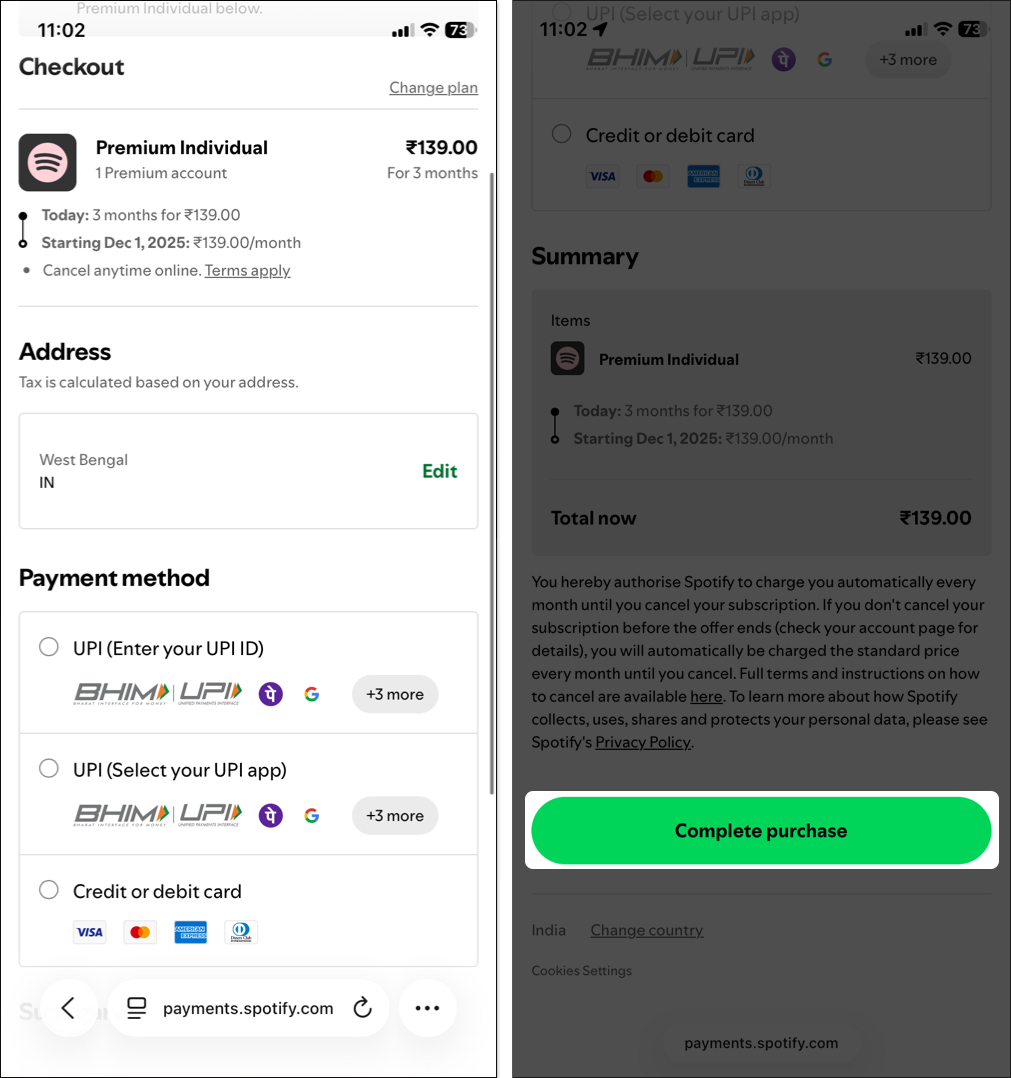
Pro tip: New users often get free trial promos (like 1–3 months). Grab them before paying!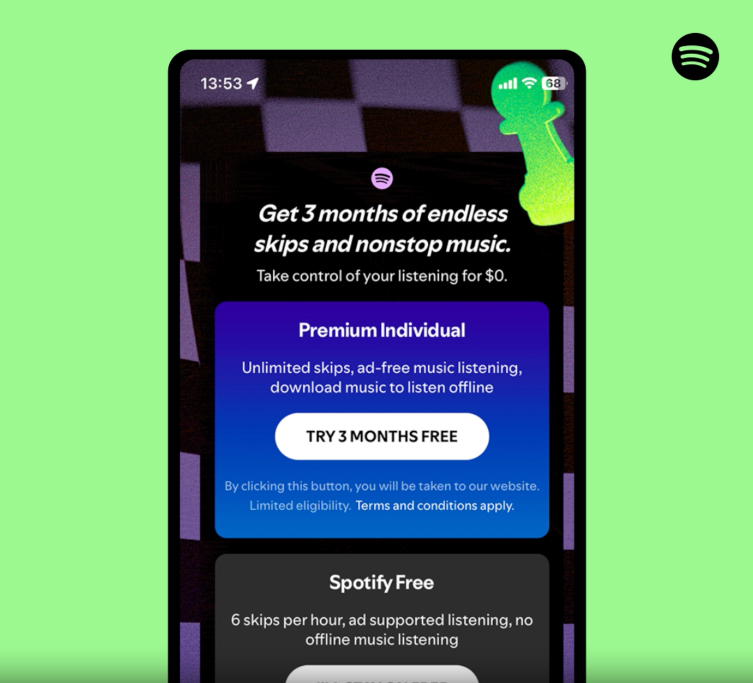
Mac users have it easy since there’s no App Store limitation.
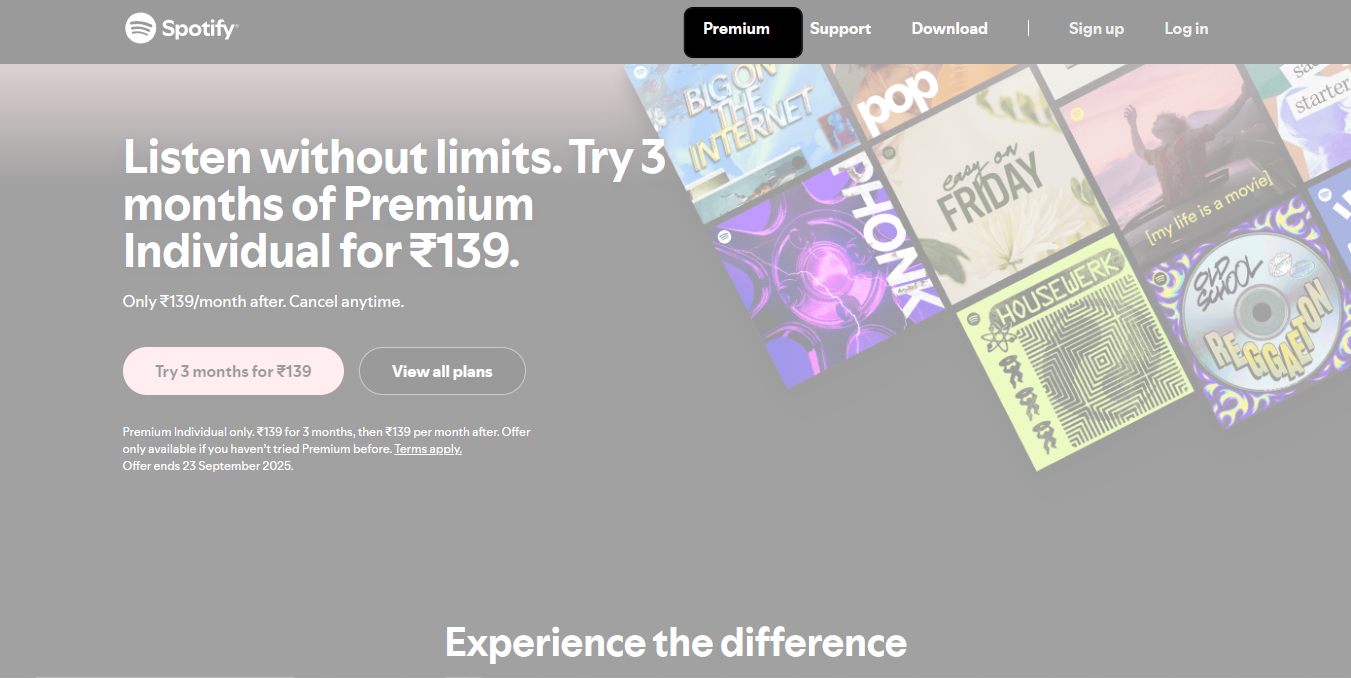
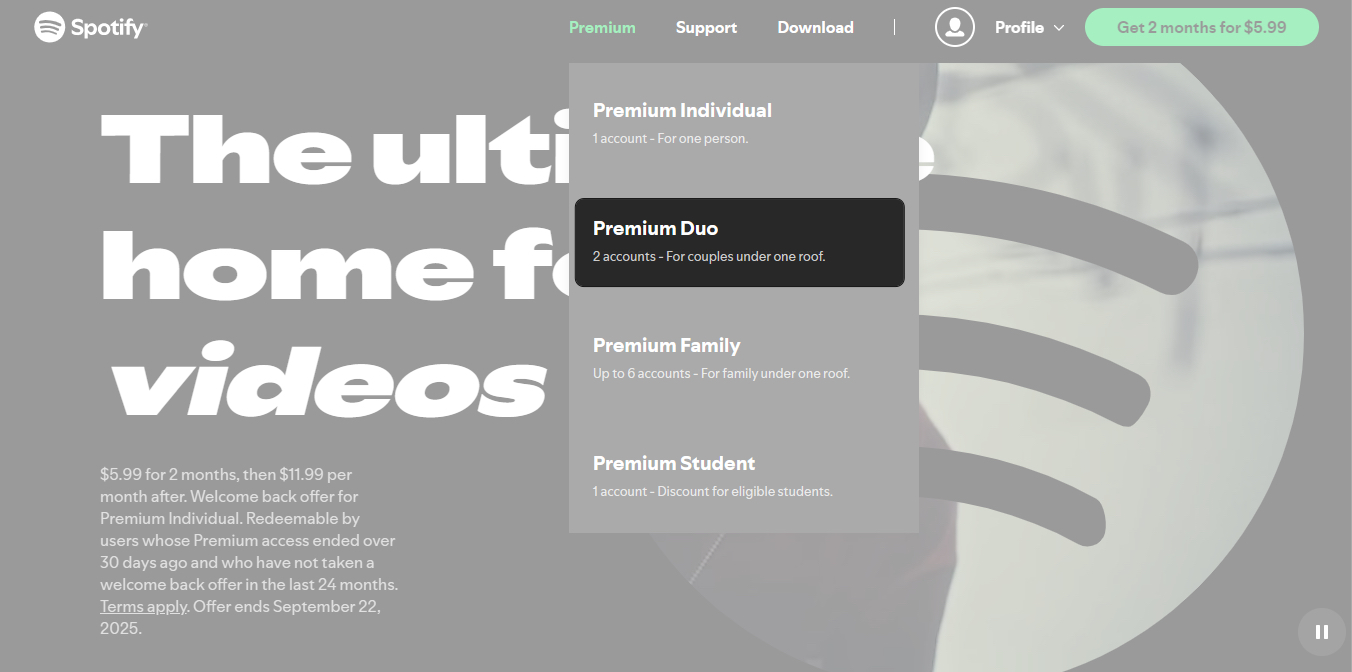
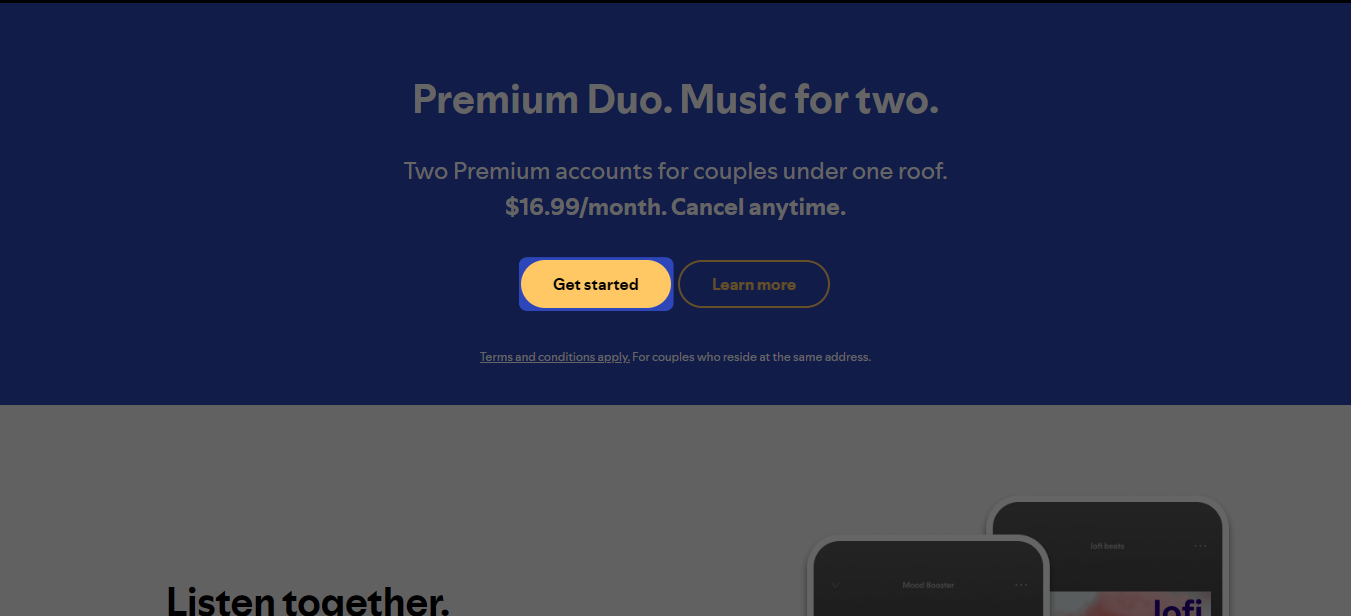
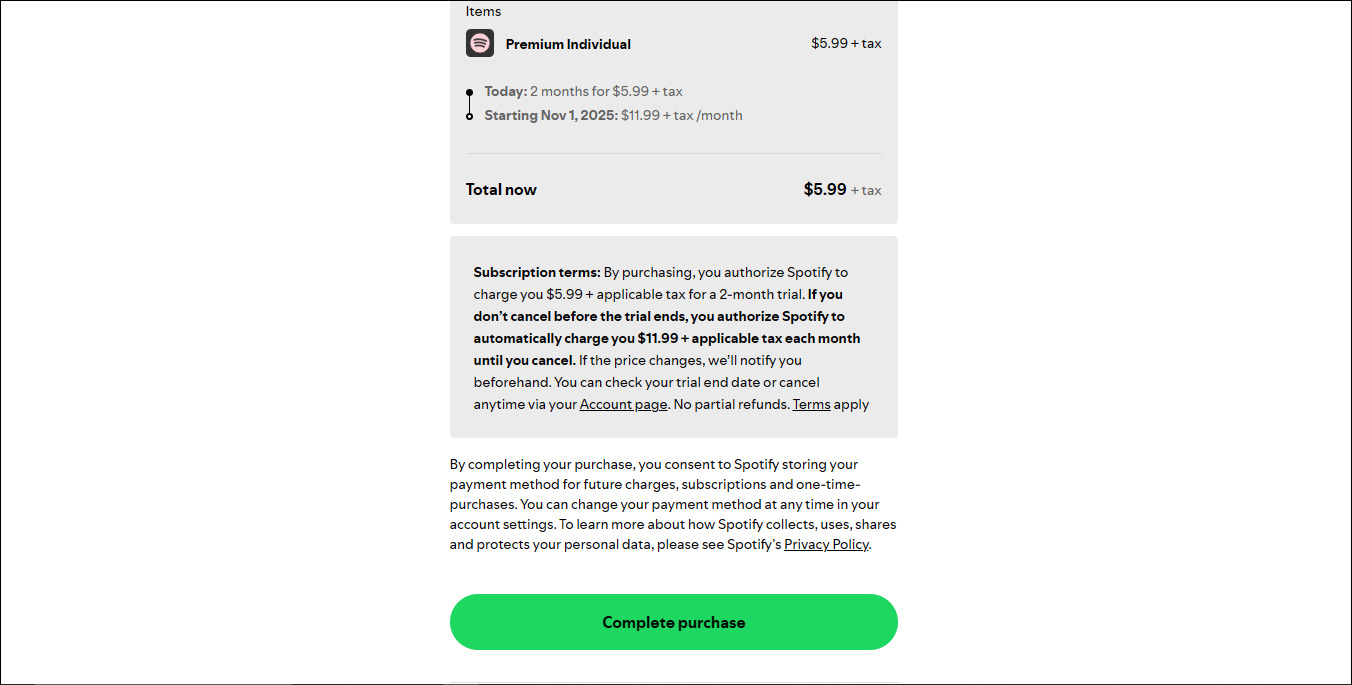
Your upgrade syncs instantly across all devices linked to your account.
You can also switch your plans directly from the payment page. Click Change plan next to your plan name and select Get Premium [plan name].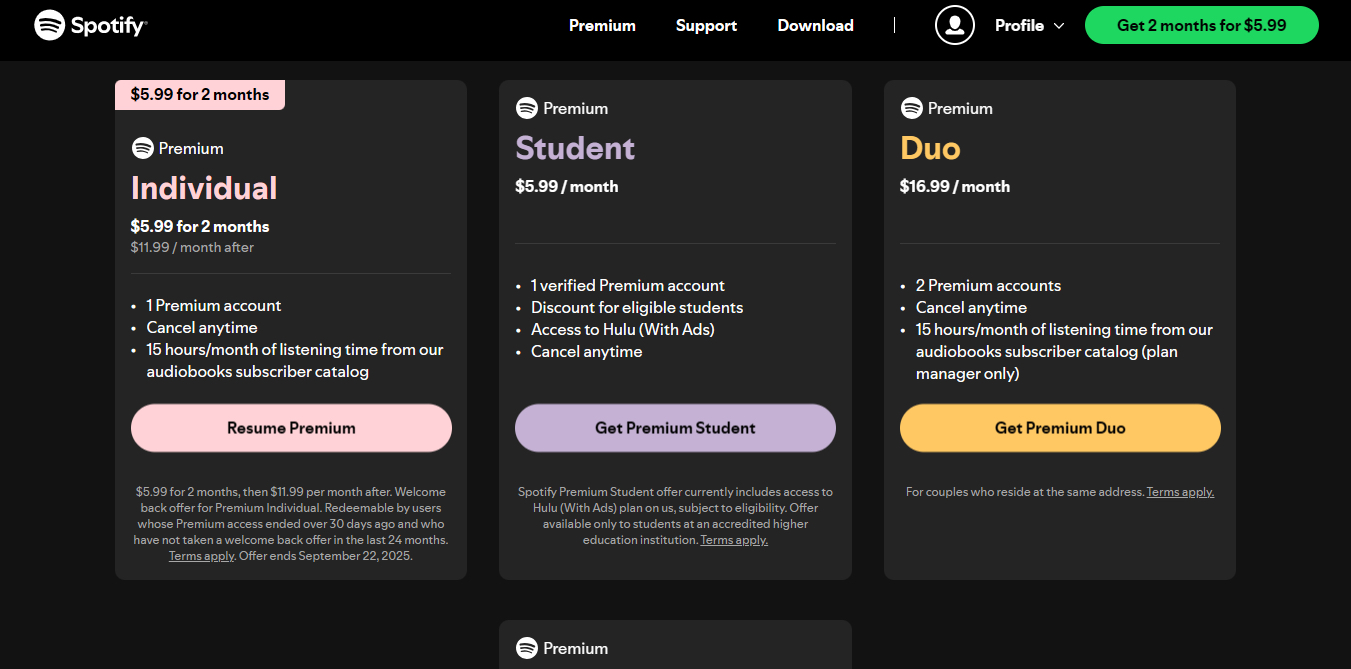
Here’s the latest Spotify Premium pricing in the U.S. (regional prices vary):
Price: $12.99/month after a 3-month free trial (for new users).
Features:
Price: $6.99/month after a 1-month free trial.
Extras:
Price: $18.99/month.
Price: $21.99/month.
Details:
Price: $9.99/month.
Features:
Spotify is preparing a super-premium tier called Music Pro, aimed at music superfans. Though not yet available, it’s expected to roll out later in 2025-26 and may cost around $18/month.It may offer features like:
Alright, here’s the big question: Is Spotify Premium really worth your money? Let’s understand:
There are several music streaming services available, so you must choose the one that best suits your needs. Here’s how I have weighed Spotify with two popular services:
Apple Music ($10.99/month)
YouTube Music ($10.99/month or bundled with YouTube Premium at $13.99/month)
Therefore, if you mostly want music that matches your vibe, Spotify Premium is hard to beat. Its suggestions are perfect, the app is smooth, and now you even get audiobooks. Apple Music is great for audio quality and iPhone fans, while YouTube Music is fantastic for music and ad-free videos.
You might also like: 7 Spotify Gestures Every User Should Know!
Oh no, paid for Premium but still hearing ads or can’t download? No need to panic, usual glitches are easy to fix. Start with the basics, and if needed, try the advanced fixes.
Run a speed test (simply search for “internet speed test”). If it’s slow, try toggling Airplane mode on/off, restarting your router, or switching networks.
For songs not downloading, go to Spotify > Settings and privacy > Data-saving and offline > Download over cellular.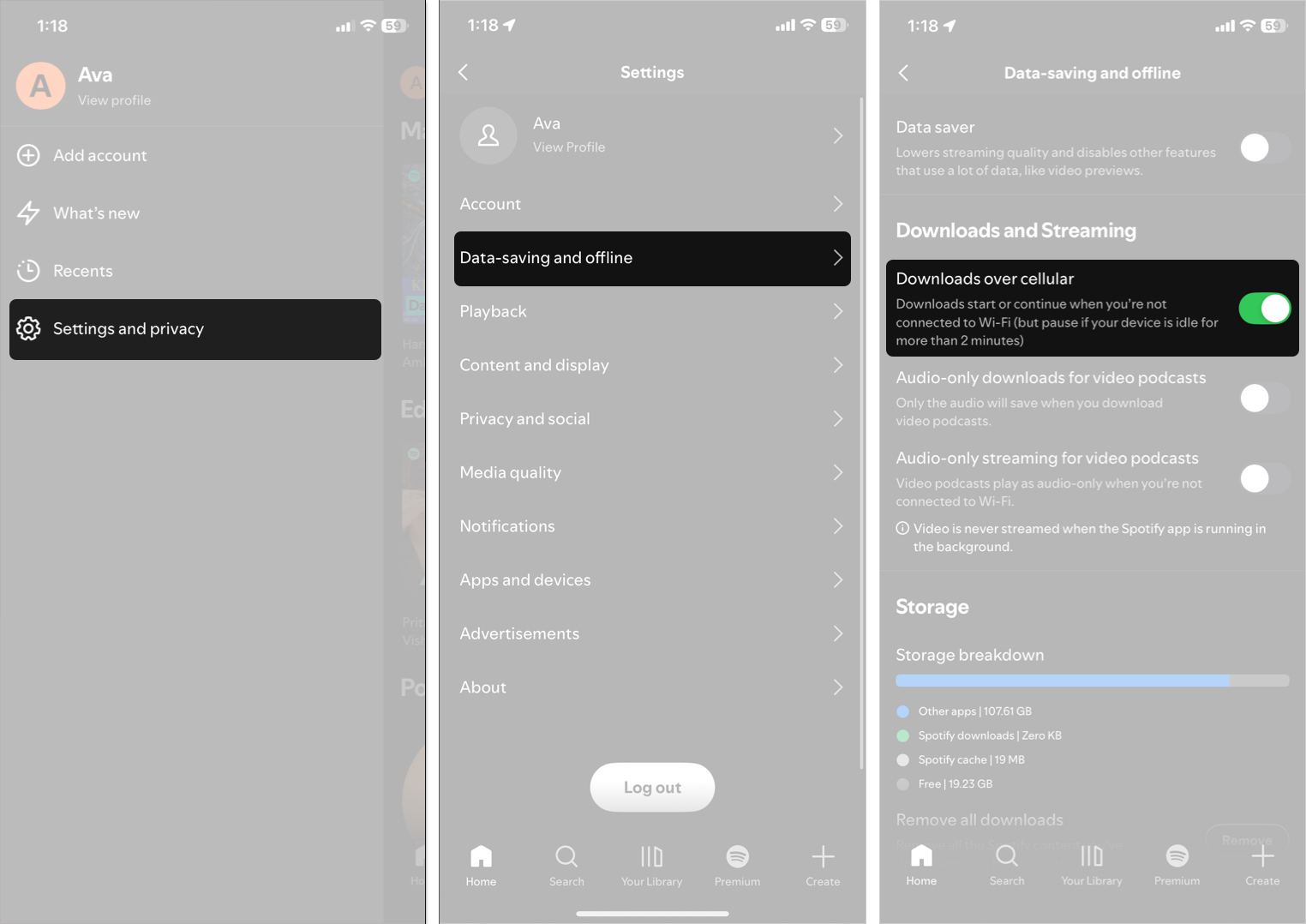
Maybe you’re logged into a free account by mistake. Tap your profile at the top right corner of the Spotify app > Settings and privacy > Account and verify it’s the Premium one. Log out, close the app, and log back in. If you have multiple accounts, double-check!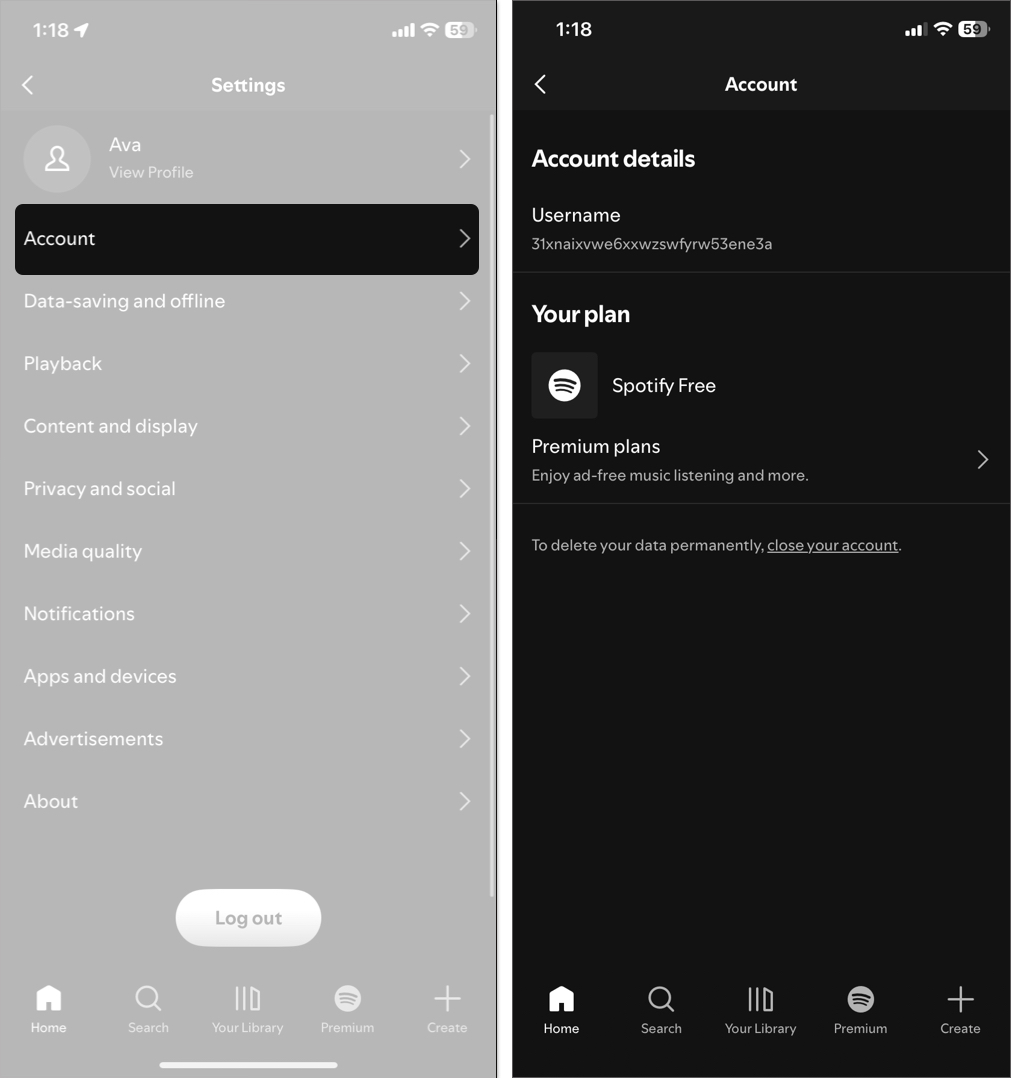
Visit spotify.com/account to check if your subscription is active and your payments are up to date. Card expired? Renew it there. If it says free, it may need to be synced; log out/in once more.
Outdated app versions can malfunction. Open the App Store, tap your profile, and scroll down to updates. If Spotify is listed, tap Update.
If nothing works, nuke it and re-initiate. Long-press the app icon > Delete App, then redownload from App Store. You’ll need to re-download your offline content, but this process removes any corrupted files.
Bonus: Disable VPNs first, as they can interfere with connections. Still having issues? Reach out @SpotifyCares on X or their support webpage.
That’s it, no more ads, no more skipped beats. With Spotify Premium, you unlock the smoothest music experience, whether you’re on iPhone, iPad, or Mac. And with audiobook perks plus a rumored Music Pro tier, 2026 is shaping up to be a big year for Spotify.
Happy listening!
FAQ
Go to spotify.com/cancel → enter your account details → confirm cancellation. Premium perks stay until your billing cycle ends.












