FaceTime Like a Pro
Get our exclusive Ultimate FaceTime Guide 📚 — absolutely FREE when you sign up for our newsletter below.

FaceTime Like a Pro
Get our exclusive Ultimate FaceTime Guide 📚 — absolutely FREE when you sign up for our newsletter below.


Bring your iPhone Lock Screen to life with the best live wallpaper apps. Discover top picks for stunning animations, easy setup, and custom designs made from photos or videos.
Let’s be honest. Static wallpapers are starting to feel a bit dated. You check your iPhone dozens of times a day, so it makes sense to give it a screen that feels alive. That’s where live wallpapers come in. They add motion, depth, and personality to your Lock Screen.
In this guide, you’ll find the best live wallpaper apps for iPhone that deliver great visuals, simple setup, and options for every style. Whether you prefer minimal designs, bold animations, or custom creations made from your own photos and videos, there’s something here for you.
Not all wallpaper apps are worth installing. Some look great in previews but end up blurry, laggy, or overloaded with ads. Here’s what actually matters.
Here are the top live wallpaper apps you can try on your iPhone.
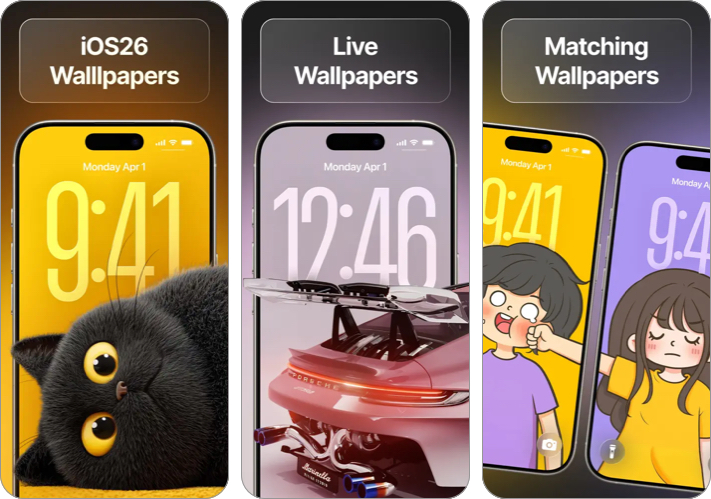
MyScreen is packed with stylish, modern designs, ranging from neon art to trippy live wallpapers that work well with iOS Lock Screen features. You also get Spatial Scene wallpapers, an AI wallpaper generator, and charging animations.
Why people love it:
Downside: Some of the best designs require a premium subscription.
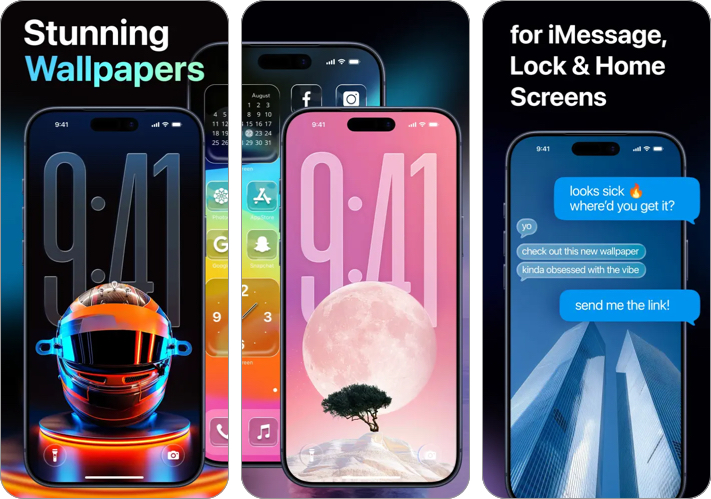
WallCraft focuses on sharp visuals. If you dislike blurry wallpapers, this app is a strong choice. It offers clearly organized categories, making it easy to browse and set wallpapers in just a few taps.
Highlights:
Keep in mind: The free version is limited. Most live content is unlocked with the premium plan.
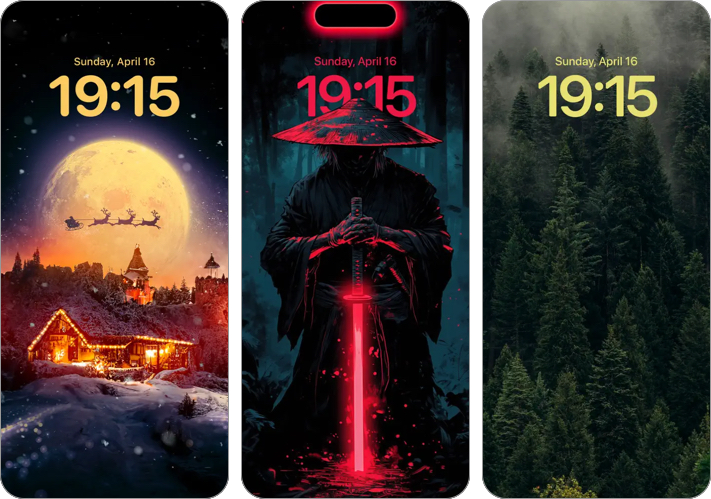
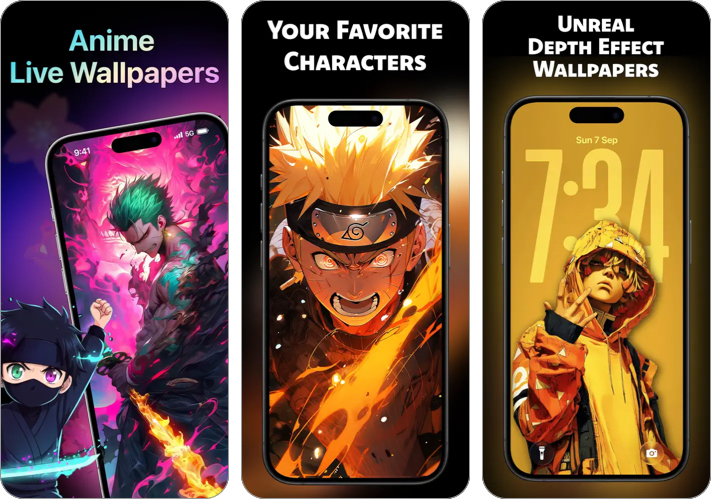
If you enjoy anime characters and dramatic animated scenes, this app delivers exactly that. It offers a constantly growing collection from trending anime series to classics like Naruto and One Piece. You also get high-quality Depth Effect wallpapers.
Features:
Watch out: Some designs can feel visually busy and may clash with Lock Screen notifications.
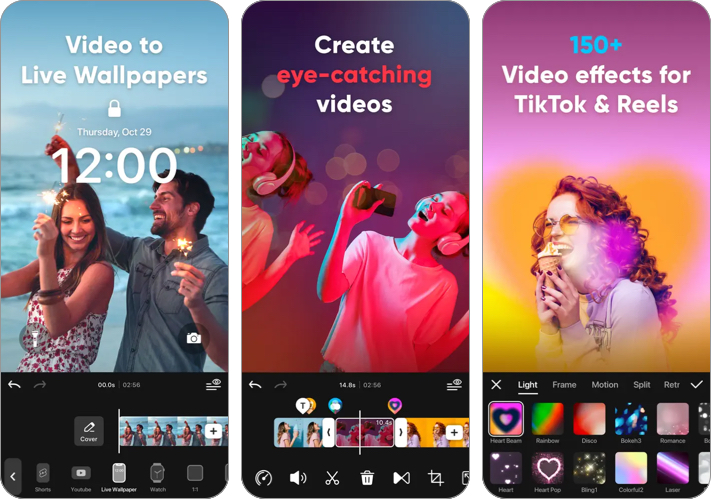
intoLive focuses on personalization rather than pre-made designs. It lets you convert videos and Live Photos into animated Lock Screen wallpapers. You get a wide range of effects, text styles, and editing tools to make each wallpaper stand out.
What makes it special:
Limitation: Most features are centered on video editing rather than browsing ready-made wallpapers.
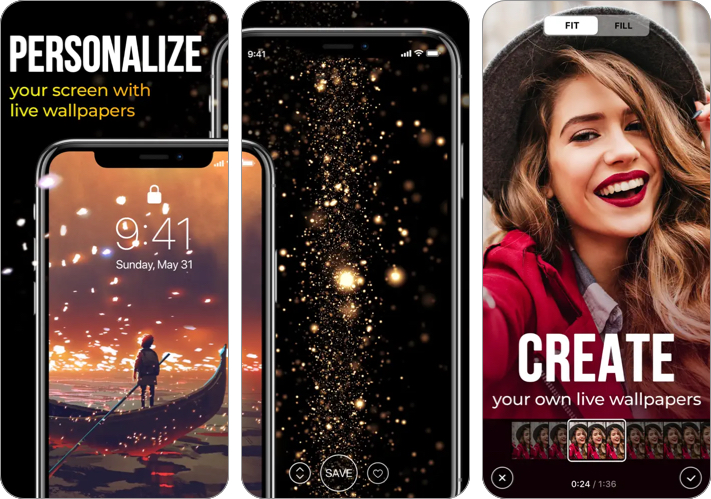
This app has been around for years and focuses on popular live wallpaper themes like time-lapse scenes and abstract motion. The library is updated weekly with new dynamic themes, and you can also create custom live wallpapers from your videos.
Why it stands out:
Drawback: The interface feels slightly dated compared to newer apps.
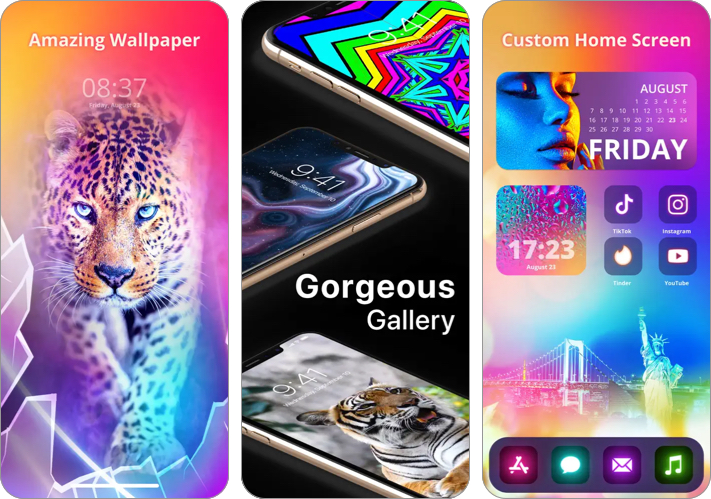
This app works as both a wallpaper gallery and a design tool. You can set your own videos as live wallpapers and customize your screen with animated effects and colorful widgets. Its Color Search feature scans objects and suggests matching live themes.
What you get:
Best for users who: Want something different from standard nature or abstract loops.
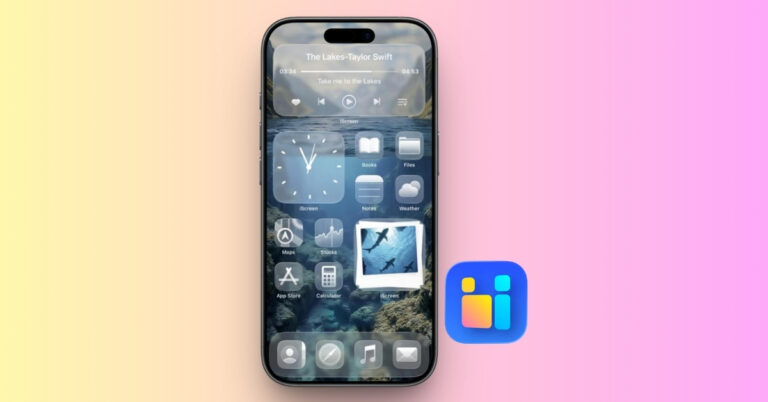
Mico combines animated wallpapers with matching widgets so your clock, battery, and overall aesthetic stay consistent. The wallpaper generator includes templates like Polaroid frames, heart collages, and flip cards. It also offers Liquid Glass–style themes inspired by iOS 26.
Top features:
Great choice if: You want a full Lock Screen makeover, not just a wallpaper.
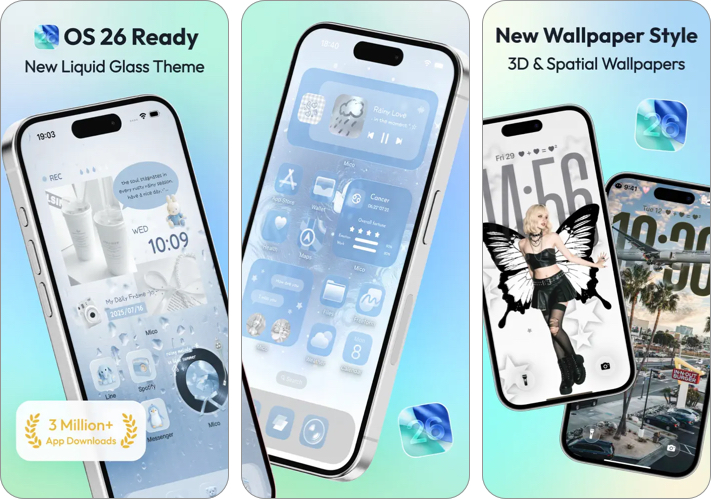
WallPics offers ultra-high-quality animated live wallpapers, including options labeled up to 8K. You can browse a large collection, create custom wallpapers with text and graphics, add charging animations, and use stylish photo widgets for a complete visual refresh.
Why it’s useful:
Perfect if you prefer meaningful wallpapers over generic designs.
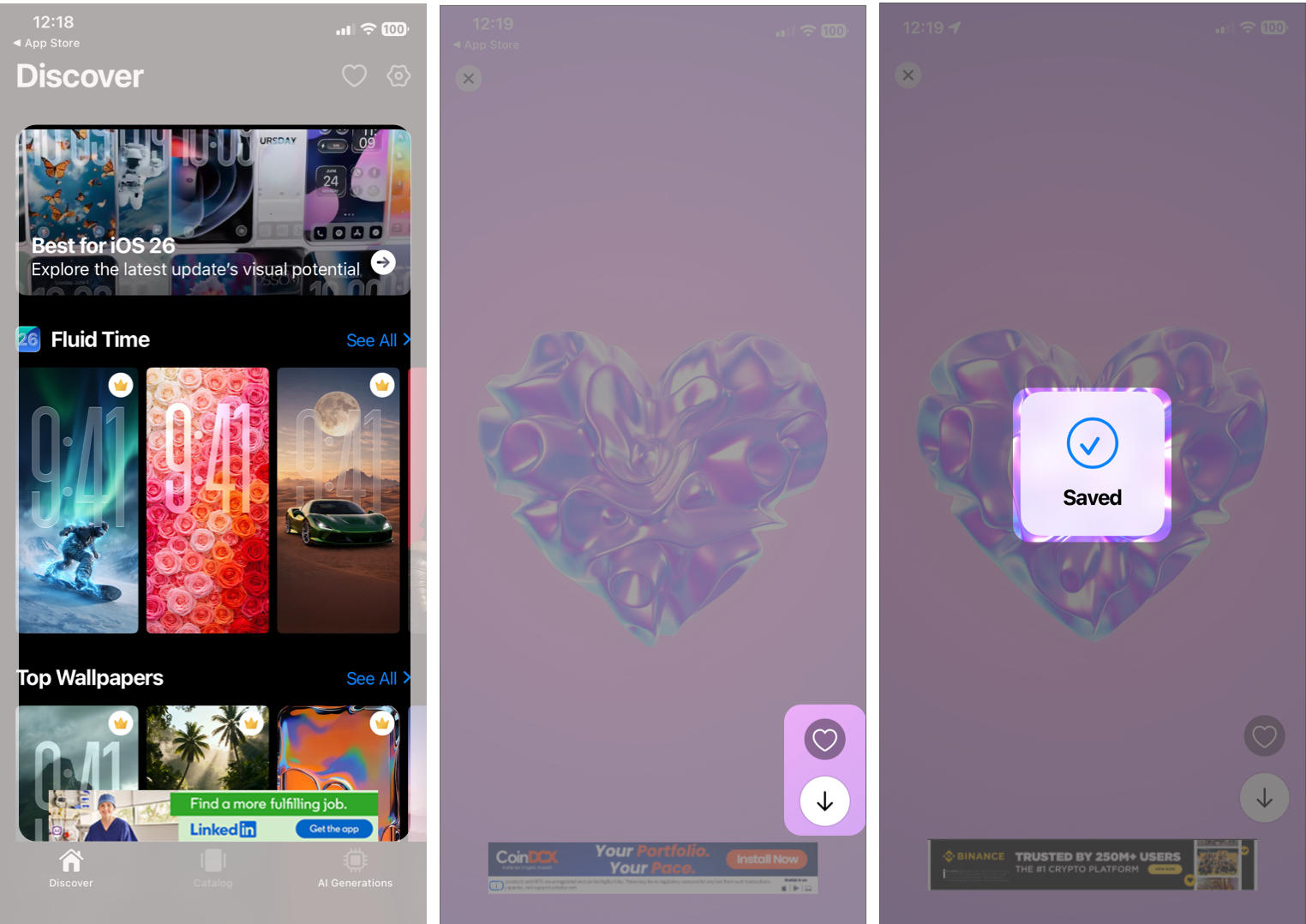
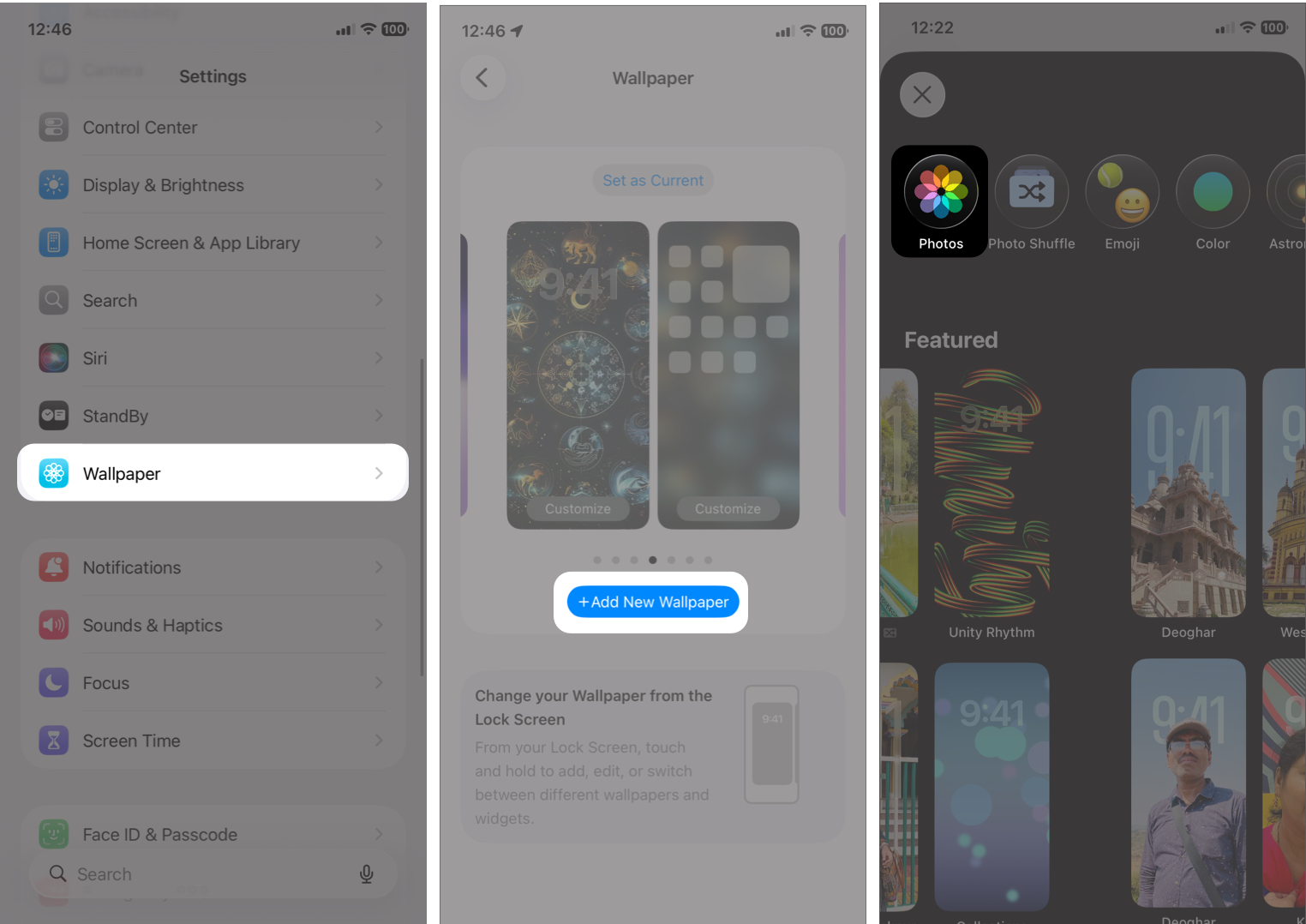
Once you’ve picked a wallpaper, here’s how to apply it.
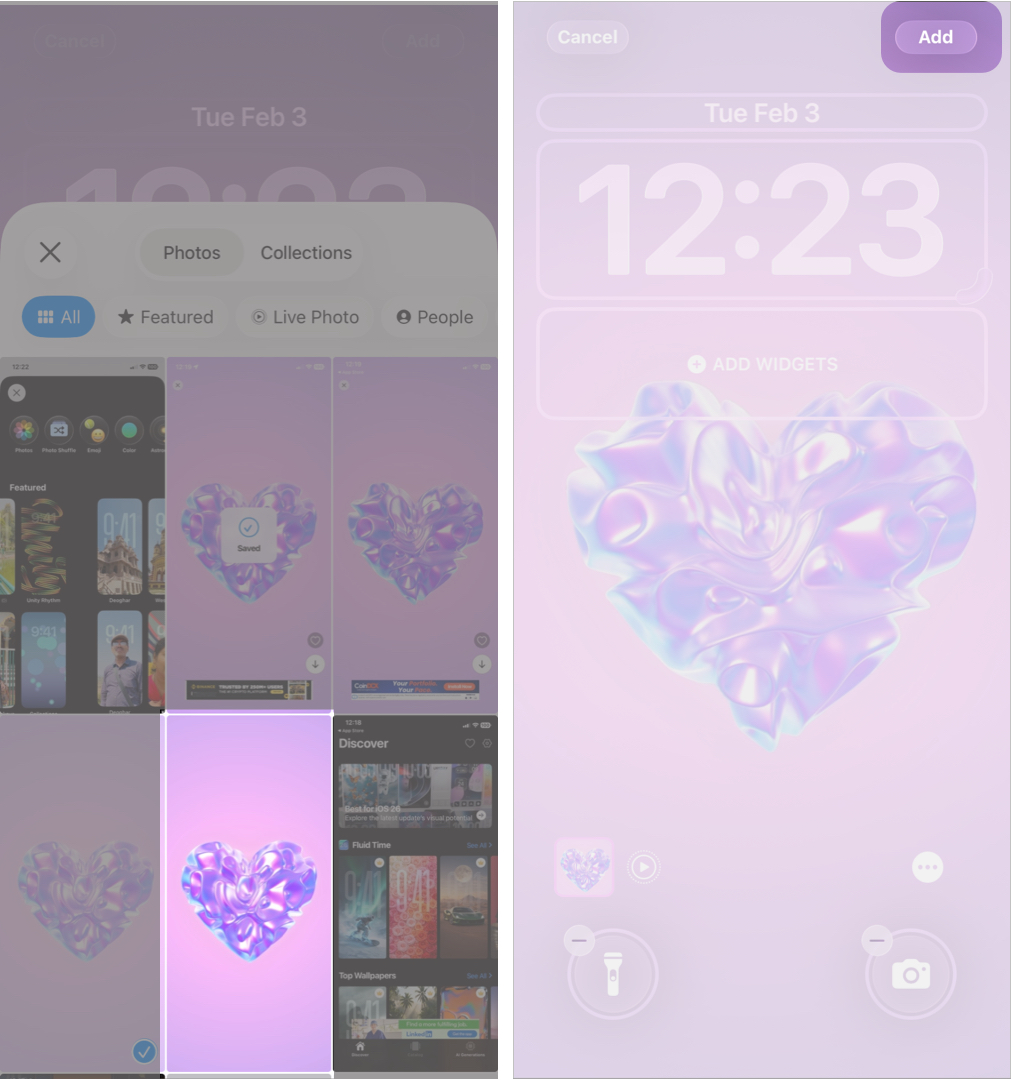
| Issues | Live wallpaper is not moving |
| The live wallpaper is not moving | Make sure Live Photo is enabled when applying the wallpaper. Also, animation only appears when you wake up your iPhone. |
| Wallpaper looks zoomed in | Adjust and reposition before saving. Some apps let you crop or scale. |
| Animation laggy | Choose simpler designs and close background apps. |
Live wallpapers are easy to apply and use on your iPhone. Here are some simple tips to improve your experience.
Live wallpapers are one of the easiest ways to make your iPhone feel fresh again. Whether you want calming motion, bold animations, or personal memories on your Lock Screen, there’s an app that fits your style.
If you prefer ready-made aesthetics, apps like MyScreen and WallCraft are solid choices. For deeper personalization, intoLive and WallPics stand out.
FAQs
Most iPhones that support Live Photos can use live wallpapers on the Lock Screen. Older models may have limited animation support.
They use slightly more battery than static wallpapers, but the impact is minimal, especially with simple animations.
Not fully. On most iPhones, live wallpapers animate on the Lock Screen, while the Home Screen remains static.
Missed This? Check It Out