FaceTime Like a Pro
Get our exclusive Ultimate FaceTime Guide 📚 — absolutely FREE when you sign up for our newsletter below.

FaceTime Like a Pro
Get our exclusive Ultimate FaceTime Guide 📚 — absolutely FREE when you sign up for our newsletter below.


iOS 26 and Android 16 focus more on looks than features. With Apple’s Liquid Glass and Google’s Material 3, design takes center stage—but is it worth it?
Normally, when Apple and Google release new versions of their operating systems, the buzz is all about new features, who copied whom, and what AI trickery is packed in. However, with iOS 26 and Android 16, all eyes are on the looks and aesthetics. From iOS’s glass-like layers to Android’s expressive colors, 2025 is shaping up to be the year where design takes the front seat.
And while both platforms have added some practical features here and there, the headline feature on both platforms this year revolves around design.
Before diving into the visual changes, let’s take a moment to compare the actual features these updates bring to the table.
Apple has finally introduced some features that Android users have had for years:
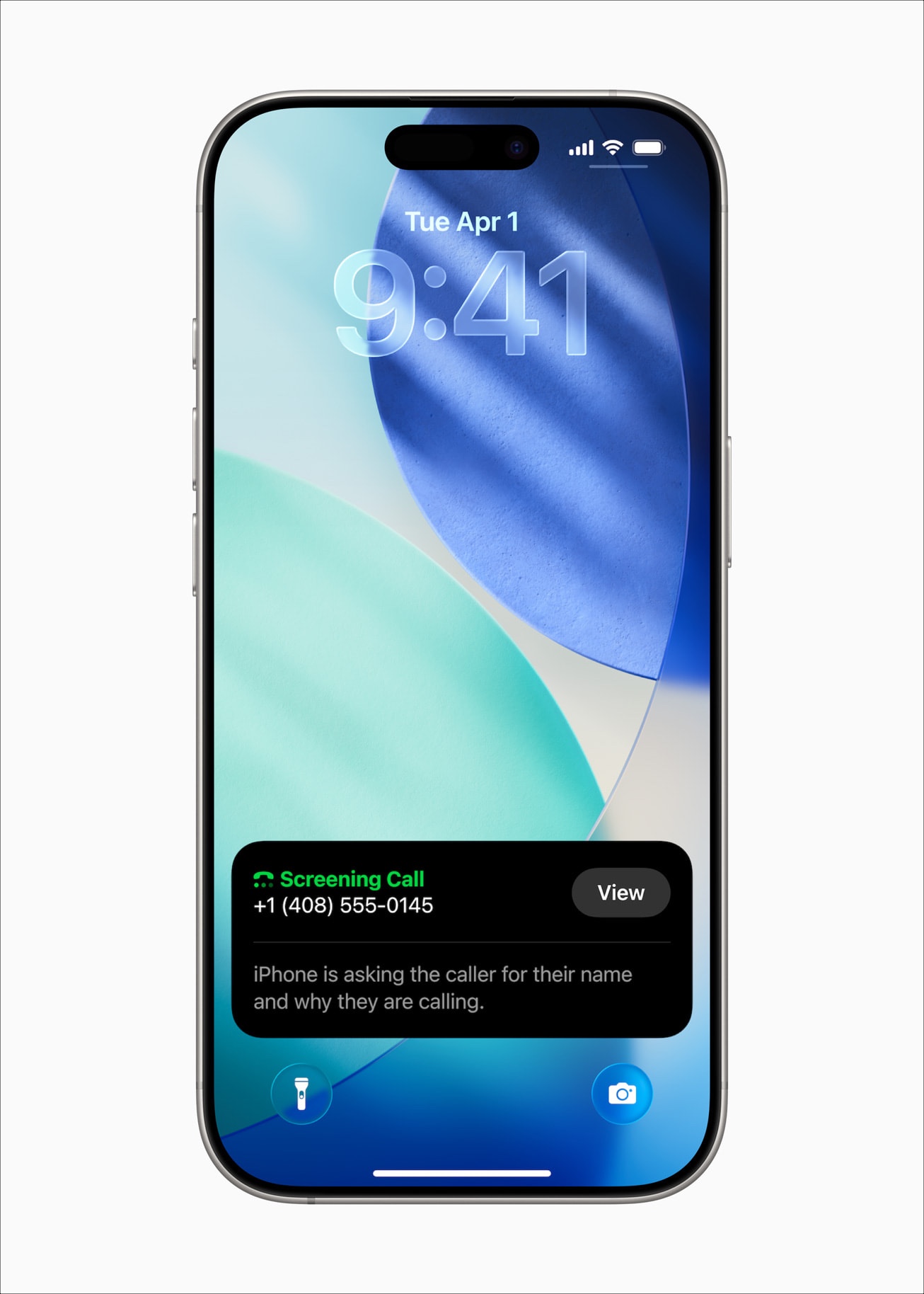
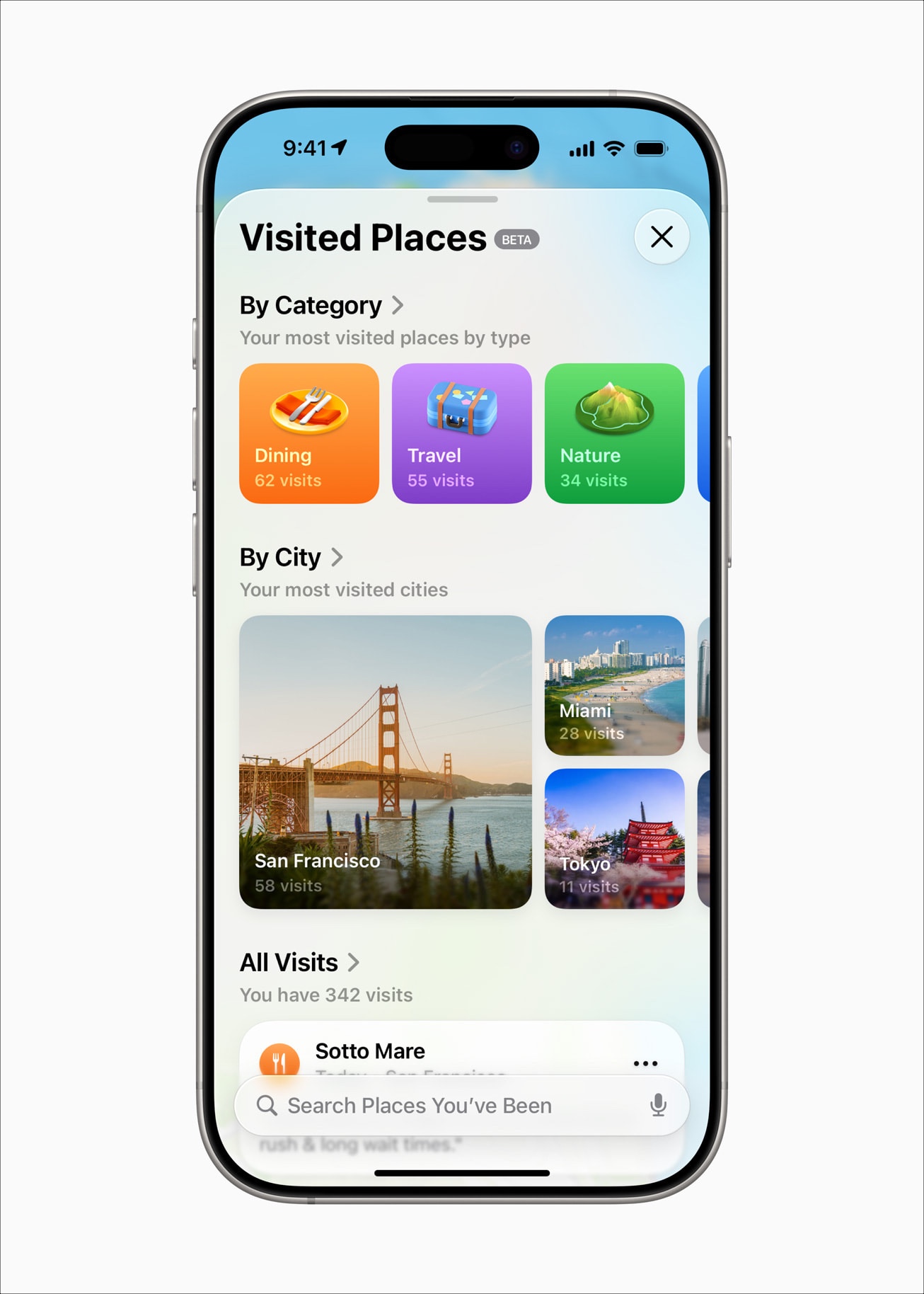
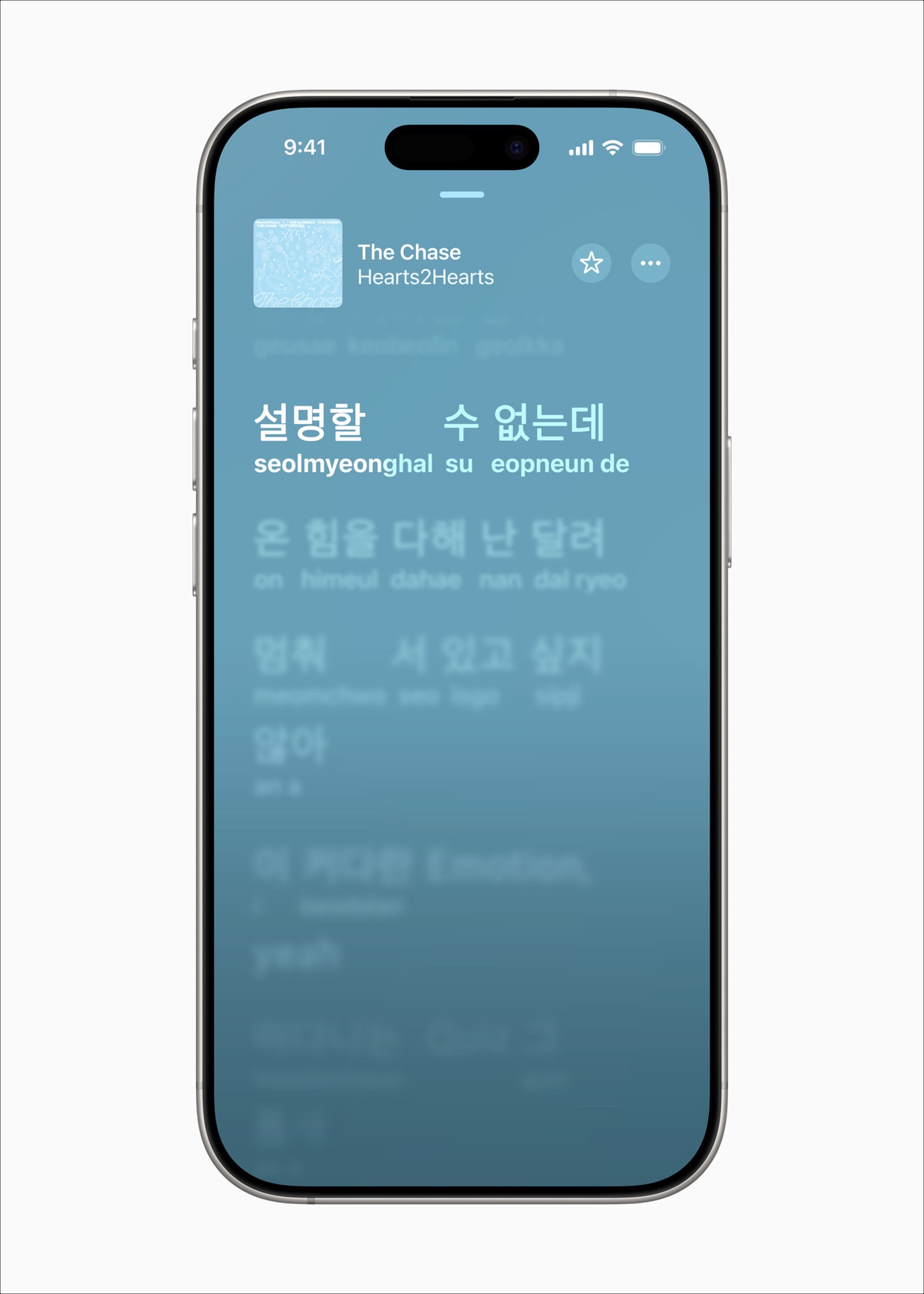
For more details, check out our detailed guide on iOS 26 features.
On the other hand, while Android is bringing new features, most of them are niche and may only be useful for power users:
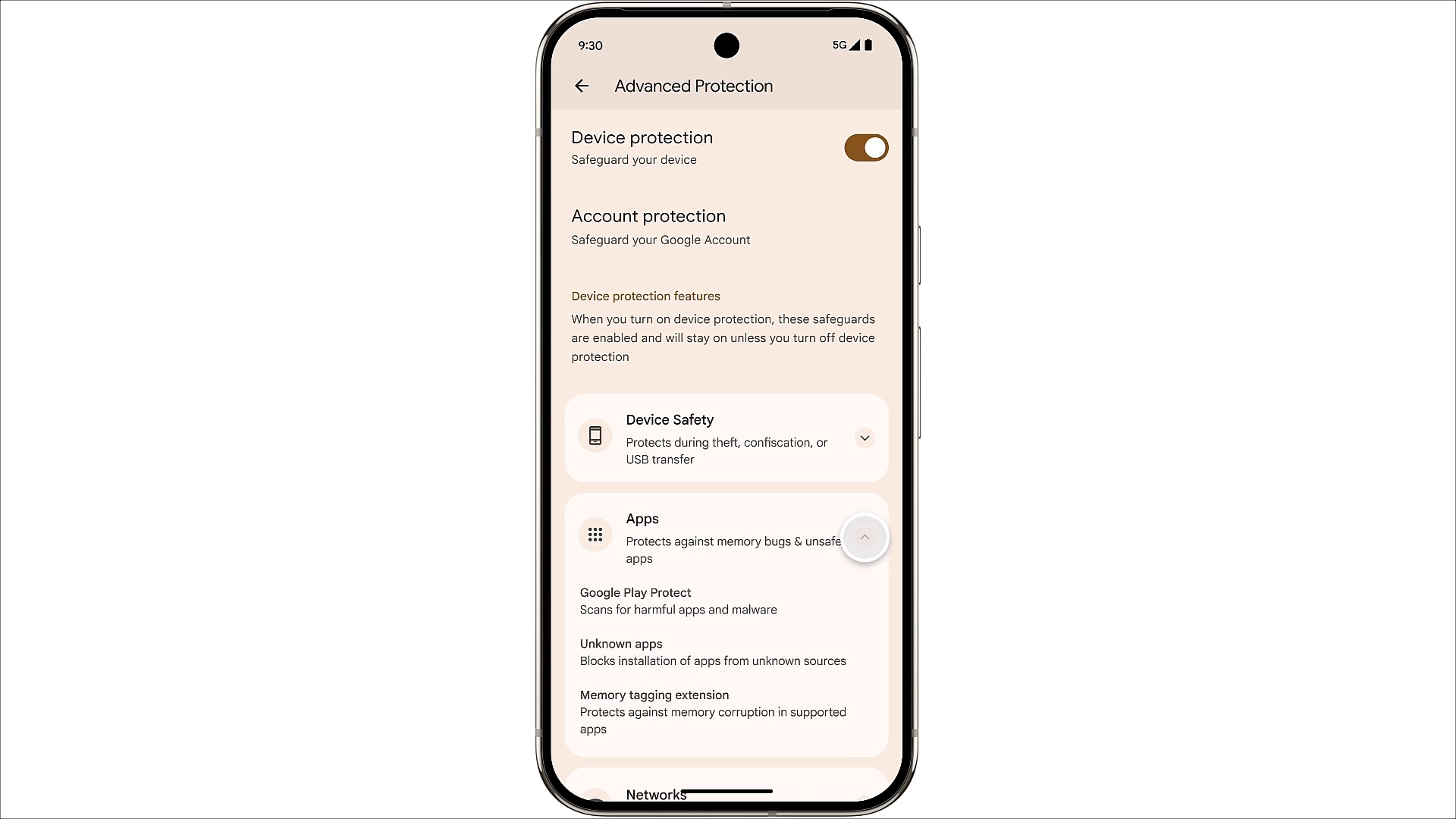
In short, both Apple and Google are adding new features. While Apple’s updates feel more noticeable and useful for everyday users, most of them already exist on Android—Apple is simply catching up. Meanwhile, Android 16 introduces more advanced tools, but they’re niche and unlikely to impact the average user. Neither OS offers a feature that significantly changes how you use your phone on a day-to-day basis.
But as mentioned, the major headline change this year on both platforms is design.
Okay, now let’s talk about what actually feels new this year—the look. Both Apple and Google brought their own style to the table.
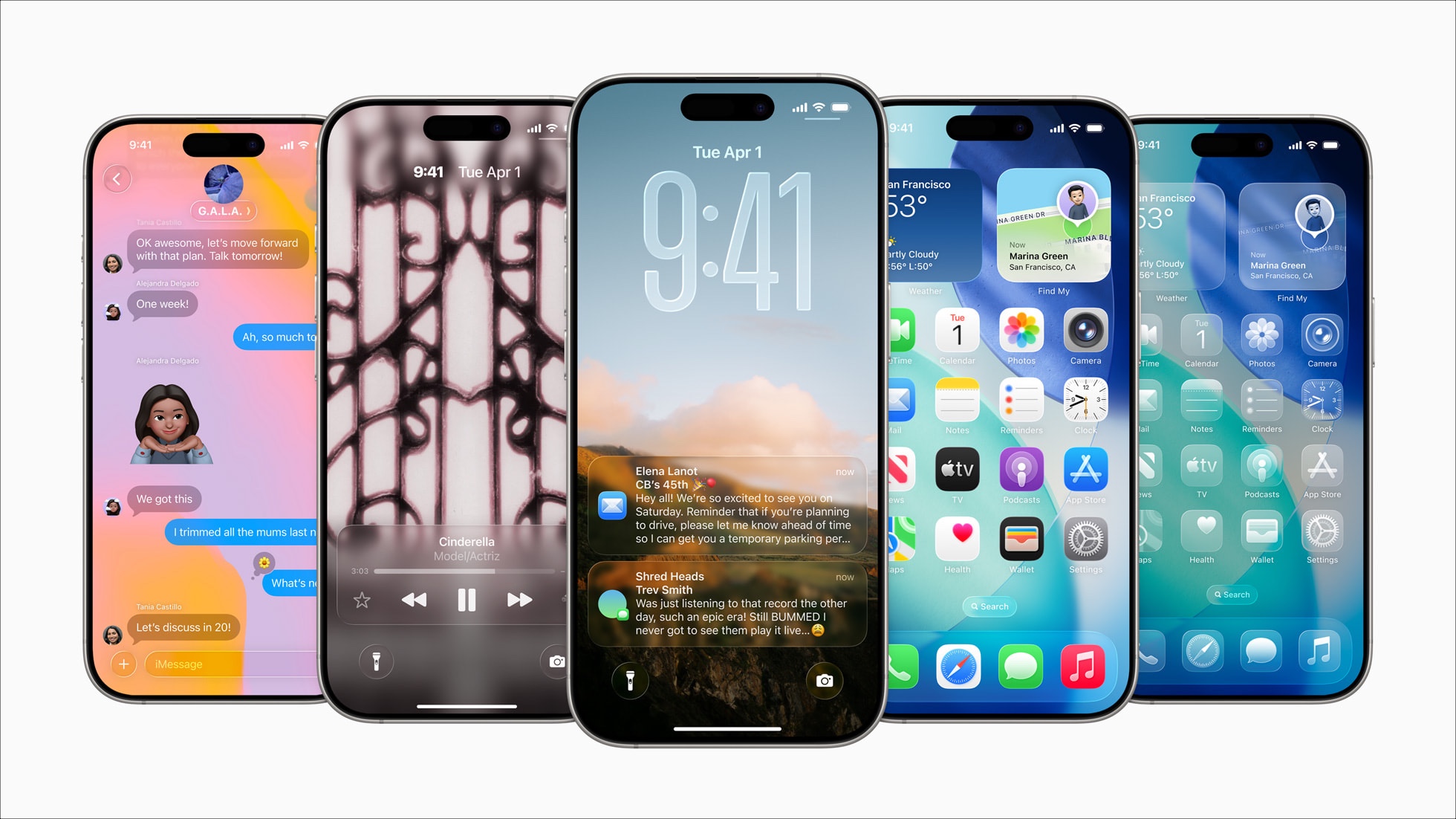
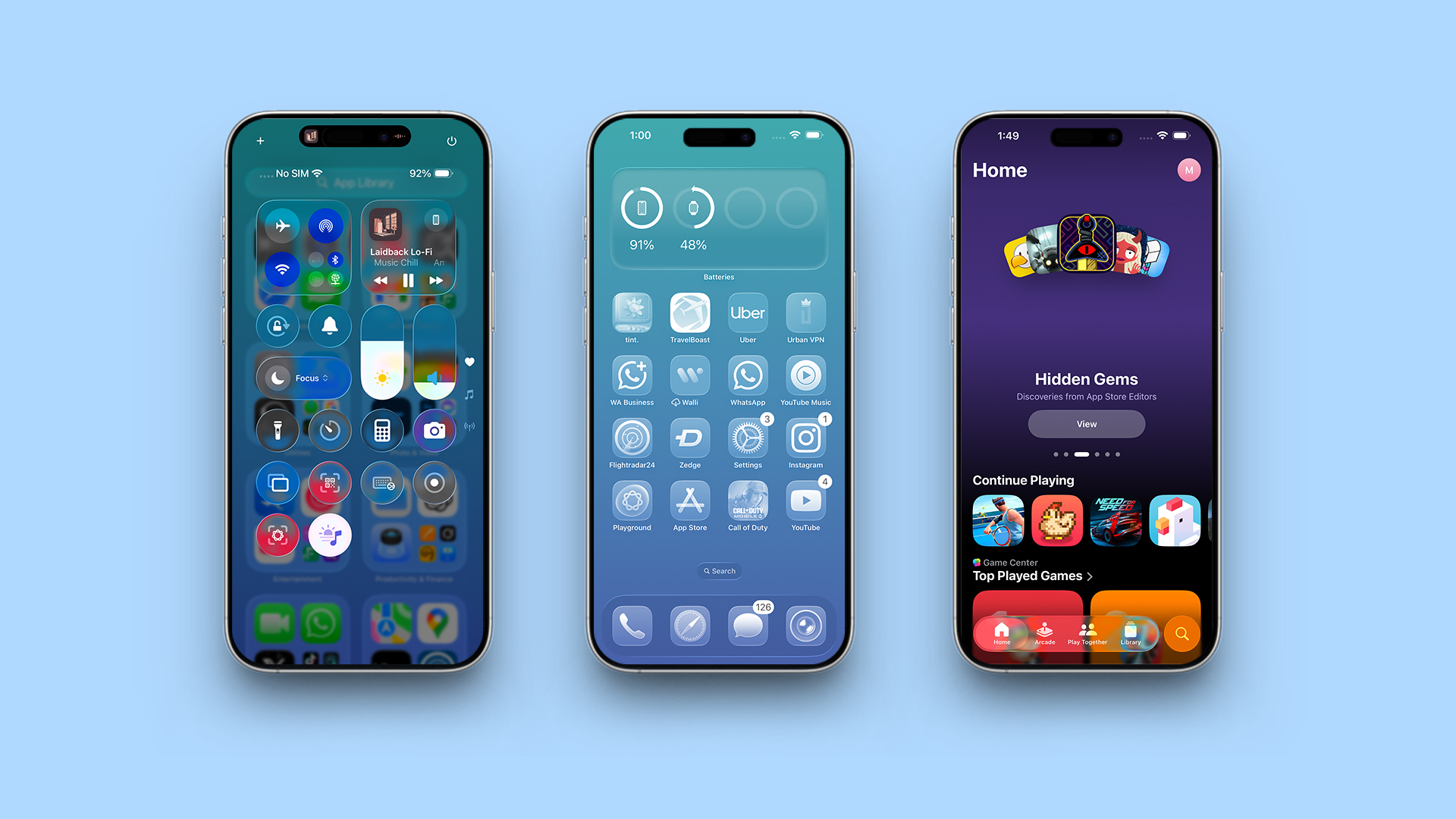
Liquid Glass is Apple’s new design language introduced across iOS 26, iPadOS 26, macOS Tahoe, watchOS 26, and tvOS 26. It gives the interface a dynamic, glass-like appearance with effects that mimic real-world transparency, layering, and reflections.
This design adds depth and motion to everyday UI elements, enhancing their visual appeal. App icons, widgets, buttons, and menus appear as if they are made of layered frosted glass. They reflect the surrounding content and light, adjusting in real time depending on what you’re viewing. Translucent surfaces catch highlights, morph as you scroll or swipe, and transition smoothly between light and dark modes based on context.
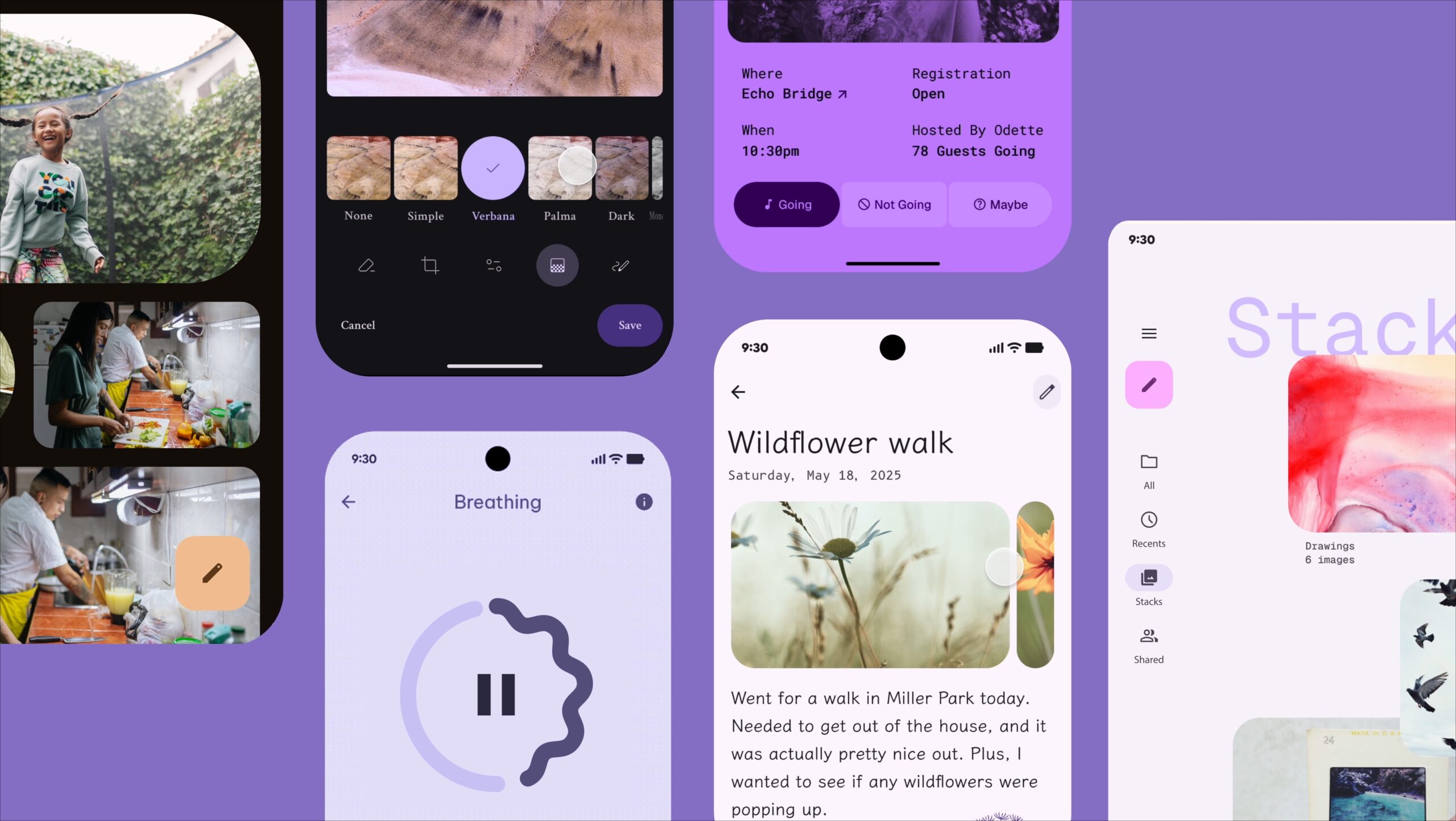
Material 3 Expressive is Google’s updated design language built on top of Material You. Google’s design approach is all about color, personalization, and comfort. While Material You concentrated more on bringing wallpaper colors to your UI, Material 3 Expressive gives you and app developers more freedom to experiment with colors.
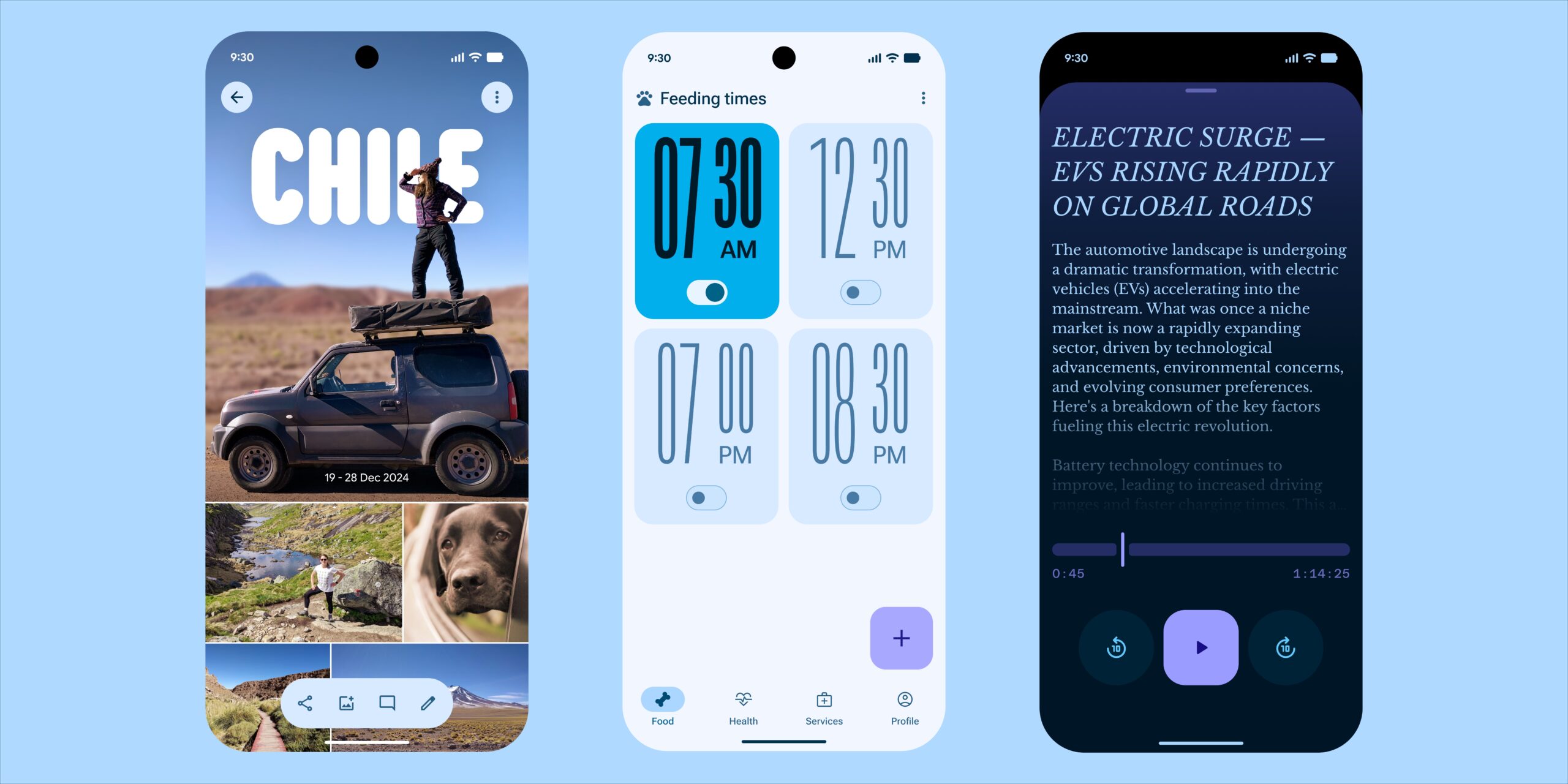
It brings bold colors, irregular shapes, soft corners, and clear typography. Google is prioritizing layouts that are more fun, unique, and readable.
Material 3 Expressive also emphasizes playful visual feedback. When you dismiss a notification or interact with elements like volume sliders or app previews, the motion feels springy and responsive.
Apple’s Liquid Glass looks impressive at first glance, but quickly becomes a distraction. Elements blend too much. Text and icons sometimes lose contrast. It feels a bit too eager to impress and ends up becoming more clumsy. More often than not, I find myself squinting to open an app or adjust any control from the Control Center.
Material 3 Expressive, on the other hand, is still not fully rolled out. Based on what we’ve seen so far and Google’s track record with Material You, the vision sounds more promising than the actual delivery. That said, it leans more toward readability and user comfort, which makes it more promising.
Verdict: Apple went hard on the visuals, but it might be too much. Google is playing it safe, and that might just work better. Preferring one design over another is subjective, but in terms of usability, we believe Google’s design takes the lead, whereas Apple’s Liquid Glass requires some refinement and may need to reduce transparency in certain areas.
Related: Not a Fan of iOS 26’s Liquid Glass Look? Here’s How to Tone It Down
If you’re hoping for meaningful new features this year, you might walk away a little disappointed. But if design matters to you, this is the year to pay attention. This will be how both companies move forward with their design style over the next few years.
iOS 26 and Android 16 are both good in their own ways, but this time, the fight isn’t about doing more. It’s about how things look while doing it. That’s why 2025 is clearly the year of form over function.
Related articles worth reading: