FaceTime Like a Pro
Get our exclusive Ultimate FaceTime Guide 📚 — absolutely FREE when you sign up for our newsletter below.

FaceTime Like a Pro
Get our exclusive Ultimate FaceTime Guide 📚 — absolutely FREE when you sign up for our newsletter below.


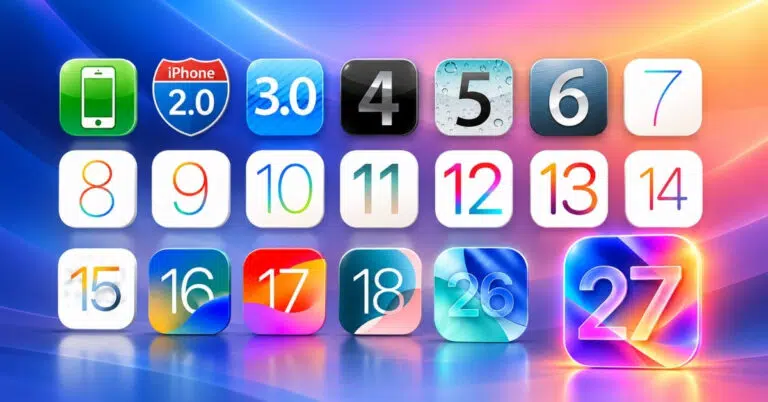
The complete history of iOS, from the original iPhone OS 1 to iOS 27—key features, design changes, and Apple’s biggest software milestones.
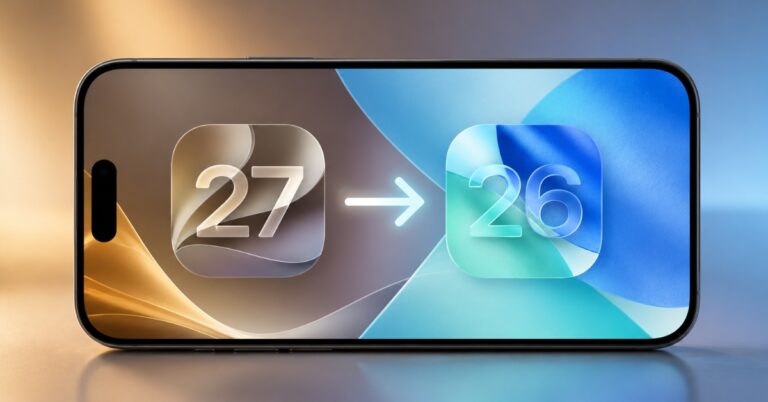
Want to leave iOS 27 beta? Here is how to restore your iPhone to iOS 26, avoid backup mistakes, and stop future beta updates.
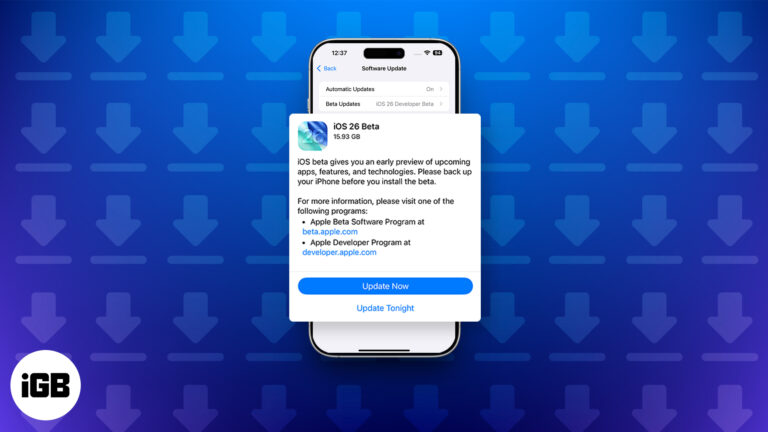
Want to try iOS 26 before everyone else? Here’s how to install the iOS 26.6 Developer Beta on iPhone and what to know before you do.
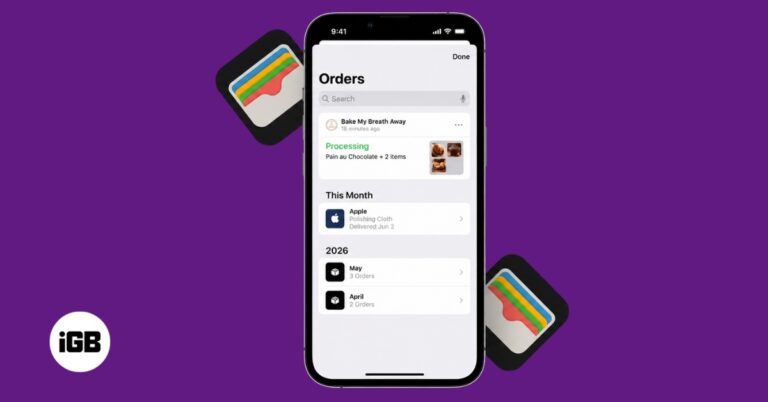
iOS 26 makes Wallet order tracking more useful by using Apple Intelligence in Mail to find supported shipment details from your emails. Here’s how to enable it, view your orders, and fix missing deliveries.
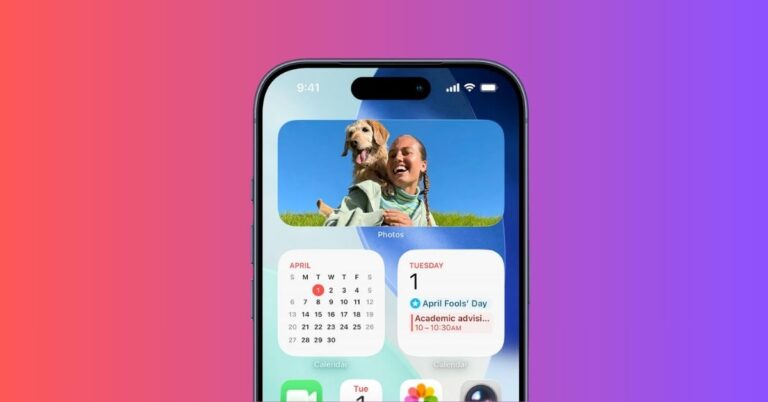
You can now enable Spatial Scene and Full Color options for Photos widget on Home Screen.
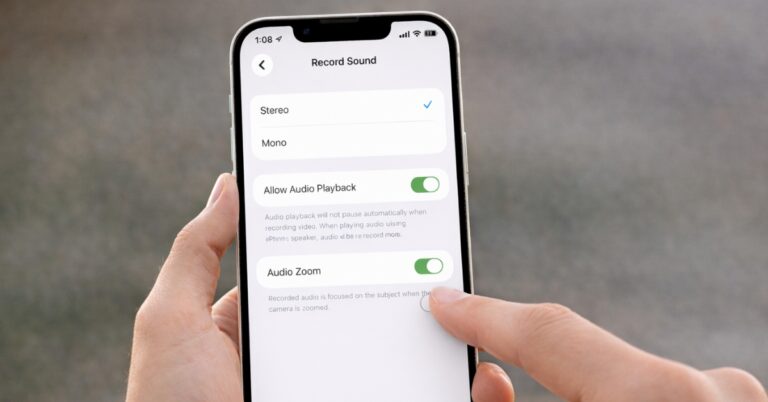
Your iPhone zoom isn’t just sharpening your shot, it’s quietly wrecking your audio behind the scenes. Here's how to fix it!
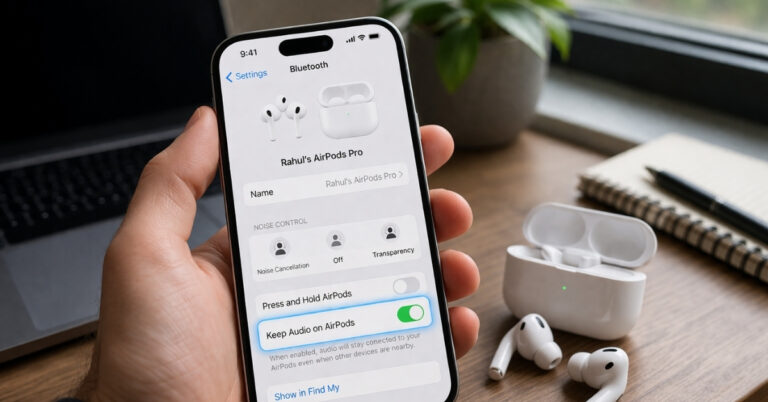
Tired of your iPhone switching audio to your car speakers? This simple iOS setting keeps your AirPods connected and your audio exactly where you want it.
Learn what your favorite emojis mean! Follow these simple steps to quickly find out exactly what each emoji is about.
iOS 26 adoption remains unusually low months after release, with many users sticking to iOS 18 due to design concerns, stability issues, and a lack of urgency to upgrade.
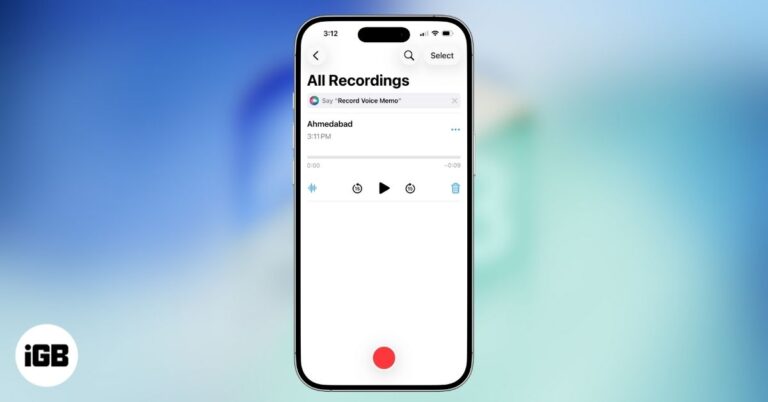
Master the iPhone Voice Memos app to record and share high-quality audio for everyday and professional needs.
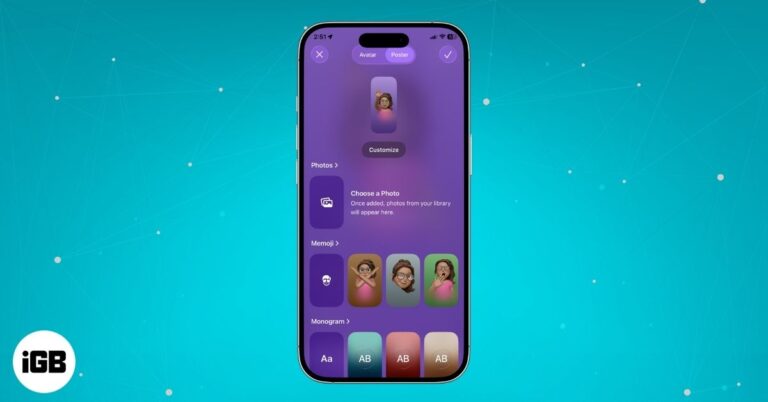
Create a personalized iPhone Contact Poster in minutes by updating photos, layout, colors, and text.
Learn how to set up and use Emergency SOS on your iPhone so you can quickly get help in any urgent situation.
Learn why dual-SIM iPhones offer better flexibility, coverage, and convenience for work, travel, and everyday use.
iOS 26 revamps Phone App with Liquid Glass, AI call screening, Hold Assist, SharePlay, clearer calls and more.
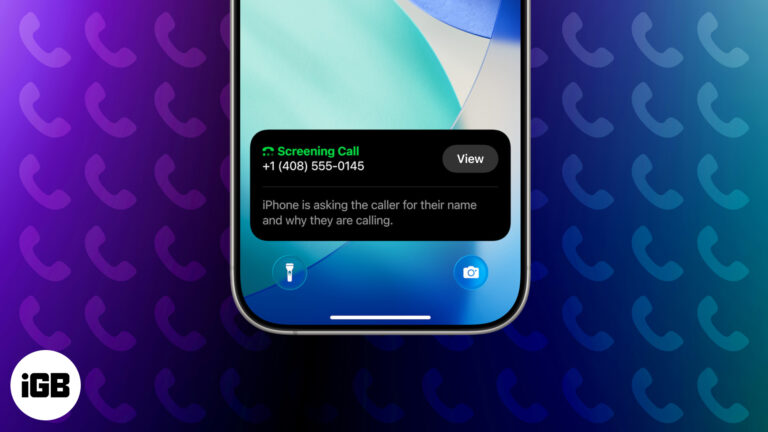
iOS 26 brings Call Screening to iPhone, letting you identify unknown callers in real time without answering. Here’s how to enable and use this privacy-focused feature.

 Vikhyat and Ava Biswas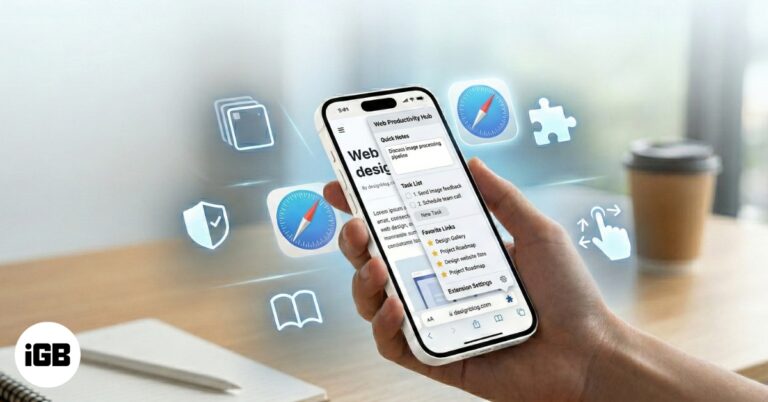
Discover fun, easy Safari tips and tricks in iOS 26 that make browsing faster, smarter, and way more enjoyable on your iPhone.
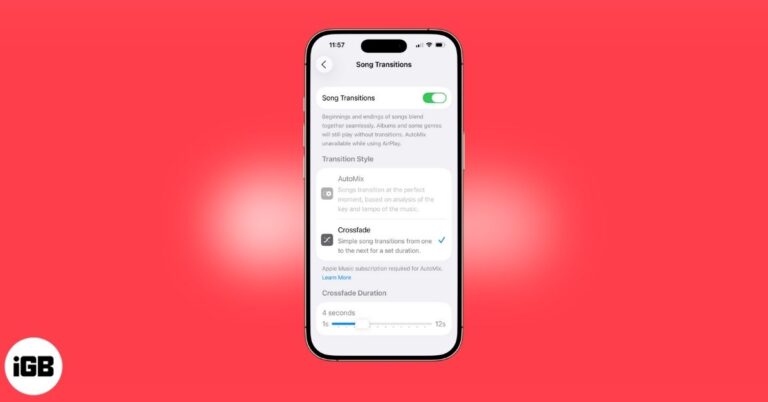
Apple Music’s Crossfade feature seamlessly blend songs for smoother transitions in your playlists. Here's how!
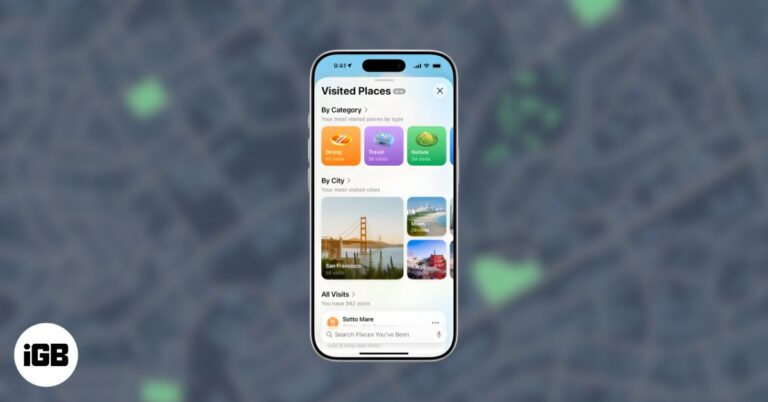
Apple Maps' Visited Places logs your trips, helps you revisit spots, and gives you privacy controls to turn it on or off anytime.
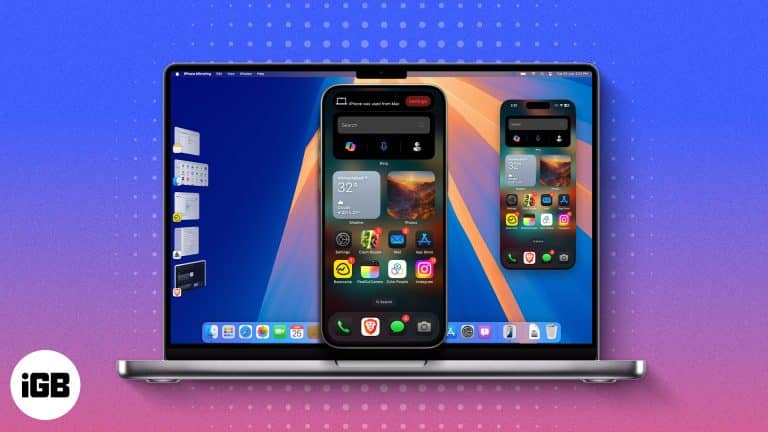
Control your iPhone wirelessly from your Mac with the iPhone Mirroring app on Mac. Here’s how to set it up and use it like a pro.
Easily identify what causes the issue and address it.
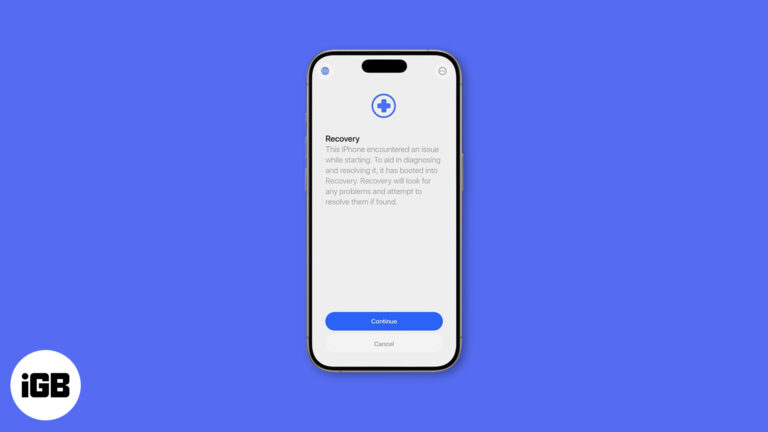
Apple’s new Recovery Assistant in iOS 26 and macOS Tahoe can fix iPhone, iPad, and Mac startup issues automatically — often without a computer.
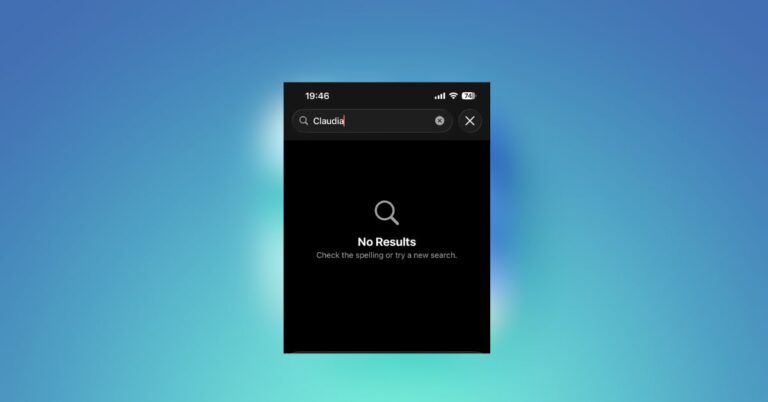
Many iPhone users on iOS 26 are facing a frustrating Calendar search bug that breaks event lookup. Apple has acknowledged the issue, but a fix is still pending.
Apple Music 5.0 for Android introduces iOS 26 features, including lyrics translation with pronunciation guides, song pinning, and improved Replay stats.
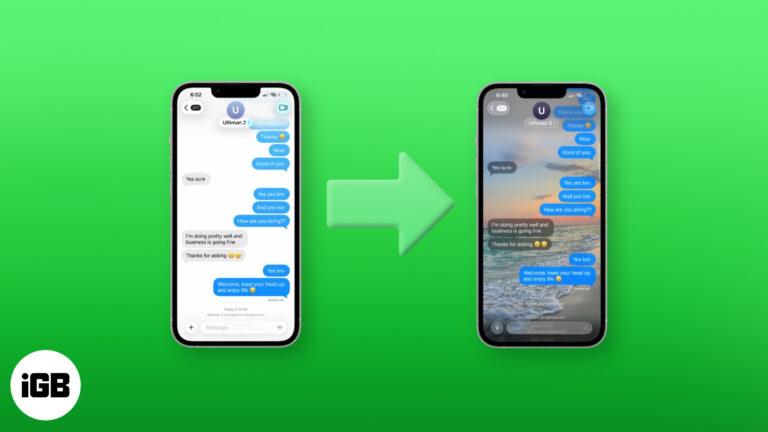
iOS 26 lets you set custom iMessage backgrounds on iPhone, iPad, and Mac. Here’s how to do it—and make your chats more personal than ever.
Apple’s iOS 26 brings big changes, but many iPhone owners are frustrated. From Liquid Glass to battery drain, here’s why the update is sparking backlash.
Learn how Apple fine-tuned iOS 26 for the iPhone 17 Pro series with a special build aimed at fixing camera glitches and optimizing hardware.
Apple just rolled out a corrected iOS 26 build for Release Candidate testers to match the public release, syncing all iPhones to the same version.
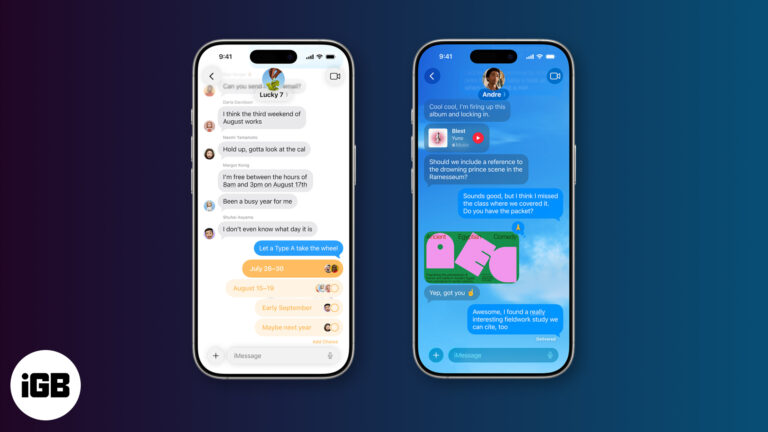
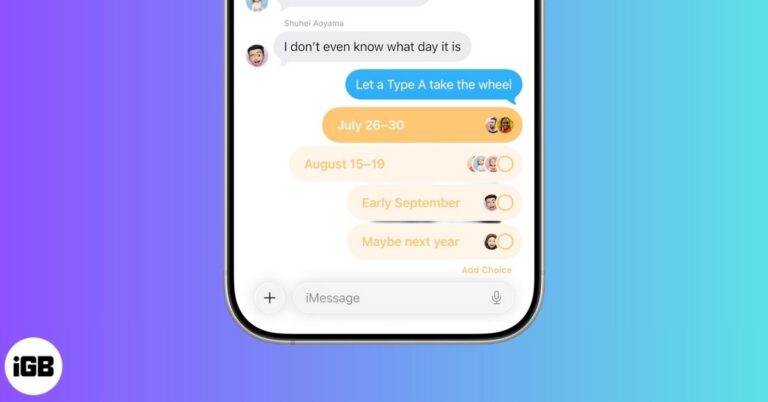
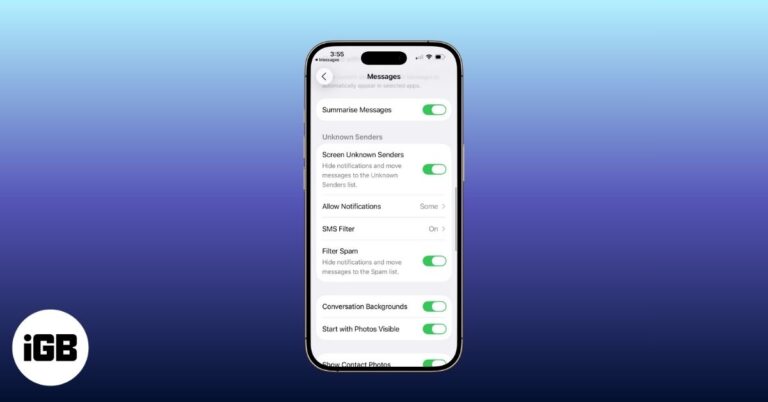
iOS 26 revamps the Messages app with Backgrounds, Live Translation, Polls, and more. Here’s everything you should know!