FaceTime Like a Pro
Get our exclusive Ultimate FaceTime Guide 📚 — absolutely FREE when you sign up for our newsletter below.

FaceTime Like a Pro
Get our exclusive Ultimate FaceTime Guide 📚 — absolutely FREE when you sign up for our newsletter below.


Apple's new Apple TV 4K costs $299 with pre-orders open today. It adds four-speaker surround with HomePod mini 2, and Siri AI also runs on the 2022 model.
Apple announced the new Apple TV 4K at its "Welcome home" event on October 13. It’s the fourth generation, with an A19 chip. Apple says the CPU is up to 50 percent faster than the last model, and the GPU is up to 2x faster. The box costs $299 in the US, or $49.83 a month for six months through Apple Card Monthly Installments. Pre-orders open today in the US and 29 other countries and regions. It ships November 13.
Apple’s headline says the new box is "supercharged by Siri AI." You don’t need this model to get the feature. Apple’s store page says Siri AI is available on the 2nd-generation Apple TV 4K and later, and that includes the 2022 model. If you already own one, Siri AI is not a reason to buy this box.
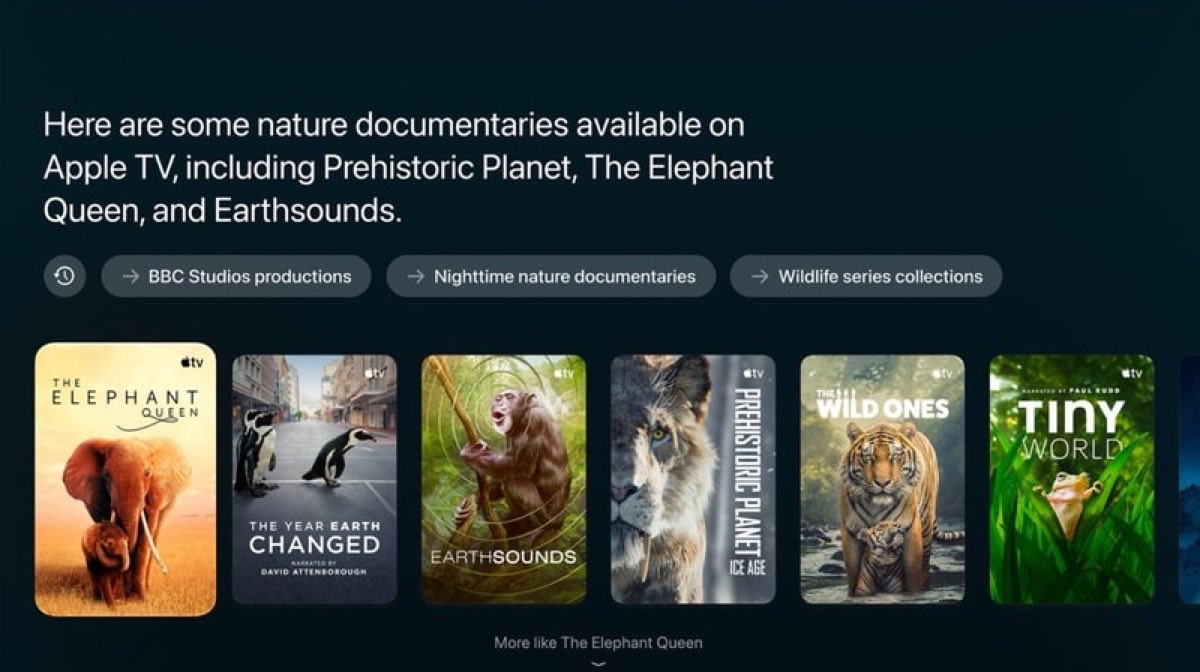
Siri AI still depends on your iPhone. The owner of the home needs an Apple Intelligence-enabled iPhone or iPad in the Home app, and personal requests need a paired device.
The feature is in beta and launches in English only, in the US, Australia, Canada, India, New Zealand, Singapore, South Africa, and the UK. Apple says it won’t initially reach the EU on iOS or iPadOS. Anyone outside those countries will have to wait.
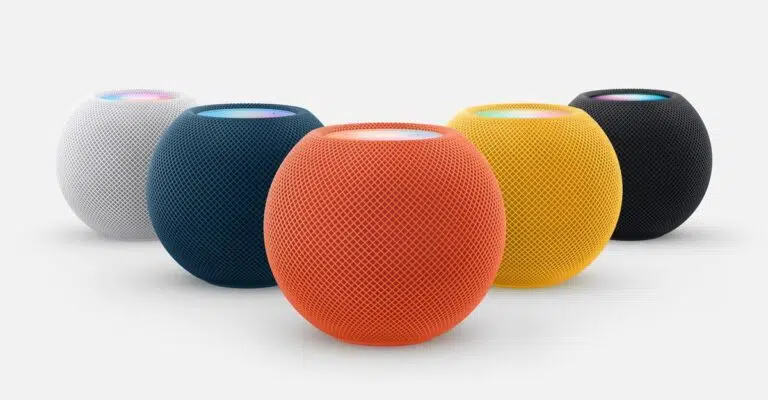
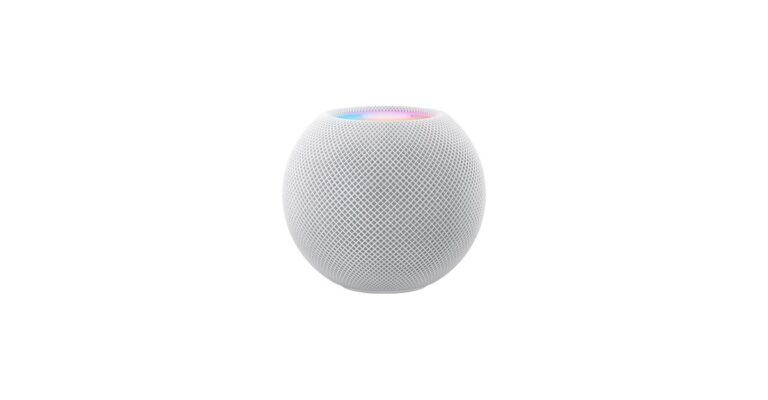
Apple says this is the first Apple TV 4K to support four-speaker surround. The rear pair is HomePod mini 2. A HomePod (2nd generation) can go in front if the front and rear pairs match. The speakers find their positions in the room and set timing and levels on their own.
If you already have HomePods, this is an upgrade you can make without buying much else. If you don’t, the Apple TV alone won’t give you surround sound, and the speakers cost extra on top of the $299.
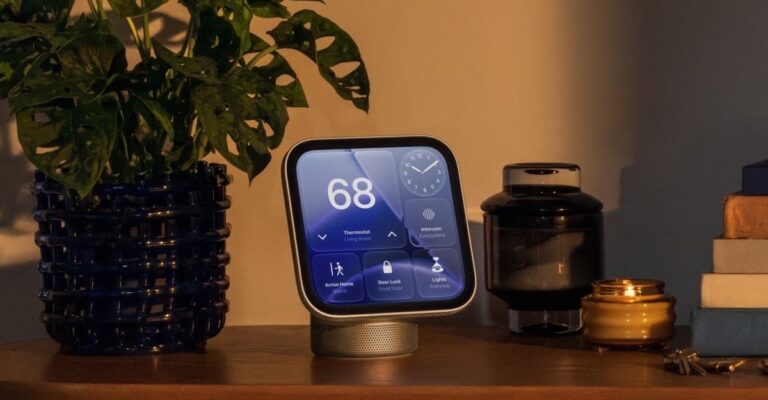
The Apple TV also works as a smart home hub. You can control the home from anywhere, set up automations, use guest mode, and process HomeKit Secure Video on the device. Apple Intelligence camera descriptions and notification summaries need an eligible iCloud+ plan. If you’re buying for the home features, check that first.
The Siri Remote keeps its design and adds Find My support with Precision Finding. Apple ties each feature to a remote generation and, in one case, to an iPhone model:
An older remote gets Find My location but not the sound. The sound is the part that helps when the remote ends up between the couch cushions. Apple sells the remote separately.
Before the event, Bloomberg’s Mark Gurman reported that the Apple TV 4K and HomePod mini would reach stores on October 30. The A19 chip matched. So did the look, since a leaked image showed no external design change. The date didn’t. Apple’s date is November 13.
Siri AI is still in beta, so wait for reviews before you buy for it. If you want the surround setup, you’ll also need HomePods.