
FaceTime Like a Pro
Get our exclusive Ultimate FaceTime Guide 📚 — absolutely FREE when you sign up for our newsletter below.

FaceTime Like a Pro
Get our exclusive Ultimate FaceTime Guide 📚 — absolutely FREE when you sign up for our newsletter below.


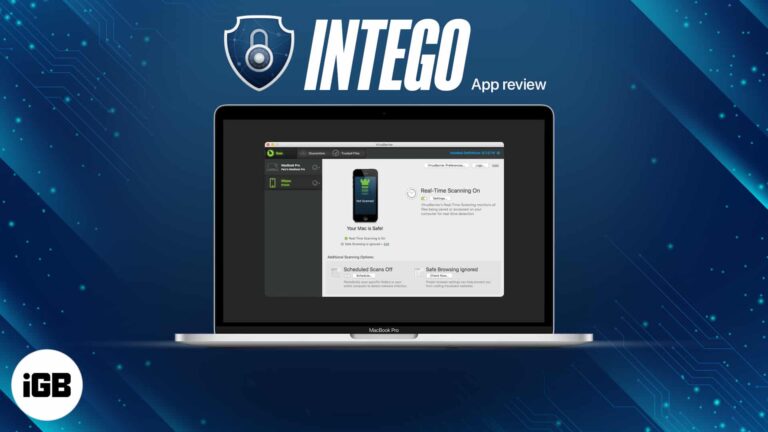
Macs are not immune to malware, whatever the reputation suggests. We test Intego's VirusBarrier scanning and NetBarrier firewall, then give a verdict on whether the suite earns its price.
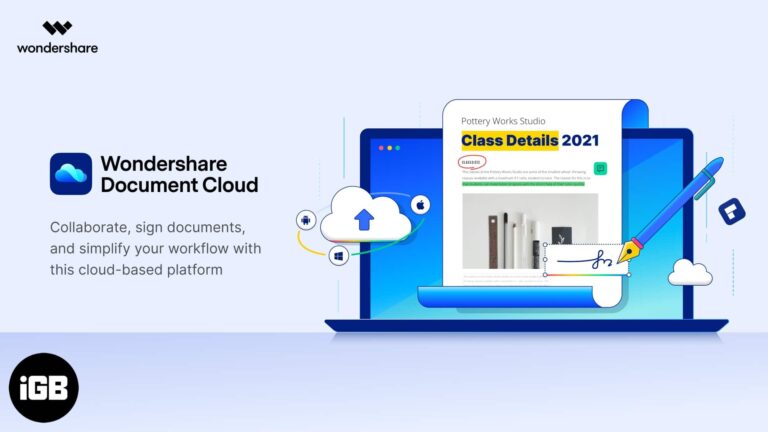
Contracts and invoices increasingly need signing without printing. Document Cloud stores, shares, and e-signs PDFs from a browser. We look at its key features and who it suits.
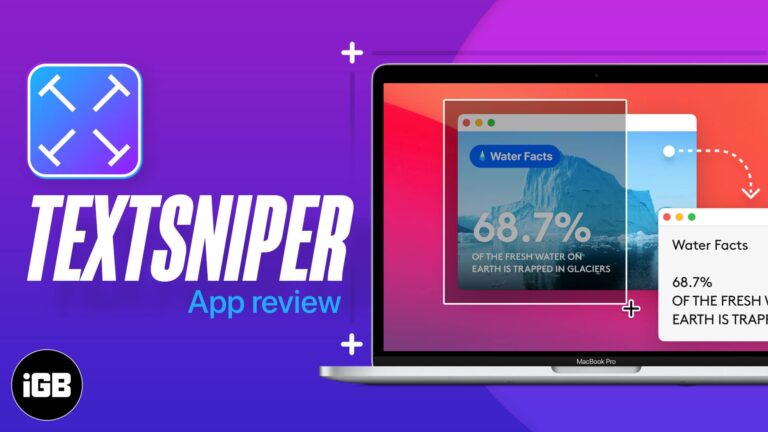
Copying text from a screenshot or video used to mean retyping it. TextSniper runs OCR on any screen region with a shortcut. We test its accuracy, speed, and where it fits in a workflow.
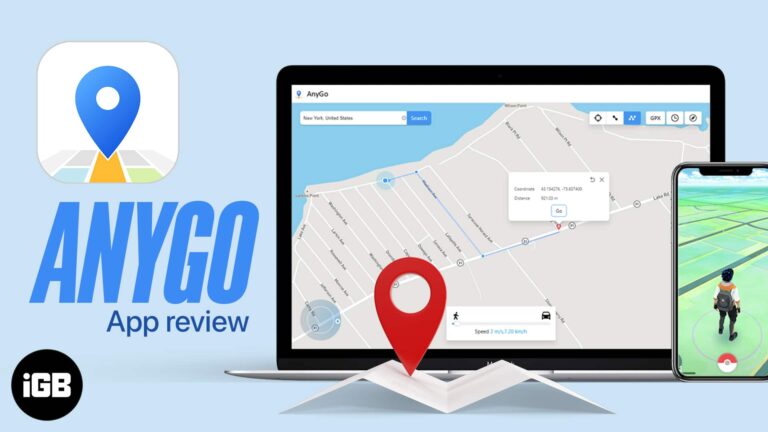
AnyGo spoofs your iPhone location and can simulate movement along a route, which suits location-based games and testing. We look at its features, ease of use, and give a verdict.
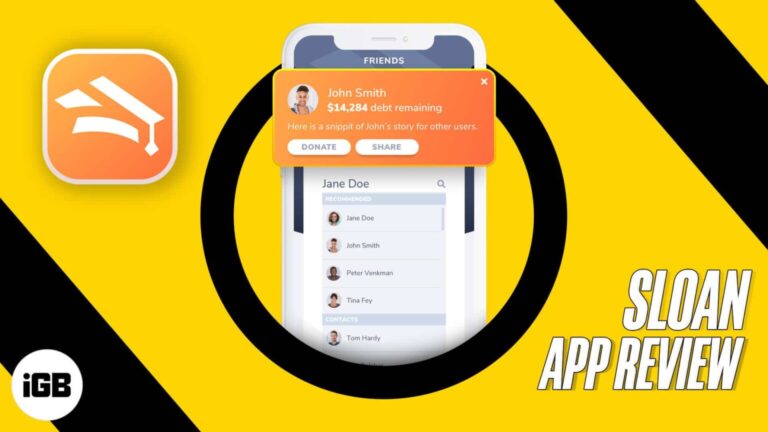
Having trouble figuring out how to pay your student loans? Want an effortless way to set up weekly or monthly payments? How about a way to accept money towards your student loans from anyone, anywhere (including a special plan to…
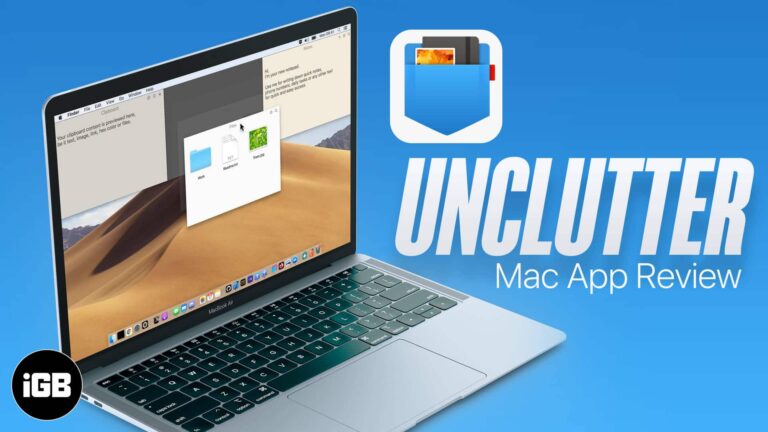
Unclutter puts a file drop zone, quick notes, and clipboard history behind a single gesture at the top of your screen. We look at how it works and whether it earns a permanent spot.
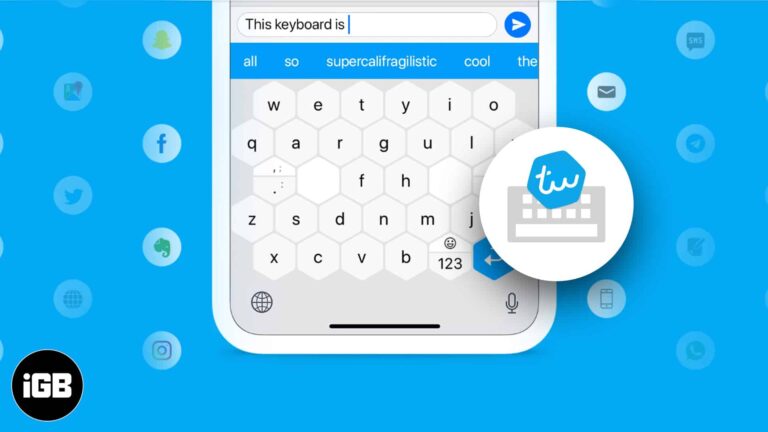
Typewise replaces the standard key grid with larger hexagonal keys to reduce mistyping. We look at its distinctive features, the privacy claims, how to install it on iPhone, and whether it works.
Ultrahuman treats fitness as body, mind, and sleep rather than workouts alone. We cover its programs, sleep tracking, and mindfulness content, then say who will actually stick with it.
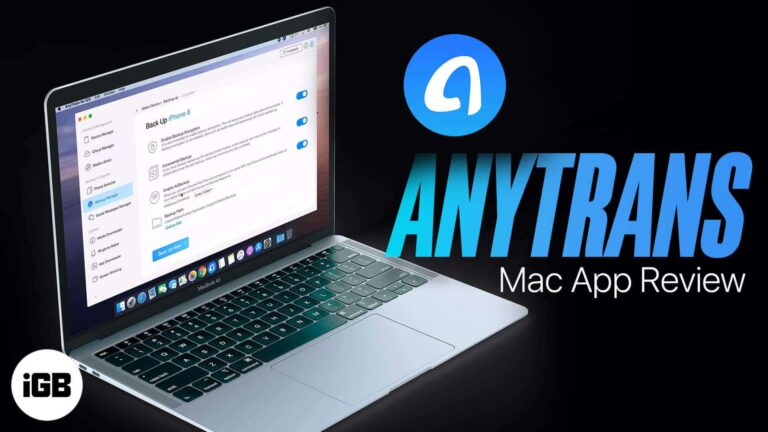
AnyTrans handles full iPhone backups, selective restores, and device-to-device transfers from one window. We look at compatibility, its backup manager, and how it compares to relying on iTunes.
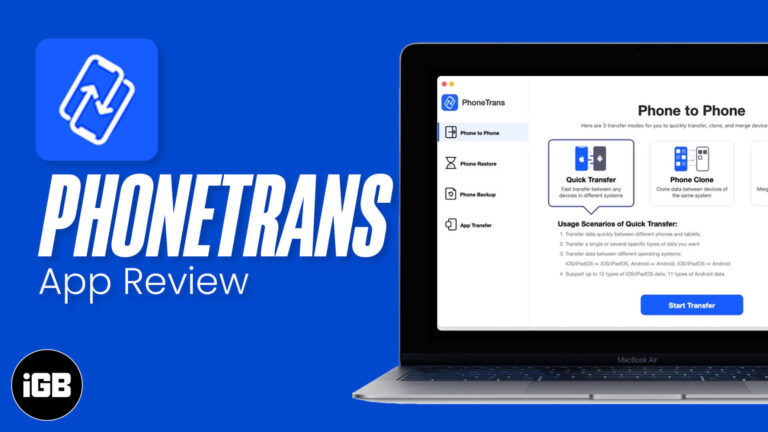
Setting up a new phone should not mean losing data. PhoneTrans copies contacts, photos, messages, and files between devices across platforms. We look at what it supports and how fast it is.
Need to handle payroll on your iPad? These apps help you calculate wages, manage pay runs, and keep employee records in one place.
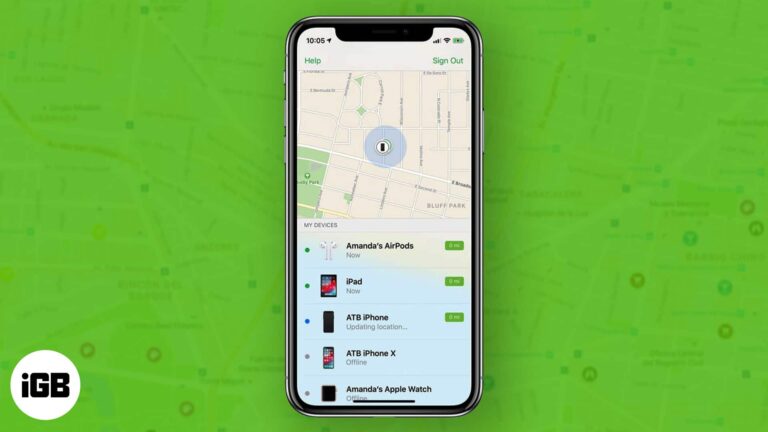
Apple's Screen Time leaves gaps that worry many parents. FamiSafe adds app blocking, location history, web filtering, and activity reports. We look at what it monitors and how well it works.
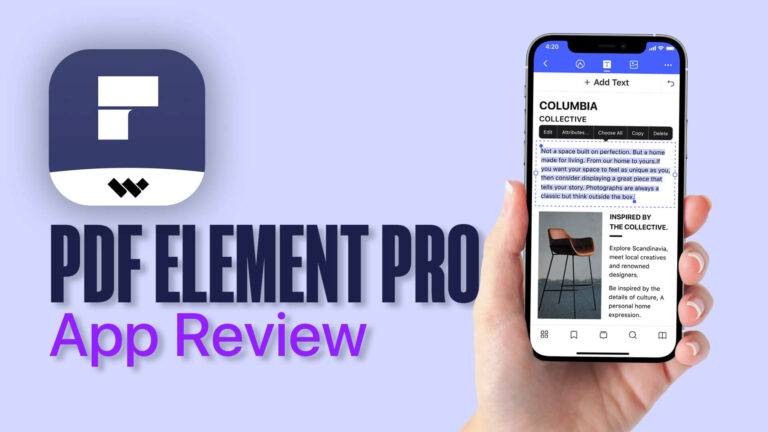
Portable Document Format (PDFs) are universal, and we use them in our daily life in college, office, homes, and elsewhere. Your teacher may share notes in this format. You may have your lease agreement, several office essentials like payslips, etc.,…
Art Text 4 turns plain text into polished graphics with materials, 3D effects, and ready-made presets. We walk through the workflow, highlight its best features, and give a verdict for Mac designers.
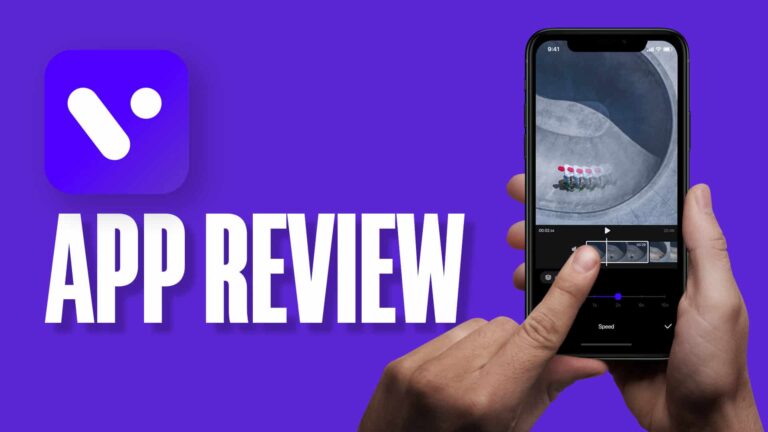
Short-form video demands quick, good-looking edits. VITA offers templates, transitions, and effects at no cost. We cover its feature set, the editing workflow, and where the free tier ends.
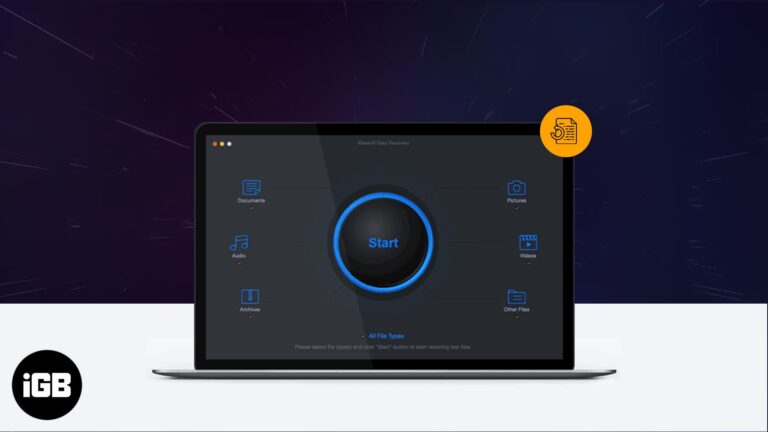
Accidental deletion happens to everyone eventually. iBeesoft scans drives and cards for recoverable files. We cover its feature set, system requirements, the recovery process, and how well it works.
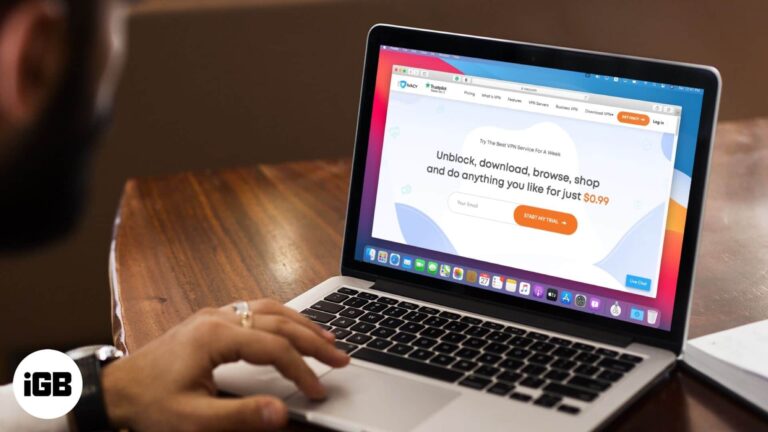
Ivacy positions itself as a cheap way to stay private online. We look at connection speeds, server spread, streaming reliability, and its logging policy to see what the low price costs you.
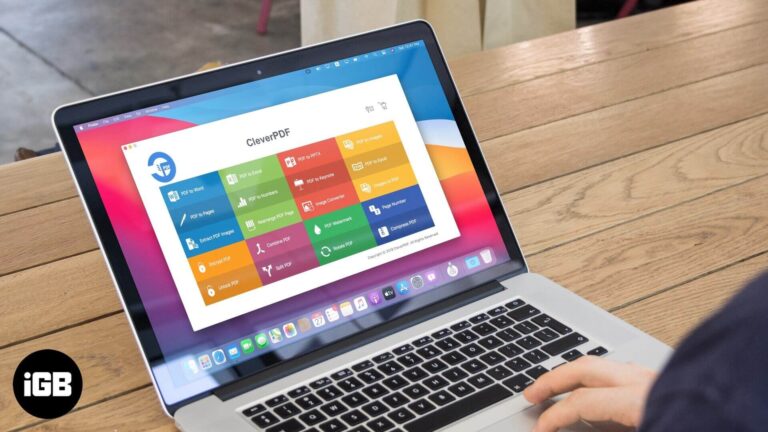
CleverPDF handles conversion, merging, splitting, compression, and password removal without uploading files to a server. We walk through the tools, the download process, and give a verdict.
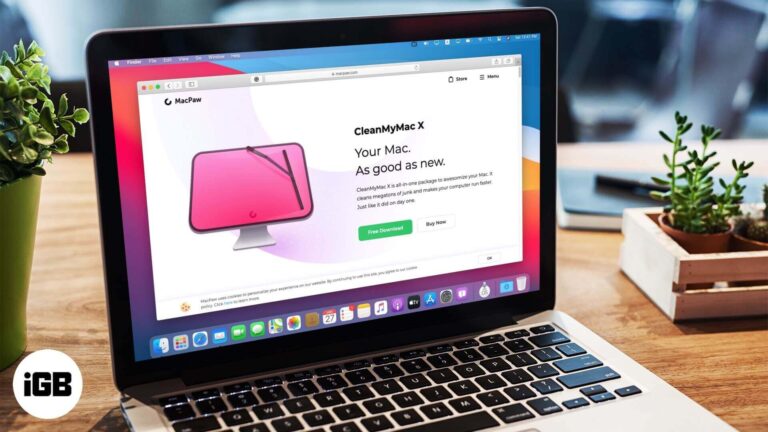
CleanMyMac X bundles junk scanning, malware removal, an uninstaller, and maintenance scripts into a single interface. We look at what it actually reclaims and whether it justifies the subscription.
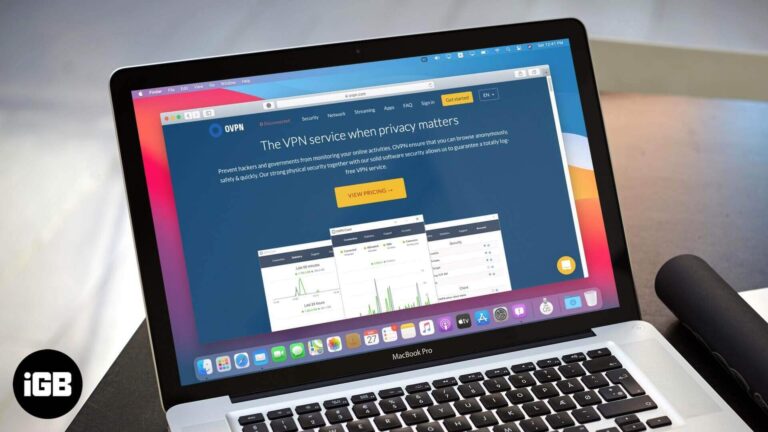
OVPN builds its pitch on infrastructure that cannot retain logs. We look at how the service is secured, how the no-logs claim holds up, its speeds, and whether the privacy focus is worth the price.
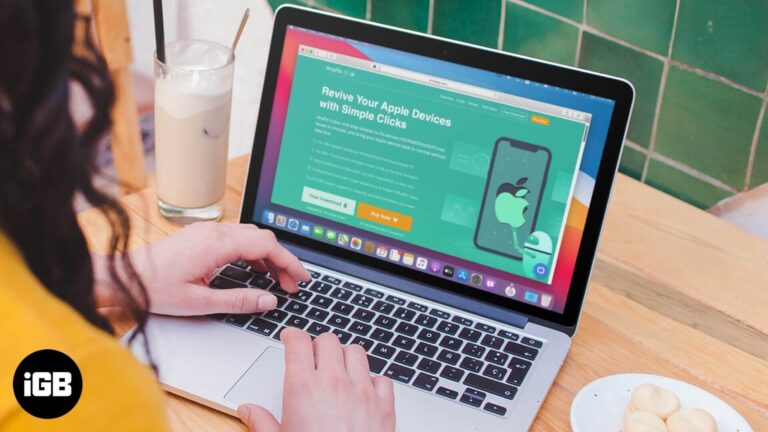
AnyFix promises to fix recovery mode loops, frozen screens, disabled devices, and hundreds of iTunes errors without data loss. We tested its repair modes to see whether it earns a place in your toolkit.

Hubstaff tracks hours, activity levels, and project budgets, then feeds the data into payroll and invoicing. We look at its monitoring features, reporting, and who the tool genuinely suits.
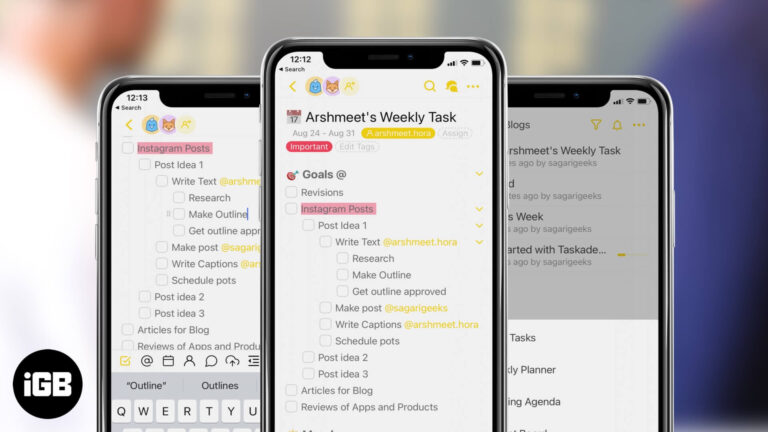
Taskade merges task management, structured notes, and real-time collaboration in one workspace. We look at its templates, project views, chat integration, and which teams it genuinely suits.
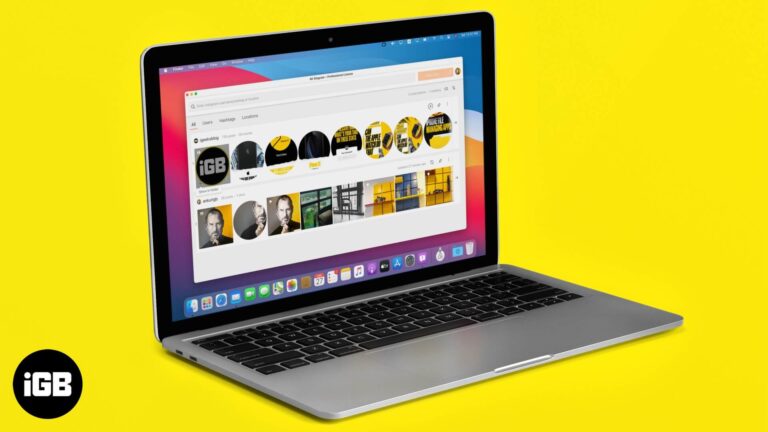
Instagram gives you no built-in way to save posts or Stories. 4K Stogram fills that gap. We walk through downloading photos and videos, locating saved files, and backing up an entire profile.
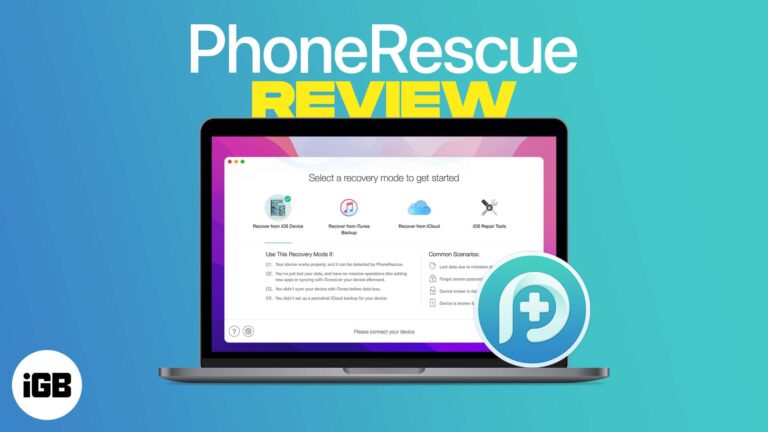
PhoneRescue scans an iPhone or its backups for recoverable data after accidental deletion. We cover installation on Mac and Windows, the recovery modes, and how much it genuinely retrieves.
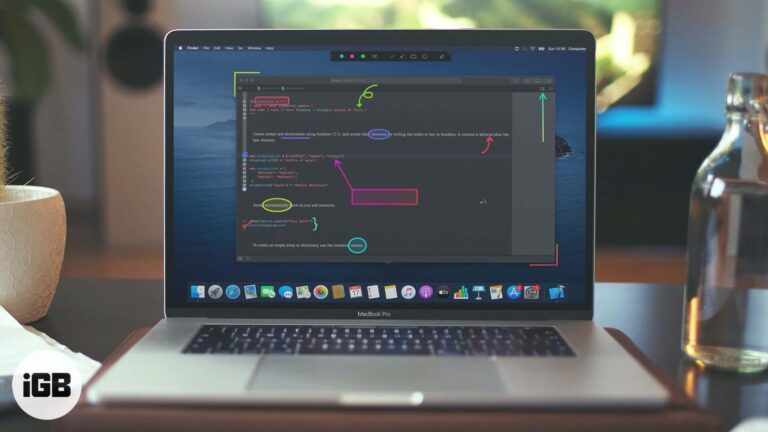
Presentify Screen Annotation app for Mac is what you should use to bolster your presentation. Head over to read the detailed review.
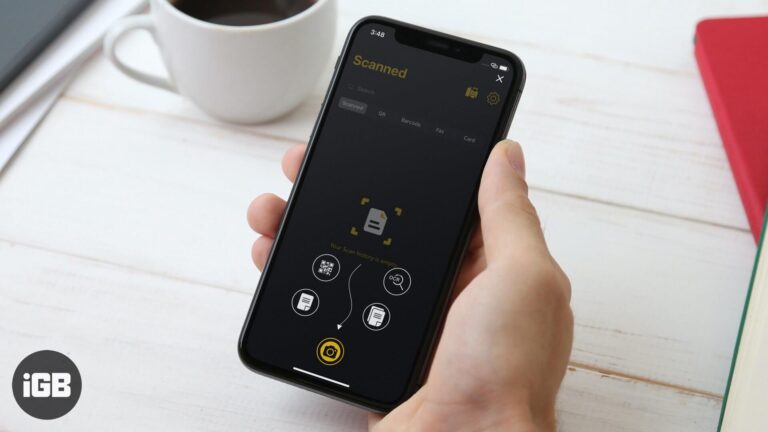
A phone camera makes a capable scanner with the right app. mScanner handles document capture, signing, and sharing. We look at its scanning quality, editing tools, and export options.
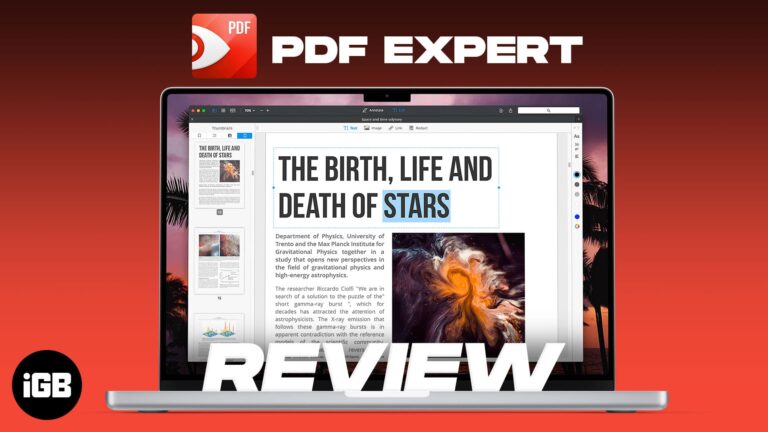
PDF Expert is built for speed on large documents where Preview struggles. We look at its editing and annotation tools, form handling, interface, and whether it justifies the upgrade.
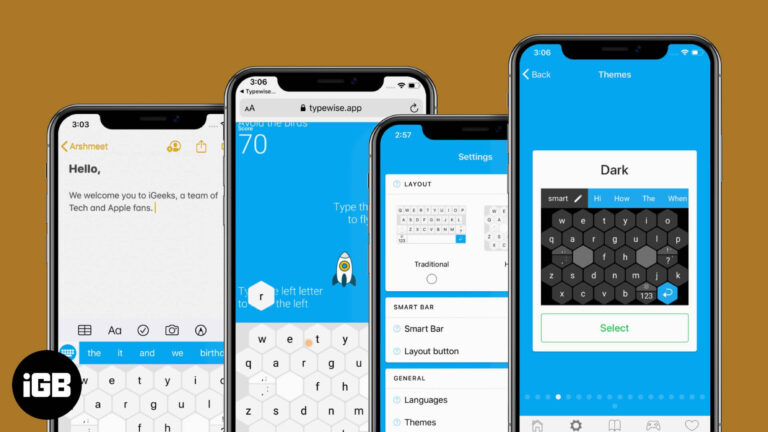
Typewise PRO builds on the free hexagonal keyboard with extra correction, customization, and language features. Here is what the paid version adds and whether it is worth upgrading.

NordPass extends Nord's security lineup into password management. We look at its encryption approach, autofill quality, cross-platform apps, and whether the paid tier justifies its price.


