
FaceTime Like a Pro
Get our exclusive Ultimate FaceTime Guide 📚 — absolutely FREE when you sign up for our newsletter below.

FaceTime Like a Pro
Get our exclusive Ultimate FaceTime Guide 📚 — absolutely FREE when you sign up for our newsletter below.


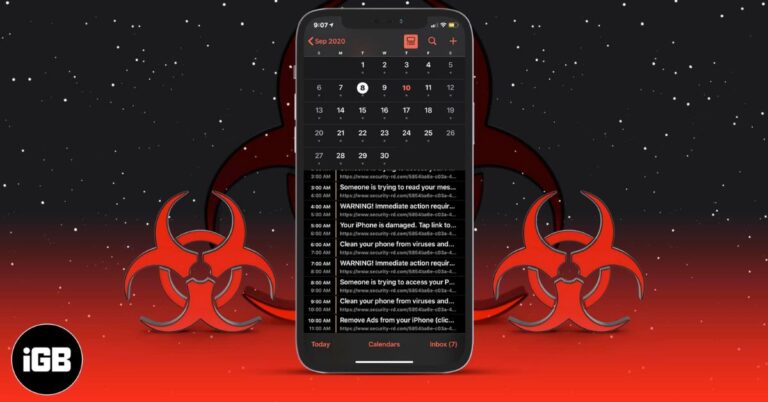
Get rid of fake calendar invites and protect your iPhone from future spam.
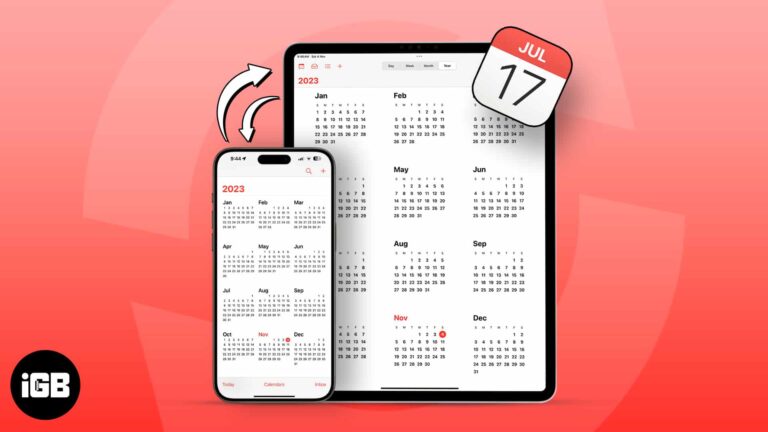
Shared calendars keep families and teams in sync. Here is how to share one from iPhone, control edit permissions, publish a read-only version, and export the whole calendar from iCloud.
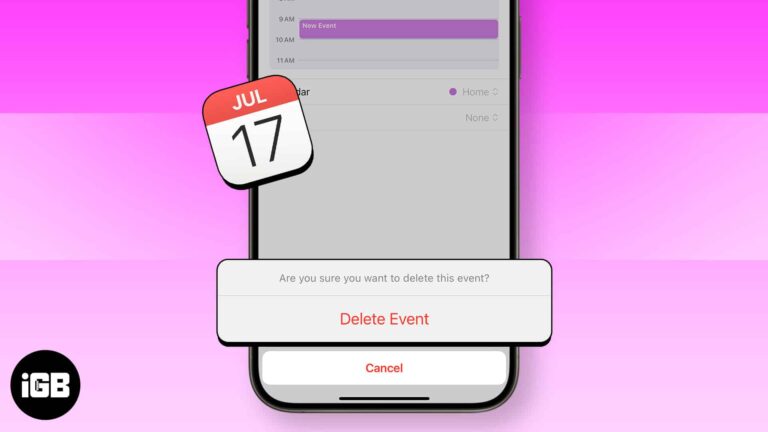
The Calendar app on the iPhone and iPad is a handy tool that lets you add, edit and delete events. It makes sure you do not miss birthdays, anniversaries, holidays, and special days. What’s even better is that once you…
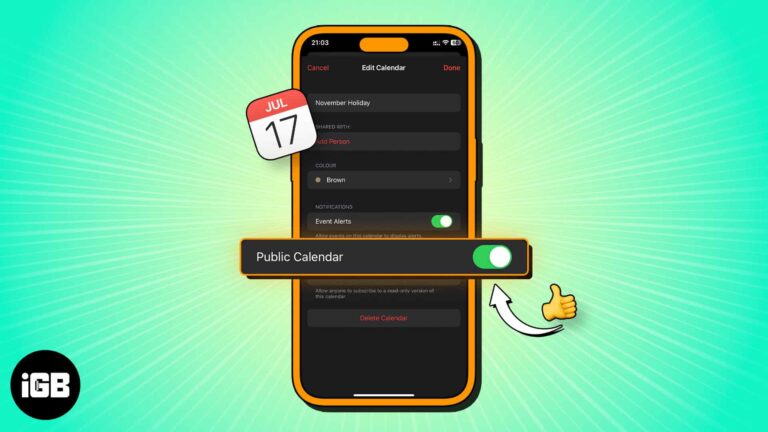
A public calendar produces a link anyone can subscribe to, including non-Apple users. Here is what a public calendar is, how to create one on iPhone, and how to share the subscription link.
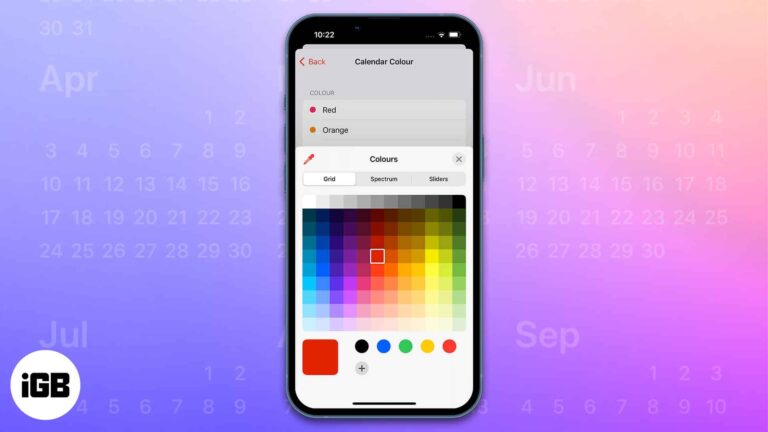
The Calendar app on Apple devices has several beneficial features like sharing the calendar with other users, creating and editing events, sending or replying to invitations, and much more. My favorite feature among them all is the ability to color…
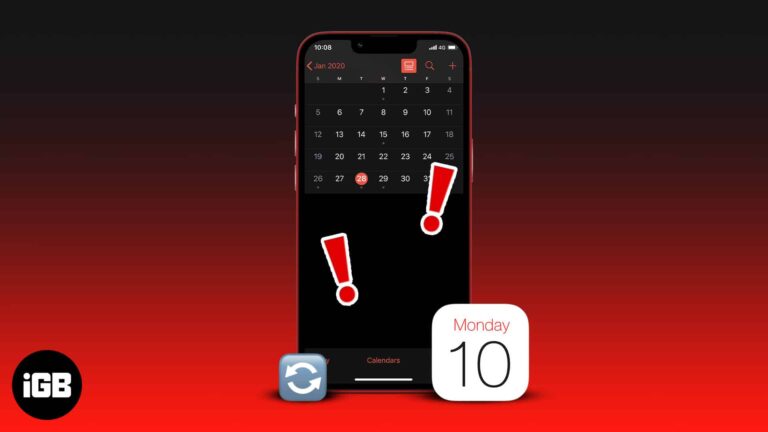
Syncing your iOS calendar with Outlook lets you quickly view and respond to schedules. However, if the iPhone calendar is not syncing with Outlook, you’ll miss your calendar schedules and meetings. Now, that can cost you a lot, depending on…
Missed calendar alerts usually trace to notification permissions or a missing default alert time rather than a broken app. These 12 fixes work through every setting that silences them.
Both calendars are free and sync everywhere, but they differ on interface, smart suggestions, integrations, and data privacy. We compare them point by point to help you commit to one.
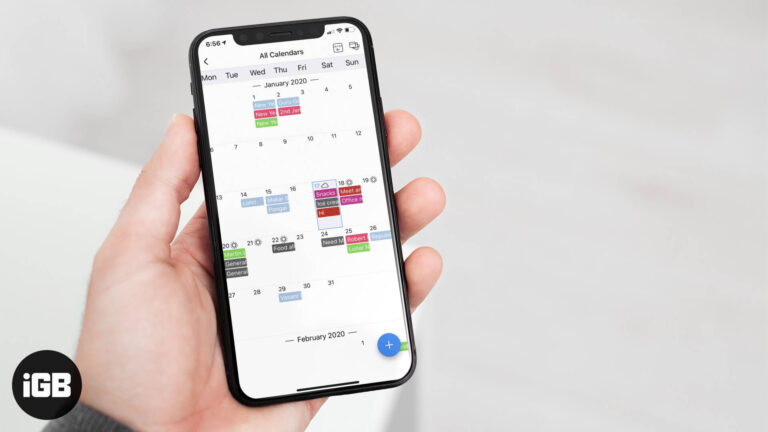
Coordinating schedules across iPhone and Android is awkward with native calendars. GroupCal creates shared calendars anyone can join. We look at its sharing controls, sync reliability, and pricing.
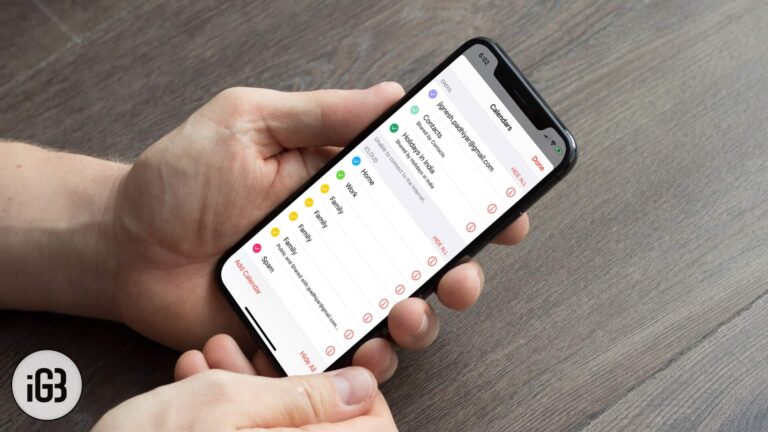
The settings for the Calendar app might get reset when you upgrade or restore or reset your iDevice. That reset triggers a change in the way calendar events are synced to the stock Calendar app. And that could be the…


