
FaceTime Like a Pro
Get our exclusive Ultimate FaceTime Guide 📚 — absolutely FREE when you sign up for our newsletter below.

FaceTime Like a Pro
Get our exclusive Ultimate FaceTime Guide 📚 — absolutely FREE when you sign up for our newsletter below.


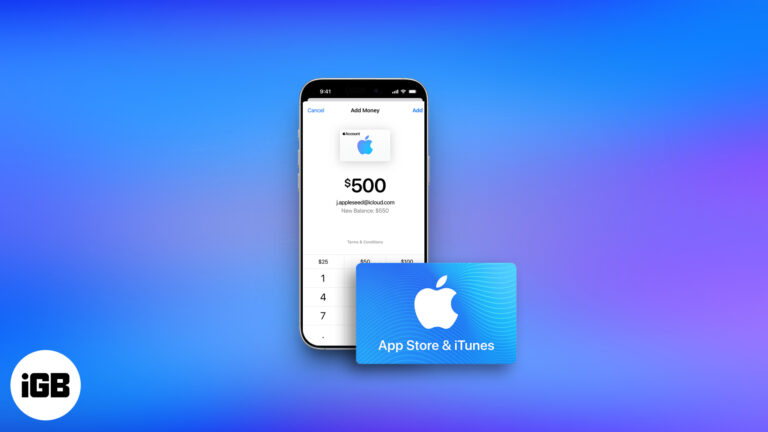
Got an Apple Gift Card? Learn how to use it for apps, subscriptions—or even an iPhone! This guide breaks down everything you need to know.

Apple retired iTunes in macOS Catalina, and the Windows version has aged badly. These alternatives handle iPhone backups, media transfers, and music library management more reliably.
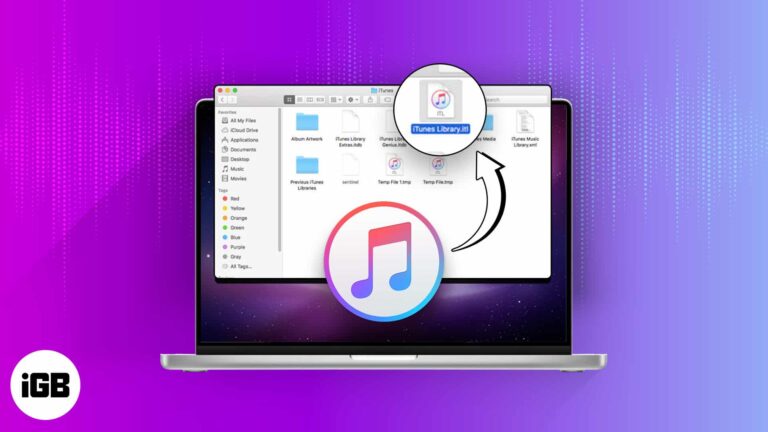
A broken iTunes library shows missing tracks and duplicate entries. Here is what to save first, how to delete and rebuild the library on Mac and Windows, and what a reset actually fixes.
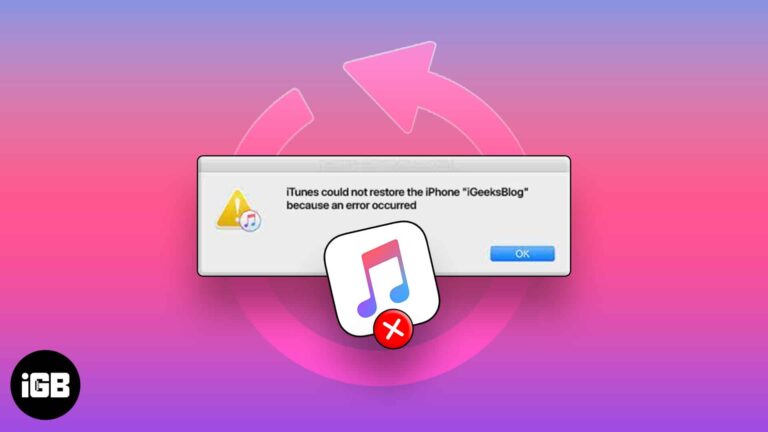
A failed restore usually traces to the cable, a version mismatch, or insufficient space. These seven fixes work through each cause so your backup actually loads onto the device.
You do not need a Mac to sync an iPhone. Here are the options across Windows and macOS, from iTunes and iCloud to File Explorer and Bluetooth, with the strengths of each.
A phone that will not appear in iTunes is usually a driver or trust-prompt problem, not a cable fault. These six fixes cover drivers, the Location and Privacy reset, and a clean iTunes reinstall.
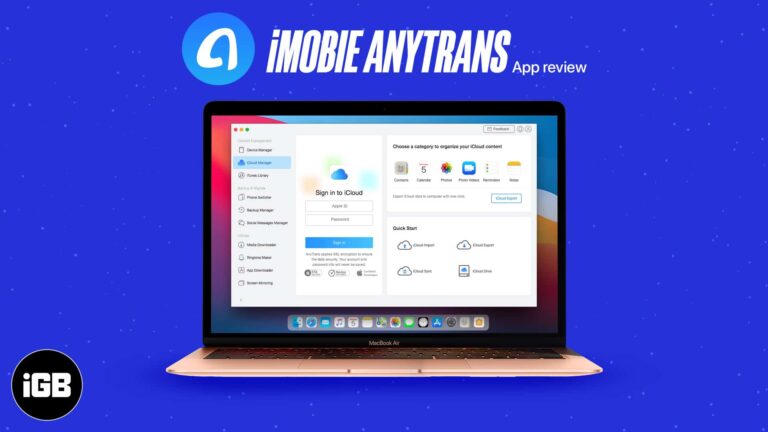
AnyTrans replaces iTunes for moving music, photos, and messages on and off an iPhone. We look at its transfer tools, backup features, and how much friction it removes from device management.
A large music library will not fit on a small SSD. Here is what splitting a library means, why it helps, how to move part of it to another drive, and how to create and switch between libraries.
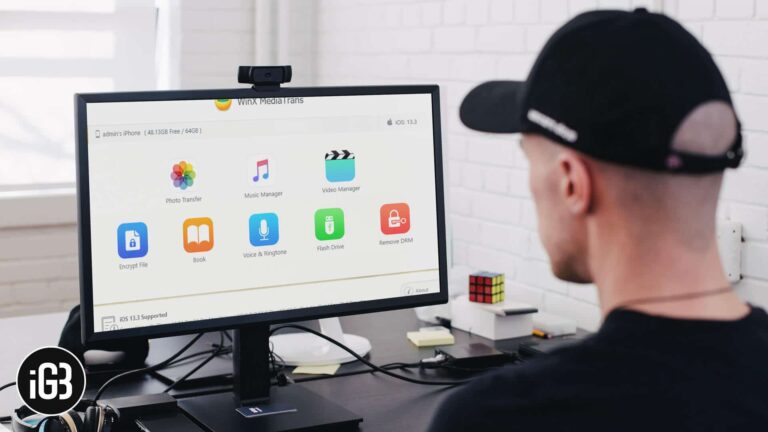
Moving media on and off an iPhone from Windows is painful with iTunes. MediaTrans handles photos, music, video, and ringtones directly. We cover its features and how well it performs.
With every new update in iTunes or iOS, there are many issues that need to be sorted out. In order to resolve the issues, the primary requirement is that you should be able to use iTunes or iOS. In certain…
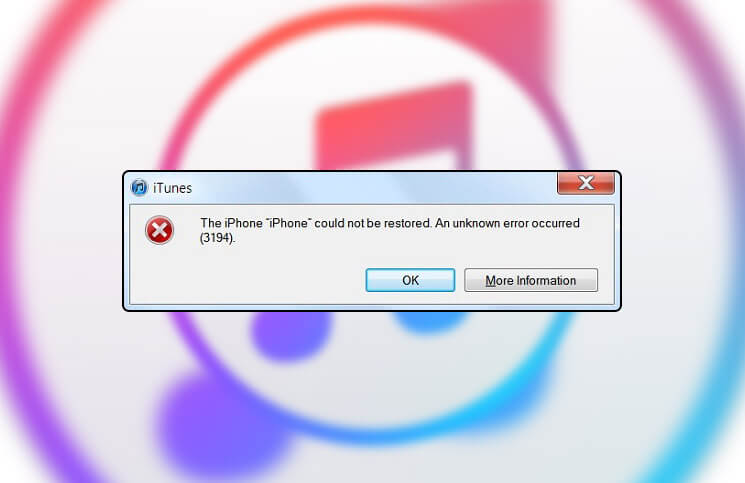
Error 3194 appears when iTunes cannot reach Apple's verification server, usually because of an edited hosts file. Here is how to correct it and complete your restore or update.
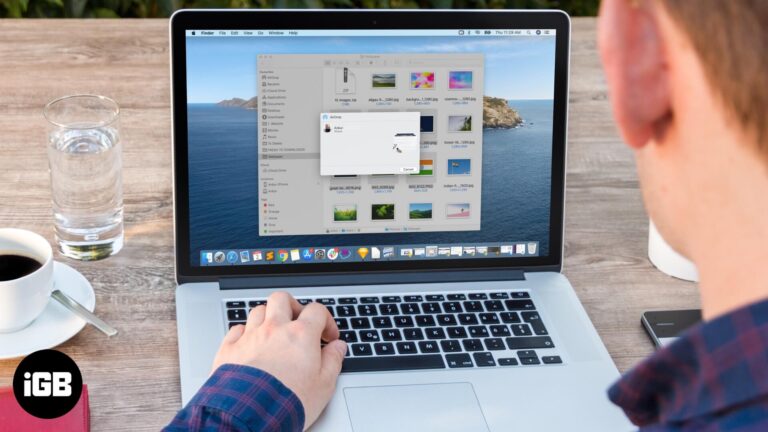
There is no single best way to move photos onto an iPhone. This guide covers AirDrop, iCloud Photos, iCloud Drive, and the iTunes and Finder routes, with the pros of each for Mac and Windows.


