FaceTime Like a Pro
Get our exclusive Ultimate FaceTime Guide 📚 — absolutely FREE when you sign up for our newsletter below.

FaceTime Like a Pro
Get our exclusive Ultimate FaceTime Guide 📚 — absolutely FREE when you sign up for our newsletter below.


Connect ChatGPT to the apps you already use, then try lesser-known plugins for meeting transcripts, PDF edits, product roadmaps, store inventory, and more.
ChatGPT plugins help most when they save you from copying details between your inbox, calendar, files, and work apps. Google and Microsoft tools cover everyday tasks; less obvious options like Fireflies, Adobe Acrobat, and Aha! help with meeting follow-ups, PDF chores, and product roadmaps.
OpenAI marks its 2023 ChatGPT plugins announcement as outdated. Today’s plugin directory can bundle reusable instructions, connected apps, or both, so one plugin may include several apps. Start with the service you already use instead of connecting everything in the directory.
@ or open + and choose More when those controls are available. Ask for a specific task.Your account, plan, region, workspace, role, and ChatGPT surface affect which plugins appear. Work and school administrators may need to enable an app. ChatGPT can use only information the connected account can access, and actions such as editing a file or changing a store require the right permissions. Check the current OpenAI plugin guide if your menu looks different.
If you use Google or Microsoft at work, start with the tools that already hold your information. Connecting duplicate services usually adds another account to manage without giving ChatGPT useful new context.
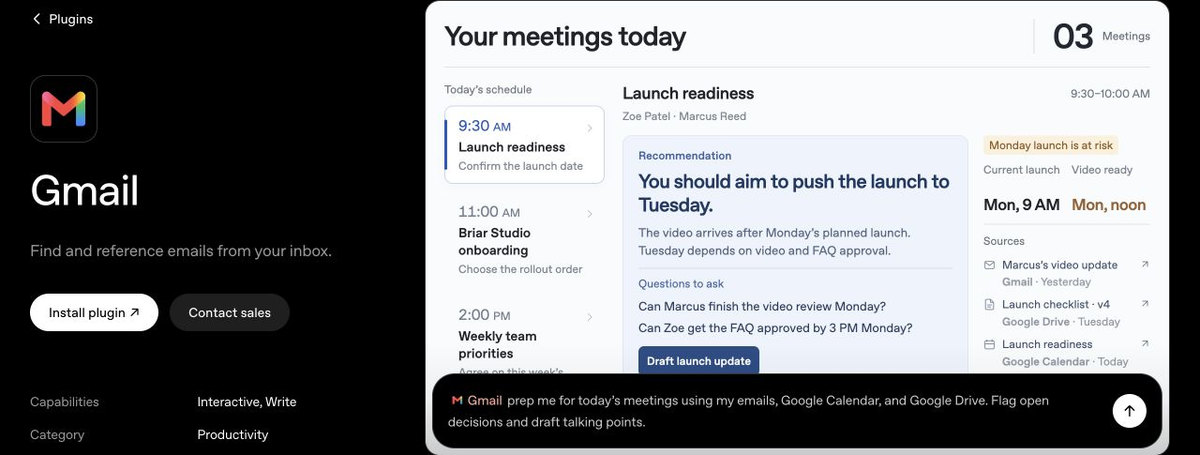
Gmail can search and reference your inbox. Ask it to find the latest message about a project, pull out a deadline, or gather recent correspondence before a call. For example: @Gmail Find the latest email about the launch and list the deadline and next steps. See the Gmail plugin.
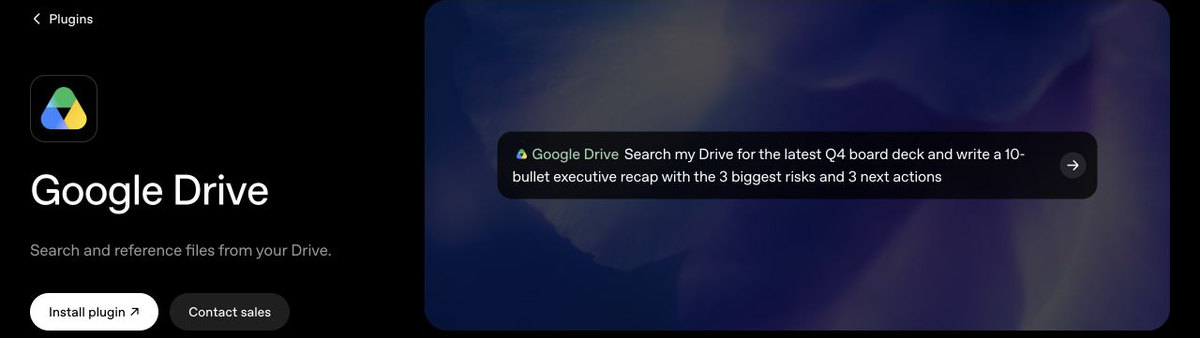
Drive can search Docs, Sheets, Slides, PDFs, and other files you can access. Use it to compare two budget sheets, find a decision in meeting notes, or draft a status update from a project folder. Where the feature and permissions are available, ChatGPT can also update the source file; our coverage of editing Google Drive files in ChatGPT explains that workflow. Browse the Google Drive plugin.

Calendar can look up events and availability, which is useful when you are trying to find a free afternoon or prepare for an upcoming meeting. Try: @Google Calendar When am I free for a 30-minute call on Thursday? See the Google Calendar plugin.
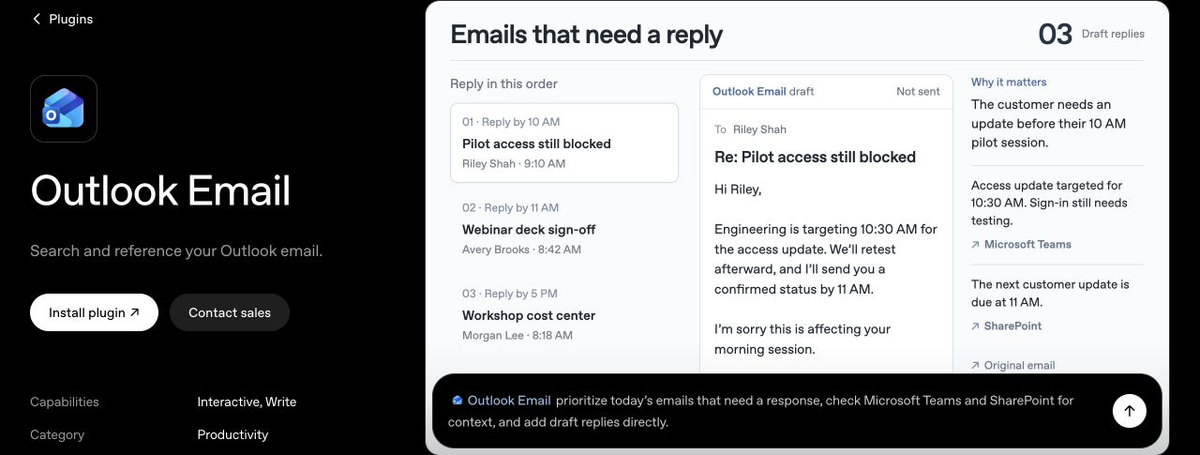
Outlook Email is the Microsoft equivalent to Gmail: search your mailbox, find the latest message about a project, or gather context before replying. Connect it if Outlook is your work email. See the Outlook Email plugin.
Use Outlook Calendar to look up events and availability before suggesting a meeting time. If Outlook is your work email, this gives ChatGPT the calendar side of that setup. Browse the Outlook Calendar plugin.
Teams can look up chats and messages, helping you find a decision or catch up on a conversation without scrolling through a busy channel. Try: @Teams Find the latest decision about the launch plan and summarize the next steps. See the Microsoft Teams plugin.
SharePoint searches shared sites and files, including OneDrive content available to your connected account. Ask it to find a policy, project brief, or the latest version of a team document. See the SharePoint plugin.
Connect a team chat, wiki, design tool, or code repository only if you use it regularly.
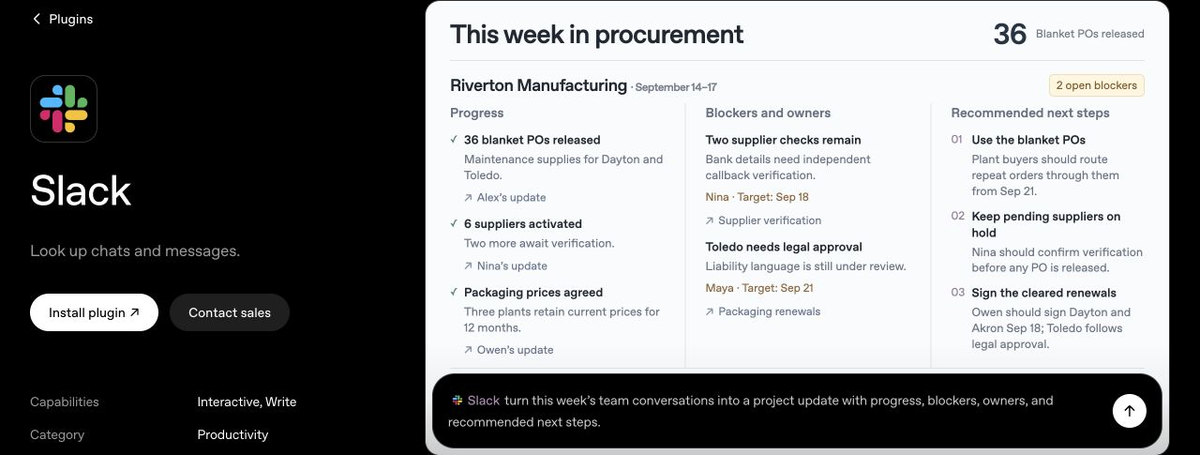
Slack can search messages, threads, and channels you have permission to access. Ask it to find the decision on a project or summarize what changed in a conversation. Try: @Slack What did the team decide about the launch date? Link the messages that support the answer. Browse the Slack plugin.
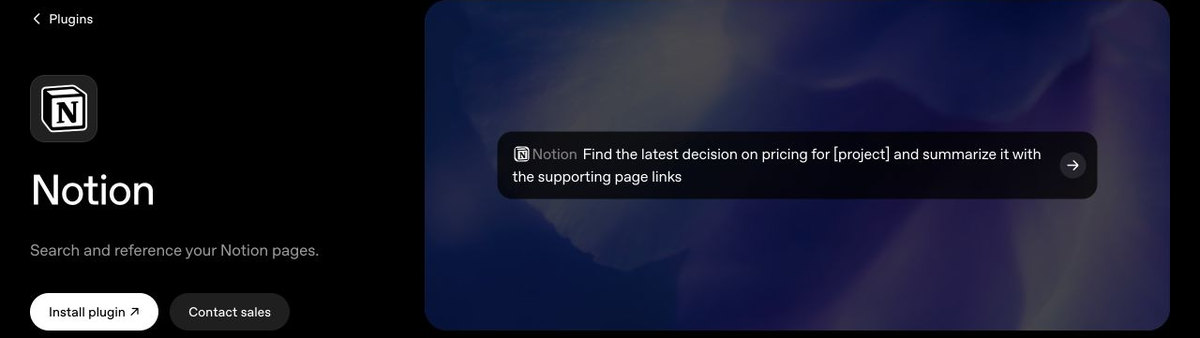
Notion helps find project notes, plans, and decisions across pages you can access. Depending on the plugin, permissions, and workspace settings, it may also create or update pages and databases. Try: @Notion Find the latest decision about [project] and summarize it with the page link. See the Notion plugin.
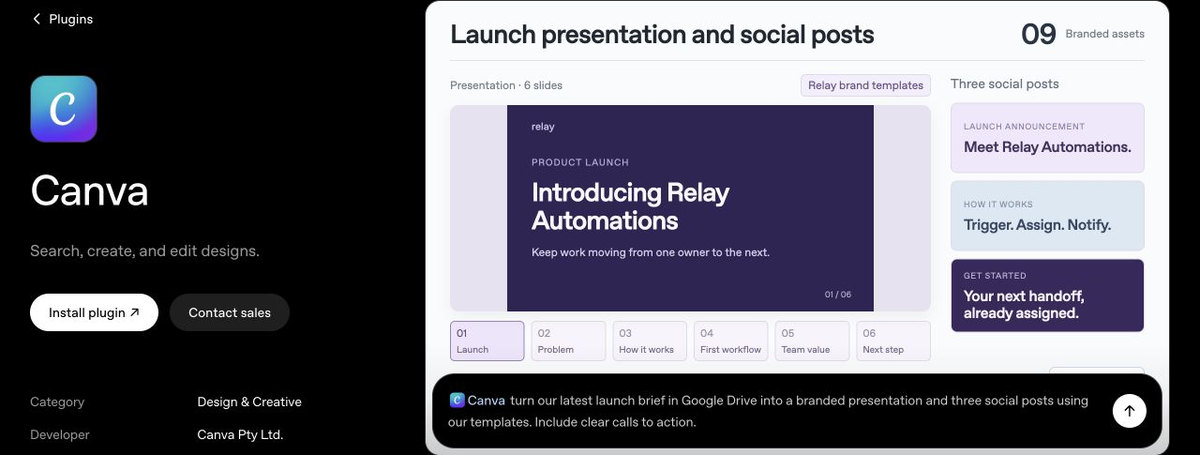
Canva can turn a prompt into a presentation, flyer, or social post you can keep editing in Canva. Use it when you want a first design built from your brief or existing brand assets; skip it if you only need help writing the copy. Browse the Canva plugin.
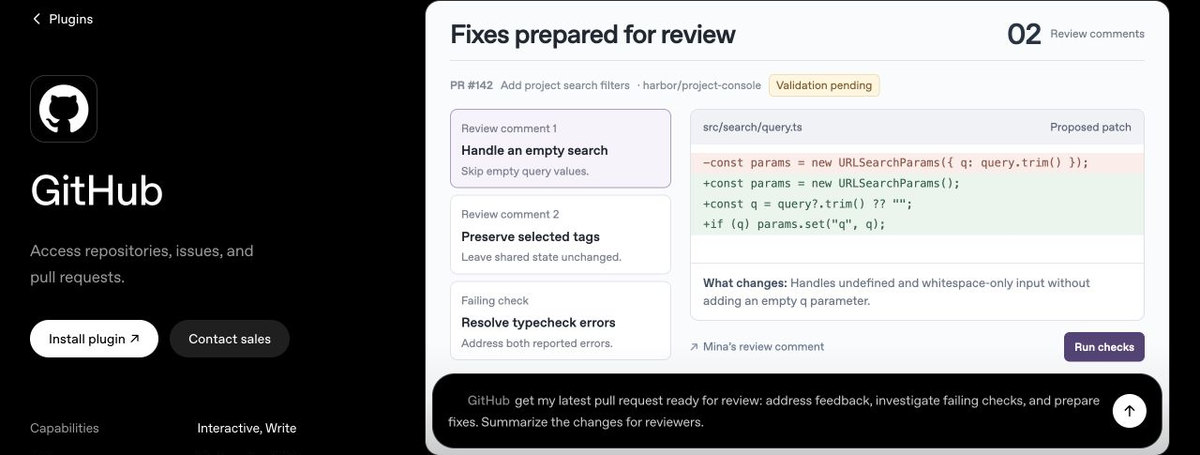
GitHub gives ChatGPT access to repositories, issues, and pull requests you authorize. Ask it to explain an unfamiliar project, summarize a pull request, or find where a feature is implemented. It is a specialist pick for people who work with code, not a general productivity add-on. See the GitHub plugin.
Each one is worth adding only if your work already depends on that service.
Acrobat can reorder, split, or merge PDF pages, convert files, redact sensitive details, and extract information from scans with OCR. It can save a round trip to a separate PDF editor when you need to tidy a form or turn a scanned table into editable data. Review the processed file, especially redactions, before sharing it. See the Adobe Acrobat plugin.

If your meetings are already recorded in Fireflies, ChatGPT can search those transcripts, summarize decisions, and pull out action items with the supporting quote or timestamp. Try: @Fireflies List the action items from my last [project] meeting, including owners and due dates if stated. See the Fireflies plugin.

Dropbox can search files you already have there, summarize what changed, and use a folder to draft a project plan or status update. Choose it if Dropbox is where your work lives; if your files are already in Drive or SharePoint, you probably do not need another connection. Browse the Dropbox plugin.
Rovo searches Jira issues, Confluence pages, and Compass project information. It can also turn a discussion into Jira tasks when those actions are enabled, which is handy after a meeting or planning session. This only pays off if your team already uses Atlassian; everyone else can skip it. See the Atlassian Rovo plugin.
Shopify can help store owners review product listings, check inventory across locations, and understand sales or orders. It can also handle supported store actions, such as creating discount codes. Try: @Shopify Show me products with fewer than 10 units in stock by location. Review any change before it goes live. Browse the Shopify plugin.

Aha! brings product roadmaps and feature updates into ChatGPT. Product teams can ask what is scheduled next, spot initiatives at risk, summarize customer feedback, or draft release notes from recent updates. Use it only if your team tracks features in Aha!; it will not help much if your roadmaps live elsewhere. See the Aha! plugin.
Pick the one tied to the information you search for most. Try Gmail or Outlook for email, Drive or SharePoint for files, and Slack or Teams for work conversations. Add Fireflies, Acrobat, Rovo, Shopify, or Aha! only if you already use that service.
Review the requested access before connecting an account, and be especially careful with plugins that can edit files, create tasks, or change store settings. On Apple Silicon Macs, the Apple Messages plugin works in the desktop app’s ChatGPT Work and Codex views, where it can search conversations and prepare replies.