FaceTime Like a Pro
Get our exclusive Ultimate FaceTime Guide 📚 — absolutely FREE when you sign up for our newsletter below.

FaceTime Like a Pro
Get our exclusive Ultimate FaceTime Guide 📚 — absolutely FREE when you sign up for our newsletter below.


Make every fold count with these iPhone Duo apps that turn its unique design into a smarter, more immersive experience.
When I first started exploring my new iPhone Duo, I realized that simply having a bigger screen doesn’t make every app better. Some apps genuinely make use of the fold, offering smarter layouts and new ways to multitask, while others still feel like regular iPhone apps stretched across a larger display.
So, if you want to get more out of your iPhone Duo, I’ve rounded up 20 of the best iPhone Duo apps worth downloading. These apps are specially optimized to make the most of the foldable design, whether you’re working, watching videos, reading, creating content, or gaming.
If you don’t want to browse through every recommendation, here’s a quick look at the apps I would consider first. I’ve organized them by what they do best and the iPhone Duo position where their features are most useful.
| App | Best For | Best Duo Position | Price (US) |
|---|---|---|---|
| Fantastical | Calendar and tasks | Fully open | Free; Premium subscription |
| Microsoft Outlook | Email and productivity | Fully open | Free; Microsoft 365 extras |
| Things 3 | Task management | Fully open | Paid |
| Bear | Notes and writing | Open / Split View | Free; Pro subscription |
| Goodnotes | Handwritten notes | Fully open | Free; subscription |
| Netflix | Streaming entertainment | Half-folded | Free app; subscription |
| Prime Video | Movies and TV shows | Half-folded | Free app; subscription |
| YouTube | Video streaming | Half-folded | Free |
| Edits | Video editing | Fully open | Free; In-app purchases |
| Detail | Podcast and video editing | Fully open | Free; Pro & Legacy subscription |
| Halide Mark III | Professional photography | Open / Split View | Paid |
| Flighty | Flight tracking | Propped up | Free; subscription |
| CalibReader | Reading ebooks and PDFs | Fully open | Free |
| Wider | Full-width Safari browsing | Closed (outer screen) | Free |
| NYT Cooking | Recipes and cooking | Half-folded | Subscription |
| Asphalt Legends | Racing games | Fully open | Free; in-app purchases |
| Delta | Retro gaming | Half-folded | Free |
| Marbles Unhinged | Fold-based puzzle gaming | Any position | $2.99 |
| Battlefleet Duo | Battleship-style gaming | Laptop position | Free; In-app purchases |
| Retrocade | Retro arcade games | Multiple positions | Apple Arcade |
One of the first things I would check before downloading an app is whether it actually supports the iPhone Duo’s foldable display.
Apple has introduced a Made for iPhone Duo badge in the App Store to help users identify apps designed to take advantage of the device. The badge is particularly useful because an app that works on an iPhone Duo isn’t necessarily optimized for it.
There are three important compatibility states to understand.
My recommendation is to look for the Made for iPhone Duo badge and check the app’s latest release notes. If the developer specifically mentions iPhone Duo support, that’s a much stronger indication that the app has received a dedicated update.
A foldable iPhone can make everyday productivity considerably more convenient. Instead of constantly switching between apps, you can use the larger display to keep more information visible.
Apple has highlighted several productivity apps that take advantage of this approach. Here are five worth considering.
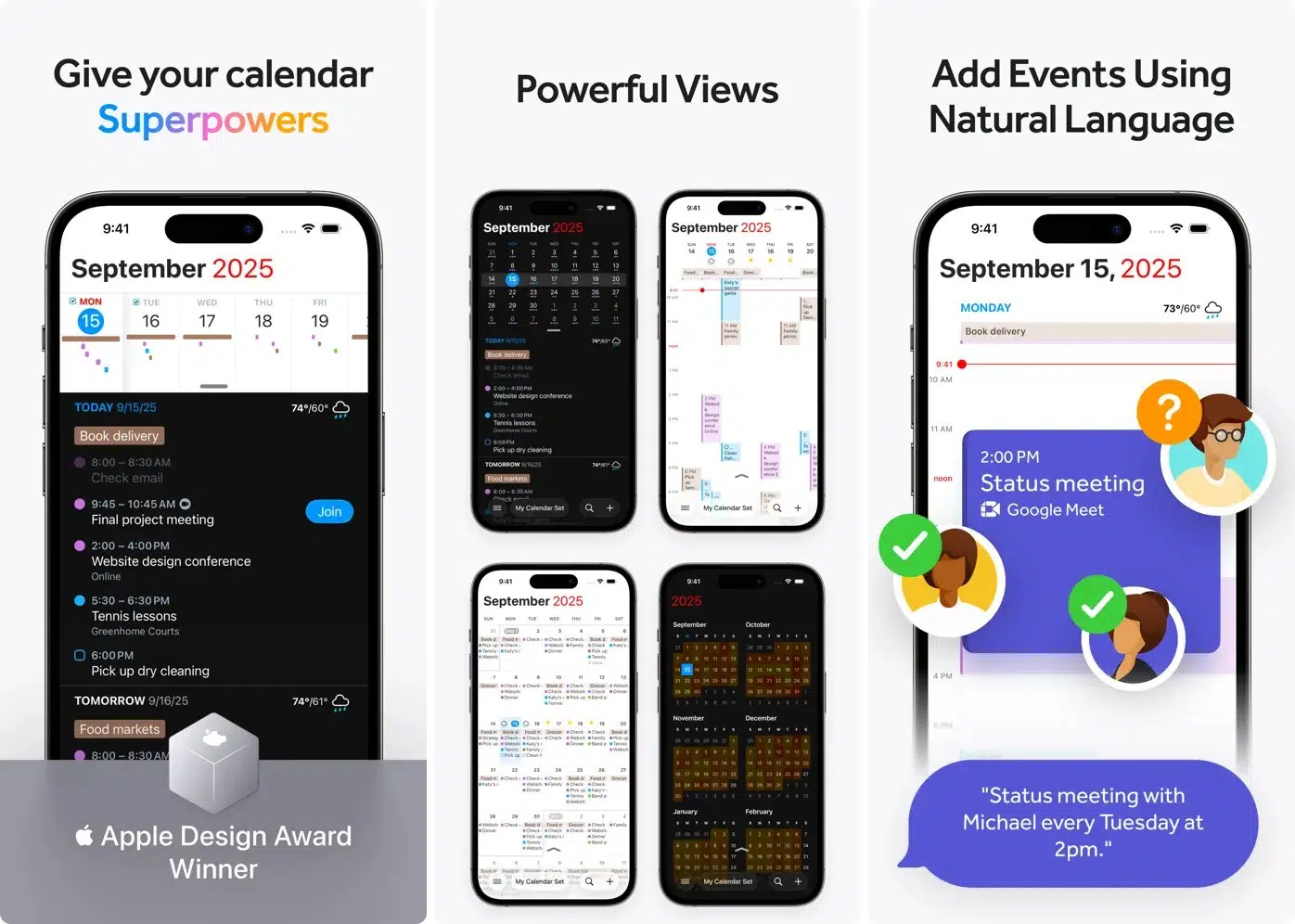
If your day revolves around meetings, appointments, reminders, and deadlines, Fantastical is one of the first apps I’d recommend exploring.
Fantastical takes advantage of the larger display by allowing you to see more of your calendar, tasks, and navigation menus together.
On a regular iPhone, you often have to switch between views to find the information you need. The Duo’s larger display makes it easier to keep multiple parts of your schedule visible at once.
Why it’s useful on iPhone Duo:
Price: Free with a Premium subscription option (starts at $6.99).
Who should download it: Anyone who manages a busy work schedule, multiple appointments, or personal tasks.
Who can skip it: If you only need a basic calendar for occasional appointments, Apple’s built-in Calendar app may be sufficient.
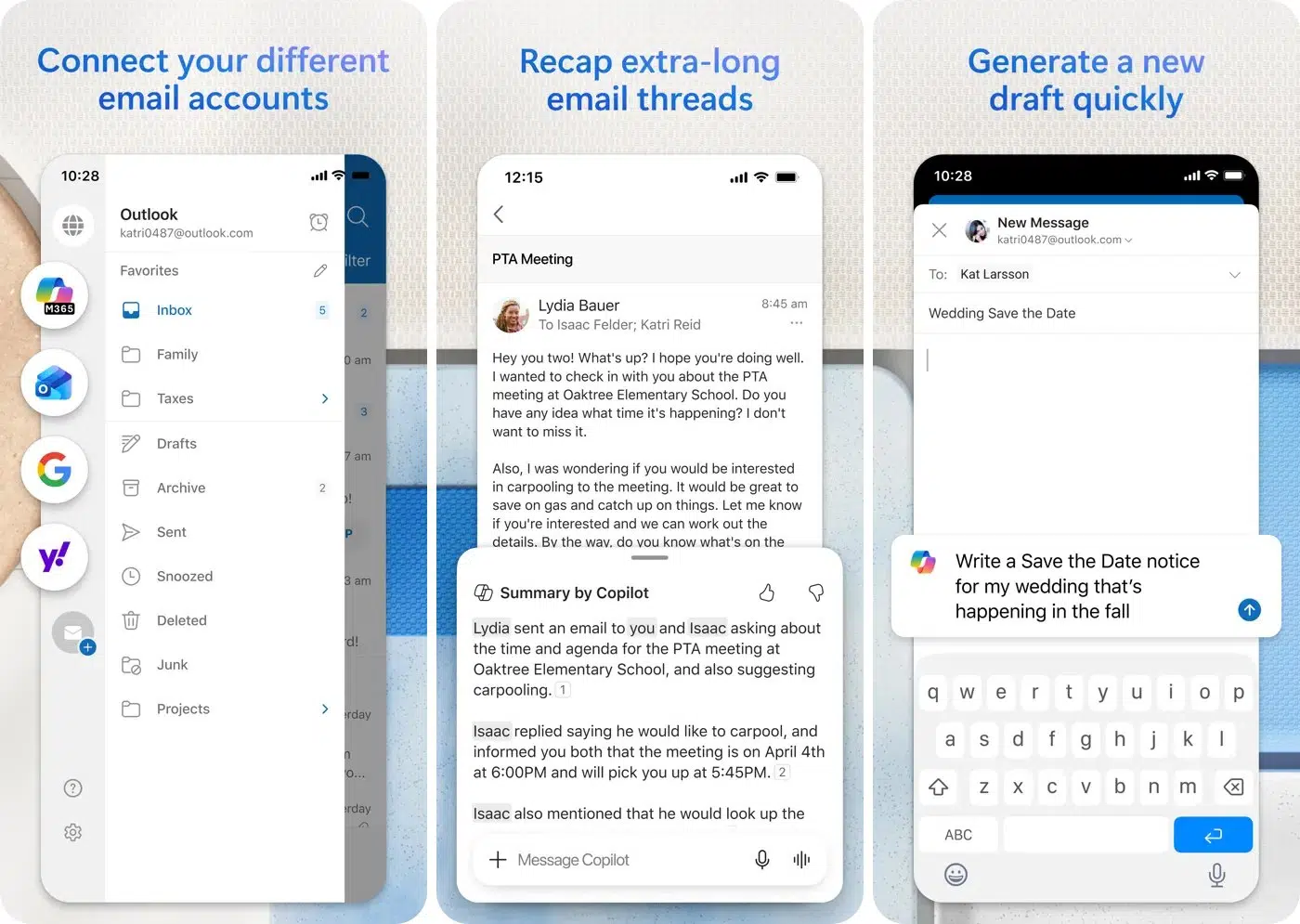
Microsoft Outlook is another productivity app that benefits significantly from the iPhone Duo’s larger display.
Outlook can now display your inbox beside a full email message. Instead of opening an email, going back to the inbox, and selecting another message, you can keep both areas visible.
For anyone who handles work emails throughout the day, this is a meaningful improvement.
Why it’s useful on iPhone Duo:
Price: Free, with an additional Microsoft 365 subscription starting at $1.99.
Who should download it: Professionals, students, and anyone managing multiple email conversations.
Who can skip it: Users who already prefer Apple’s Mail app and don’t need Outlook’s additional productivity features.
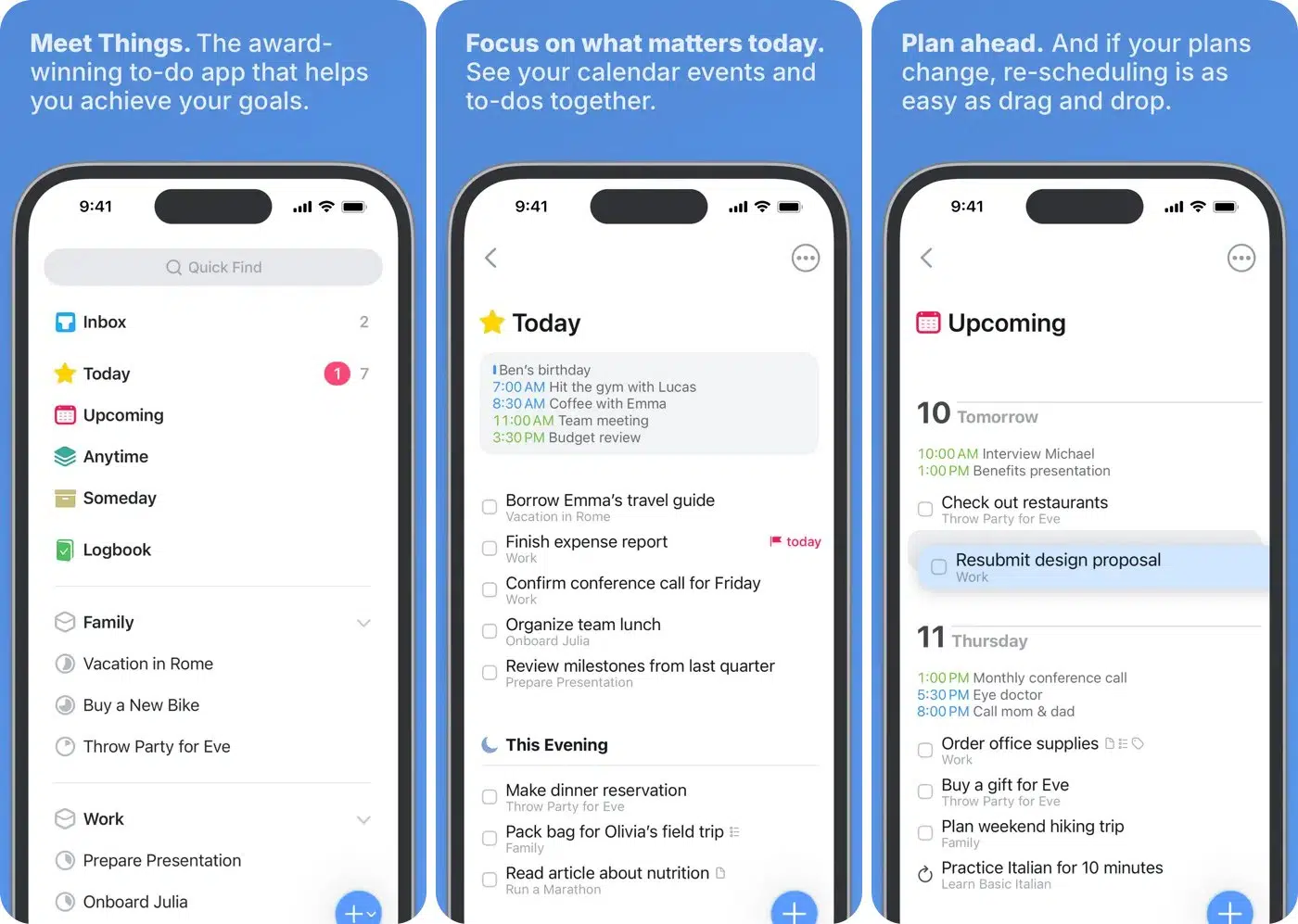
I rely on Things 3 daily to organize my projects, daily responsibilities, and long-term goals.
On the iPhone Duo, the fully open display gives you more room to work with your task lists and project organization. You can use the extra screen space to review your upcoming responsibilities without constantly navigating between smaller screens.
It is particularly useful for people who prefer organizing their day into projects, deadlines, and individual tasks.
Why it’s useful on iPhone Duo:
Price: $9.99
Who should download it: People who want a dedicated task-management system.
Who can skip it: Anyone satisfied with Apple’s built-in Reminders app.
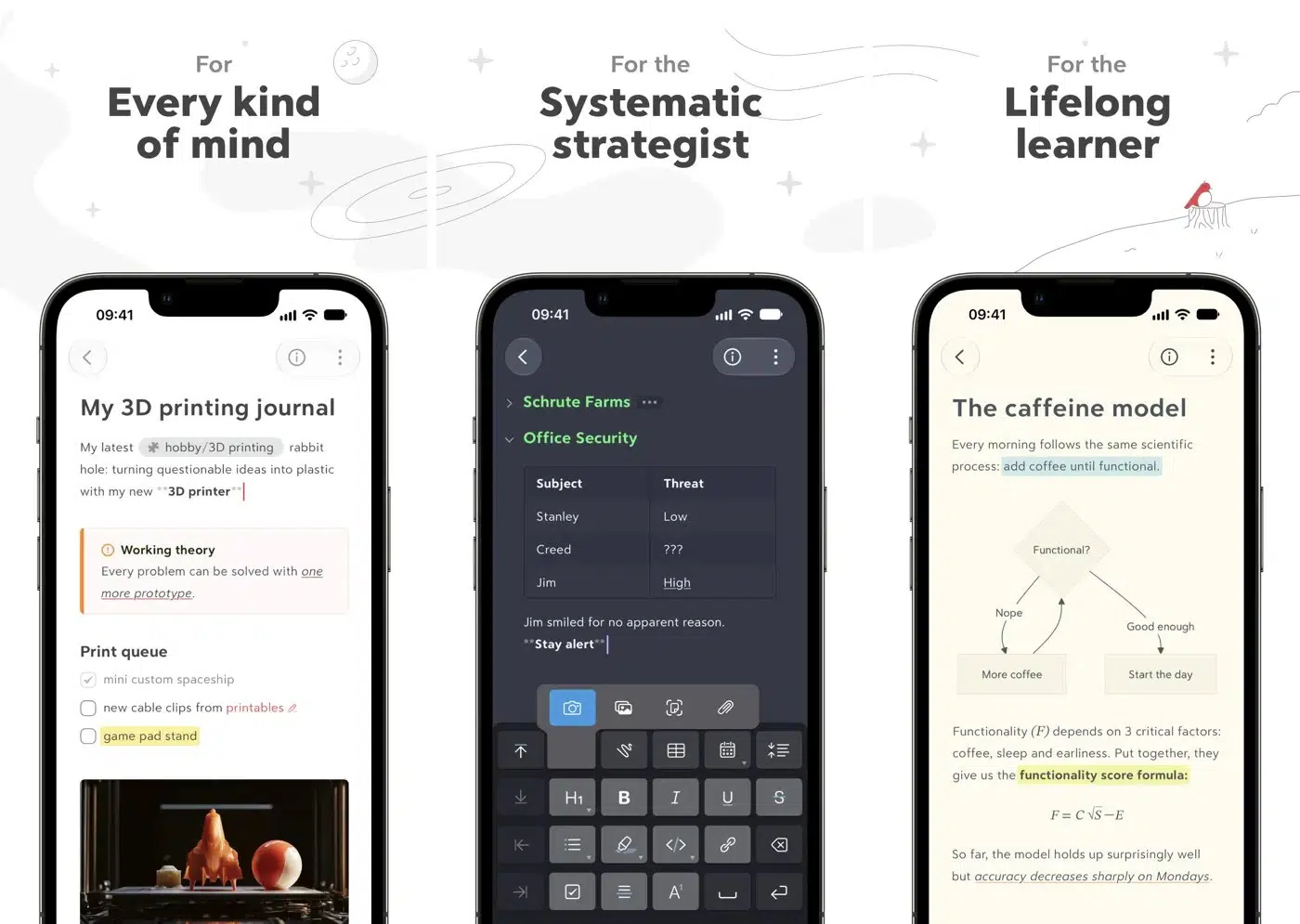
Bear is a note-taking app that offers a clean writing environment without unnecessary distractions. Thus, it appeals to people who regularly take notes, keep personal journals, or collect research.
The iPhone Duo’s larger display makes it comfortable to work with longer notes and organize information. Bear also supports Split View. For example, you could open a webpage in Safari while keeping your notes visible for writing down important information.
Why it’s useful on iPhone Duo:
Price: Free with an optional Pro subscription starting at $2.99.
Who should download it: Writers, researchers, students, and anyone who takes frequent notes.
Who can skip it: Users who only need occasional notes and prefer Apple’s Notes app.
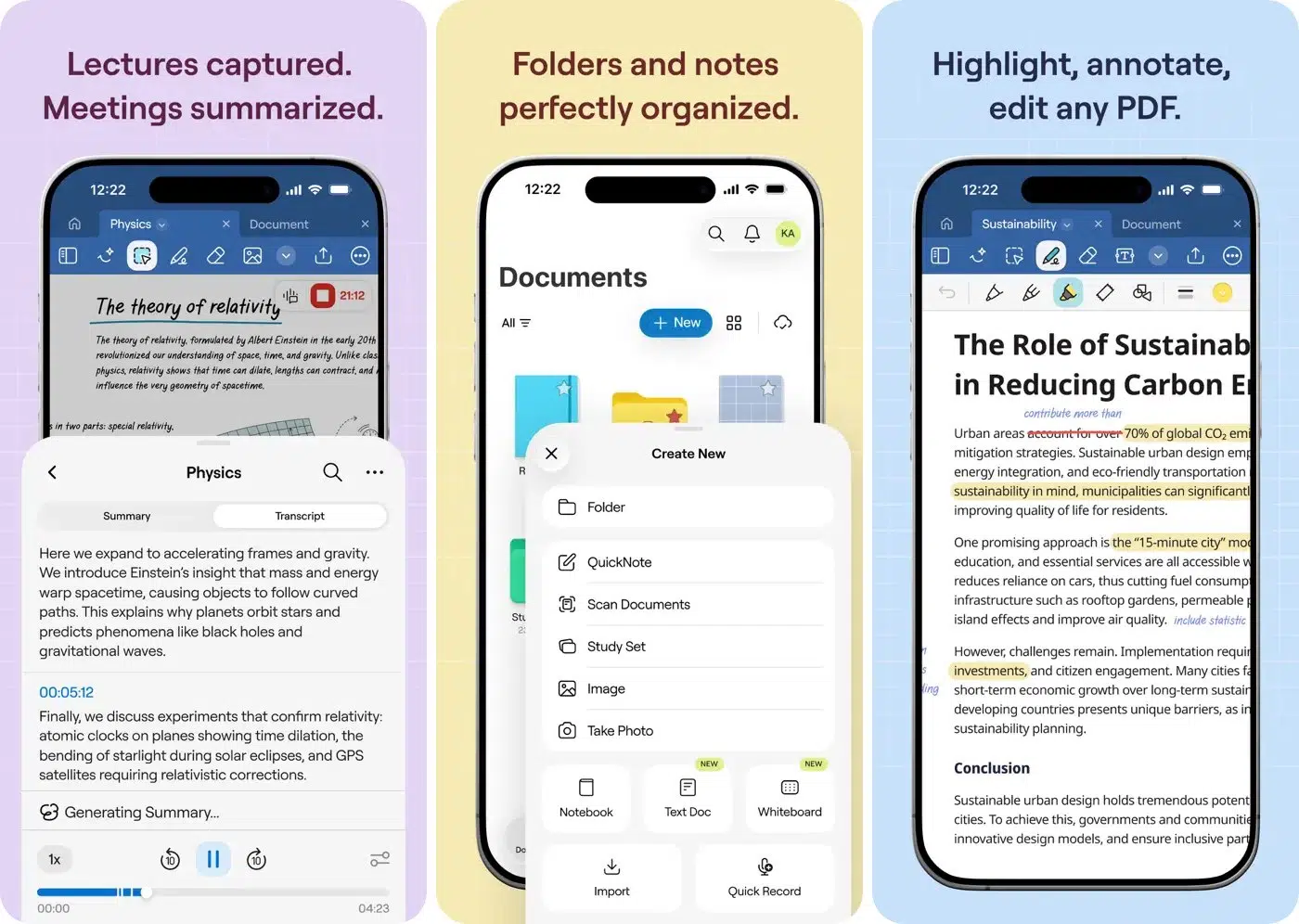
Goodnotes is especially interesting because it brings handwritten note-taking to the iPhone Duo. With its optimized interface, the larger display provides more room for writing, drawing, annotating documents, and organizing handwritten notes.
Apple Pencil support is available with iPhone Duo starting with iOS 27.2. This makes the device more useful for students, professionals, and anyone who prefers writing things down instead of typing.
Why it’s useful on iPhone Duo:
Price: Free, with subscription options starting at $1.99.
Who should download it: Students, teachers, and professionals who regularly work with handwritten notes.
Who can skip it: Anyone who rarely writes by hand or prefers a traditional keyboard-based workflow.
The real benefit of a larger foldable screen becomes clearer when you use two apps together.
Here are two combinations worth trying:
These combinations can make the iPhone Duo feel more like a compact productivity workstation than a conventional smartphone.
Watching videos is one of the most obvious uses for a larger display. However, the iPhone Duo’s foldable design adds another interesting possibility: you don’t always need to hold the device.
By folding it halfway, you can prop it up on a table and enjoy hands-free viewing.
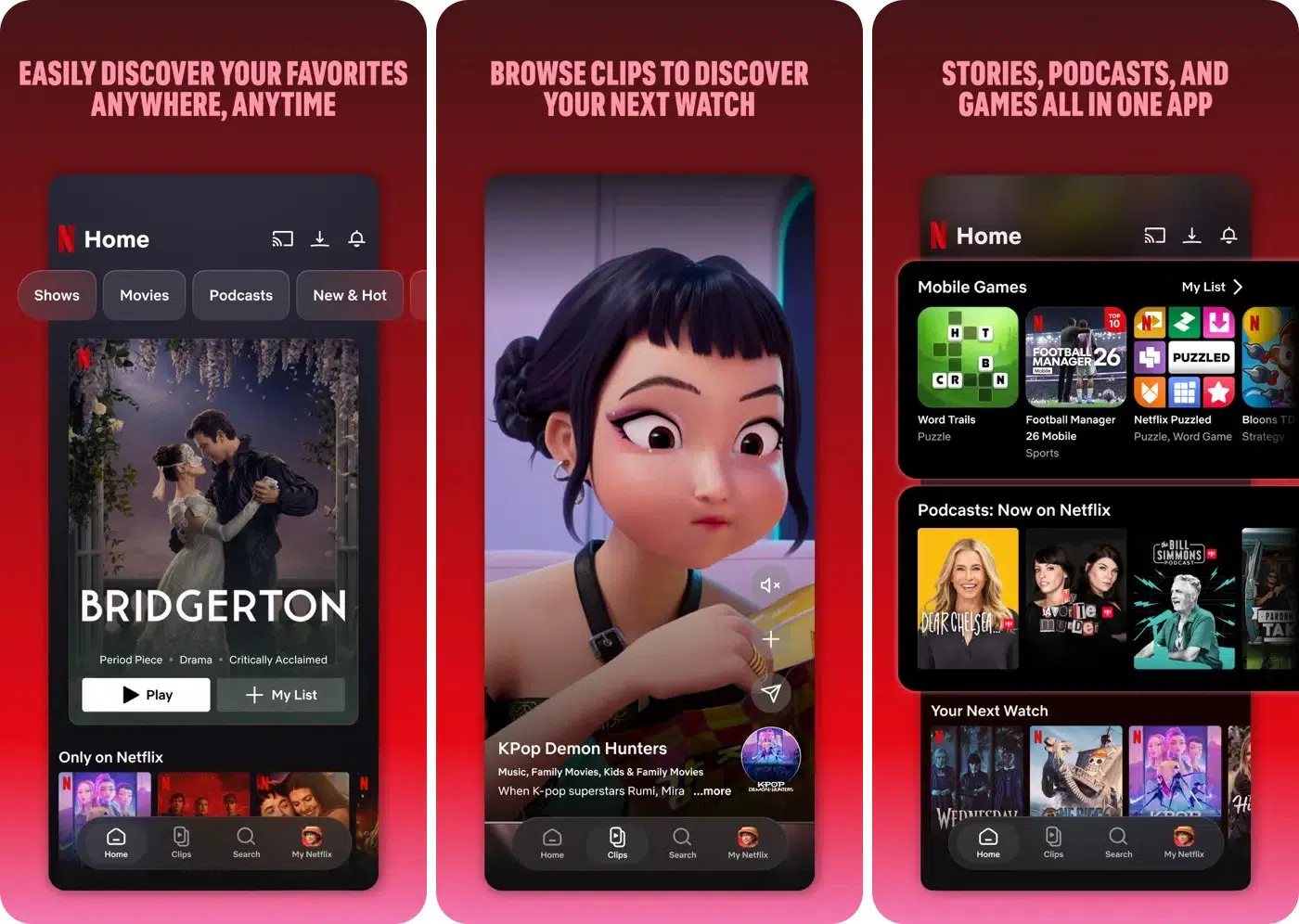
Netflix is one of the streaming apps highlighted by Apple for iPhone Duo.
One interesting aspect of its experience is how you can browse Clips on the outer display and then open the device to continue watching. This creates a convenient transition between discovering content and enjoying it on the larger screen.
Why it’s useful on iPhone Duo:
Price: Free app; Netflix subscription required for streaming (starts at $19.99).
Who should download it: Anyone who already uses Netflix for movies, series, and documentaries.
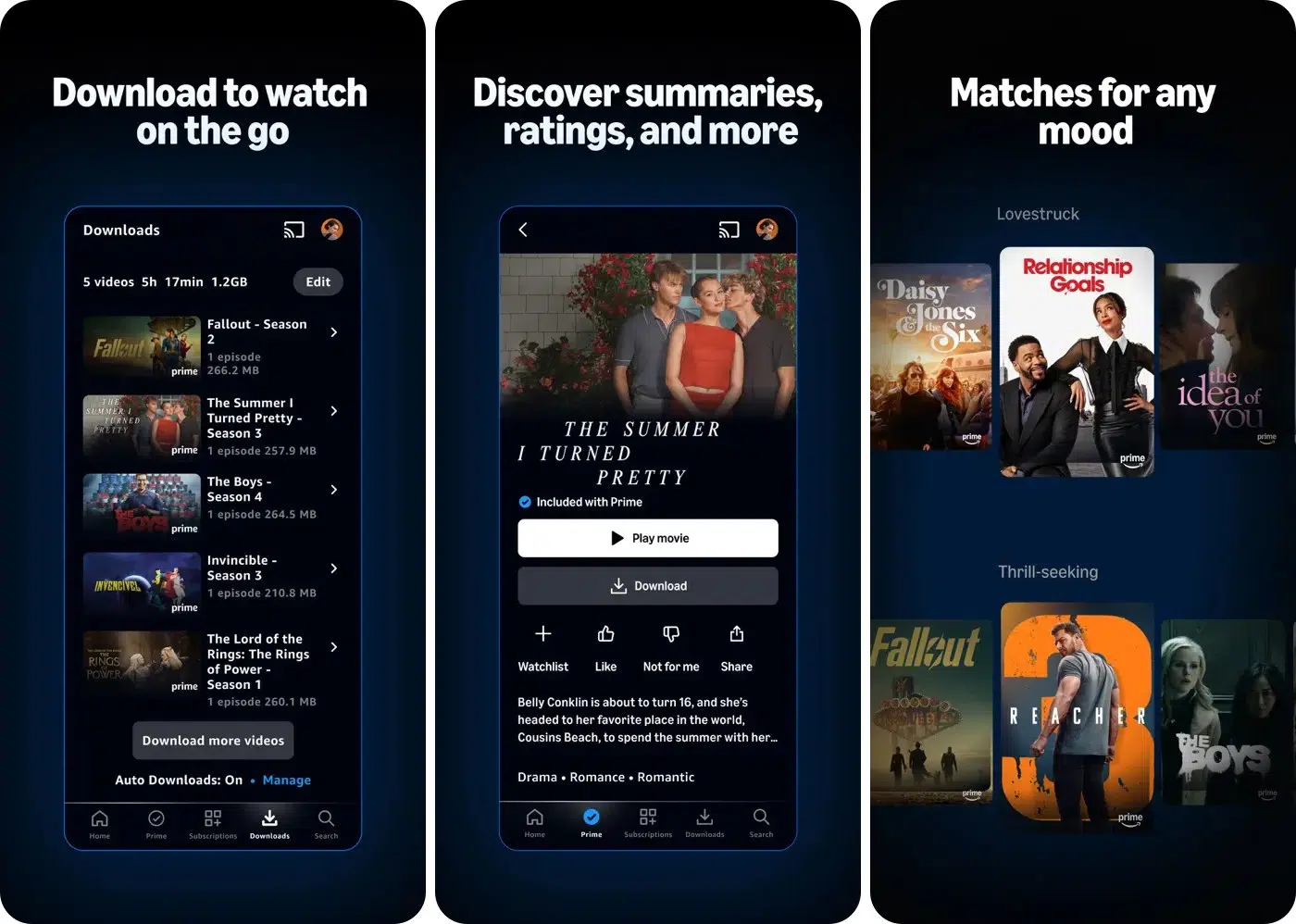
Prime Video takes an interesting approach to the iPhone Duo’s half-folded position. When the device is folded halfway, the video can appear on the upper portion while X-Ray information occupies the lower portion.
If you haven’t used X-Ray before, it provides additional information about the content you’re watching, including cast details. This is particularly useful when you’re watching a movie and want to know more about an actor or character without leaving the video.
Why it’s useful on iPhone Duo:
Price: Free app; subscription required for Prime Video content.
Who should download it: Existing Prime Video subscribers who enjoy discovering additional information about movies and shows.
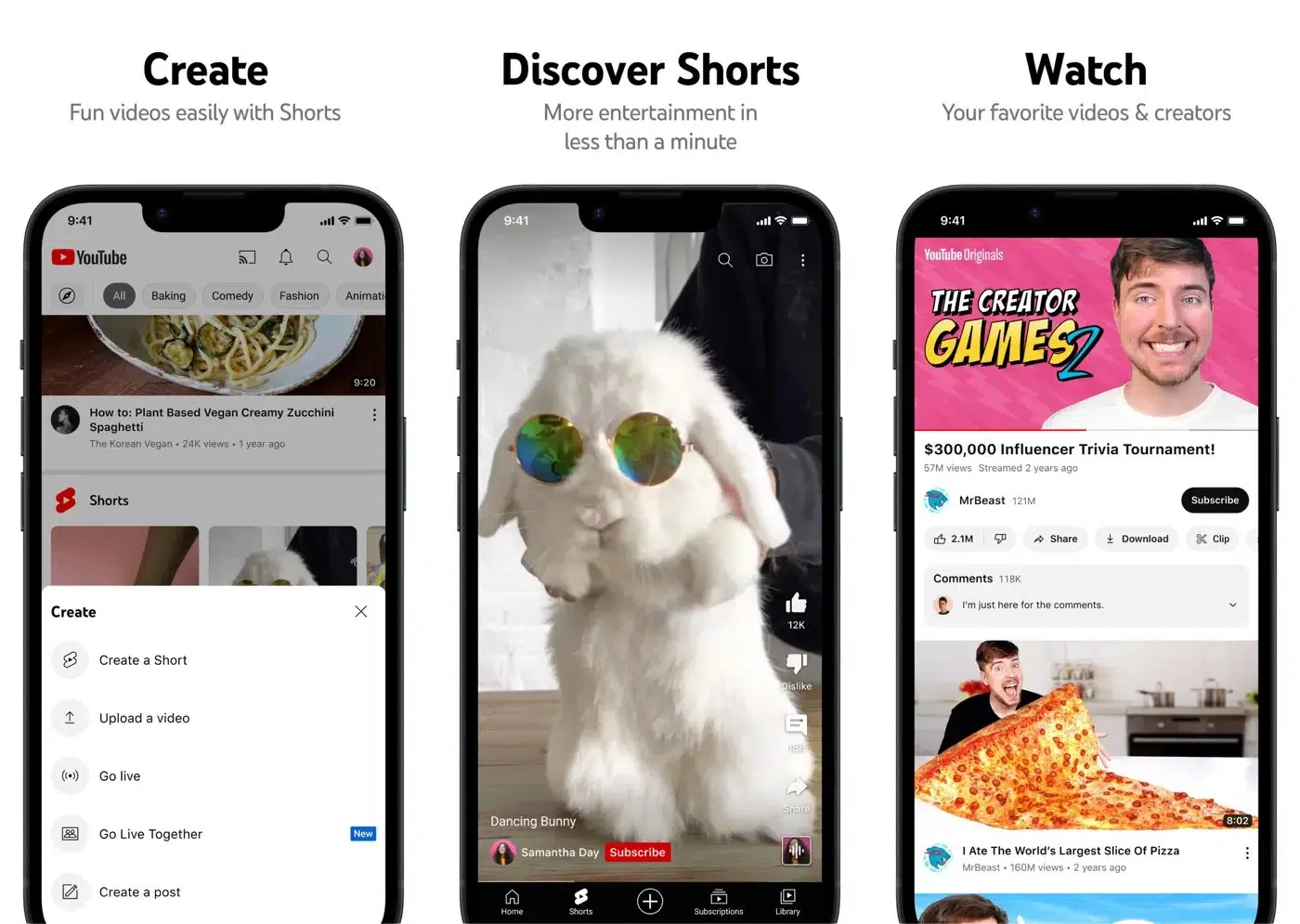
YouTube is another essential download for anyone purchasing an iPhone Duo. Its optimized experience takes advantage of the larger display, making video consumption more comfortable.
You can use the half-folded position to prop up your device while watching tutorials, product reviews, entertainment videos, and long-form content. I find it particularly useful when following a cooking tutorial or watching a video while working at a desk.
Why it’s useful on iPhone Duo:
Price: Free; YouTube Premium is optional.
Who should download it: Practically anyone who regularly watches online videos.
The iPhone Duo isn’t just designed for consuming content. Its larger display also creates interesting opportunities for people who record videos, edit content, and take photographs.
For creators, the biggest advantage is having more room for editing controls, timelines, and additional information.
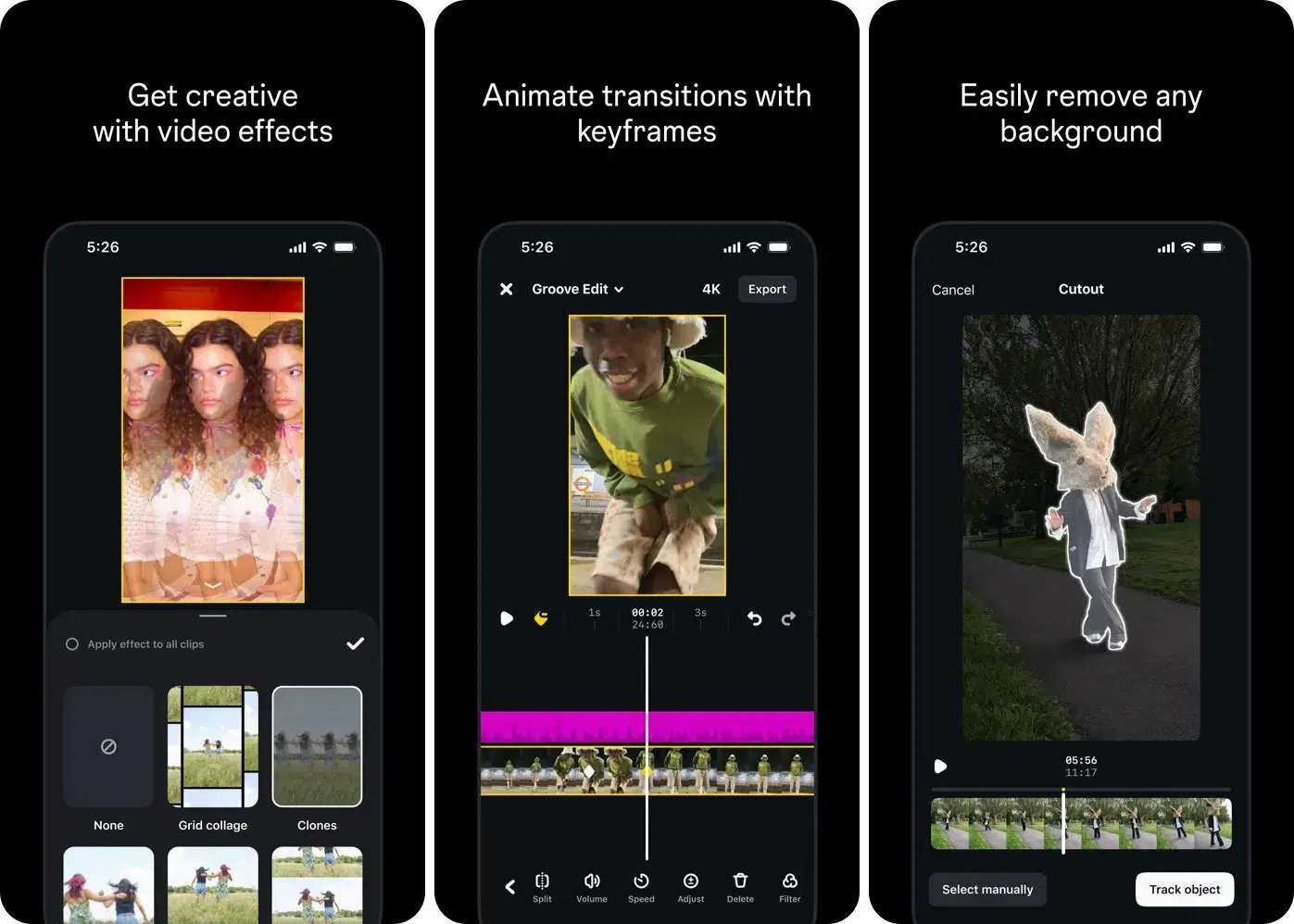
Edits, Instagram’s video-editing application, is one of the apps worth exploring on iPhone Duo.
Video editing on a regular iPhone can sometimes feel cramped. The timeline, preview window, and editing controls compete for limited screen space.
The iPhone Duo’s expanded display gives you more room to organize these elements for Instagram Reels and short-form videos.
Why it’s useful on iPhone Duo:
Price: Free.
Who should download it: Instagram creators and people who regularly edit short videos.
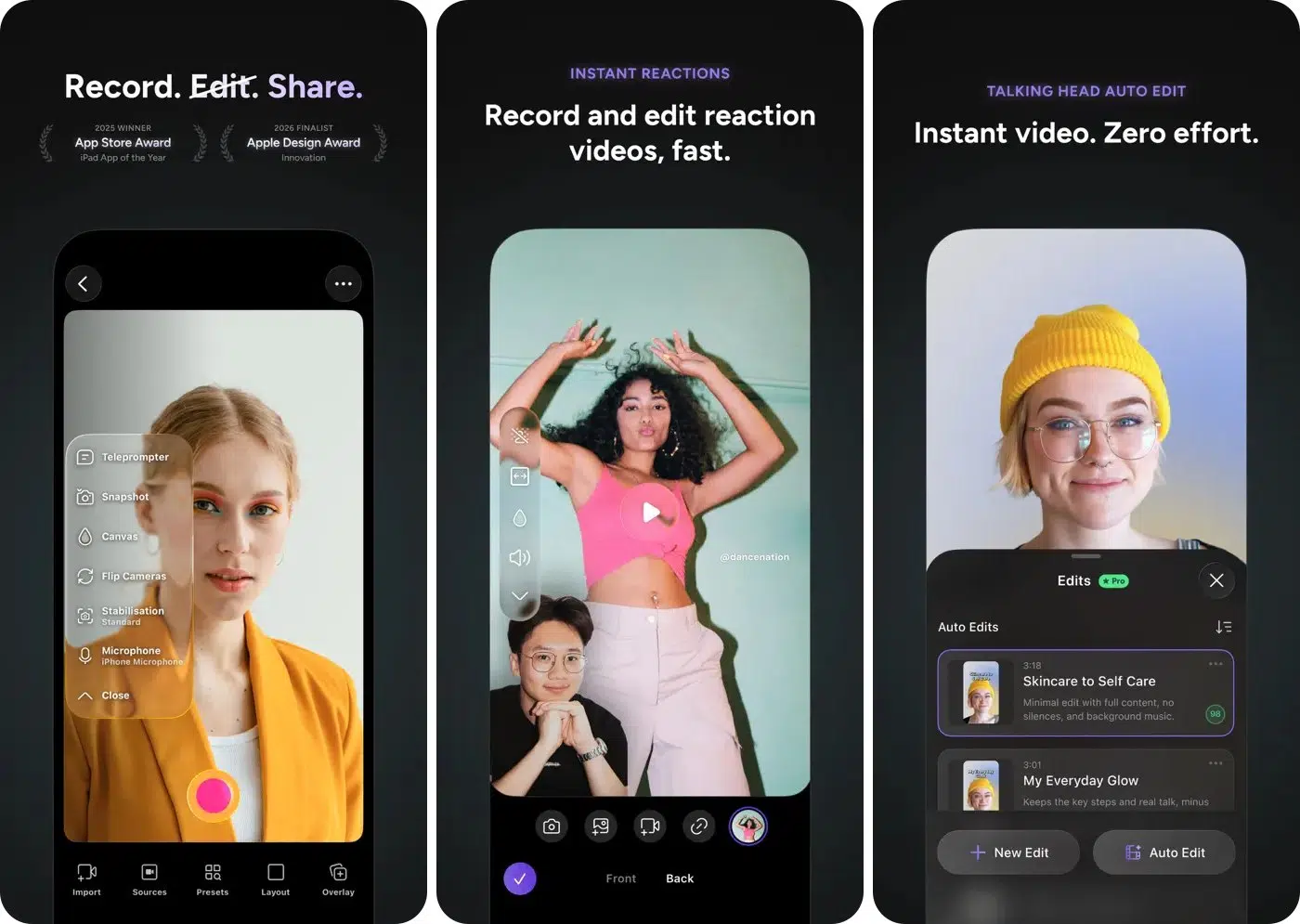
While testing, I was impressed by how Detail uses on-device AI models through Apple’s Core AI framework to edit videos. One of its useful capabilities is displaying video alongside its transcript.
This can make editing interviews, podcasts, and spoken-word videos more convenient because you can work with the visual content and associated text together.
The iPhone Duo’s larger display gives this workflow more room. Instead of constantly switching between the video and transcript, you can keep both visible while editing.
Why it’s useful on iPhone Duo:
Price: Free with Pro & Legacy subscription starting at $4.99.
Who should download it: Podcasters, video creators, interviewers, and people who regularly edit spoken-word content.
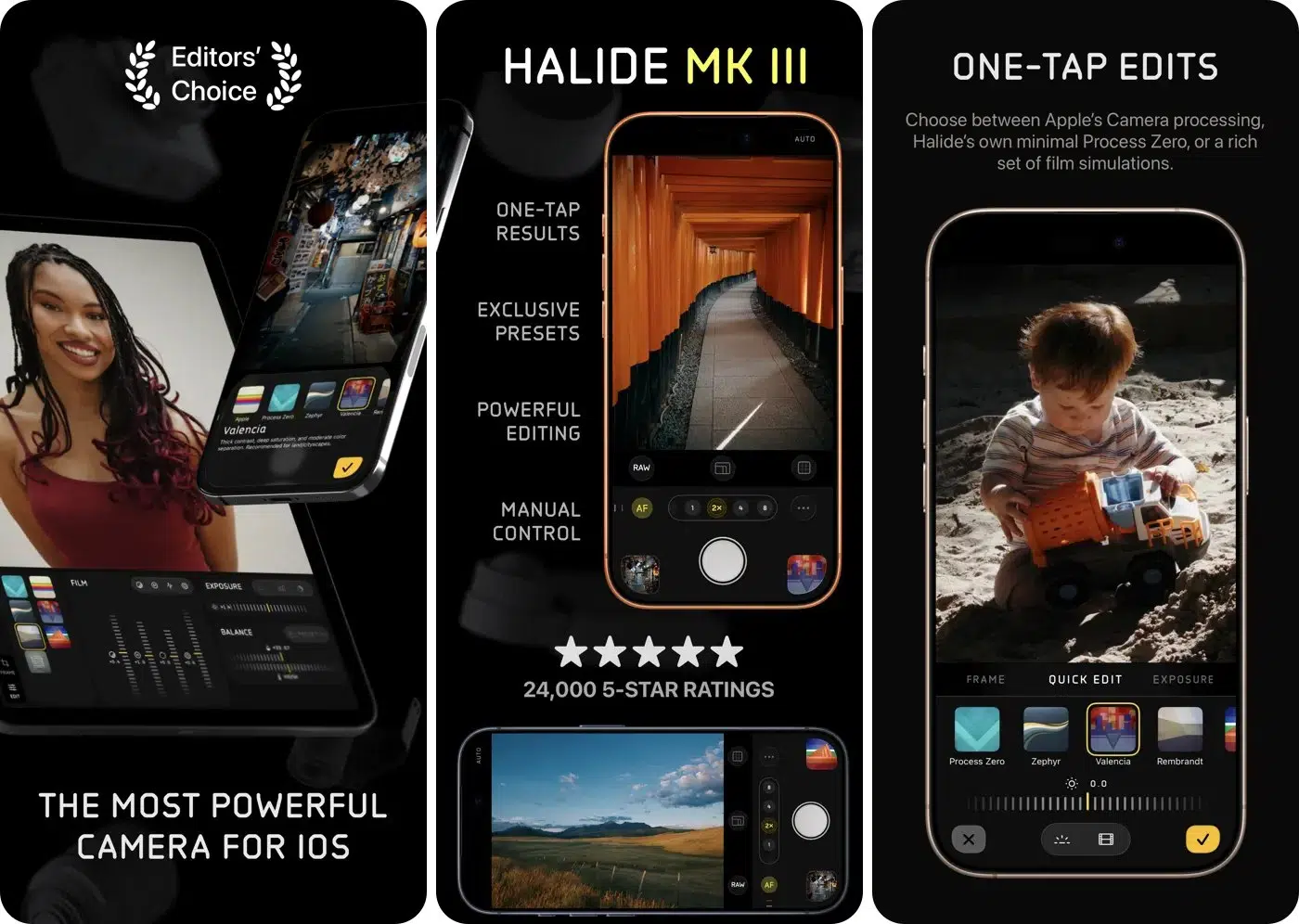
Halide is a popular choice among photography enthusiasts who want more control over their iPhone camera. It adapts its camera interface to all three iPhone Duo positions.
When closed, it offers a clean viewfinder designed for the outer screen. In the partially open position, you can turn the device into a waist-level viewfinder, creating a shooting experience similar to a classic Hasselblad camera.
When fully open, you get more room to use professional tools like Process Zero for natural RAW photos, manual exposure controls, focus peaking, and Cullen Kelly-designed looks.
Why it’s worth exploring:
Price: Paid (Membership starts at $9.99).
Who should download it: Photography enthusiasts who want more control than the standard Camera app offers.
The larger display isn’t only useful for work and entertainment. It can also improve everyday activities such as reading books, checking travel information, and following recipes.
These four apps demonstrate how the foldable design can make ordinary tasks more convenient.
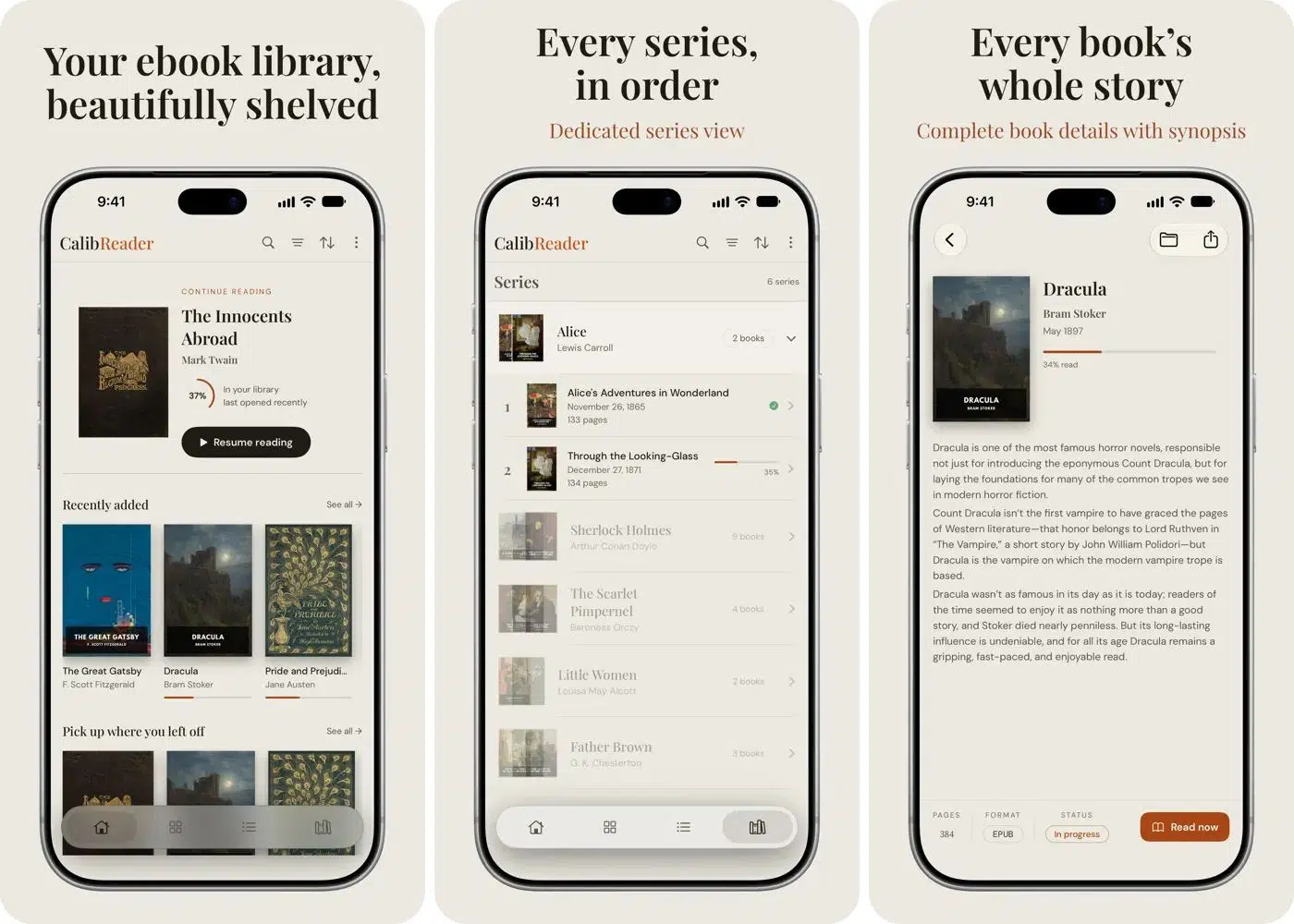
CalibReader is an interesting choice for people who enjoy reading ebooks and PDFs.
When you open the iPhone Duo, CalibReader can display a two-page spread with real page curls, creating an experience closer to reading a physical book.
You can view the cover on the outer display and switch to the larger inner screen for a two-page reading layout. This is intuitive for reading documents, digital books, and other long-form content.
Why it’s useful on iPhone Duo:
Price: Free. Unlock all books forever for $9.99.
Who should download it: Ebook readers, students, and people who regularly read PDFs.
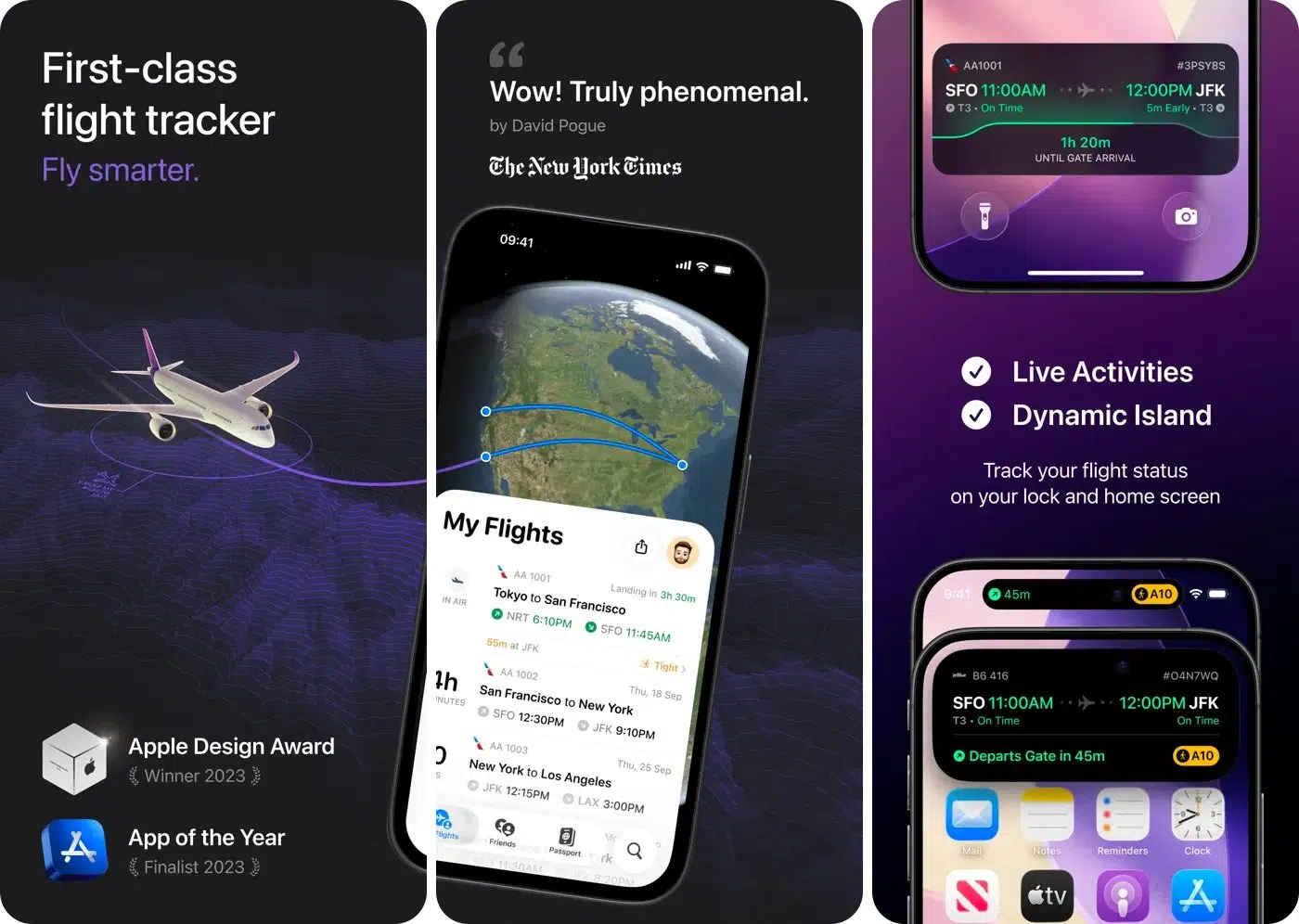
If you travel frequently, Flighty is one of the most useful apps to consider. It helps you track flight information and stay informed about your journey.
The iPhone Duo’s larger display gives the app more room to show travel information, making it easier to check key details without navigating multiple screens.
You can also prop up the device to keep flight information visible while preparing for a journey.
Why it’s useful on iPhone Duo:
Price: Free with a Pro subscription starting at $4.99.
Who should download it: Frequent flyers, business travelers, and anyone who likes keeping track of flight information.
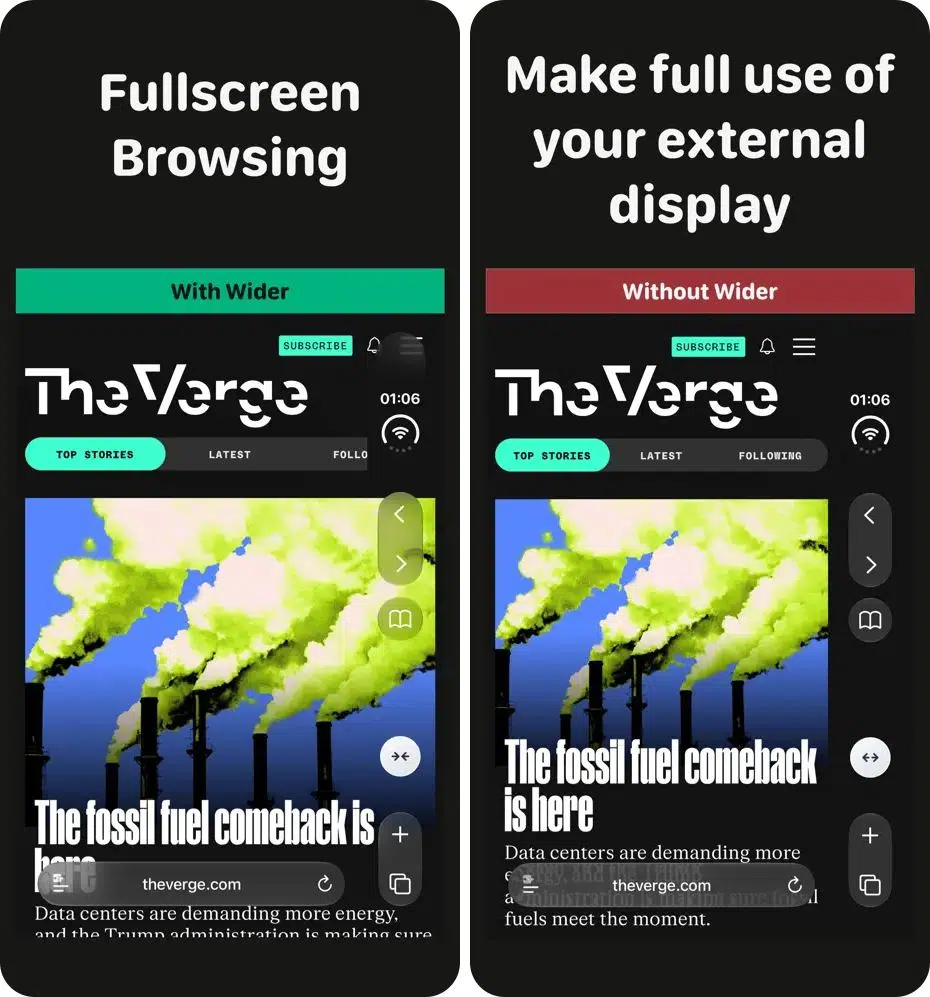
Wider takes a slightly different approach to the foldable experience.
Instead of focusing on the larger inner display, this Safari extension is designed to make better use of the outer screen. It expands Safari’s usable width and can also work with Split View.
This is useful because the outer display is where you’ll probably perform many quick browsing tasks without unfolding your phone.
Why it’s useful on iPhone Duo:
Price: Free.
Who should download it: People who frequently browse the web and want to make better use of the outer display.
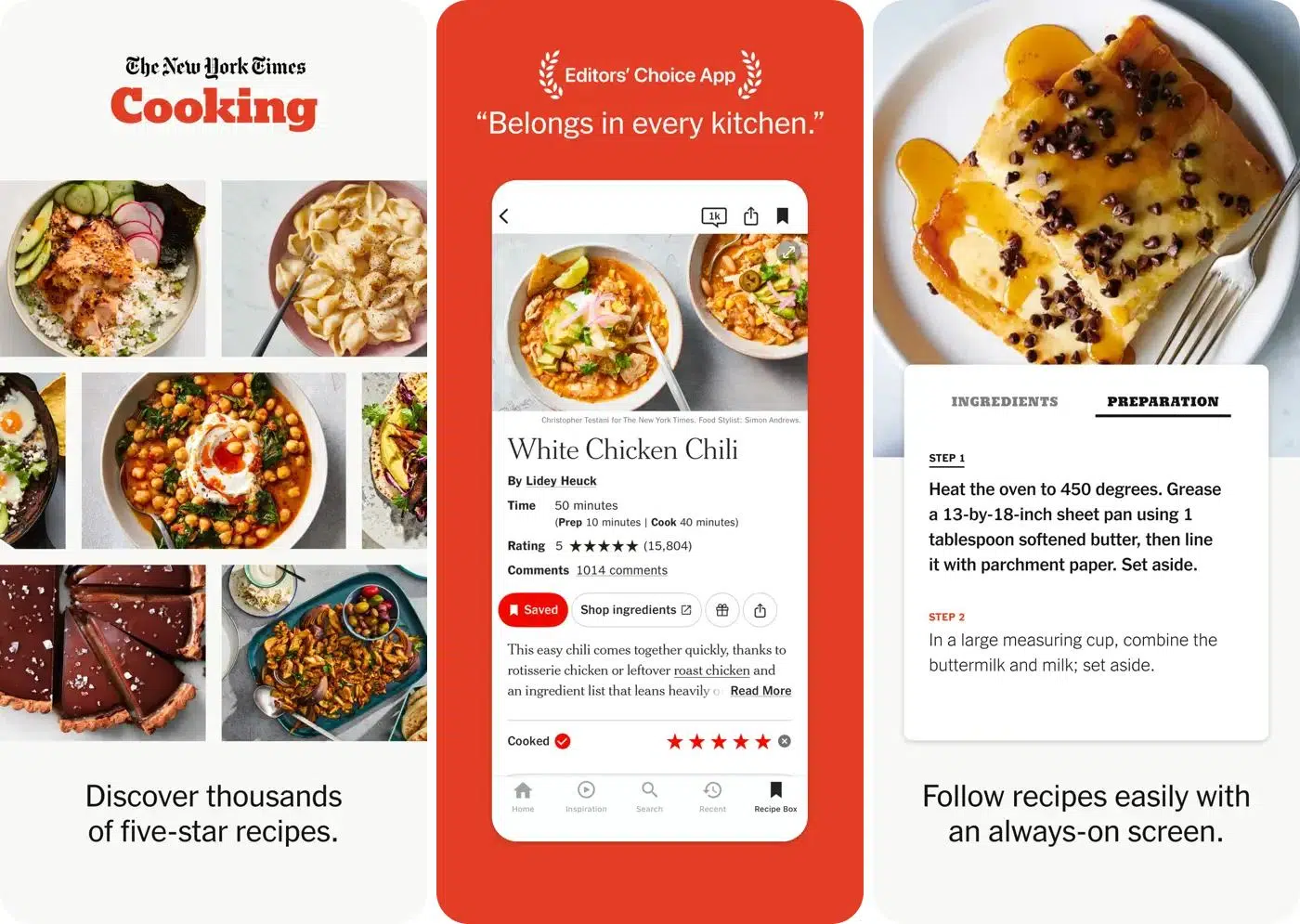
If you regularly follow recipes when cooking your meals, the NYT Cooking app will come in handy. The iPhone Duo’s half-folded position makes it easier to place the device on a kitchen counter without a separate stand.
You can keep a recipe visible while preparing ingredients, checking measurements, and following cooking instructions. The larger display also provides more room to read recipe details.
Why it’s useful on iPhone Duo:
Price: Subscription required (starts at $7).
Who should download it: Home cooks and anyone who regularly follows digital recipes.
Gaming is where the iPhone Duo’s foldable design really shines.
Apple’s A20 Pro chip and vapor chamber cooling system are designed to deliver improved performance. Apple claims it can provide up to 35% better sustained performance than the iPhone 17 Pro. That gives developers more opportunities to create games that use the larger display and different folding positions.
Here are five iPhone Duo games worth checking out.

Asphalt Legends is a racing game that benefits from having more screen space. It uses the inner folding display by placing the main racing action on the top screen and the race map, additional telemetry, or controls on the bottom screen.
I enjoyed the clearer track view with useful racing information within easy reach, which made the game more immersive. For players who enjoy fast-paced racing games, the fully open position provides the best experience.
Why it’s useful on iPhone Duo:
Price: Free with in-app purchases starting at $0.99.
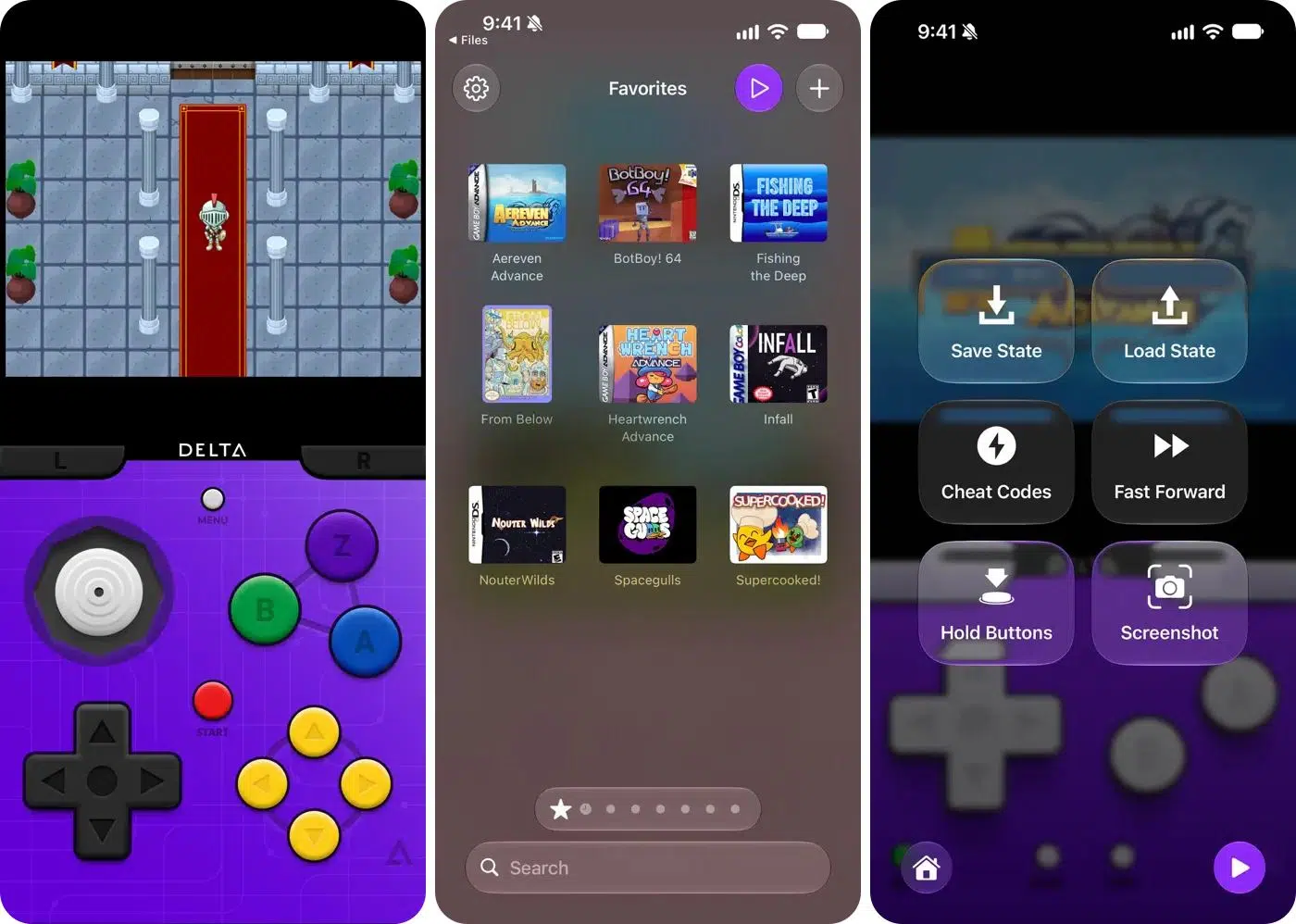
Delta emulator brings support for classic gaming systems, including Nintendo DS-style experiences. The iPhone Duo’s foldable display makes this particularly appealing because it can recreate the feeling of using a dual-screen handheld gaming device.
You can use one portion of the display for the main gameplay and the other for additional game information or controls. This creates a more natural experience than squeezing two screens onto a conventional smartphone display.
Why it’s useful on iPhone Duo:
Price: Free. In-app purchases start at $5.
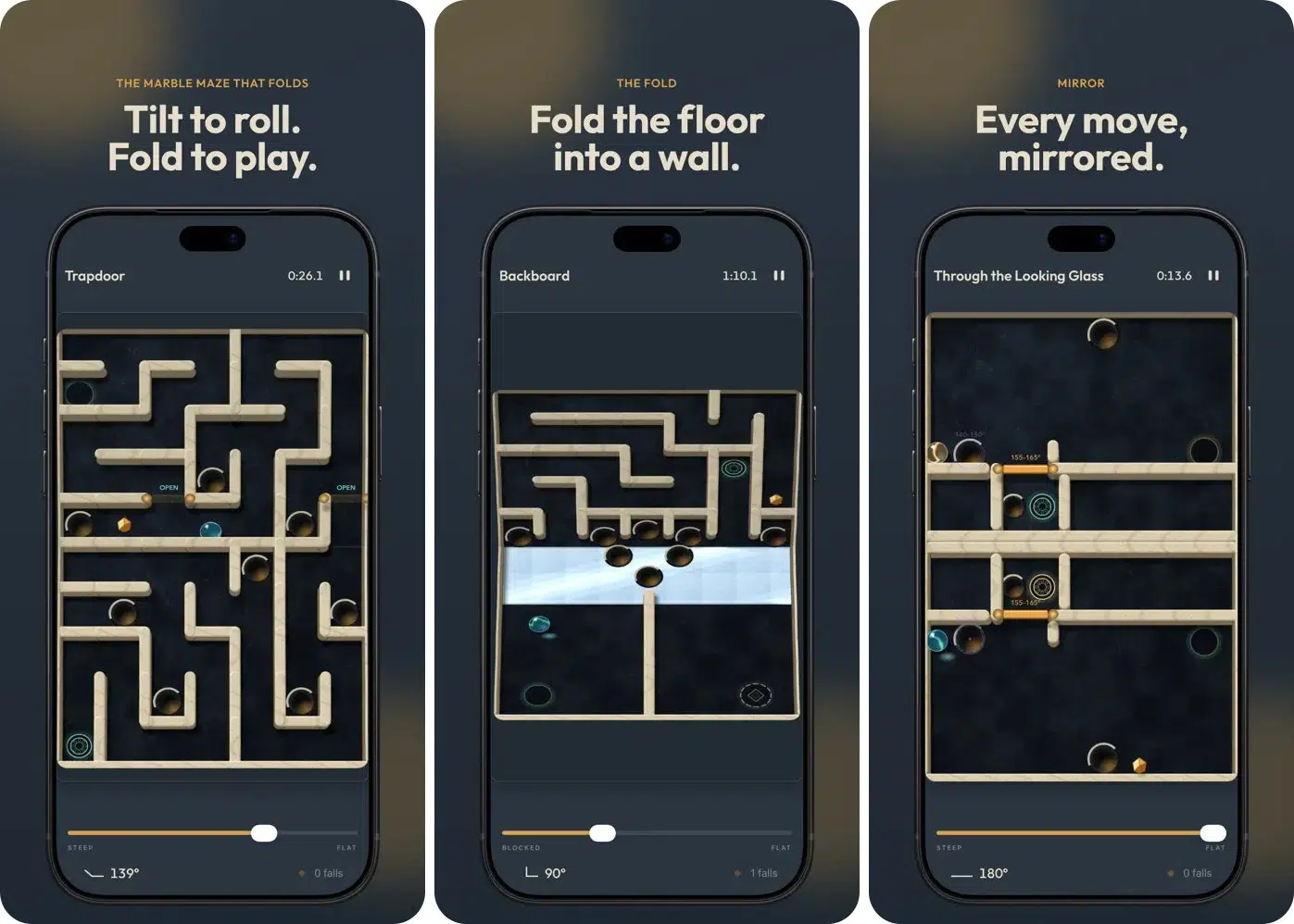
Marbles Unhinged is one of the most unusual games on this list. Rather than simply stretching traditional gameplay across a larger display, it uses the iPhone Duo’s fold itself as part of the gaming experience.
You tilt the phone to roll the marble through the maze, while physically folding the device’s hinge reshapes the path. The two displays form one continuous board, with the crease acting as a bridge, drop, wall, or gate that changes how you navigate.
Why it’s useful on iPhone Duo:
Price: 10 levels are free, then unlock at $2.99.
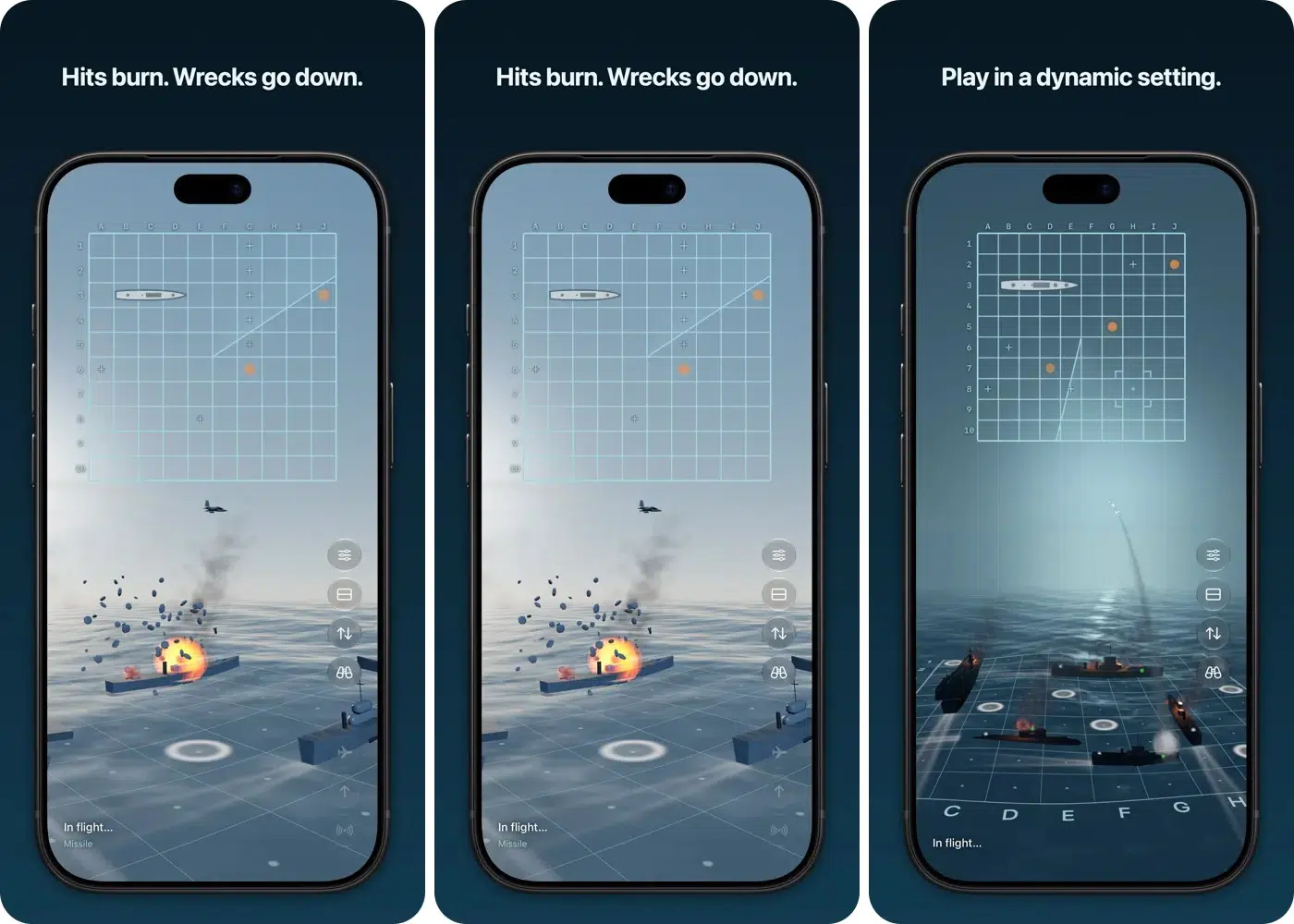
Battlefleet Duo is another strategy game designed around the iPhone Duo’s foldable hardware. It brings a Battleship-style gaming experience to the device.
Instead of holding the phone like a conventional smartphone, you can position it halfway open with your fleet on the lower screen and the enemy’s hidden waters on the upper screen.
You can also unfold the device for animated 3D battles or switch to a classic board-game look with grids and pegs. Play against AI, challenge a friend locally, or compete online through Game Center.
Why it’s useful on iPhone Duo:
Price: 2 free battles daily. Unlock the full game at $4.99.

Retrocade is an Apple Arcade title that brings a collection of retro-style gaming experiences to the iPhone Duo.
Its appeal is simple: enjoy a nostalgic arcade experience while using the device’s different positions. Whether you want to enjoy classic-style games during a break or simply explore something different, Retrocade is worth checking out.
Why it’s useful on iPhone Duo:
Price: Apple Arcade subscription required.
A few additional games are also worth checking on the App Store:
Not every interesting app needs to improve productivity or offer a better entertainment experience. Some developers are using the fold itself as part of the app’s main functionality.
Here are four worth exploring:
These aren’t necessarily the first apps I’d recommend installing. However, they demonstrate that the best foldable apps aren’t always the ones that simply display more information. Sometimes, they make the hardware itself part of the experience.
Apple has announced that more than 100,000 apps have been optimized for the iPhone Duo. That’s an impressive number, but several widely used apps still lack dedicated optimization.
| App | Reported Compatibility Status | Possible Workaround |
|---|---|---|
| Google Docs | Not optimized | Use Split View or Safari |
| Google Sheets | Not optimized | Use Safari |
| Google Slides | Not optimized | Use Safari |
| Google Home | Not optimized | Use outer display |
| Microsoft Teams | Not optimized | Use outer display or Safari |
| Venmo | Not optimized | Use outer display |
| PayPal | Not optimized | Use Safari |
| DoorDash | Not optimized | Use Safari |
| Uber Eats | Not optimized | Use Safari |
| Duolingo | Not optimized | Use outer display |
| Ring | Not optimized | Use outer display |
| Starbucks | Not optimized | Use outer display |
| Steam | Not optimized | Use Safari |
| YouTube Music | Not optimized | Use Safari |
| Apple Store | Not optimized | Use outer display |
Compatibility statuses are as of writing. Not optimized does not necessarily mean an app cannot run. Check for app updates regularly, as more developers update to the iOS 27.2 SDK.
Not every app with a larger-screen interface deserves to be called a good iPhone Duo app. For this list, I focused on apps that offer something useful beyond simply stretching their existing interfaces.
Here are the criteria used to evaluate the recommendations.
First, I checked whether the app has the Made for iPhone Duo badge or mentions iPhone Duo support in its description. This helps distinguish apps that have received dedicated optimization from those that merely run on the device.
The second consideration is whether the app makes practical use of the larger display or different folding positions.
For example:
These apps offer experiences that matter more than simply filling extra screen space.
I also prioritized apps that solve real problems. Productivity tools, streaming services, reading applications, travel utilities, and games all have a place on this list.
Finally, pricing and availability matter.
An app might be free to download but require a subscription for its most useful features. So it’s less appealing.
The iPhone Duo’s biggest strength isn’t simply its larger screen. It’s the ability to change how you interact with applications depending on how you position the device.
Some apps make everyday tasks easier. Fantastical and Outlook improve productivity, Goodnotes creates a more convenient digital notebook, and CalibReader makes reading feel closer to using a physical book.
Others make the device more entertaining. Netflix and Prime Video take advantage of the half-folded position, while Delta and Marbles Unhinged demonstrate how developers can rethink mobile gaming around foldable hardware.
But I wouldn’t recommend downloading every app just because it carries an iPhone Duo badge. Start with the apps you already use every day, check whether they’re properly optimized, then explore apps that offer genuinely new ways to use the fold.

As an Amazon Associate, iGeeksBlog earns from qualifying purchases.