FaceTime Like a Pro
Get our exclusive Ultimate FaceTime Guide 📚 — absolutely FREE when you sign up for our newsletter below.

FaceTime Like a Pro
Get our exclusive Ultimate FaceTime Guide 📚 — absolutely FREE when you sign up for our newsletter below.


Adobe's Gemini integration brings tools into chat, while its Claude plugin adds Acrobat PDF features and editing controls for documents and Express designs.
Adobe is bringing Photoshop, Lightroom, Express, and Firefly tools into Google Gemini, while adding Acrobat tools and hands-on editing to its Claude plugin. The integrations let users work on images, designs, and PDFs inside a chatbot conversation, as Adobe announced on September 24.
Adobe in Gemini lets users describe a photo edit, social media asset, or marketing design in chat. Gemini then calls Adobe tools to make the requested changes, such as adjusting product photos, resizing designs for social channels, or personalizing an Express template.
Adobe says the Gemini integration is rolling out globally across Gemini plans. To use it, open Personal Intelligence, choose Adobe under Connected Apps, and sign in to an Adobe account. Adobe’s Gemini connector guide currently lists English as its supported language.
Gemini has been expanding beyond a general-purpose chatbot, with Google’s I/O announcements detailing new AI features across Search, Chrome, and other services. Adobe adds a route from that chat interface to familiar creative tools.
The Adobe plugin for Claude now includes Acrobat features alongside more than 80 tools from Adobe’s creative apps. Users can combine or split PDFs, delete pages, redact information, and export documents to other formats.
Claude also gets an interactive PDF editor for changing text, reordering pages, and adding comments or highlights. For Adobe Express designs, a layer-based editor lets users adjust individual images, copy, colors, and fonts instead of regenerating the full design.
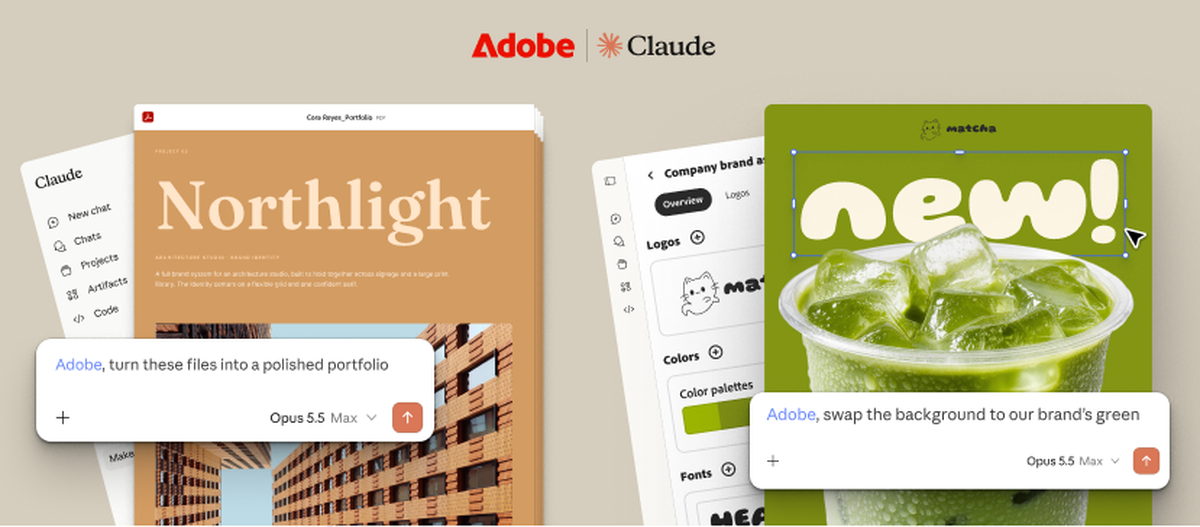
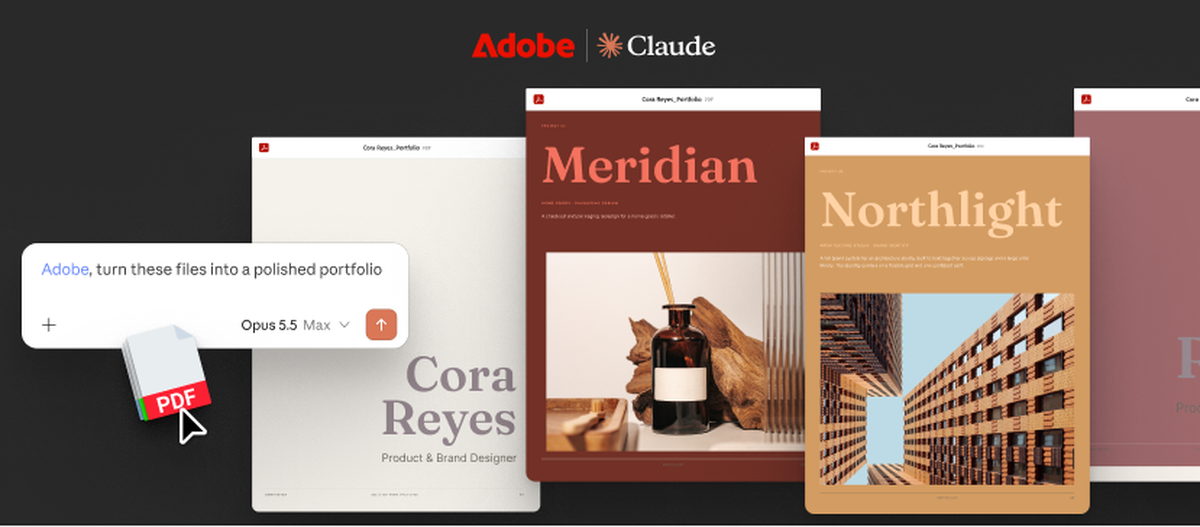
Adobe says the Claude integration is rolling out globally on Claude and Claude Code for desktop, mobile, and web. People can try it as guests; signing in to Adobe unlocks more tools, higher usage limits, and continuity across sessions.
The new chat integrations add a conversational option to Adobe’s existing apps. People who want to edit directly on their phone can also use the Adobe Photoshop app for iPhone.