
FaceTime Like a Pro
Get our exclusive Ultimate FaceTime Guide 📚 — absolutely FREE when you sign up for our newsletter below.

FaceTime Like a Pro
Get our exclusive Ultimate FaceTime Guide 📚 — absolutely FREE when you sign up for our newsletter below.


Transform your Apple setup into a seamless, high-speed workspace. These mesh WiFi systems keep your Mac, iPhone, and iPad in perfect sync for smoother everyday workflow.


If you rely on a MacBook, iMac, iPad or iPhone for coding and creative work, your WiFi setup matters more than you think. Apple devices are fast and efficient, but they perform best on networks that can deliver stable throughput, low latency and strong coverage. Standard routers often struggle with busy homes, thick walls and dozens of connected devices. A mesh WiFi system removes those headaches.
We reviewed leading systems with a focus on performance across Mac devices, iPad multitasking, AirDrop reliability, AirPlay stability and shared iCloud workflows. Below is a quick comparison.
| Mesh WiFi | WiFi Standard | Max Speed | Security & Updates | Best For |
|---|---|---|---|---|
| Orbi 970 | WiFi 7 | 27 Gbps | WPA3, VPN, app-based updates | Professionals working across multiple Mac devices |
| TP-Link Deco BE85 | WiFi 7 | 22 Gbps | HomeShield, WPA3 | Homes with many Apple devices running at once |
| Asus ZenWiFi Pro XT12 | WiFi 6 | 11 Gbps | AiProtection Pro | Users who want to fine-tune networks for different Apple workflows |
| Linksys Atlas Max 6E | WiFi 6E | 8.4 Gbps | WPA3 | Fast transfers between Mac devices and external storage |
| Orbi 370 | WiFi 7 | 5 Gbps | WPA3, VPN | Smaller Apple setups that still want modern performance |
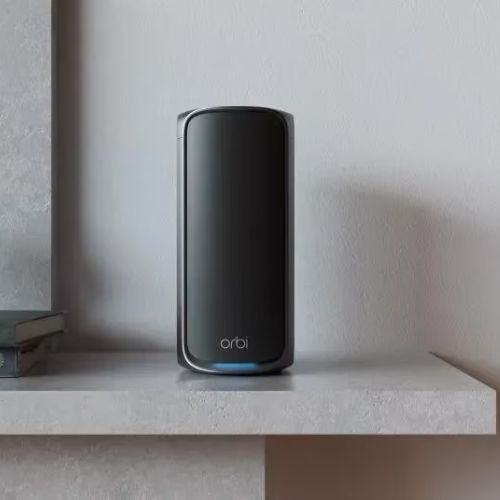
The Orbi 970 Series is ideal for users running heavy tasks on Mac devices such as Xcode builds, FCP edits, cloud-based tools and multi-display setups. Quad-band Wi-Fi 7 delivers exceptional throughput and handles simultaneous Apple device connections without slowdown.
Pros
Cons
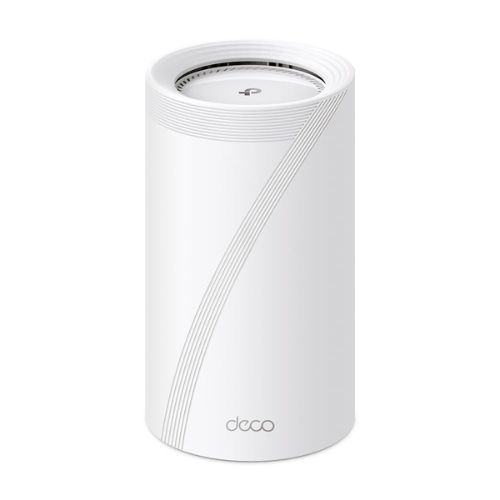
If you run multiple MacBooks, iPads, iPhones and smart accessories, the Deco BE85 keeps everything stable. The 6 GHz band handles congestion well and improves AirDrop and AirPlay reliability.
Pros
Cons
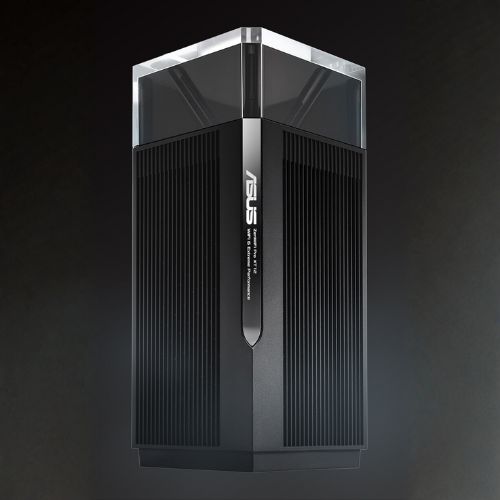
If you want deeper control of your network for different environments, such as a Mac dev setup, a test network or a guest environment, the XT12 offers that level of tuning.
Pros
Cons
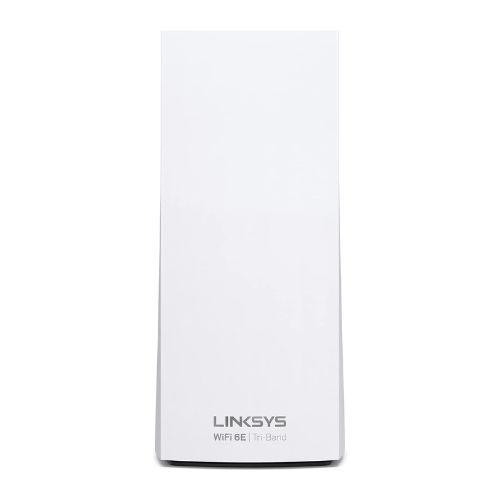
This system takes advantage of the 6 GHz band to keep interference low. Great for large project files, photo libraries and frequent syncing between local Mac storage and cloud services.
Pros
Cons
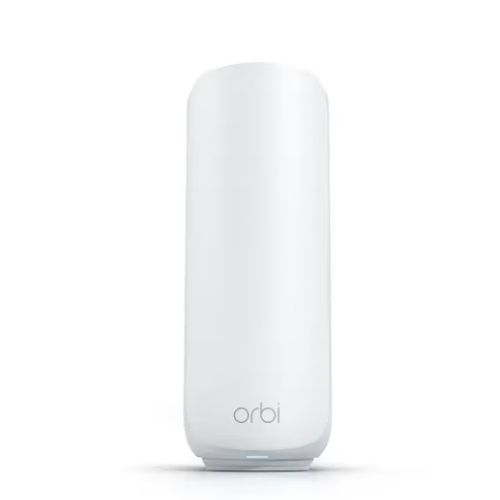
Offers solid performance for Mac and iOS devices without the cost of premium systems. Compact, modern design.
Pros
Cons
Focus on what matters most for your setup.
Use wired backhaul where possible for stability.
Upgrading your mesh system improves more than speed. You get smoother AirDrop transfers, more reliable AirPlay streaming, stronger iCloud syncing and a better experience across all your Apple hardware. If your connection is slowing down your workflow, it is time to move to a system built to support modern Apple performance.



