FaceTime Like a Pro
Get our exclusive Ultimate FaceTime Guide 📚 — absolutely FREE when you sign up for our newsletter below.

FaceTime Like a Pro
Get our exclusive Ultimate FaceTime Guide 📚 — absolutely FREE when you sign up for our newsletter below.


Give your CarPlay dashboard a fresh look with Apple's new Celosia-inspired wallpapers featured in iOS 27.
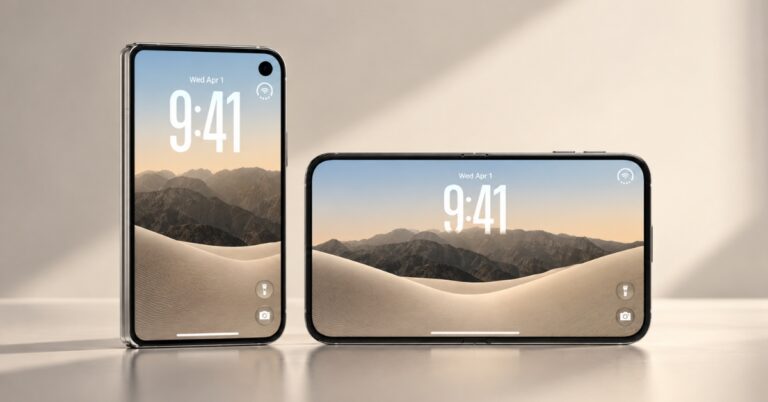
Apple has refreshed CarPlay with a beautiful new wallpaper collection in iOS 27, and honestly, it’s one of the first things I noticed after exploring the latest beta. While CarPlay updates usually focus on functionality, this year’s wallpapers add a fresh personality to the in-car experience and make the dashboard feel modern.
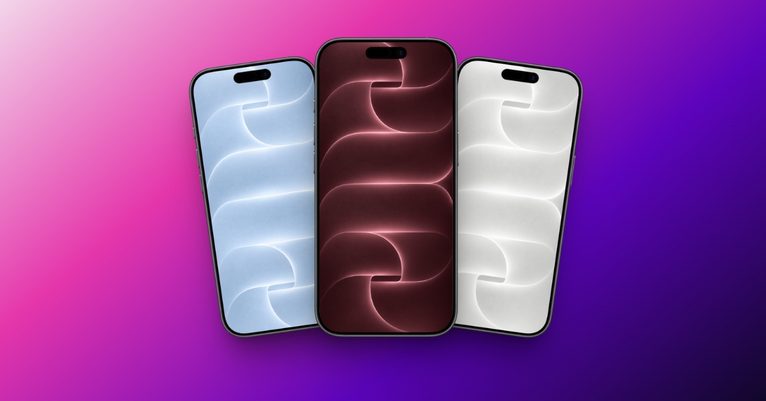
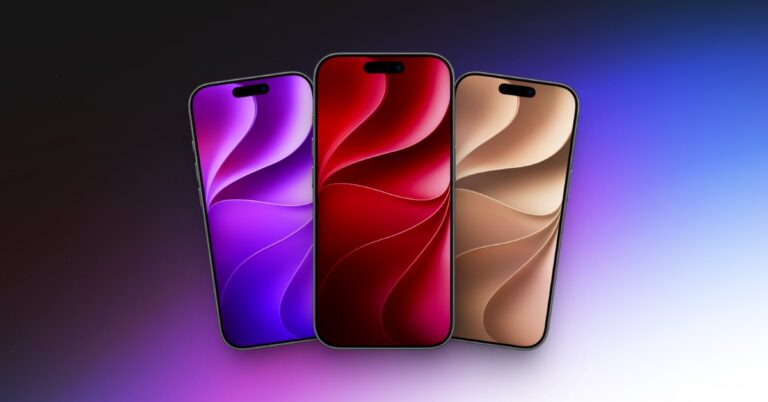
The wallpapers have the same Celosia patterns, part of Apple’s latest design language introduced across iOS 27, iPadOS 27, and macOS 27 Golden Gate. If you’re looking to give your vehicle’s infotainment a fresh new look, you can download all official Apple CarPlay 27 wallpapers right here without installing iOS 27.
The new wallpapers are inspired by Apple’s Celosia design, featuring flowing curves, layered shapes, soft gradients, and elegant color transitions. The abstract design subtly incorporates the number “27,” making it unique to this year’s software releases.
Apple has included 18 CarPlay wallpapers in the first iOS 27 beta, available in both Light and Dark appearances. The collection includes multiple color options such as:
Each wallpaper has been carefully optimized for vehicle displays, including small infotainment screens as well as large widescreen panels. Also, you can use them on your PC, tablet, and other devices for a more consistent visual identity throughout the ecosystem.
We’ve gathered all the official Apple CarPlay 27 wallpapers in high resolution so you can download your favorites without waiting for the official release.
A special thanks goes to Aaron from MacRumors for sharing the wallpaper files in their original 2420 X 1688 pixels resolution. Explore the collection, download your favorite one, and enjoy the new look.

Once your iPhone is updated to iOS 27 and connected to a compatible CarPlay-enabled vehicle, accessing the new wallpapers is simple:
If the new wallpapers don’t appear immediately, reconnecting CarPlay or updating to the latest iOS 27 beta build usually resolves the issue.
Although Apple has not mentioned CarPlay updates in WWDC keynote, it released a developer-centric video later to surface the key changes.
Along with the beautiful wallpapers, CarPlay 27 brings a handful of welcome improvements that improve the in-car experience feel more modern. Apple has refreshed CarPlay’s app icons to match the updated system aesthetics. You also get Siri AI and Apple Intelligence enhancements for more natural conversations and improved context awareness while driving.
Another notable addition is support for video apps on CarPlay, allowing users to watch content when the vehicle is parked. Media controls have also been improved with a new Mini Player, larger playback buttons, and easier audio scrubbing.
Must read: iOS 27 CarPlay Features