
FaceTime Like a Pro
Get our exclusive Ultimate FaceTime Guide 📚 — absolutely FREE when you sign up for our newsletter below.

FaceTime Like a Pro
Get our exclusive Ultimate FaceTime Guide 📚 — absolutely FREE when you sign up for our newsletter below.


Download the latest iPhone 17, 17 Pro, and iPhone Air wallpapers in 4K and give your screen a bold, Apple-style refresh.


With every new iPhone release, Apple brings a fresh set of wallpapers that capture the essence of each model. The iPhone 17 lineup continues this tradition, introducing stunning new wallpaper that matches the iPhone 17, iPhone 17 Pro, and the all-new iPhone Air perfectly.
From bold, color-rich backgrounds on the standard iPhone 17 to premium abstract gradients on the Pro models and minimalist textures on the iPhone Air, every wallpaper is crafted to enhance your device’s look and feel.
Whether you already have the latest iPhone or simply want to give your current iPhone or even your Android a sleek new look, you can download every iPhone 17, iPhone 17 Pro, Pro Max, and iPhone Air wallpaper in 4K resolution right here.
The standard iPhone 17 introduces five new color options, each with a matching wallpaper that mirrors Apple’s modern design language. These wallpapers are available in 1206 × 2622 pixels, giving you sharp detail for both your Lock Screen and Home Screen.
Classic shades include Black and White, while Lavender stands out as a bold, refreshing new tone. Each wallpaper complements the device’s soft aluminum finish, bringing depth and vibrancy to your screen.
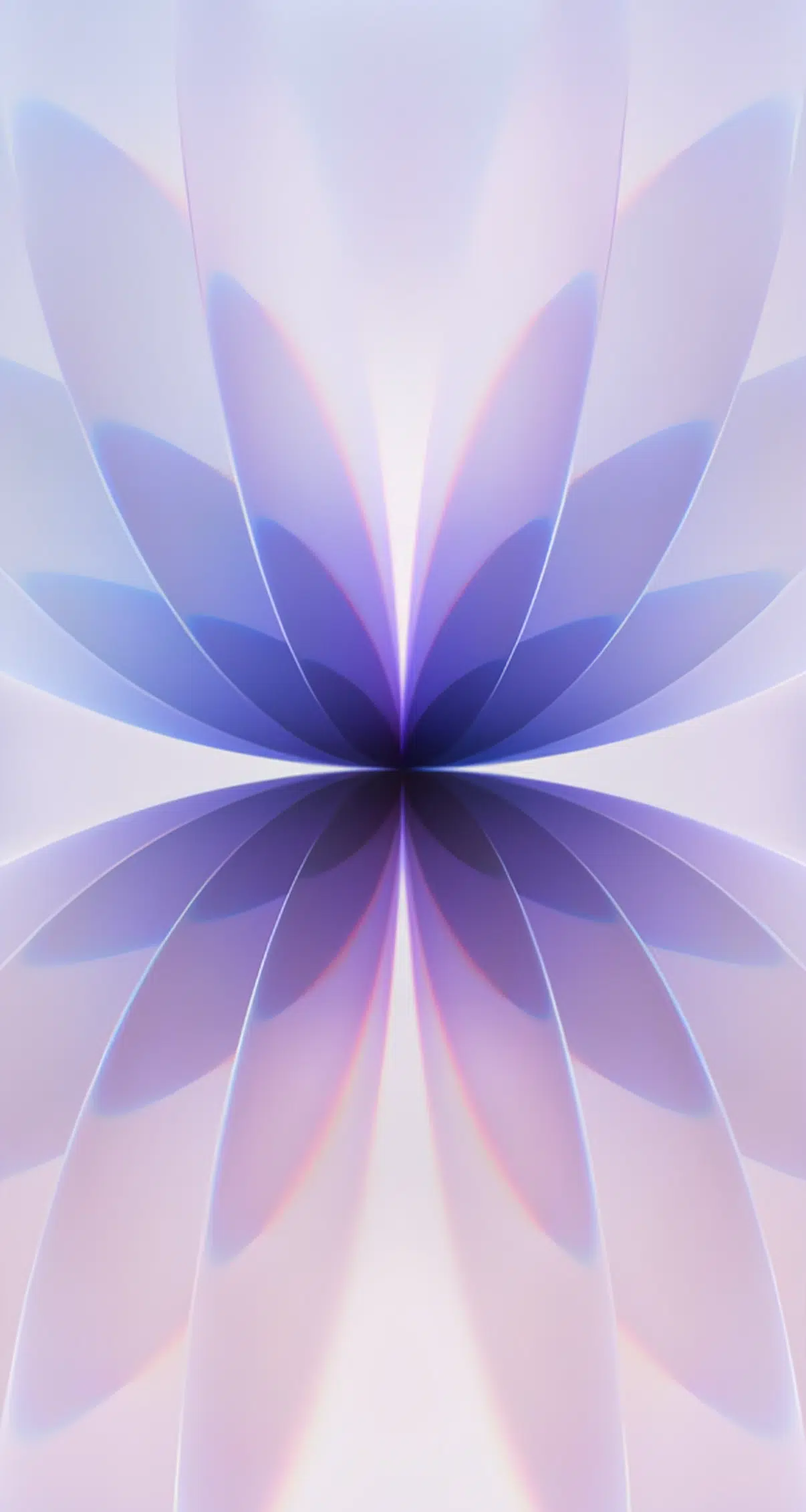
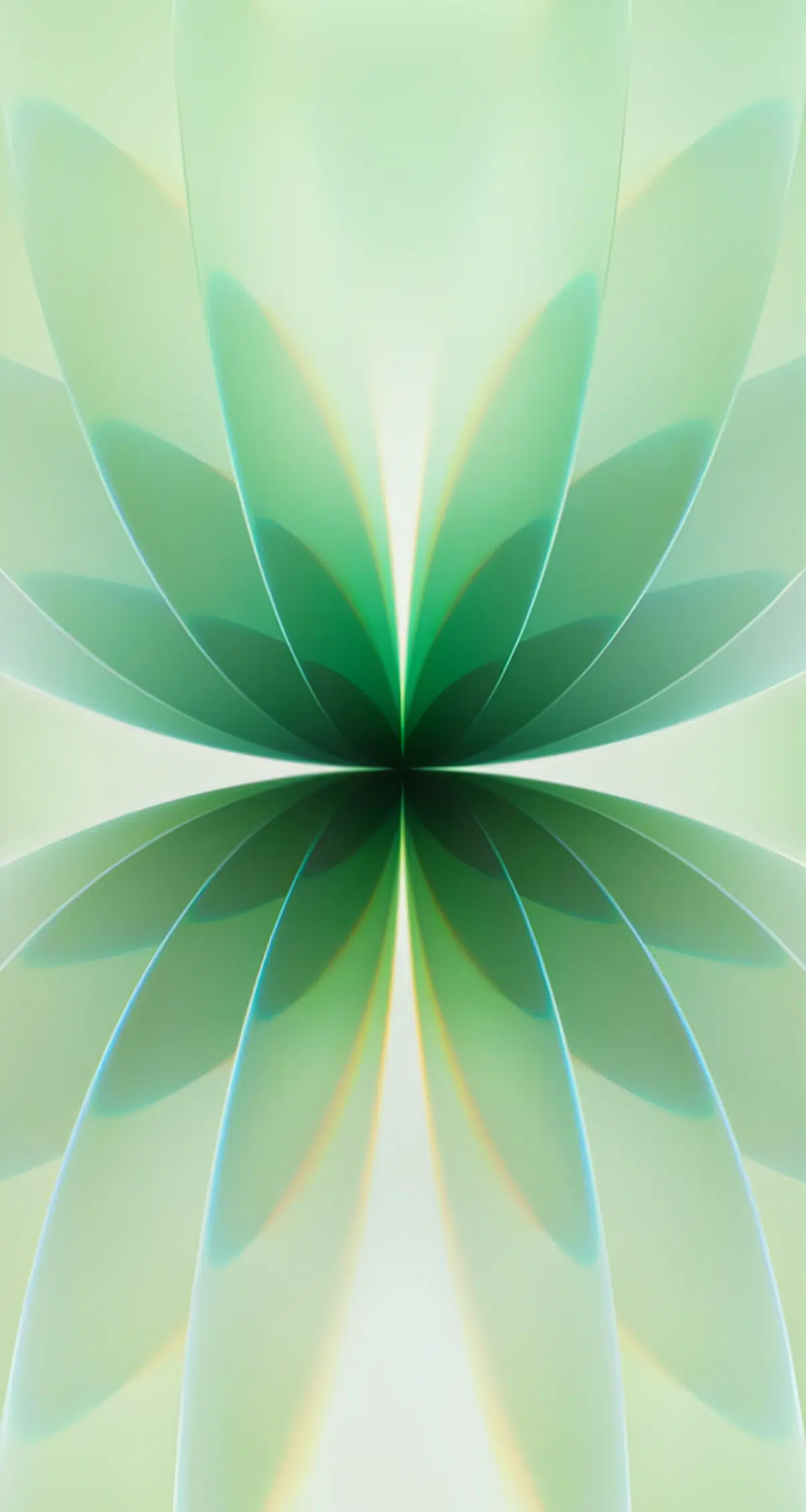
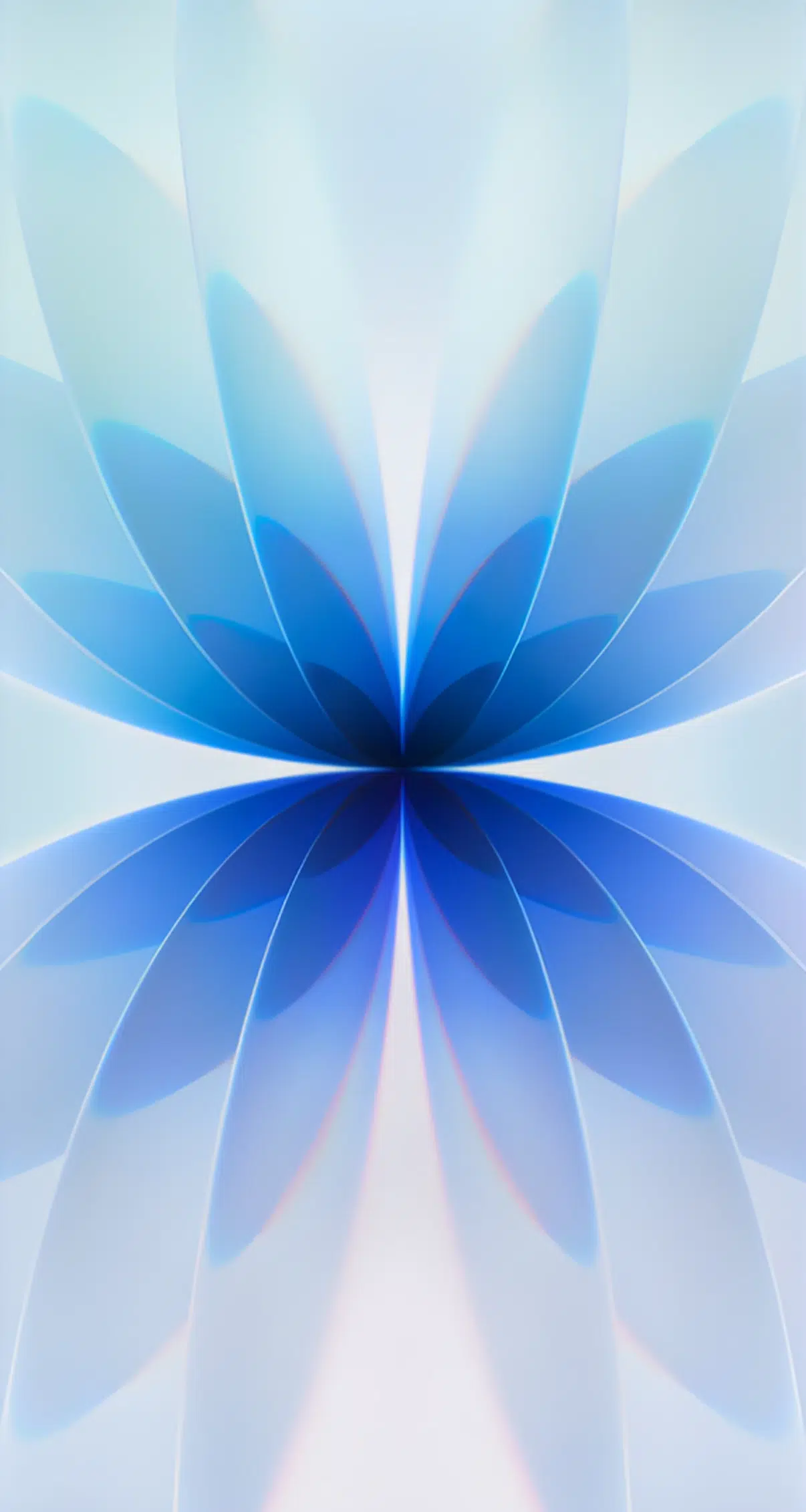
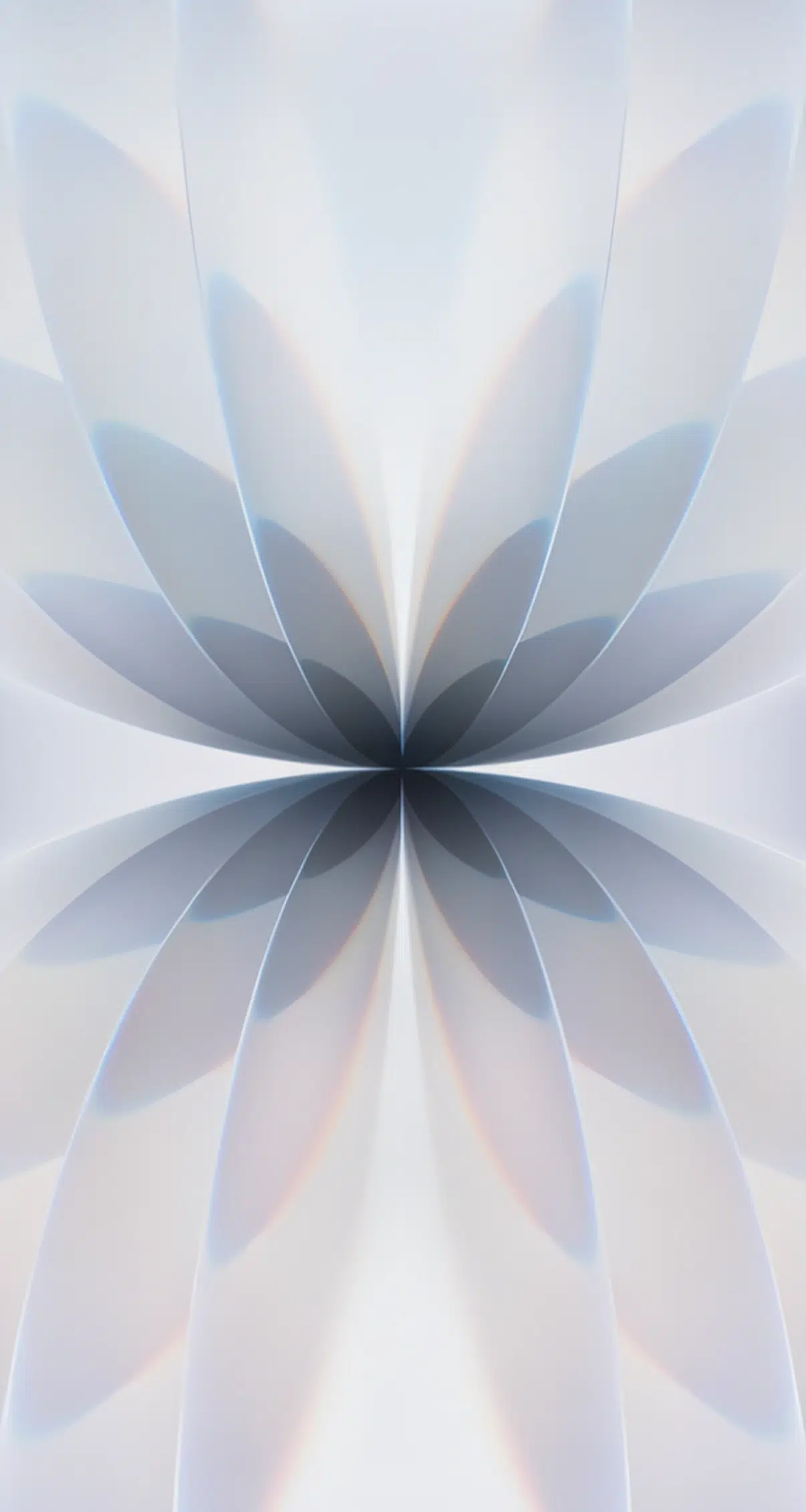
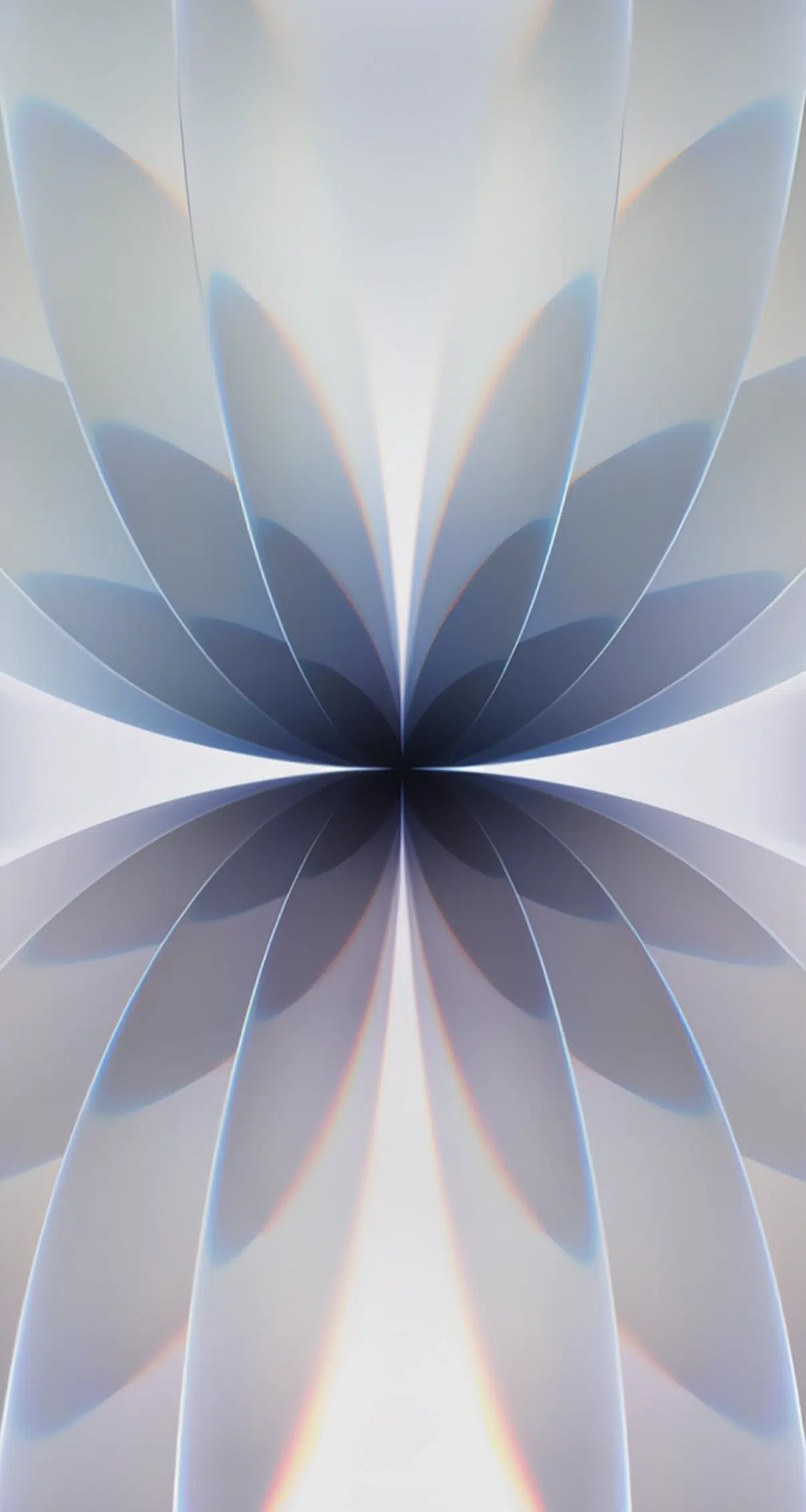
The iPhone 17 Pro and Pro Max wallpapers push Apple’s visual identity even further. These designs embrace a more premium and artistic style, featuring striking abstract patterns, gradients, and textures that emphasize the “Pro” branding.
One of the standout designs even spells out “PRO” vertically, reminiscent of Apple’s iPad Pro aesthetic. Tailored for the titanium finishes of the Pro models, these wallpapers make your device look as polished on-screen as it feels in your hand.
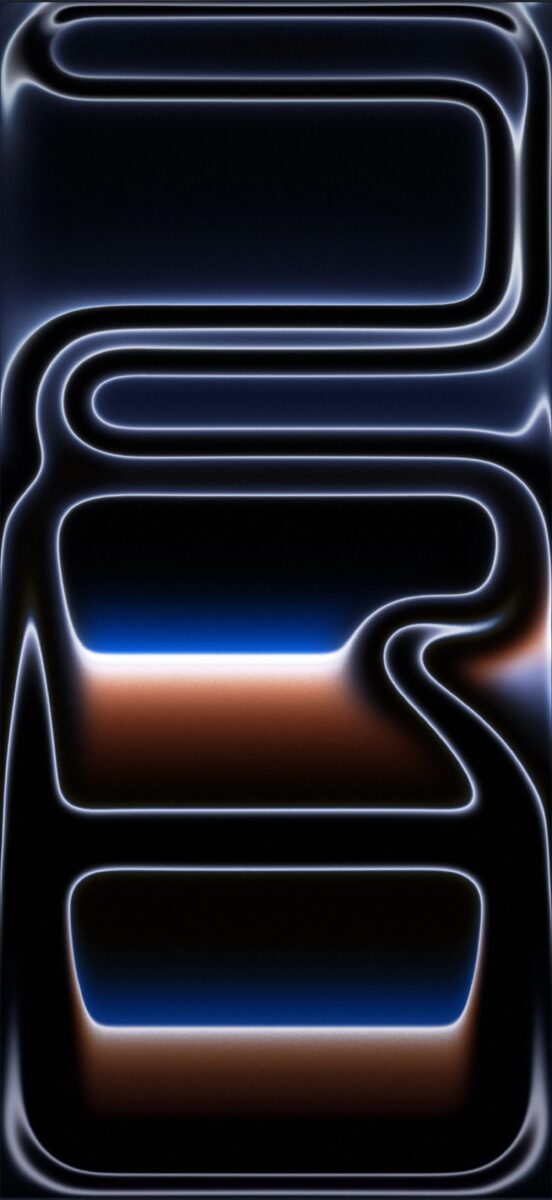
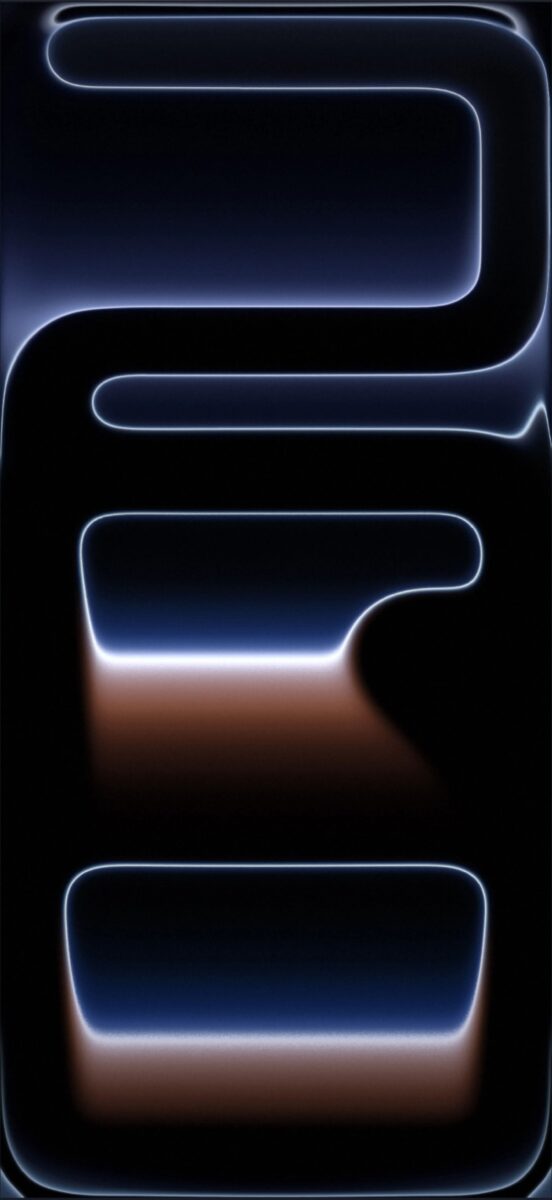
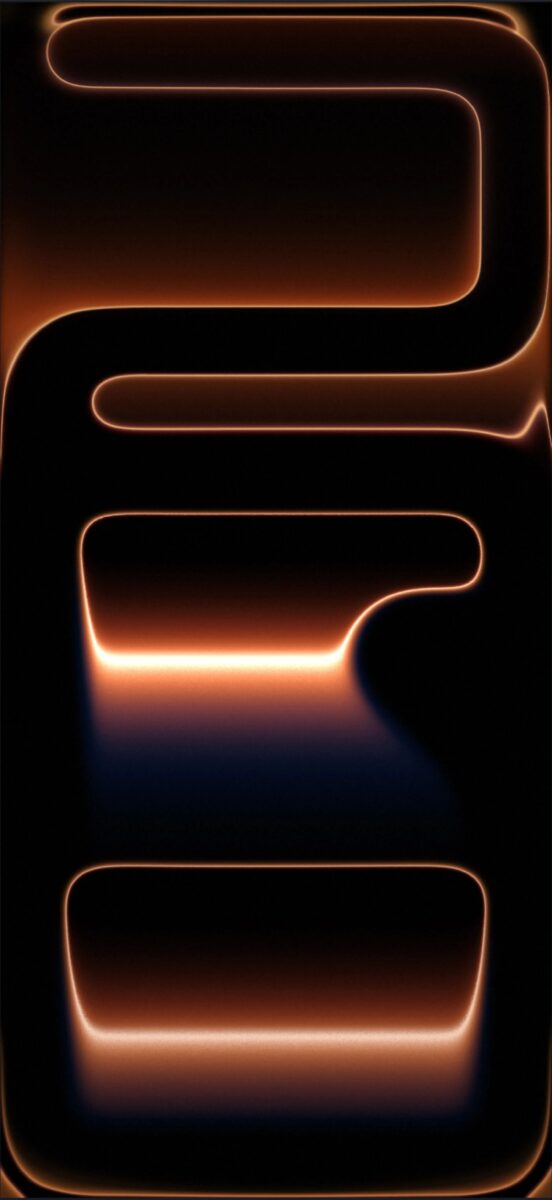
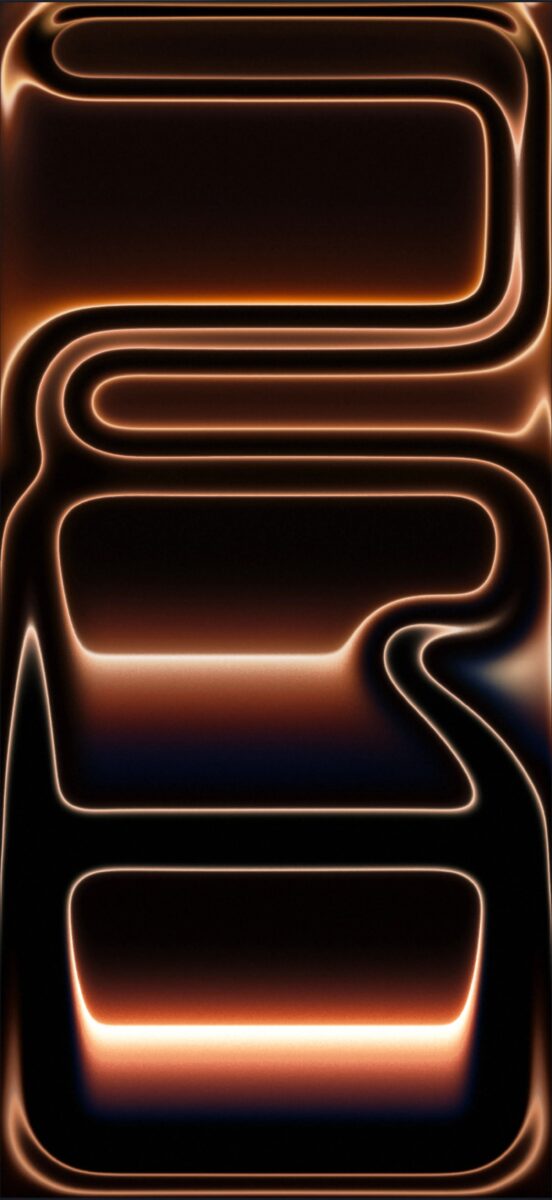
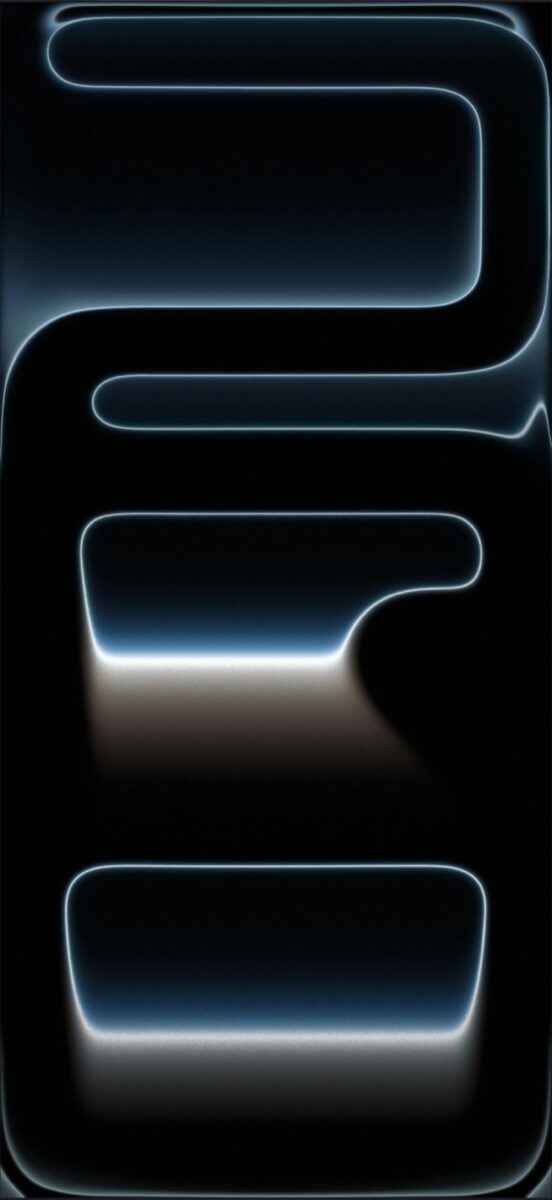
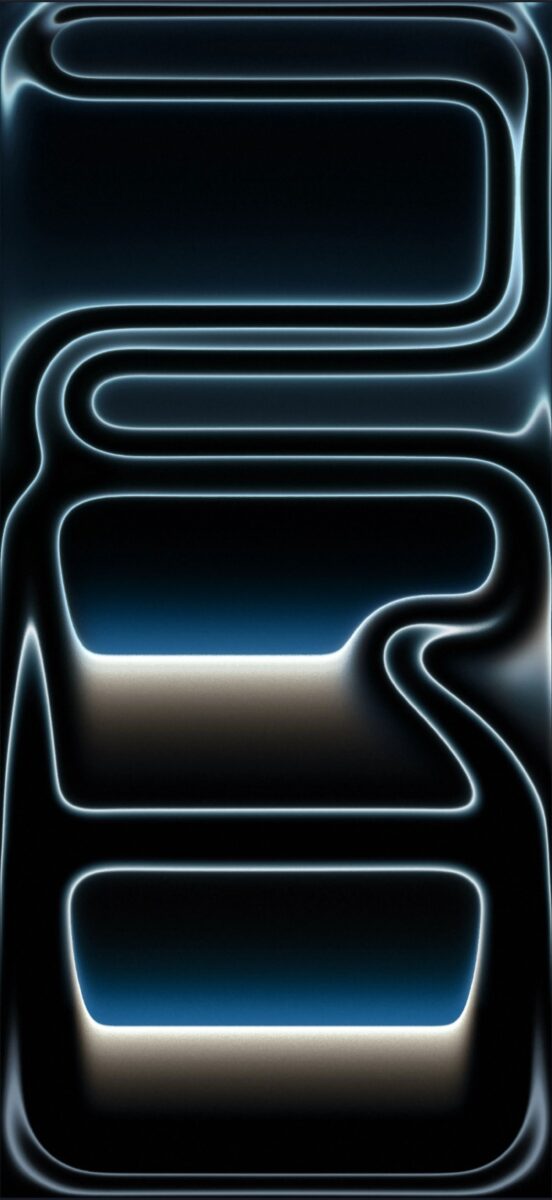
Download iPhone 17 Pro Wallpapers
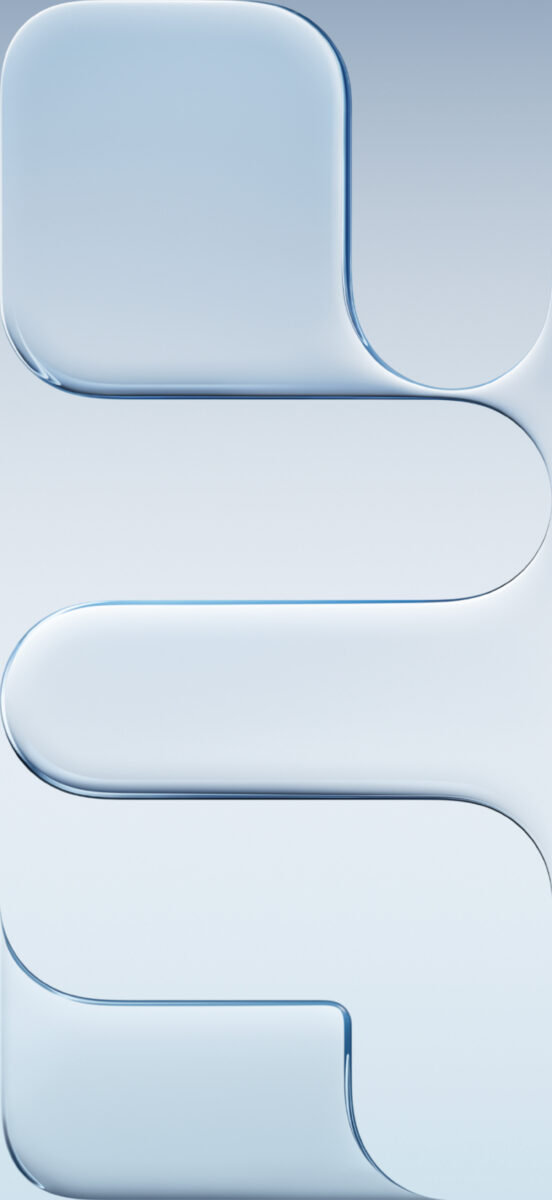
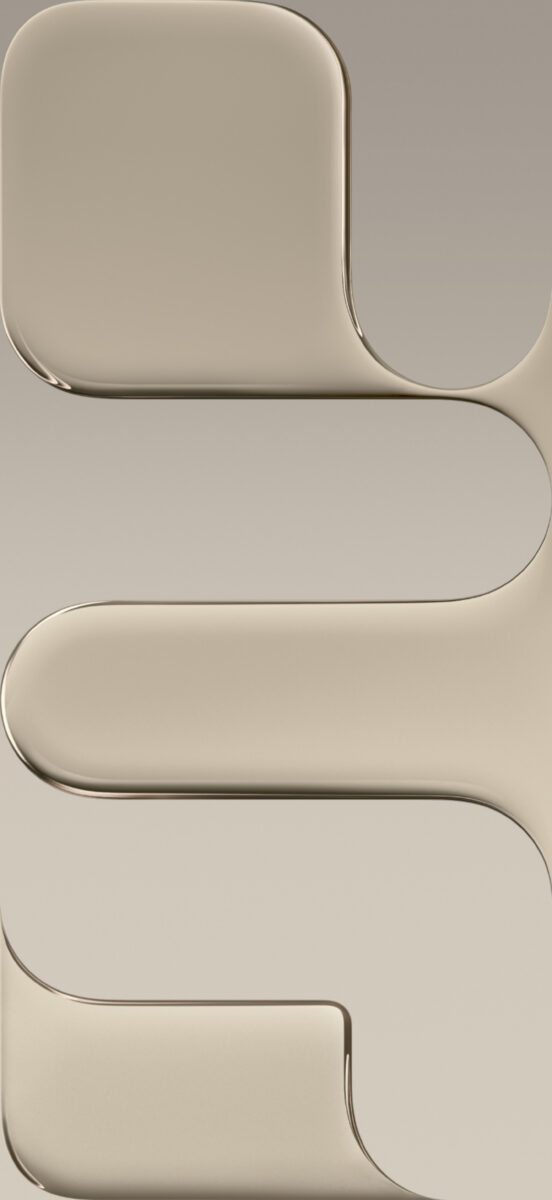
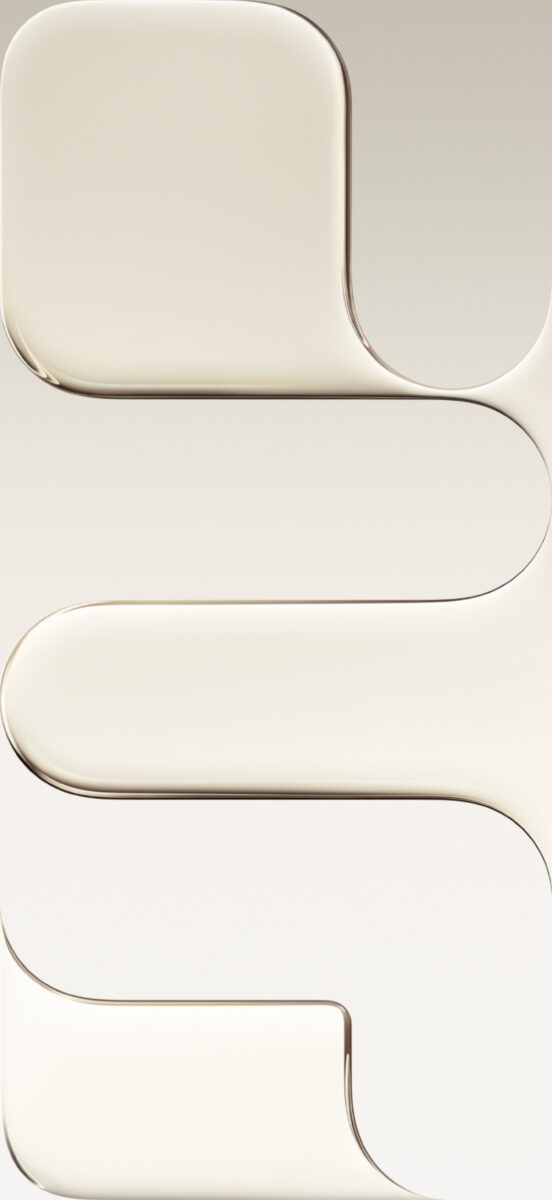
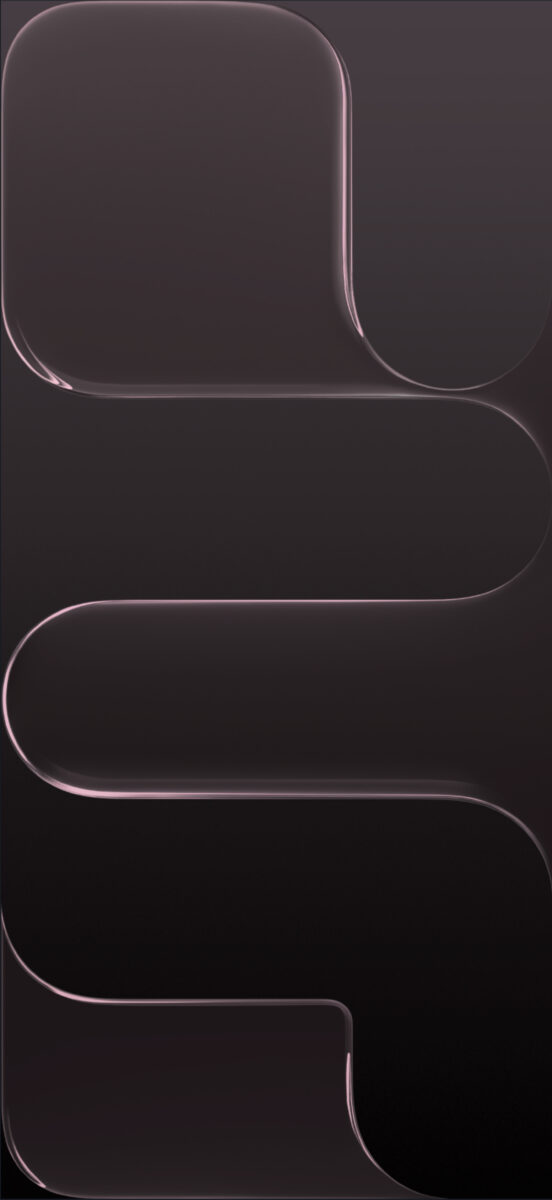
Apple’s newest addition, the iPhone Air, brings an entirely different aesthetic—ultra-thin design, lightweight form, and minimalist beauty. The wallpapers for this model reflect that philosophy with smooth color blends and subtle abstract patterns inspired by the Air’s raised camera plateau.
You can choose from four elegant, color-matched options: Space Black, Cloud White, Light Gold, and Sky Blue.
Each wallpaper comes in 1260 × 2736 pixels, providing extra-sharp detail and a crisp, dynamic feel.
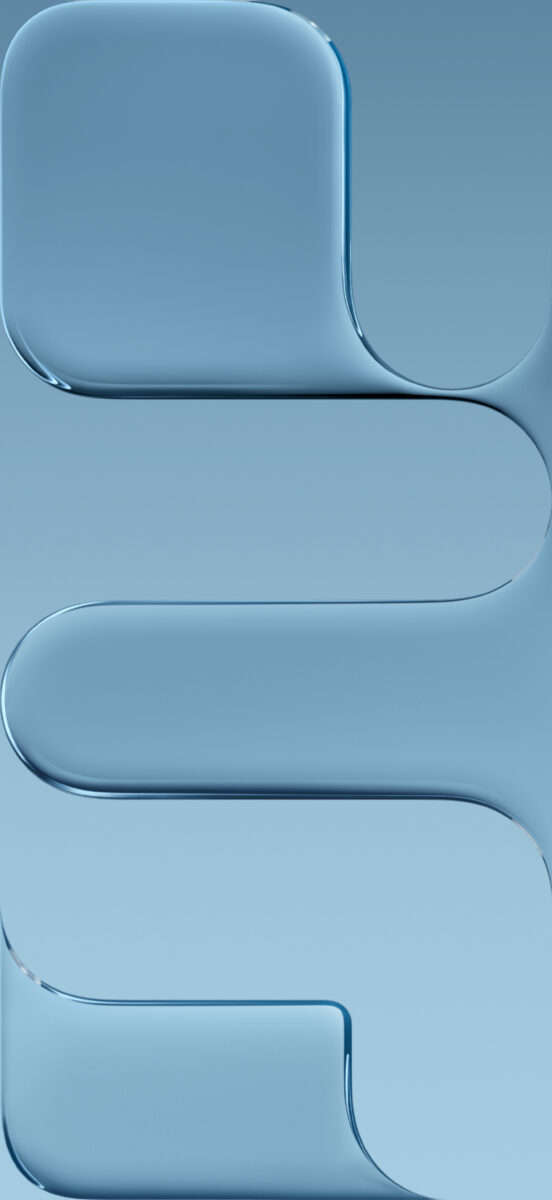
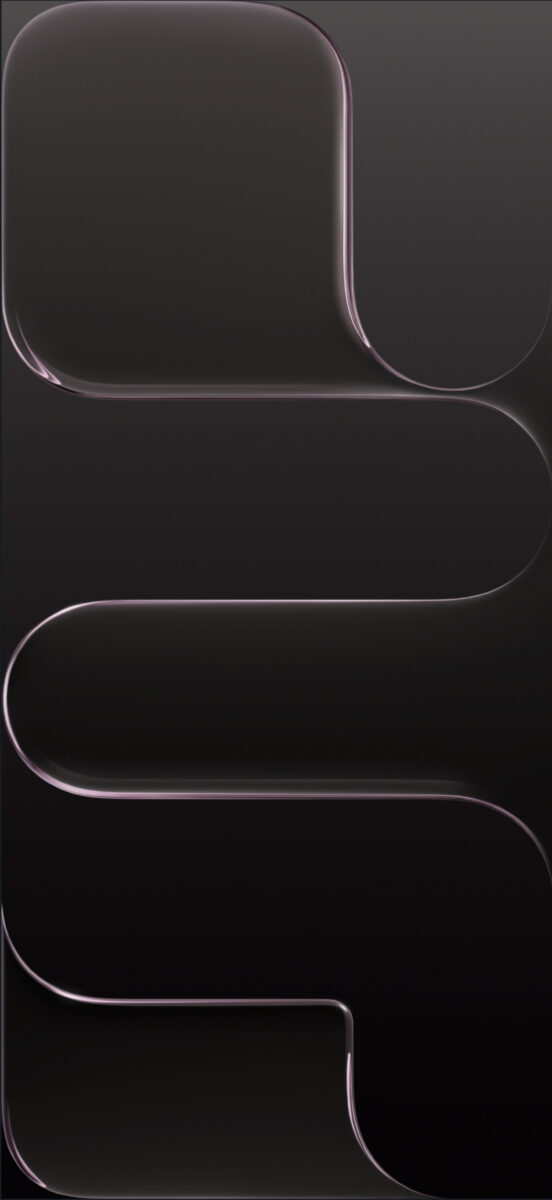
Download iPhone Air Wallpapers
Apple has also taken wallpapers to the next level in iOS 26. The default iPhone 17 wallpapers are dynamic, reacting to movement, light, and touch. While the downloadable versions here are static, they still maintain the same vivid color and texture. On real devices, the wallpapers even adapt to your phone’s color or case for a more seamless look.
That’s it, your iPhone gets an instant visual upgrade.
The iPhone 17, iPhone 17 Pro, and iPhone Air wallpapers do more than just refresh your background. They express each device’s personality. Whether you love the playful colors of the standard iPhone, the professional tone of the Pro, or the sleek minimalism of the Air, there’s a wallpaper here that fits your style perfectly. You can also explore our full collection of iPhone wallpapers to find more designs that match your device and mood.
Even if you’re not upgrading this year, these free 4K iPhone 17 wallpapers are an easy way to bring the iPhone aesthetic to any device.
You might also like:



