
FaceTime Like a Pro
Get our exclusive Ultimate FaceTime Guide 📚 — absolutely FREE when you sign up for our newsletter below.

FaceTime Like a Pro
Get our exclusive Ultimate FaceTime Guide 📚 — absolutely FREE when you sign up for our newsletter below.


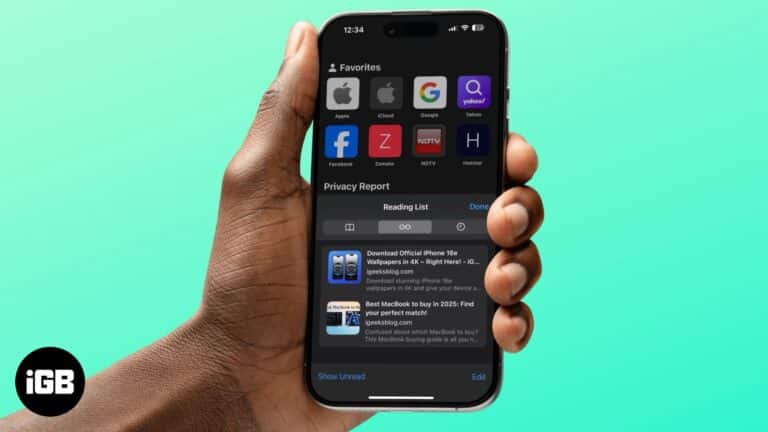
Declutter your Reading List in Safari.
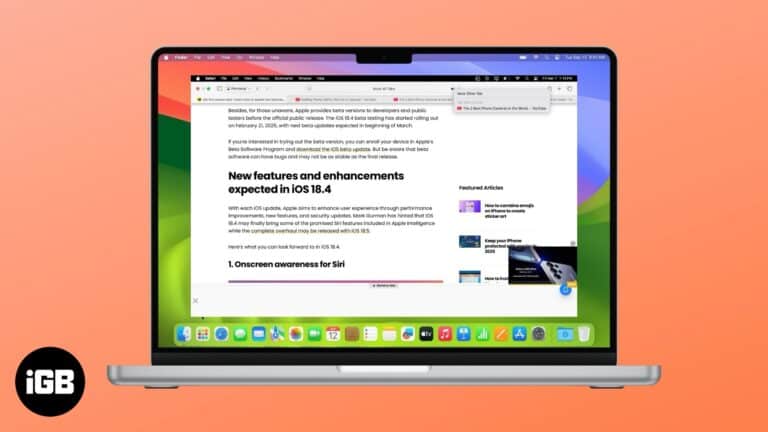
Learn how to quickly mute and unmute tabs in Safari on a Mac.
Here is our guide on Safari vs Chrome. Find out which browser is better suited for your iPhone and Mac.
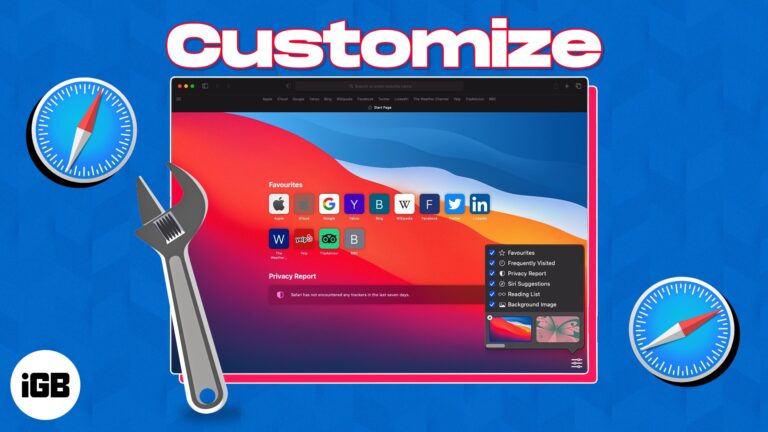
Learn how to change the look of your Safari start page on Mac. This guide shows you how to add background images and choose which sections you want to see.
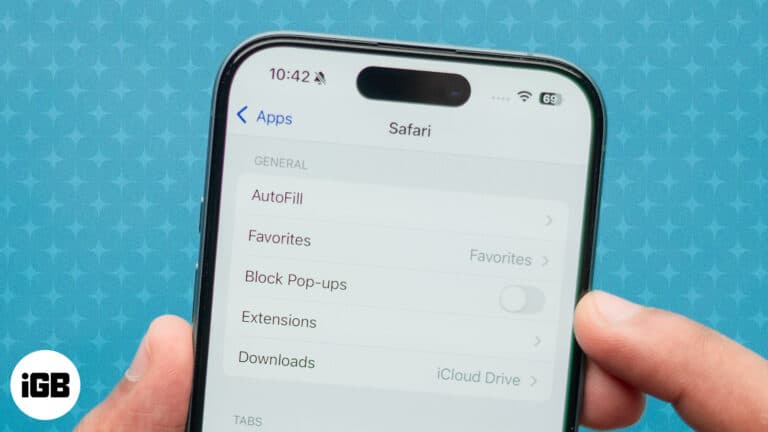
Seeing pop-up messages while browsing the web can be annoying. However, these pop-ups can sometimes be helpful as they convey important information, warnings, notifications, or error messages related to the activity you are trying to perform on the website. In…
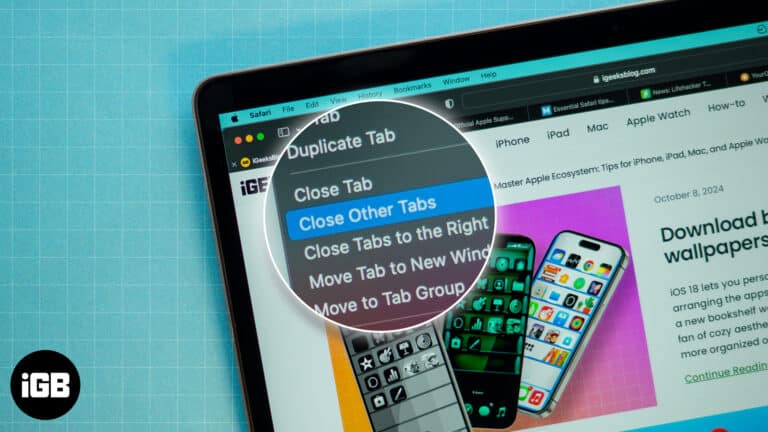
Four ways to keep the current Safari tab open while closing all other unused tabs on your Mac.
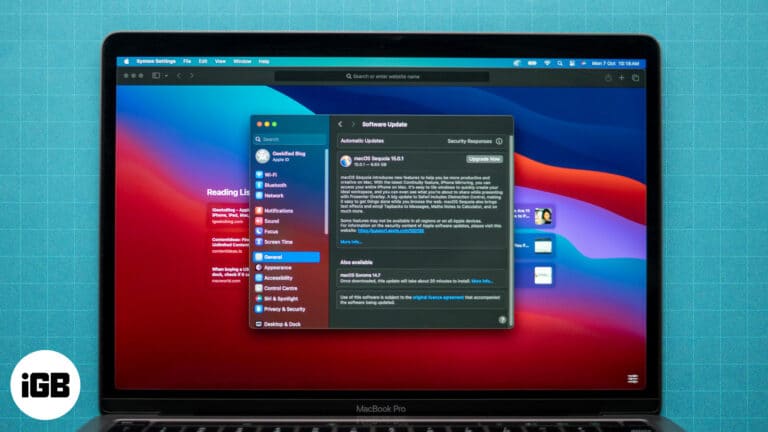
Safari is the default web browser on your Mac, known for its speed and seamless integration with macOS. It’s important to keep Safari up to date to maintain a safe and efficient browsing experience. Regular updates provide important security patches…
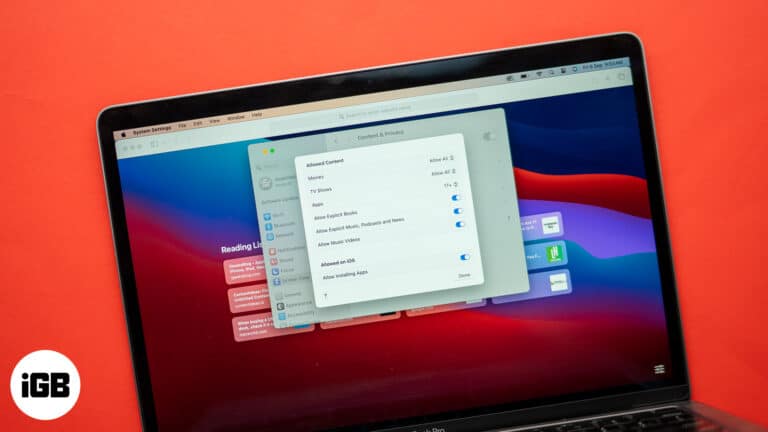
Blocking sites helps with focus and child safety. This guide covers Screen Time content restrictions on Mac, iPhone, and iPad, plus the third-party apps worth using when you need firmer limits.
Find Safari extensions for Mac that block ads, manage passwords, save articles, and add useful features to make everyday browsing smoother.
Your iPhone helps you to generate strong passwords on Safari automatically and syncs with iCloud Keychain. But those may be too long with special characters and don’t always satisfy some website criteria. But you can alter them effortlessly. Let’s learn…
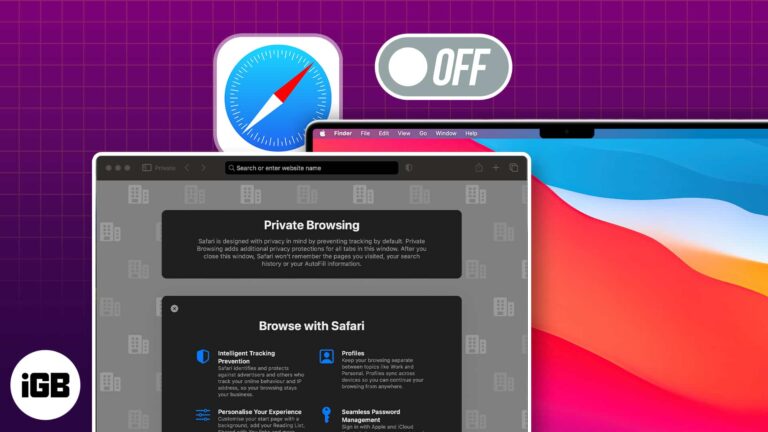
Private browsing is useful, but you may want it disabled on a shared or family Mac. Here is how to close private windows, block the mode with Screen Time, and restrict Guest accounts.
Safari is the browser that comes with your iPhone — and all Apple devices, for that matter. But what if Safari isn’t quite your cup of tea? The good news is Apple not only lets you download a different browser…
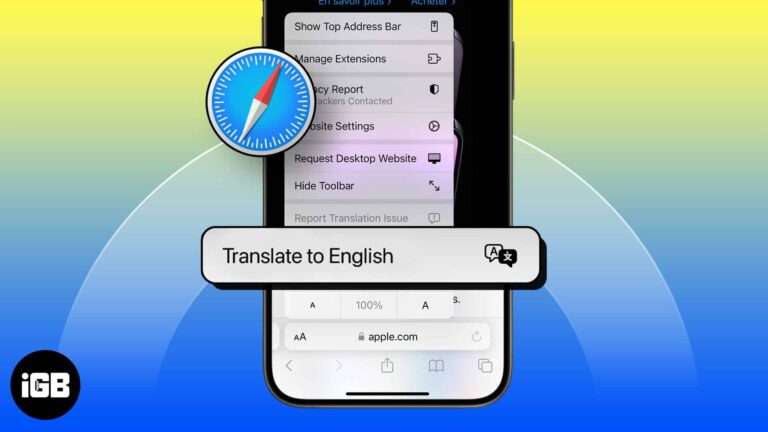
Safari translates whole pages natively on iOS. Here is how to use it, how to add languages to the list, why the translate button sometimes disappears, and what to do about it.
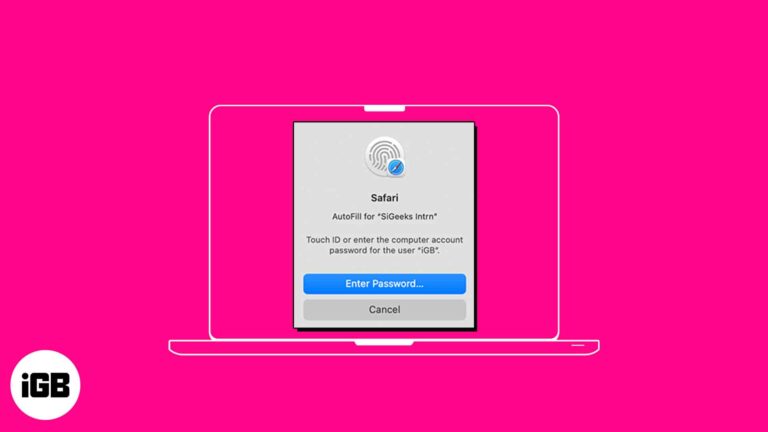
AutoFill feature on Safari saves you time by streamlining your input in various fields. So, you don’t need to manually input your passwords each time you check in to your favorite websites. Interesting, right? In this guide, I’ll show you…
Whether it’s the ability to send your tabs over to other Apple devices using Handoff or protect your privacy with Intelligent Tracking Prevention, Safari is full of useful features. However, this doesn’t mean it’s perfect. There’s a possibility that you…

Have you been working with multiple tabs in Safari and suddenly hearing a sound coming from an unknown source? With the autoplay feature in Safari on Mac, advertisement videos can start playing without any action. Whether you despise the feature or…

Whether you’re learning a new language or frequently visit sites that display in another dialect, you can translate a web page in Safari on Mac. Without a third-party tool, you can take advantage of Safari’s built-in translation feature. Read along to…
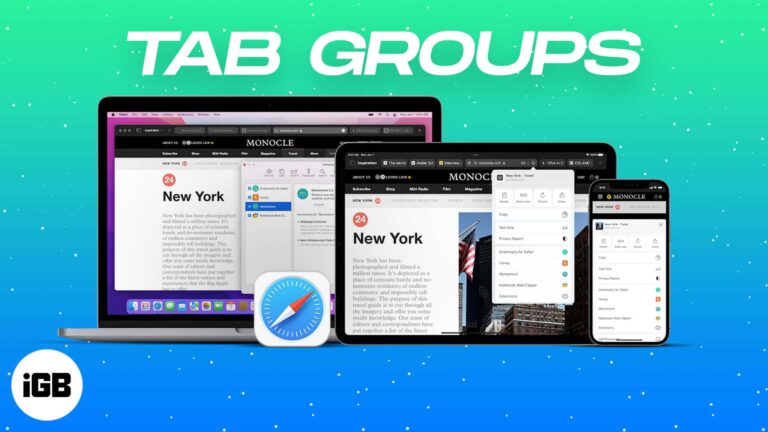
Tab Groups turn an unmanageable wall of tabs into named, syncing collections. Here is how to create, switch, and share them in Safari on iPhone, iPad, and Mac.
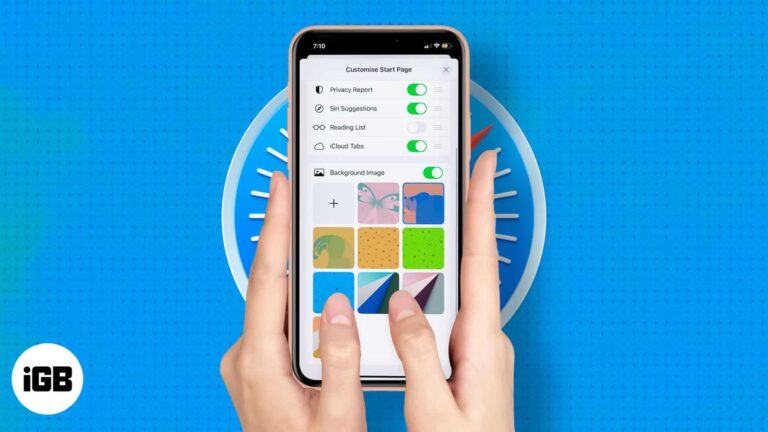
Safari lets you decide what appears when you open a new tab. Here is how to reorder or hide sections like Favorites and Privacy Report, and add a custom background image on iPhone or iPad.
Safari blocks cross-site trackers by default, but several settings go further. Here is how to tighten tracking prevention, deny location access, and read the Privacy Report on iPhone and iPad.
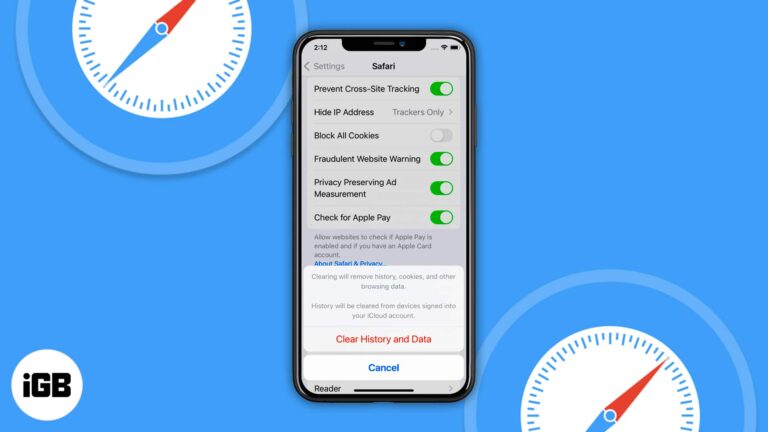
When Clear History and Website Data is dimmed, a Screen Time web content restriction is nearly always the cause. These four fixes cover restrictions, a restart, workarounds, and a settings reset.
Want a different browser on your iPhone or iPad? These Safari alternatives give you faster browsing, more privacy, and extra features.

Hovering a Safari tab pops up a preview that some people find distracting. This guide covers granting Terminal access, the command that disables previews, and how to switch them back on.
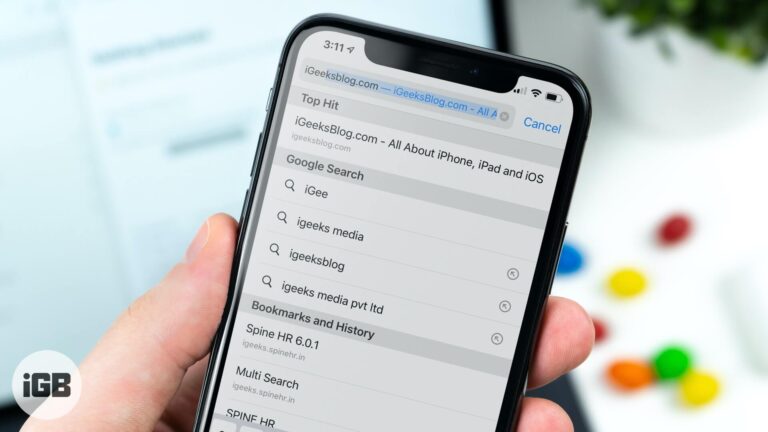
Safari fetches its top search result before you tap it, burning data on pages you never visit. Here is how to turn off Top Hit preloading on iPhone and iPad.
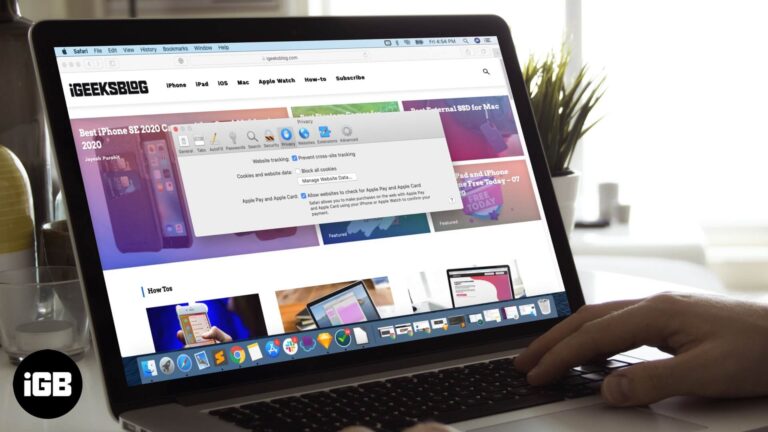
Blocking all cookies breaks logins on most sites. Here is how to allow them in Safari on Mac, and how that differs from the cross-site tracking prevention setting sitting next to it.
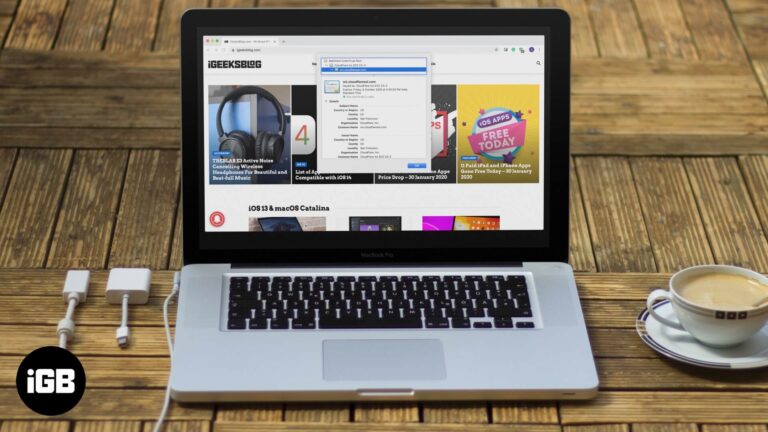
A site's certificate confirms who runs it and whether the connection is encrypted. Here is what a certificate contains and how to inspect one in every major browser, including on iPhone.

Apple has stopped supporting Safari for Windows for quite some time, and there are no updates, bug fixes, or patches available. Besides that, using older versions of Safari on PC might invite malware from certain websites. Given the risk, it…


