
FaceTime Like a Pro
Get our exclusive Ultimate FaceTime Guide 📚 — absolutely FREE when you sign up for our newsletter below.

FaceTime Like a Pro
Get our exclusive Ultimate FaceTime Guide 📚 — absolutely FREE when you sign up for our newsletter below.


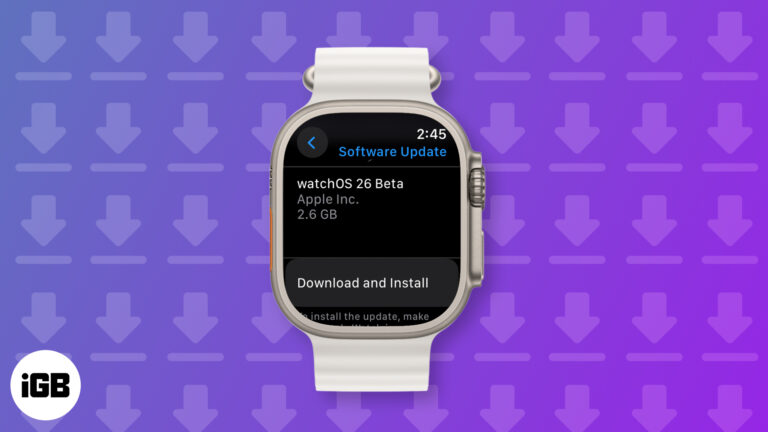
Try watchOS 26 early! Follow this quick guide to download the developer beta on your Apple Watch and explore the latest features before anyone else.
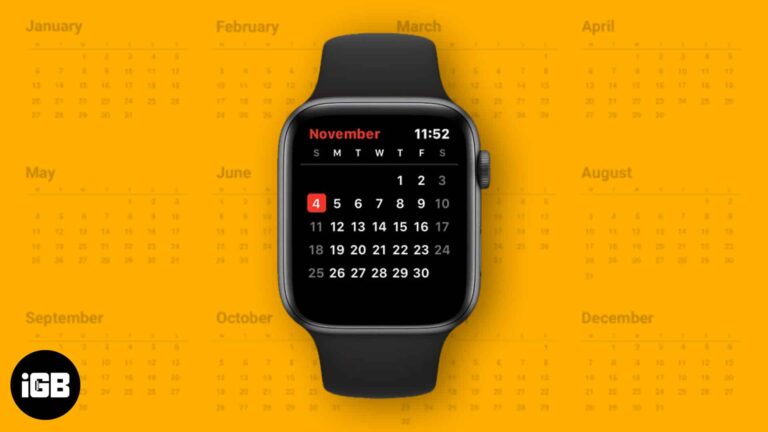
The Calendar app on Apple Watch makes it easy to check events, receive timely reminders, and manage your day without pulling out your iPhone. Learn how to get the most out of this handy tool.
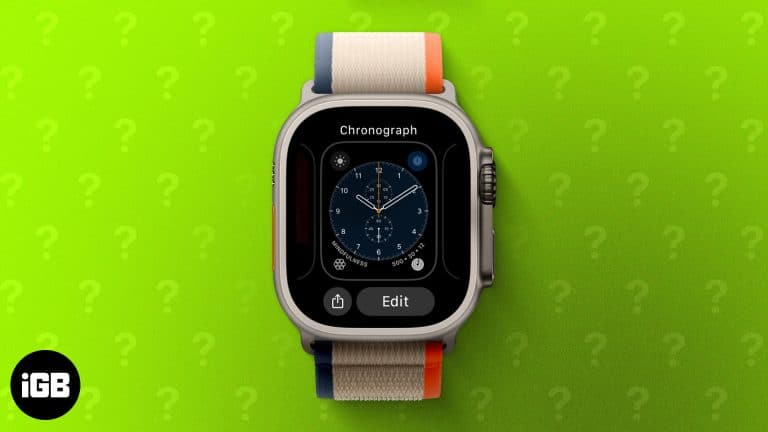
Changing your Apple Watch face is an easy way to personalize your style. Learn how to switch, customize, remove, and even create custom watch faces in this step-by-step guide.
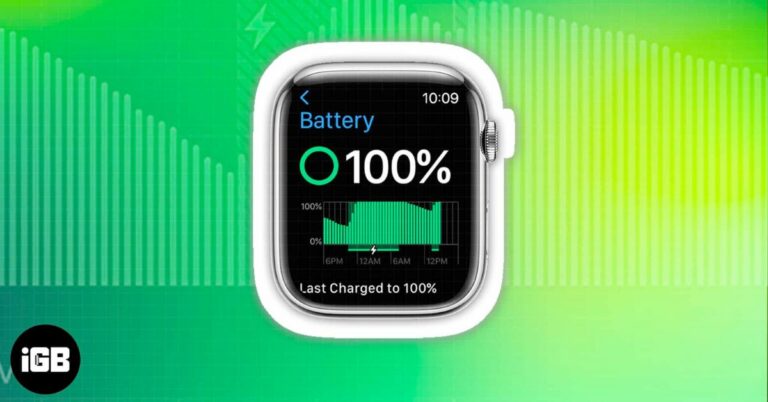
Wondering how to check your Apple Watch battery percentage? Here’s a step-by-step guide on using Control Center, Settings, complications, and iPhone widgets.
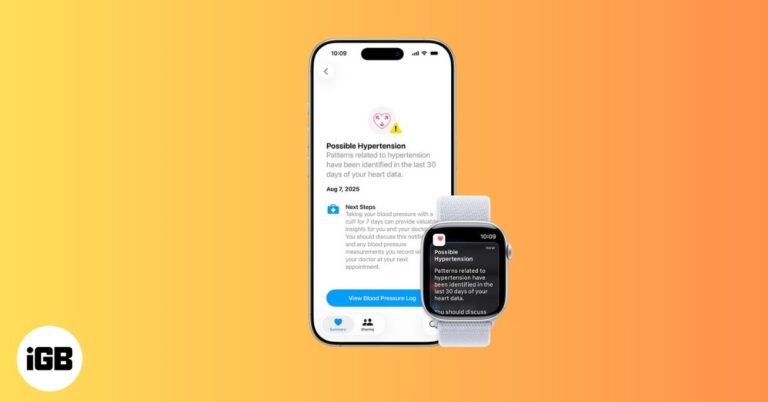
Apple Watch now warns you about possible high blood pressure with Hypertension Notifications. Here’s how it works, who it’s for, and what alerts mean.
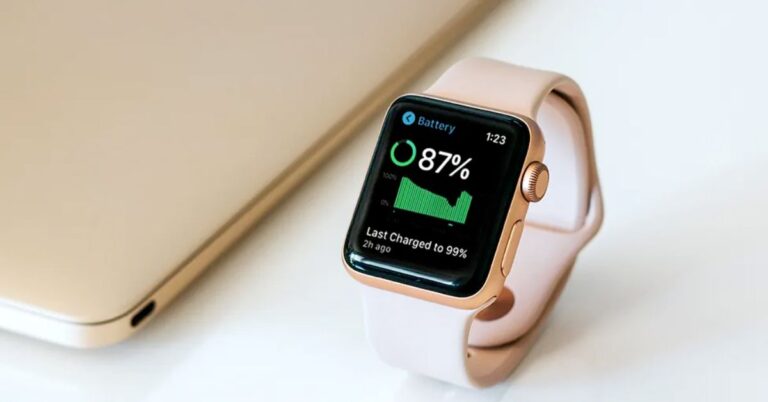
See how Apple Watch’s new Adaptive Power mode, now for Kids’ models, conserves battery by adjusting performance, keeping the device running longer.
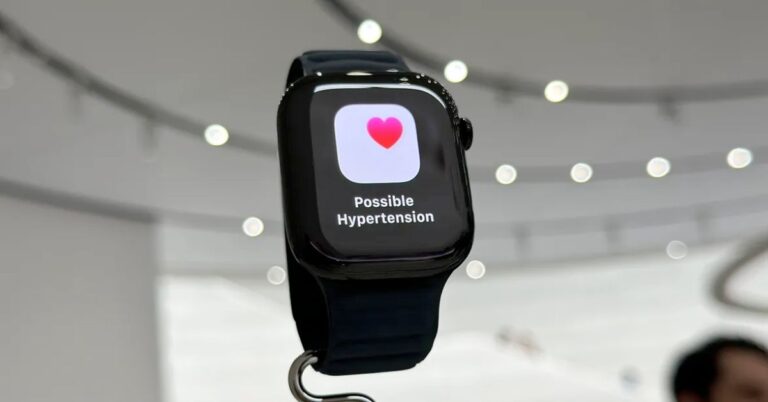
Apple Watch introduces FDA-approved hypertension alerts in watchOS 26, helping users detect potential high blood pressure early across 150+ regions.
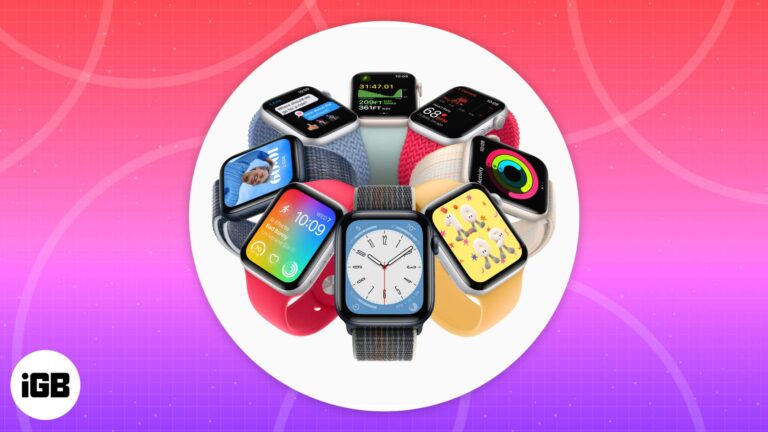
Explore the best Apple Watch faces, from fitness-focused designs to animated classics. Discover your perfect match with our expert guide!
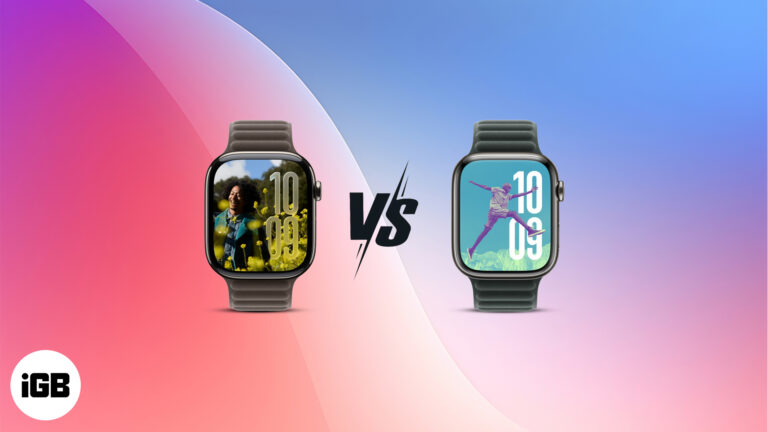
watchOS 26 adds a fresh UI, AI-powered coaching, and the Notes app. But is it worth upgrading from watchOS 11? Find out in this quick comparison.
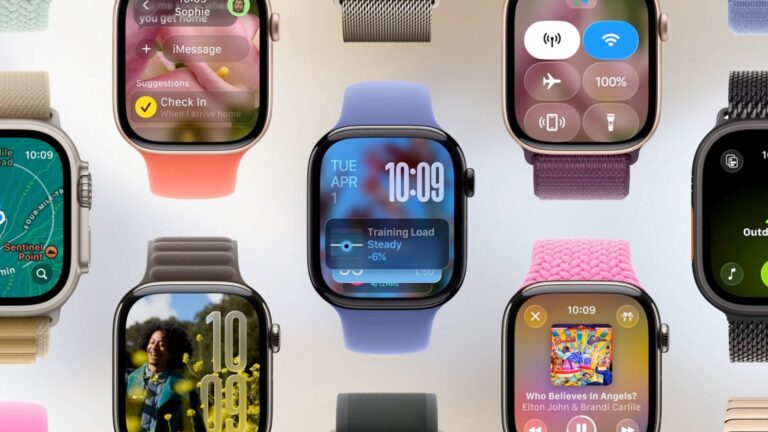
Everything you need to know about the new watchOS 26 features, including the Liquid Glass design, Workout Buddy, and more.
Apple’s new “Liquid Glass” design is cross-platform visual refresh introduced in WWDC 2025. Explore how it works and when you can use it.
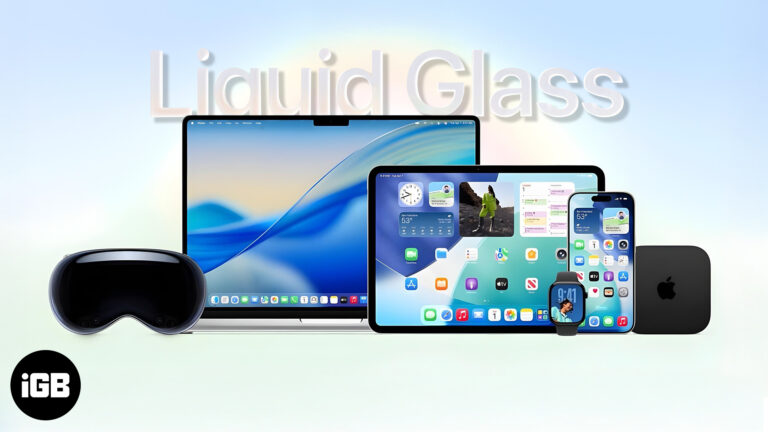
From a stunning Liquid Glass redesign to iOS 26 and Vision Pro upgrades, Apple’s WWDC 2025 keynote reshaped the future of its ecosystem—here’s everything you missed.
Wondering if your Apple Watch will support the latest watchOS 26 update? Here’s a quick look at all the Apple Watch models that are compatible—and the ones that aren’t.


