FaceTime Like a Pro
Get our exclusive Ultimate FaceTime Guide 📚 — absolutely FREE when you sign up for our newsletter below.

FaceTime Like a Pro
Get our exclusive Ultimate FaceTime Guide 📚 — absolutely FREE when you sign up for our newsletter below.


Apple’s new Metal 4 graphics framework is set to transform Mac gaming with AI-powered visuals, smoother performance, and better support for AAA titles.
Gaming on a Mac has always been more of a hopeful promise than a reality. Apple has made progress with Apple Silicon, but even today, AAA titles barely trickle in. Now, Apple is trying again, this time with Metal 4, a big upgrade to the technology that powers graphics on the Mac. It was announced at WWDC 2025 and brings real changes that could finally give gaming on Mac a chance.
So if you’re wondering what Metal 4 is, what’s new in this update, and how it could improve gaming on your macOS device, let’s dive in.
Metal 4 is the system that helps your Mac draw everything you see in a game—graphics, lighting, effects, and more. It lets developers work more closely with the hardware, especially Apple Silicon, so games can run faster and look better.
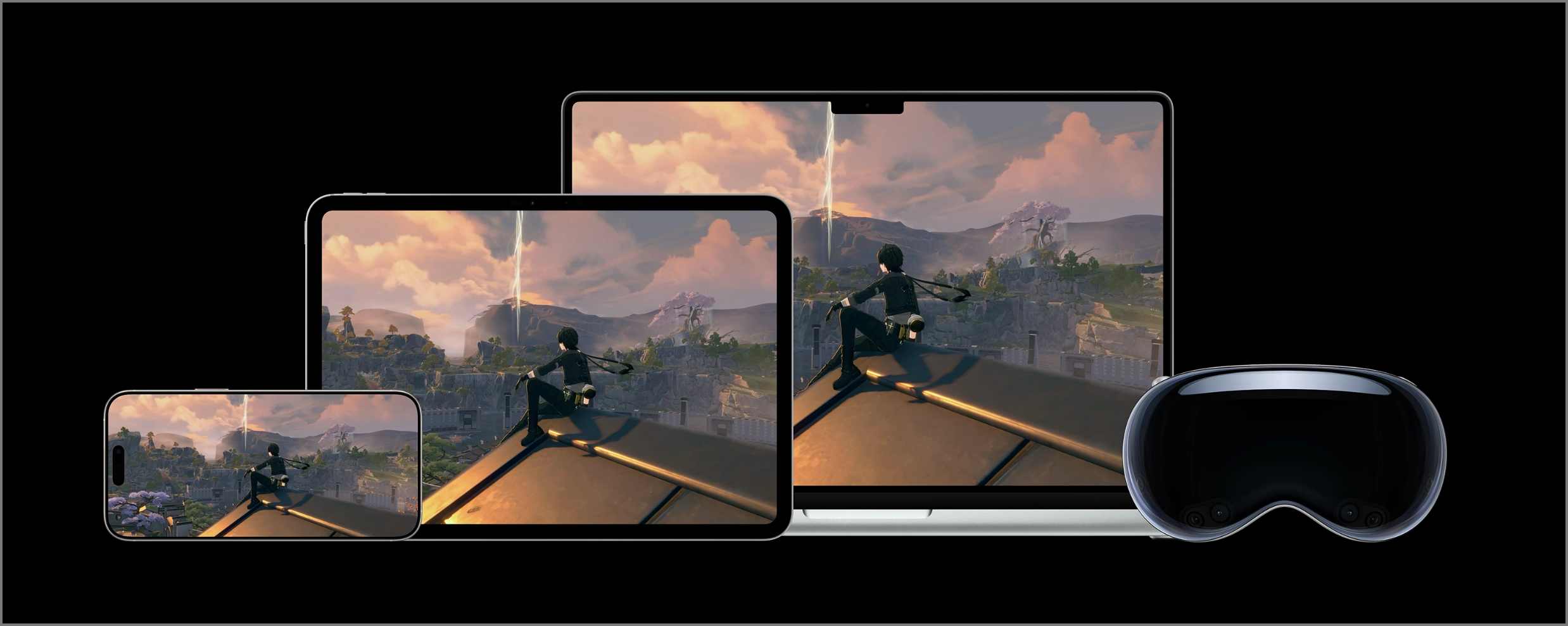
This new version focuses on three big things:
Now, let’s look at what that means for you.
Apple’s MetalFX technology originally focused on upscaling—a method where games are rendered in a lower resolution and then intelligently upscaled to look high-quality. This saves GPU power while still delivering great visuals.
Now, with Metal 4, MetalFX has gotten two powerful upgrades:
Together with upscaling, these features help developers deliver smoother and sharper gameplay while maintaining optimal performance.
Here’s where Metal 4 becomes smarter. It lets developers add AI effects directly into games. That means:
This type of smart processing used to require separate systems, but now it can run directly on your Mac’s graphics chip alongside game processing.
Metal 4 enhances the preparation and loading of games. Developers can now reuse parts of code, manage performance better, and avoid wasting time on shader compilation (the stuff that tells your GPU how to draw things).
In short, your games should open faster, feel more stable, and have fewer glitches.
Metal 4 also helps games manage memory more wisely. This means:
Apple also updated its Game Porting Toolkit, which helps developers bring PC games to macOS. Now they can:
This means more games might actually come to Mac and run well.
Apple teased that upcoming games, such as Crimson Desert and InZOI, are using MetalFX for smoother performance. Meanwhile, big-name titles like Cyberpunk 2077, Lies of P, and HITMAN are finally making their way to macOS.
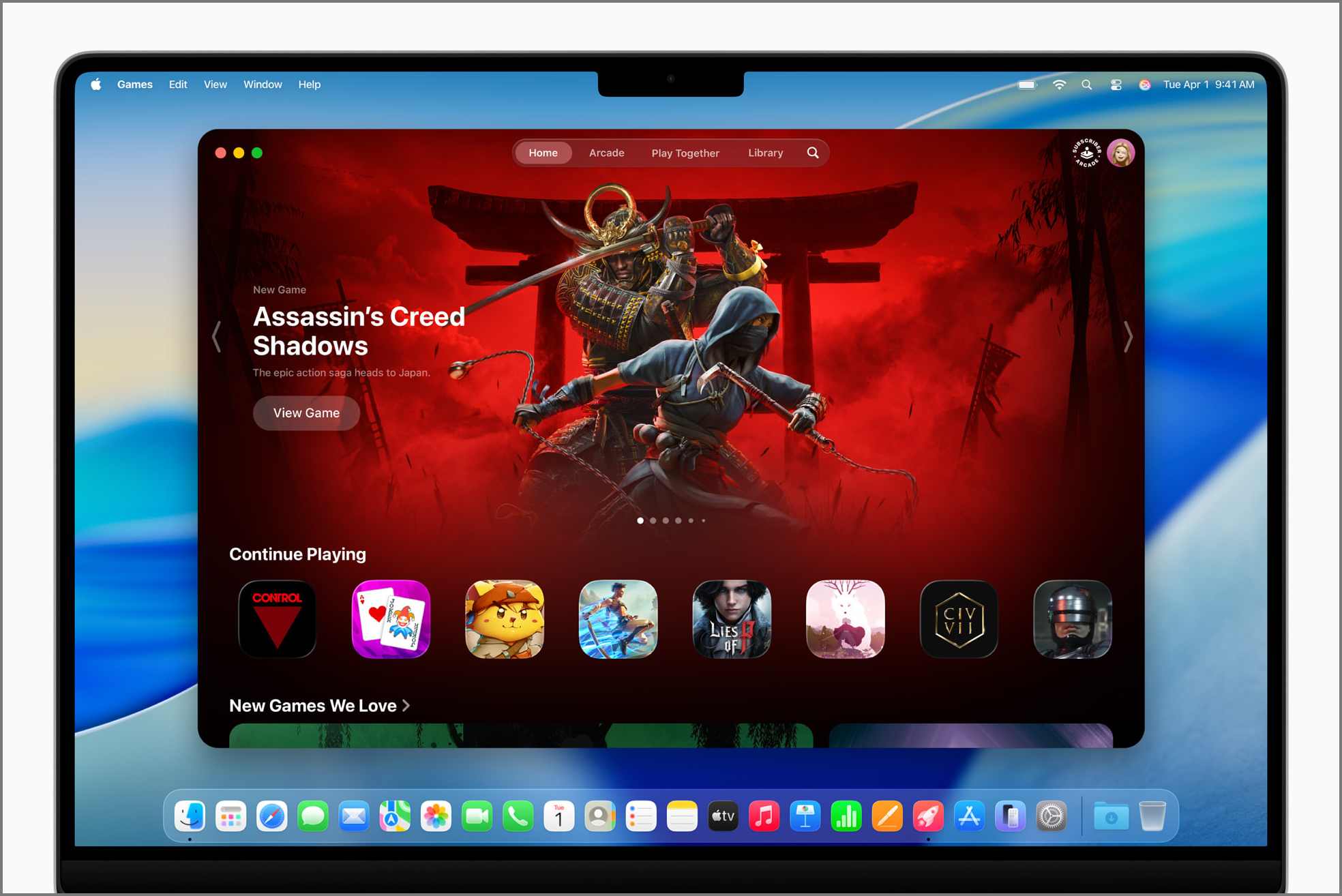
Plus, there’s a new Games app launching on Mac, iPhone, and iPad later this year.
Metal 4 runs on:
Older Intel Macs and iPhones with A13 Bionic or earlier won’t support these features.
Metal 4 might not turn your MacBook Air into a gaming beast overnight. But it’s a clear signal from Apple: they’re serious about gaming. And this time, they’re giving developers actual tools to make it happen.
If more studios embrace Metal 4, and if Apple keeps pushing game development support, Macs might finally get the gaming future they were promised a decade ago.
Related articles worth reading: